Search history
Clear allSearch by image
XDrag and drop an image here or upload an image
Max 5MB per image
UploadSign In | Join

Search history
Clear allSearch by image
XDrag and drop an image here or upload an image
Max 5MB per image
UploadSign In | Join
X Email Mobile
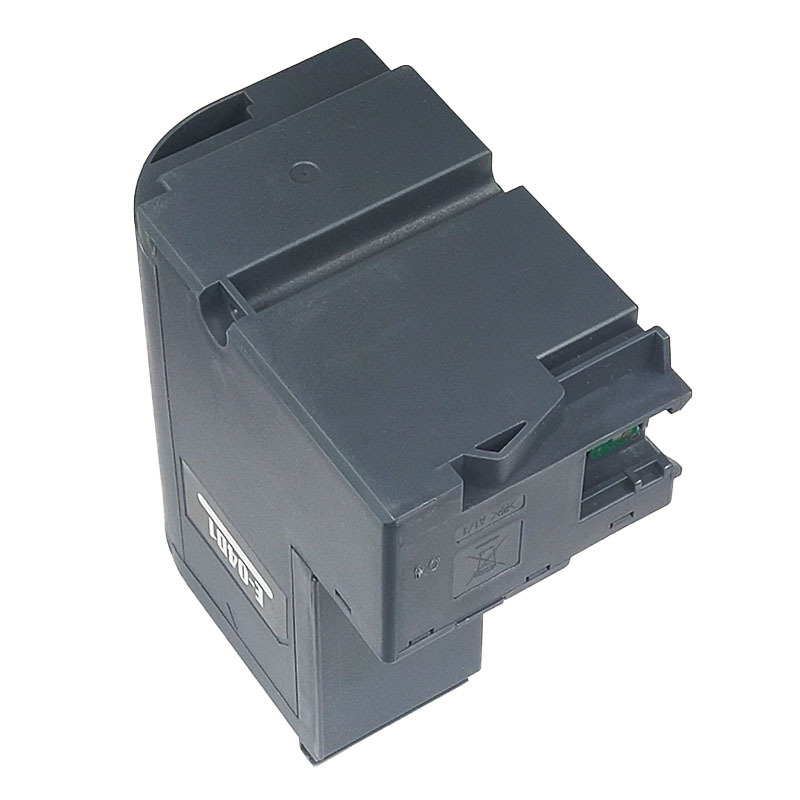
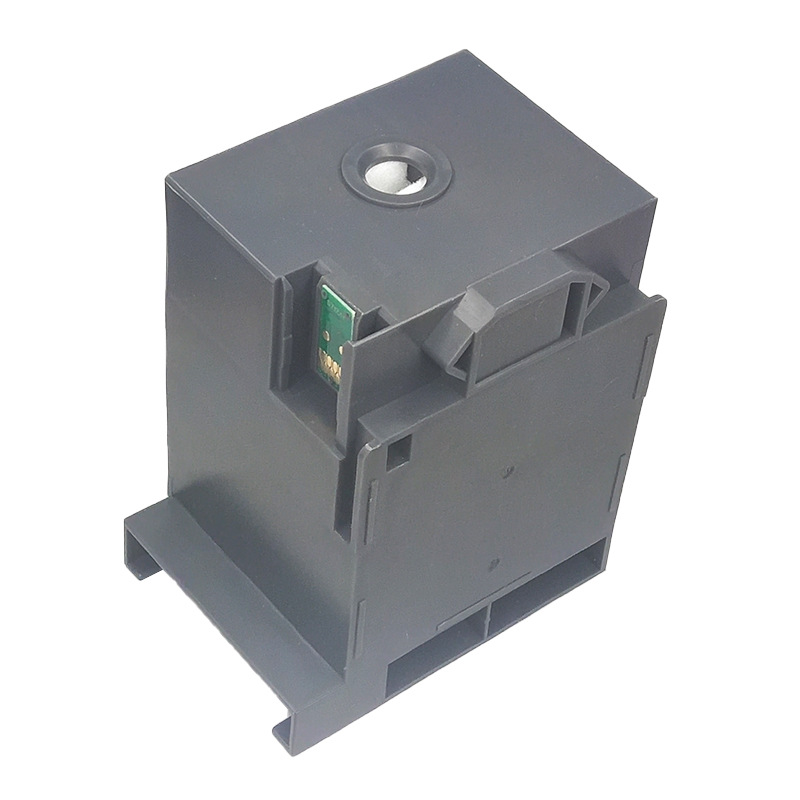
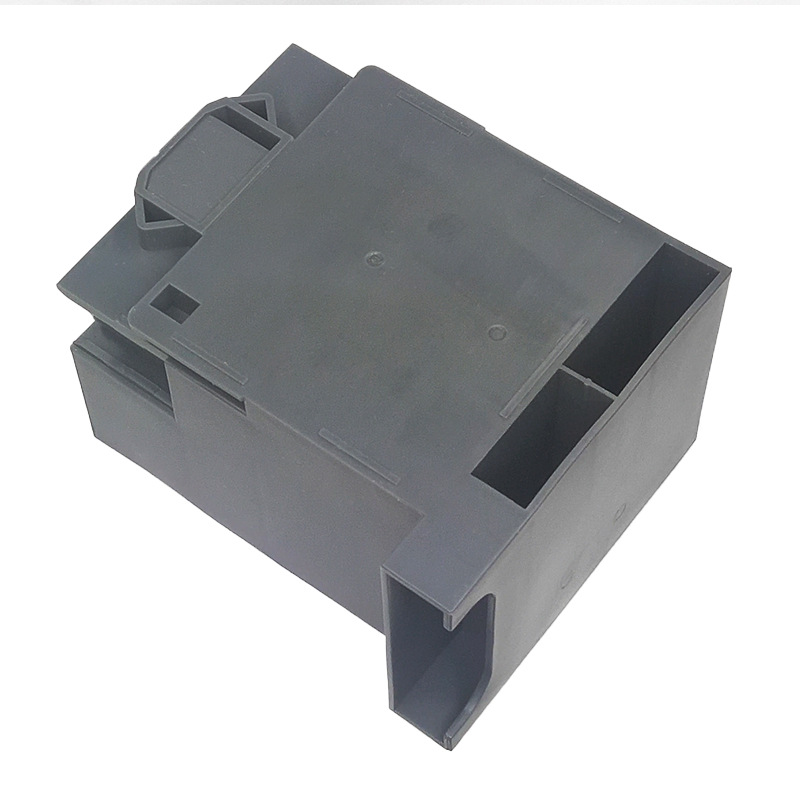
| c9344 maintenance box white box packaging | CN¥ 17.86 |
| c9344 maintenance box economic edition | CN¥ 16.78 |
| c9344 dedicated chip 1 piece | CN¥ 8.66 |
| c9344 waste ink pad/sponge pad set | CN¥ 6.49 |
Overseas department stores 4yr.
Contacts:fanxainsheng Chat
Mobile:86-18658822930
E-mail:272184317@qq.com

Brand: Dream Soar
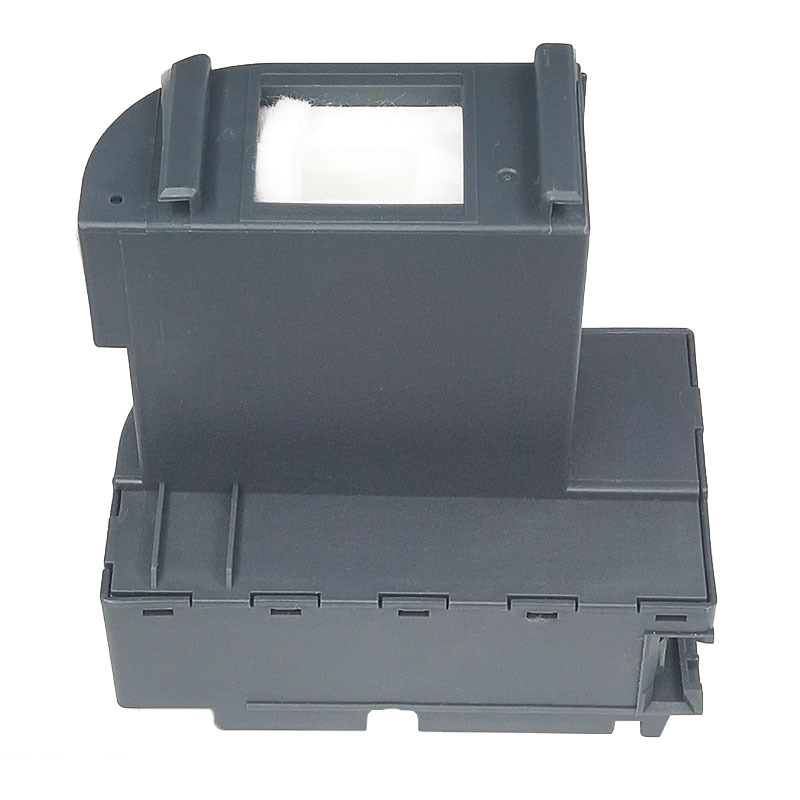
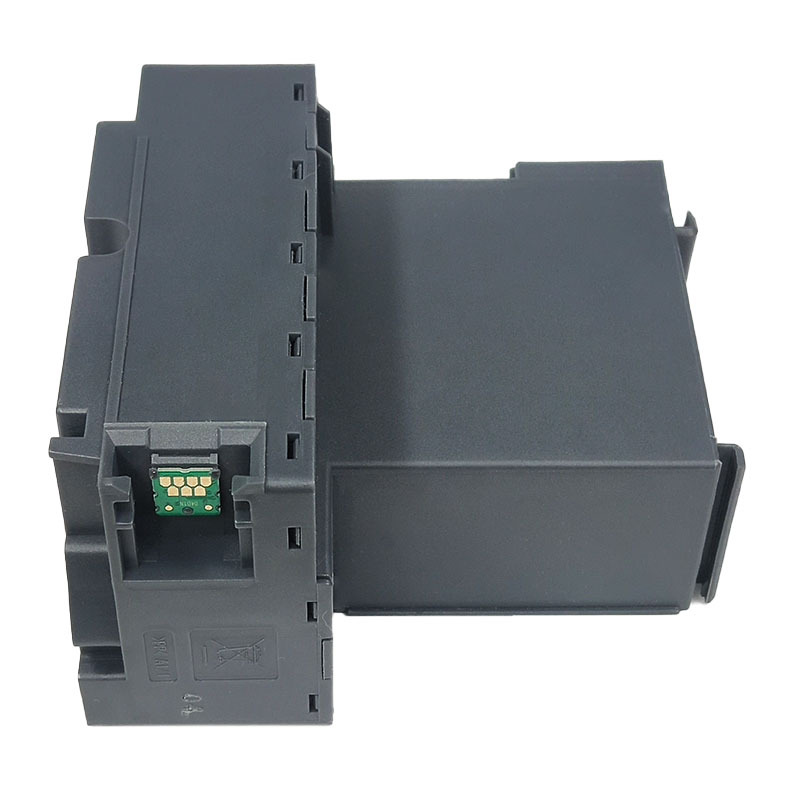
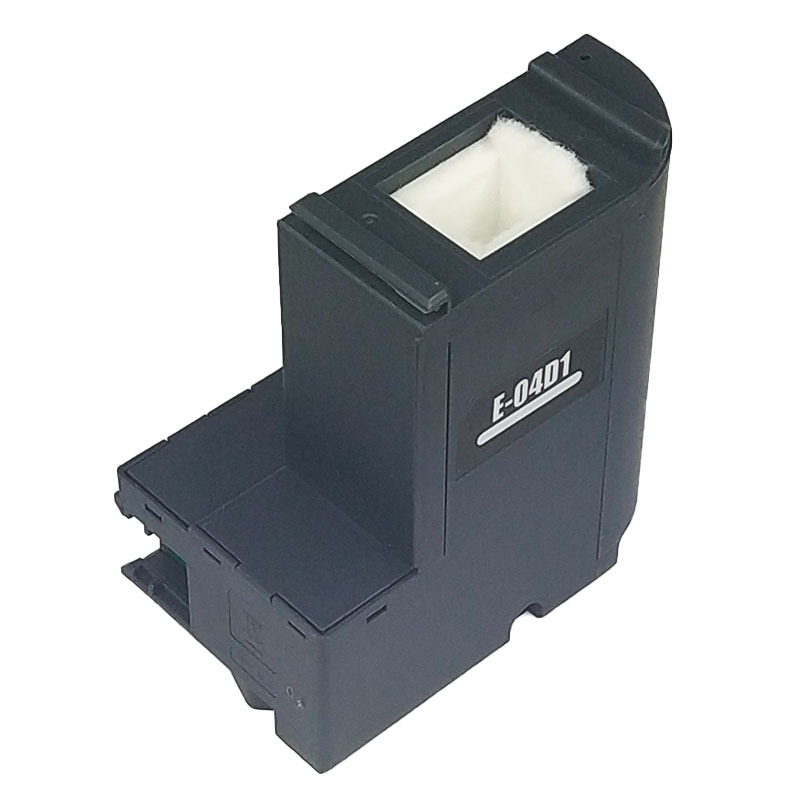
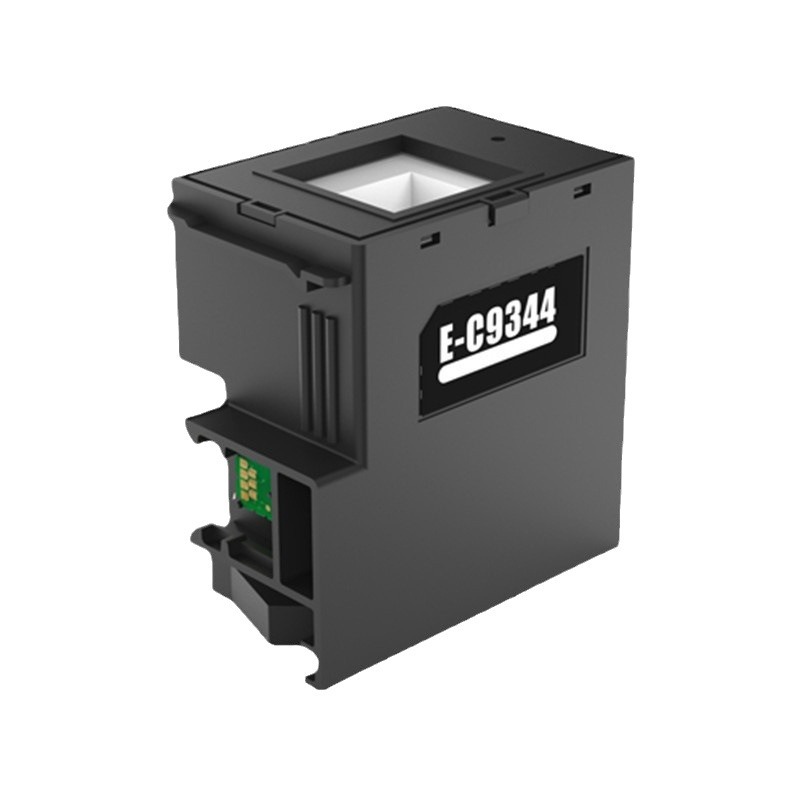
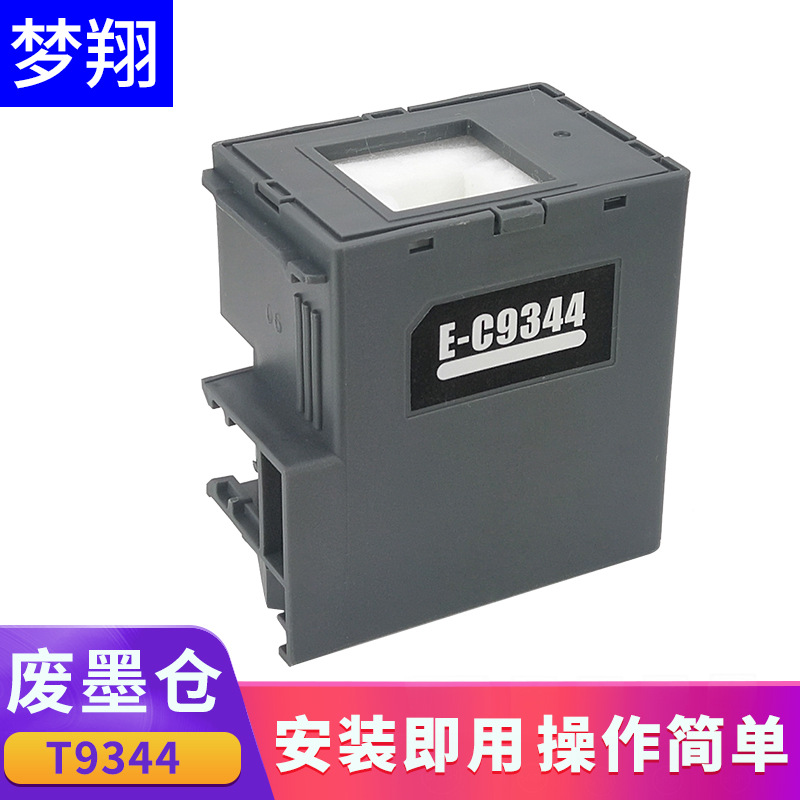
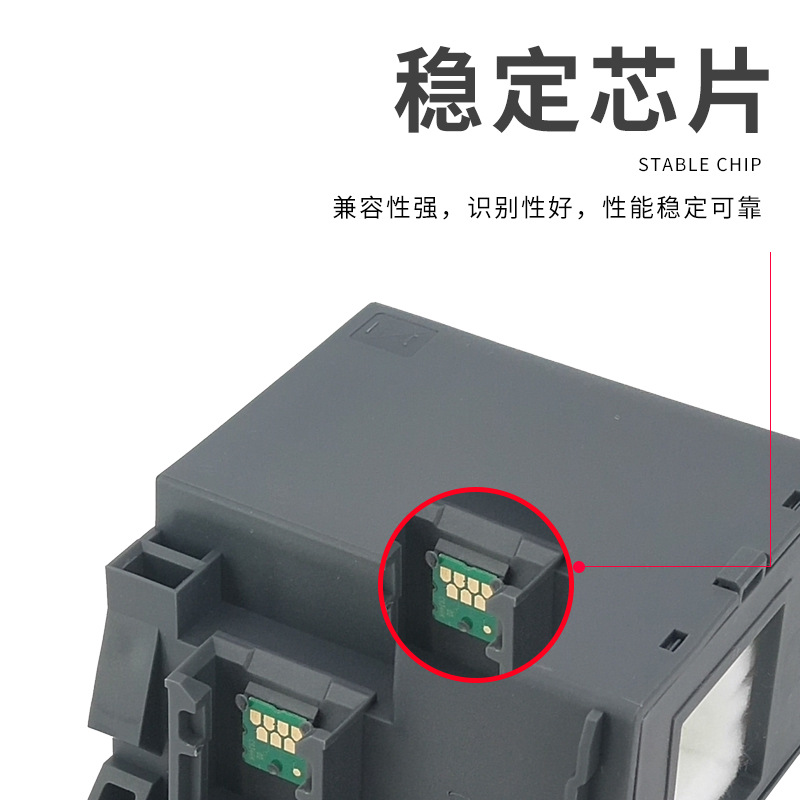
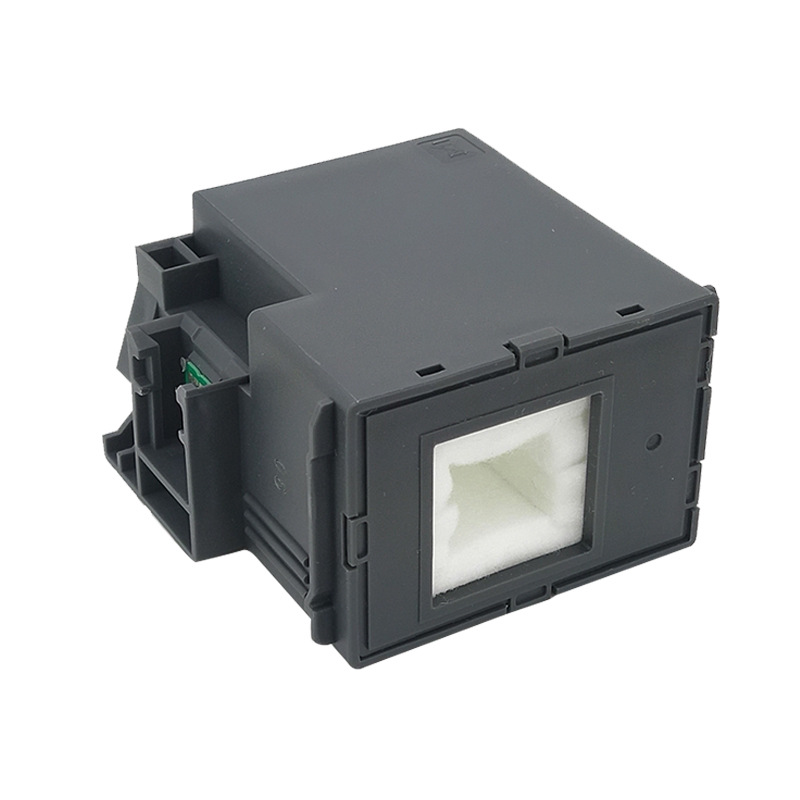
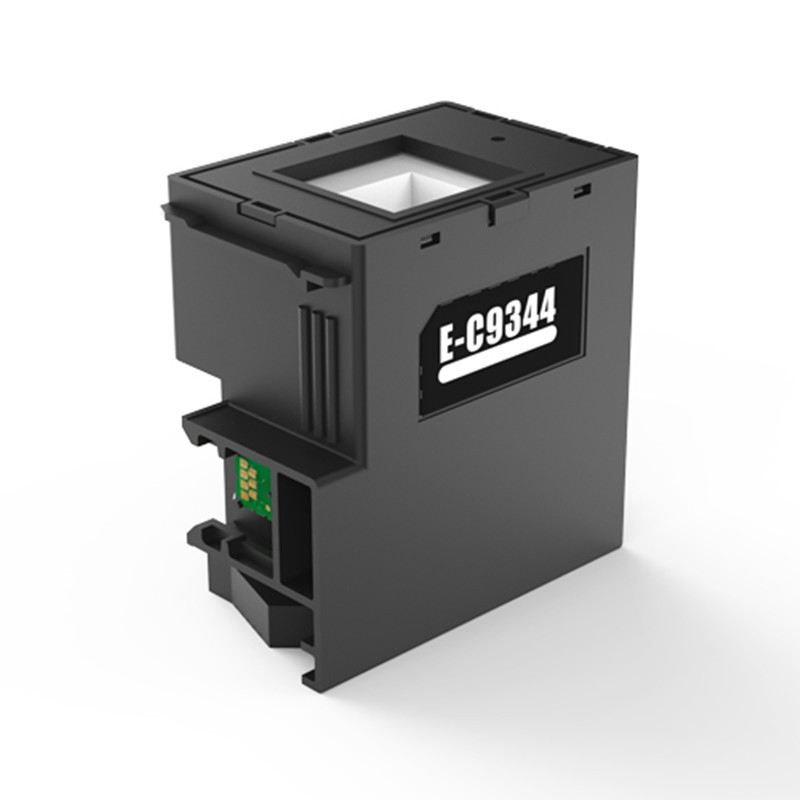
Suitable for Epson EPSON C9344 waste ink tank C12C934461 maintenance box
Compatible with printer models: EPSON Expression Home XP-3100/XP-4100/XP-4101/XP-4105.
WorkForce WF-2810DWF/WF-2830DWF/WF-2850DWF
WorkForce WF-2830/WF-2850/WF-2851EW-452A
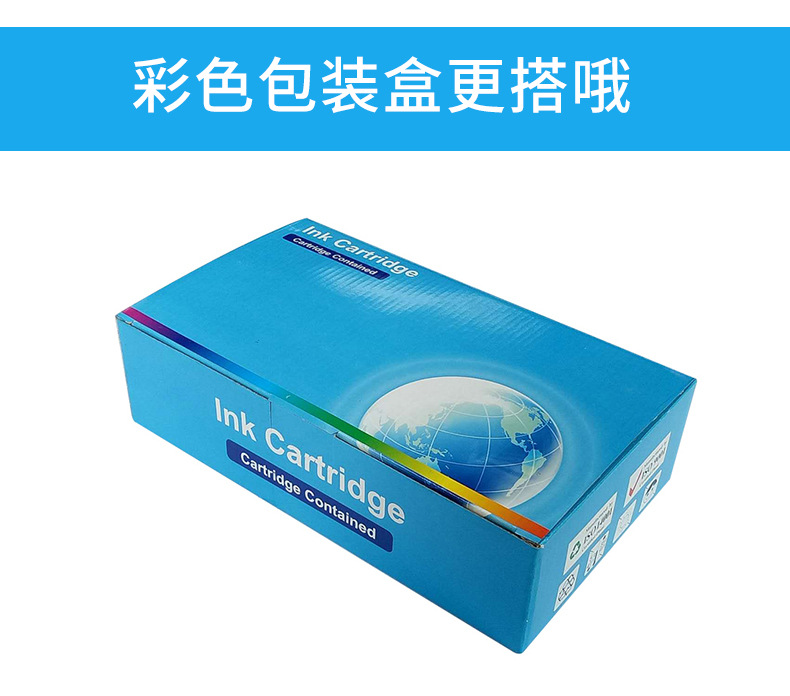
【Packing Method】Naked package or color box outer packaging! Inner Pouch Vacuum Sealing!
【Production Address】ChinaGuangdong Zhongshan






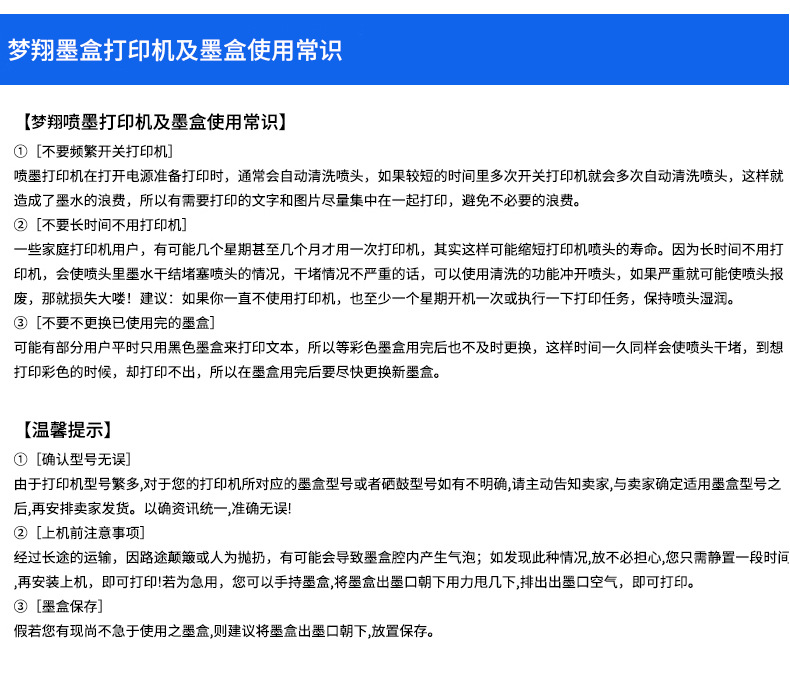

【Inkjet printer and ink cartridge usage common sense】
① [Do not frequently turn on and off the printer]
Inkjet printers typically automatically clean the nozzle when they are turned on to prepare for printing. If the printer is turned on and off multiple times within a short period of time, it will automatically clean the nozzle multiple times, which causes unnecessary waste of ink. Therefore, it is best to print text and images that need to be printed together to avoid unnecessary waste.
② [Do not leave the printer idle for a long time]
Some users of home printers may only use the printer once every few weeks or even months, which may actually shorten the life of the printer nozzle. Because long-term non-use of the printer can cause ink in the nozzle to dry and block the nozzle. If the dry blockage is not severe, you can use the cleaning function to clear the nozzle. If it is severe, it may render the nozzle useless, which would be a big loss! Suggestion: If you do not use the printer for a long time, at least turn it on once a week or perform a printing task to keep the nozzle moist.。
③ [Do not replace the used ink cartridge without replacing it]
Some users may only use black ink cartridges to print text, so they do not replace the color ink cartridges in time after they are used up. This can cause the nozzle to dry up and block over time. When they try to print in color, they may find that they cannot print. Therefore, it is best to replace the new ink cartridges as soon as the old ones are used up.。
【Warm Tip】
①Confirm the model is correct.
Due to the variety of printer modelsIf you are unsure of the specific ink cartridge or toner cartridge model for your printer, please inform the seller immediately. Once the seller confirms the appropriate ink cartridge model, they will arrange for the shipment. This ensures that the information is consistent and accurate!
② [Before Using the Machine: Important Notes]
After long-distance transportation, due to the bumpy road or human throwing, it is possible for air bubbles to form in the ink cartridge chamber; if such a situation is found,Don't worry, just leave it for a while, then install it back onto the machine, and you can print! If you need it urgently, you can hold the ink cartridge and give it a few hard shakes, making sure the ink outlet is facing down, to discharge the air from the outlet, and then you can print.。
③ [Ink Cartridge Storage]
If you have ink cartridges that you are not in a hurry to useIt is recommended to store the ink cartridge with the ink outlet facing down.
Update time:


TOP