
Search history
Clear allSearch by image
XDrag and drop an image here or upload an image
Max 5MB per image
UploadSign In | Join

Search history
Clear allSearch by image
XDrag and drop an image here or upload an image
Max 5MB per image
UploadSign In | Join
X Email Mobile
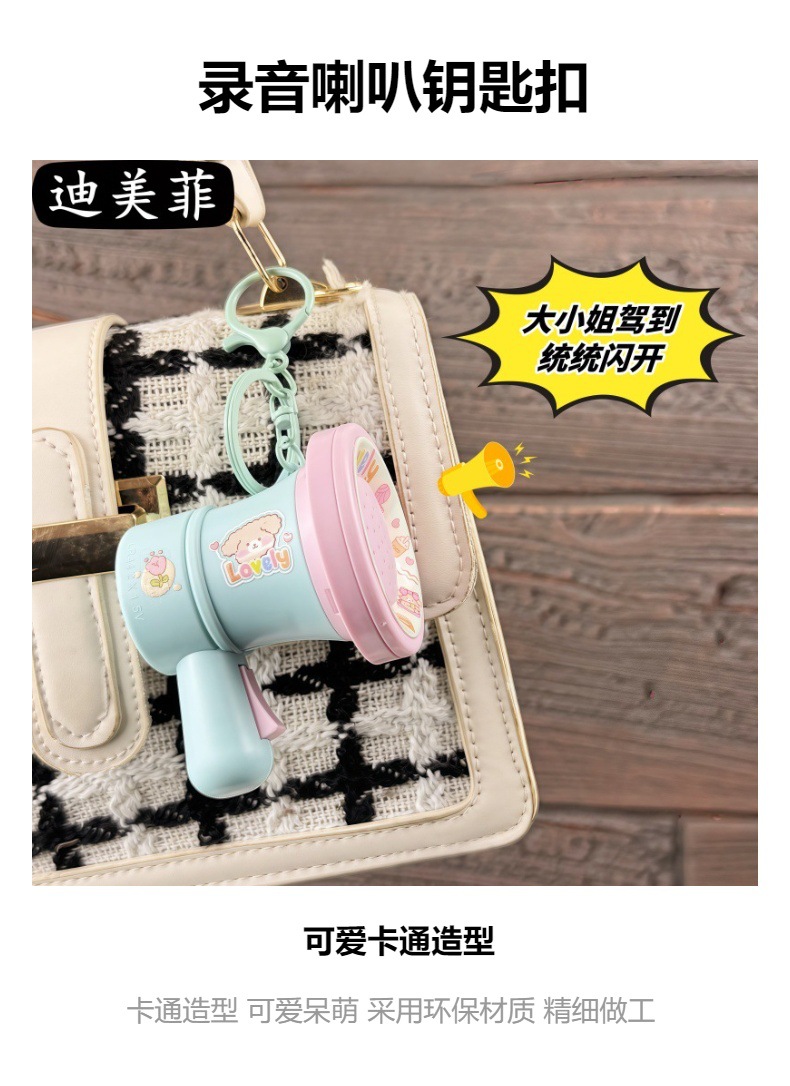
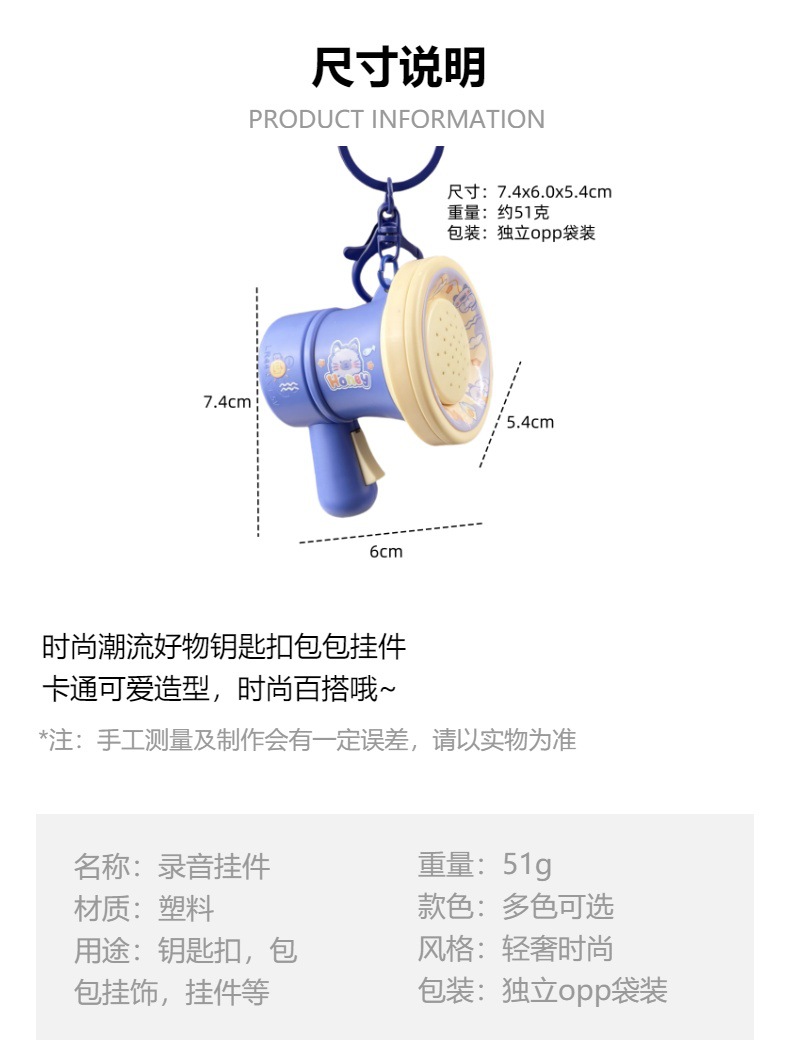
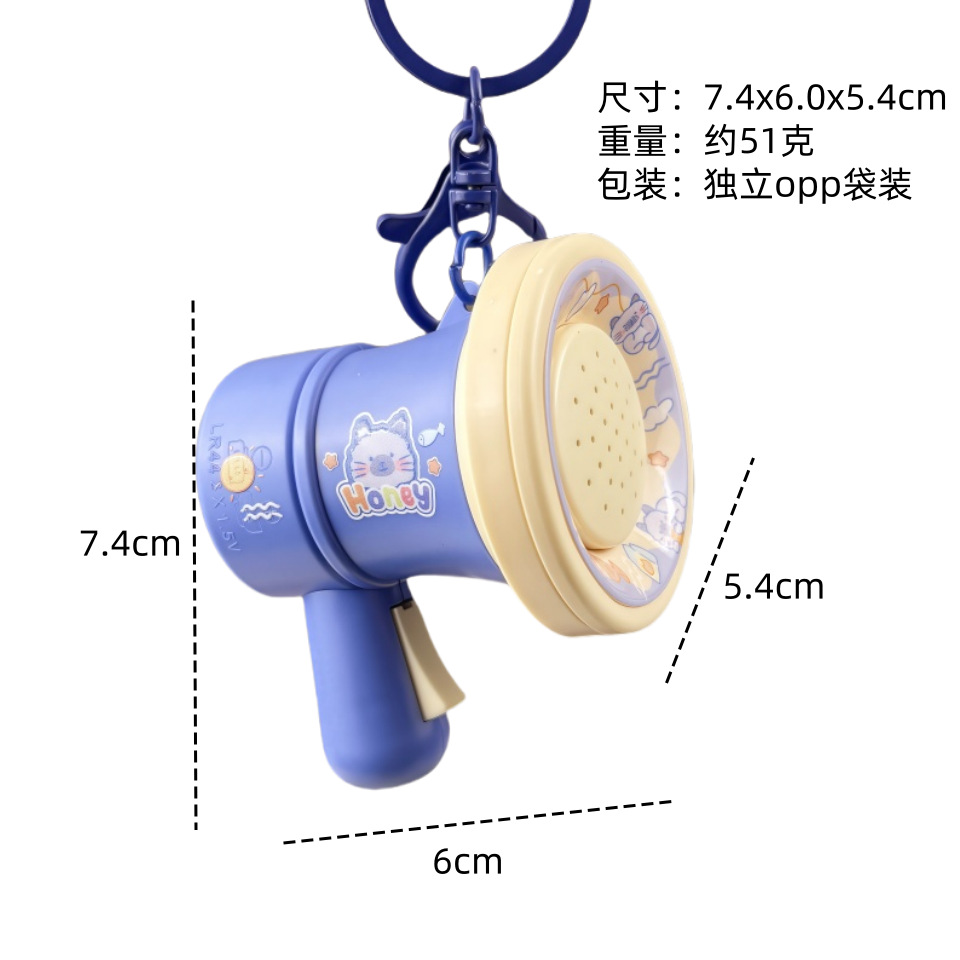
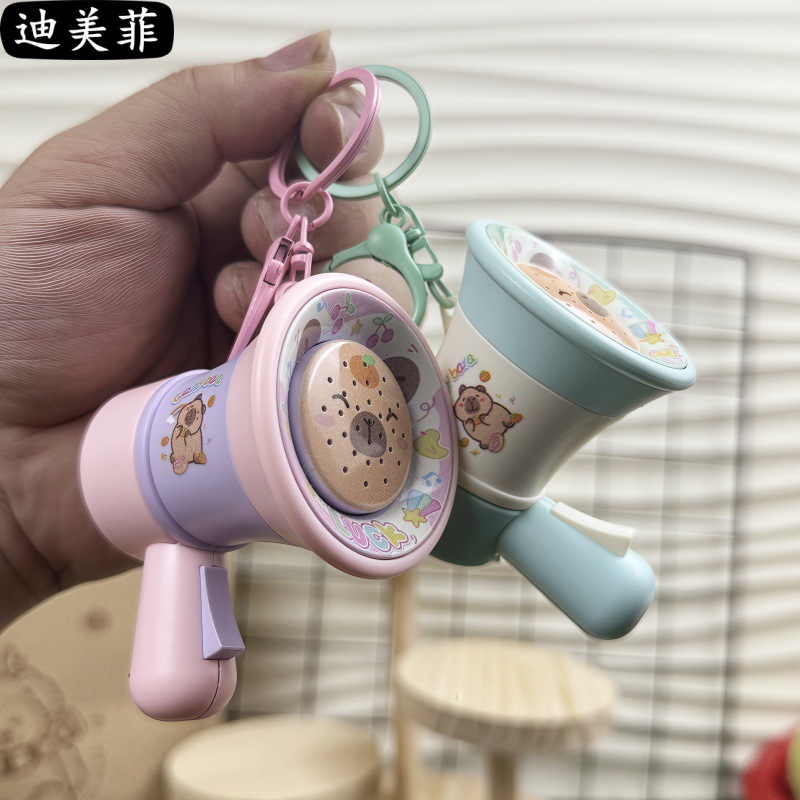
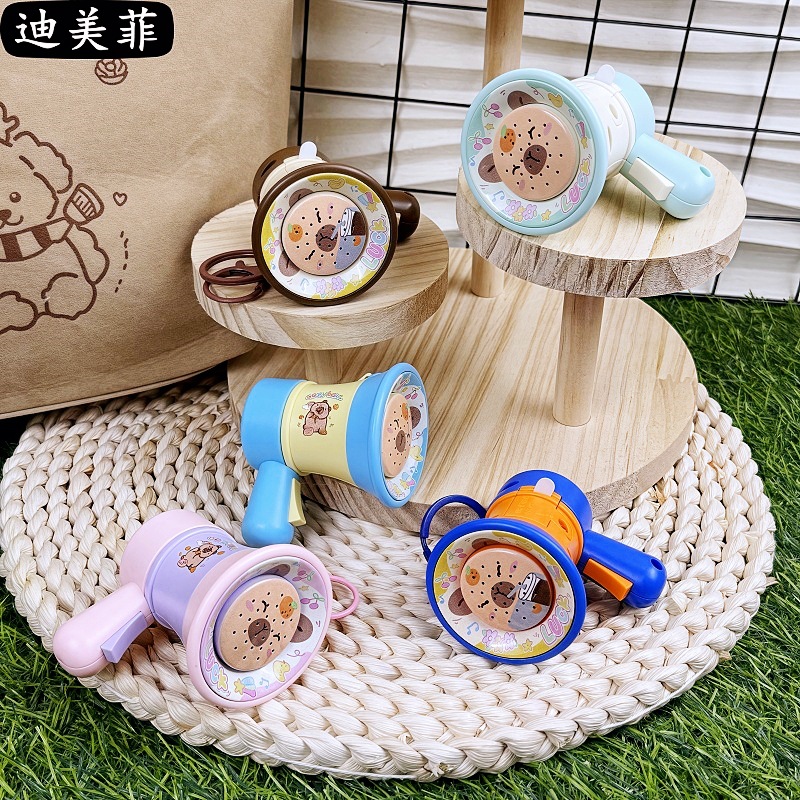
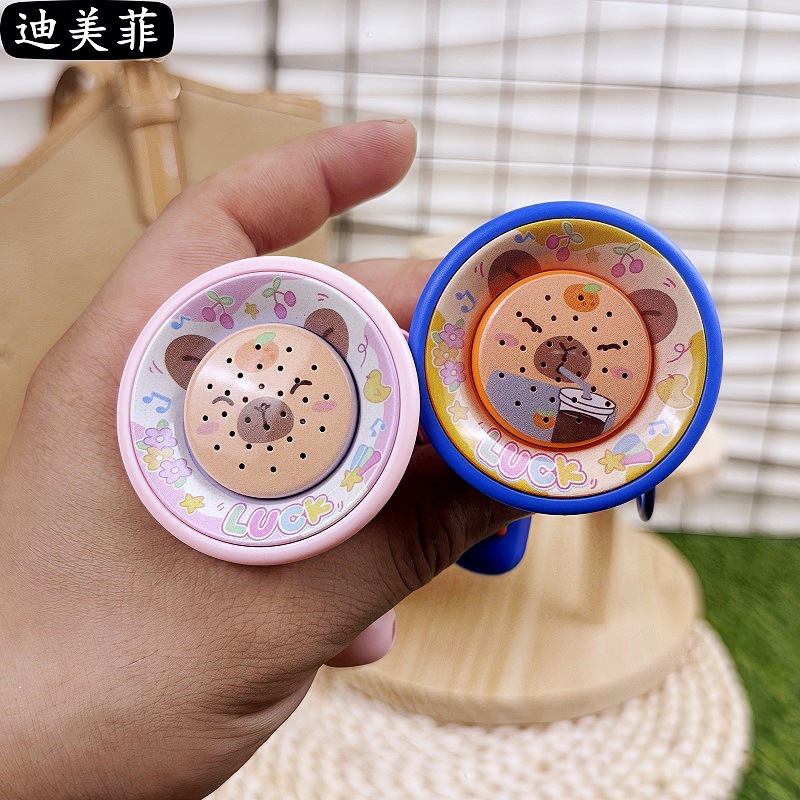
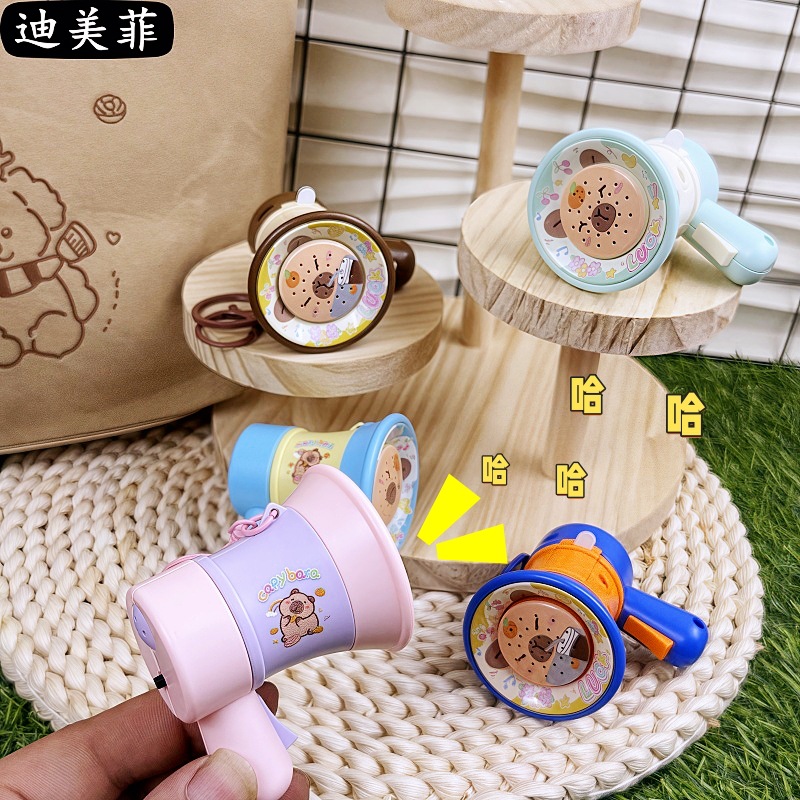
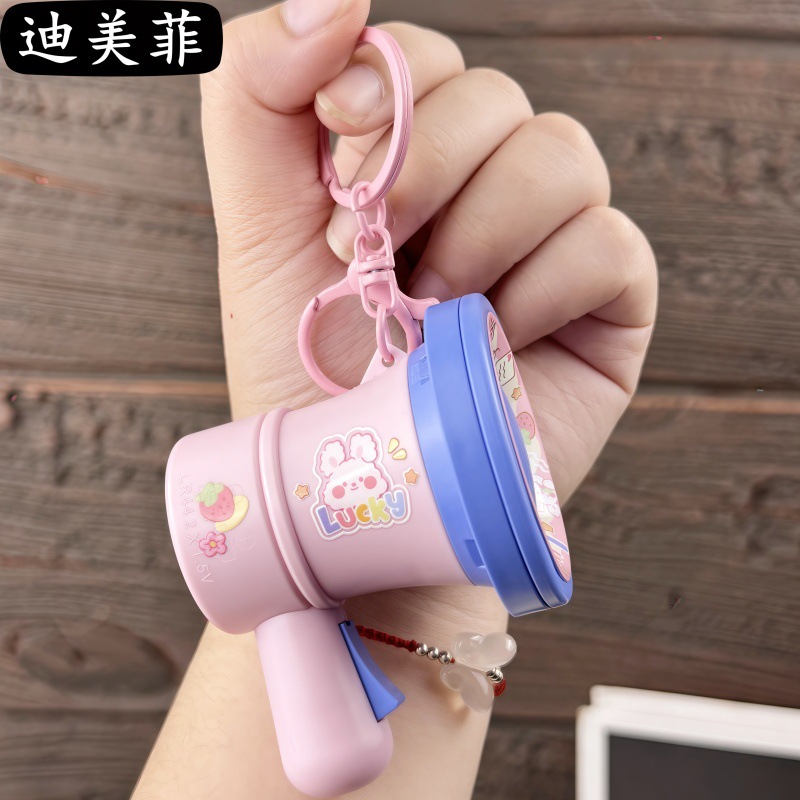 cartoon recording speaker-blue and pink
|
CN¥ 0.0 |
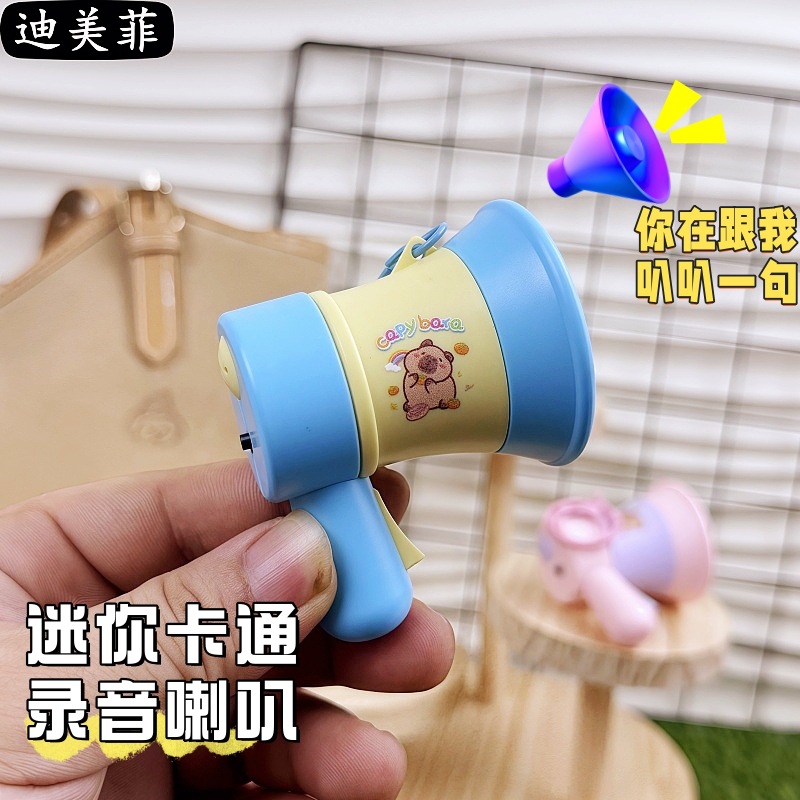
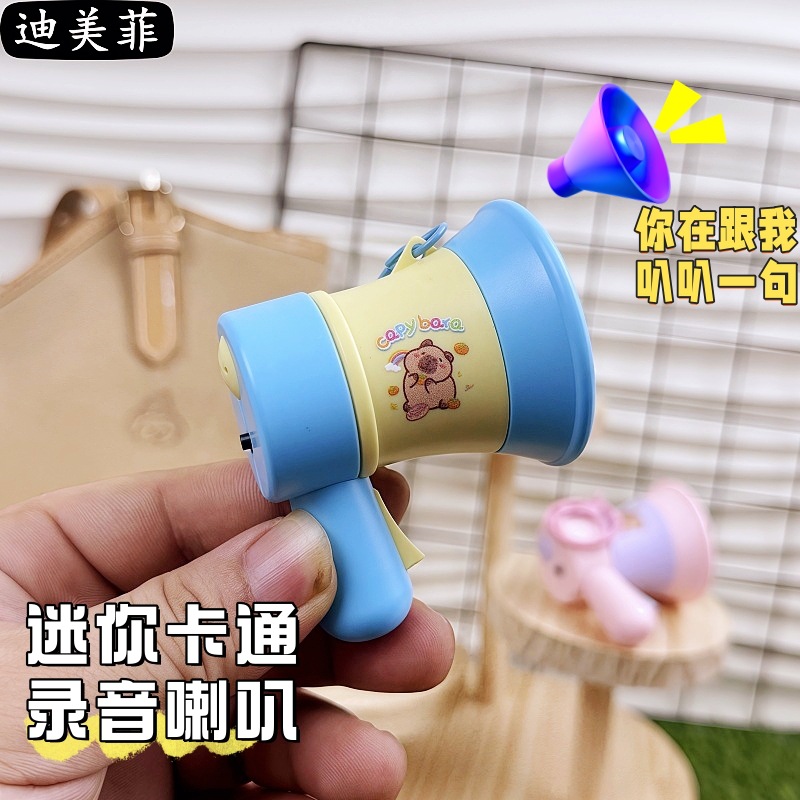
 cartoon recording speaker-yellow and blue
|
CN¥ 0.0 |
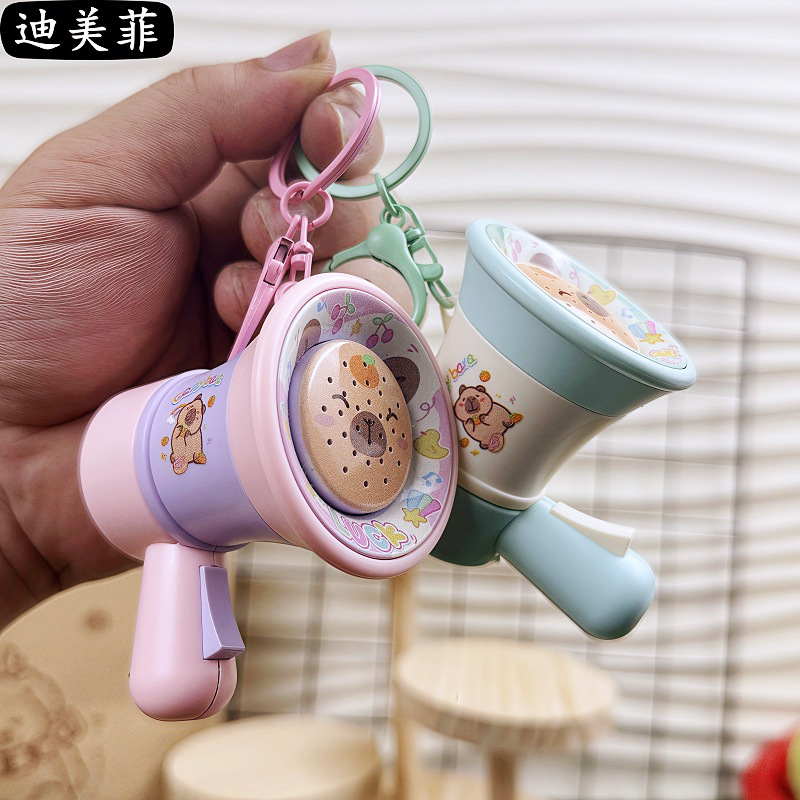
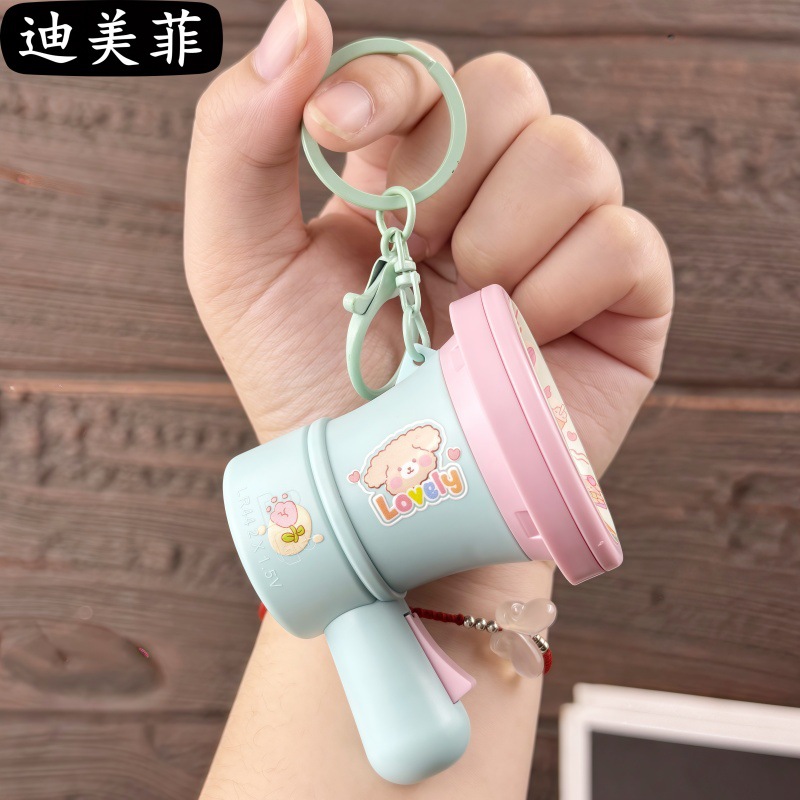 cartoon recording speaker-pink and green
|
CN¥ 0.0 |
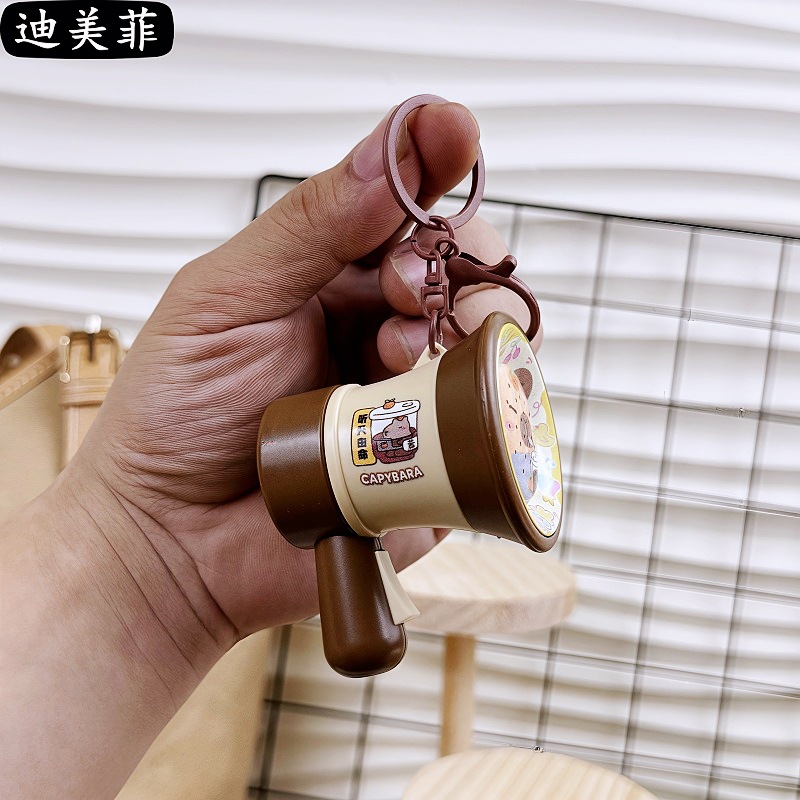
 cartoon recording speaker-olive
|
CN¥ 0.0 |
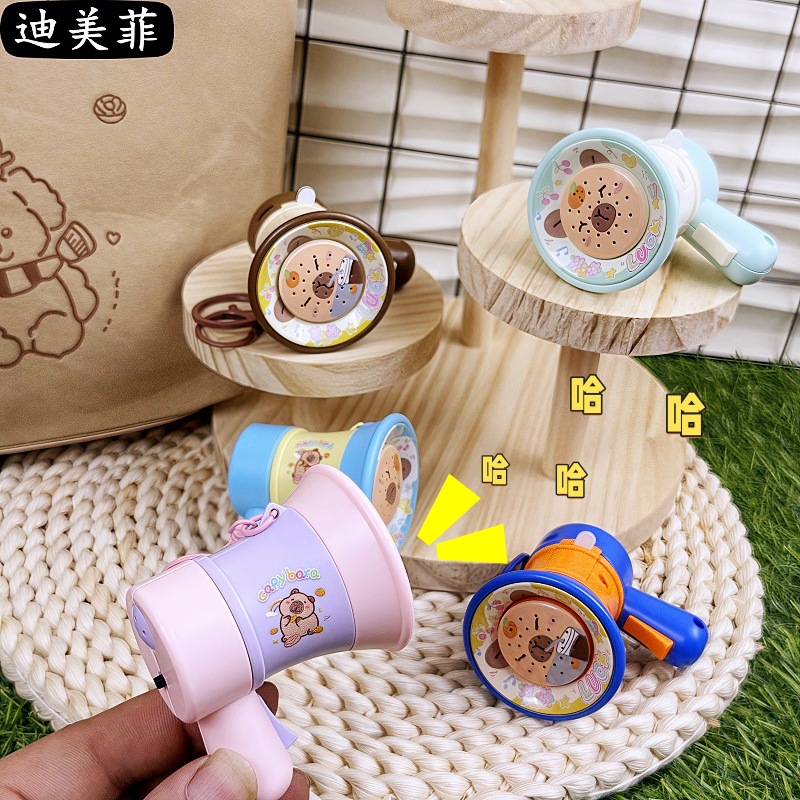
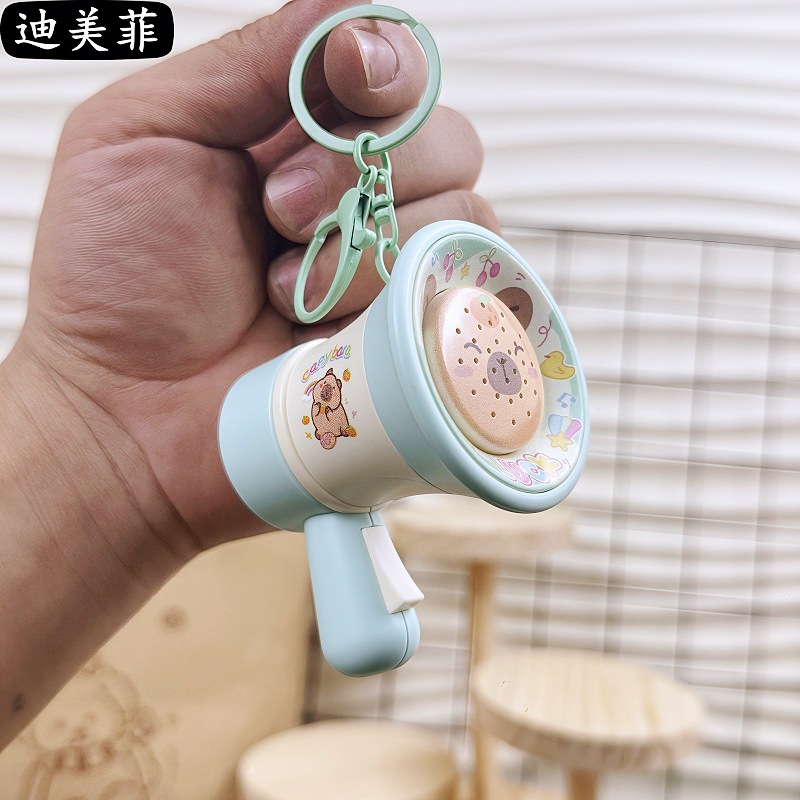
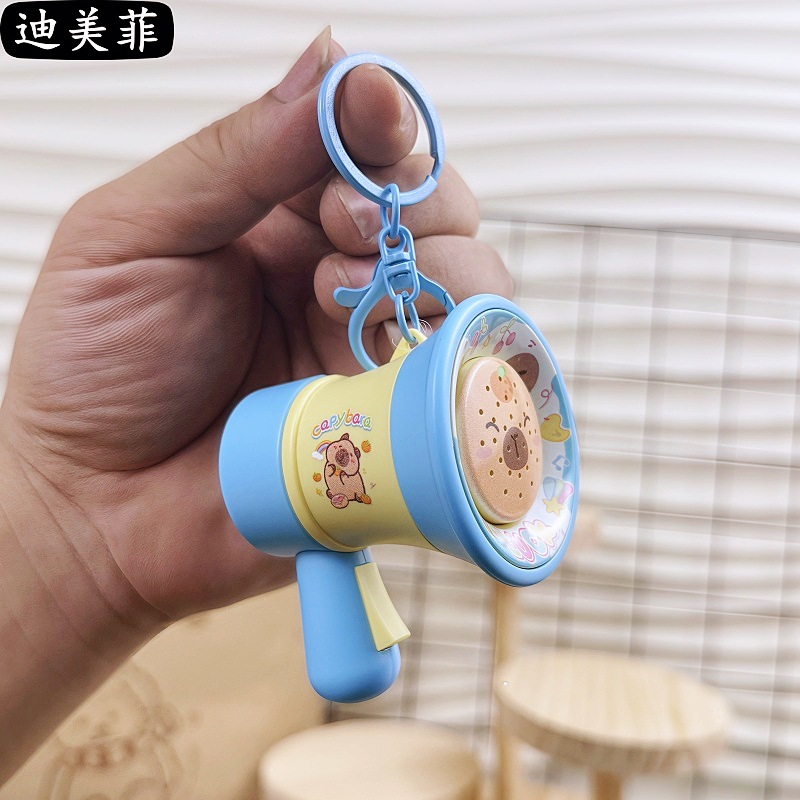 capabala pure recording speaker-light blue
|
CN¥ 0.0 |
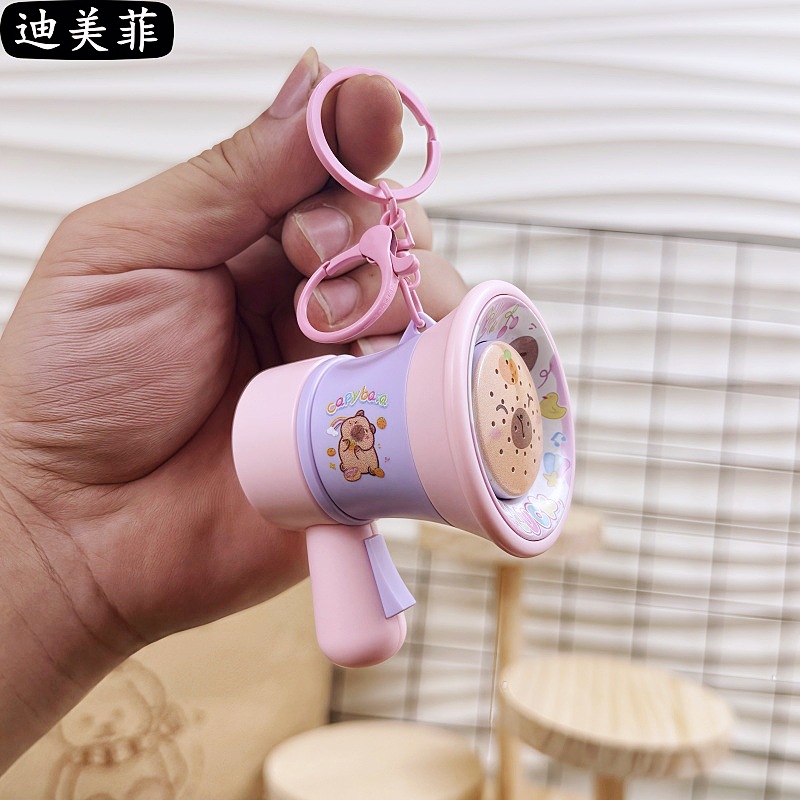
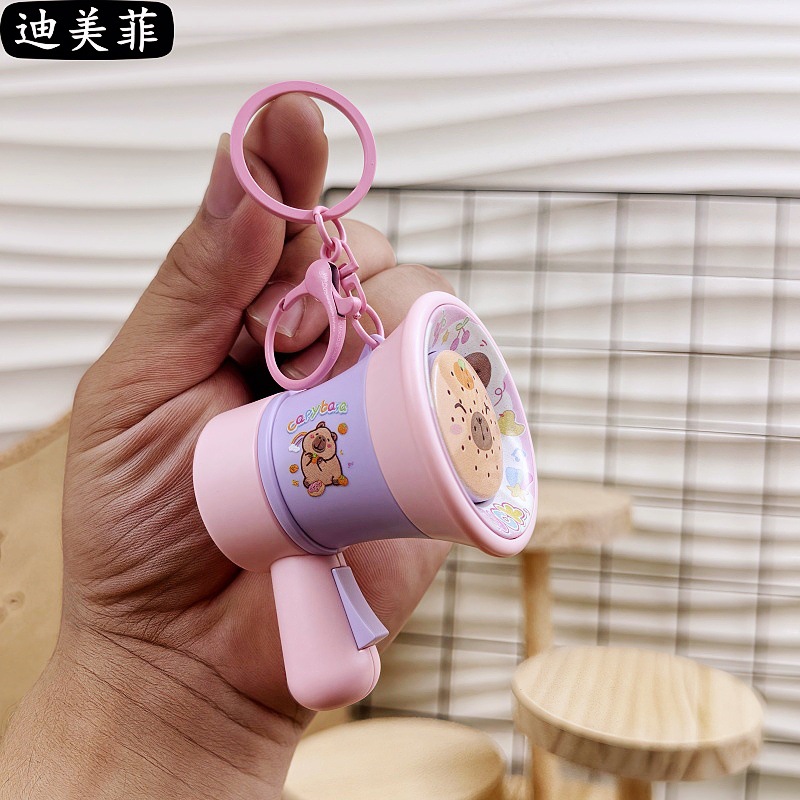
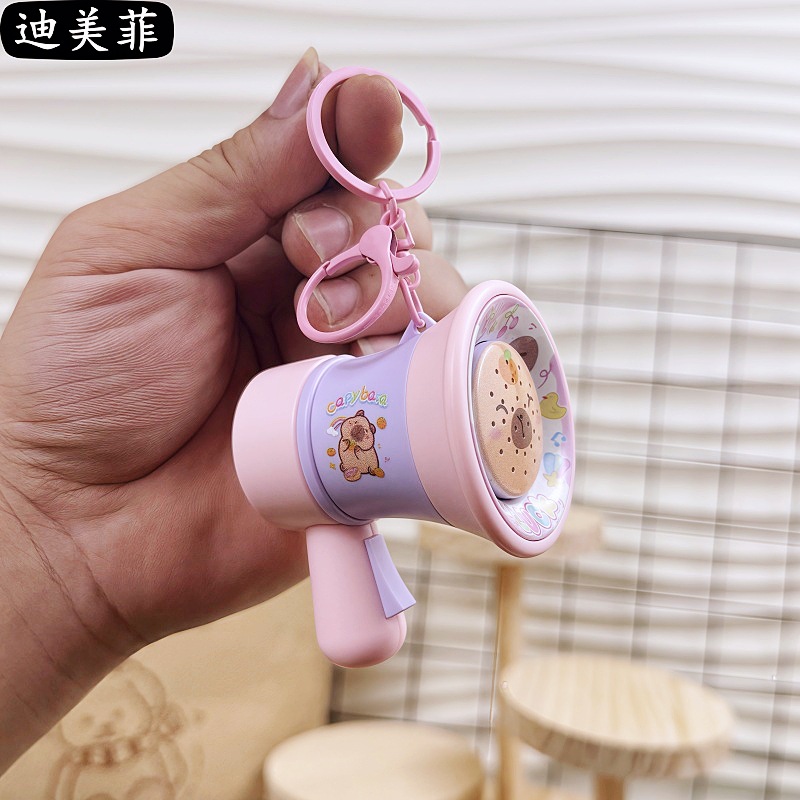 kappabala pure recording speaker-pink
|
CN¥ 0.0 |
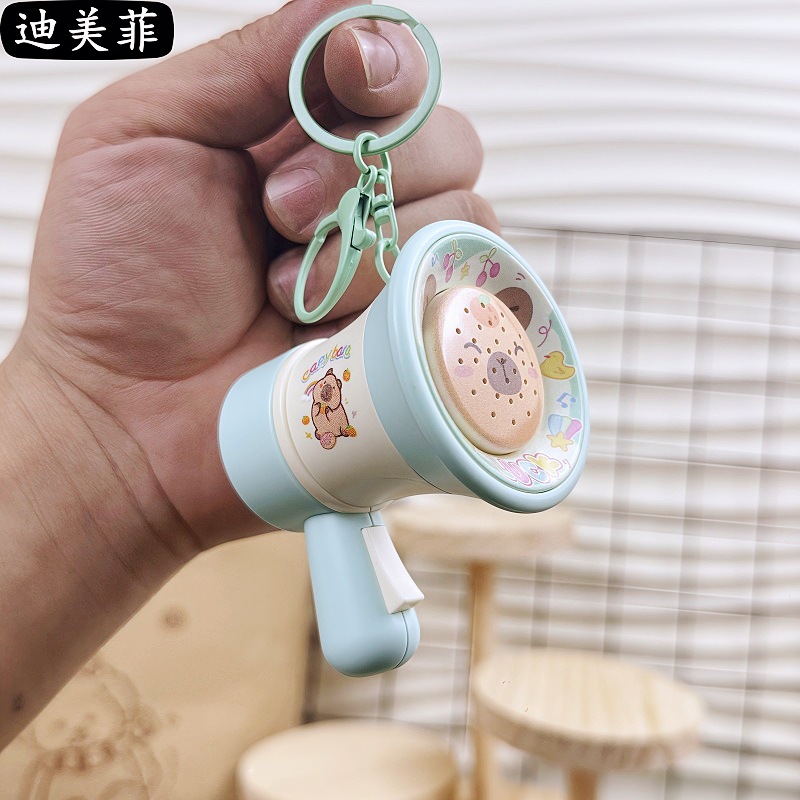 capabala pure recording speaker-mint green
|
CN¥ 0.0 |
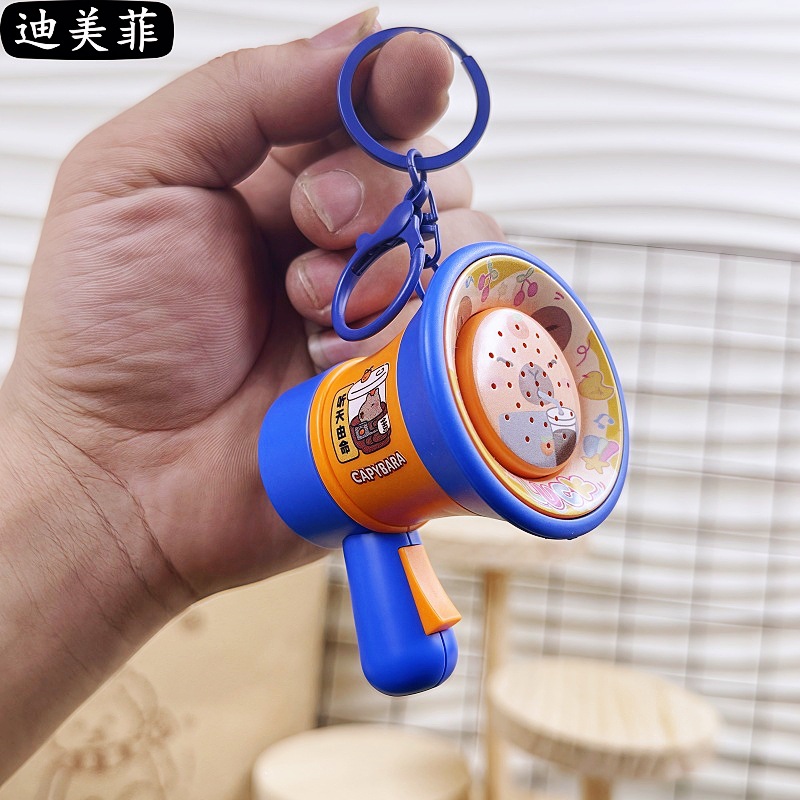
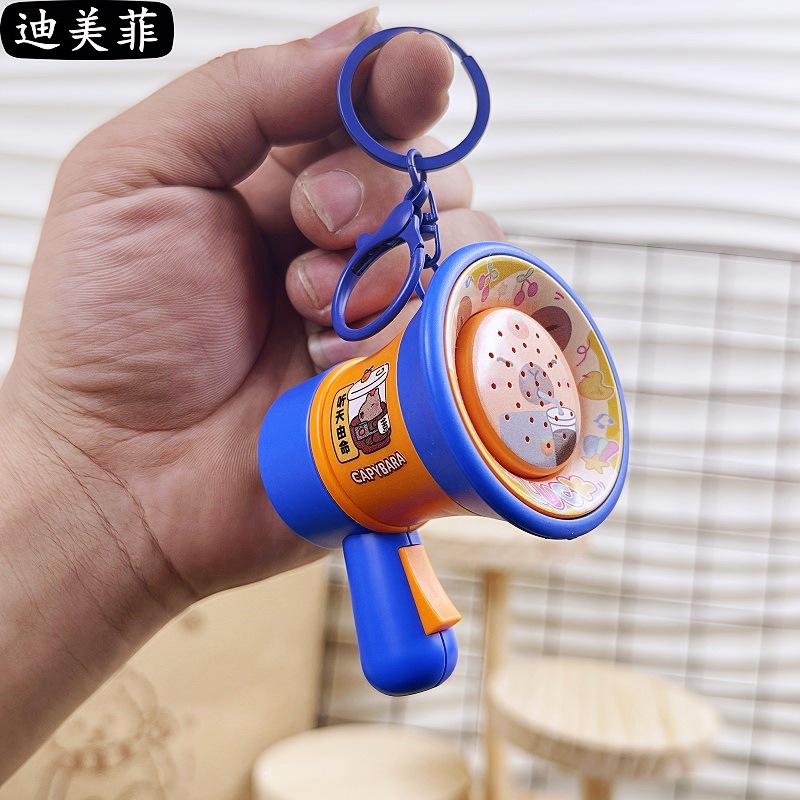 capabala pure recording speaker-blue orange
|
CN¥ 0.0 |
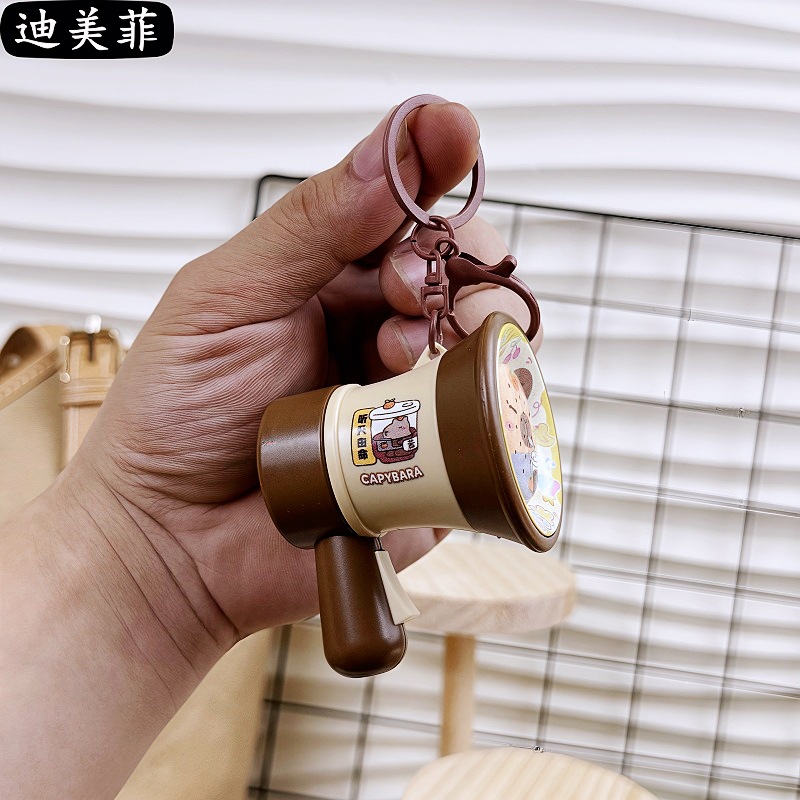 kappabala pure recording speaker-brown
|
CN¥ 0.0 |
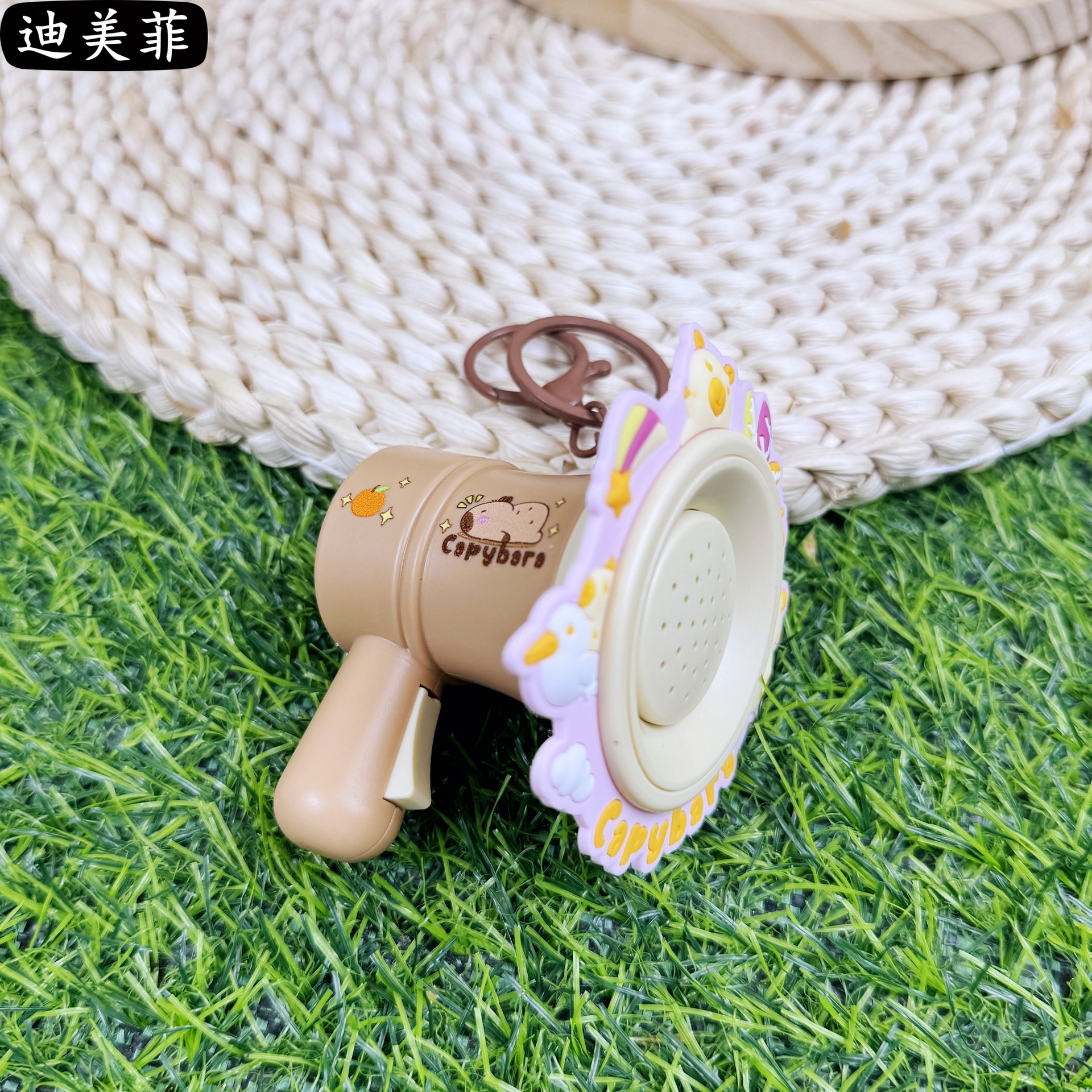 smd capabala recording speaker-pink
|
CN¥ 0.0 |
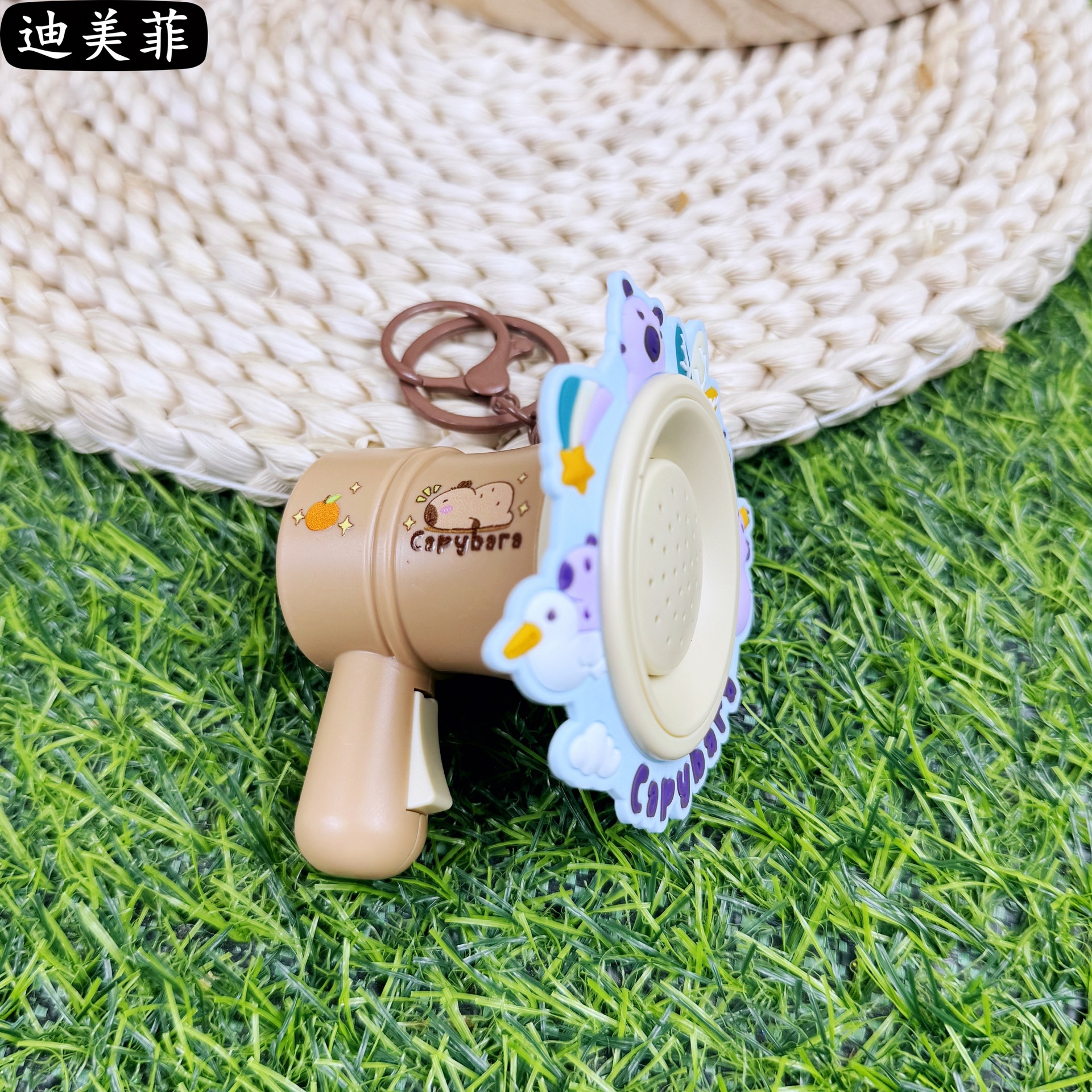 smd capabala recording speaker-blue
|
CN¥ 0.0 |
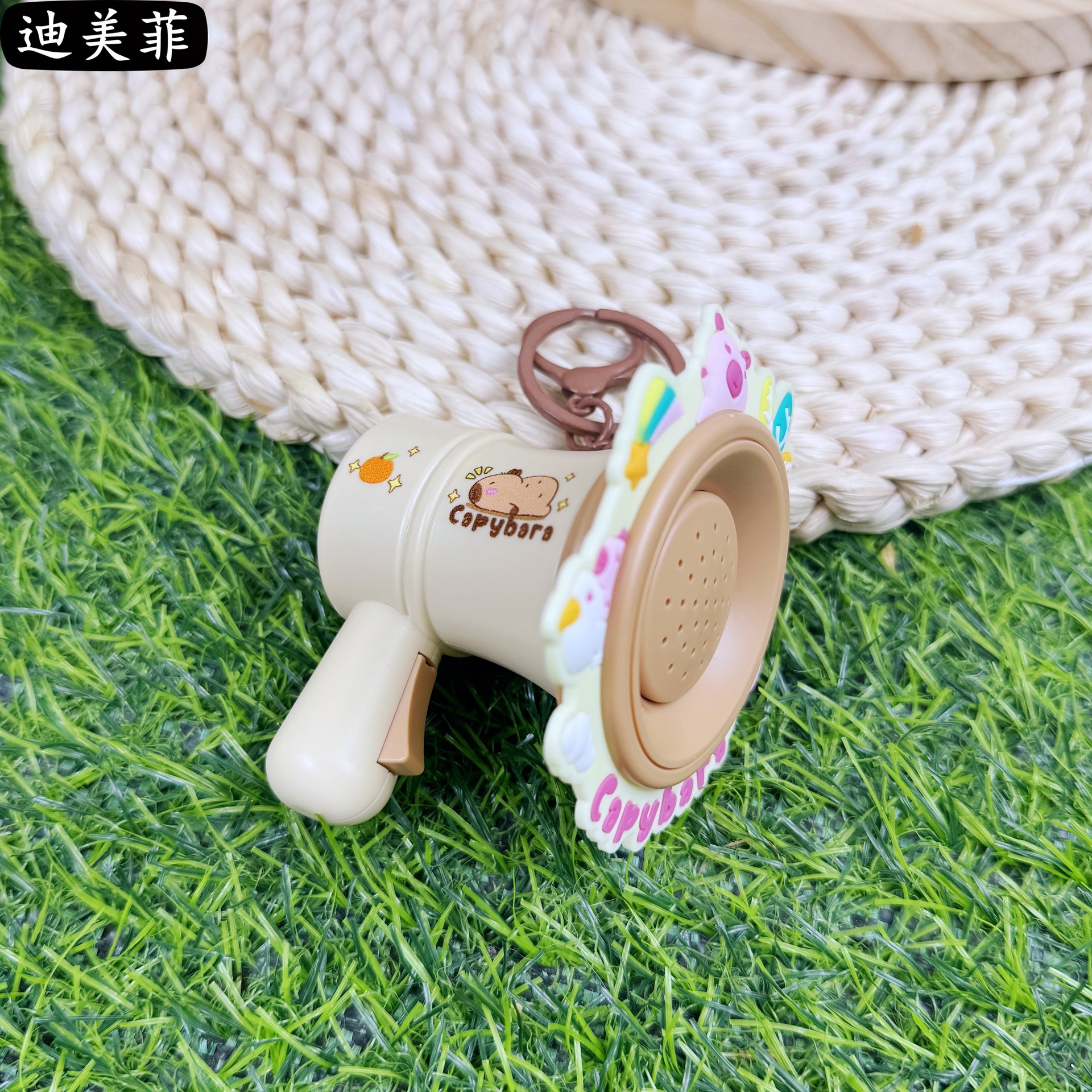 smd kabibala recording speaker-yellow
|
CN¥ 0.0 |
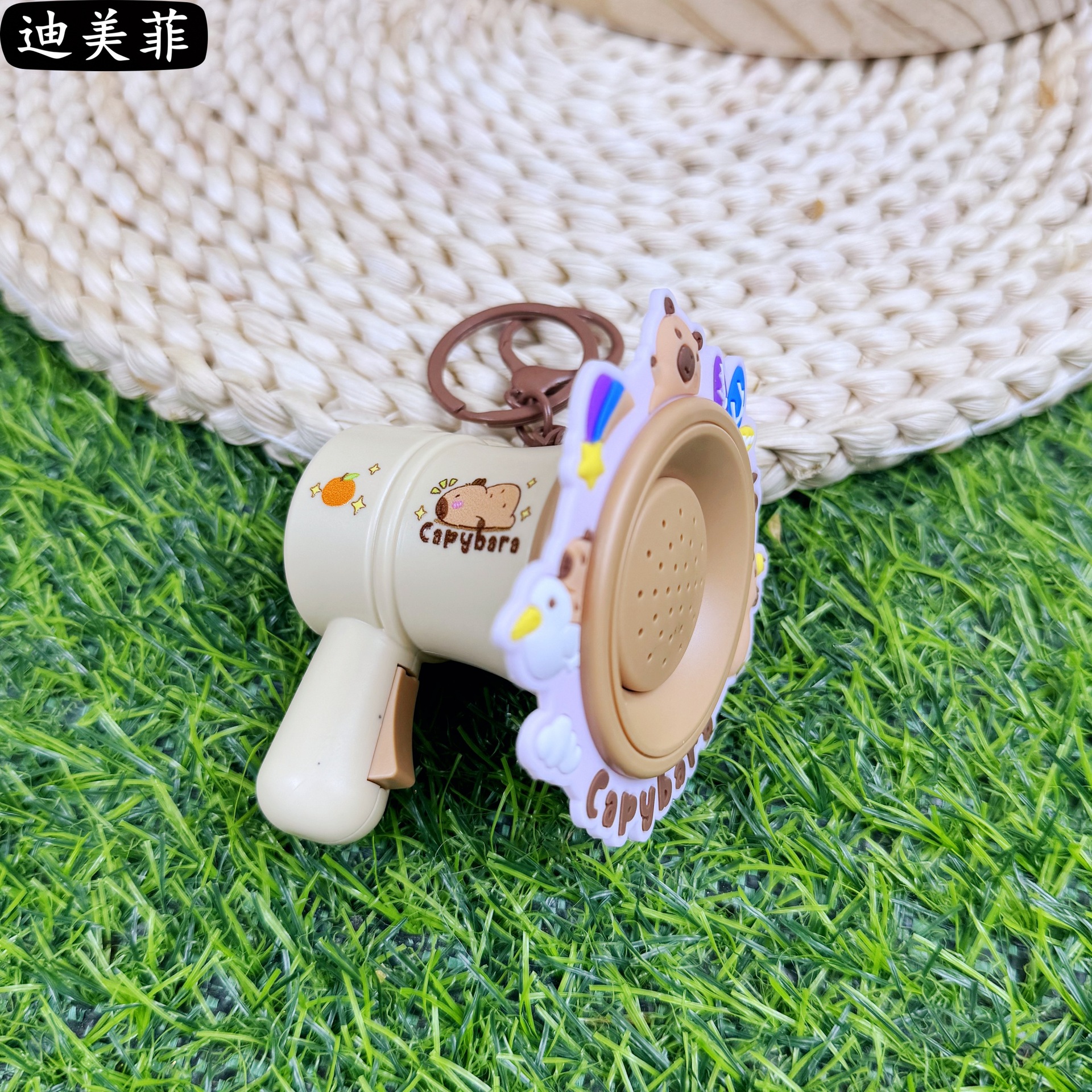 smd kabibala recording speaker-purple
|
CN¥ 0.0 |
Overseas department stores 4yr.
Contacts:fanxainsheng Chat
Mobile:86-18658822930
E-mail:272184317@qq.com
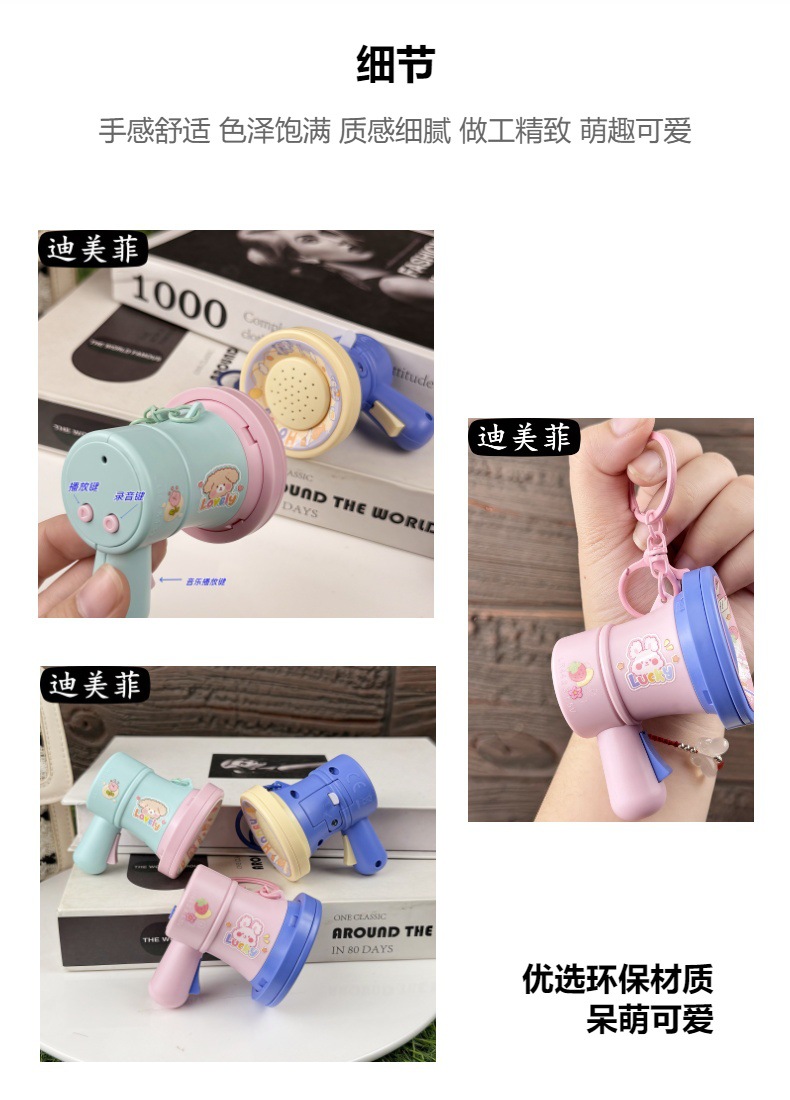
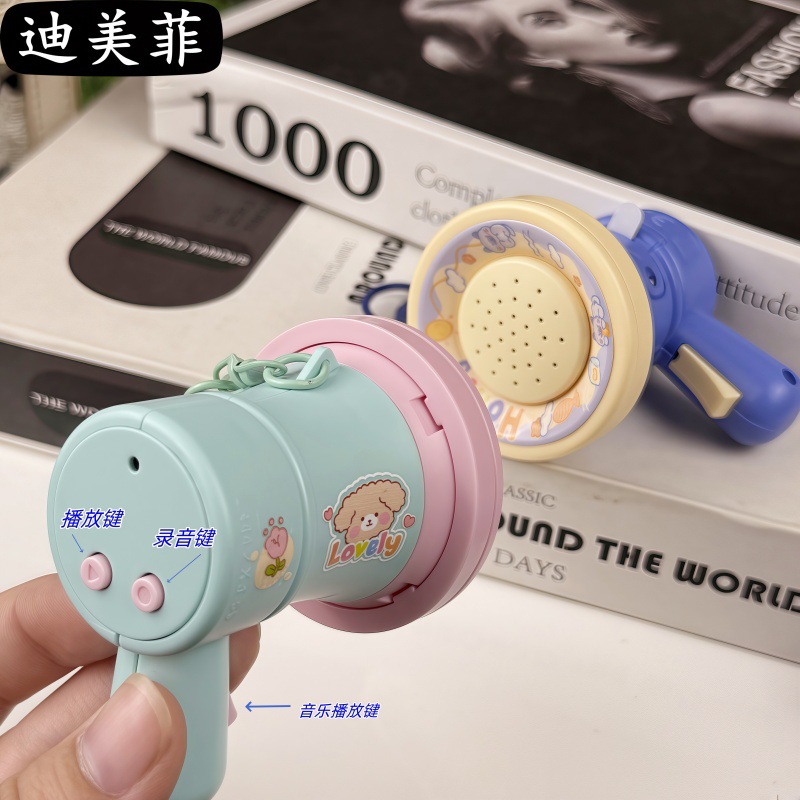
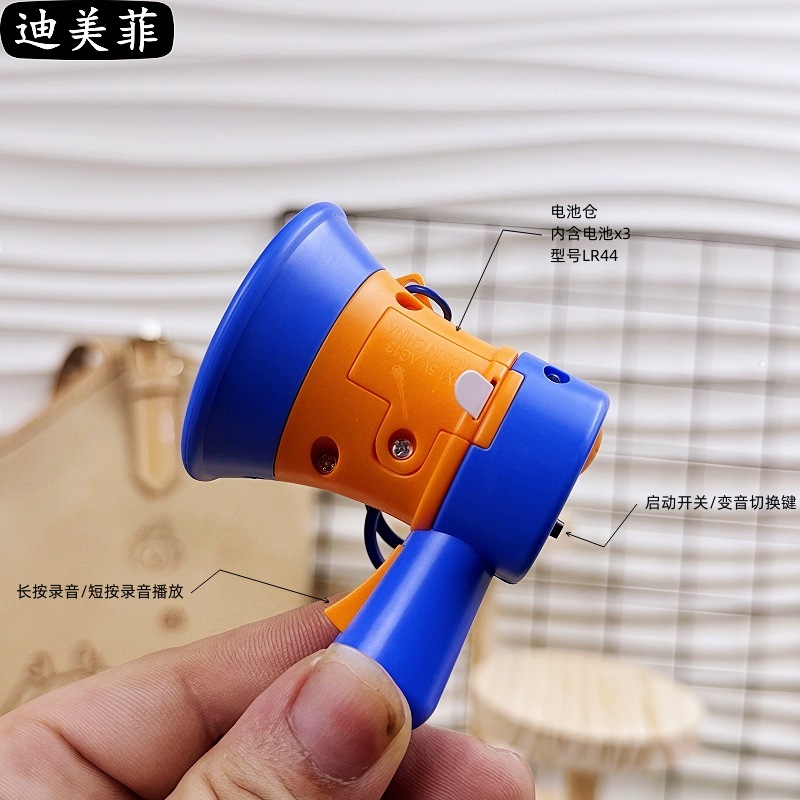
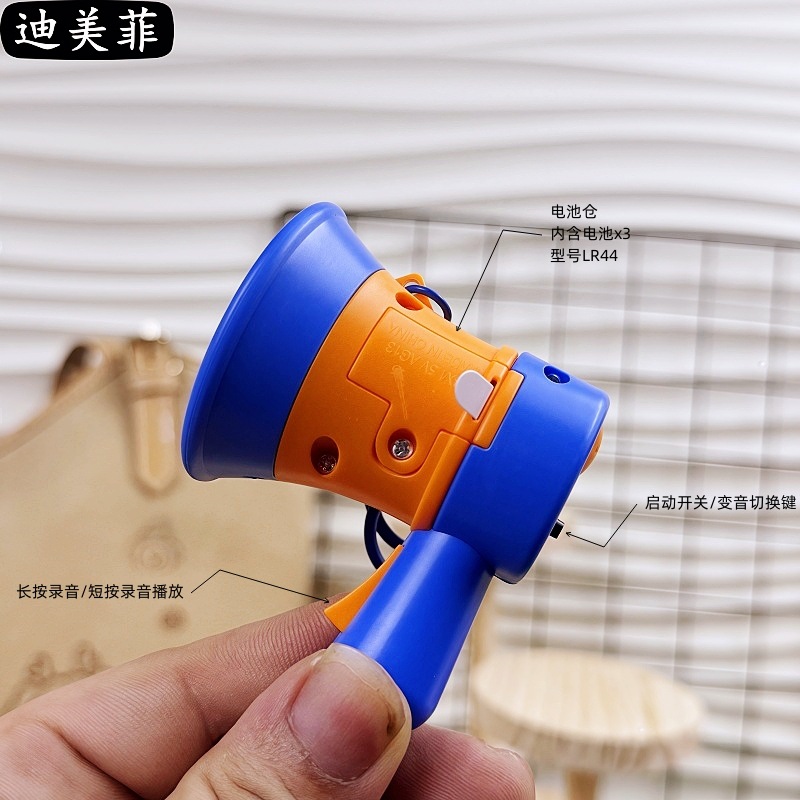
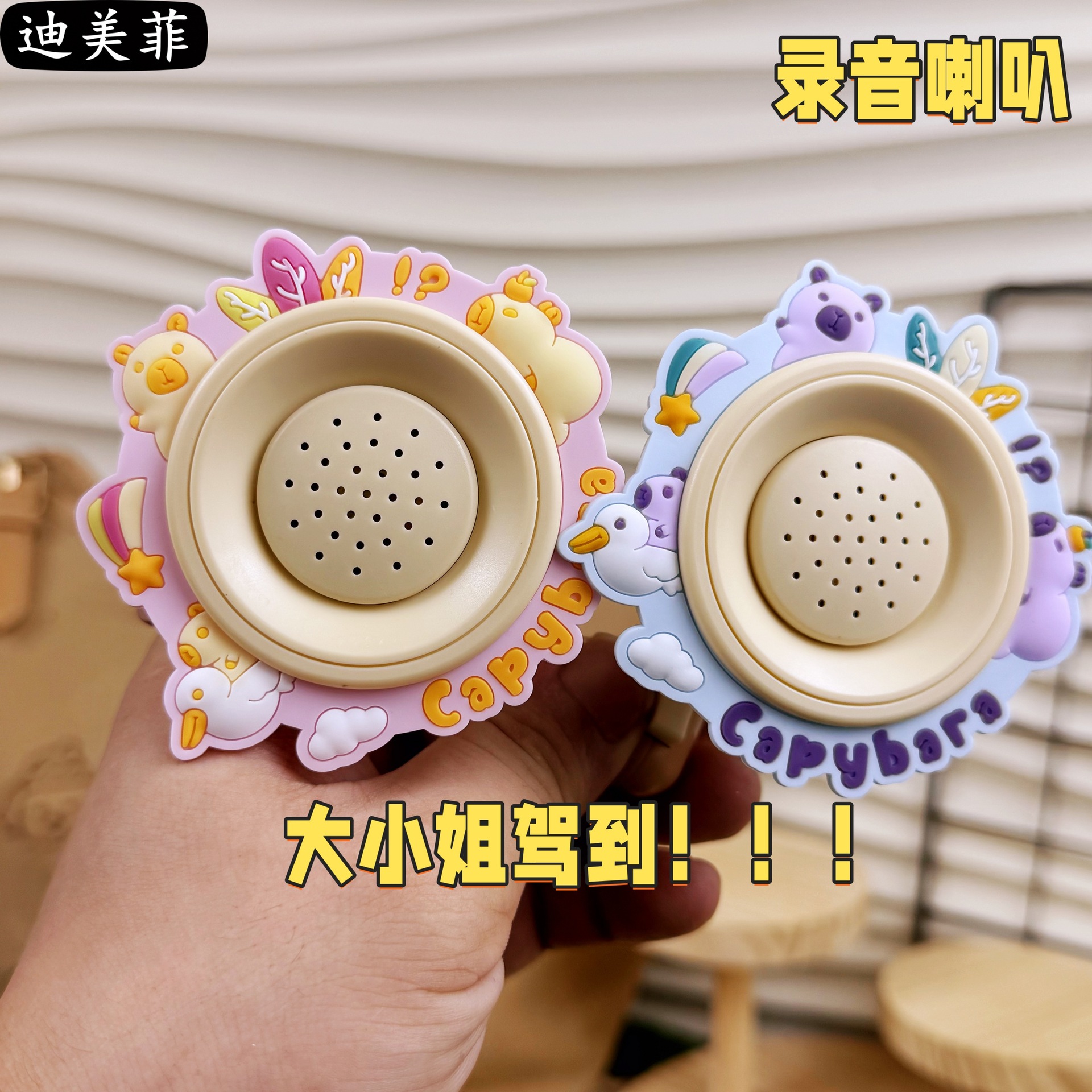
Pure recording version recording steps
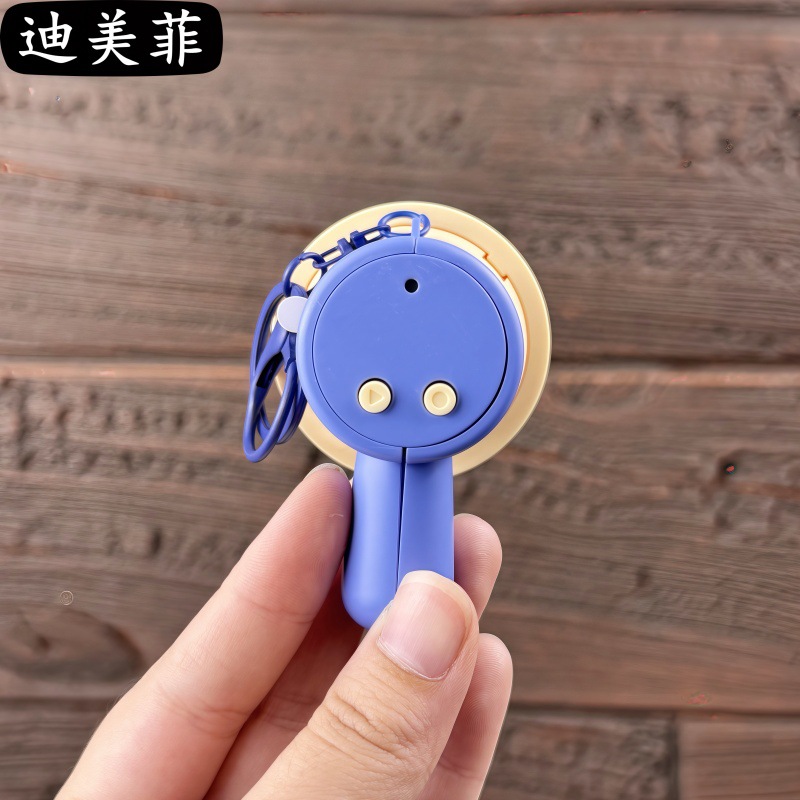
1. Long press the recording button (without releasing) until a beep sounds, then start recording.
Release the switch two times, then the recording will be completed.
2. Press the recording key again to play the recording.
3. Press the tone change key, and then press the recording key lightly to play three sound effects (original voice) (male) (female)
Pure audio version without music. Audio version with music: instructions below the picture.
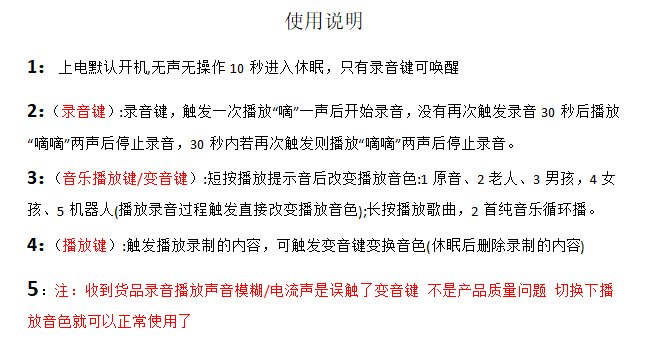









...........Pure recording details............
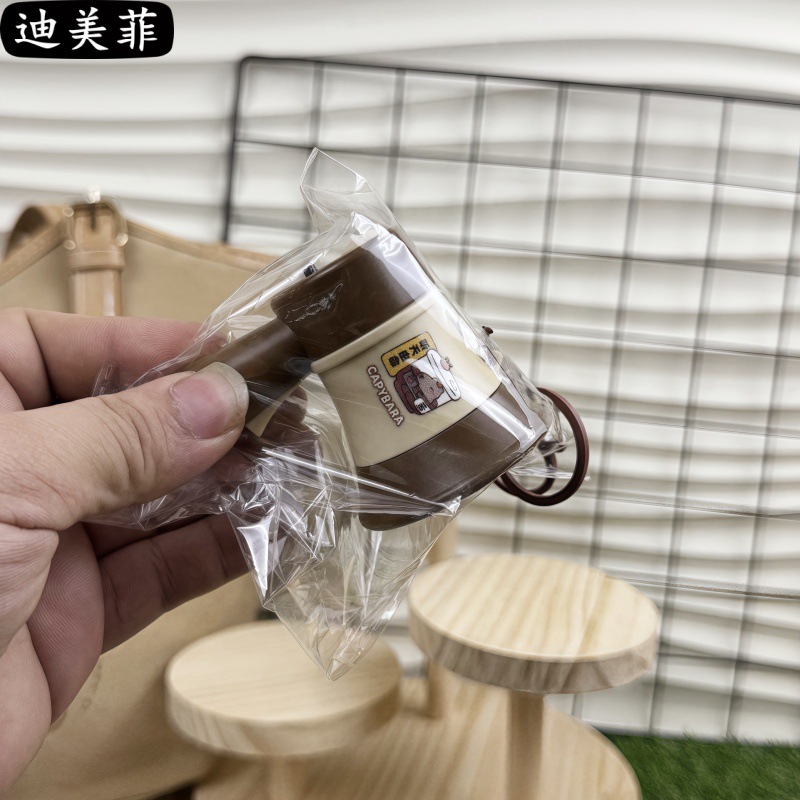
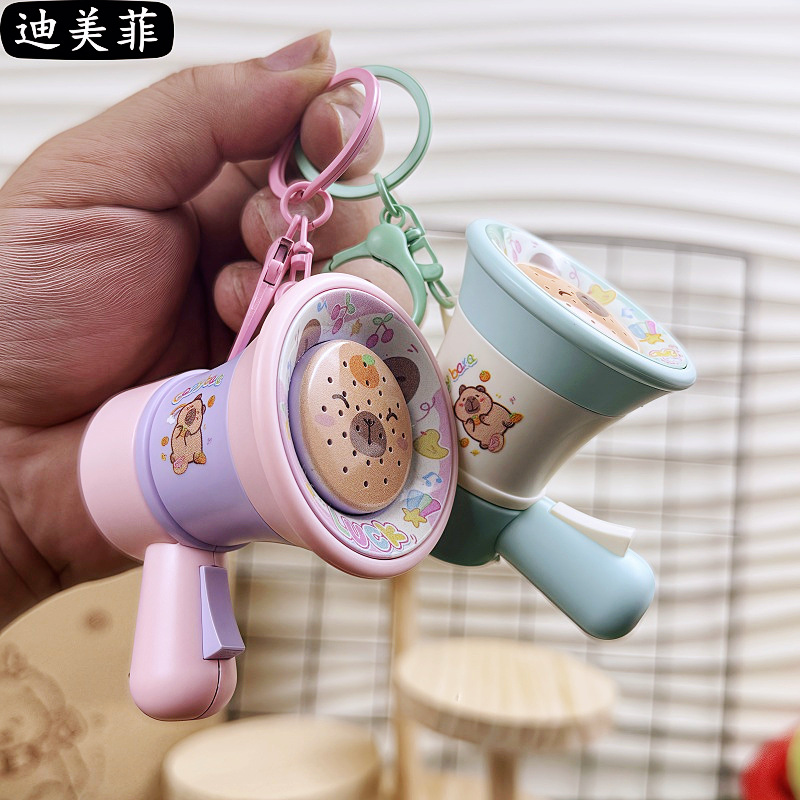
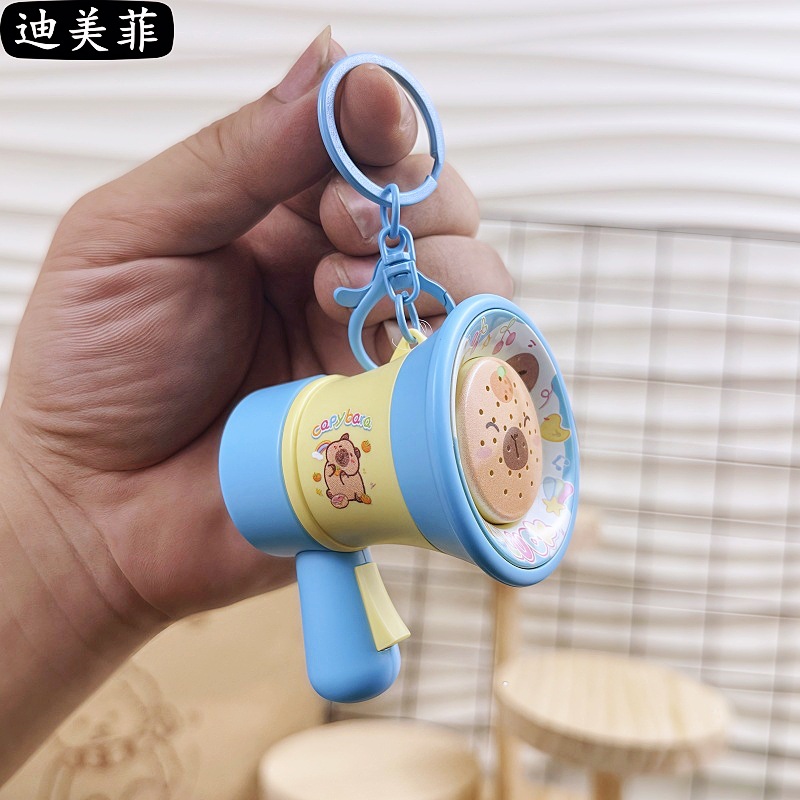
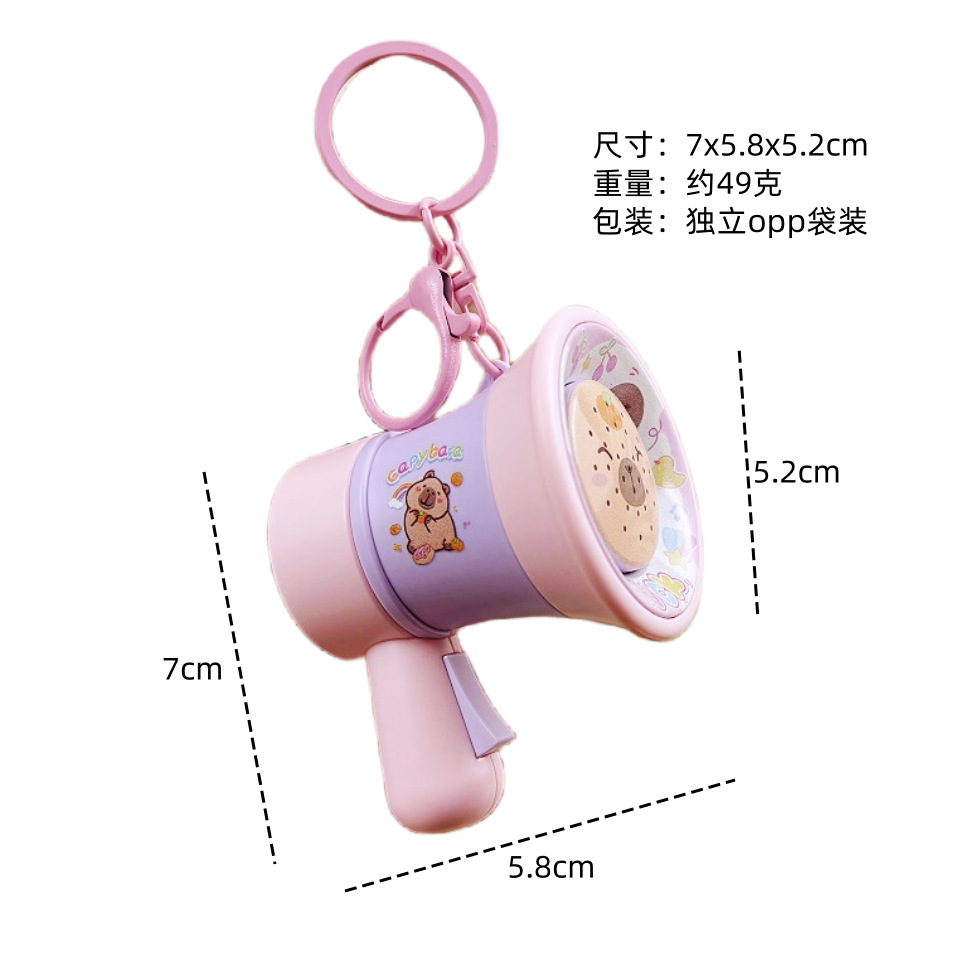

Update time:


TOP


