Search history
Clear allSearch by image
XDrag and drop an image here or upload an image
Max 5MB per image
UploadSign In | Join

Search history
Clear allSearch by image
XDrag and drop an image here or upload an image
Max 5MB per image
UploadSign In | Join
X Email Mobile
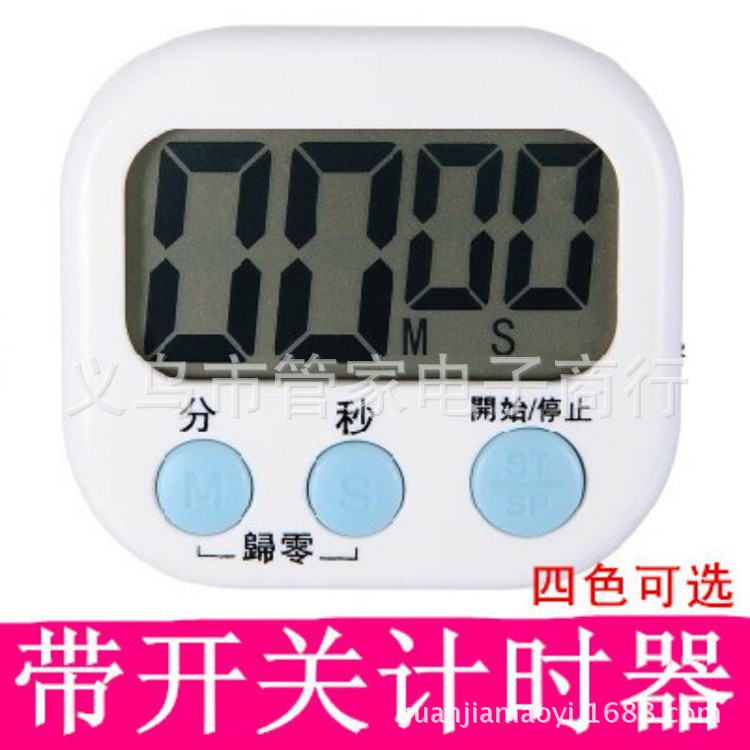
| white + battery | ¥0.0 | 9771 piece available |
|
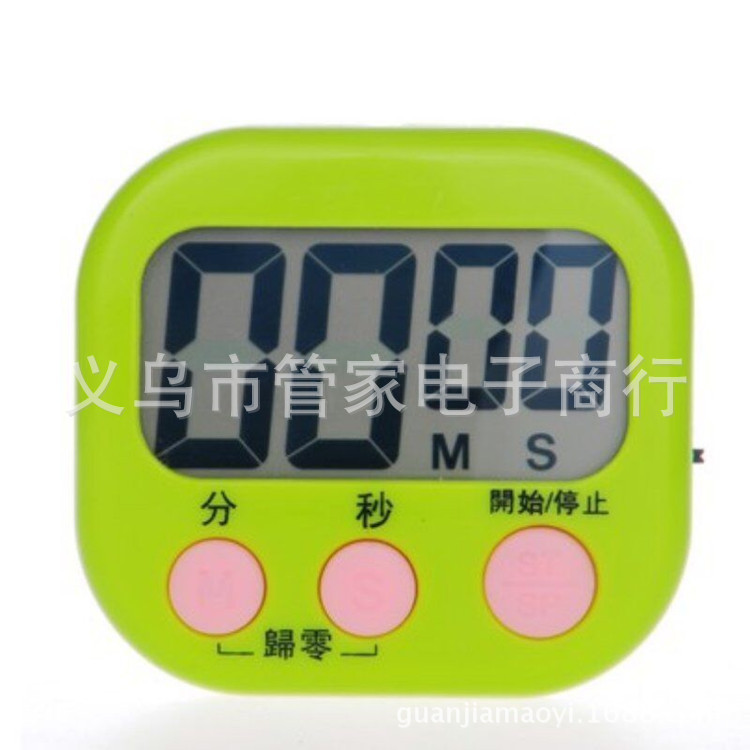
| green + battery | ¥0.0 | 49979 piece available |
|
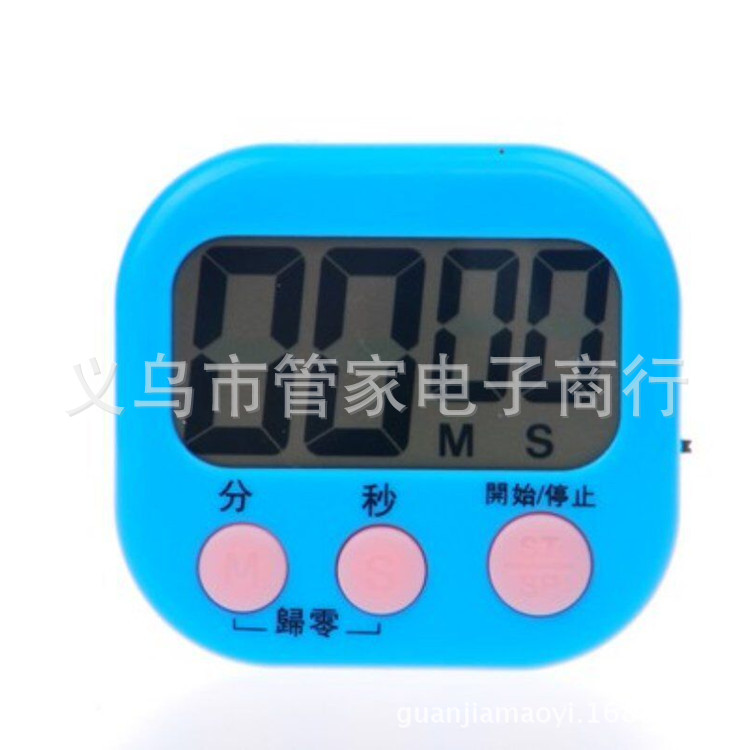
| blue + battery | ¥0.0 | 10299 piece available |
|
| pink + battery | ¥0.0 | 9967 piece available |
|
| white english + battery | ¥0.0 | 998 piece available |
|


A new item has been added to your Shopping Cart. You now have items in your Shopping Cart.

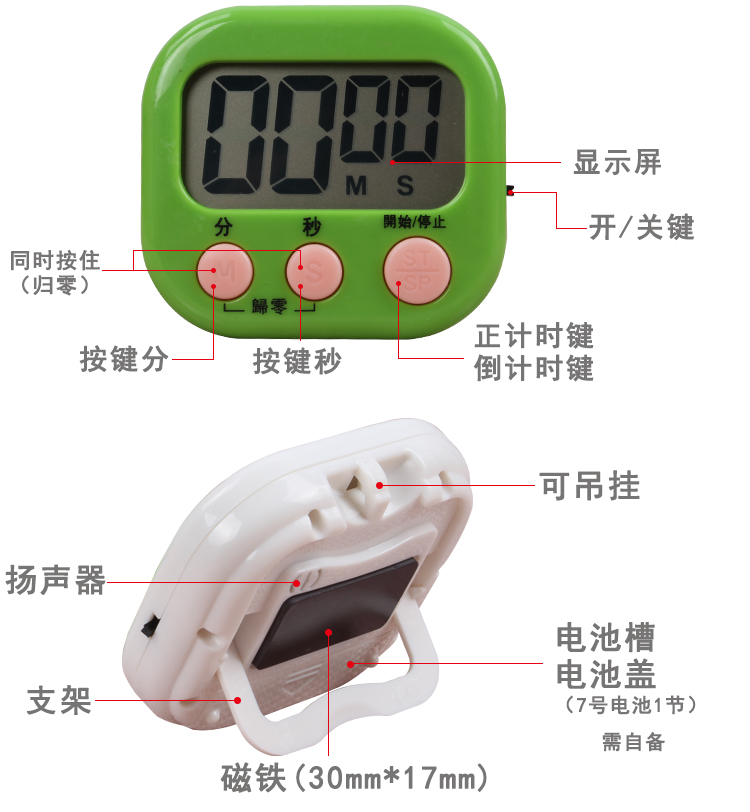

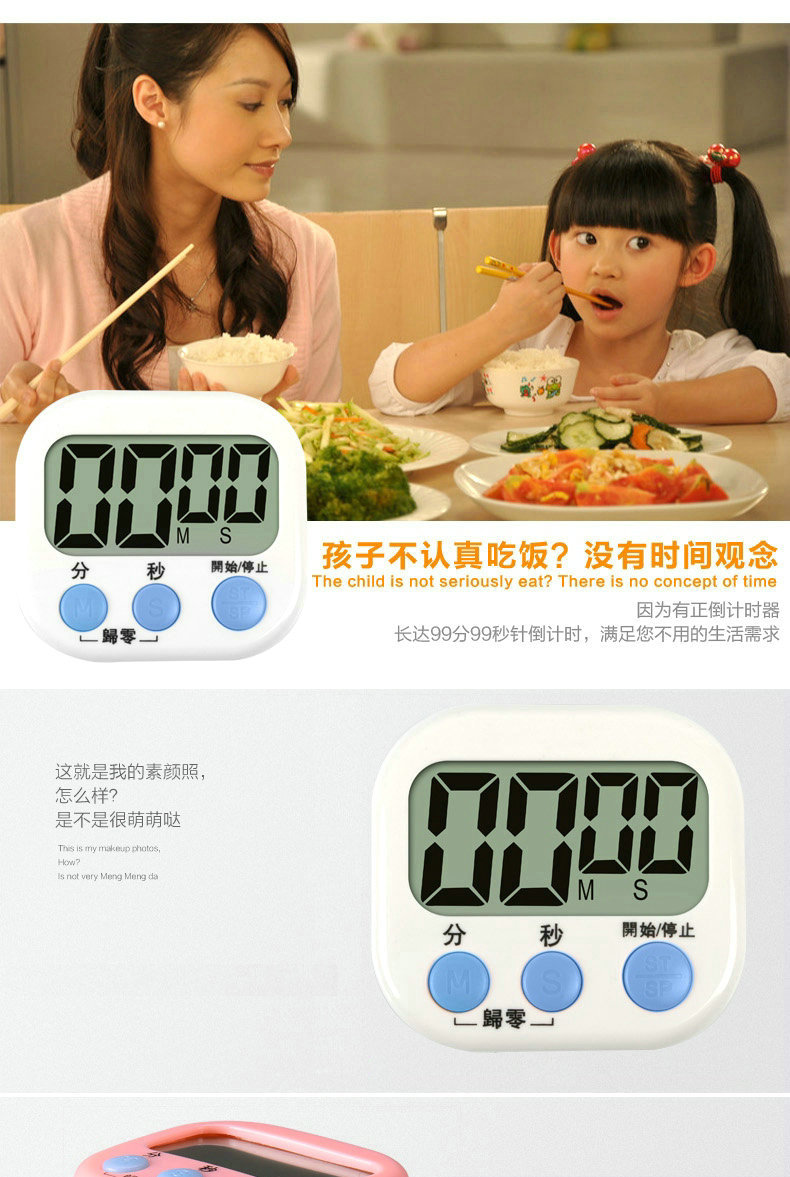
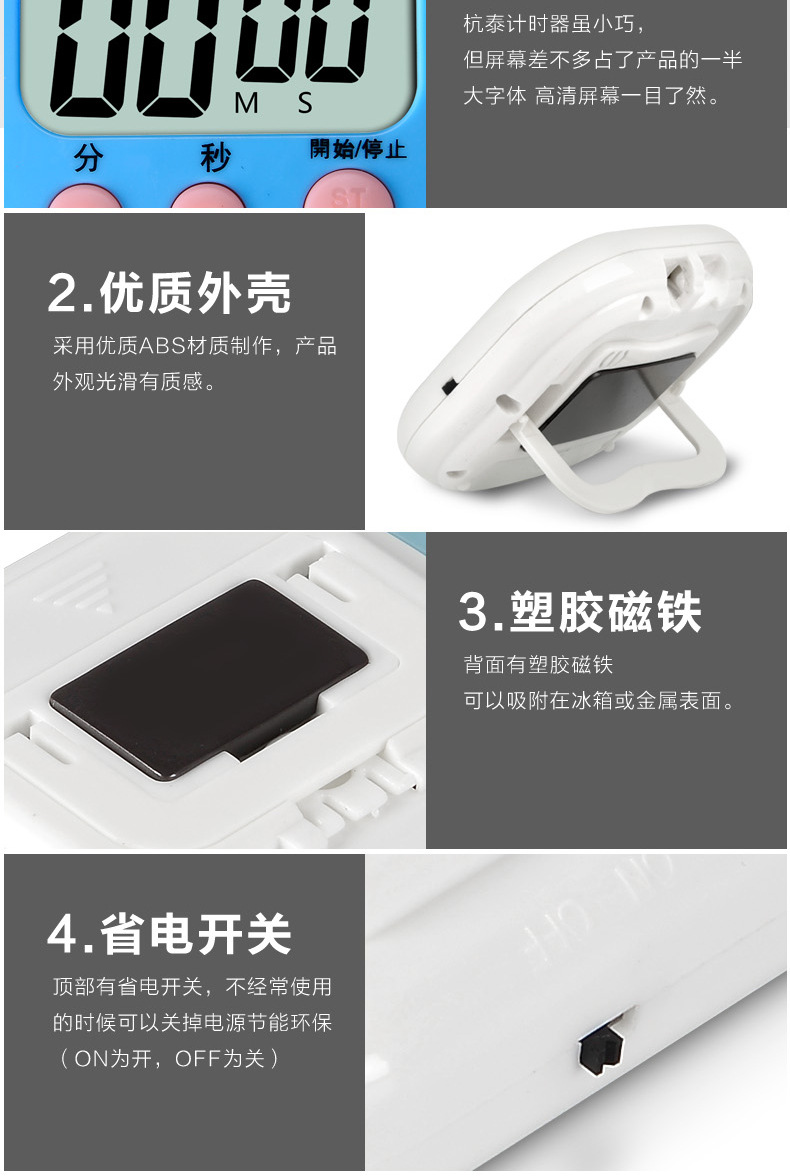
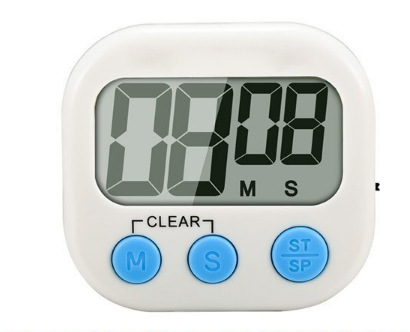
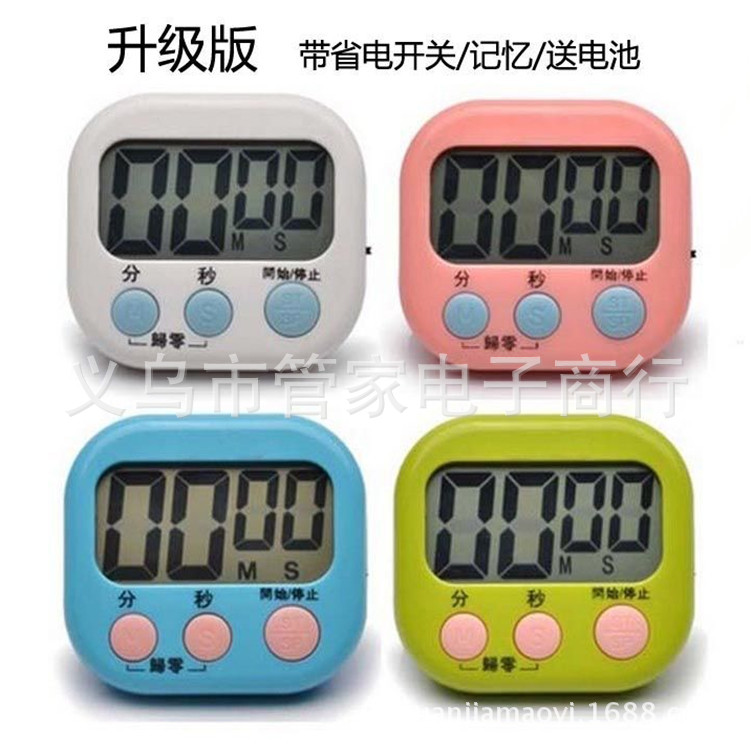
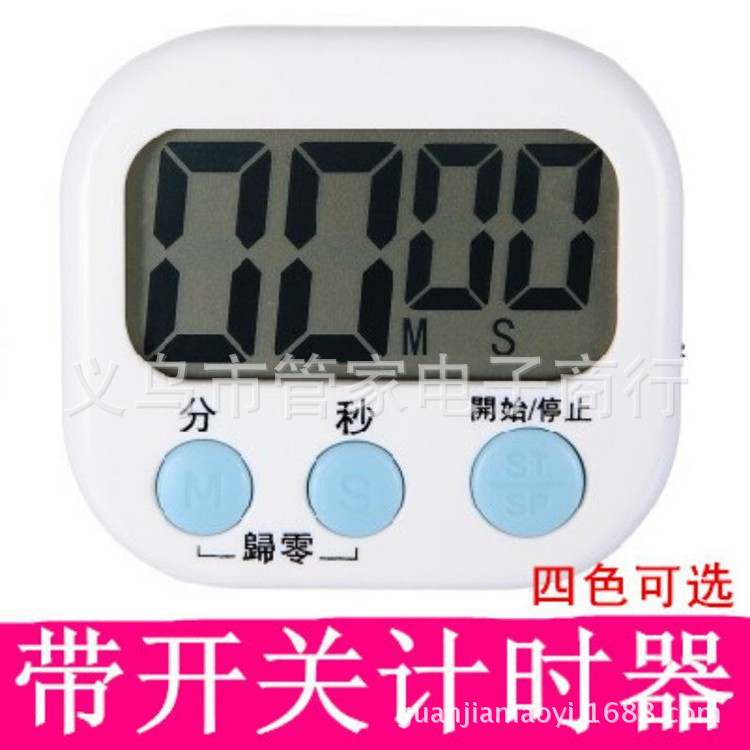
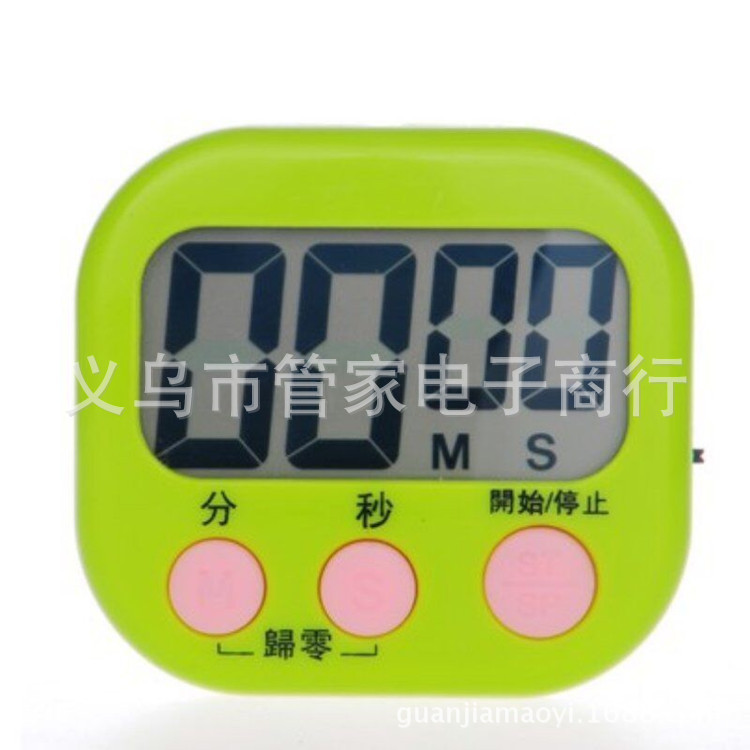
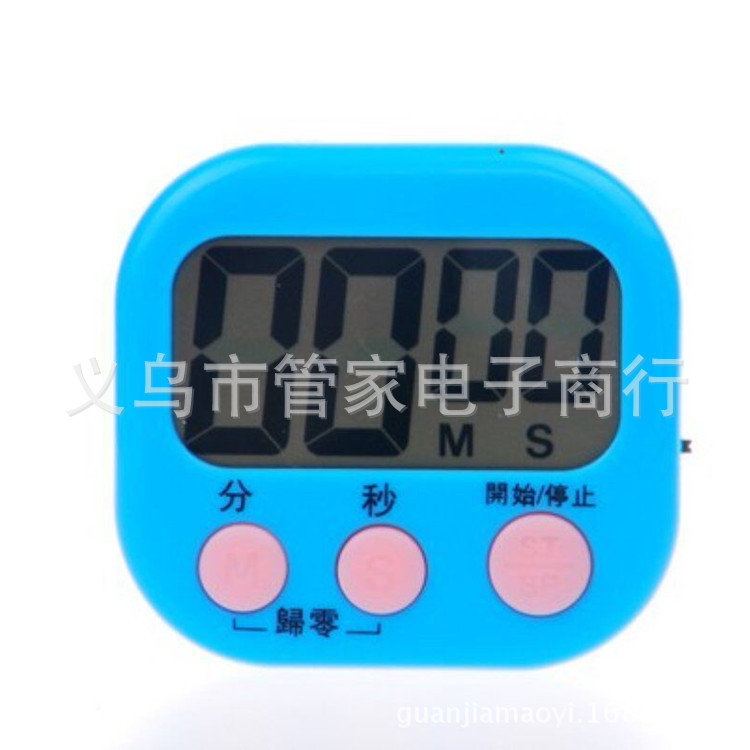
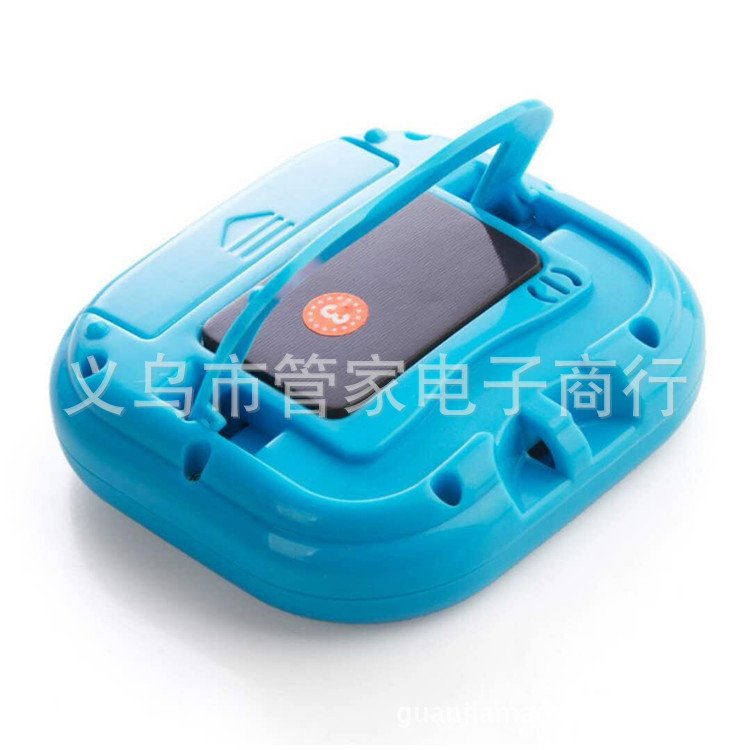
Timer in Chinese version and English version, a hot seller on Amazon, in stock, please directly shoot!
Three Major Advantages:
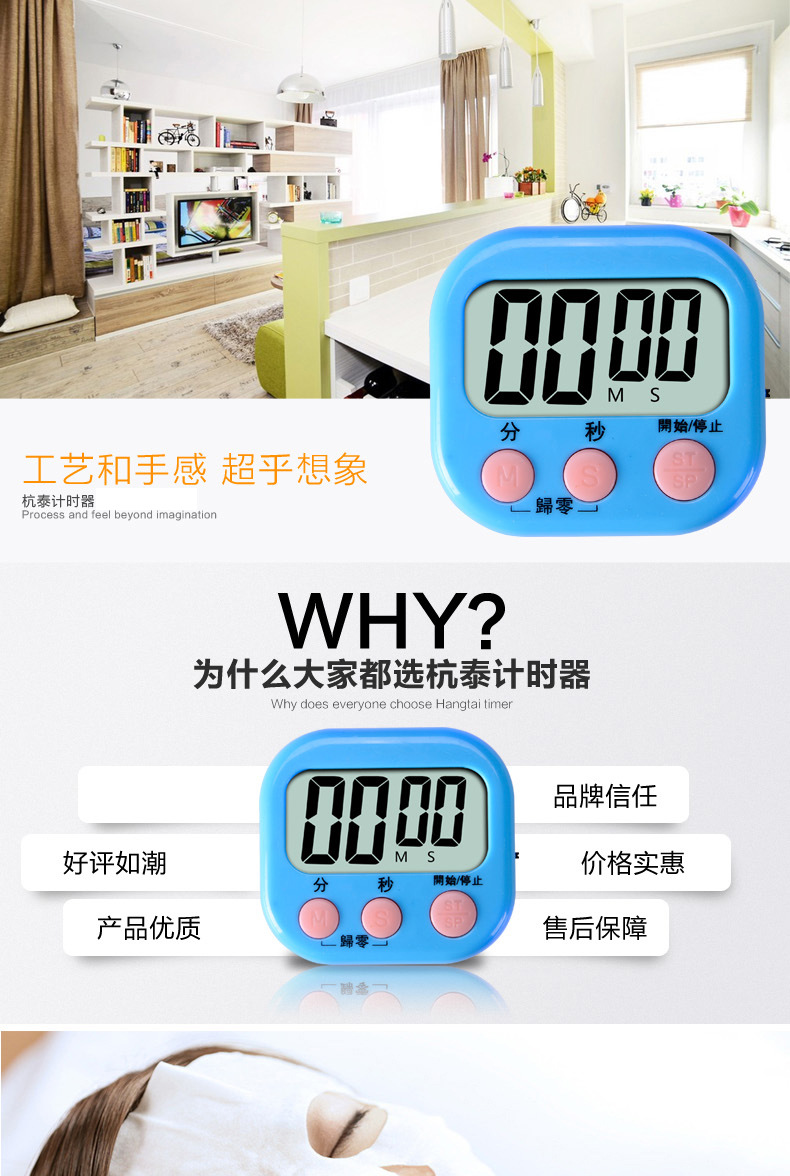
The screen is large, the font is large, and the sound is loud.
Standard model with no power switch and battery that drains easily.
Upgraded model with power switch. You can turn it off when not in use, saving electricity and extending battery life.
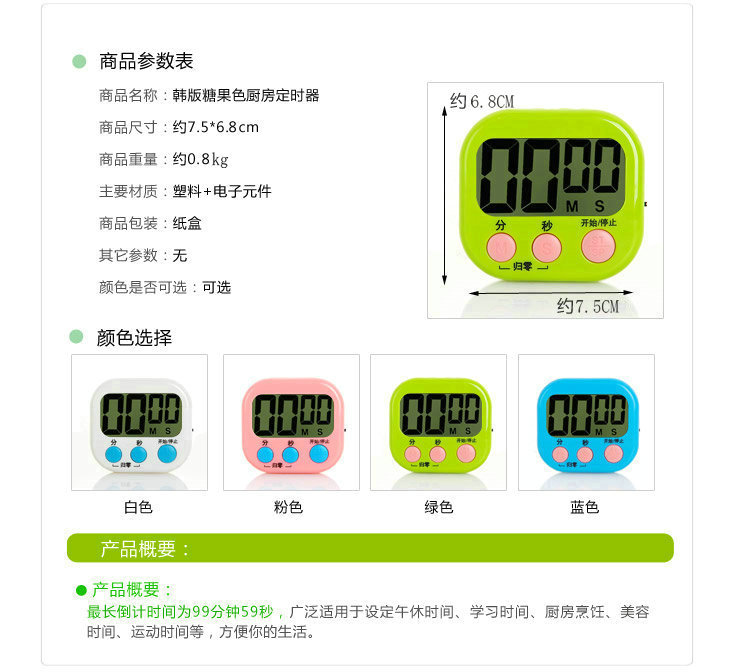
Product attributes: Electronic timer (both the Chinese and English versions are in stock).
Product Material: Eco-friendly ABS shell + LCD LCD display screen
Product color: Please refer to the details.
Product Size: 7.5x6.8x2.0cm Small Size
Packing: 200 pieces, available in mixed colors, with an advantageous price, direct factory supply.
This product does not come with batteries by default. If you need batteries, we also purchase them directly from the battery manufacturers, which also incurs costs. As long as the finished product is purchased from our factory, the batteries will be delivered at cost.
Professional production of large screen display electronic countdown timer, 99 minutes and 59 seconds.
With switch design, convenient and energy-saving, beautiful and elegant, energy-saving, turn on the power when needed, and you can directly turn off the power when not in use, no power consumption.
Product Usage Instructions:
1. Product Features: 100-minute electronic positive and negative countdown timer with memory function
2. Scope of Application: Lunch Break, Study Time, Beauty Time, Exercise Time, Phone Call Time, Meeting Time, Kitchen Cooking, Parking Time, Experimentation, etc.
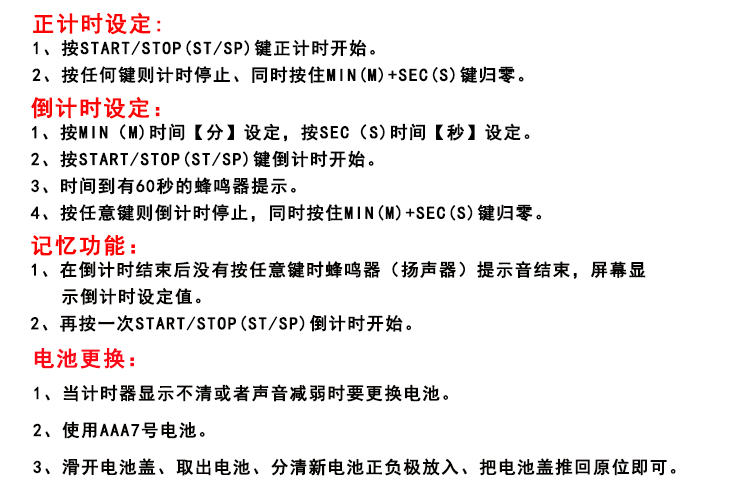
III. Timing Setting:
1: Press the START/STOP (ST/SP) key to start the countdown.
2: Press any key to stop the timer, and simultaneously press 'MN (M)' and 'SEC (S)' to reset.
Fourth, Countdown Setting
1: Set the time by pressing 'MN (N)' for minutes, and press 'SEC (S)' for seconds.
2: Press the START/STP (ST/SP) key to start the countdown.
3: A buzzer with a 60-second timer prompt
4: Press any key to stop the countdown, and press "MN (M)" and "SEC (S)" simultaneously to reset.
Five: The Role of Memory Function
1: After the countdown ends without pressing any key, the buzzer beeps stop, and the screen displays the countdown setting value.
Press the START/STP (ST/SP) key again to start the countdown.
Six: Battery Replacement
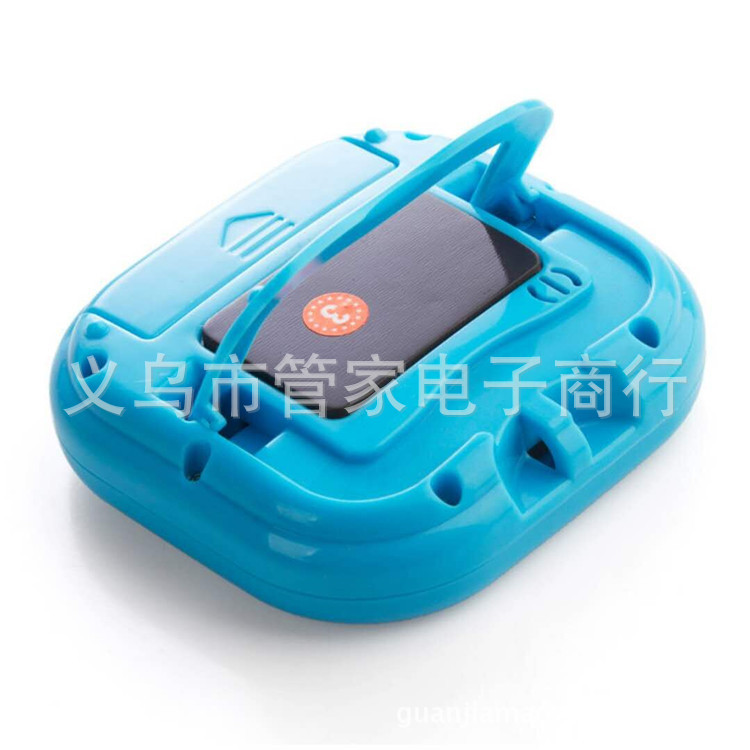
1: When the timer is unclear or the sound weakens, replace the batteries.
2: Uses 1*AAA batteries.
3: Slide open the battery cover, remove the battery, distinguish the positive and negative poles of the new battery, and place it in, then push the battery cover back into its original position.
Update time:


TOP