
Search history
Clear allSearch by image
XDrag and drop an image here or upload an image
Max 5MB per image
UploadSign In | Join

Search history
Clear allSearch by image
XDrag and drop an image here or upload an image
Max 5MB per image
UploadSign In | Join
X Email Mobile
| blue | ¥0.0 | 16513 piece available |
|
| red | ¥0.0 | 8141 piece available |
|
| orange | ¥0.0 | 6193 piece available |
|
| black | ¥0.0 | 4230 piece available |
|


A new item has been added to your Shopping Cart. You now have items in your Shopping Cart.
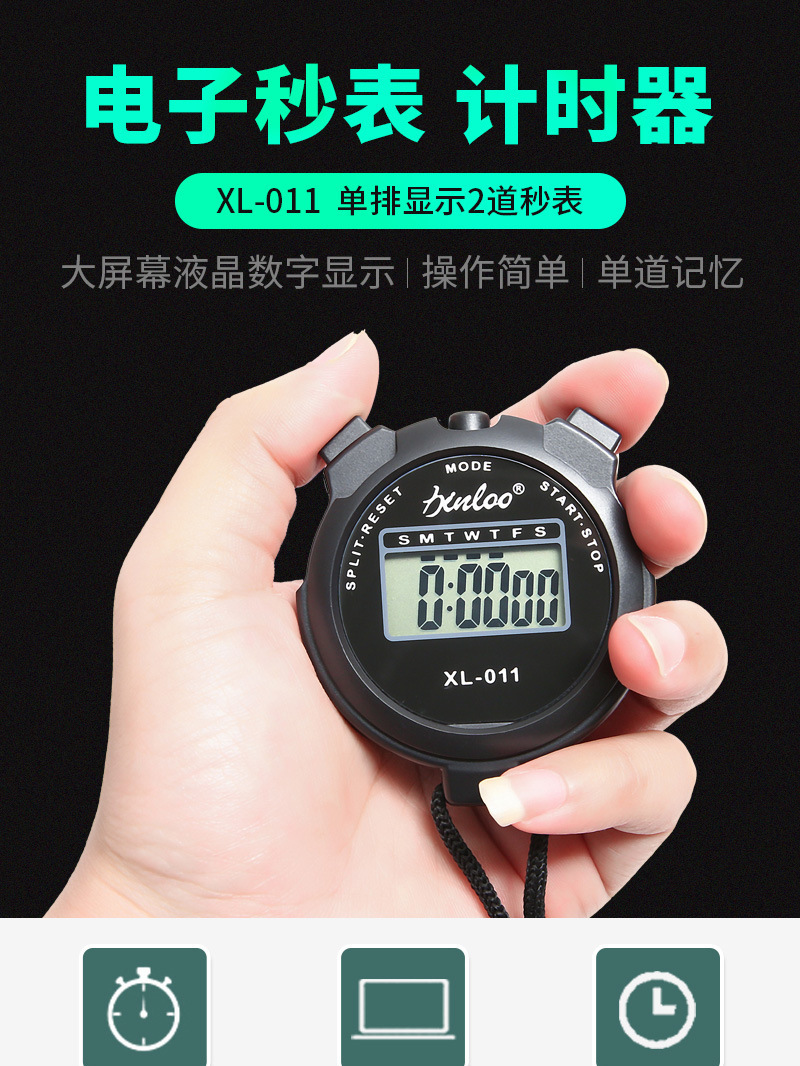
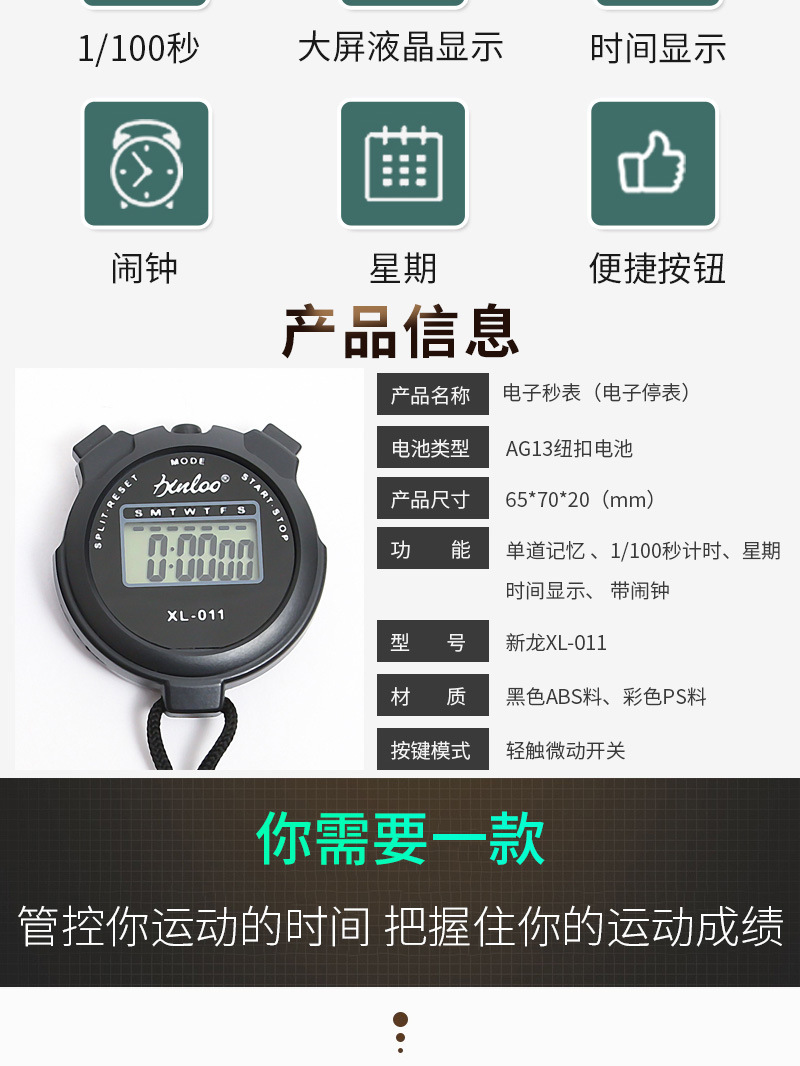
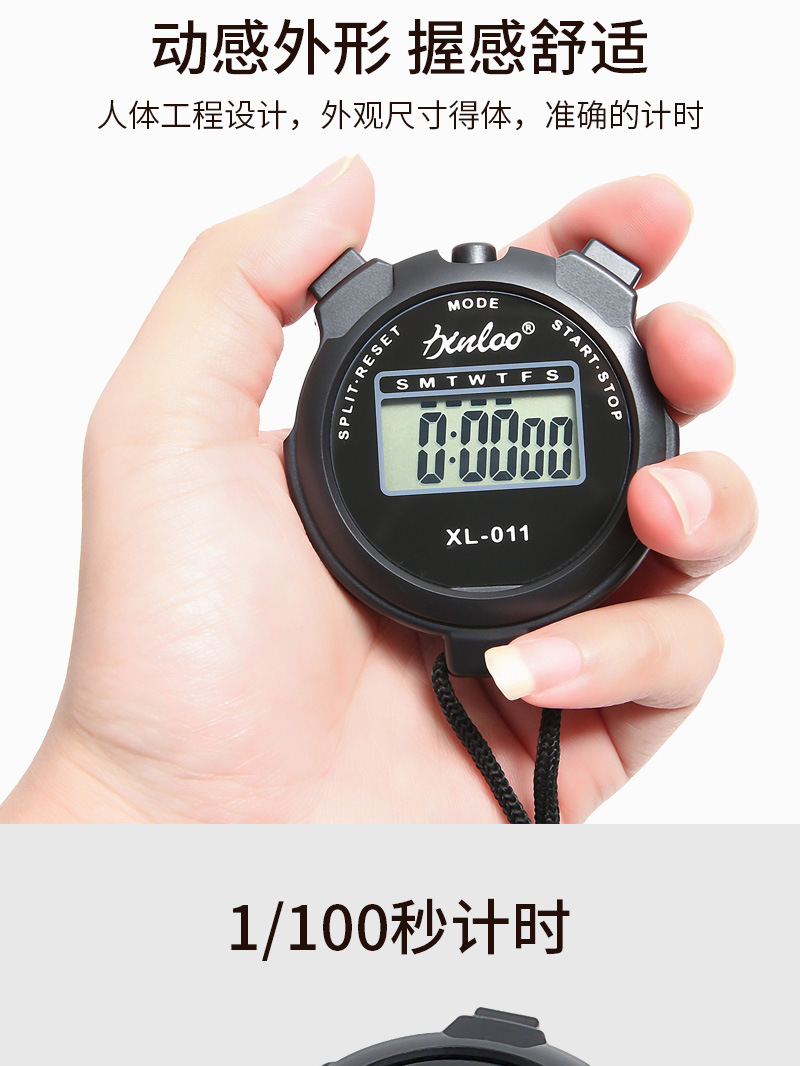
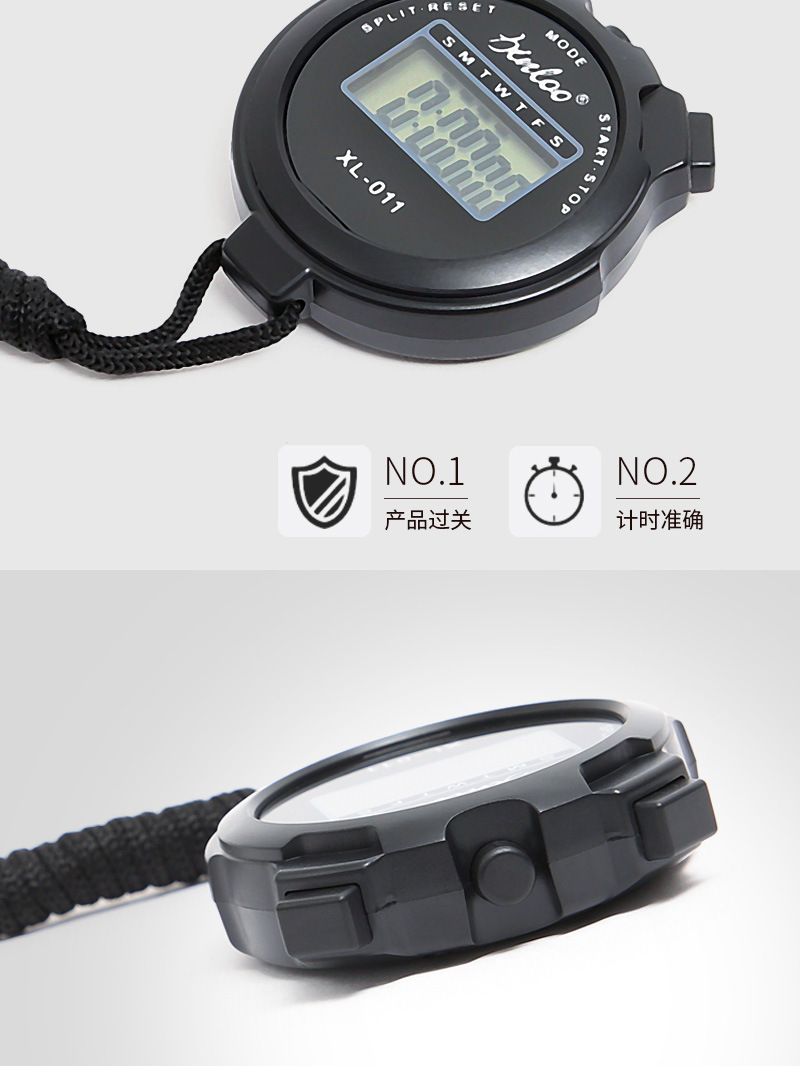
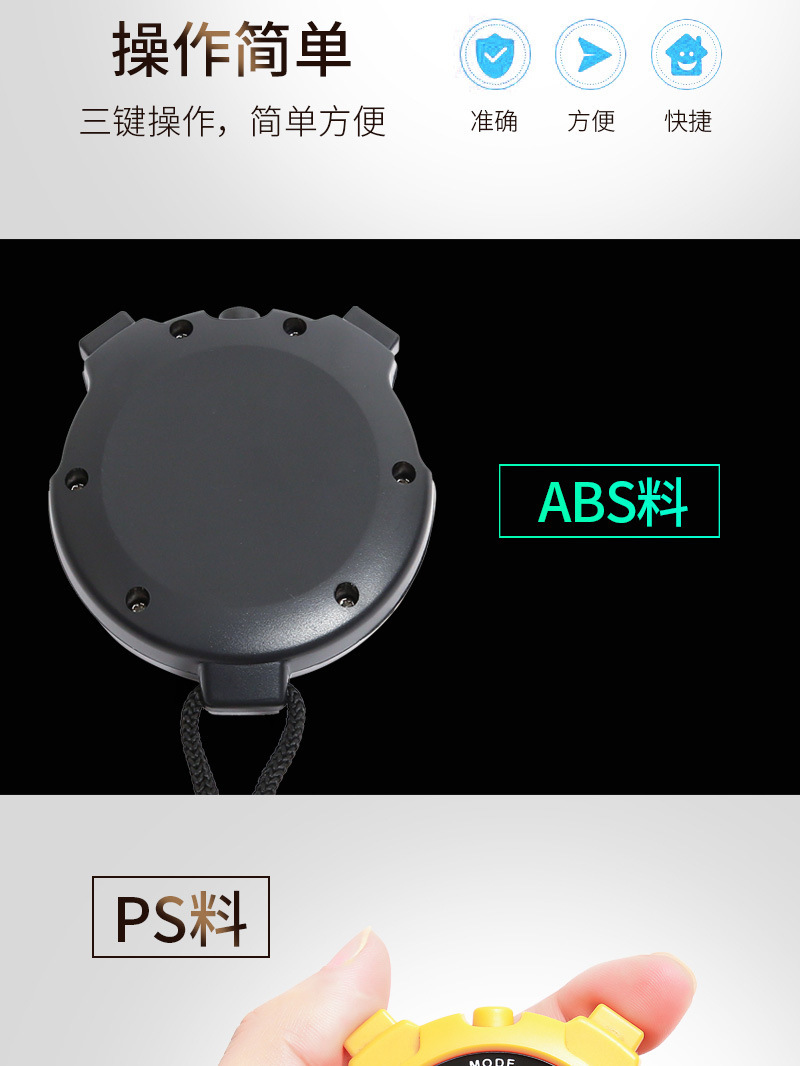




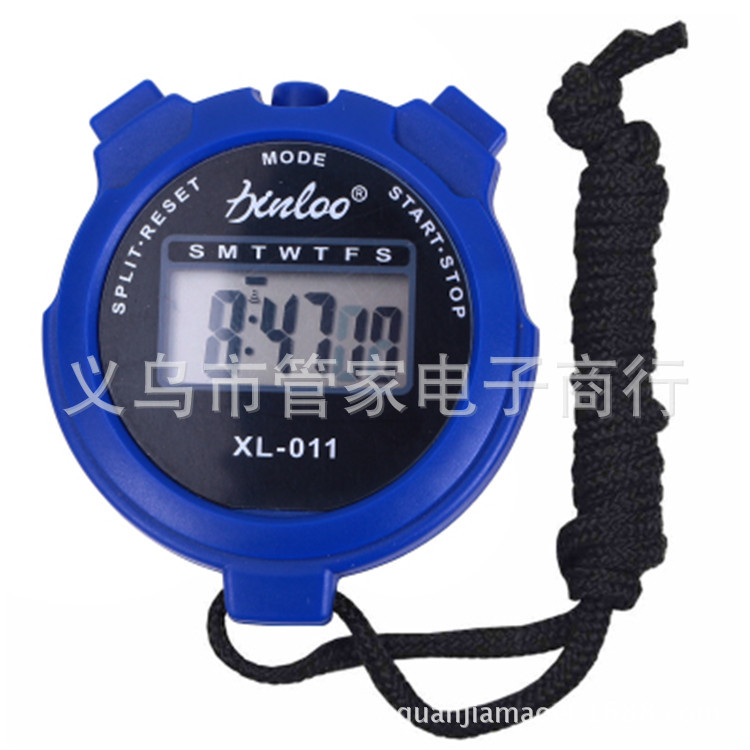


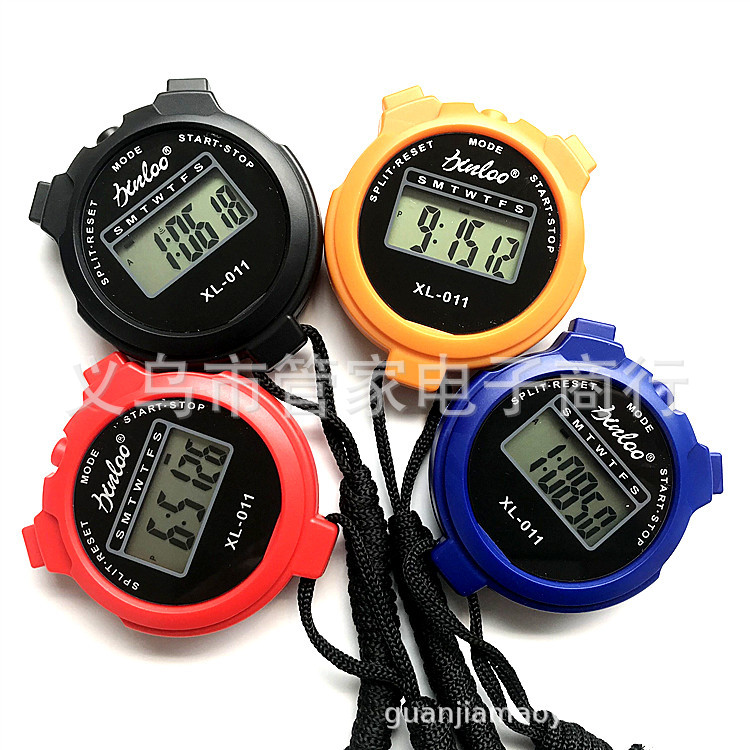
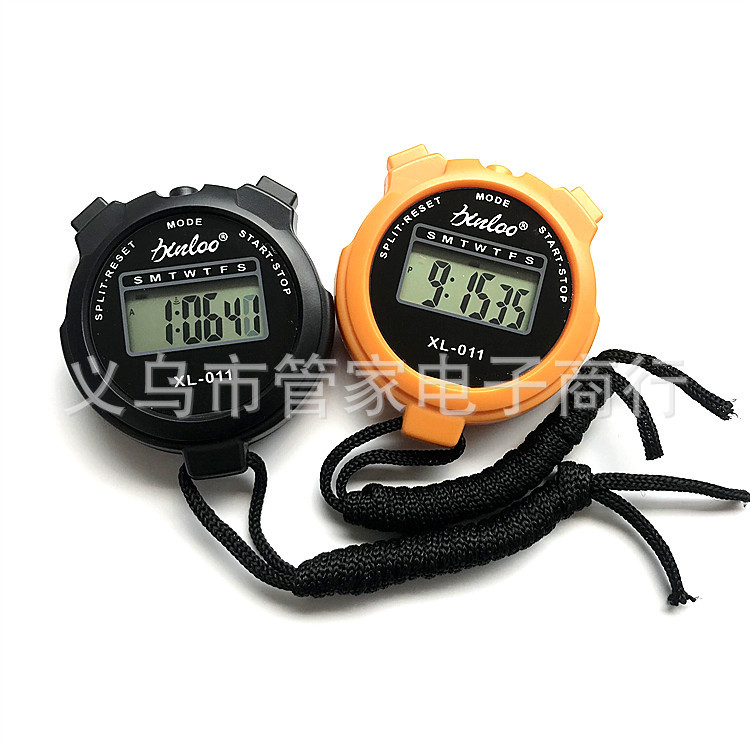


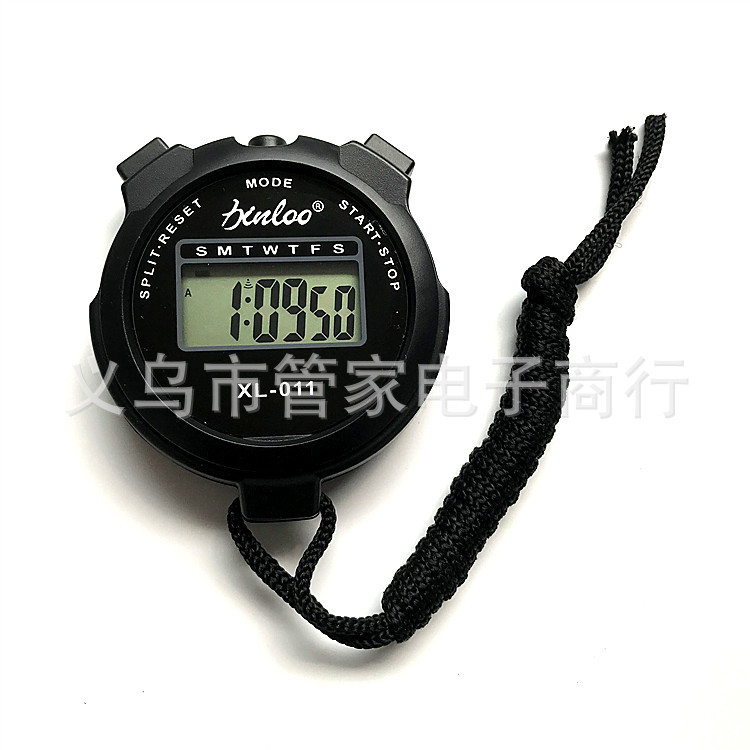

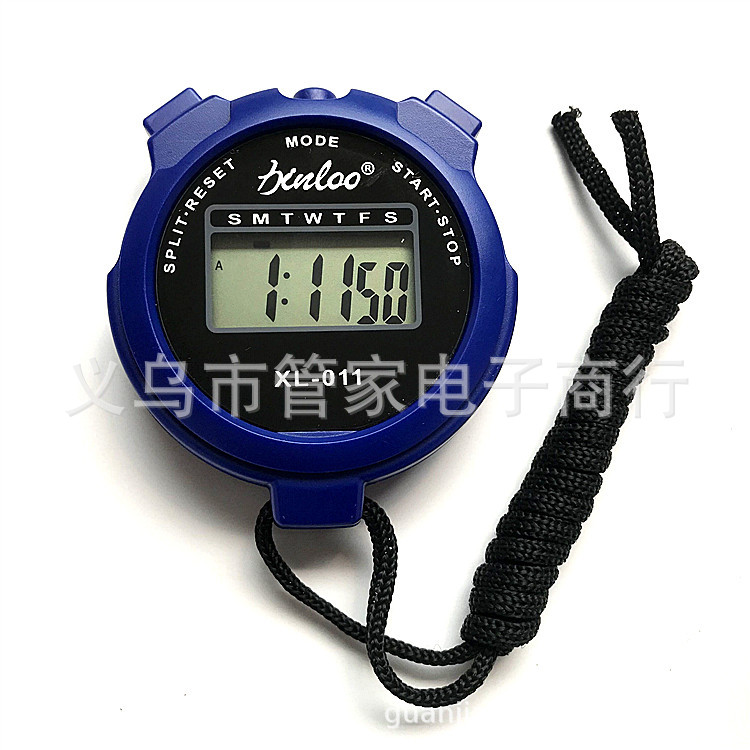
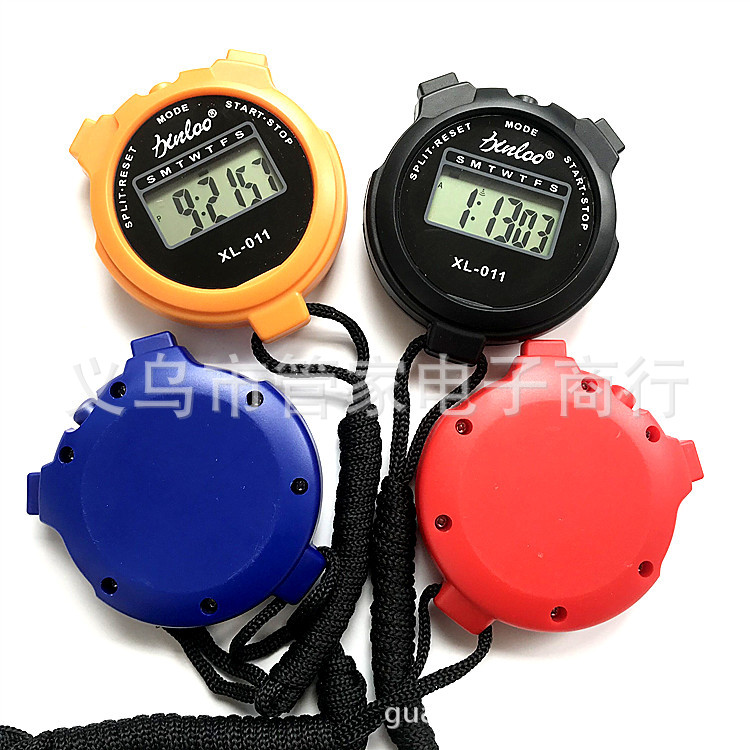

Stopwatch Timing:
Stopwatch Timing
Press the A button until the stopwatch displays. If the stopwatch is not zero, press the B button to stop the timer, and press the C button to reset to zero. Press the B button to start the timer, and press the B button again to stop the timer. (Repeat pressing the B button to repeat the start/stop action.) Press the C button to reset to zero.
2、Segmented Timing:
Press the B key to start the timer, press the C key to record the previous time (note: when the stopwatch is recording the previous time, the internal timer is still running), then press the C key to restore the time on the accumulated time (repeat the C key twice for each segment), press the B key to stop, and press the C key to reset to zero.
3、Two-stage timing:
Press the B key to start the timer, press the C key to display the first time period, press the B key to stop the timer, press the C key to display the second time period, and then press the C key to reset to zero.
Time, Calendar, Week. Alarm display:
Press the A key until the display shows normal time, press the B key to display the month, day, and day of the week; press the C key to display the alarm time, and press the B key and the C key simultaneously to set the alarm: Cancel/Keep.
Set time and calendar:
Normal walk seconds and week flashing, so you enter the time setting state. Press the B key to set the number (hold down to quickly set the number). Press the C key to select seconds, minutes, hours, days, months, and days of the week (A/R for 12-hour format, "A" represents morning; "P" represents afternoon; "H" represents 24-hour format) as the calibration object. After calibration is complete, press the A key to return to the time display state.
Set Time:
In normal mode, press the A key twice to make the time and day of the week flash simultaneously. This will enter the alarm setting mode. Then press the C key to select the hour and minute. Press the B key to change the minute and hour numbers, and press the A key to return to the time display.
Notes:
1. Avoid moisture;
2. Avoid contact with corrosive substances;
3. Avoid using it in environments with extreme temperatures;
4. Should not be exposed to direct sunlight for a long time or placed under strong light.
5. The best battery to use is an oxide silver battery, with a voltage of 1.5V.
Update time:


TOP


