Search history
Clear allSearch by image
XDrag and drop an image here or upload an image
Max 5MB per image
UploadSign In | Join

Search history
Clear allSearch by image
XDrag and drop an image here or upload an image
Max 5MB per image
UploadSign In | Join
X Email Mobile
 dual screen timer (version non-vibrative) white
|
¥17.0 | 957 piece available |
|
 dual screen timer (vibration version) white
|
¥20.0 | 1622 piece available |
|


A new item has been added to your Shopping Cart. You now have items in your Shopping Cart.
Note: The YS-218 white timer comes with vibration and without vibration (both without batteries). Please contact our customer service to indicate which function you need, and leave a message!
Patent product, quality assurance
Product features and specifications:
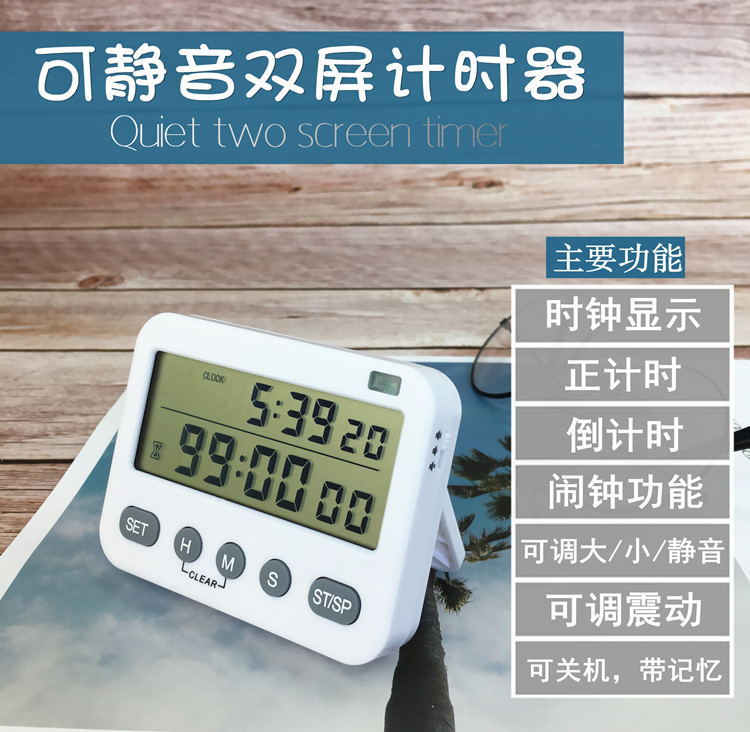
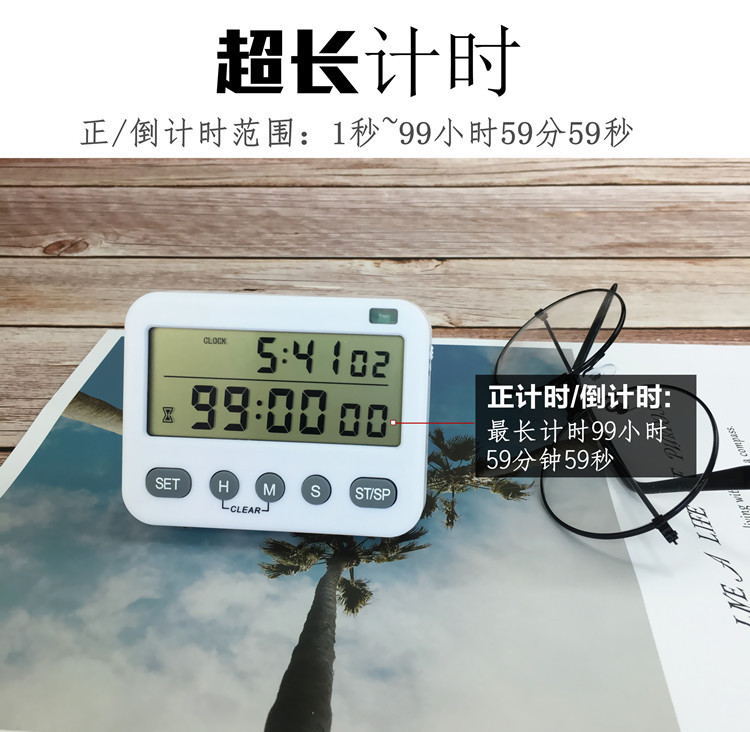
1. Product features: Clock, alarm (24-hour format), and countdown/countup function (up to 99 hours, 59 minutes, and 59 seconds).
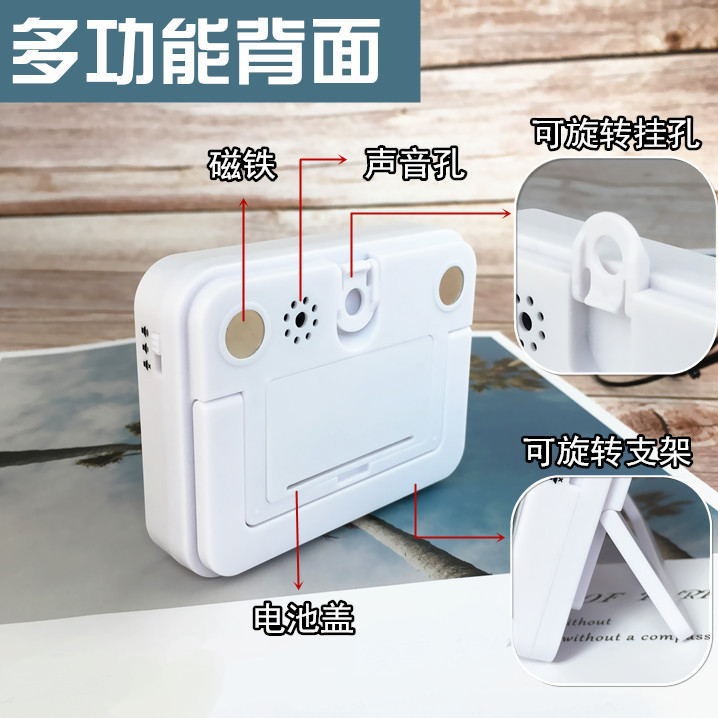
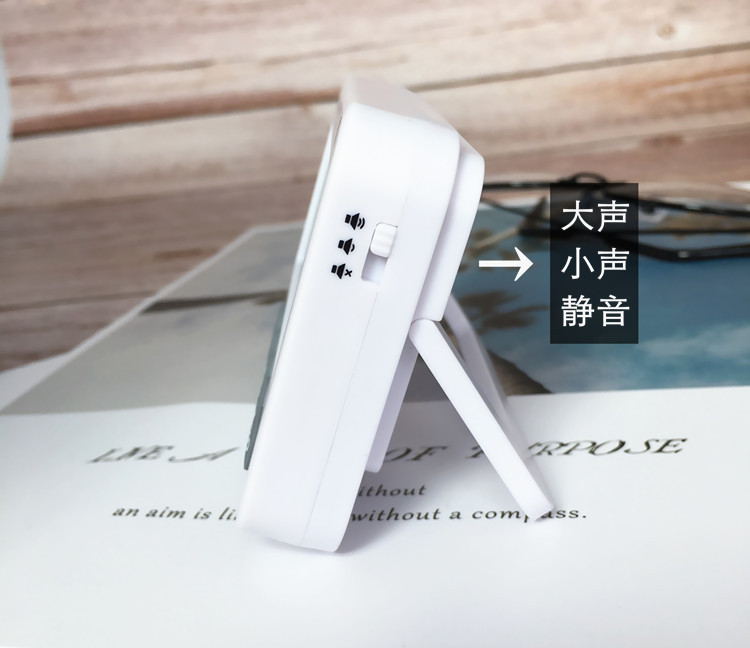
2. Prompt Method: Voice Prompt, Flashlight Prompt, Vibration Prompt (Alarm Mode: Press the HM Key to Turn On or Off Vibration Simultaneously)
Note: This setting is only available for models with vibration, and is not available for models without vibration.
3Standby mode: Press the SET key continuously while holding down the ST/SP key to enter the standby mode. Any key can be pressed to wake up the device in the standby state.


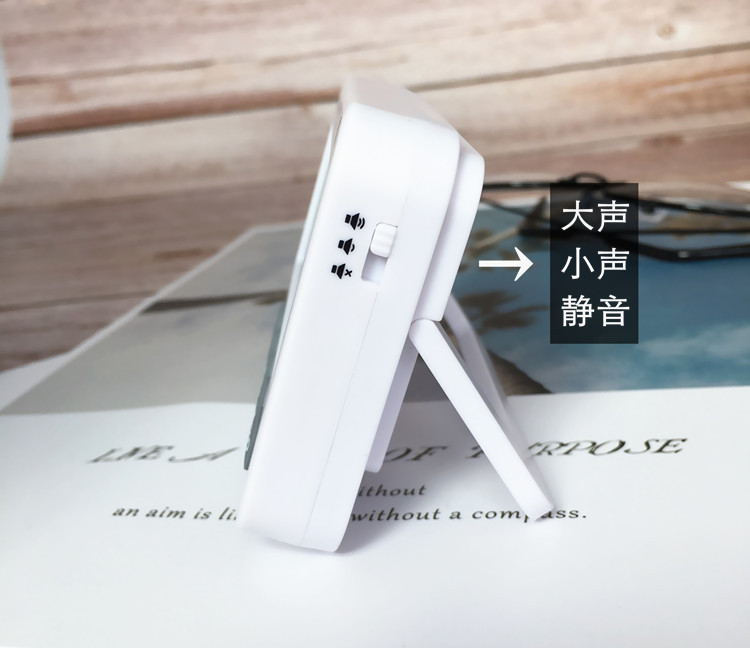

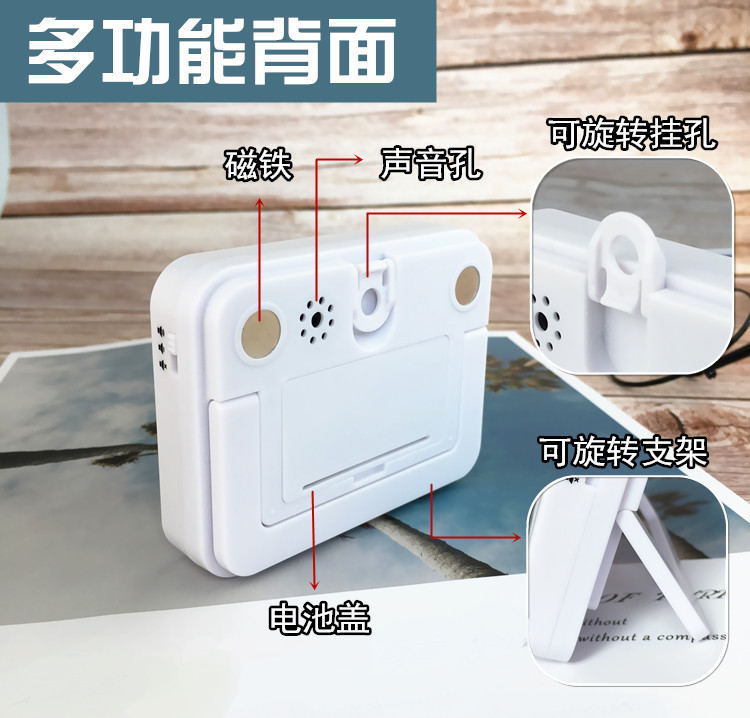
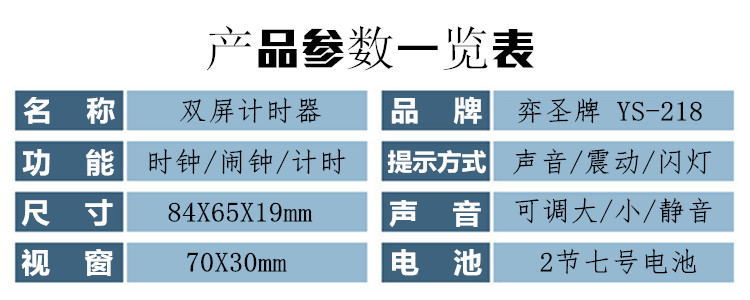

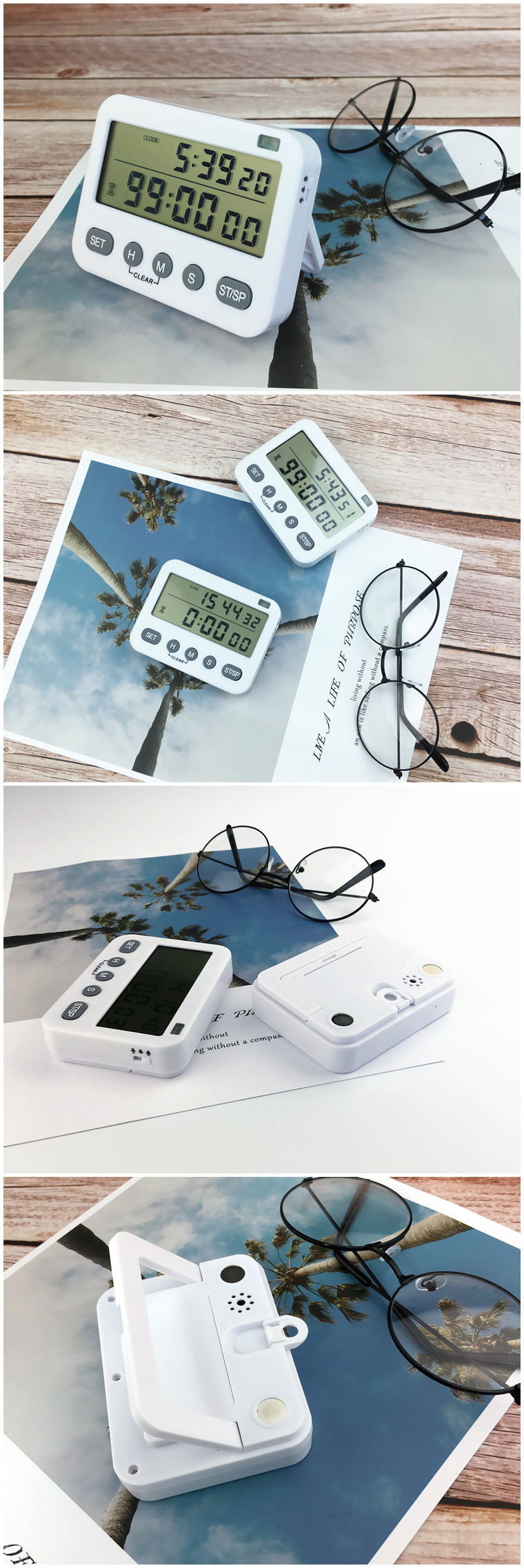
218 Timer
1. Clock SettingsIn the clock interface (The interface labeled 'CLOCK' in the upper left corner is the clock interface.Long-press the SET button (hold for about 3 seconds), and when the time flashes, set the time.
Alarm clockIn the current clock mode, press the SET button once to switch to the alarm interface (there is an alarm symbol in the upper left corner), and long press the SET button to enter the settings.Hold for about 3 seconds.Set the alarm according to the time and minutes, and you can turn on or off the alarm by pressing the ST/SP key after setting is completed. (The little bell at the top left indicates that the alarm is turned on).
3. Vibration to activatePress the "set" button to switch to the alarm interface, and then ("Alarm clock display interfacePressing both the H and M buttons simultaneously can turn on or off vibration.
4. Timer ResetAfter the pause, press both the HM buttons simultaneously to reset.
CountdownAfter the timer is reset, press HMS to set the hour, minute, and second. Once set, press start and it's ready to go.
6. Start CountdownIn the interface of the clock display, if the timer is in the reset state, pressing the start button will start the normal timer.
ShutdownHold down the SET button without releasing it, and press the ST/SP button simultaneously to turn off the clock. Any button can be pressed to turn on the clock after it is turned off.
Update time:


TOP