Search history
Clear allSearch by image
XDrag and drop an image here or upload an image
Max 5MB per image
UploadSign In | Join

Search history
Clear allSearch by image
XDrag and drop an image here or upload an image
Max 5MB per image
UploadSign In | Join
X Email Mobile
| Number | Unit-price | Total | |||
| I want to buy: | × | 14.5 | = | 0 |


A new item has been added to your Shopping Cart. You now have items in your Shopping Cart.
Product Description
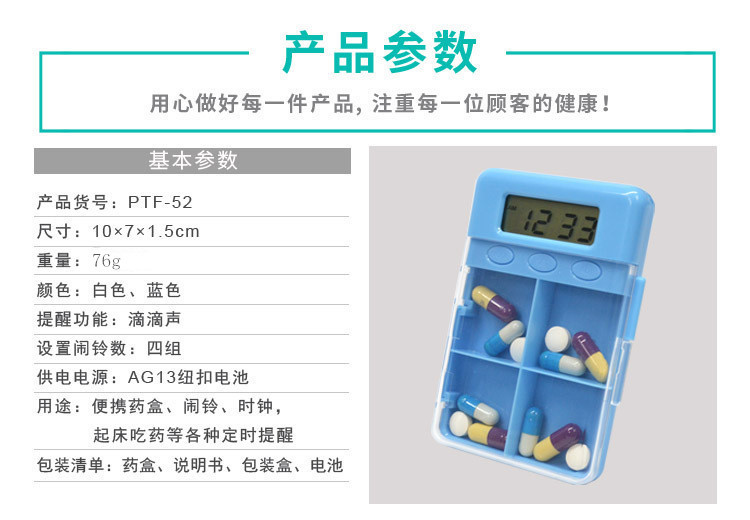
In life, you may also encounter such problems, forgetting to bring your medicine due to being too busy at work.
or missed the medication time due to poor memory, which is common in the elderly at home.
These will affect the health of the body, not conducive to the recovery of the disease, don't worry, our product
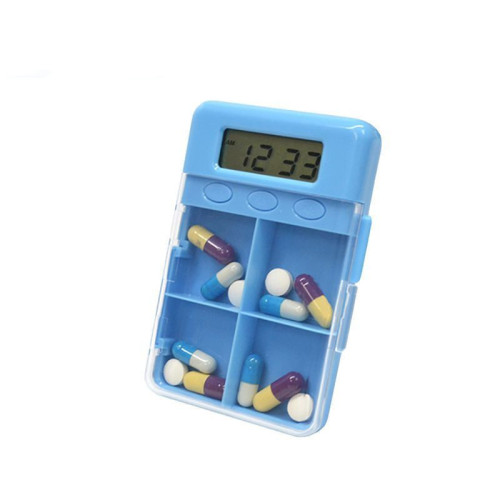
The medication box with a timer can perfectly solve these factors that are harmful to your health. The box is equipped with a timer.
Environmental protection material, convenient and portable, simple operation, set a countdown reminder for medication
It is an indispensable little assistant for protecting the health of you and your family.
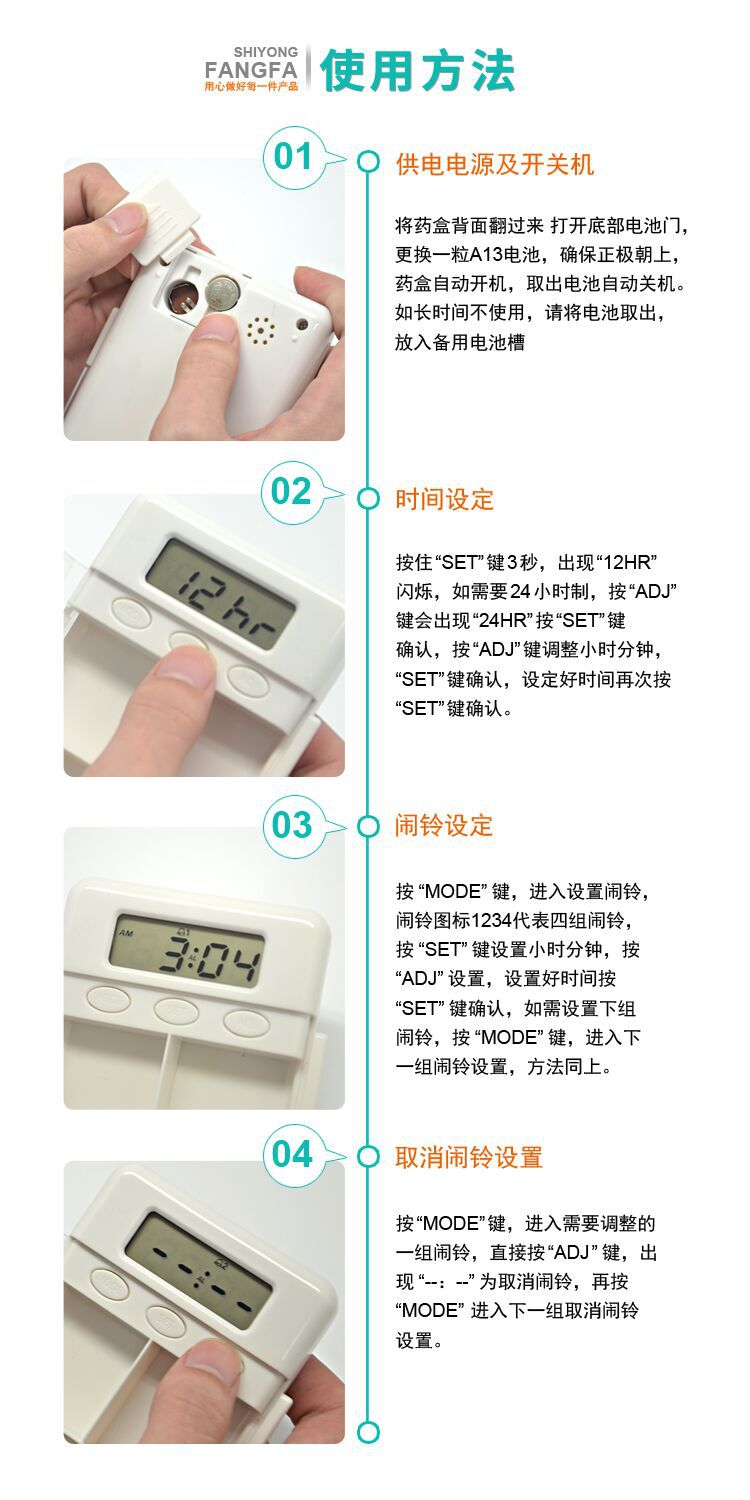
Medication Box Timer Packaging Materials
Product size: 10*7*1.5cm
Product net weight: 43g
Product gross weight: 58g
External Box Size/Quantity: 41*26*27cm (100PCS/CTN/8.4KG)
Absorbent Cardboard Packaging
CE Certification/RoHs Certification:

Product features:
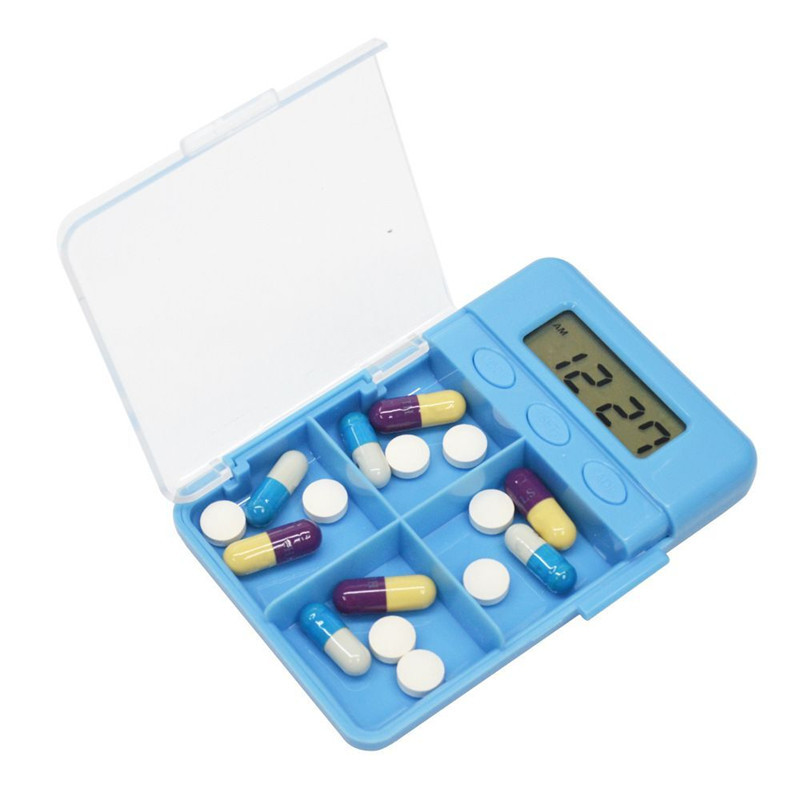
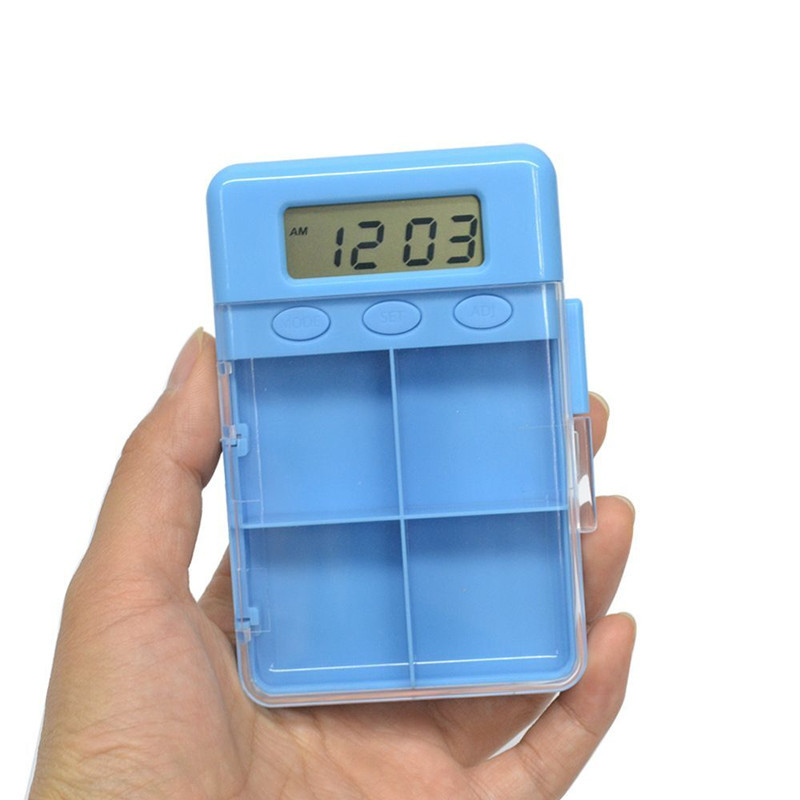
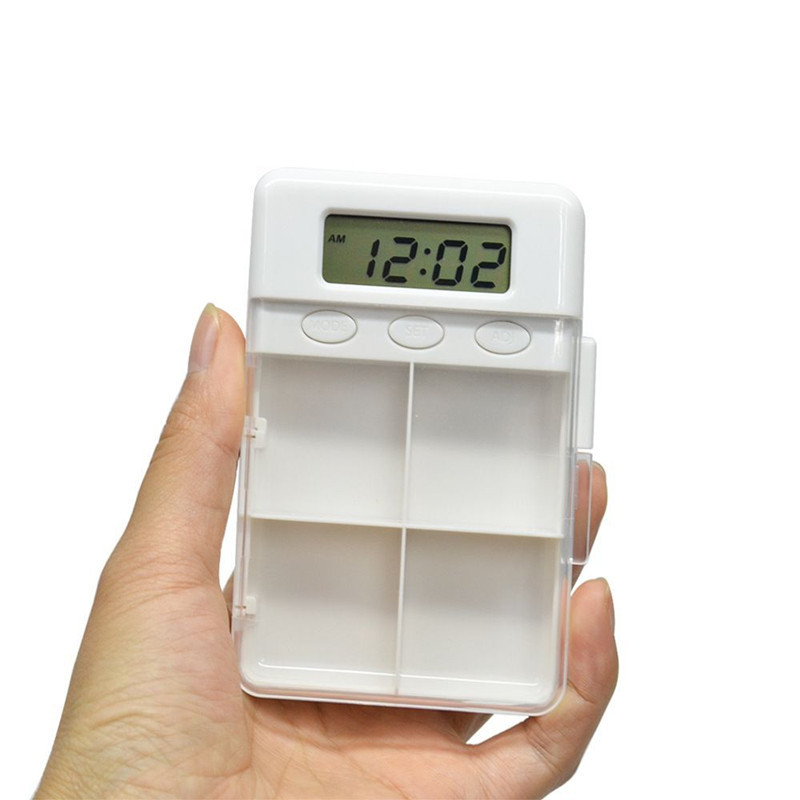
1) Four-cell drug storage space, internal type button.
2) Can set four groups of alarm clocks at one time, or set them separately.
3) Three-button operation is simple, and the LCD screen is large and displays clearly.
4) Clock function, capable of 12/24-hour time conversion.
5) A "didi" sound reminder lasts for 1 minute.
threeKey Timer Function Operation Instructions:
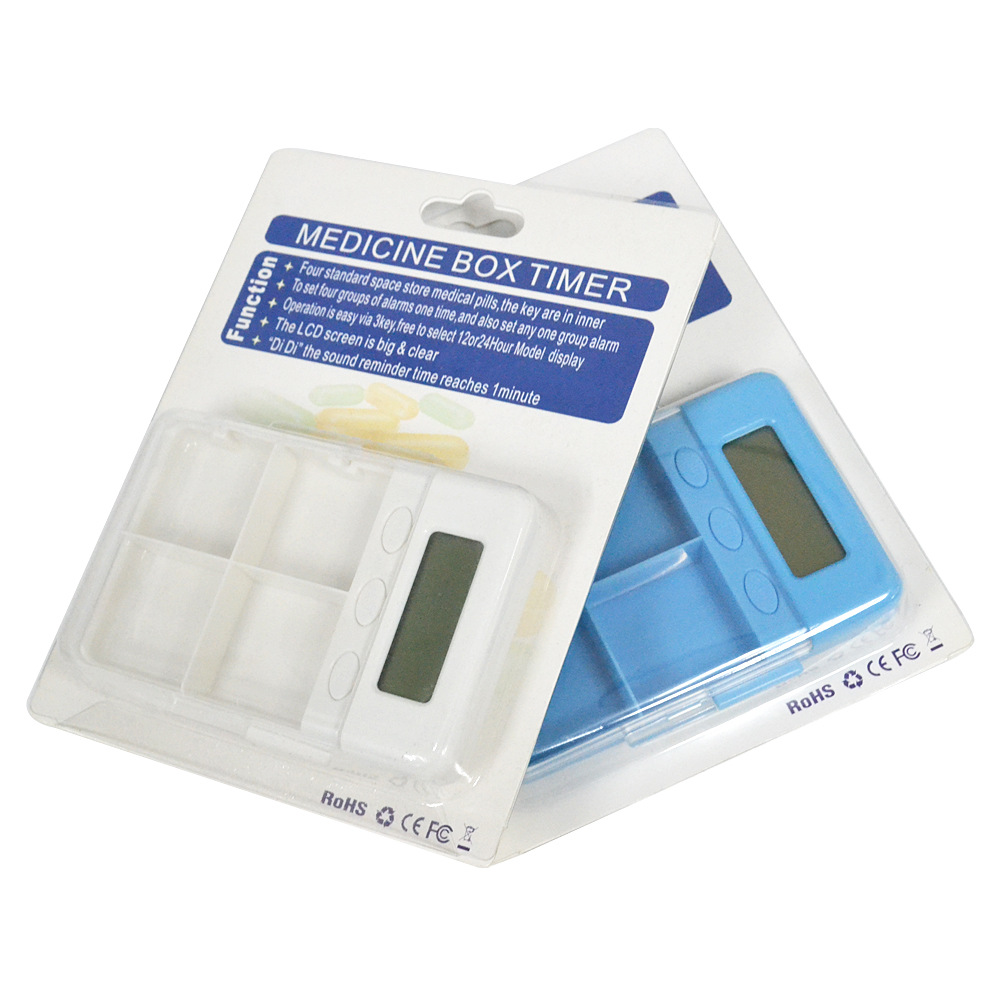
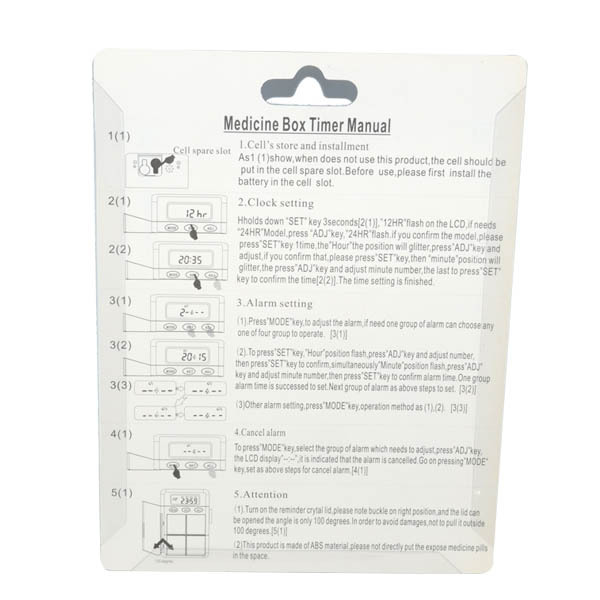
1、Clock setting
Hold the "SET" button for 3 seconds, and the "12HR" will blink. If you need 24-hour format, press the "AD" button, and the "24HR" will appear. Confirm by pressing the "SET" button once. Then the "hour" position will blink. Press "ADJ" to adjust, and confirm by pressing the "SET" button. Then the "minute" position will blink. Press "ADJ" to set the "minute," and confirm by pressing the "SET" button. The setting is complete.
2、Alarm setting
1) Press the "MODE" key to enter the alarm setting mode. If you only need one group of alarms, you can select any group from the four available.
2) Press the "SET" key, "hours" will blink, press "ADJ" to set, then press "SET" to confirm. Meanwhile, "minutes" will blink, press "ADJ" to set, and then press "SET" to confirm. A group of alarm settings has been successfully completed.
3) To set the next group of alarms, press the "MODE" key to enter the next group alarm setting, the method is the same.
3、Cancel the alarm
Press the "MODE" key to enter the group of alarm that needs to be adjusted, directly press the "AD" key, and the appearance of "--:--" is to cancel the alarm, and then press the "MODE" key to enter the next group of alarm cancellation settings.
Change the battery:
1) Turn the medicine box over, pull open the bottom battery door, replace the AG13 battery, and ensure that the positive pole (+) is facing up.
2) If you do not use this product for a long time, please remove the battery and place it in the spare battery slot.
Update time:


TOP