Search history
Clear allSearch by image
XDrag and drop an image here or upload an image
Max 5MB per image
UploadSign In | Join

Search history
Clear allSearch by image
XDrag and drop an image here or upload an image
Max 5MB per image
UploadSign In | Join
X Email Mobile
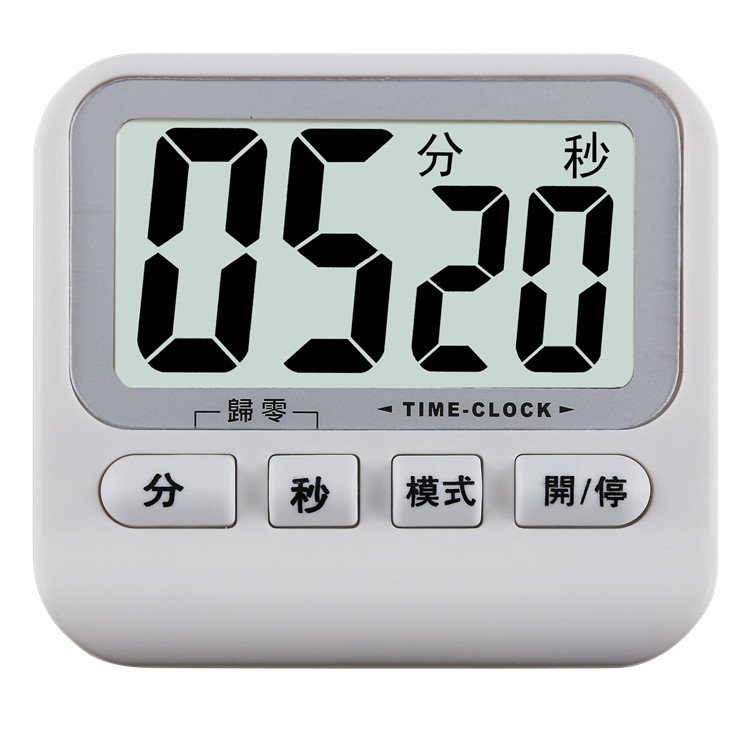
 white
white
|
¥0.0 | 4998 piece available |
|
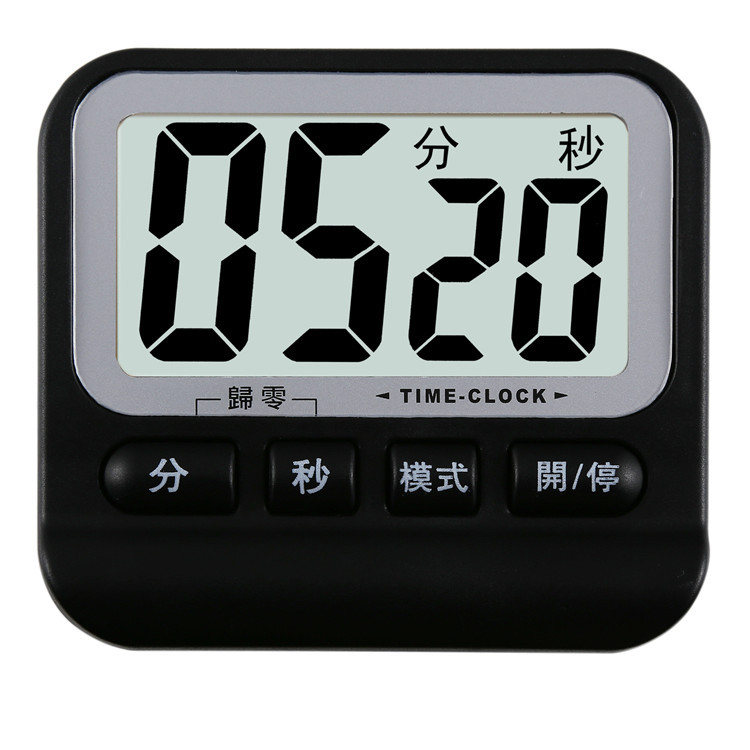
 black
black
|
¥0.0 | 5000 piece available |
|


A new item has been added to your Shopping Cart. You now have items in your Shopping Cart.
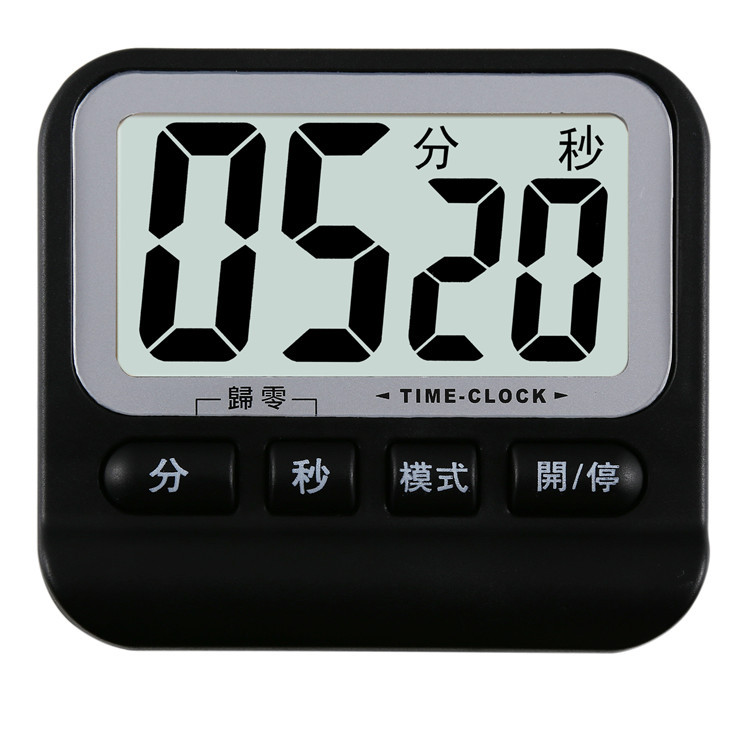
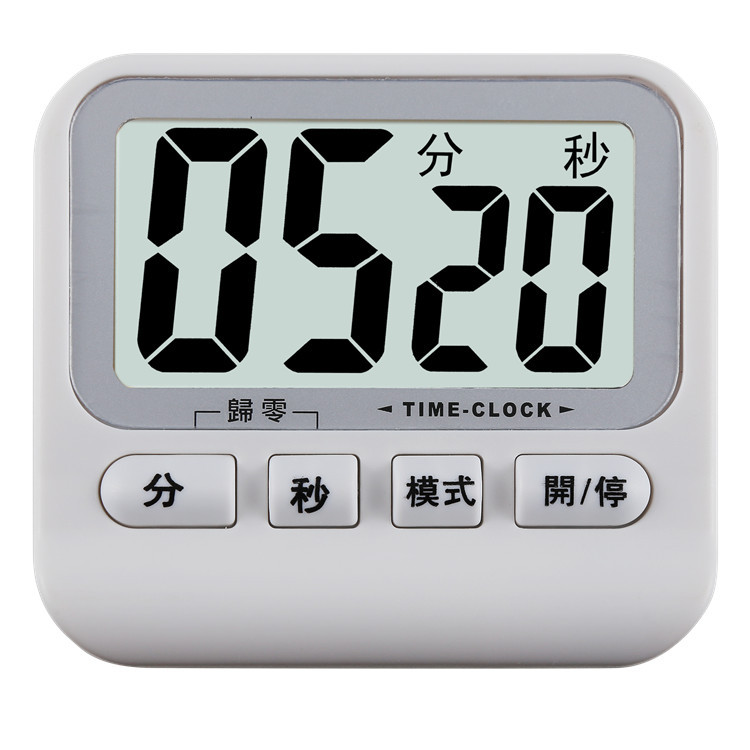
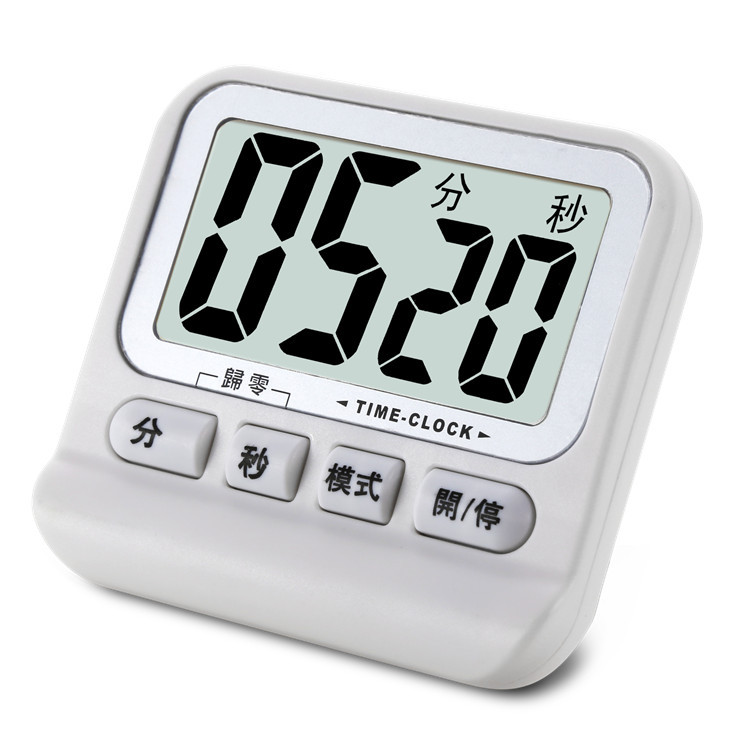
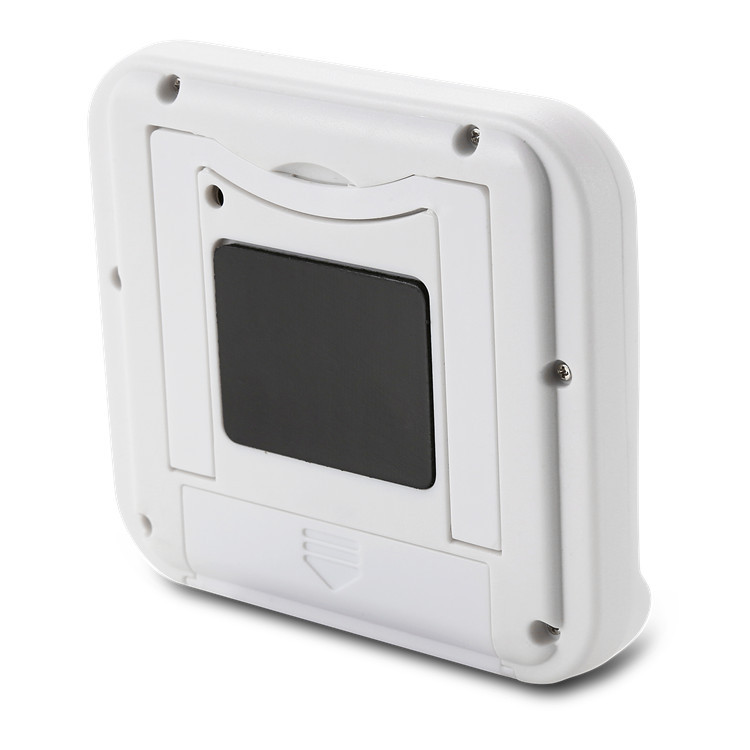
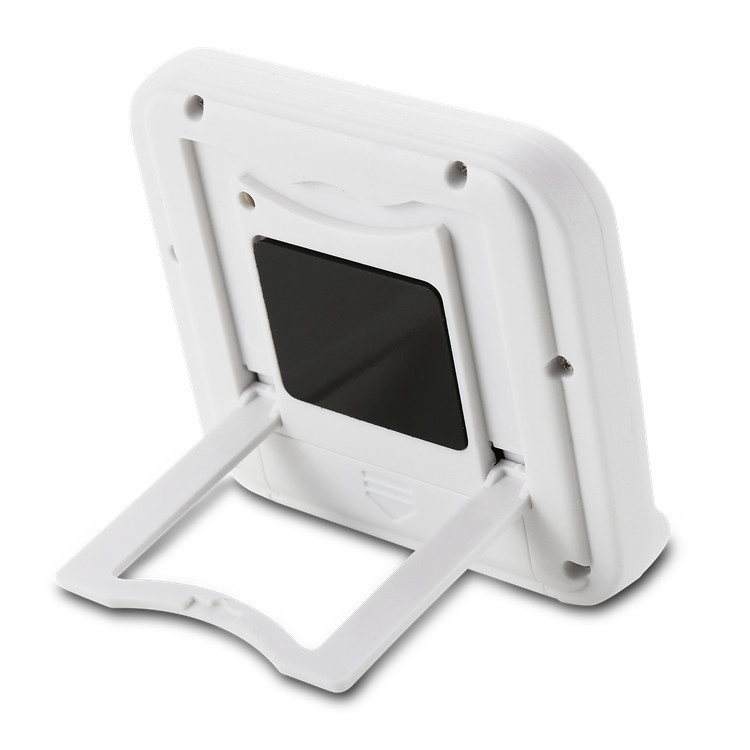
BK-741
1. Product Features:
Electronic positive countdown/with memory replay/with clock/with alarm clock.
Product Application:
Parking, abacus, dozing, medication, experiment, beauty, etc.
Three Function Introduction:
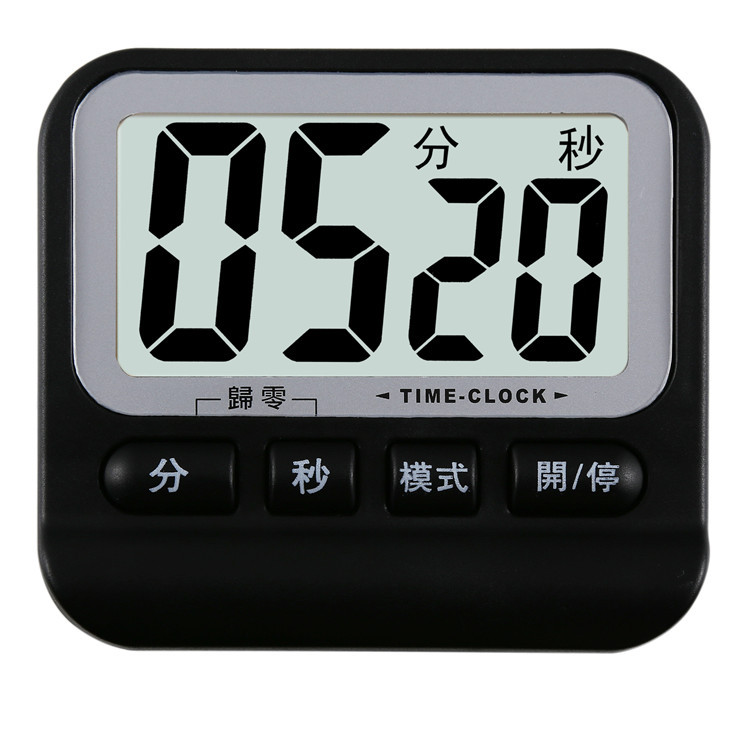
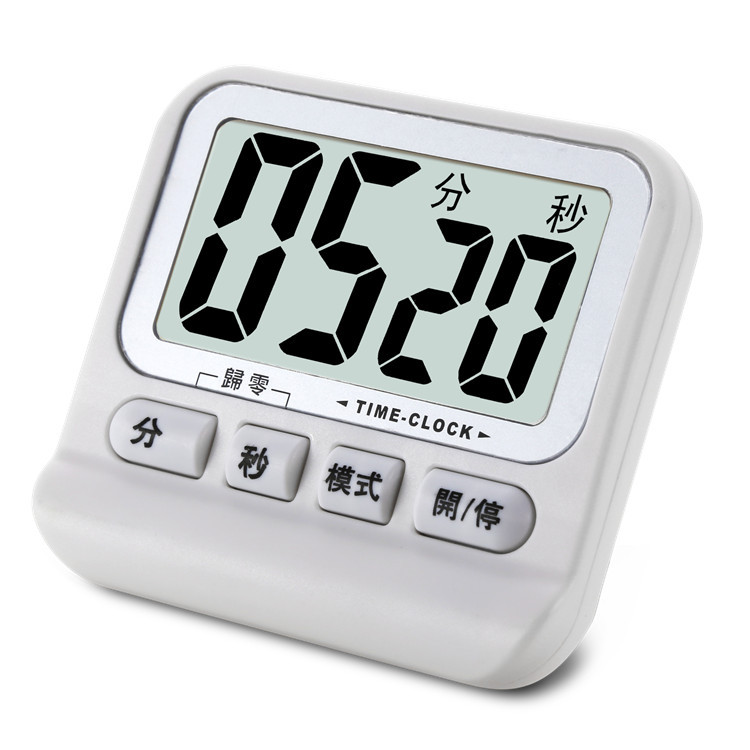
When powered on, the display shows the countdown mode with "00分 00秒". Press the "模式" key to enter the clock mode (where the time signal flashes at 0:00) → the alarm mode (where the screen shows the speaker icon) → the countdown mode, and the cycle repeats in order.
A:Countdown function setup
1. Press the "Mode" key to enter the countdown mode. Press the "Minutes" and "Seconds" keys to directly set the values of minutes and seconds. The maximum value is 99 minutes and 59 seconds.
2. Press the 'Start/Stop' button to enter the countdown state. The 'Minutes' and 'Seconds' flashing numbers will decrease. If you press the 'Start/Stop' button again, you can achieve segmented countdown. When the time is 0, the system will sound an alarm, and the countdown function will be completed.
3. Press any key to stop the time alarm, display the last set time, and enter the memory replay function;
4. If both the 'minutes' and 'seconds' keys are pressed at the same time, all the numbers will be reset to zero, and the memory replay function will be cancelled.
B. Timer Function Setup:
1. In countdown mode: In countdown mode, such as displaying "00 minutes 00 seconds", press the "Start/Stop" key to enter the normal timing function. The digits for "minutes" and "seconds" will flash and increment. Press this key again to enter the pause mode, and then press it again to restart the count. The maximum value of the count is 99 minutes and 99 seconds.
2. In the countdown state, if there is a numerical display, press the "minutes" and "seconds" keys simultaneously to make all the numbers zero. To repeat the action in (1) again.
C: Time Setting:
1. Press the "Mode" key to enter the clock mode. Hold down the "Minute" key for 3 seconds to enter the time setting state. The hour will flash. Press the "Second" key to adjust the value, and then press the "Minute" key to enter the minute setting. The "Second" key can be used together to adjust the minute value.
2. Press the 'Minute' button or wait for a certain number of seconds, and then return to the time mode to enter the timekeeping state.
Alarm function key:
1. Press the "Mode" key to enter the alarm function setting, hold down the "Minute" key for 3 seconds to enter the alarm time setting, the hour will flash, press the "Second" key to adjust the value, then press the "Minute" key to enter the minute setting, the "Second" key can be used together to adjust the minute value, and then press the "Minute" key to confirm the alarm time.
2. Press the 'Start/Stop' button, and the screen will display a loudspeaker pattern, indicating that the alarm function has been enabled. To turn off the alarm function, press the 'Start/Stop' button again.
3. Press the 'Mode' key or wait for a few seconds to return to the clock mode.
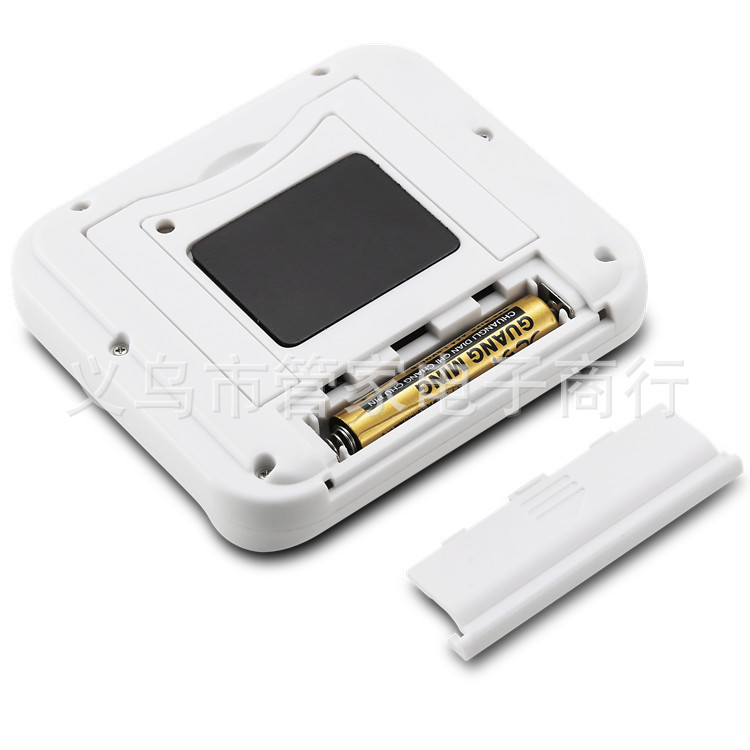
Section Four: Battery Changes:
1. When the timer becomes unclear and the sound weakens, replace the batteries.
2. Use AAA7 batteries;
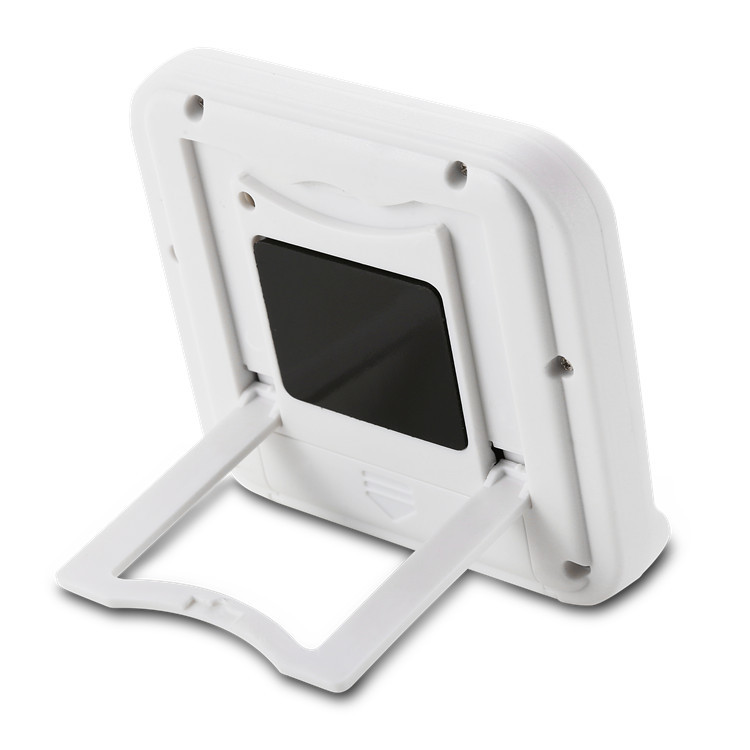
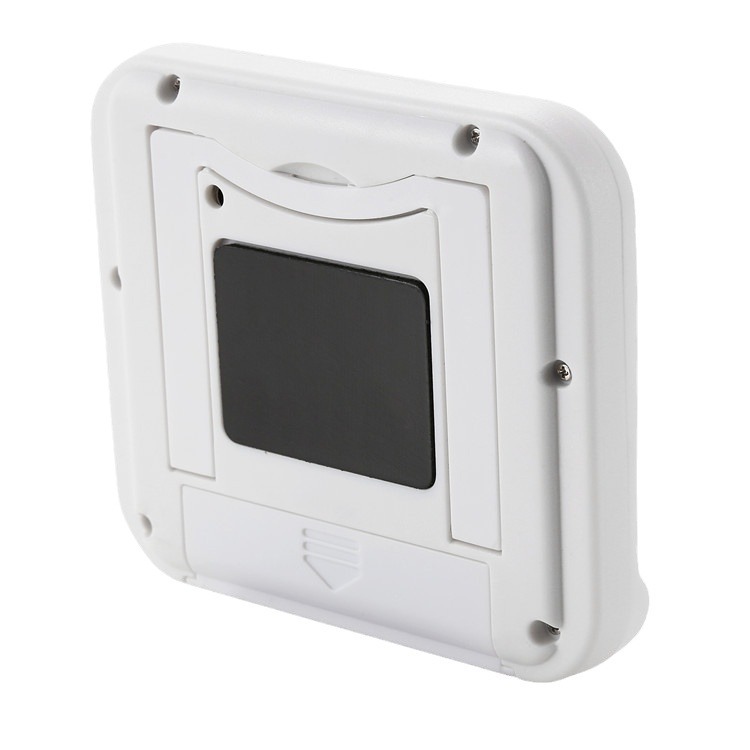
3. Slide open the battery door, remove the old battery, distinguish the positive and negative poles of the battery, and then put it in. Push the battery door back to its original position.
Update time:


TOP