Search history
Clear allSearch by image
XDrag and drop an image here or upload an image
Max 5MB per image
UploadSign In | Join

Search history
Clear allSearch by image
XDrag and drop an image here or upload an image
Max 5MB per image
UploadSign In | Join
X Email Mobile
| Number | Unit-price | Total | |||
| I want to buy: | × | 6.0 | = | 0 |


A new item has been added to your Shopping Cart. You now have items in your Shopping Cart.
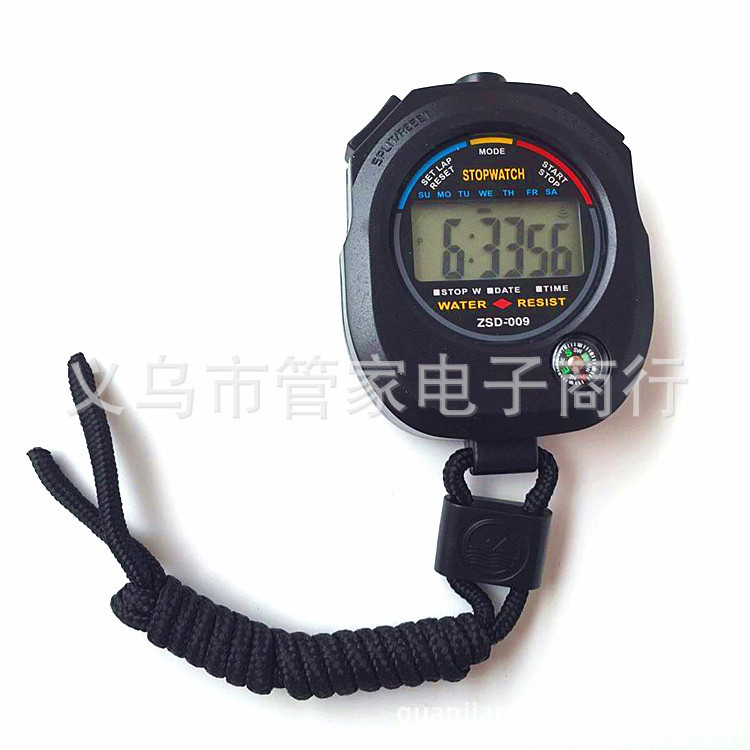
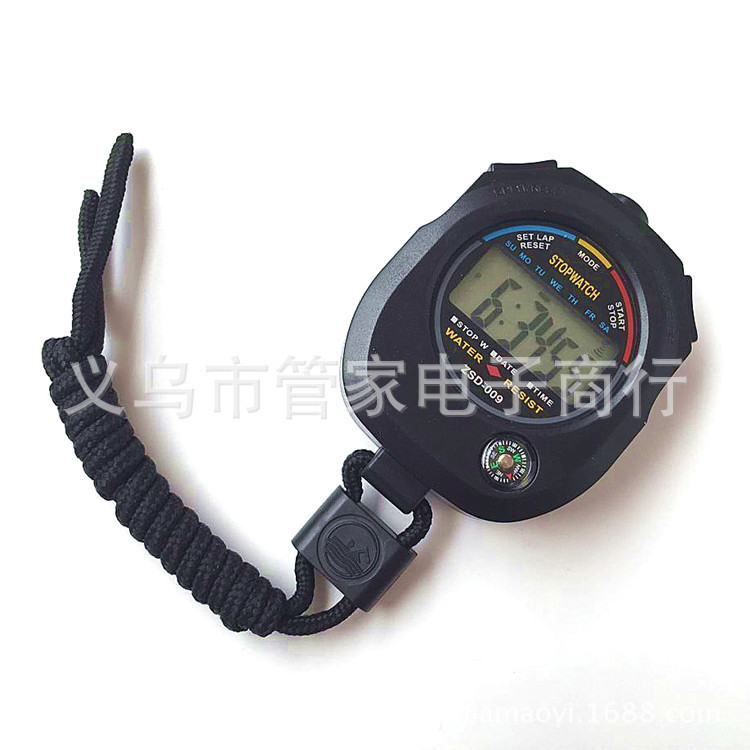
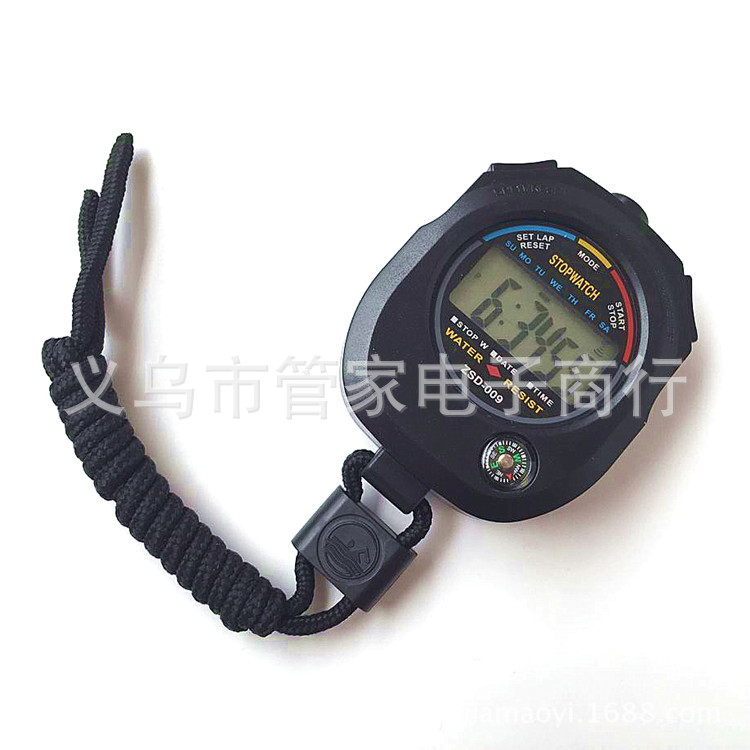
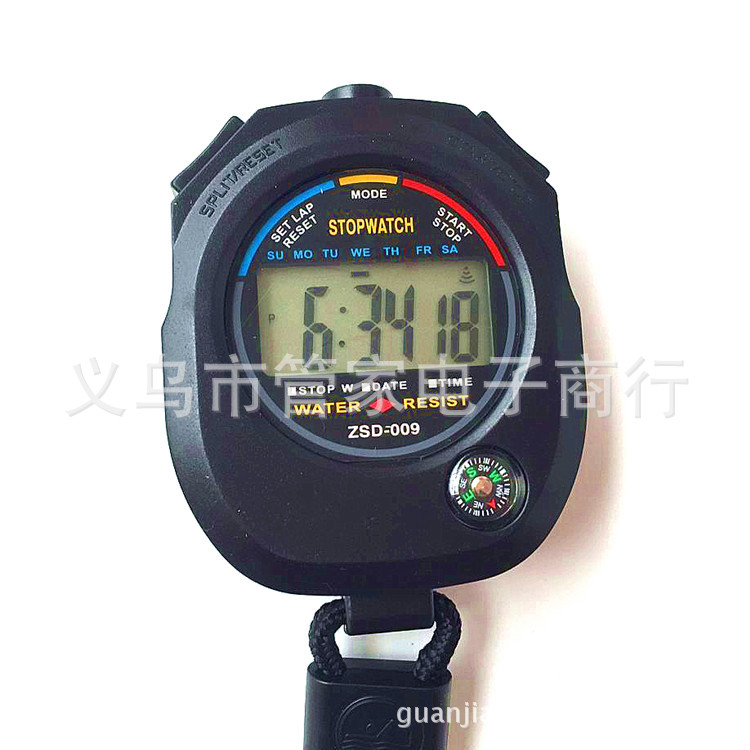
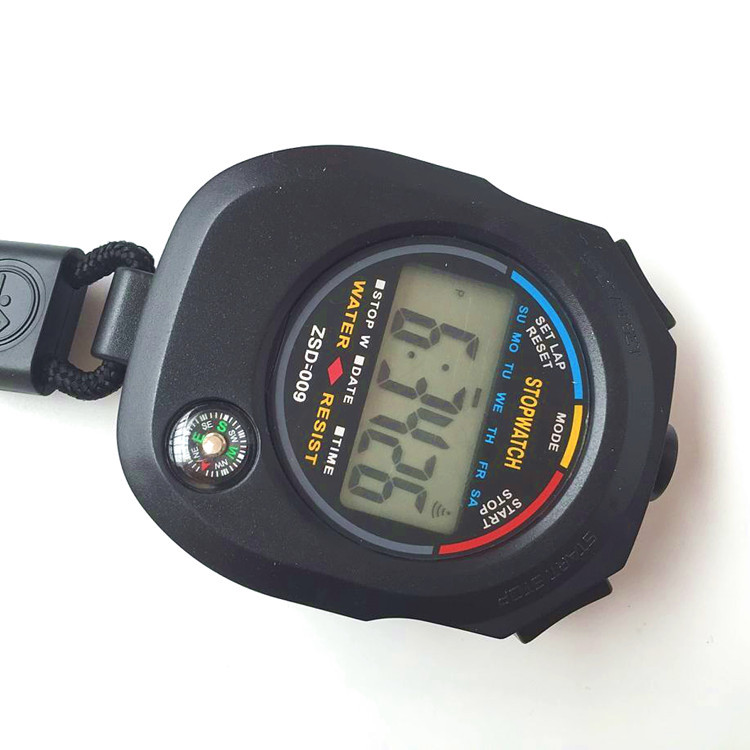
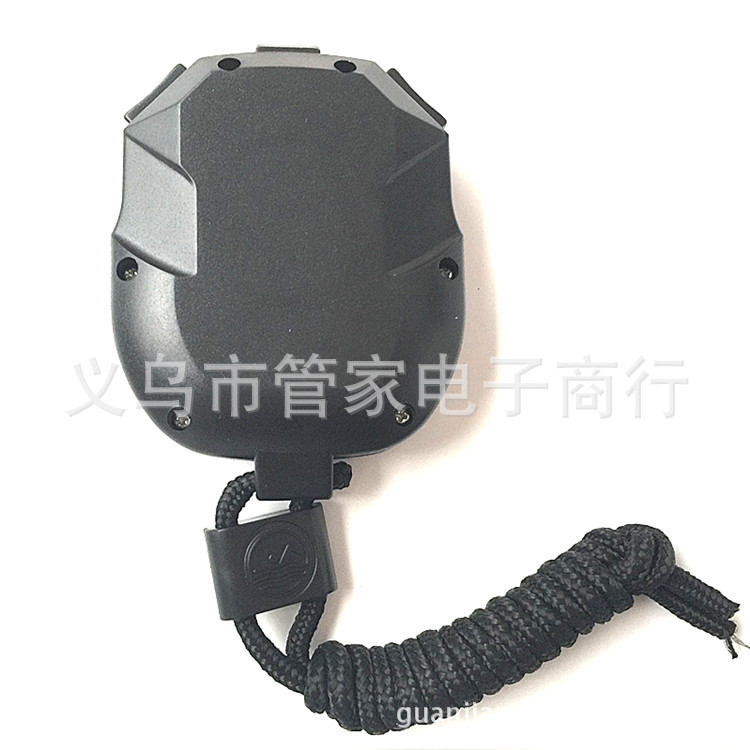
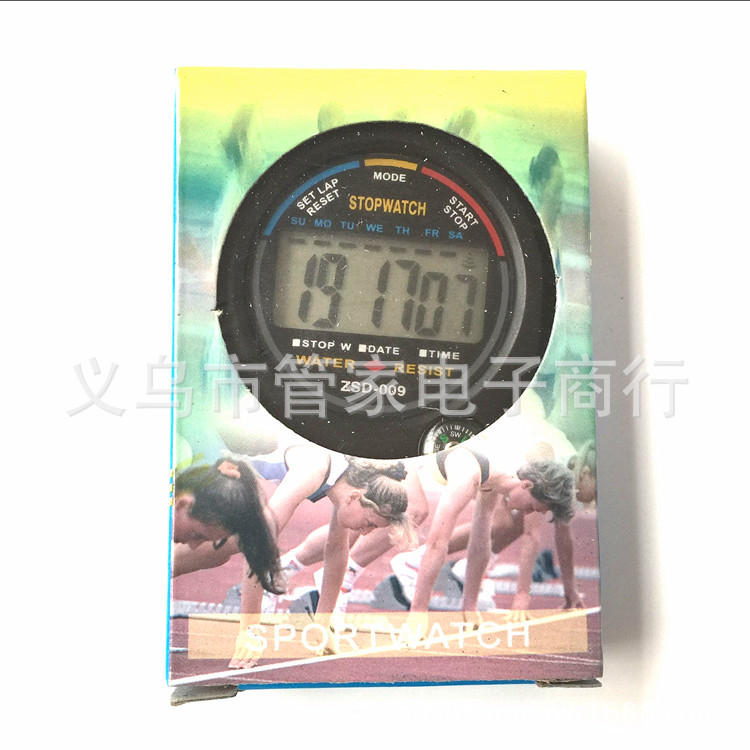
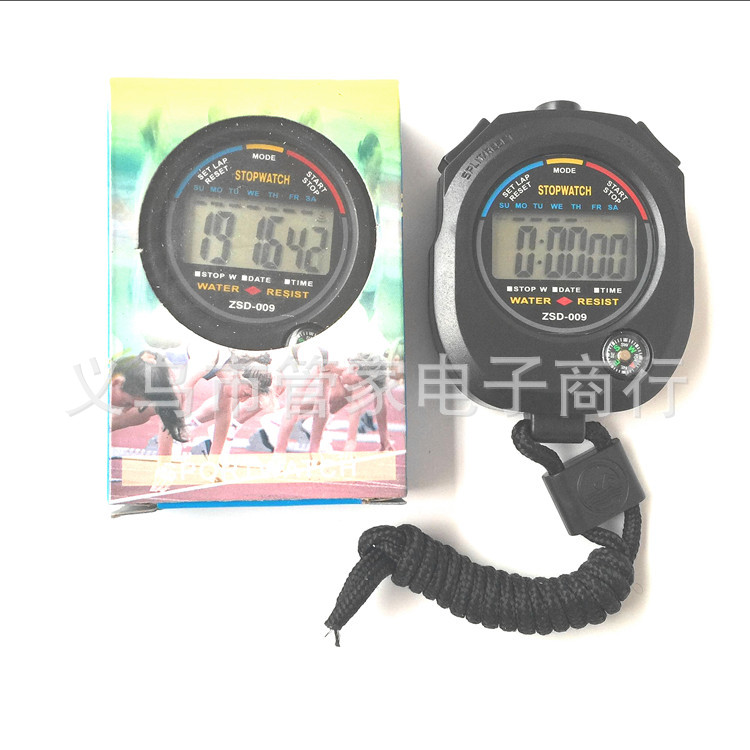

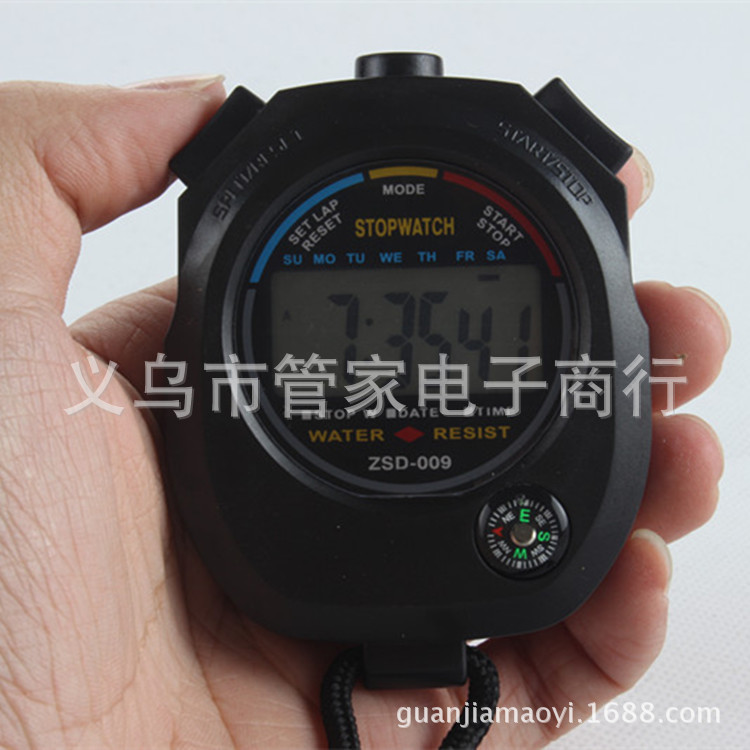
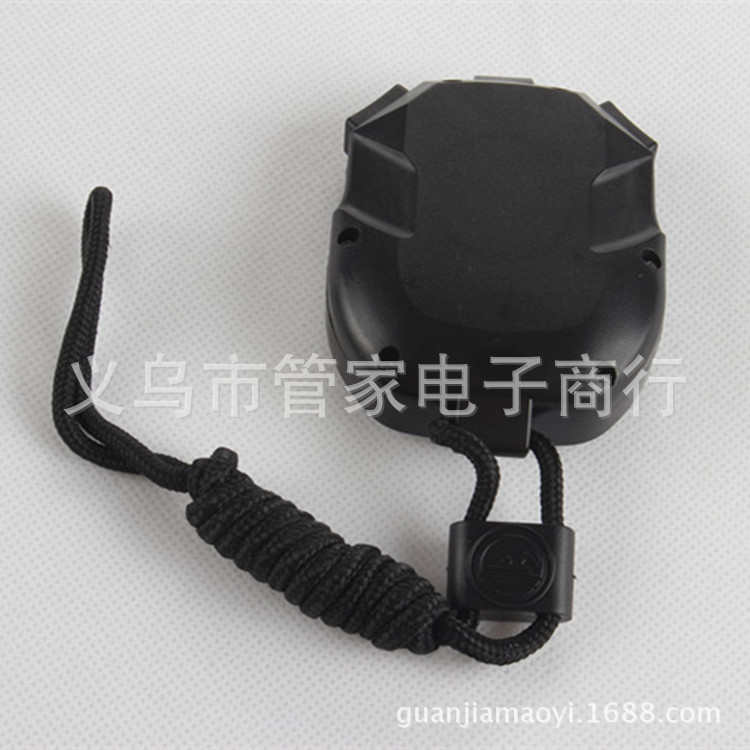
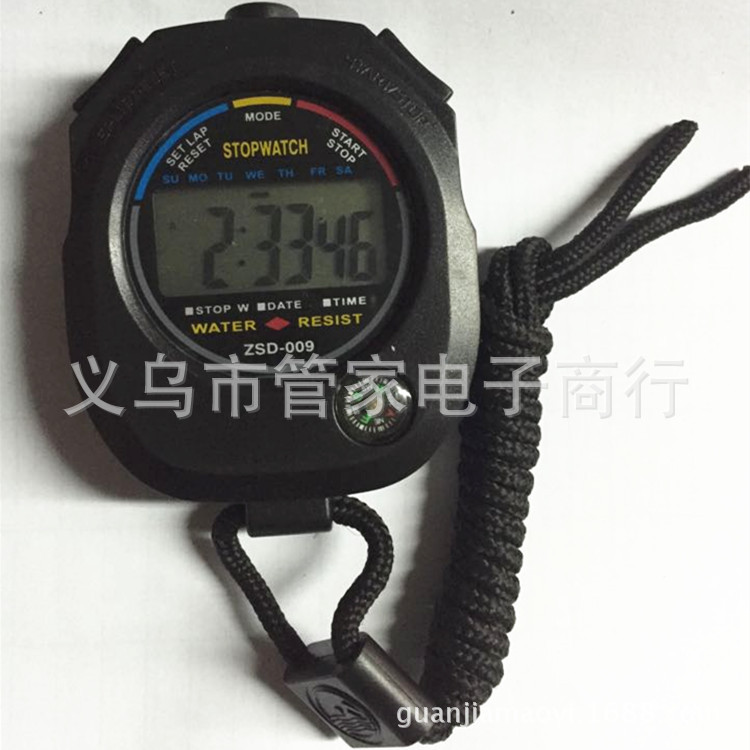
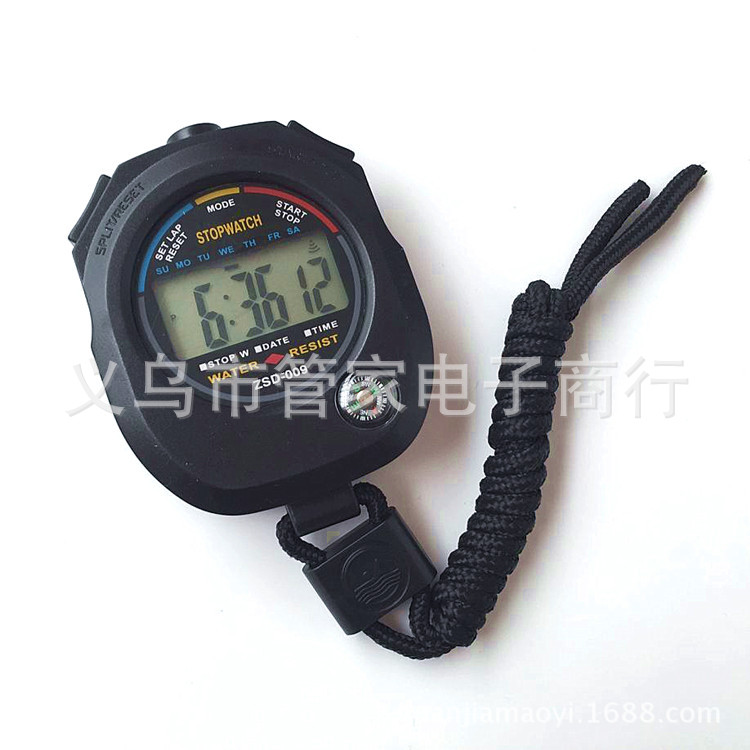
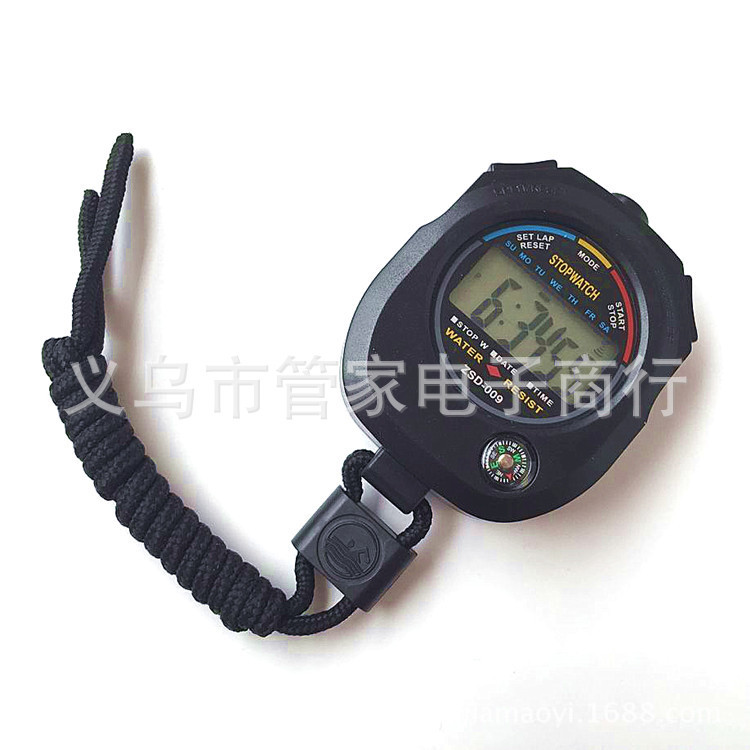
【Model and Name】009 Type Teaching Instrument Special Seconds Clock
2:1/100 second timer. Time. Calendar display. Hourly reminder. Daily alarm
3: 1.5V Button Cell
4: Adopt a light touch micro key. Sensitive feeling. Durable and shockproof structure
Product Size: 83x62x23MM
6: Battery Specification: AG13 Button Cell
7: Quantity in Boxes: 200PCS [2 small boxes]
8: Packing Method: Cardboard Packaging
Packing dimensions: 61.3X32.6X46.4CM
Gross Weight: 14.5KG
Material: ABS
12 Functional Features: 2-Lap Stopwatch Function. Time
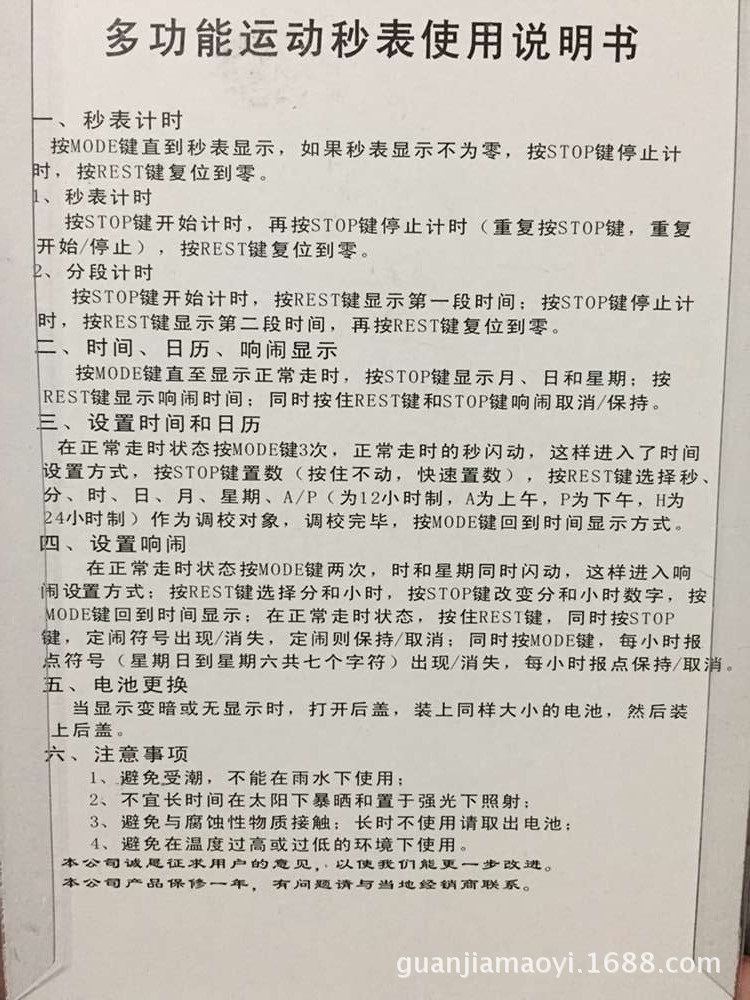
Instruction for Use:
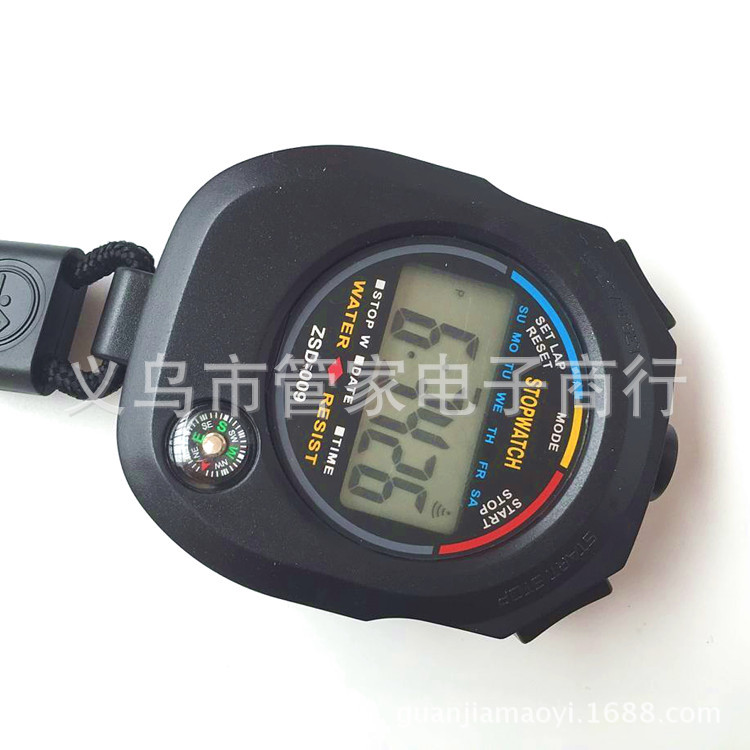
1. Stopwatch setup and use: With the normal time display, press the MODE key once to enter the stopwatch mode. Press the START key (right key) once to start the timer. To stop the timer, press the START key again. To restart the timer, press the START key a third time. To reset the timer, in the stopped stopwatch state, press the SPLIT key (left key) once to reset and start the timer again.
Alarm time setting: Under normal time display, press the MODE key twice to see the alarm time setting state. Then, press the START key (right button) continuously to start time setting. Press the SPLIT key (left button) once to enter the minute setting.
3 Time setting: Under normal time display, press the MODE key three times, and you will see the seconds flashing. Press the SPLIT key (left button) once, and you will see the minutes flashing. Then press the START key (right button) to set the minutes, press the SPLIT key (left button) once to see the hours flashing, and then press the START key (right button) to set the hours. Press the SPLIT key (left button) once to see the day flashing, and then press the START key (right button) to set the day. Perform these operations until you have set the month and day. After setting the month and day, press the MODE key to exit.
Use a single AG10 button cell (there is one in the watch).
Instructions are on the packaging box. There are a total of three adjustment buttons in English.
Product Usage: Widely used for setting the time for various tasks such as body learning, beauty treatments, boiling, printing plate exposure, etc.
Product features: Accuracy is calculated in seconds. The maximum capacity is 99 minutes and 59 seconds.
Usage Method:
Press the M key to set the position of 'minutes'.
Press the S key to set the position of 'second'.
3: Press both the M key and the S key simultaneously to display zero reset and re-setup.
4: Press the START/STOP button to start or stop the timer.
5: An alarm occurs when the set time reaches "zero" seconds.
6: Press any key to stop the alarm.
Battery Replacement:
1: When the timer is unclear or the sound weakens, replace the battery.
2: Use button G13 model electronic.
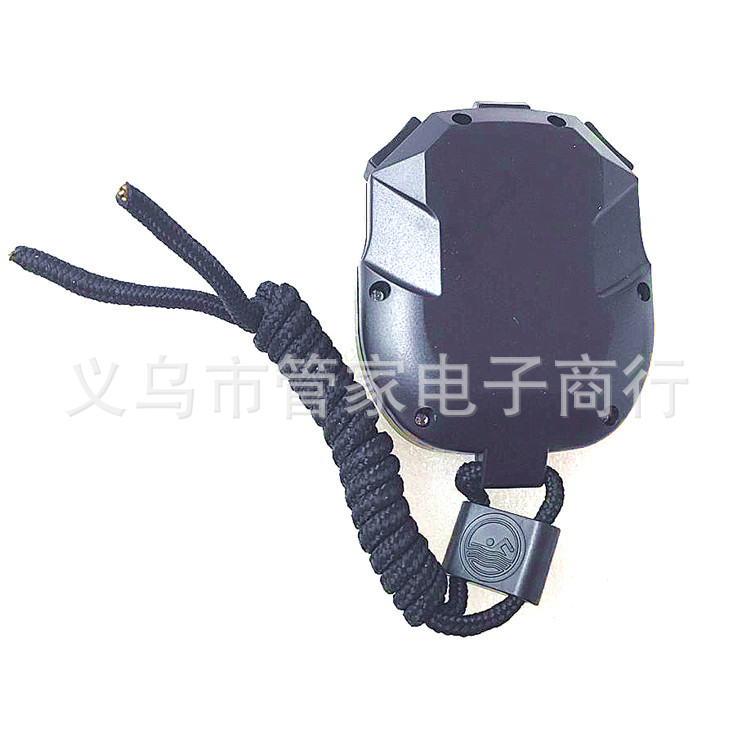
3: Slide open the battery door. Remove the old battery. Identify the positive and negative poles of the new battery and insert them. Push the battery door back into its original position.
Update time:


TOP