
Search history
Clear allSearch by image
XDrag and drop an image here or upload an image
Max 5MB per image
UploadSign In | Join

Search history
Clear allSearch by image
XDrag and drop an image here or upload an image
Max 5MB per image
UploadSign In | Join
X Email Mobile
| Number | Unit-price | Total | |||
| I want to buy: | × | 28.0 | = | 0 |


A new item has been added to your Shopping Cart. You now have items in your Shopping Cart.

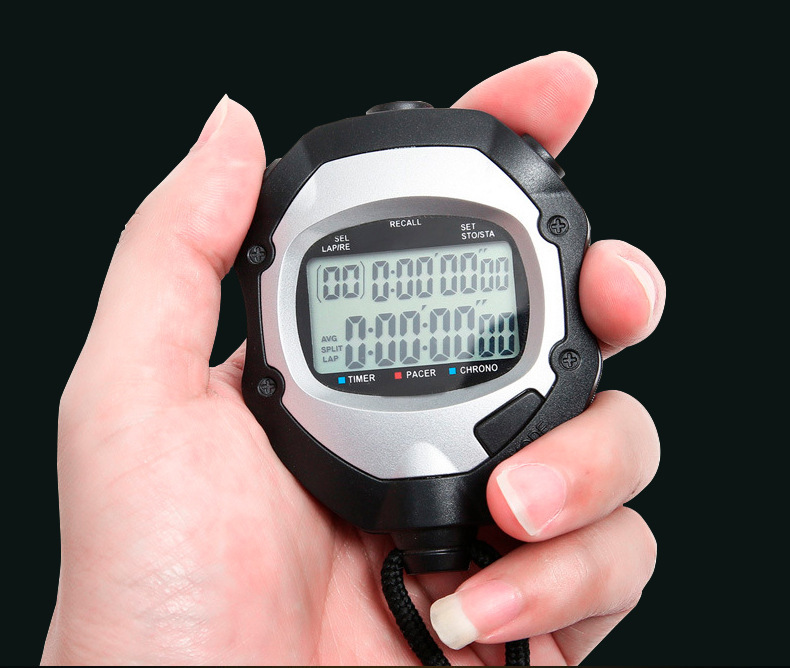

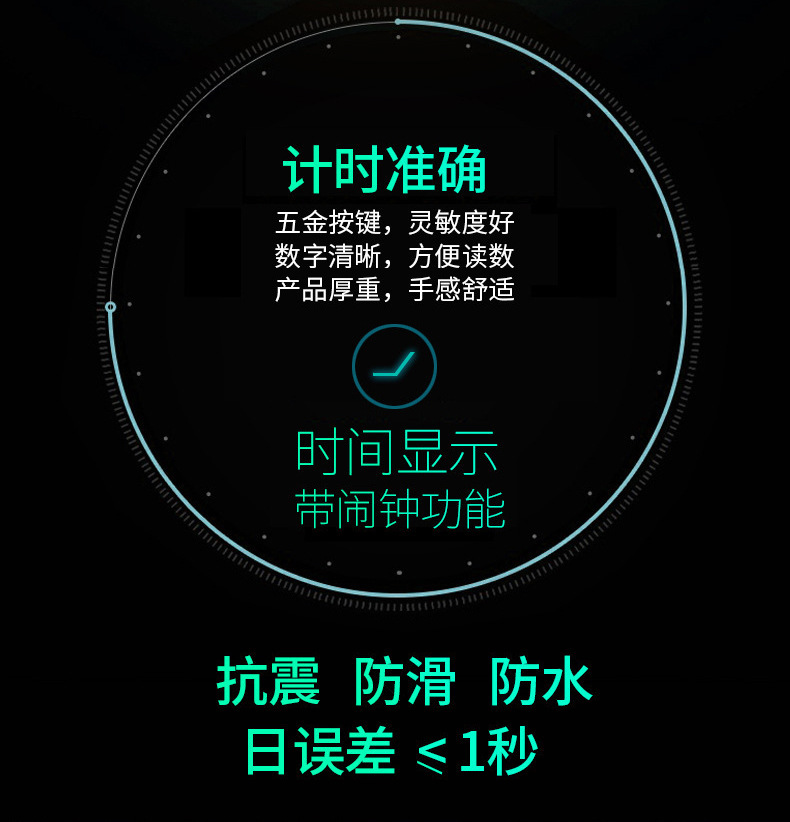

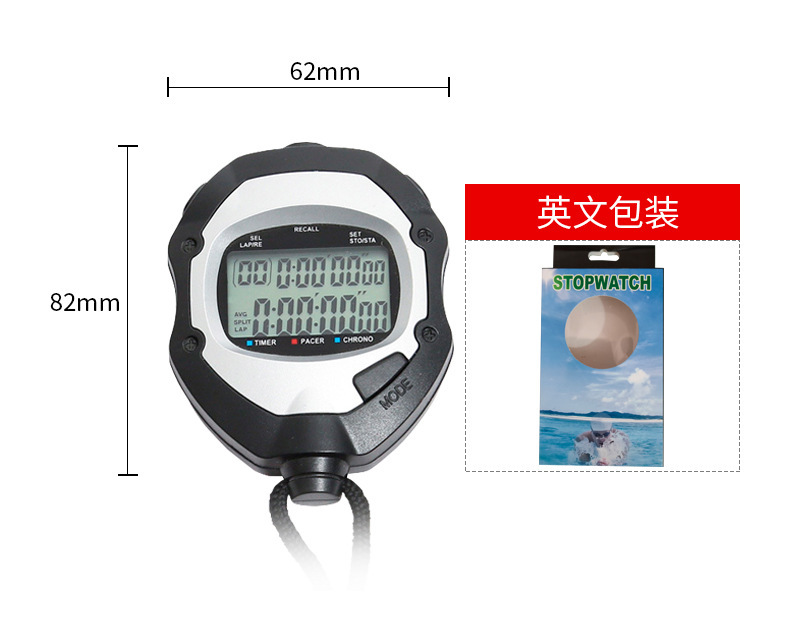
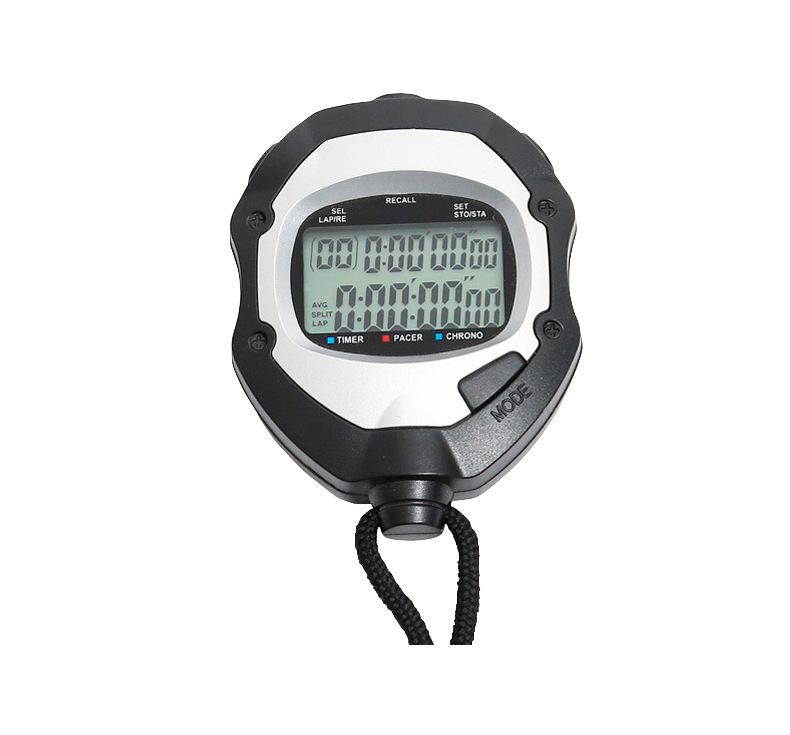
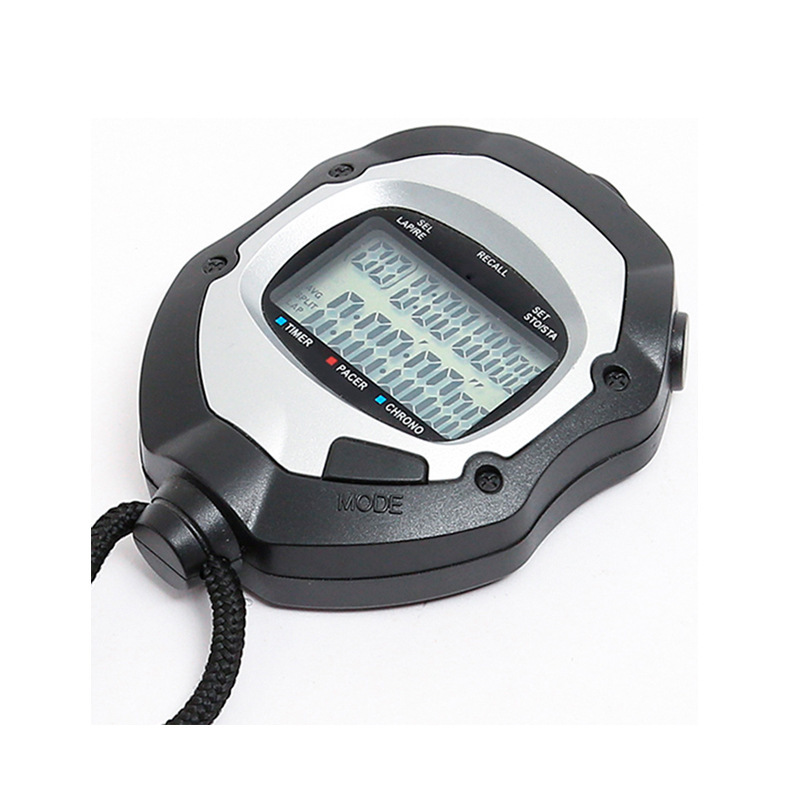
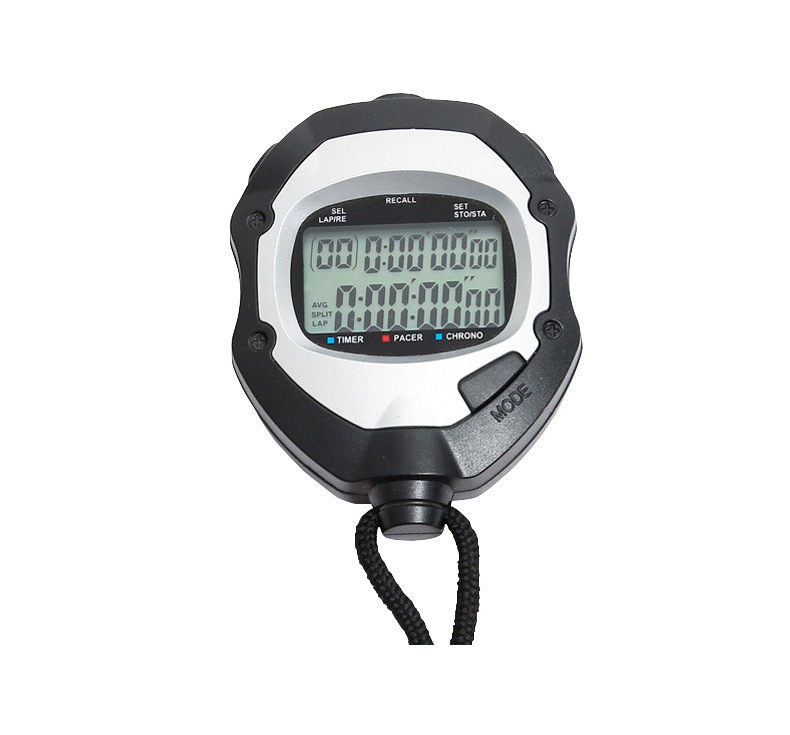
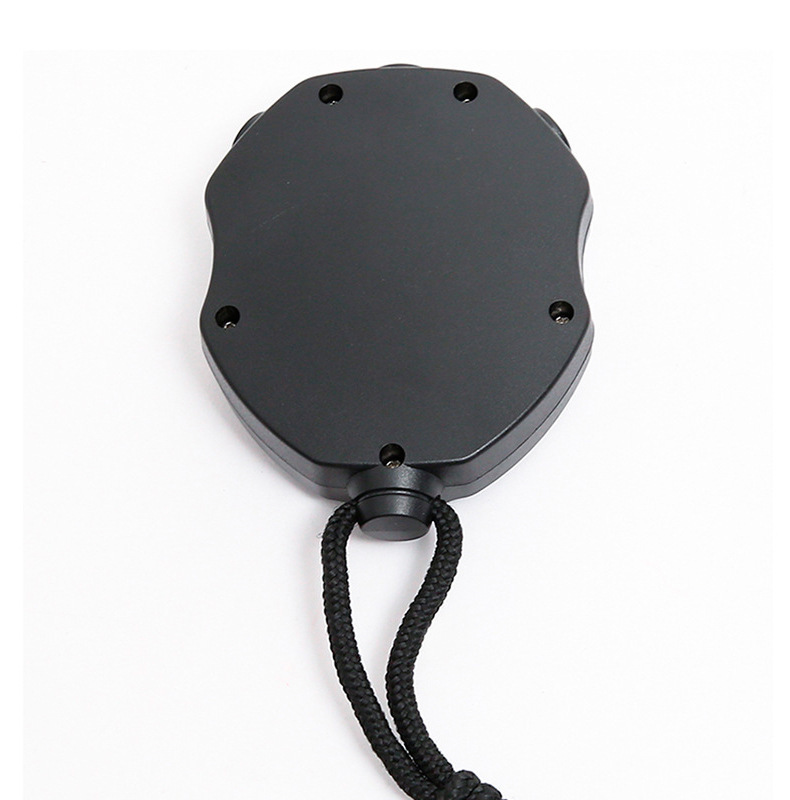
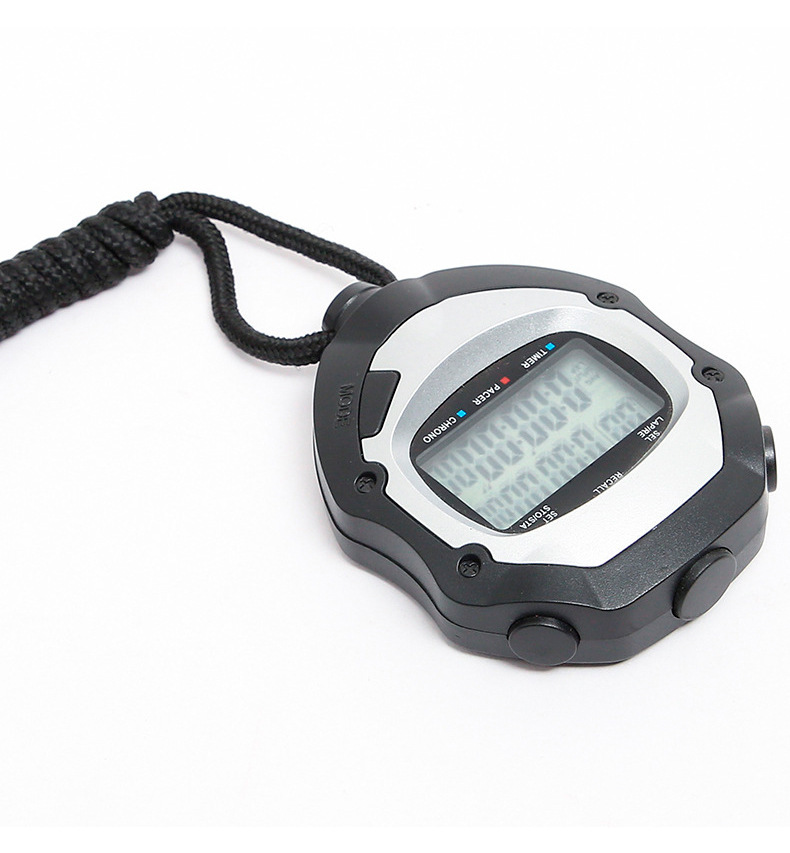
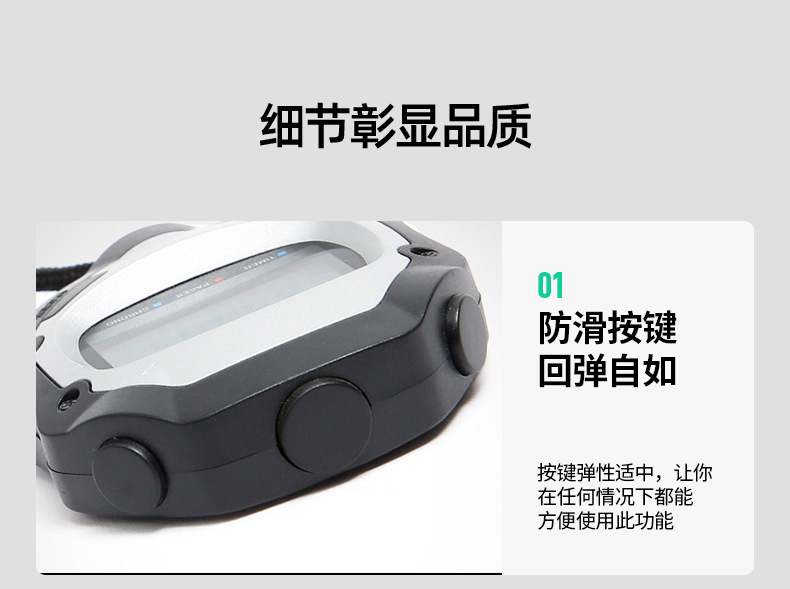
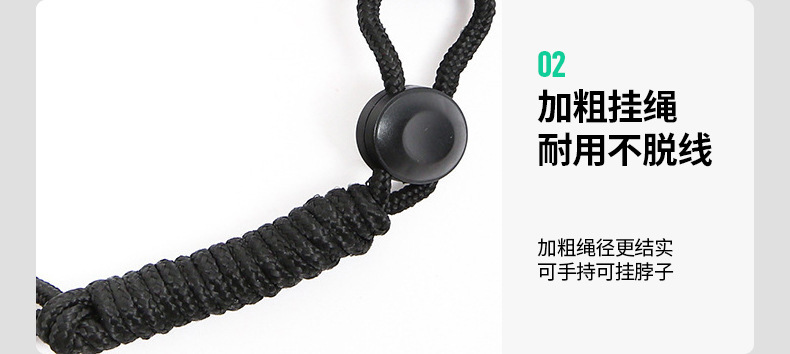
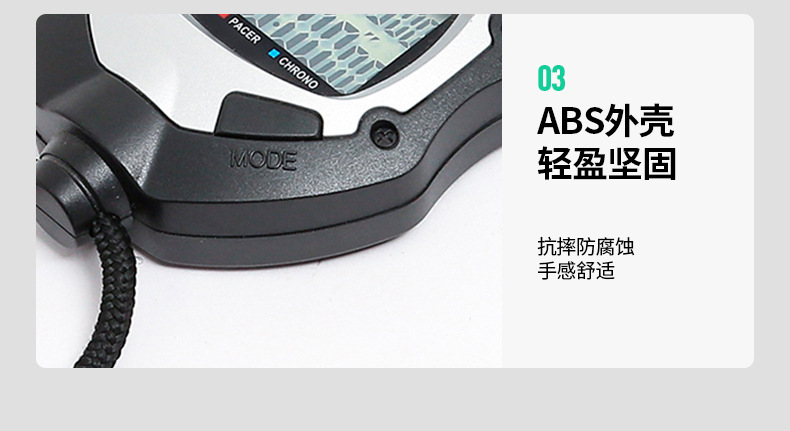
XL-029 type digital electronic stopwatch with 3-row display features a stopwatch, 10-segment storage display, timer, metronome, clock, and alarm functions.
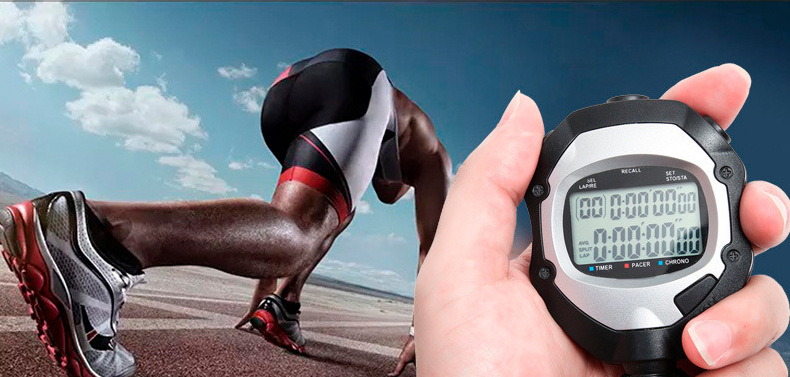
The XL-029 electronic stopwatch features high accuracy in timing, clear display, comprehensive functions, and convenience of use. It is a specialized stopwatch for sports training and competitions and is also suitable for use as a metering instrument in scientific research, education, military, and industrial production fields.
1. Button Function Description:
S1 Start, Stop, Adjust
S2 Re-display Selection
S3 segmentation, reset, setup
S4 Function Conversion
Section Two: Introduction to Basic Functions:
1、Stopwatch function:
The longest time measurement is 9 hours 59 minutes 59 seconds, and the smallest read value is 1/100 second.
100 seconds recorded, upper display shows the time interval.
100 records the total time of the stopwatch display in real time
With a section number indication
Accumulated Timing
Display the fastest, slowest, and average parts of the time
10 Memory Queries
2、Countdown Timer
Set the longest time for a positive or countdown to 9 hours 59 minutes 59 seconds and 0.01 seconds.
Countdown method: Countdown loop, countdown to 0 first and then normal counting
Metronome
With 10 beats/minute, 20 beats/minute, 30 beats/minute, 40 beats/minute, 50 beats/minute, 60 beats/minute, 70 beats/minute, 80 beats/minute, 100 beats/minute, 120 beats/minute, 180 beats/minute, 240 beats/minute, and 320 beats/minute. A total of 13 beat patterns are available for selection.
4、Clock Function
Display content: hour, minute, second, month, day, day of the week, year
Select 12-hour or 24-hour display.
5. Alarm function:
Can set the correct time; can set four fixed alarm times.
Rhythmic Beat: 4 beats per second, lasting for 30 seconds
Section Three: Basic Function Operations
The initial power-on state is a calendar time, and thereafter, by pressing the S4 key, the functions are displayed in turn: stopwatch, countdown, metronome, and alarm clock.
1. Clock Function
Press the S4 key to enter the calendar timer function, where the top row displays the week, month, day, and year from left to right; the bottom row displays the time, minutes, and seconds. [The first letter on the bottom row indicates the morning (A) or afternoon (P) in 12-hour time mode; there is no display in 24-hour time mode.]
Press the S3 key to flash through the conversion of year, month, day, 12/24-hour format, hours, minutes, and seconds. To stop the flashing, press S1.
Set the corresponding time value and convert between 12/24-hour formats. Keep pressing S3 until no more numbers flash to complete the adjustment.
The first displayed Arabic digit of the week does not flash and is automatically formed.
2. Stopwatch function
Press S4 once in the clock state to put this watch into the stopwatch state.
1). Stopwatch Accumulated Timing
Press the S1 button to start the stopwatch, and the upper display will show zero. The lower display will show the timing status. Press the S1 button again to stop the stopwatch (the STOP letter will be displayed when the stopwatch is stopped). If you press the S1 button again, the stopwatch will continue to accumulate timing. This can be repeated to continuously accumulate timing. If you press the S3 button when the stopwatch is stopped, the value will reset to zero.
2). Segmented Timing
Press the S1 button to start the stopwatch, and when the first segment ends, hold down the S3 button without releasing it. At this time, the left side of the top row shows the sequence number of the first segment and the running time of the first segment (as shown: T1-A), and the bottom row shows the total running time (as shown: AT1). Release the S3 button, and the top row shows the sequence number and running time of the first segment, and the bottom row shows the timing state of continuing the original internal machine operation, while saving the timing data of the first segment. When the end of the second segment is reached, hold down the S3 button without releasing it. The top row shows the sequence number and running time of the second segment (as shown: T2-T1), and the bottom row shows the total running time of the second segment (as shown: AT2). Release the S3 button, and the top row shows the sequence number and running time of the second segment, and the bottom row shows the timing state of continuing the original internal machine operation, while saving the timing data of the second segment......; In this way, a maximum of 10 segments of timing time can be measured and recorded.
3) Segmented Record Query
The stopwatch can be used to query the recorded time for each segment, whether it is in the stopped state or running. The operation method is as follows: press the S2 key to enter the query state (in the query state, the RECALL letter is displayed on the lower row). At the same time, the recorded data for the first segment is displayed. The upper row shows the running time of the first segment, and the lower row shows the total running time of the first segment; in this way, press the S2 key again, the upper row shows the running time of the second segment, and the lower row shows the total running time of the second segment...; in this way, the third and fourth....., a total of 10 segments of timing records are displayed in turn. The records can be queried in a circular manner.
When the 'RECALL' letter on the lower row disappears after pressing the S2 key, the query is over.
If the query is running under the status of timing, the stopwatch continues to run at the original speed when the query ends. If the query is under the status of stopping timing, the RECALL letter on the lower line disappears at the end of the query, and the letter STOP is displayed. At this time, pressing the S3 key will reset the data (after resetting, if no new timing of the stopwatch has been performed, pressing the S2 key can still query the previous segment record.)
4). Display the fastest, slowest, and average time
In the query, pressing the S3 key can respectively query the fastest (FS) and slowest (SL) running time. The top row is displayed.
Press the S1 key to query the average (AV) operation time. The display is on the top row.
The fastest display on the left side of the top row is FS; the slowest display is SL; the average time is displayed.
Note: Press S3 to zero the data when the stopwatch is in the stopped state. After the next stopwatch timing operation, the previous recorded data will be automatically cleared.
Countdown Timer
Press the S4 key to set the timer to the countdown state, and press the S2 key to select the loop countdown timer function (displayed as 01 on the top left) or the countdown then countdown function (displayed as 02 on the top left).
01) Countdown with a loop
In the table is in the 01 loop countdown state, press the S3 key to flash the hour, minute, and second respectively. When flashing, you can press the S1 key to set the hour, minute, and second time values of the countdown. After setting, press the S1 key to start the countdown. The running state of the loop countdown is displayed on the top row, and the number of circles is displayed on the bottom row. After the countdown, there is a sound of "drip".
Countdown in progress, press S1 to stop the countdown; at this time, press S3 once to reset the number of circles in the lower row, and the display returns to the set countdown time. If you press S3 again at this time, the countdown time setting will be reset.
02) Countdown first, then start the timer.
Press the S2 button to select the countdown followed by the regular timer (the number 02 is displayed on the top left), and then press the S3 button to flash the hours, minutes, and seconds. When the time is flashing, you can set the hour, minute, and second values for the countdown by pressing the S1 button. Press the S1 button again to start the countdown, and when the countdown ends, a beep will sound to signal the start of the regular timer.
Metronome
Select the metronome function by pressing S4, and the last two digits on the lower row will flash. At this time, press the S3 key to select the metronome frequency. The frequency sequence is: 10, 20, 30, 40, 60, 80, 120, 160, 240, 320. After selecting, press S1 directly to enter the metronome start state. During the metronome, the table will make a short sound in time with the rhythm of the metronome. The upper row shows the number of beats, and the lower row shows the current beat frequency.
Press the S1 button to stop the beat, and then press the S3 button to reset the beat count.
6. Alarm and on-time chime settings
Press the S4 button to set the stopwatch to the alarm state, and press the S2 button to select the four alarm times (AL1, AL2, AL3, AL4) and the setting of the whole-hour alarm. By pressing the S3 button, you can flash OFF/ON for time, minutes, and then press the S1 button to set the alarm time for time and minutes. Any one of the four alarm times is set to the ON state, and the icon "clock" will be displayed.
Four alarm clocks will be displayed in turn, and then pressing the S2 key will enter the setting state for the alarm at the hour. Press the S1 key to set the on or off of the alarm at the hour, and at the same time, the corresponding "sound" icon will be displayed.
Update time:


TOP


