Search history
Clear allSearch by image
XDrag and drop an image here or upload an image
Max 5MB per image
UploadSign In | Join

Search history
Clear allSearch by image
XDrag and drop an image here or upload an image
Max 5MB per image
UploadSign In | Join
X Email Mobile
| Number | Unit-price | Total | |||
| I want to buy: | × | 33.0 | = | 0 |


A new item has been added to your Shopping Cart. You now have items in your Shopping Cart.







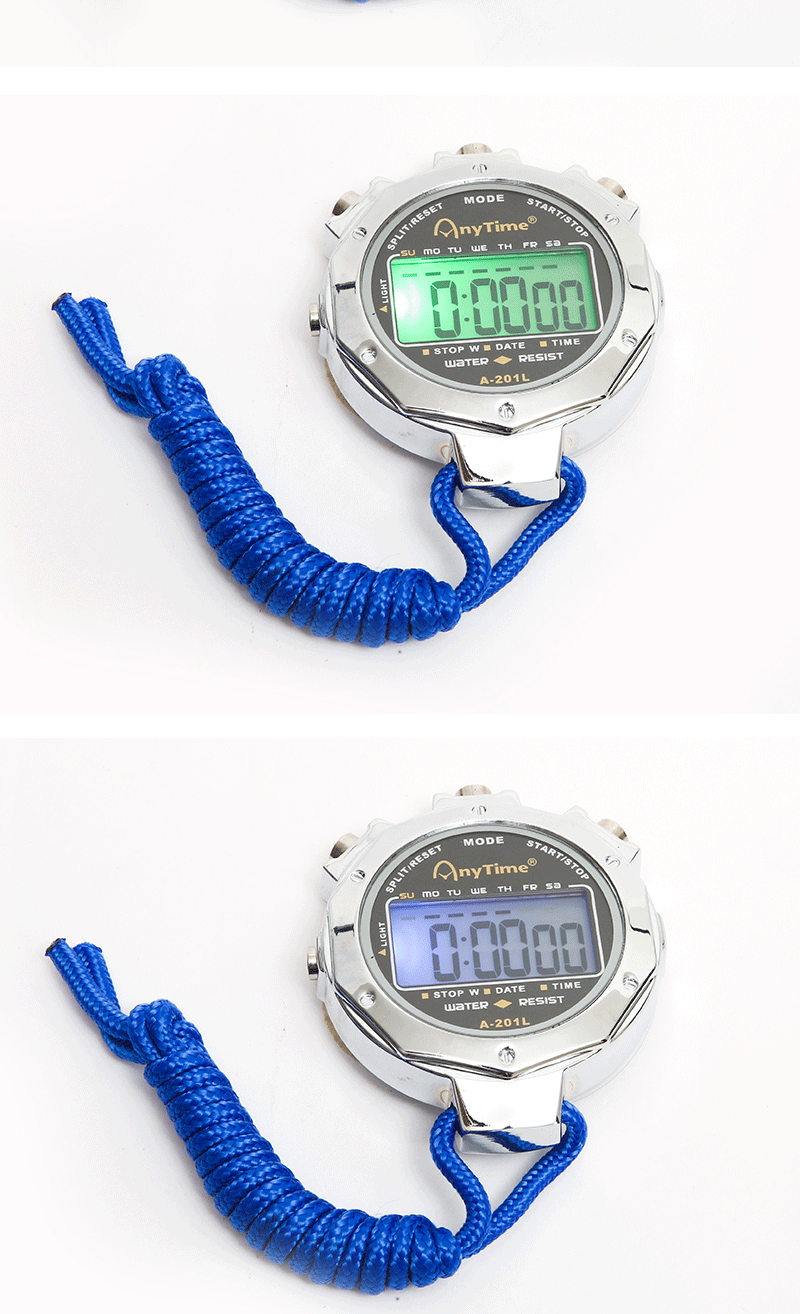
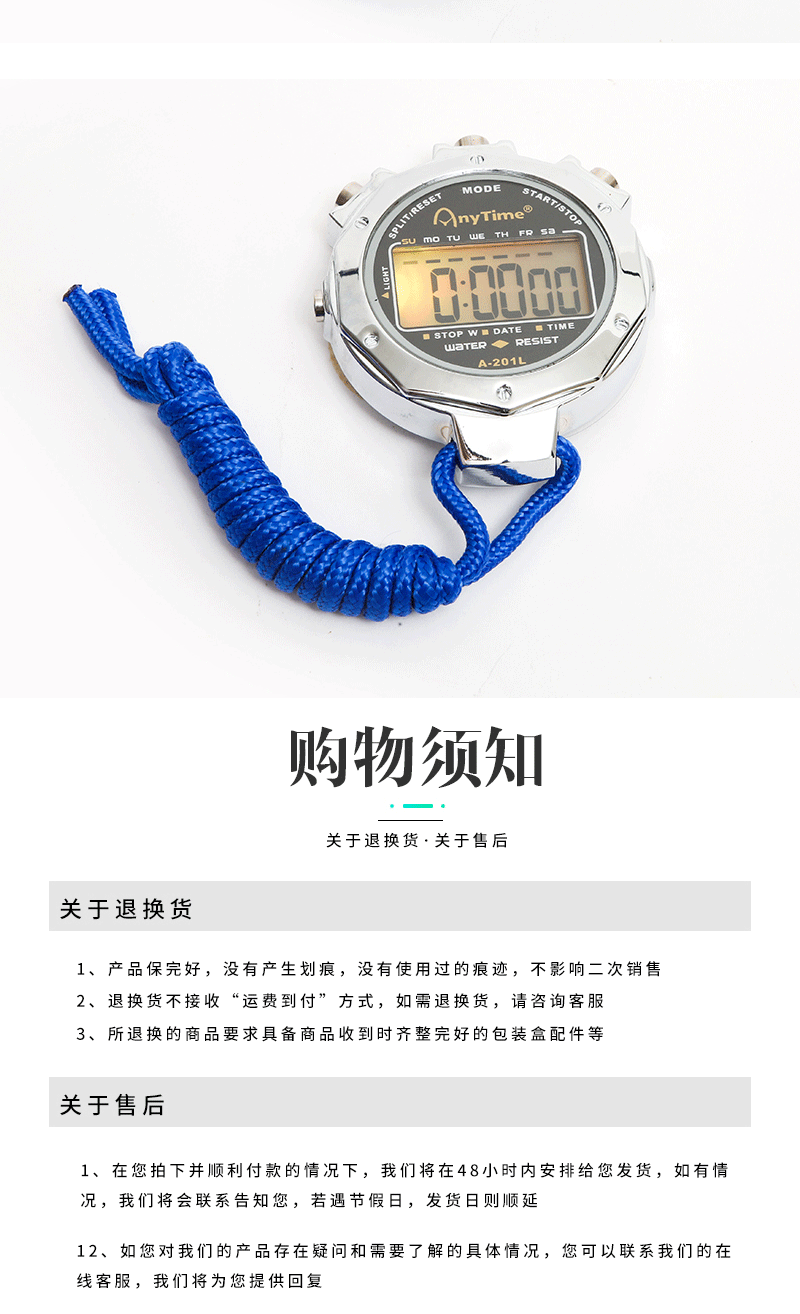
1. Display Mode:
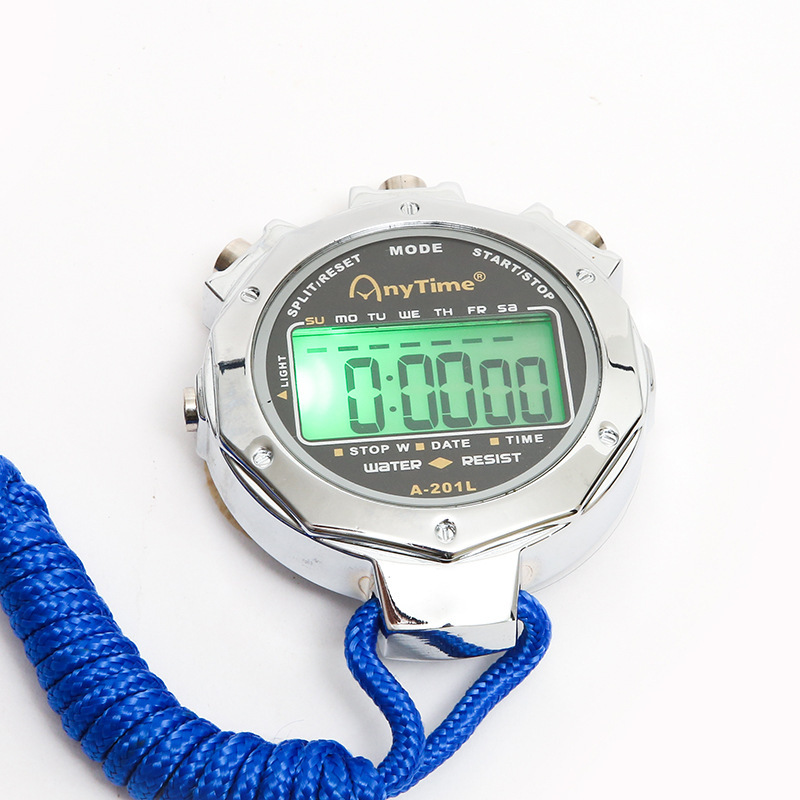
In normal mode: hours, minutes, seconds; Press the D key to display: month, day of the week; Press the S key to display
Alarm Time Adjustment:
In normal mode, press the M key twice. When the alarm is flashing, press the D key to adjust. Press the S key to flash the alarm minutes, and then press the D key to adjust. Adjustment is complete.
Press the M key to return to normal mode.
Press the D key and the S key at the same time to turn on/off the alarm. When the alarm symbol is displayed, the alarm is on. If the alarm symbol is not displayed, the alarm is off. When the alarm sounds, press the D or S key to stop it.
Time Adjustment:
In normal mode, press the M key three times. The second will flash. Press the D key to reset the second to 0: Press the S key. The minute will flash. Press the D key to adjust the minute.
Adjust the hour, day, month, and day of the week in turn by pressing the S key and the D key. After adjusting, press the M key to return to the normal mode.
4. The use of a stopwatch:
In normal mode, press the M key once to display 0.00 00. Press the D key to start the timer, and press the D key again to pause the timer. Press the S key to clear the 0.
If you press the D key while the timer is paused, you can accumulate the time. At this time, pressing the S key will clear the time.
Backlight
Press the L key to turn on the backlight. The backlight should flash in single color or multi-color states; long press: The backlight pattern will randomly change.
Section 6: Battery Replacement.
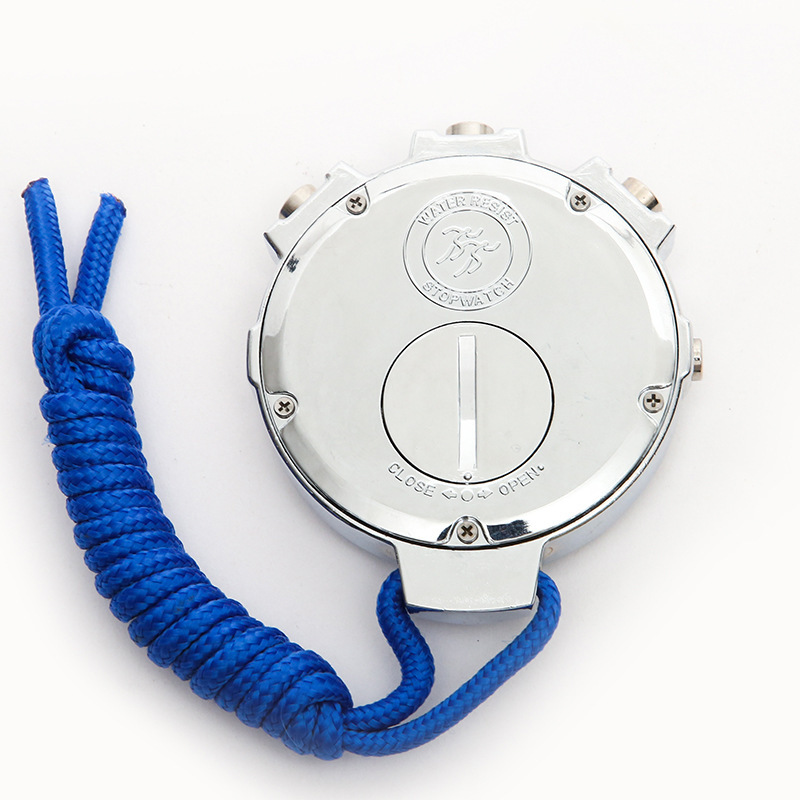
When the display is dim, it may be due to low battery power. Please use the manufacturer-specific battery cover screwdriver to replace the battery. Slowly rotate the screwdriver until the battery cover's small dot aligns with the OFEN side's small dot, and then you can open the battery cover. Please replace the battery with the same specification.
7. Safety Precautions:
Avoid using in environments with high humidity, direct sunlight, compression, falls, or extreme temperatures.
Update time:


TOP