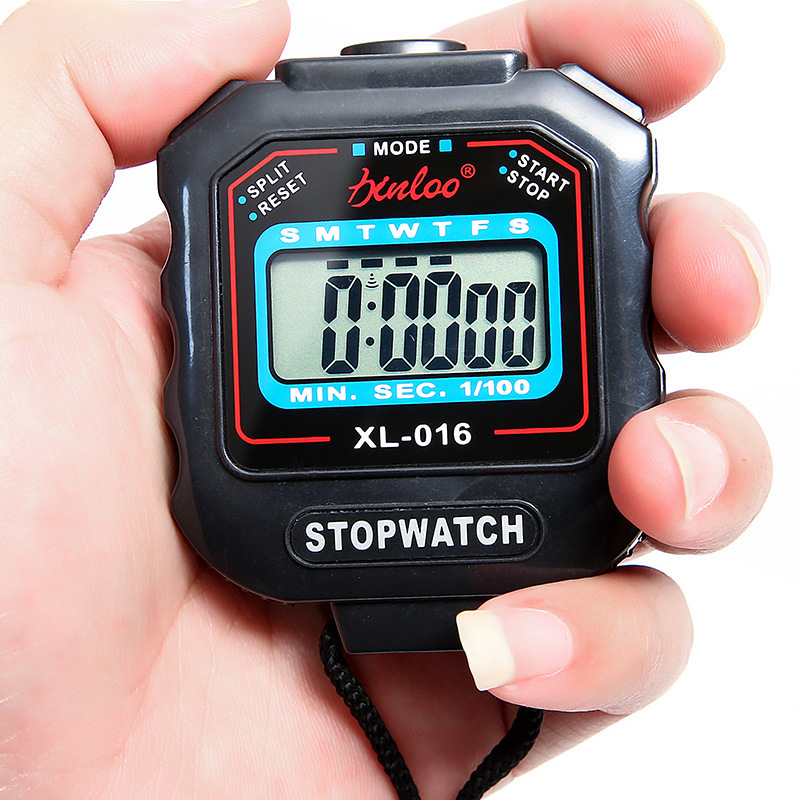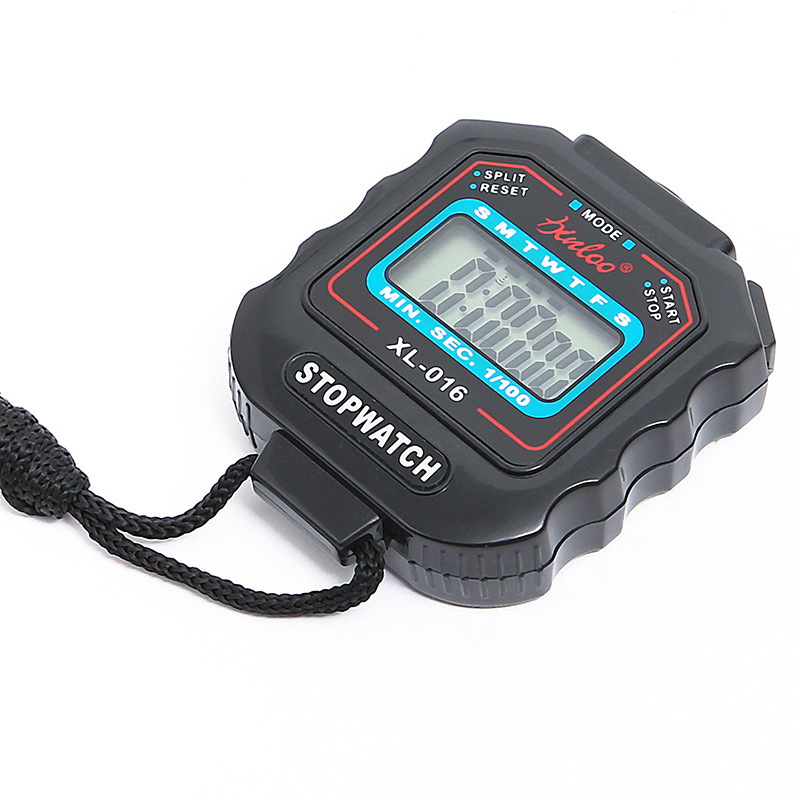
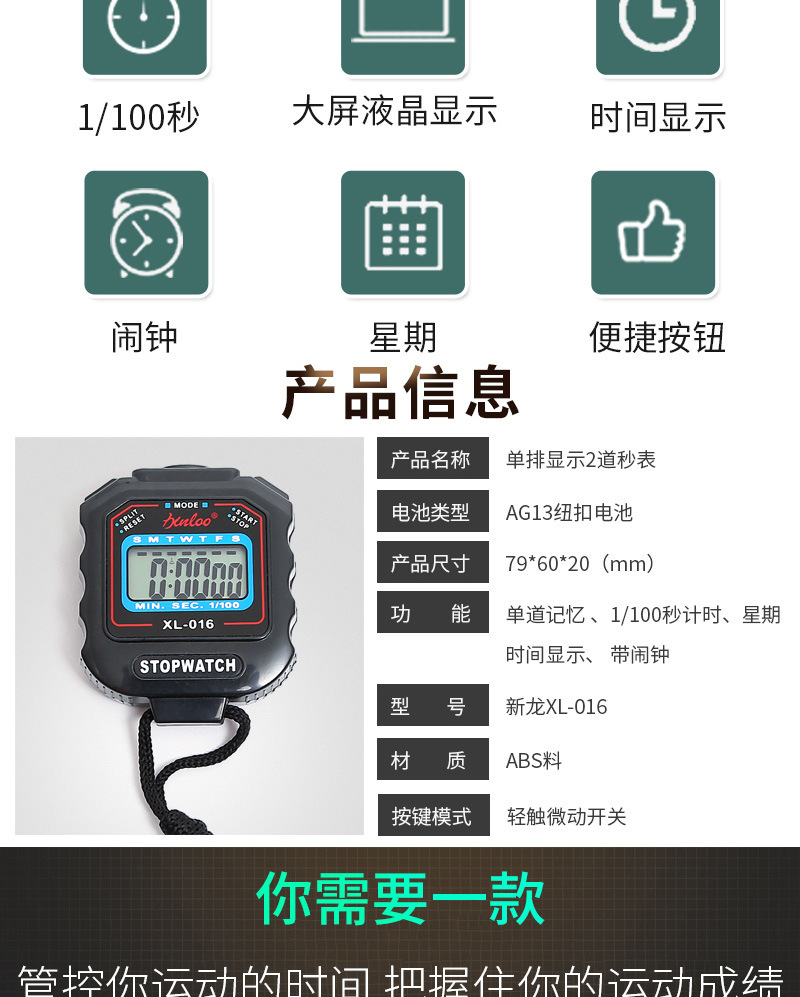





Electronic stopwatch
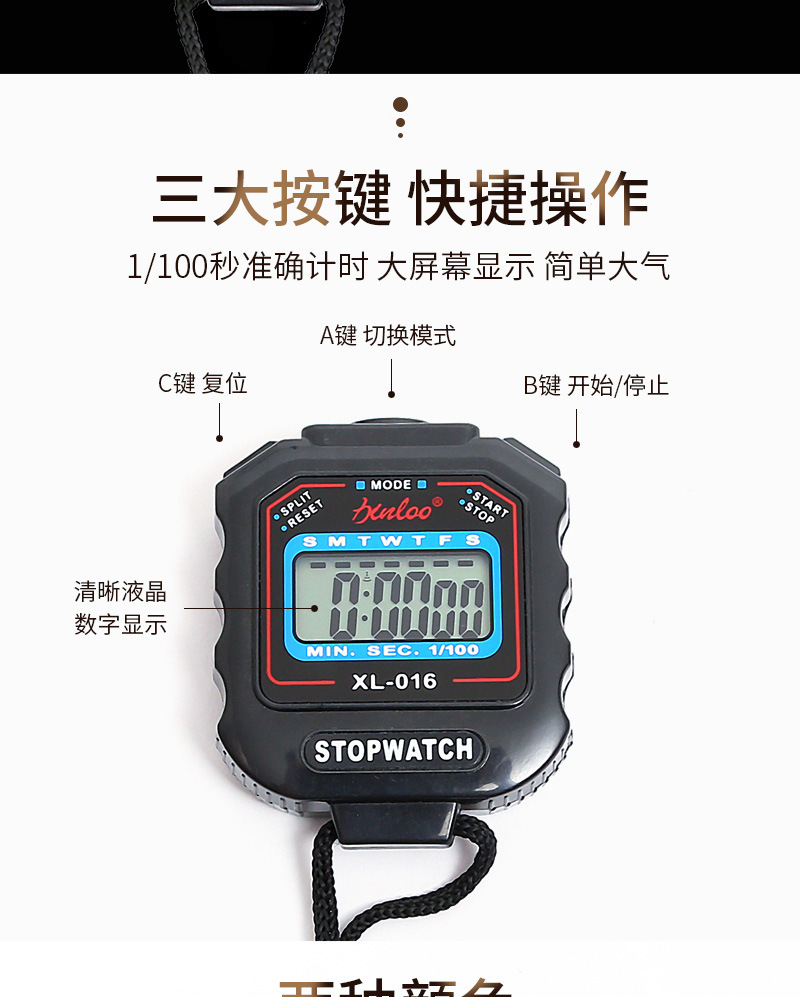
1. Stopwatch Timing: Press the M key to enter the stopwatch mode when the watch is in normal time-keeping mode. If the stopwatch display is not zero, press the D key to stop the timing, and press the S key to reset to zero.
2. Time, Calendar, and Alarm Display: When the watch is in normal time mode, pressing the D key displays the month, day, and day of the week, and pressing the S key displays the alarm time.
3. Set Time and Calendar: Press the M key three times to enter the time setting state under normal running time. The second and week time display flash simultaneously. Press the S key to select minutes, hours, days, months, weeks, and seconds as the adjustment objects. After the adjustment is complete, press the M key to return to the normal running time state.
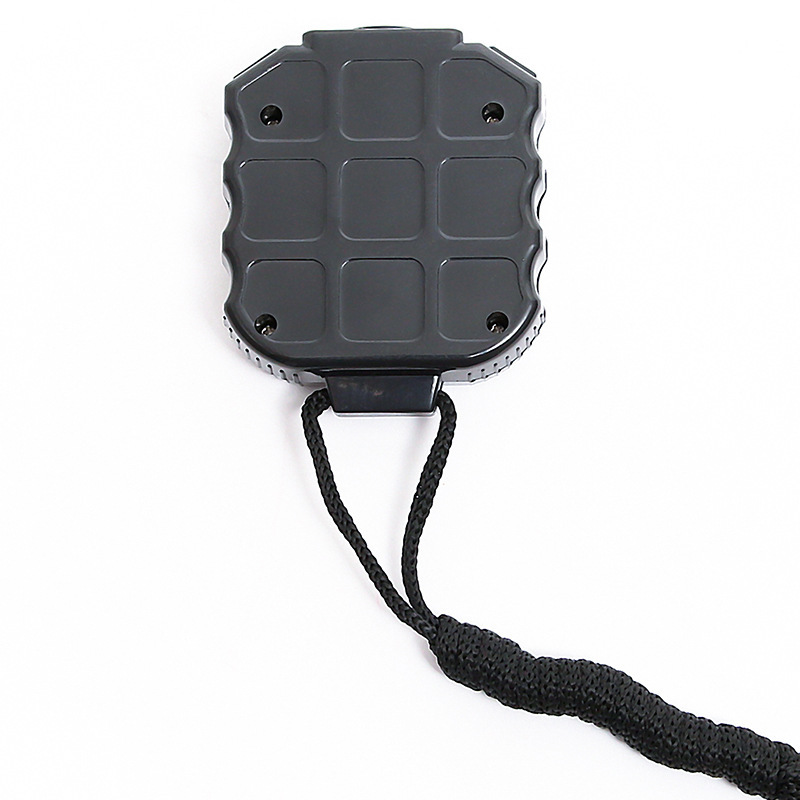
4. Battery Replacement: When the display becomes dim or no display is shown, replace the battery. Use a screwdriver to remove the old battery from the back of the watch case, then replace it with a new battery of the same specification, and then reinstall the watch back cover.
5. Caution: 1. Avoid moisture.
2. Should not be exposed to direct sunlight for a long time or placed under strong light.
3. Avoid contact with corrosive substances.
4. Avoid using it in environments with extreme temperatures, either too hot or too cold.