Search history
Clear allSearch by image
XDrag and drop an image here or upload an image
Max 5MB per image
UploadSign In | Join

Search history
Clear allSearch by image
XDrag and drop an image here or upload an image
Max 5MB per image
UploadSign In | Join
X Email Mobile
| Number | Unit-price | Total | |||
| I want to buy: | × | 26.0 | = | 0 |


A new item has been added to your Shopping Cart. You now have items in your Shopping Cart.
| Material | ABS | ||||
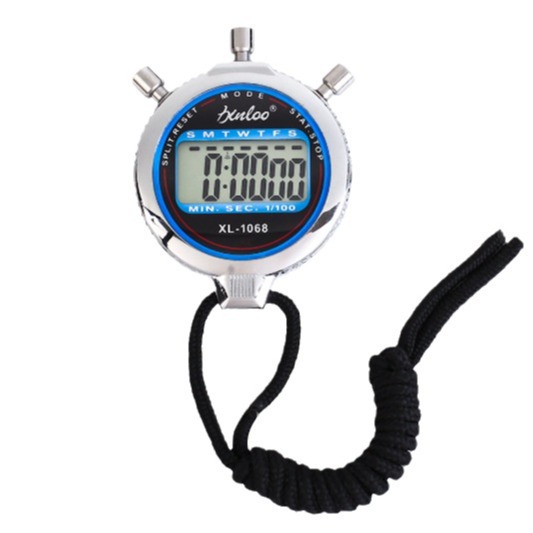
| Article Number" 或 "Stock Number | XL-1068 | Specification | 7.5*6*1.42.CM | ||
| Net weight | 81(g) | Case Quantity | 200 |
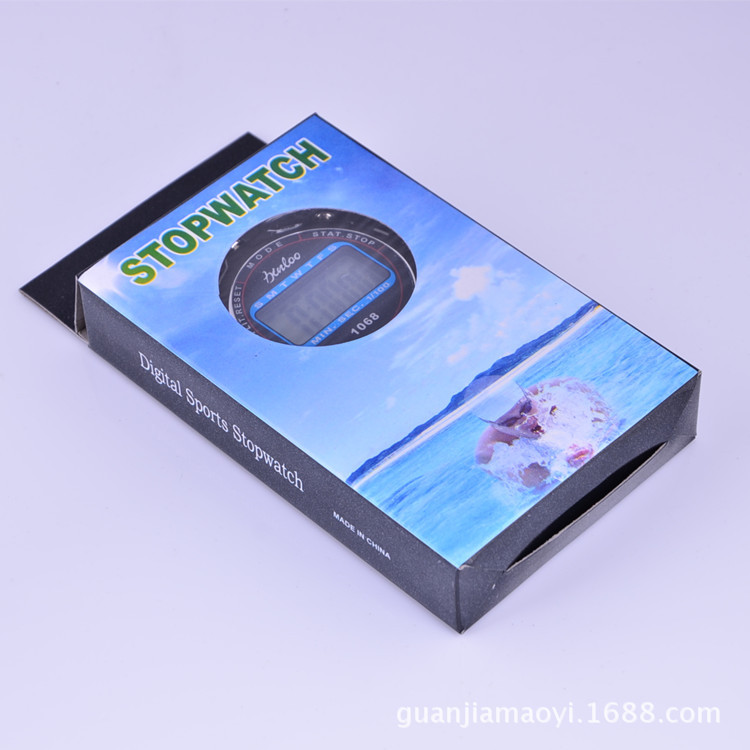
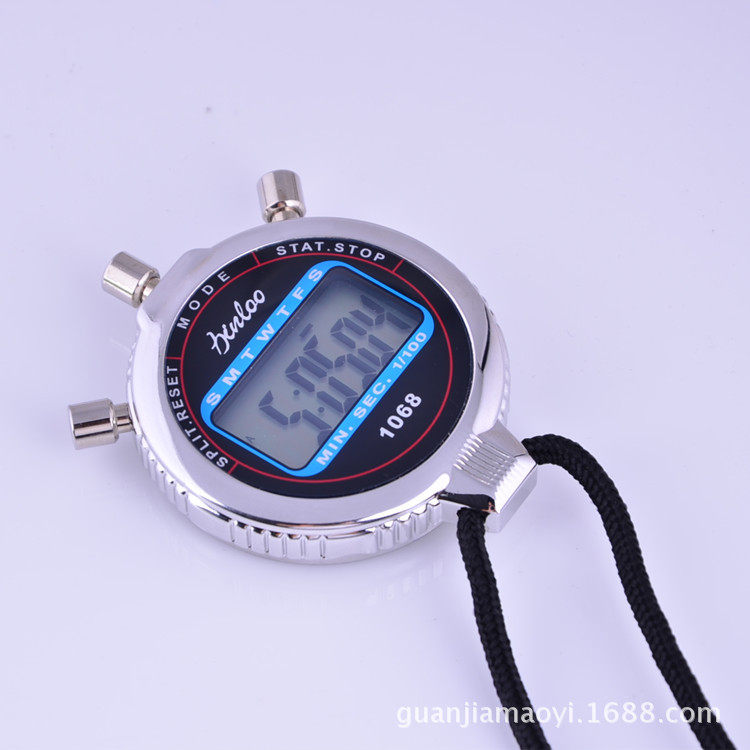
| Material | ABS | ||||
| Article Number" 或 "Stock Number | XL-1068 |
Specification |
7.5*6*1.42.CM | ||
| Net weight | 81(g) | Case Quantity |
200 |
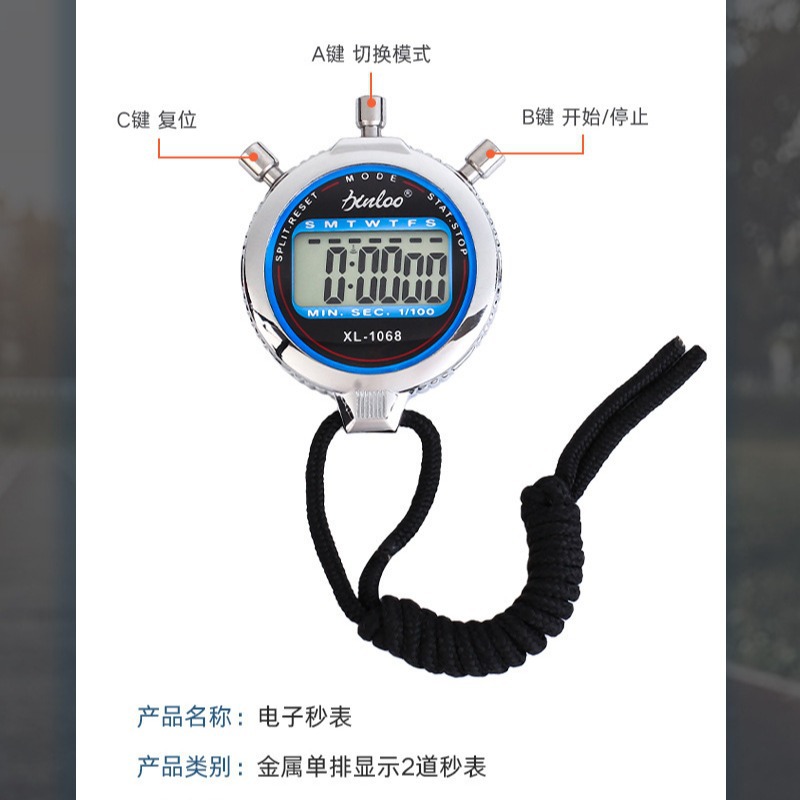
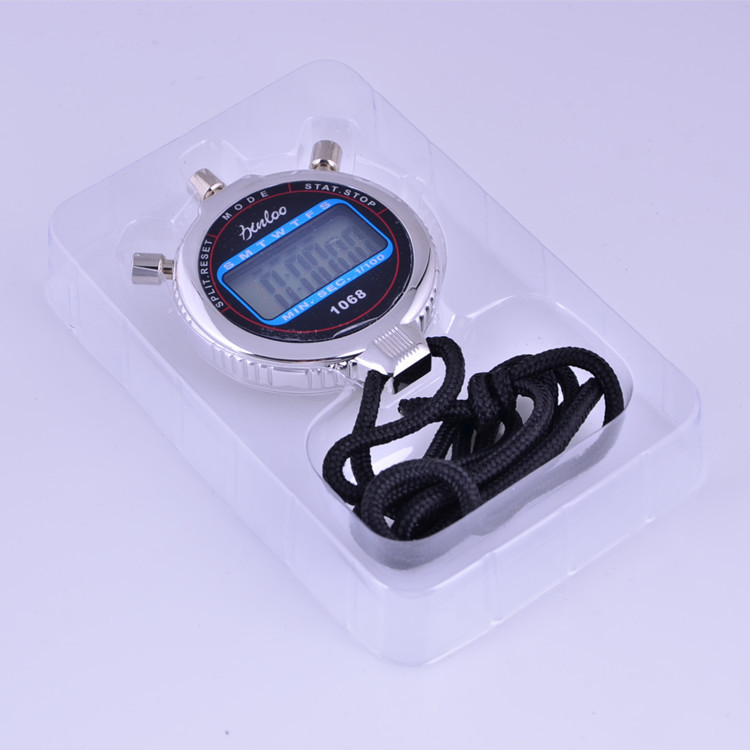
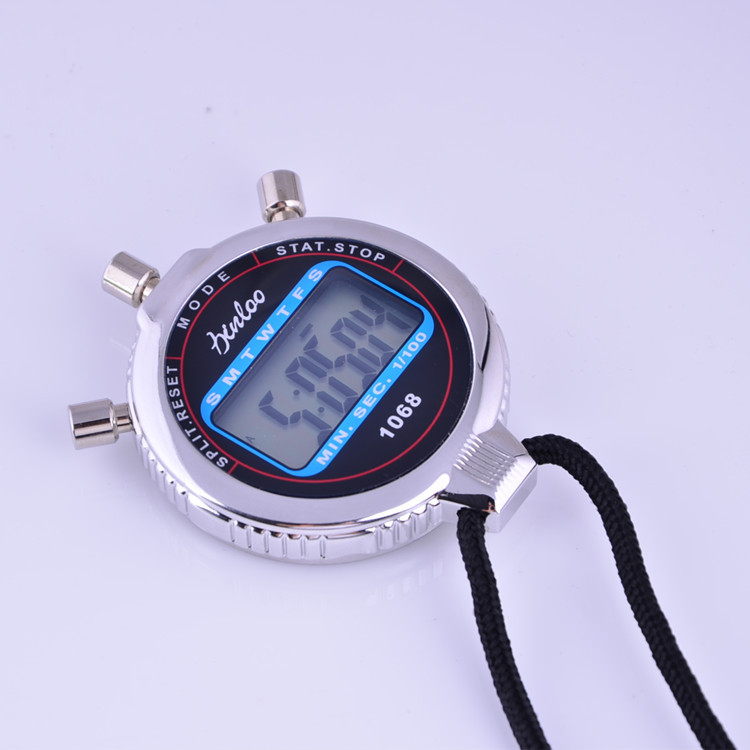
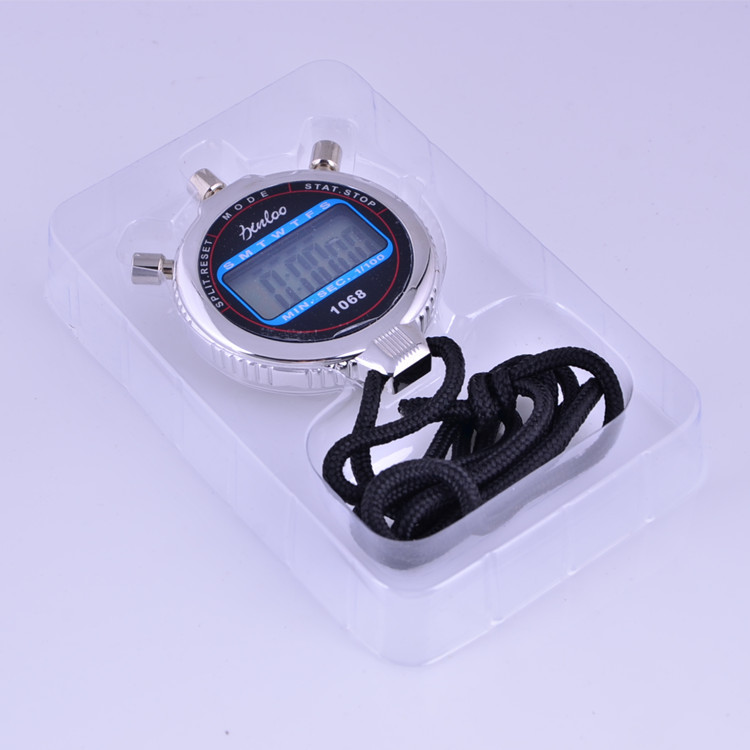
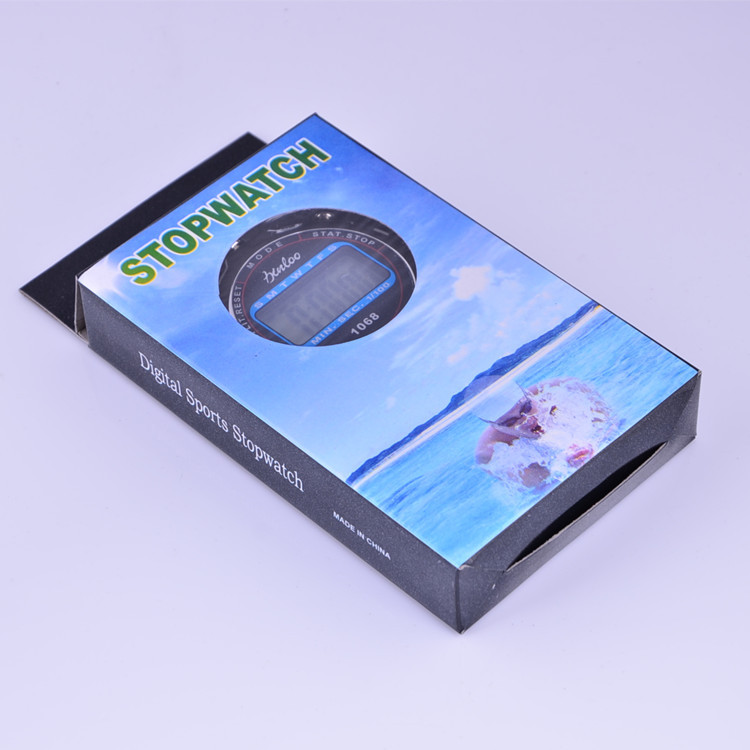
This model 1068 metal stopwatch
Size: 7.5*6*1.7 cm
【Product Features】
1. Time, Calendar Display, Timed Alarm
2. Large screen display with stainless steel shell and anti-skid and anti-vibration design.
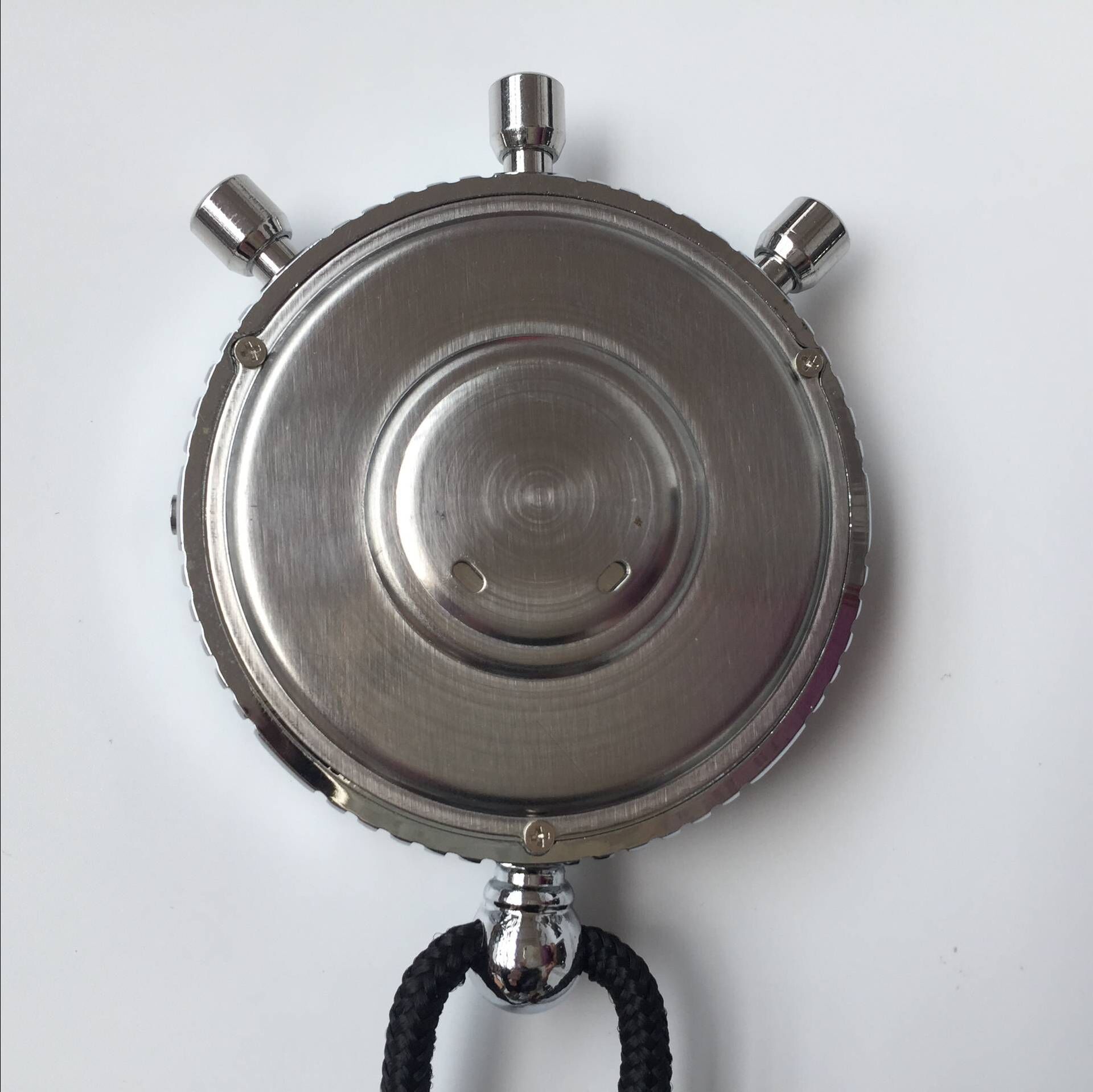
3. Easy to replace batteries (uses G13 button cells).
Instruction for Use:
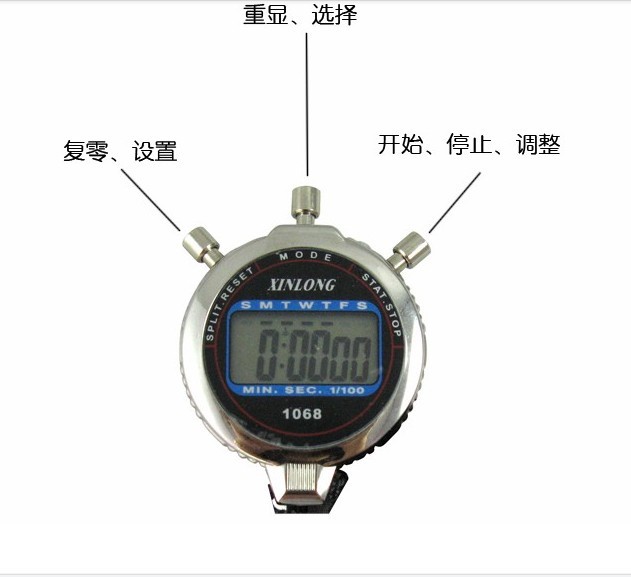
1秒表设置使用:在正常时间显示下,按一次MODE键,就会切换到秒表模式。
Will see the timer entering the second hand state, and then press the START key (right key) to start counting.
When needed, stop and press the START button again, and then continue to press the START button once more.
New Zeroing Timer, in the stop state of the stopwatch, press the SPLIT button once (left)
Press the button and it will reset and start counting again.
Alarm time setting: Press the MODE key twice under the normal time display, and then
Will see the alarm clock time setting state, and then press the START key continuously (right)
When starting the tuning, press the SPLIT key (left button) once, and it will switch to tuning mode.
分。
3-time setting: Under normal time display, press the MODE key three times, and you will see
The seconds are flashing, press the SPLIT button (left button), and you will see the score.
Flash, then press the START button (right button) to set the score, and press the SPLIT button once.
Press the left button to see the time flashing, and then press the START button (right button).
Set the time correctly, and press the SPLIT button (left button) to see the days.
Flash, then press the START button (right button) to set the date, and perform this operation until
After setting the month and the week, press the MODE key to exit.
Update time:


TOP