Search history
Clear allSearch by image
XDrag and drop an image here or upload an image
Max 5MB per image
UploadSign In | Join

Search history
Clear allSearch by image
XDrag and drop an image here or upload an image
Max 5MB per image
UploadSign In | Join
X Email Mobile
| Number | Unit-price | Total | |||
| I want to buy: | × | 20.0 | = | 0 |


A new item has been added to your Shopping Cart. You now have items in your Shopping Cart.
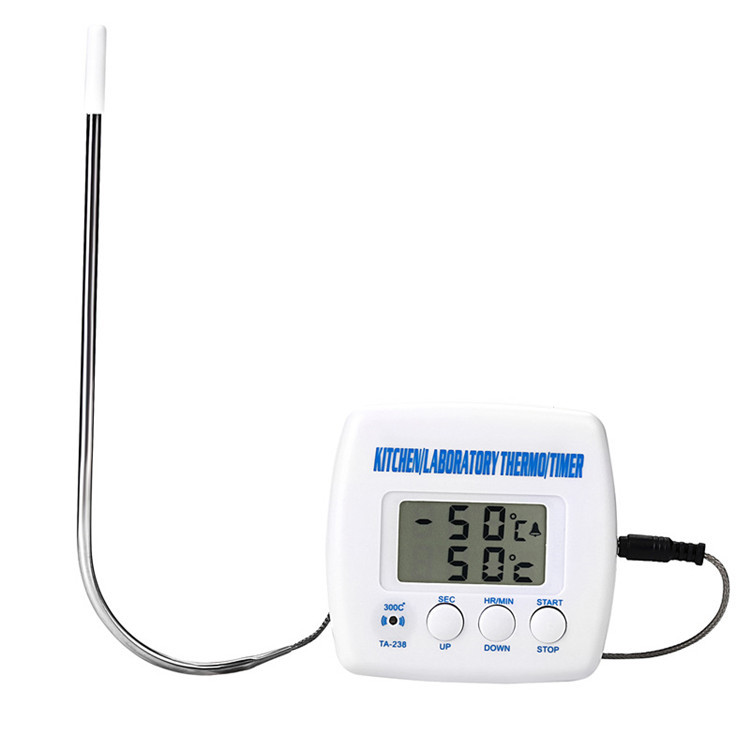
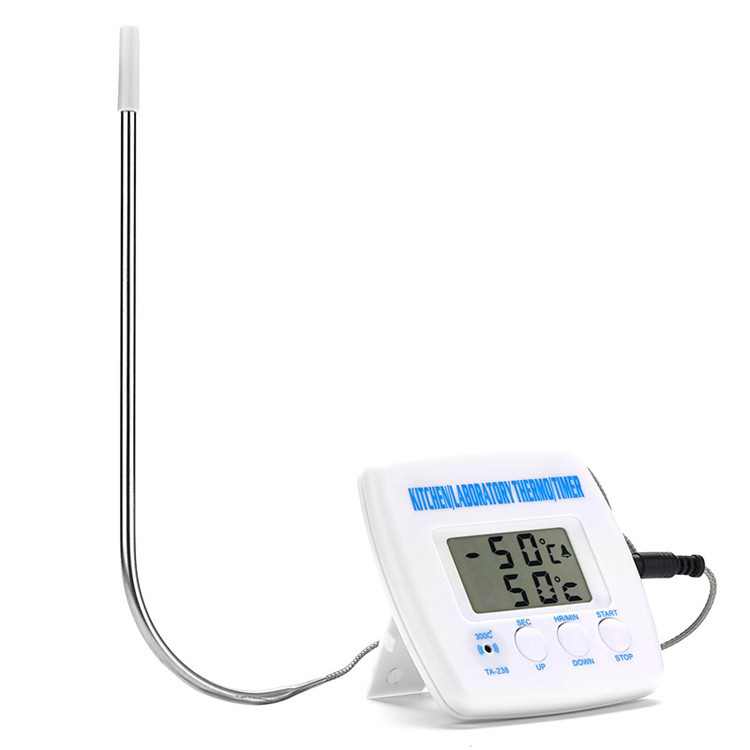
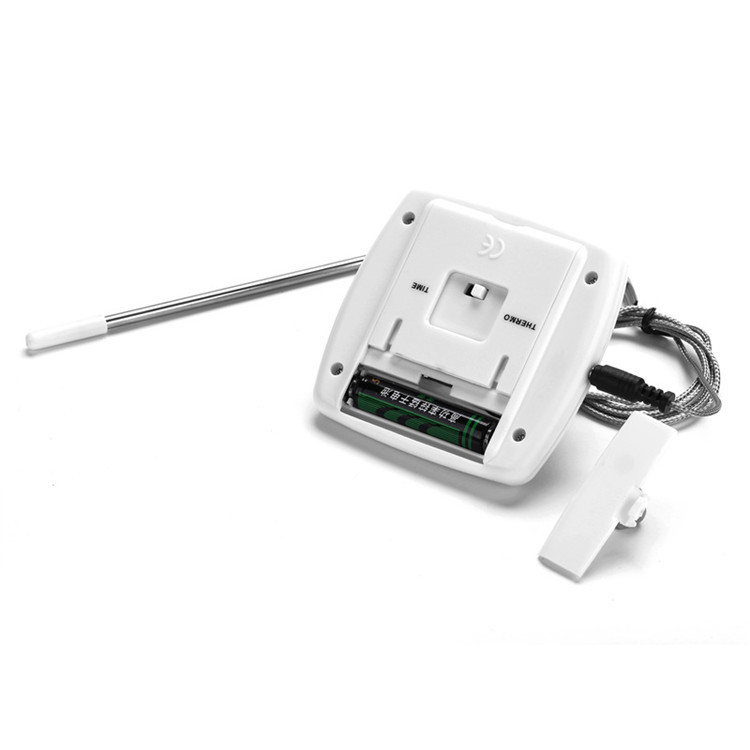
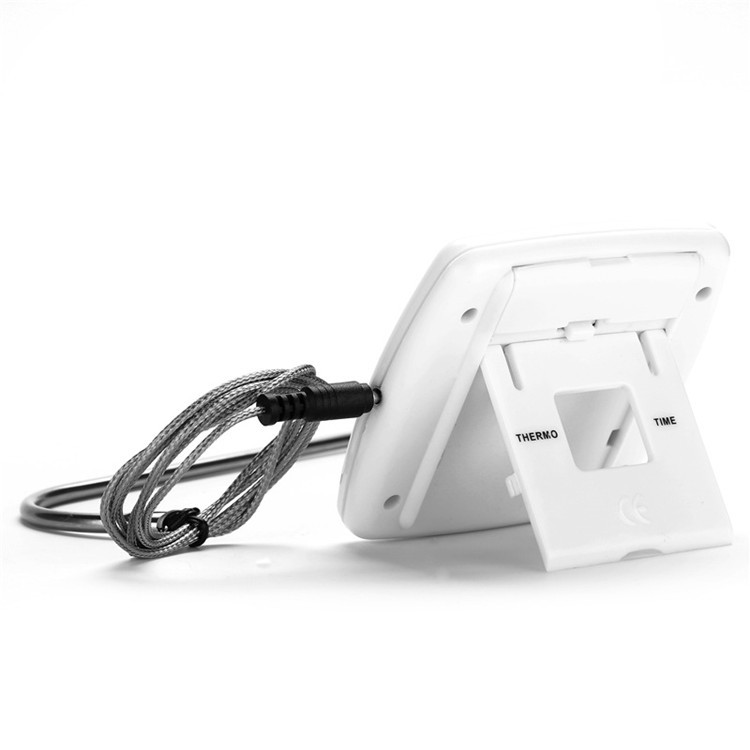
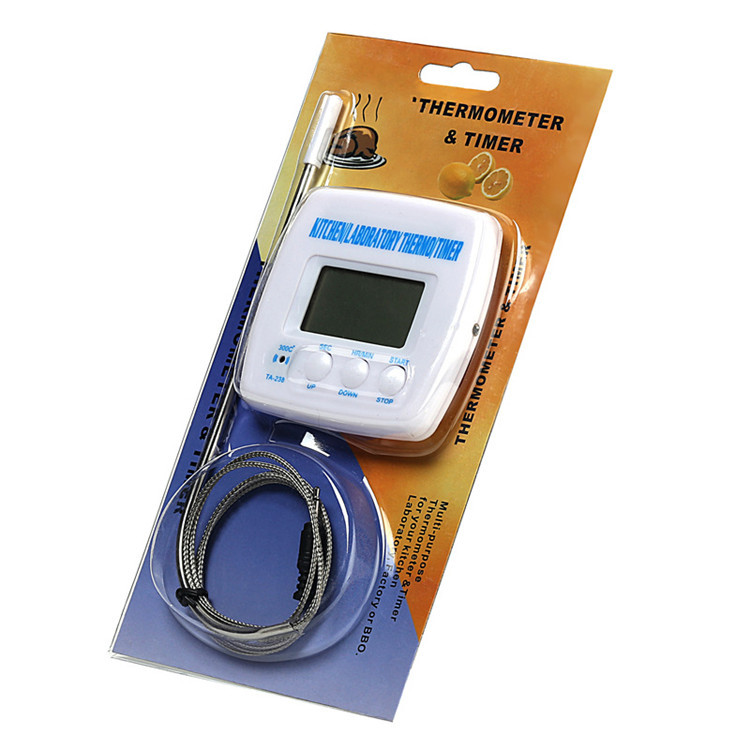
Digital Food Thermometer - Countdown Timer
79*75*17(mm)
A box contains 250 pieces.
A thermometer and a timer, which can be used in kitchens, laboratories, and factories. It has an ALARM function.
*Temperature range of the thermometer: -50℃ to 300℃.
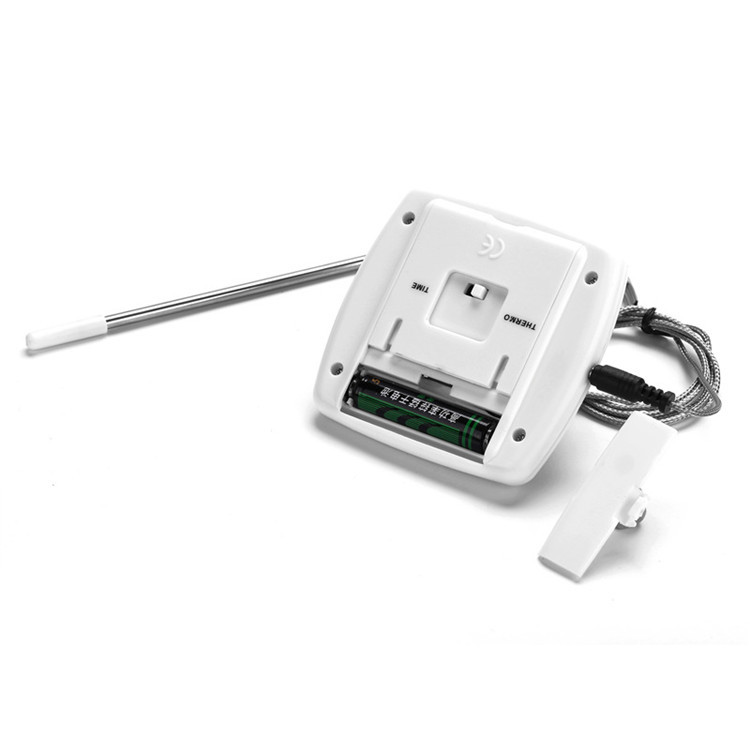
1: Insert a 1.5V DC AAA battery.
2: After installing the battery, the screen displays the current temperature and the set alarm temperature.
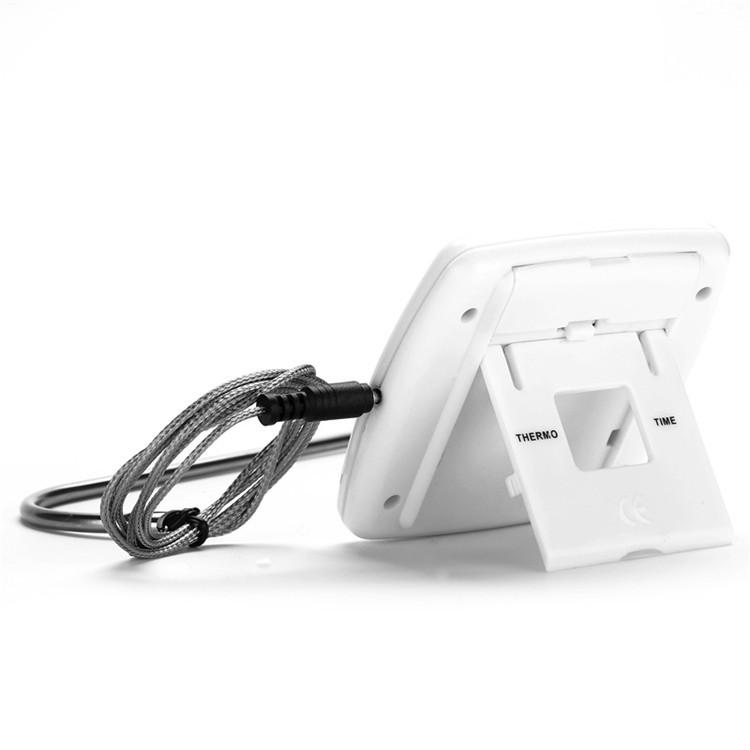
(Or press the black TIME-THERMO button on the back of the motor to select the use mode.)
25°C - Current Temperature
"5 0℃←Set Mode
3: The built-in alarm temperature is 50°C, and the suitable temperature can be set using the UP-DOWN button.
Press the UP key to increase the temperature value, press the DOWN key to decrease the temperature value, and hold the UP key or the DOWN key to quickly increase or decrease the temperature value.
If a wrong temperature is set, it can be reset by pressing the UP and DOWN buttons at the same time.
(Note: Do not press the TIME—THERMO key when the thermometer has been set to a temperature, or else the temperature will be cancelled)
Press the START button once to enter the alarm standby mode, which will replace the set mode.
6: When the current temperature reaches the set temperature value, the alarm will sound. Press the STOP button once to stop the alarm.
* The use of a timer:
This timer can be set for hours, minutes, and seconds. The maximum setting is 99:59:59.
1: Press the TIME-THERMO button to switch to the TIME position, and the setting mode will display as:
00:00 00←Set Mode
Press both the MIN and SEC buttons simultaneously to reset the timer value (repeated operation can stop or reset the setting).
3: Set the interval with the MIN and SEC keys.
Set the minute and hour by pressing MIN, and set the seconds by pressing SEC.
Hold down the SEC or MIN button, and the corresponding value will increase rapidly. When the minute value reaches 60, the hour value will automatically increase by 1.
4: If you set an incorrect time, reset can be re-set, (reference step 2).
5: When you set the correct time, press the START button once.
Note: Do not press the TIMER—THERMO key when the timer has been set, as this will cancel the previously set time.
6: When the alarm standby mode replaces the set mode, the timer begins the countdown.
7: When the countdown reaches 00:00:00, start the alarm.
Press STOP once at this time to stop the alarm.
Press reset to return the timer to its initial setting mode.
10: With 1.1 meter sensor cable. (Please do not use this product to test objects over 300℃.)
THERMOMETER & TIMER
This device offers you an easy-to-use thermometer and timer with an alarm function for use in the kitchen, factory, or BBQ.
USING THE THERMOMETER
2. Push the TIMERTHERMO to THERMO
3. The thermo-temp. and set temp. will be displayed.
The thermometer is showing the current temperature.
The thermo-temp. is showing the set temperature for the alarm function.
25"℃" is the symbol for Celsius temperature scale.THERMO-TEMP
50"℃" is the symbol for Celsius temperature scale. SET-TEMP
4. The default set temperature is 50 degrees."℃" is the symbol for Celsius temperature scale.. Use the UP or DOWN button to set the proper temperature
To decrease the set-temp. press DOWN
To increase the set temperature, press UP.
按住下或上按钮以快速减少或增加。
5. If you have set a wrong temperature, simply press DOWN and UP simultaneously to reset.
6. Press the START button once, the alarm stand-by mode will replace the setting mode
7. The alarm will sound when the THERMO-TEMP. reaches the SET-TEMP.
8. Press the STOP button once to stop the alarm. Temperature Range: -50°C"℃" is the symbol for Celsius temperature scale.~300"℃" is the symbol for Celsius temperature scale.-58 degrees Celsius"℉" is the symbol for Fahrenheit, a temperature scale used in the United States and some other countries.~572"℉" is the symbol for Fahrenheit, a temperature scale used in the United States and some other countries.")
USING THE TIMER
The timer is used to keep track of your setting time in hours, minutes, and/or seconds.
Hold the MIN or SEC button down for a fast increment. When the minute digit reaches 60, it will advance to an hour.
4. If you have set a wrong time, restart (see step 2)
5. If you have set the correct time, press the START button once.
NOTE: Once the time has been set, DO NOT push the TIMER – THERMO button, since it Will cancel the set time.
6. The alarm stand-by mode replaces the setting mode, and the time starts to count down.
7. The timer will sound when it counts down to 00:00:00.
8. Press the STOP button once to stop the alarm.
9. The unit will return to its pre-set position. You may reset the unit or start again.
10.1.1Meter Sensor wire.
11. Working temperature range for the body. (0°C to 45°C)"℃" is the symbol for Celsius temperature scale.~50"℃" is the symbol for Celsius temperature scale.. 32"℉" is the symbol for Fahrenheit, a temperature scale used in the United States and some other countries.~122"℉" is the symbol for Fahrenheit, a temperature scale used in the United States and some other countries.")
12. Please do not surpass 300"℃" is the symbol for Celsius temperature scale.above object with this test
Update time:


TOP