Search history
Clear allSearch by image
XDrag and drop an image here or upload an image
Max 5MB per image
UploadSign In | Join

Search history
Clear allSearch by image
XDrag and drop an image here or upload an image
Max 5MB per image
UploadSign In | Join
X Email Mobile
Haoli Hardware technology 14yr.
Contacts Xu Lingli Chat
Mobile 86-13858905805
E-mail 1448180920@qq.com
13858905805

WhatsApp 13858905805
Brand: Chaochuetang
Model: GL01-15
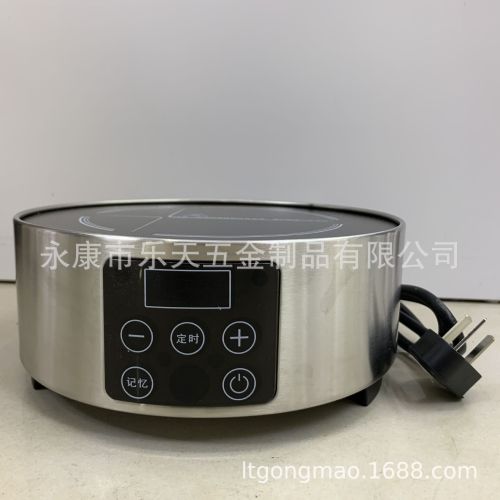
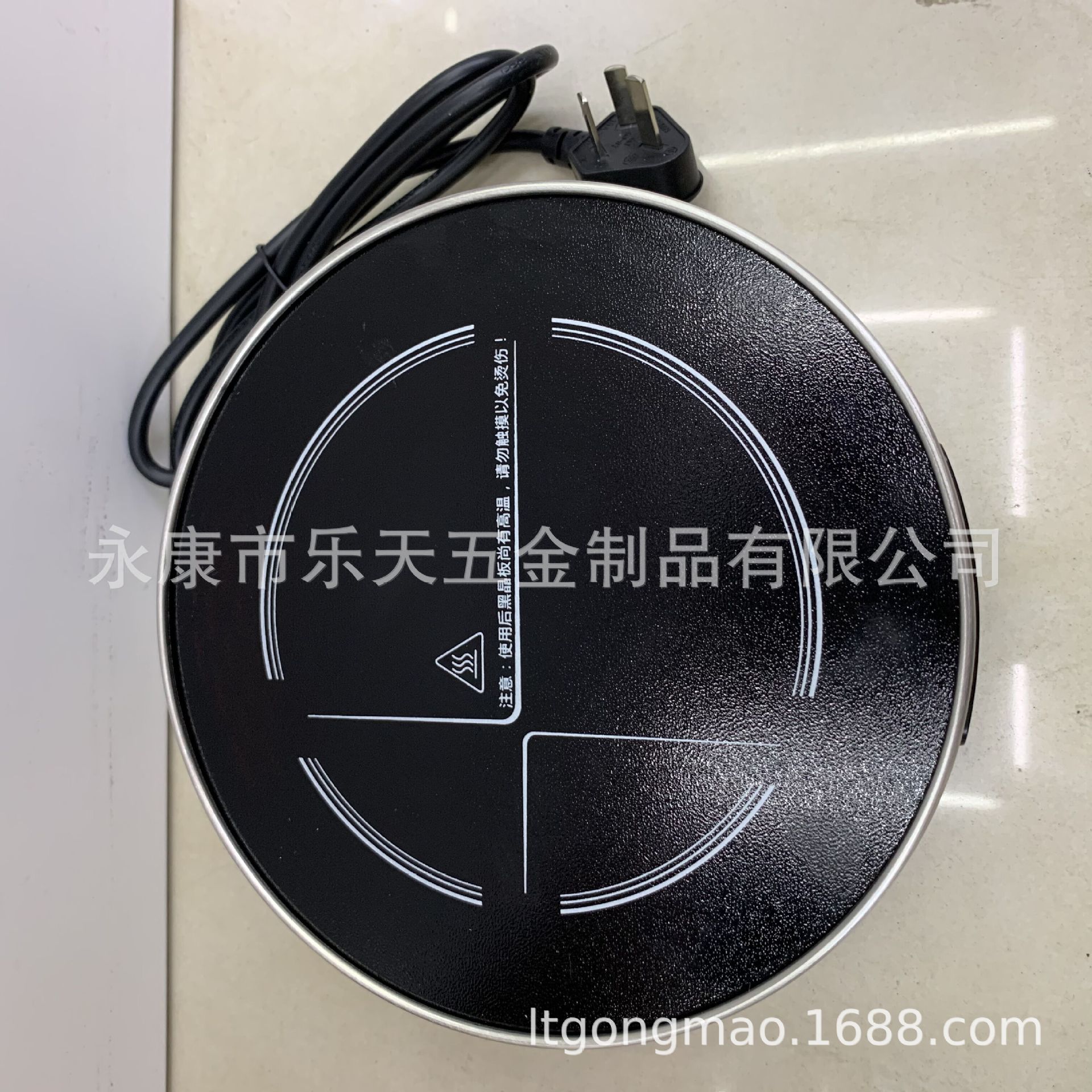
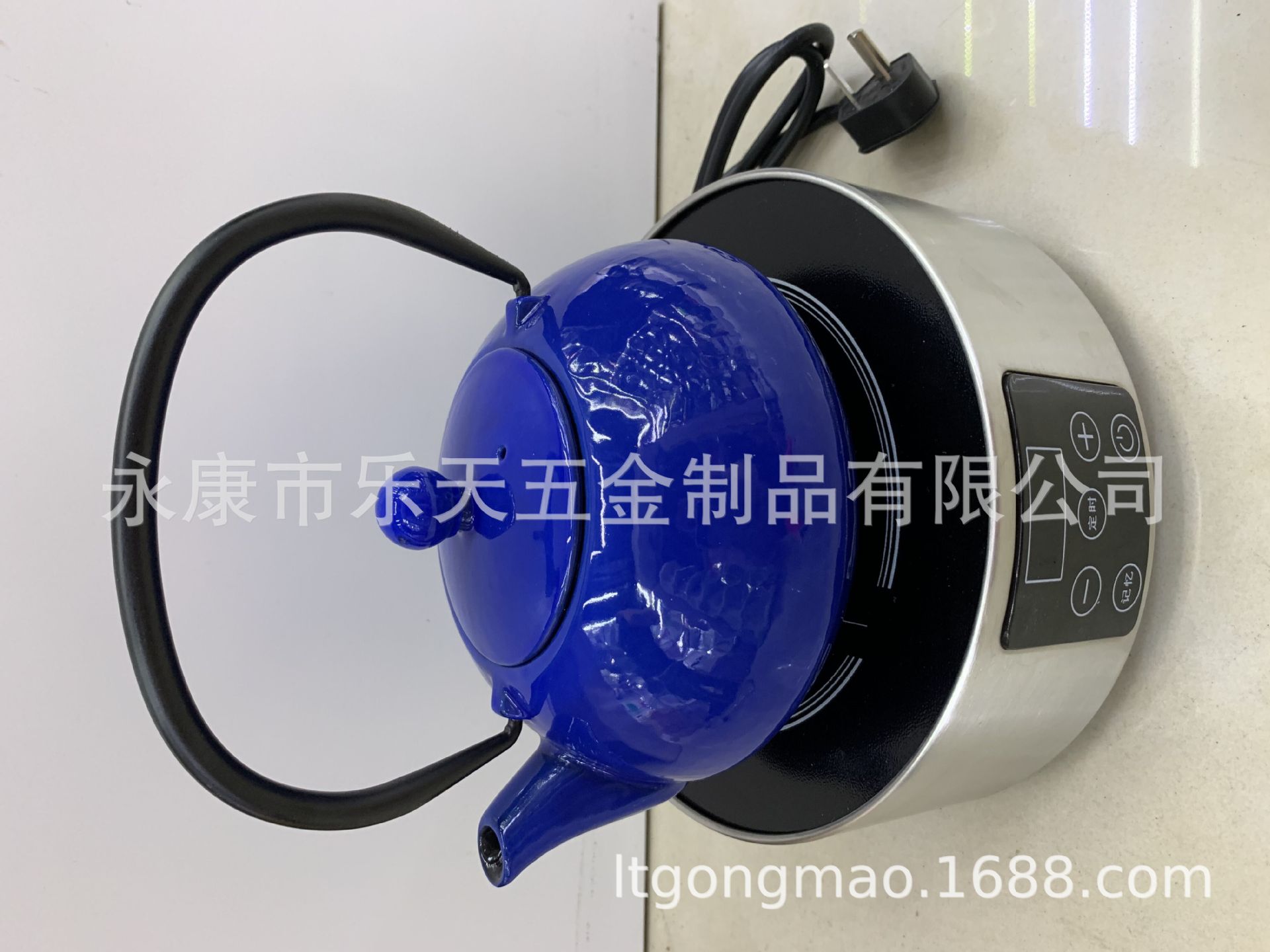
This product is multi-functional.Electric Induction CookwareThe material is not limited.Iron, aluminum, copper, ceramic, casseroles, heat-resistant glass, and other heat-resistant materials for cooking utensilsAll applicable. The multi-functional electric induction stove usesLight wave heat conductionTherefore, selecting the appropriate cooking utensils can makeHeat transferMore effective, we suggest choosingFlat bottom and non-reflectiveCookware.
1. Standby mode: After plugging in the power,Drop…One sound, the screen lights up completely, and after one second, it displays."----The system enters the standby state.
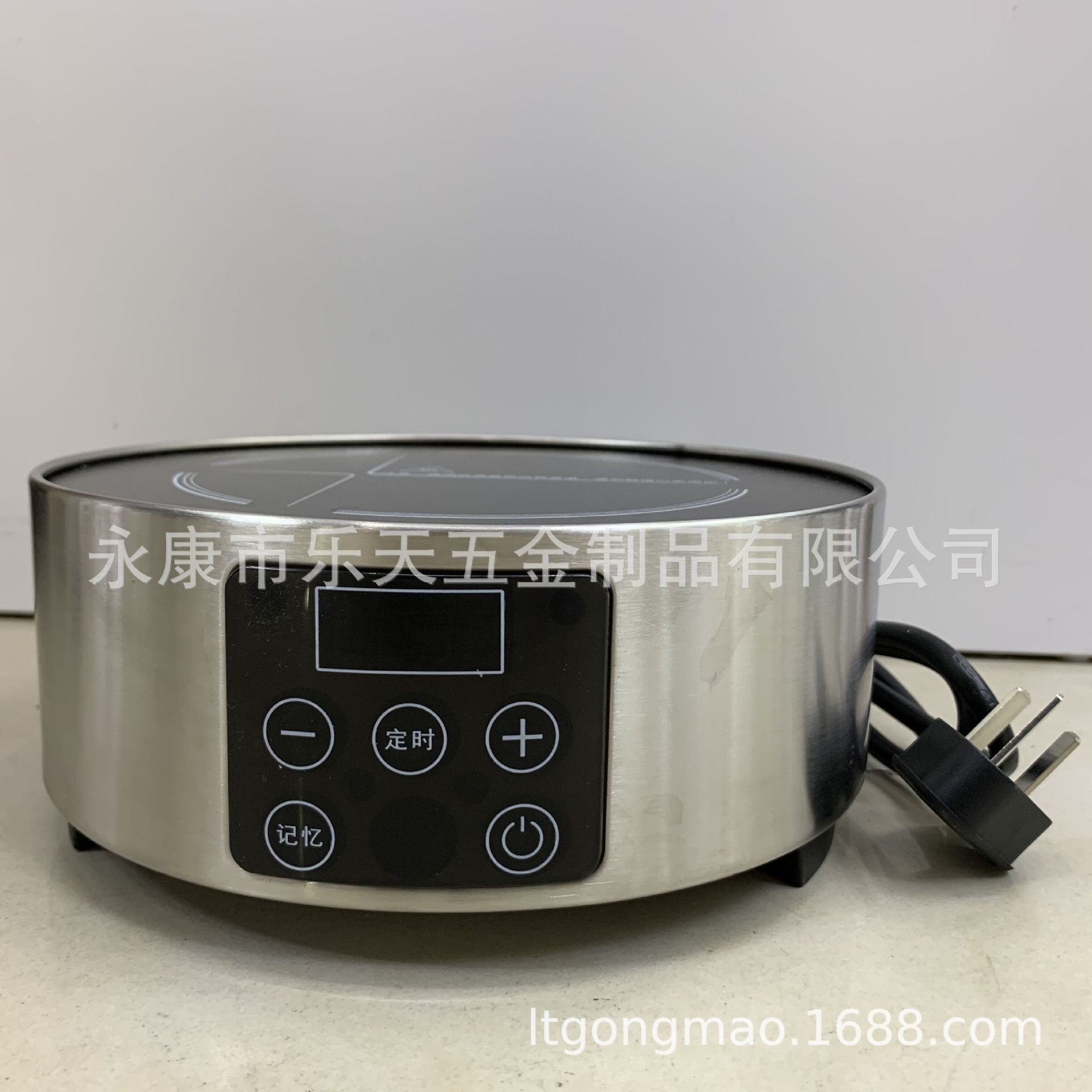
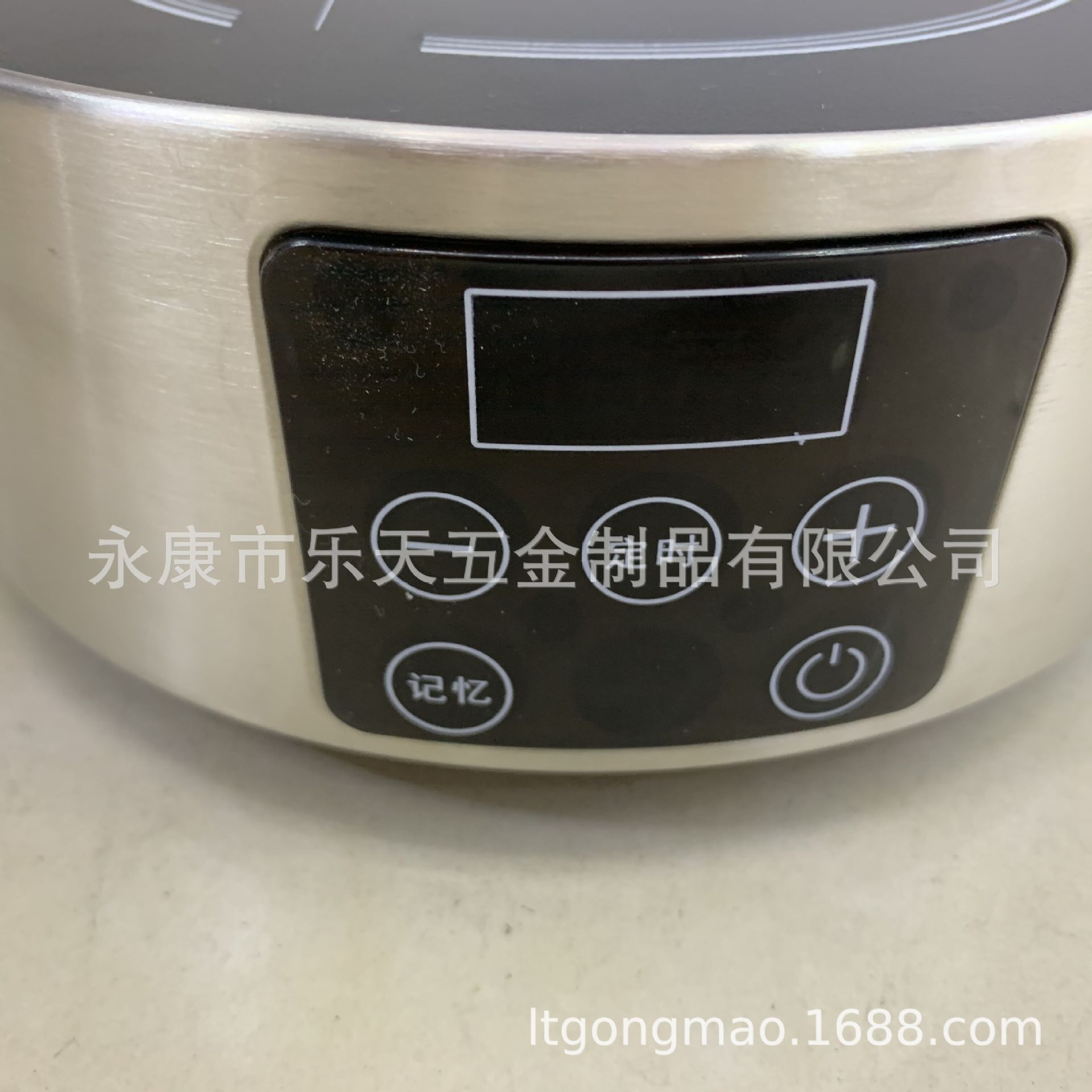
2. Power On: Press the power button once to wake the device from standby mode, and the display will show on,此时按"+" 或 "-Press the key to start the display power, the fan can be rotated during the working process."+" 或 "-Adjust power size by pressing the key.
3、定时:在工作状态下按"定时”键进入定时状态,通过按"+" 或 "-Key setting time neededAdjustable range: 0:01-3:00),3 seconds later, the device will enter a countdown state, with time and power consumption alternately displayed. When the timer reaches the set time, a buzzer will sound to indicate the end of the heating process. If the device has a memory function, you must first cancel the memory function before setting the timer.
4. Memory: To use the memory function, you need to set it first. The memory indicator light remains on to indicate that the memory function has been set. When the machine is turned on, it will start working according to the set memory time. If you need to cancel the memory function, press the memory key for 3 seconds to cancel the memory. After cancellation, the memory indicator light will turn off.
5. Memory function setup: First, fill the kettle with an appropriate amount of water and record the water level. Place the kettle on the stove and turn on the stove to heat the water. At this time, press the memory button, and the memory light will flash to begin recording the boiling time. When the water boils, press the memory button again, and the indicator light will remain on. Press the power button to turn off the machine, and the memory setting is complete. In the future, when the same kettle is filled with the same amount of water and boils, the machine will automatically turn off. If you change to a different kettle, you need to reset the setting.
Update time:


TOP