Search history
Clear allSearch by image
XDrag and drop an image here or upload an image
Max 5MB per image
UploadSign In | Join

Search history
Clear allSearch by image
XDrag and drop an image here or upload an image
Max 5MB per image
UploadSign In | Join
 default
默认 |
CN¥ 0.0 |



Operation Instructions
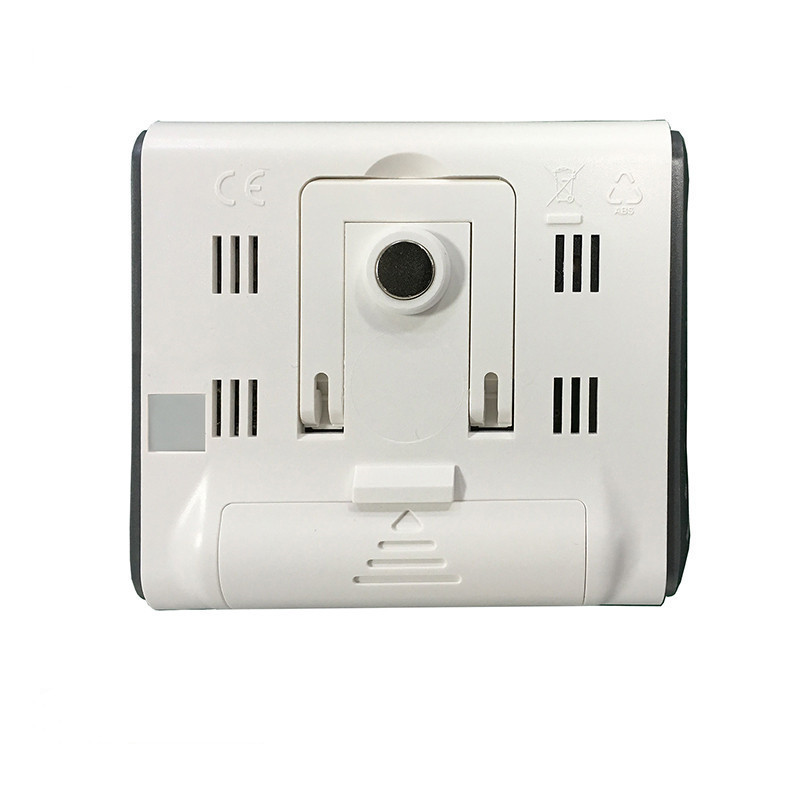
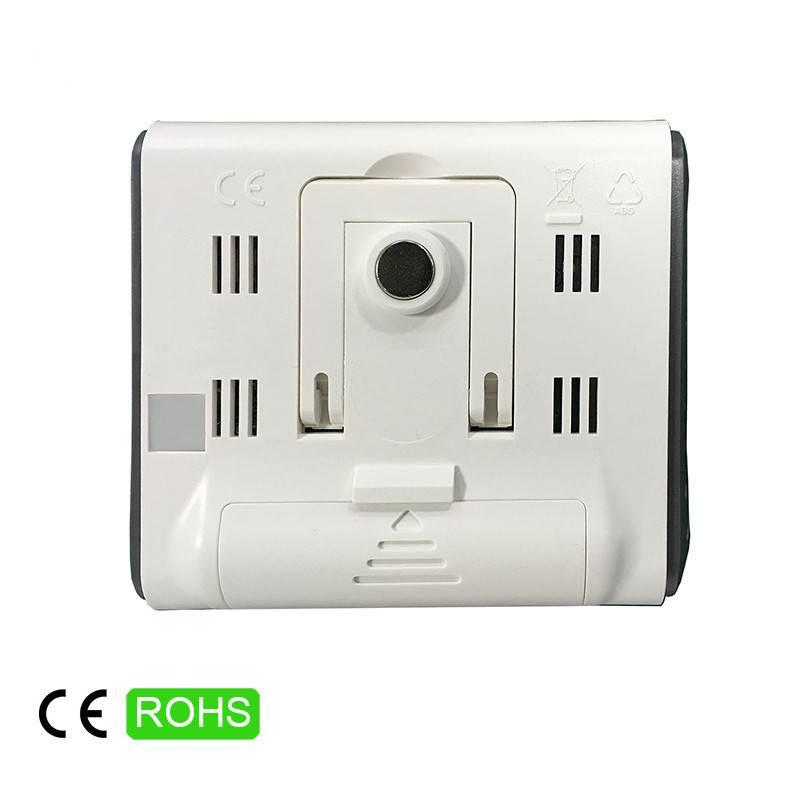
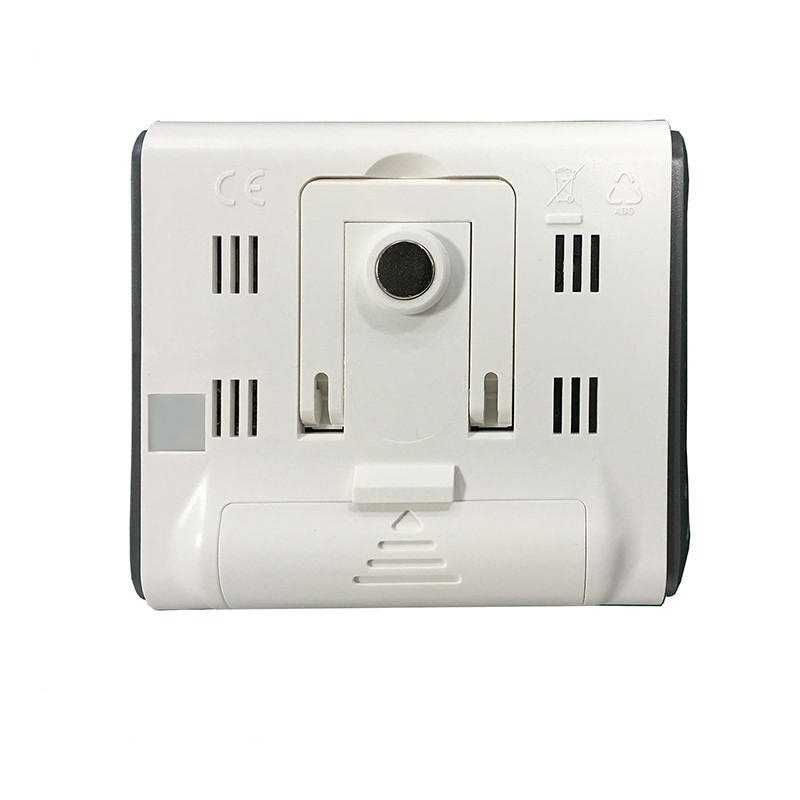
1. Follow the orientation instructions on the back of the device to open the battery door, install the battery correctly, then reseat the battery door—the device will be ready for use.
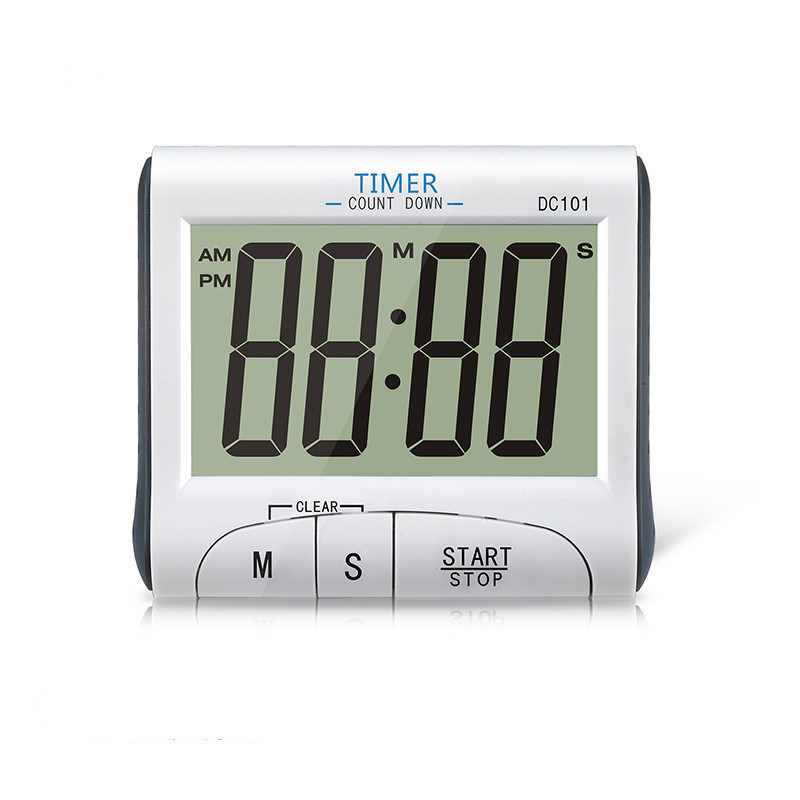
2. When the clock is in operation mode, press the START/STOP button to switch to the countdown function. Additionally, pressing M\S and START\STOP will return you to the clock state.
3. Clock settings: Press the S key in the clock mode to switch between 1 hour and 2 hours. Hold down M for about 2 seconds to enter time settings; the time display will flash, then press S again to adjust it. Hold down S to increase the value. After completing the adjustment, press M to enter minute settings; the minute display will flash, then press S again to adjust it. Hold down S to increase the value. Finally, press M to exit.
Model: DC101 Electronic Positive Countdown Timer
Size: 82*70*20 mm
Weight: 68 grams
Product list: one timer, one battery, one user manual.
Material: ABSPackaging material: PVC
Product packaging style: blister packaging
Basic Features:
*Timer function
*Time display
*12/24-hour clock
Update time:


TOP