Search history
Clear allSearch by image
XDrag and drop an image here or upload an image
Max 5MB per image
UploadSign In | Join

Search history
Clear allSearch by image
XDrag and drop an image here or upload an image
Max 5MB per image
UploadSign In | Join
|
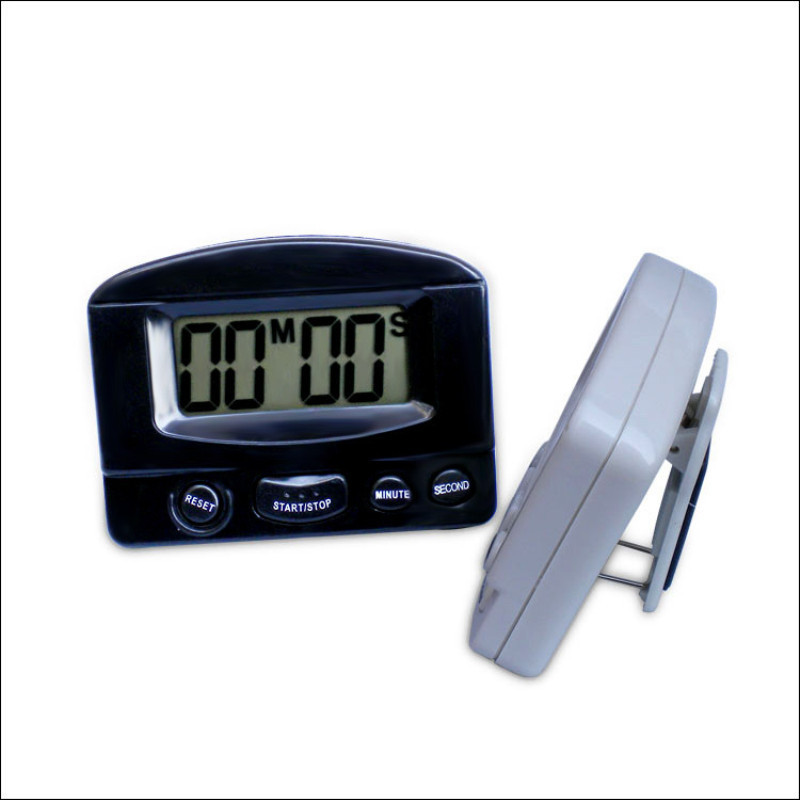
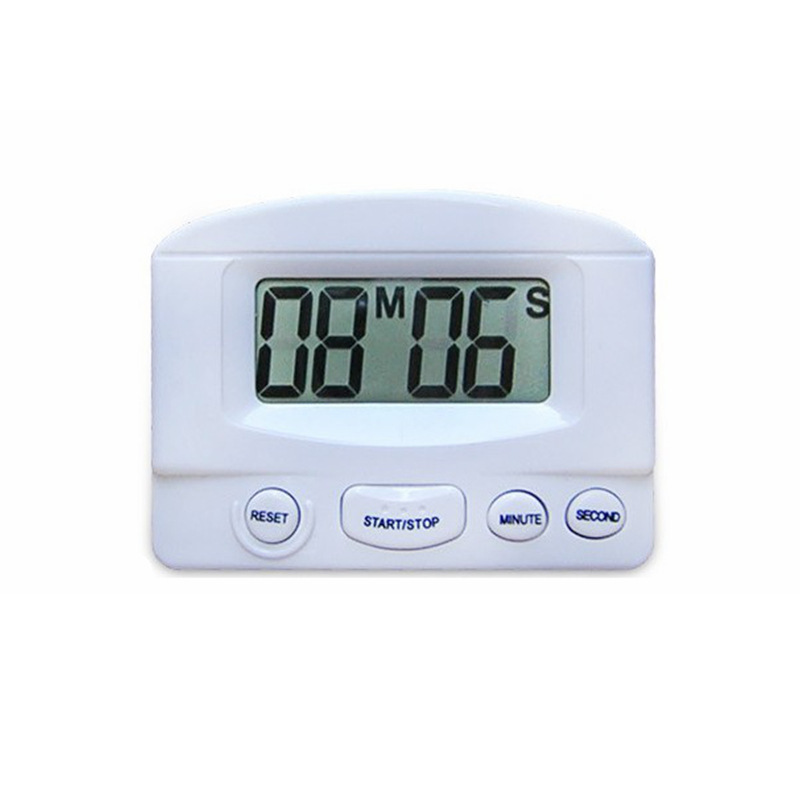
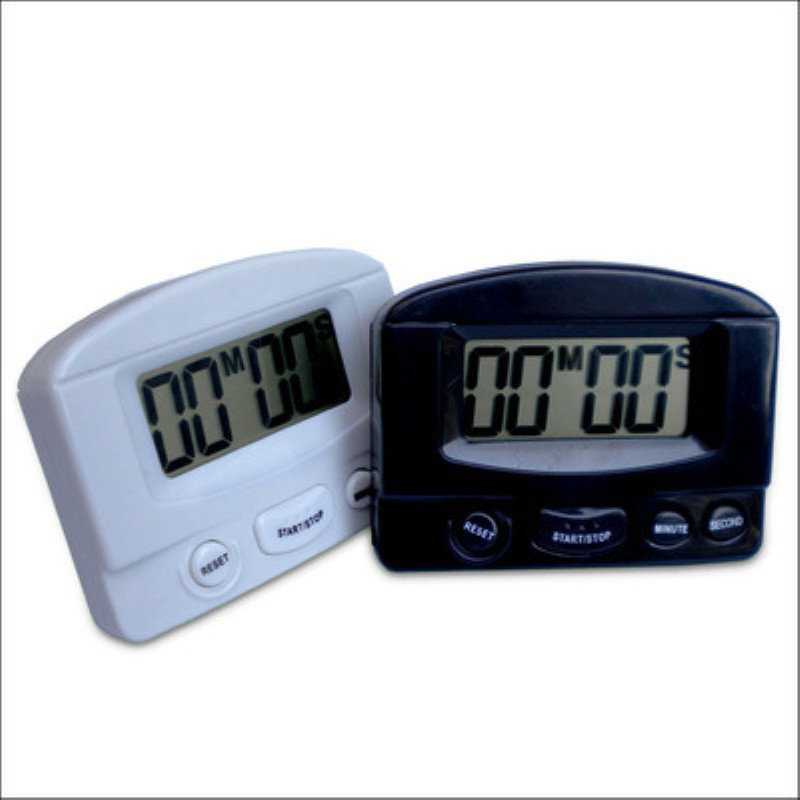
white
白色 |
CN¥ 0.0 |
|
black
黑色 |
CN¥ 0.0 |
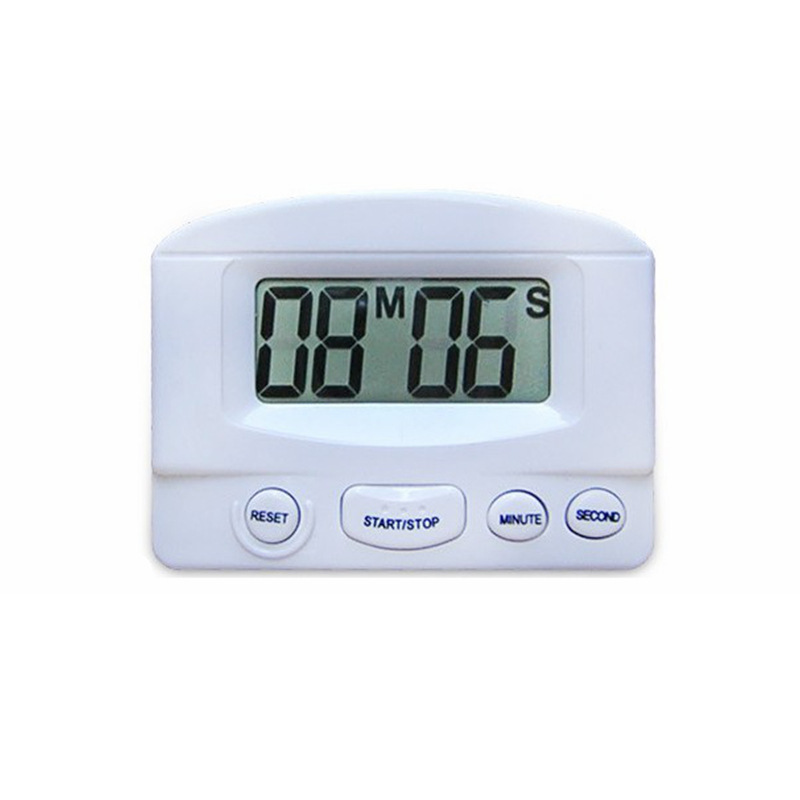
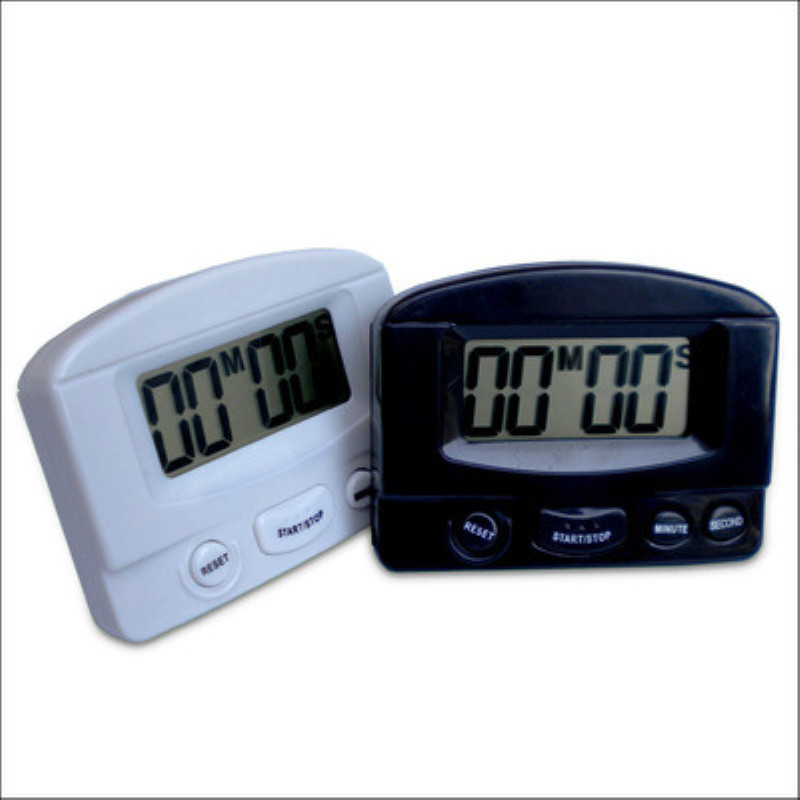
The electronic timer has both positive timing and countdown functions.
* Large LCD display with real-time timing, countdown, beep alerts, and memory function.
* Maximum setting: 99 points and 59 seconds
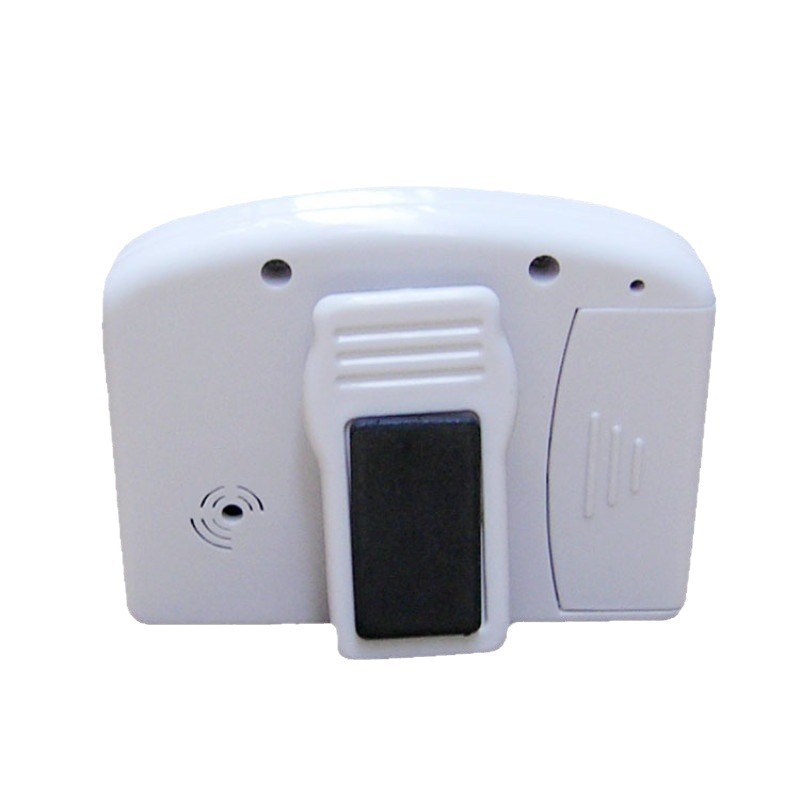
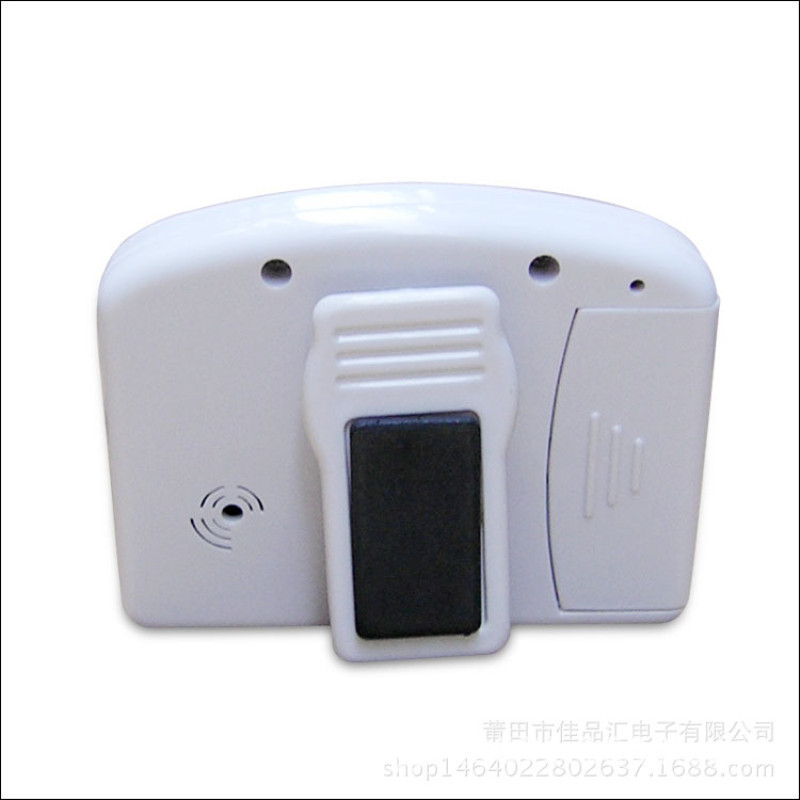
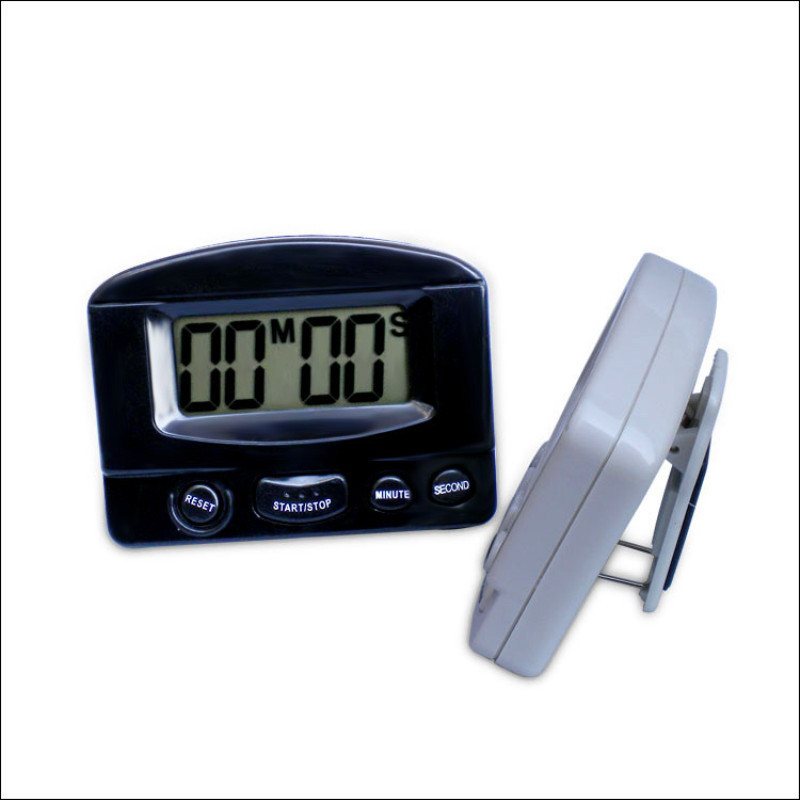
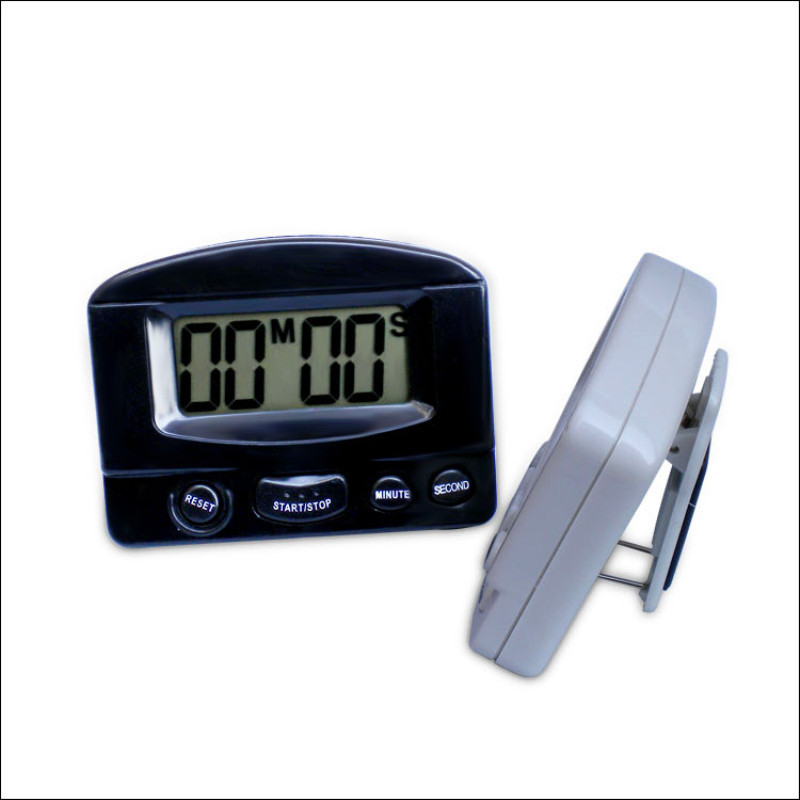
* The back features powerful magnets, clips, and a small iron stand; it can adhere to any metal surface, and can be attached to a belt or fixed on a tabletop.
* It can be widely used in kitchens, offices, study areas, beauty salons, hospitals, and other settings.
1. Product Purpose:
This product is widely applicable for setting time intervals such as steaming, lunch, learning, beauty treatments, soup boiling, printing, driving, exercise, calls, experiments, meetings, and more.
II. Product Features:
1. Countdown time range: 1 second – 99 minutes and 59 seconds;
2. Clear display: The screen is large, making it easy to view and set the time;
3. Automatic reset: After each countdown ends, it will automatically return to the initial time you set. The next time you use it, simply press the START button to start the countdown again.
4. Ending reminder: When the countdown ends, a continuous “tick, tick” sound will be played for approximately 30 seconds before stopping. After the reminder stops, the device returns to the initial time and is ready for the next use.
Model: BK-331
【Dimensions】: Appearance: 82*62*17mm, Display Screen: 48*20mm
【Weight]: Approximately 67 g per unit, without battery
【Voice Type】: “BB... or DD...” sound
III. Usage Instructions:
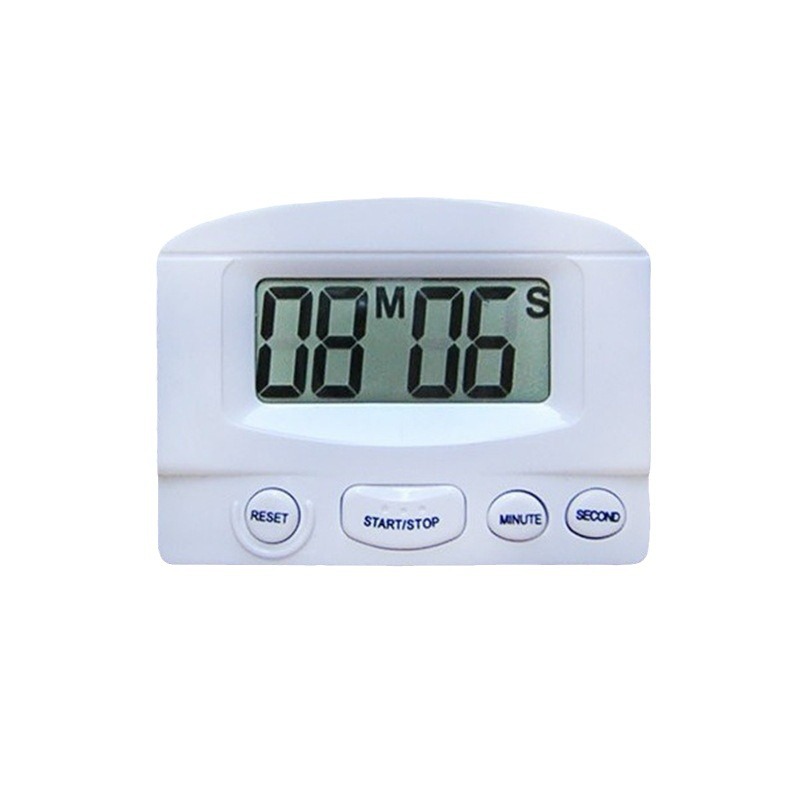
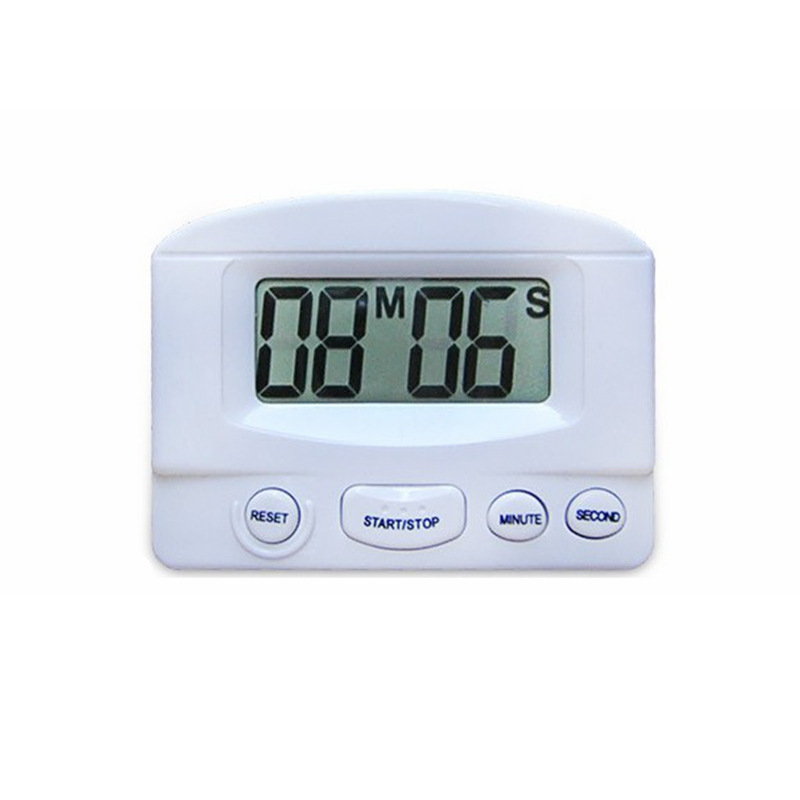
1. Use the MINUTE key to set the length of the "minute" symbol.
2. Use the SECOND key to set the length of “seconds”
3. Press the START/STOP button to start or stop the timer
4. Press the RESET button; the numbers will reset to 0, and the time can be reconfigured.
5. When the set time ends and reaches 0, a continuous "beep, beep..." alarm sound will be played to indicate that the set time has arrived.
6. Press MINUTE, SECOND, or RESET
Press START/STOP to end the alarm sound and return to the initial set time.
Update time:


TOP