
Search history
Clear allSearch by image
XDrag and drop an image here or upload an image
Max 5MB per image
UploadSign In | Join

Search history
Clear allSearch by image
XDrag and drop an image here or upload an image
Max 5MB per image
UploadSign In | Join
【Usage Instructions】
|
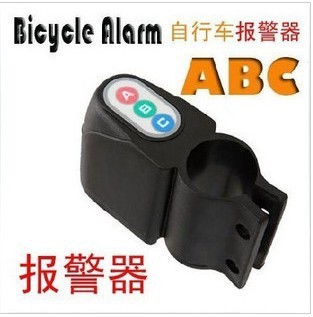
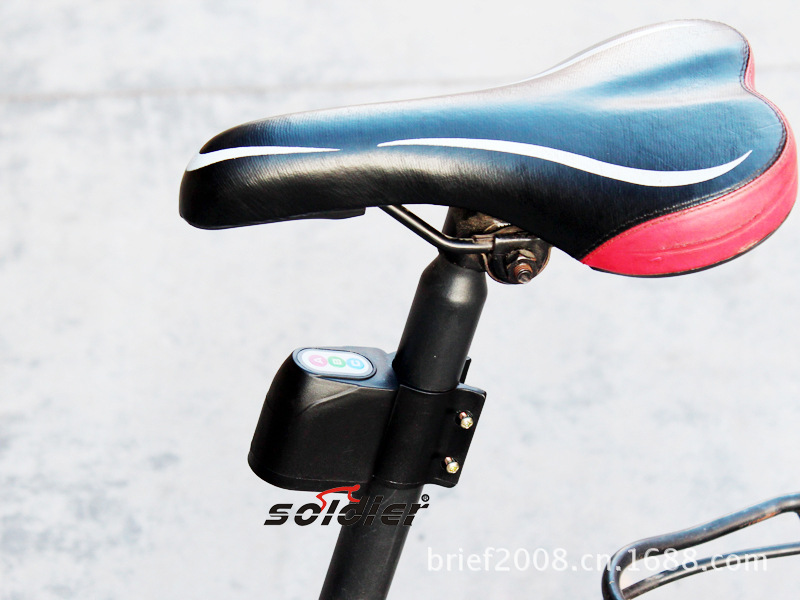
Application 1:Bicycle alarmHow to use: Fix the alarm on the bicycle frame, press the start button. After a 10-second delay, the alarm enters alert mode. When someone touches the vehicle, the alarm will emit a sharp alarm sound for about 8 seconds, then automatically return to alert mode. If touched again, it will trigger another alarm. The user can disable it using the code shown on the product. Application 2:Electric vehicle and motorcycle alarm devicesUsage: Attach the alarm to a concealed location in the vehicle, such as under seats or in the tool box, using double-sided tape. Press the start button, and after a 10-second delay, the alarm enters alert mode. When someone touches the vehicle, the alarm will emit a sharp alarm sound for approximately 8 seconds, then automatically return to alert mode. If touched again, it will trigger another alarm. The user can disable it by using the code indicated on the product. Application 3:Fixed Asset Alarm System, attach this alarm to your fixed property, such as temporarily placed goods, or connect it to computers, household appliances, etc. When in use, turn on any two or three switches and press the start button. After a 10-second delay, the alarm enters alert mode. If someone triggers it, the alarm will emit a sharp alert sound for approximately 8 seconds, then automatically return to alert mode. Re-triggering it will trigger another alert, and the user can turn it off using the code indicated on the product. |
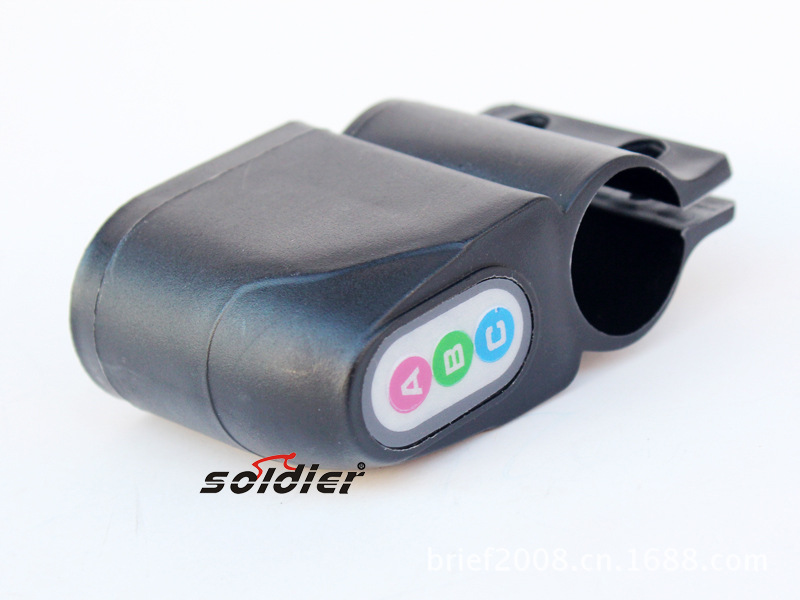
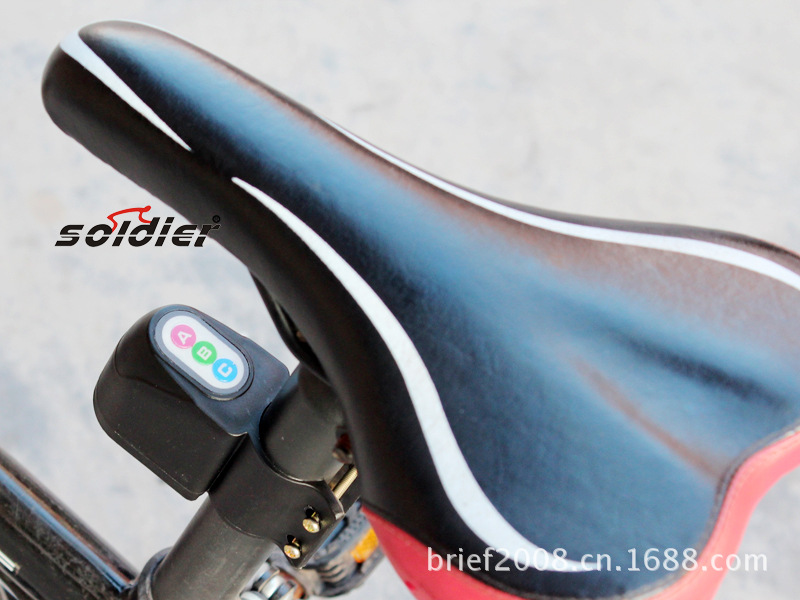
1. Set the password for the factory: ABCA
2. Password modification: Long press the A key for 2 seconds (a beep sound), enter the old password (two correct beeps, one error beep, then exit), then enter the new four-digit password (two successful beeps). Note: When the battery is removed, the password reverts to the factory default setting.
3. If the incorrect password is entered four times in a row, the system will lock the keyboard and prevent any operation. The lock will be lifted after 3 minutes.
4. Deployment: Long press the B key for 2 seconds, followed by a “ding” sound from the device. Deployment is successful; after a 5-second delay, the system enters alert mode.
5. Release: In defense or alarm mode, enter a four-digit password; after two “beep” sounds, exit the defense mode.
6. During the deployment state, if the main unit experiences a vibration for the first time, an alarm is triggered with 5 continuous beeps. If another vibration occurs within 5 seconds, the main unit will emit 15 continuous beeps.
7. Low voltage detection: When the battery voltage is low, the main unit will emit a “beep” every 1 minute, indicating that the battery needs to be replaced.
8. Sensitivity adjustment: The vibration trigger sensitivity can be adjusted in three levels (highest at level one, moderate at level two, lowest at level three). When the trigger is disabled, hold down the C key and hear a “beep”. After 2 seconds, another “beep” indicates level one; holding the C key and hearing a “beep” followed by two “beeps” indicates level two; holding the C key and hearing a “beep” followed by three “beeps” indicates level three (this cycle repeats). Note: The default setting upon delivery is level two.
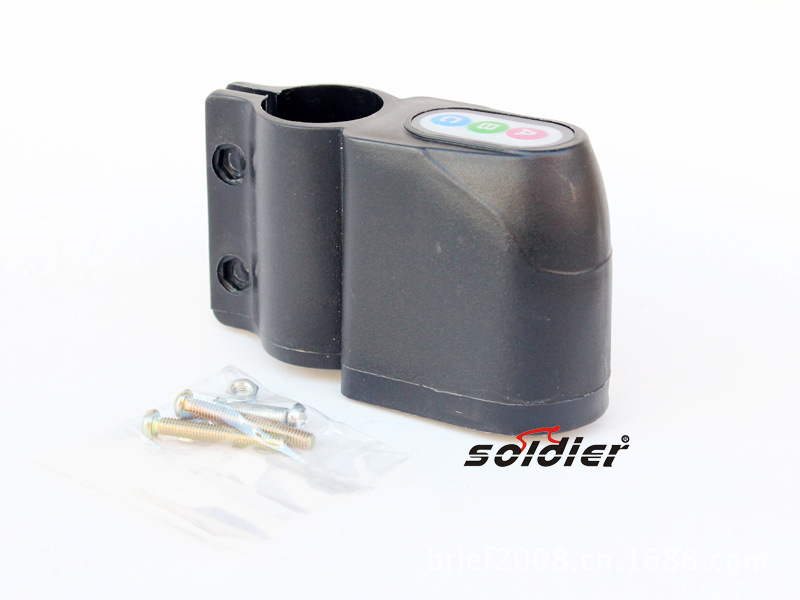
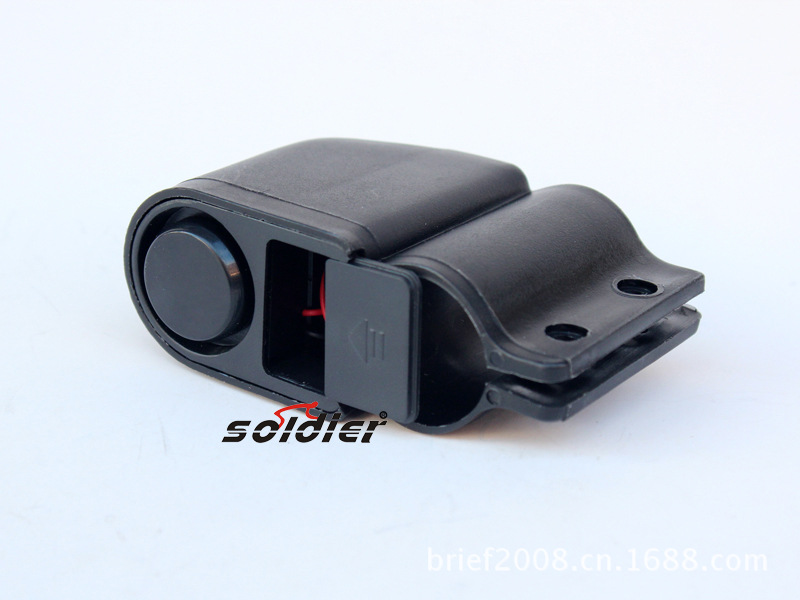
It can be installed on the steel pipe under the car seat, or you can choose any other place you prefer or find suitable for installation.
Update time:


TOP


