
Search history
Clear allSearch by image
XDrag and drop an image here or upload an image
Max 5MB per image
UploadSign In | Join

Search history
Clear allSearch by image
XDrag and drop an image here or upload an image
Max 5MB per image
UploadSign In | Join
Yiwu Zhongli Electronics Co., LTD. 15yr.
Contacts HuangHuaZhong Chat
Mobile 13566764473
WeChat 13566728436
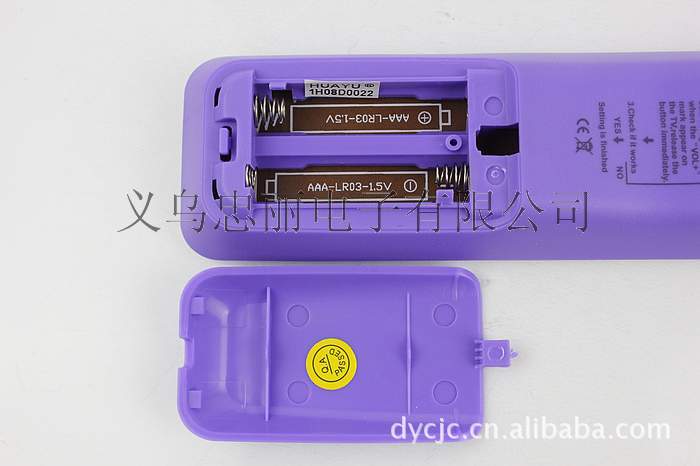
| Color: Purple | Audio-visual accessories types: Remote control | Model: i908 |
| Applicable Equipment: Television | Brand: Huayu | Product code: i908 |
| Transmission distance: 8-10 (m) |
WelcomeYiwu Zhongli Electronics
To learn more, please contact: 13566728436 QQ:519869618
RM-36E+ Remote ControlEspecially designed with a smooth appearance and comfortable grip, it is both fashionable and beautiful. The global first innovation is that it does not require any code input, making operation simple. It is equipped with a feature that allows for seamless integration with other devices.Latest development of fast, fully automatic digital searchICSystem. This appearance andICThe function has applied for multiple international patents and is universally applicable. The channel storage universal TV remote control gathers hundreds of brand and tens of thousands of model televisions from around the world.ICThe code library, with its unique feature of not requiring any code input, allows you to store your favorite programs and channels freely and easily. Its simple and fully automatic fast search system makes operation seamless and intuitive. It truly is a revolutionary product that leads the digital remote control trend, guiding the new era of digital remote control without code input.
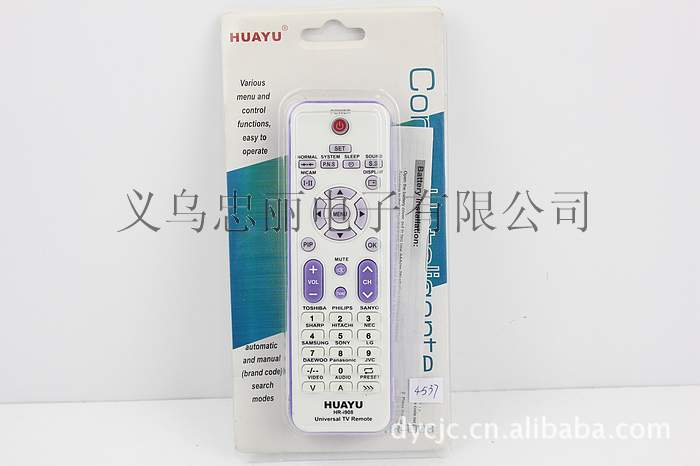
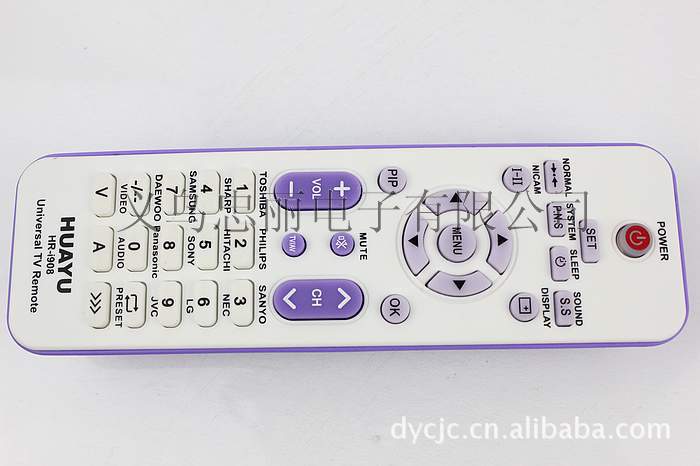
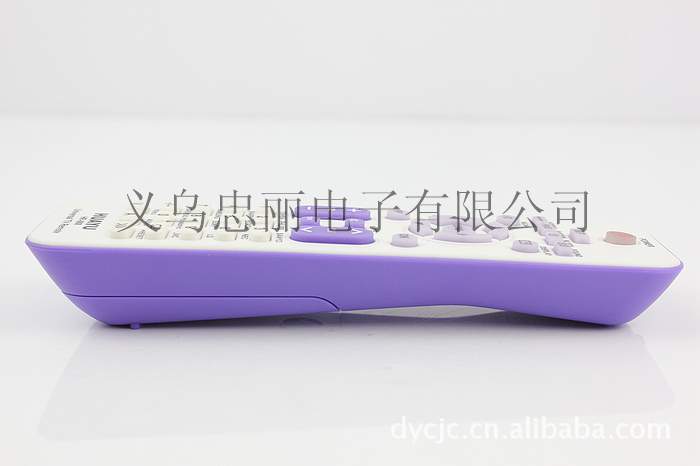
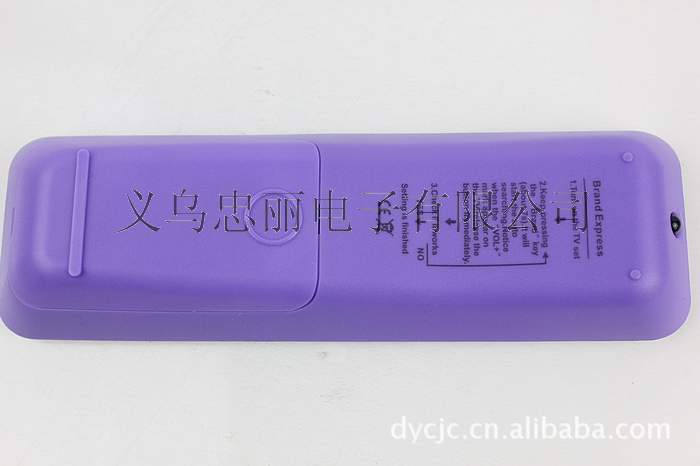
Supply Huayu i908 Universal TV DVD Infrared Remote Control
【Quality】: First Grade
【Color】: Purple
【Transmission Distance】: 8-10m
【Applicable Brand】: Universal
Battery: 2 pieces
【Usage Method】:1. Press the "Settings" key with your left hand and hold it down without releasing, then press the "Power" key with your right hand once. The indicator light will turn on continuously.
2. Enter three '0's to turn off the indicator light, at which point the remote control code is '000'.
3. Repeat what was said in the first point, to make the indicator light stay on continuously.
4. Point the remote control at the TV's receiving window and start pressing the "Volume +" button on the remote control. Count each press and write down the corresponding number, "1, 2, 3, 4, 5, 6, ... 300." Be patient, and when you reach a certain number, The television displayed the 'volume indicator line', so release the remote control button and note down the number. This number is your television's 'code'.
5. Press the "Set" key, and the indicator light will turn off.
6. Test the code: Repeat the first step to keep the light on for a long time, enter the code (a three-digit number)
【Note】: All products sold by our store are photographed with actual items and have not been modified in any way. There may be a certain color difference due to different monitors. Please refer to the actual color of the received item.
Support Alipay escrow transaction; process orders within 24 hours.
Automatic Search Method:
1. Turn on the power of the home appliance you want to set, and aim the remote control at the home appliance. (The deviation should not exceed 30 degrees.)
2. If the setting object is a TV, please press the TV1 button on the remote control first; if it is a tuner, press the tuner key. Similarly, proceed accordingly.
3. Press the set button on the remote control continuously, then press the Ch+ button, and release both buttons simultaneously. (At this time, the indicator light on the remote control will continue to flash, indicating that it is searching for the desired model code)
4. When the power to the appliance (e.g., the TV) is suddenly turned off, please immediately press any button on the remote control (within 1.5 seconds) to indicate the lock code.
5. Press the power button on the remote control. If you can operate it, it means the setting is complete. If you cannot operate it, please repeat steps 1, 2, 3, and 4.
Office Corner
Update time:


TOP


