Search history
Clear allSearch by image
XDrag and drop an image here or upload an image
Max 5MB per image
UploadSign In | Join

X Email Mobile
A new item has been added to your Shopping Cart. You now have items in your Shopping Cart.
Guangdong Jiahaoli Electronics Technology Co., Ltd. 14yr.
Contacts:刘育珊 Chat
Mobile:86-15024556667
E-mail:2911195345@qq.com
A. Music playback
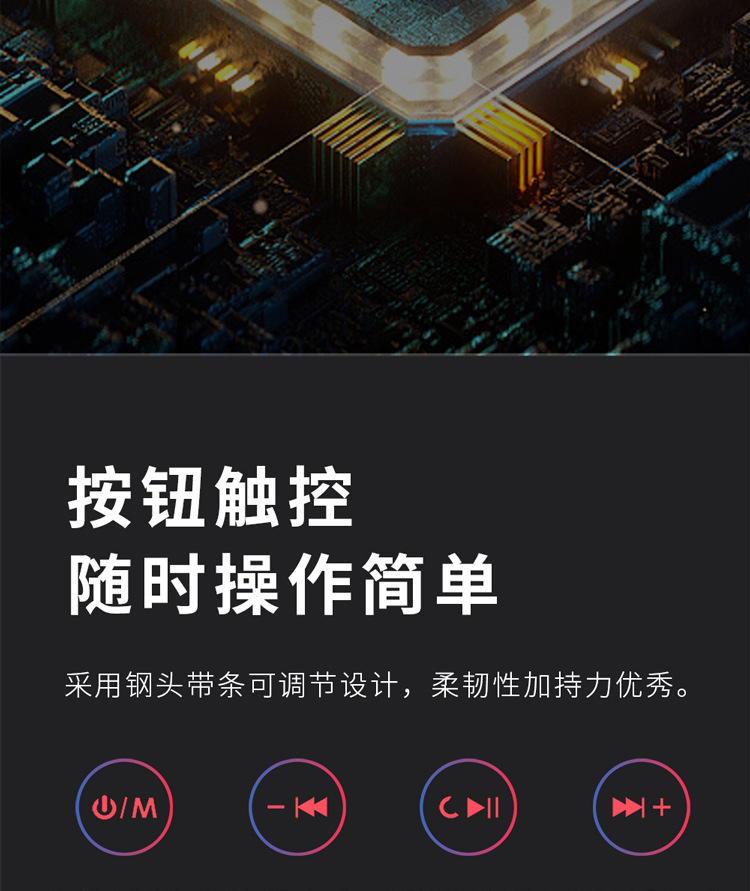
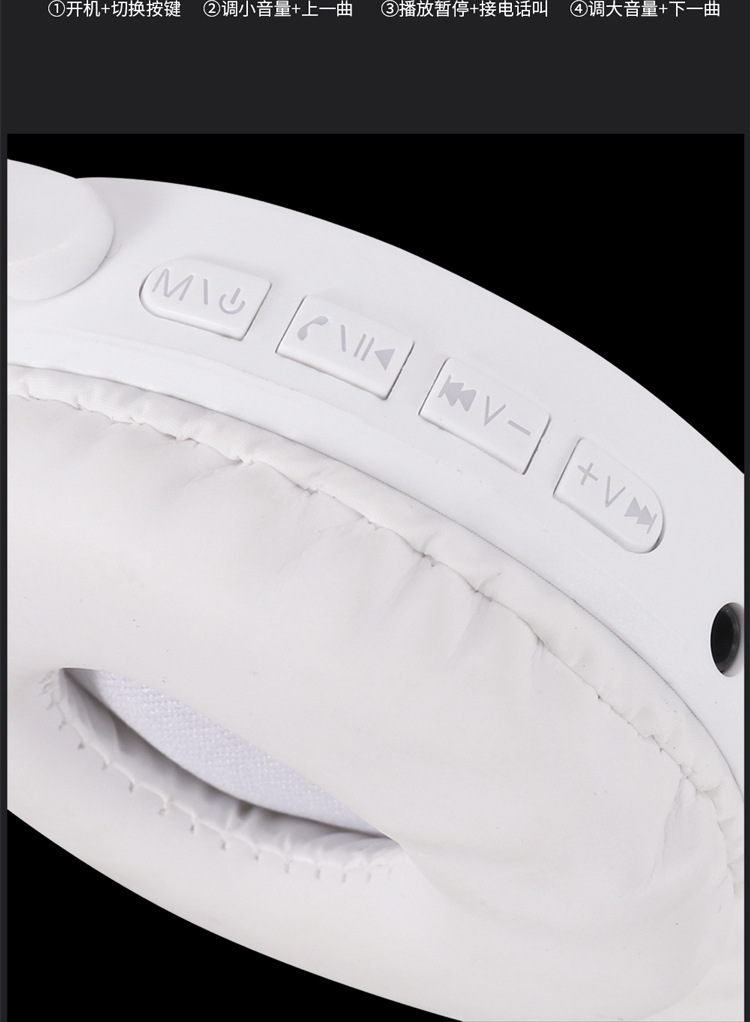
TF card into the machine with a music file, short press PLAY key to boot, and then short press PLAY key to start, short press PLAY key to pause again, long press the PLAY key again for about 3 seconds to shutdown. (In stop or pause the broadcast mode, no action will automatically shutdown 30 seconds)
B.LINE IN function
Received LINE IN the recorded through audio line interfaces, may consider this machine as a pair of high-fidelity earphones to enjoy the external audio source. (When the unit is playing, then insert the mud line, the machine will automatically stop playing and shut down, giving priority to appreciate the external audio source).
C. Radio function (this feature is optional)
In boot state Xia, long by EQ key automatically switch entered to radio mode, short by A-B key for automatically search mode and will found to of radio automatically save, long by Shang a song for up half automatically search mode, long by Xia a song for down automatically search mode, short by play key for order cycle down select Save of radio, again long by EQ key exit radio mode. (The local receive audio for: 87.0-108.0MHZ)
D. Connect USB
PC through a USB cable connection with locals, you can download files on a computer to the SD or MMC card is inserted, card files can also be uploaded to a computer.
E. Charging
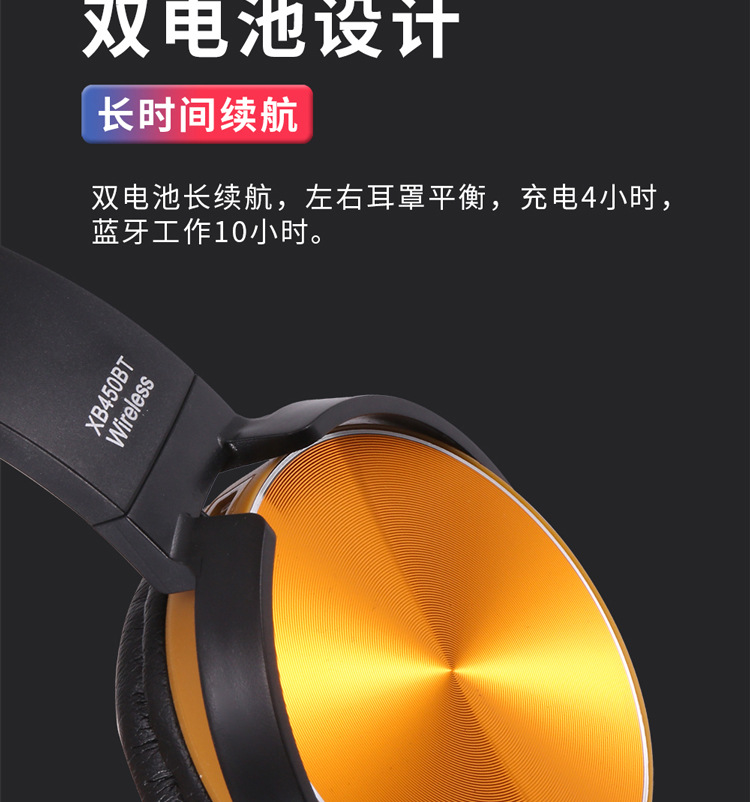
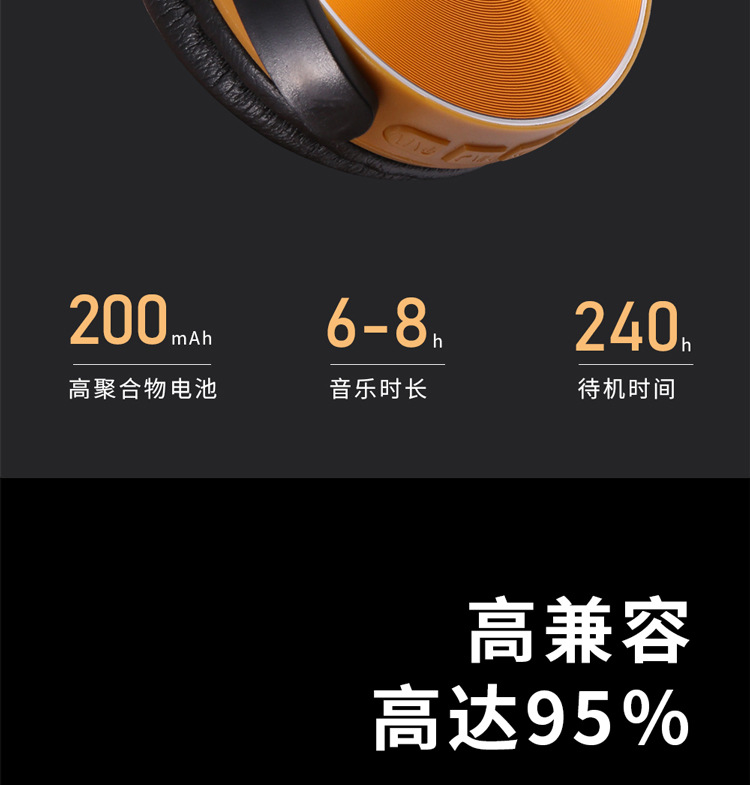
The machine is accessible through a computer USB port or are outfitted with battery charger for charging the charging process, the power LED indicator lights and the battery symbol on the display pulsating, after fully charged, LED power indicator, while wandering the battery symbol displayed on the screen. (When the machine is a long time without having to remove the battery or recharging the battery over time. )
Update time:
TOP