
Search history
Clear allSearch by image
XDrag and drop an image here or upload an image
Max 5MB per image
UploadSign In | Join

Search history
Clear allSearch by image
XDrag and drop an image here or upload an image
Max 5MB per image
UploadSign In | Join
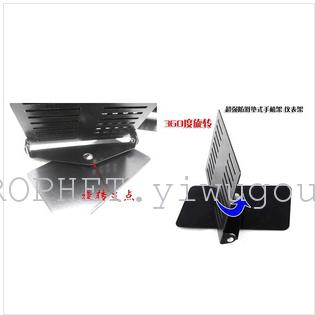
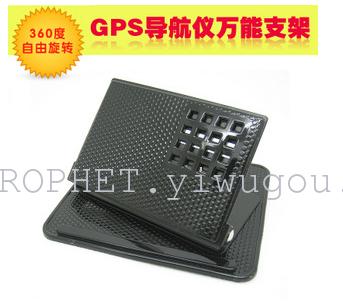
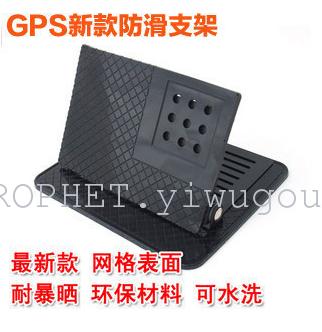
Product usage instructions:
1. Clean the dust from the surface of the installation location;
2. Apply large-size silicone rubber to the surface and press gently to secure it;
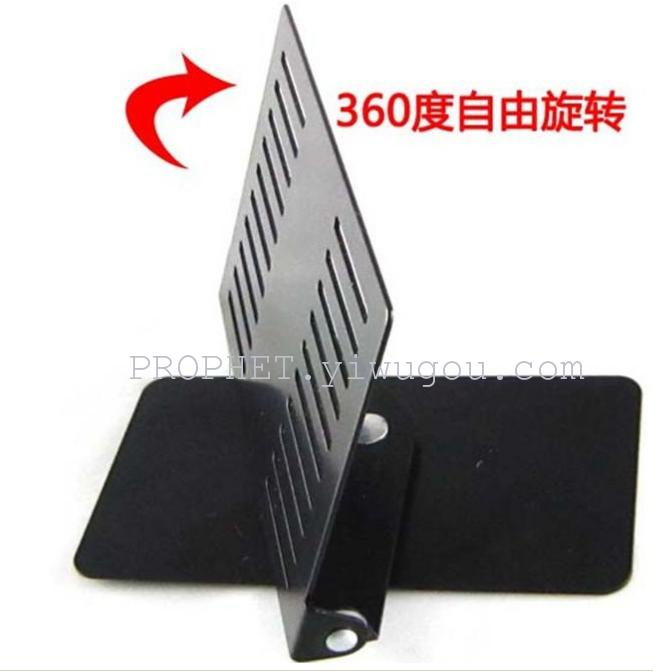
3. Place the metal bracket on the large-size silicone rubber and press it gently for fixation;
4. Adjust the metal bracket to the appropriate angle;
5. Place the small-sized silicone rubber on the surface of the metal bracket and press gently to secure it;
6. Place electronic devices (such as navigation devices and mobile phones) on small-sized silicone rubber, and press gently to secure them.Set.

Update time:


TOP


