Search history
Clear allSearch by image
XDrag and drop an image here or upload an image
Max 5MB per image
UploadSign In | Join

Search history
Clear allSearch by image
XDrag and drop an image here or upload an image
Max 5MB per image
UploadSign In | Join
X Email Mobile
Yiwu Sihui Electronics Firm 15yr.
Contacts Yang Juxian Chat
Mobile 86-13516927842
E-mail yangjuxian18671@163.com
yjx186718

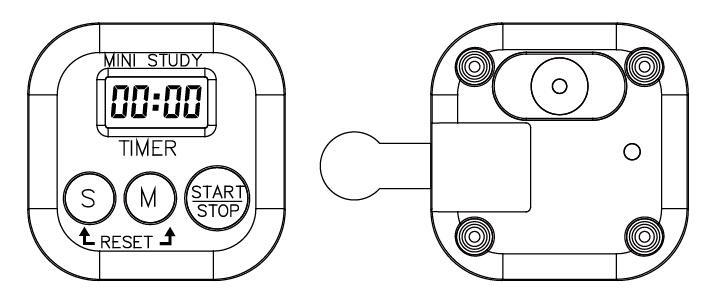
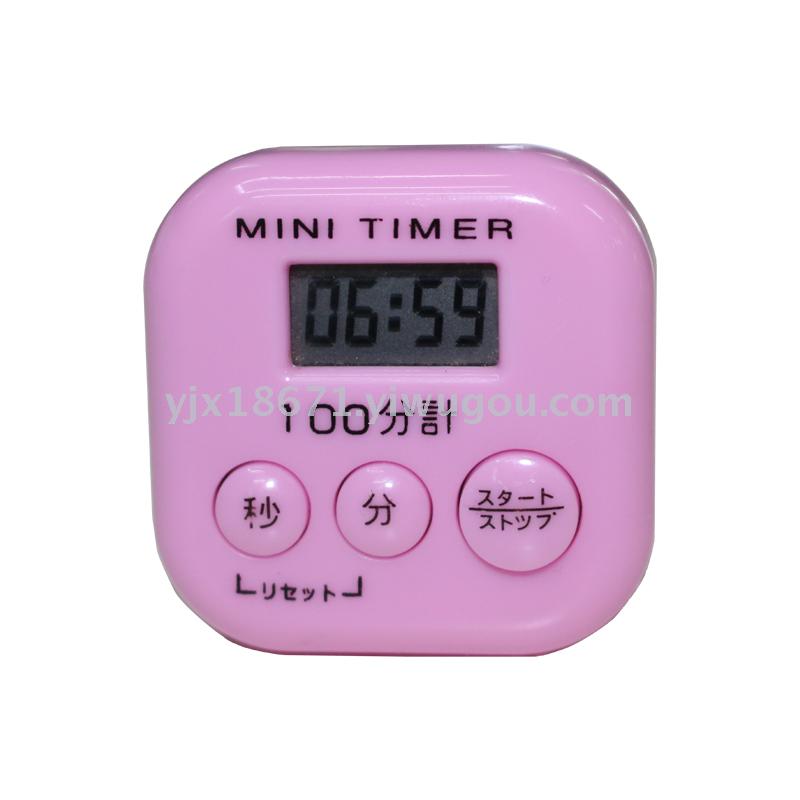
1. Function Description:
1.4Displaying the current time and counting down.
2.Max Display99分59Second, the smallest1second
3.Countdown to the alarm;
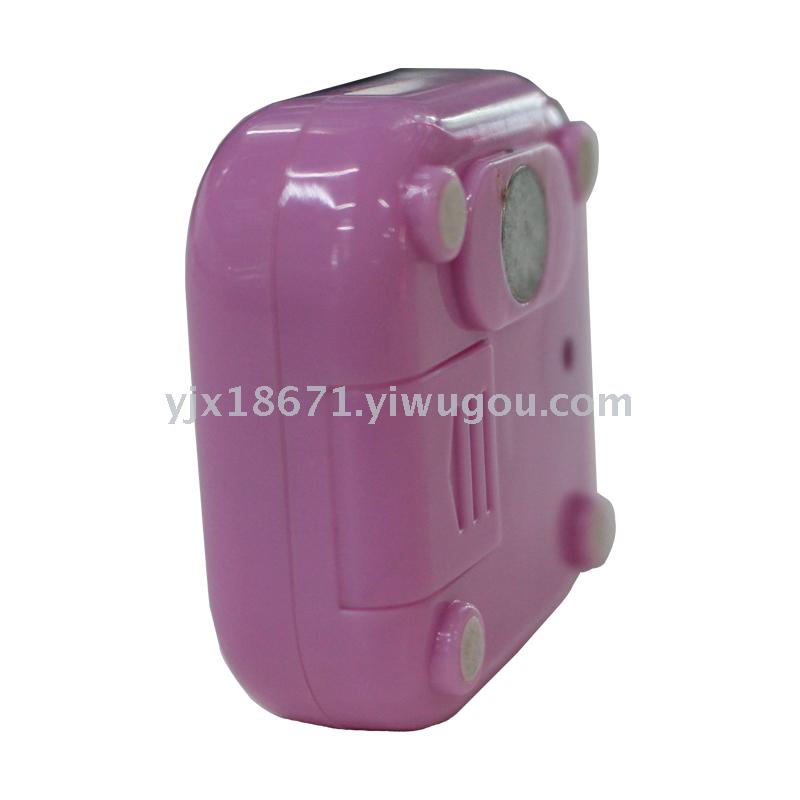
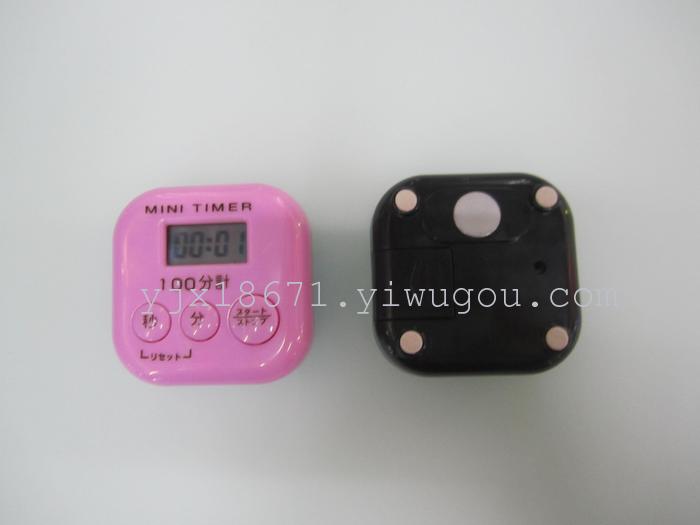
4.The back has a magnet that can be adhered to a refrigerator, metal surfaces, or placed on a desk.
5.Remove the paper with power offLCDDisplay as00:00
Second, the countdown time setting:
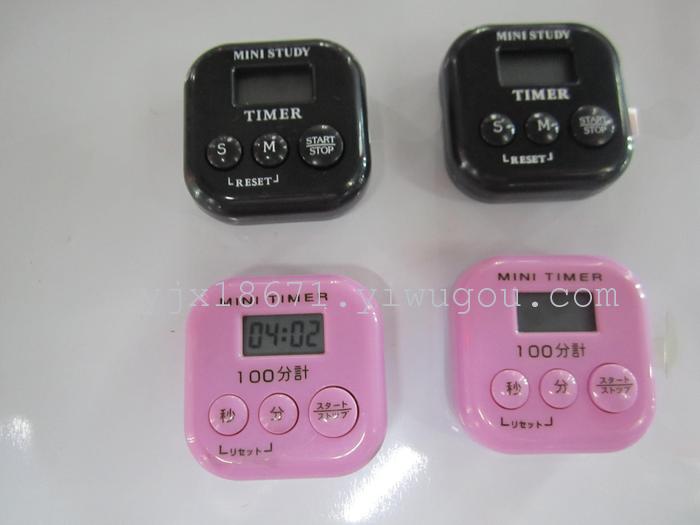
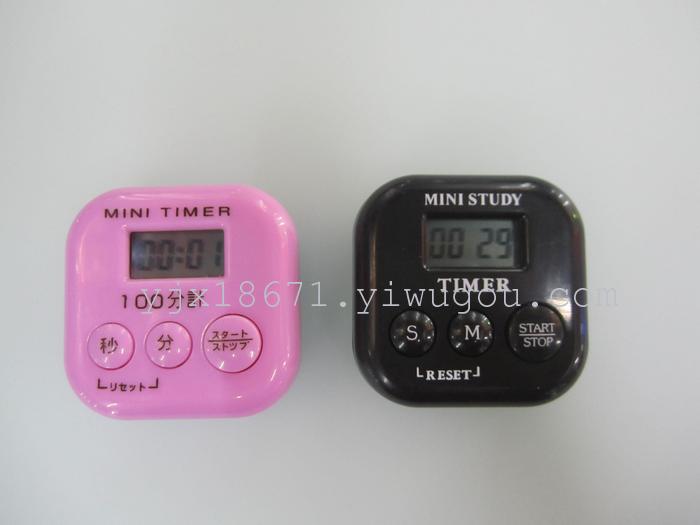
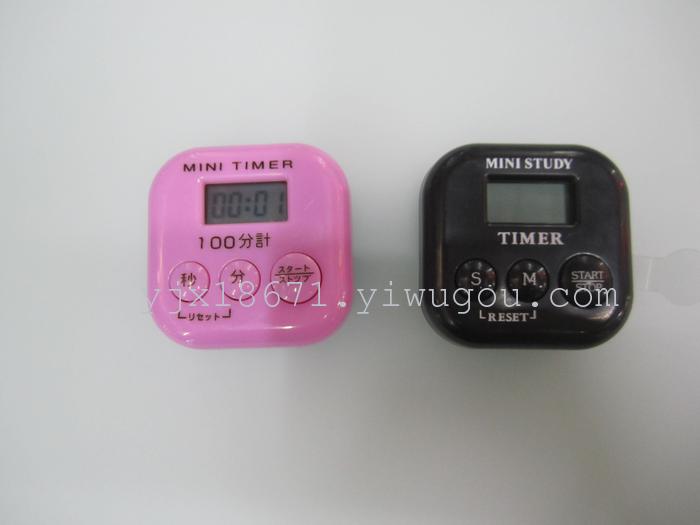
Press the "M" key to set the minutes, long press the "M" key for 2-3 seconds to quickly increase the minutes from 00 to 99 and then back to 00 in a loop. Release to stop.
Press the "S" key to set the seconds, long press the "S" key for 2-3 seconds to quickly increase the minutes from 00 to 59 and then back to 00, and then release to stop.
Press the "START/STOP" button to start the timer, and then press it again to stop the timer.
Press the 'M' key and the 'S' key simultaneously to reset the timer to 00:00.
Countdown ends, LCD displays 00:00, the colon does not flash at the same time, and the alarm sounds.
LCD displays the set time without pressing any key.
|
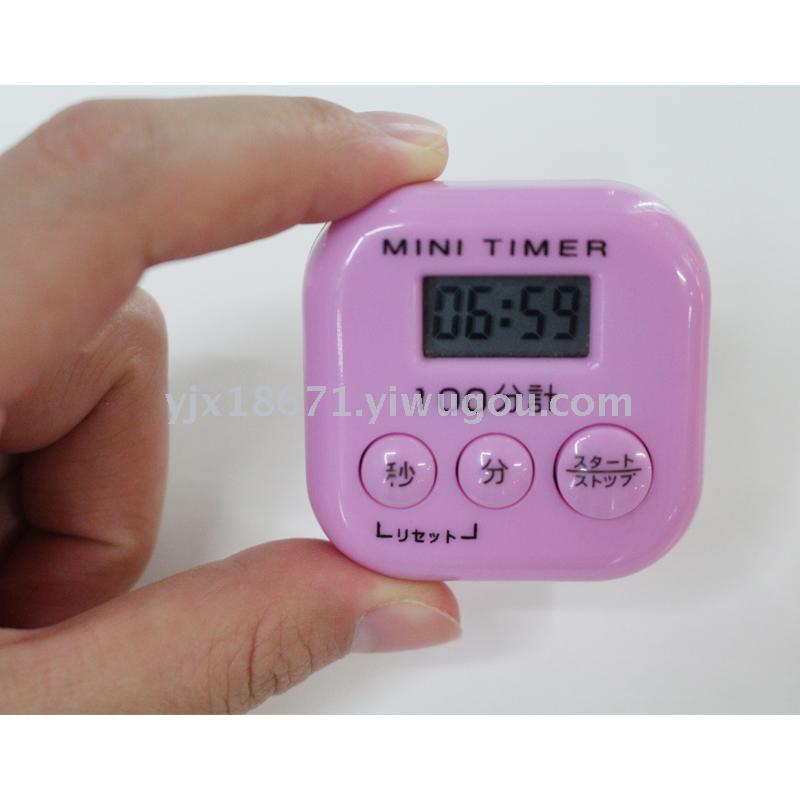
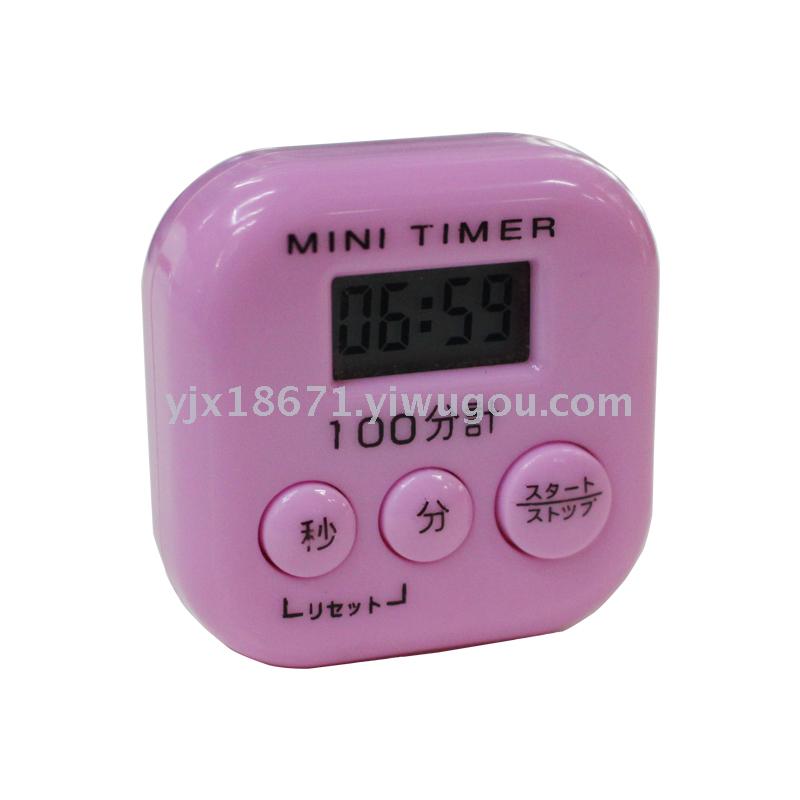
Range: 0~100, compact and convenient, suitable for a wide range of customers.
Countdown Operation Instructions
1. Function Description: 1.4-digit display for positive and countdown timing. 2. Large Display99分59Second, Small1second 3. Countdown to the alarm; 4. The back has a magnet that can be adhered to a refrigerator, metal surfaces, or placed on a desk. 5. Remove the power cord from the paperLCDDisplay as00:00 Second, the countdown time setting: Press the "M" key to set the minutes, press and hold the "M" key for 2-3 seconds to quickly increment the minutes from 00 to 99 and back to 00 in a loop, release to stop. Press the "S" key to set the seconds, press and hold the "S" key for 2-3 seconds to quickly increment the seconds from 00 to 59 and back to 00 in a loop, release to stop. Press once to start the timer, and press again to stop the timer. Press the "M" key and the "S" key at the same time to reset the calculator to 00:00. When the countdown ends, the LCD displays 00:00, the colon does not flash, and an alarm sounds at the same time. If you do not press any key, the LCD displays the set time. |
Update time:


TOP