
Search history
Clear allSearch by image
XDrag and drop an image here or upload an image
Max 5MB per image
UploadSign In | Join

Search history
Clear allSearch by image
XDrag and drop an image here or upload an image
Max 5MB per image
UploadSign In | Join
X Email Mobile
Yiwu Qiong Wen Agel Ecommerce Ltd 15yr.
Contacts:Shirley Chat
Mobile:86-13738900409
E-mail:260396166@qq.com
Proper Use and Operation Procedures
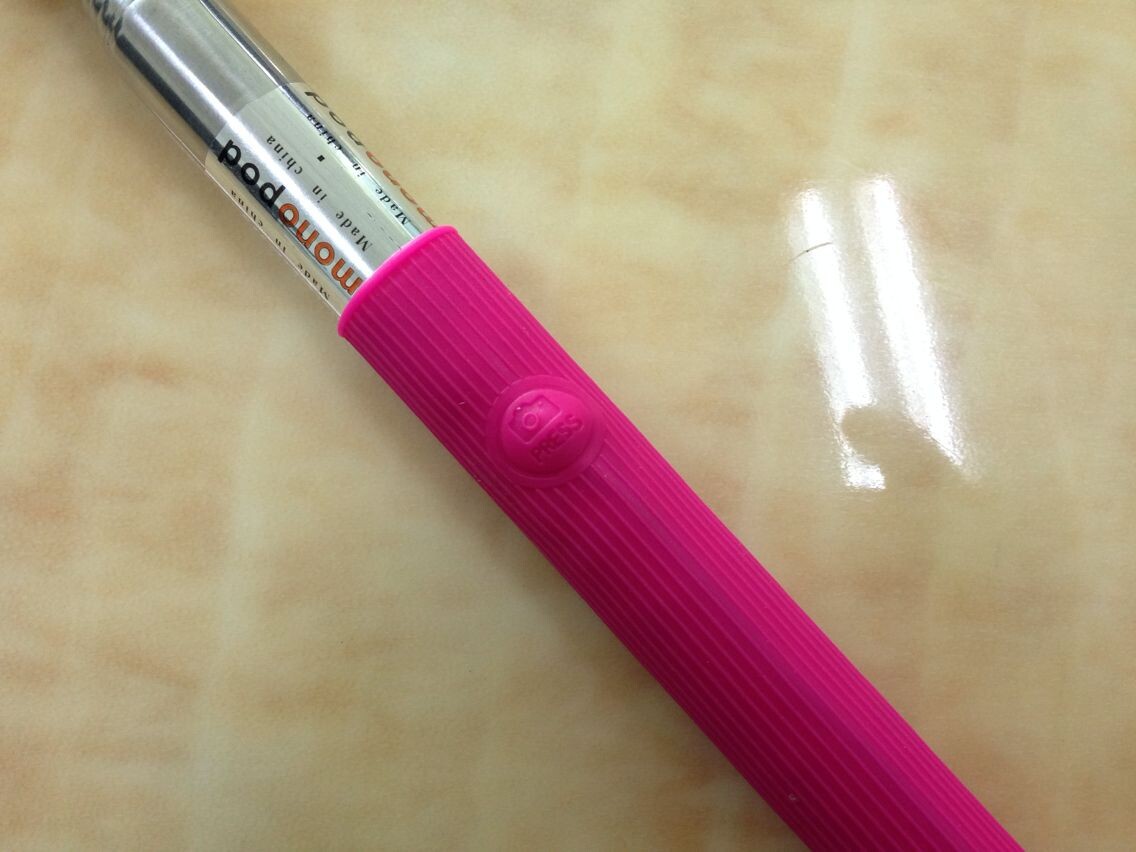
1. Please turn on the Bluetooth function on your phone, and then turn on the switch at the end of the selfie stick to the ON key (If the switch is turned on but there is no blue flashlight, it means the battery is empty. Please charge it first. The red light will turn on when charging, and the red light will automatically turn off when the battery is fully charged)
2. Go to the phone's settings - Bluetooth - search for 'shooter', tap on the 'shooter' on your phone to connect, and once the 'shooter' on your phone shows 'connected', it means the connection is established.
3. Then, open the camera app on your phone to achieve wireless self-photography. Please ensure that the entire process is completed within 40 seconds.
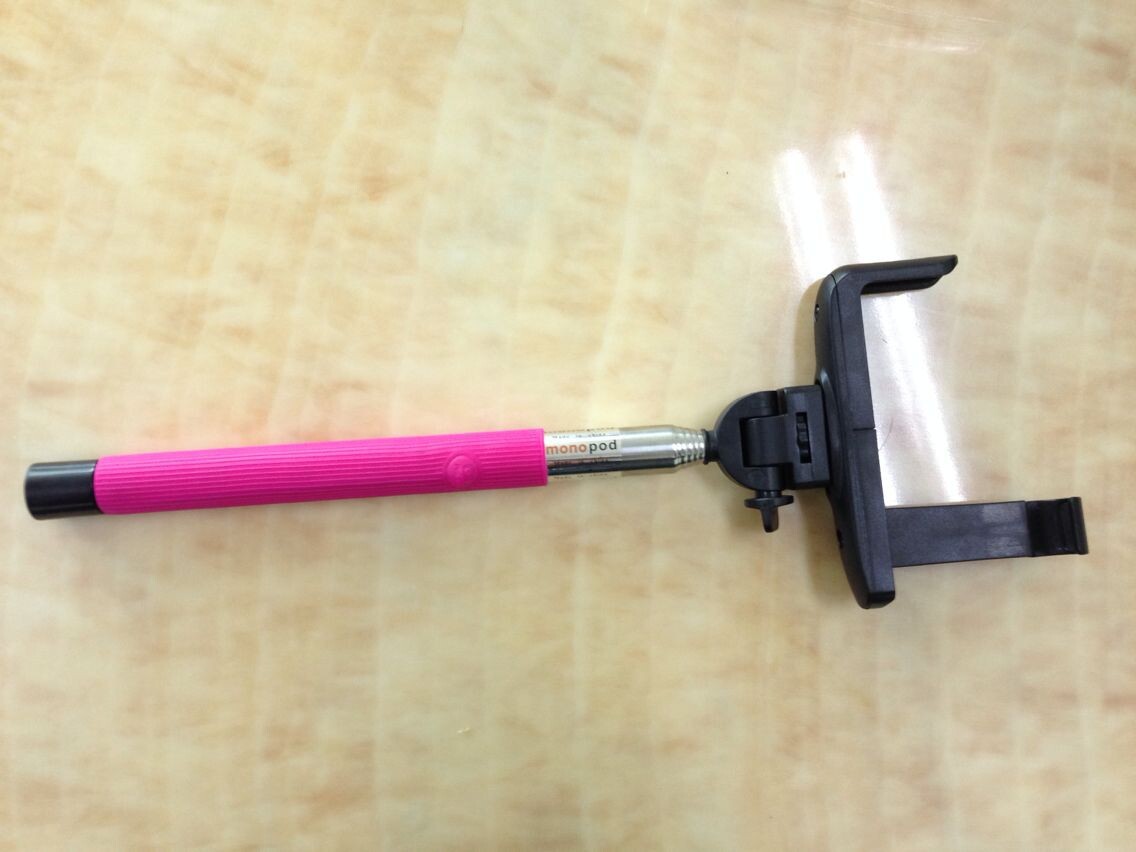
This wireless selfie stick can also be used directly as a Bluetooth selfie remote controller.Even if the phone is not placed on the selfie stick, it can be used for selfies once paired successfully within 10 meters of its location. It's very convenient.




Update time:


TOP


