Search history
Clear allSearch by image
XDrag and drop an image here or upload an image
Max 5MB per image
UploadSign In | Join

Search history
Clear allSearch by image
XDrag and drop an image here or upload an image
Max 5MB per image
UploadSign In | Join
Yiwu Meixing Electronics Firm 15yr.
Contacts Zhang Jiangmei Chat
Mobile 15157931658
WeChat 15157931658
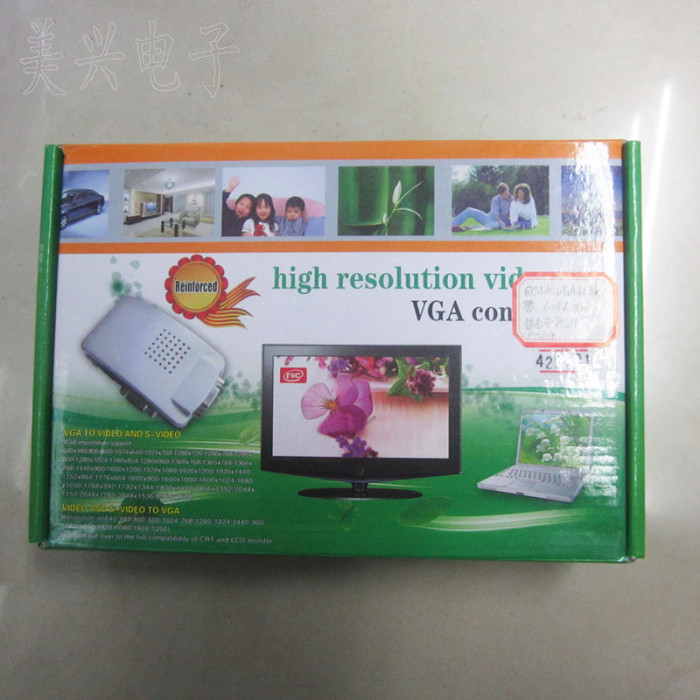
Product Description:
1 : product function
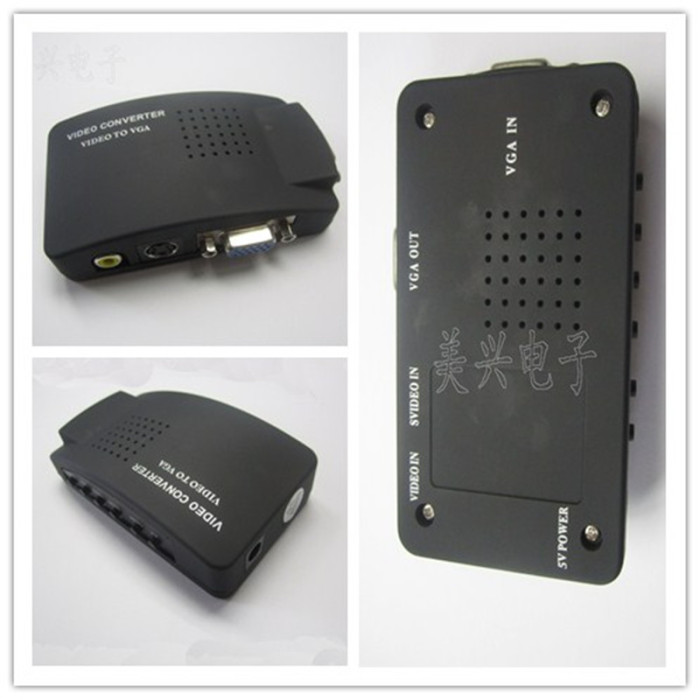
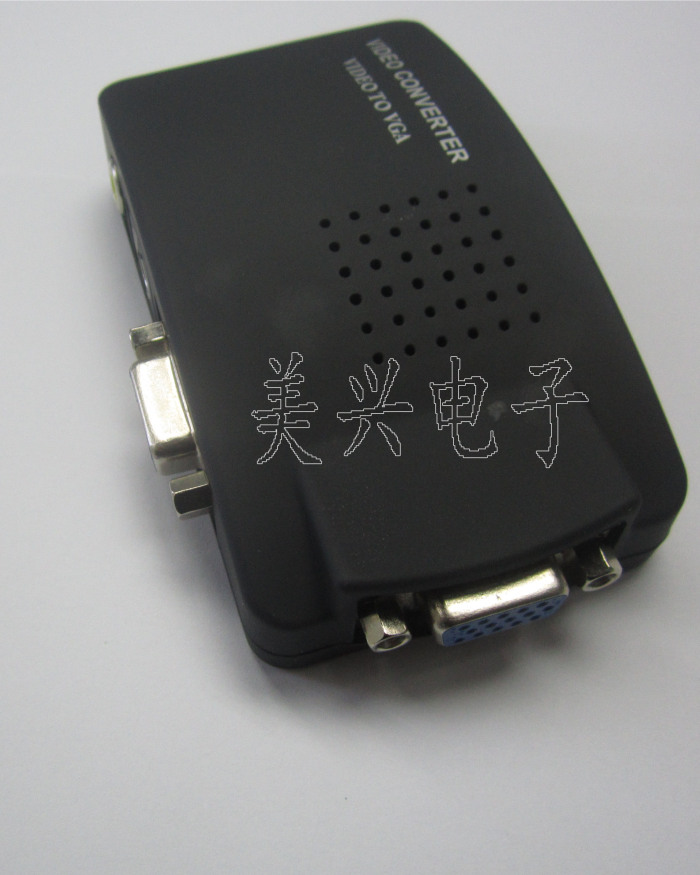
input interface: 1xAV (BNC), 1xS-Video, 1xVGA
output interface: 1xVGA
2 : output resolution
800X600@60Hz, 800X600@75Hz, 1024X768@60Hz, 1280X1024@60Hz, 1440X900@60Hz, 1680X1050@60Hz, 1920X1080@60Hz, 1920X1200@601920X1200@60Hz,
3 : the input signal format
AV and S-Video input: automatic recognition of PAL, NTSC
VGA input: BYPASS
4 : introduction
|
name said |
said Ming |
|
(1) Input |
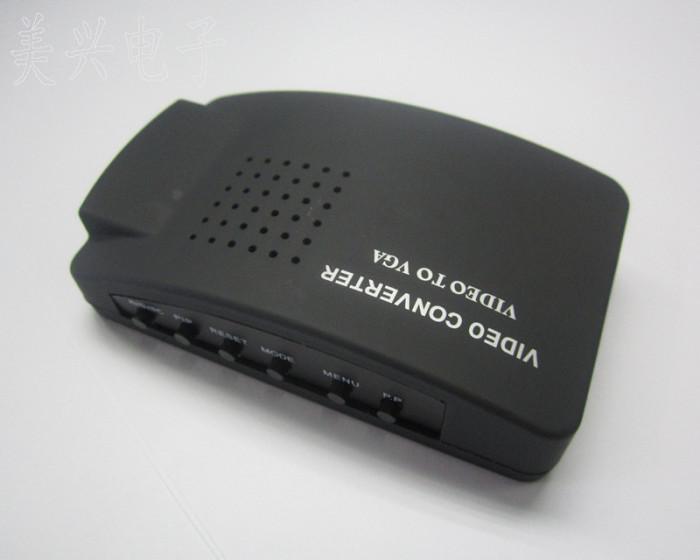
video input selection: switching cycle AV (CVBS) > SV (S_VIDEO); > > > VGA> > AV (CVBS) hold down the Input key turn on power up, reset system, restore factory settings. |
|
(2) Menu |
menu key: switch adjust menu, including: brightness, contrast, sharpness, saturation, hue, HP (horizontal position) VP (vertical position)
|
|
(3) Freeze/+
(4) Resolution/- |
- when screen respectively: brightness, contrast, color saturation, clarity, tone and location, presentation of the field by adjusting the position of the : "Resolution/-" role "-" functions, such as brightness reduced, line position left shift function.
- no menu is displayed on the screen : 800X600@60HZ, 800X600@75HZ, 1024X768@60HZ, 1280X1024@60HZ, 1440X900@60HZ, 1680X1050@60HZ, 1920X1080@60HZ, 1920X1200@60HZ Note: press Resolution/- key, resolution of the 800X600-1920X1200 loop switch. A. if because of the misuse of the resolution set too high and lead to your monitor does not display properly, please continue to press this button to return to the lower resolution
B. please power off, press and hold the Input button, then connect the power on reset, system restore factory settings. |
Update time:


TOP