
Search history
Clear allSearch by image
XDrag and drop an image here or upload an image
Max 5MB per image
UploadSign In | Join

Search history
Clear allSearch by image
XDrag and drop an image here or upload an image
Max 5MB per image
UploadSign In | Join
steps and precautions:
A: manual lighting.
products can be used independently, manual lighting does not require the use of specific software
1 this product for the first time or for a long time is not used, the need to charge 3 hours before use, if you use the brightness is not enough, please charge in time.
2 if the photo is too much exposure or partial color, please adjust the mobile phone external flash fitting angle or camera angle.
B using iblazr applications to achieve photo sync flash.
C products sometimes suddenly shining is normal, because the headphone audio control if you put on the phone, the phone calls and play music have shiny, sometimes the human body electrostatic larger is touch the earphone head or shell may also have caused by static electricity shiny
D continue to use for a period of time found that LED is sometimes a little blink is normal. When the battery is not enough, the LED lamp is on the edge of the critical state of the light and not bright.
IBlazr software compatibility:
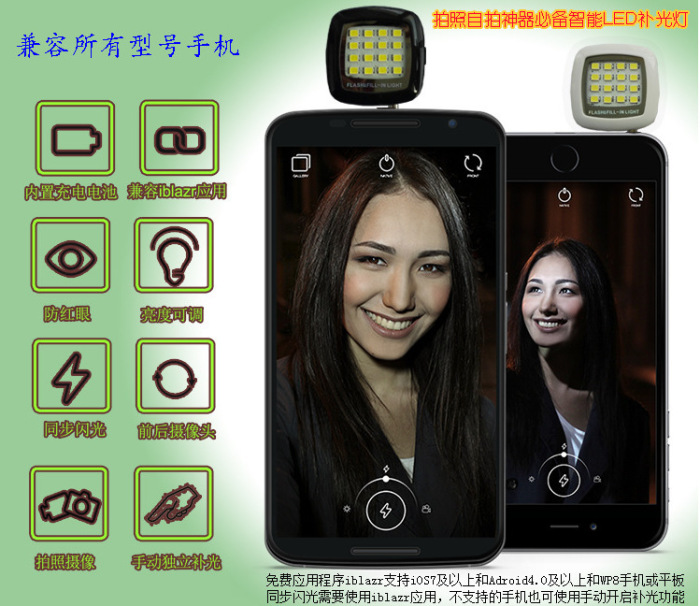
for iPhone, iPad, iPod running IOS 6, 7, 8 version, applicable to Android smartphones and tablet computers run version 4.0 or higher, applicable to WP version 8.0 or higher. (whether to support the IBlazr and this product has nothing to do and need to phone headset volume is large enough, does not support the phone can also use manual function)
1, sync in flash must use software IBlazr, dedicated application must be installed and support for IOS and Android 4.0 and above. Camera applications support before and after the camera switch, the self timer can also be turned on the flash, to achieve a better shot. In addition, the use of the rear camera, you can open the phone and LED IBlazr flash, to achieve a stronger brightness. (mobile phone volume must be open to the maximum )
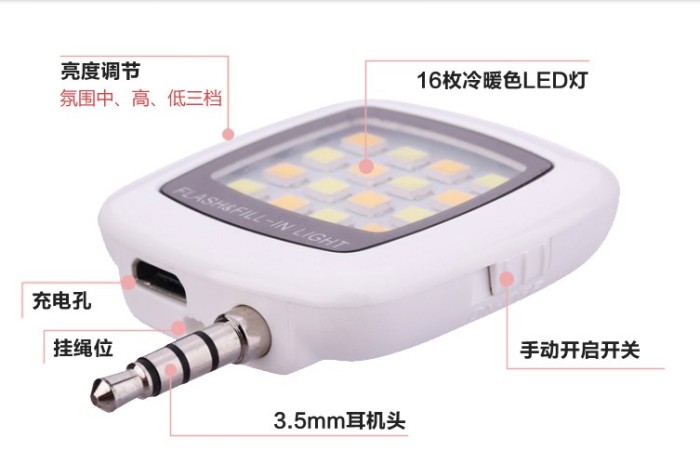
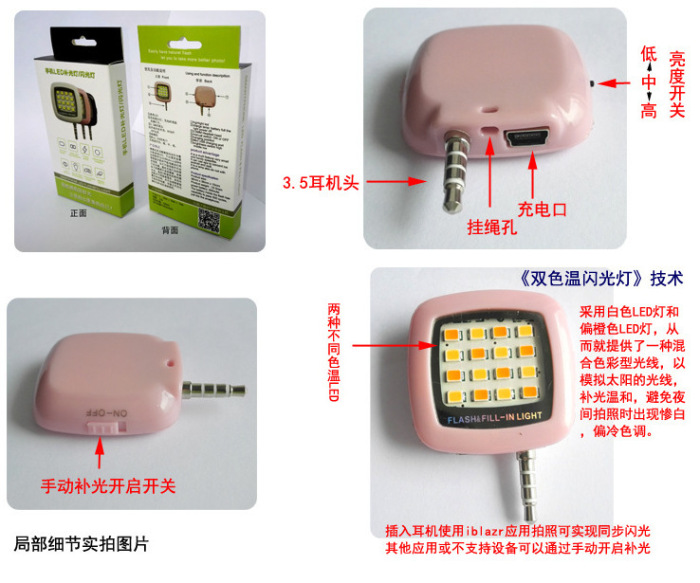
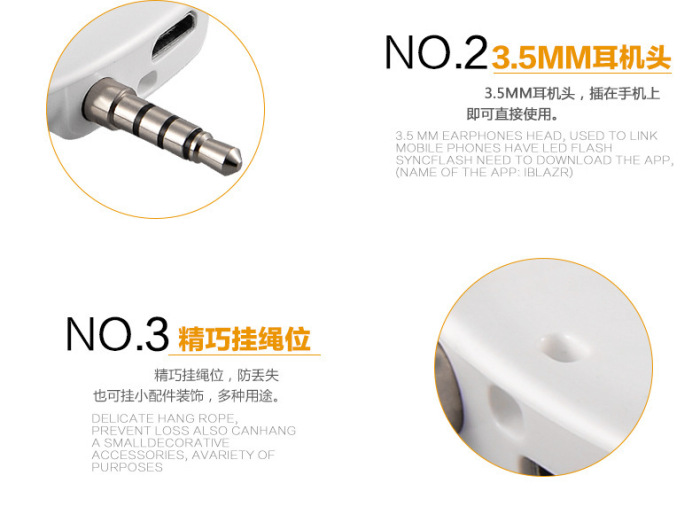
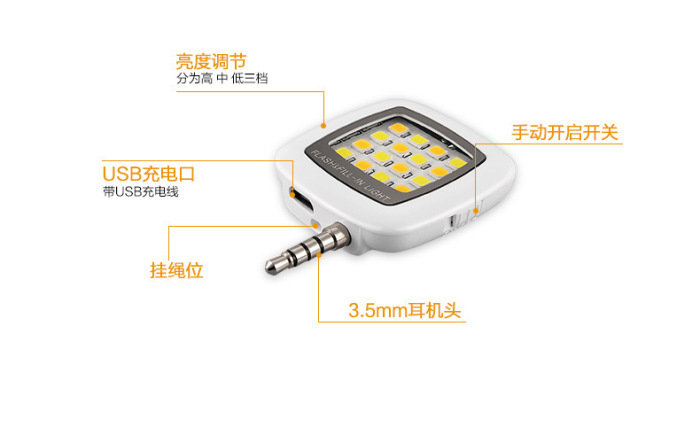
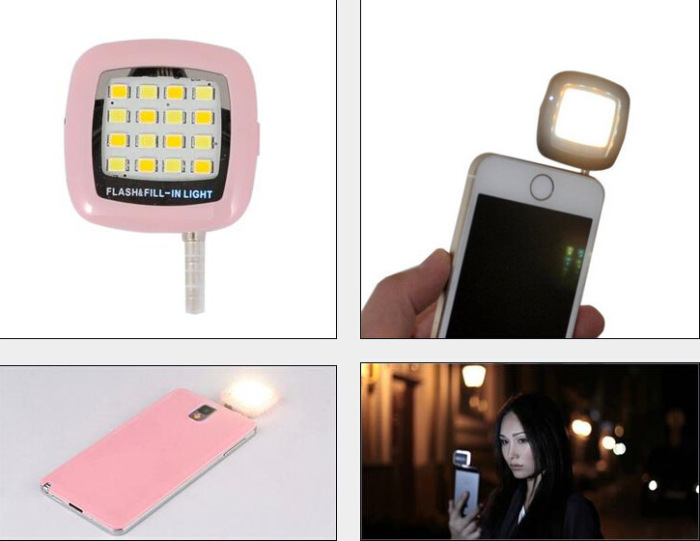
2, cell phone camera fill can use the phone built-in camera software, support all 3.5mm headphone port of mobile phones and tablet PCs, etc., need to fill a manual starting switch dial to nitric oxide can be.
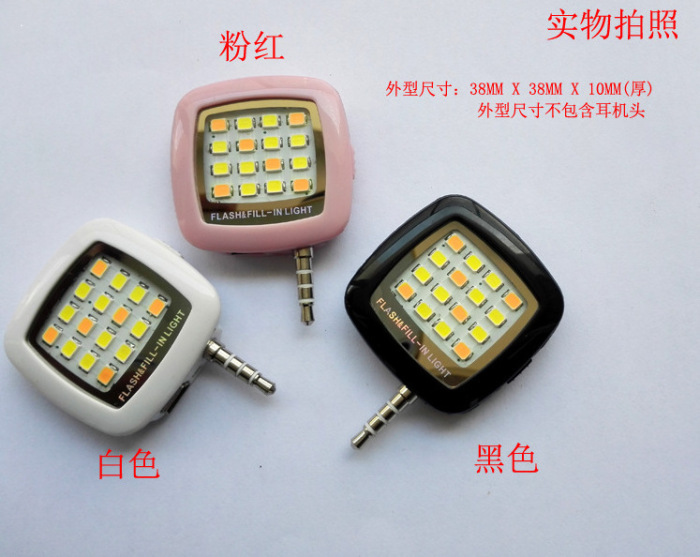
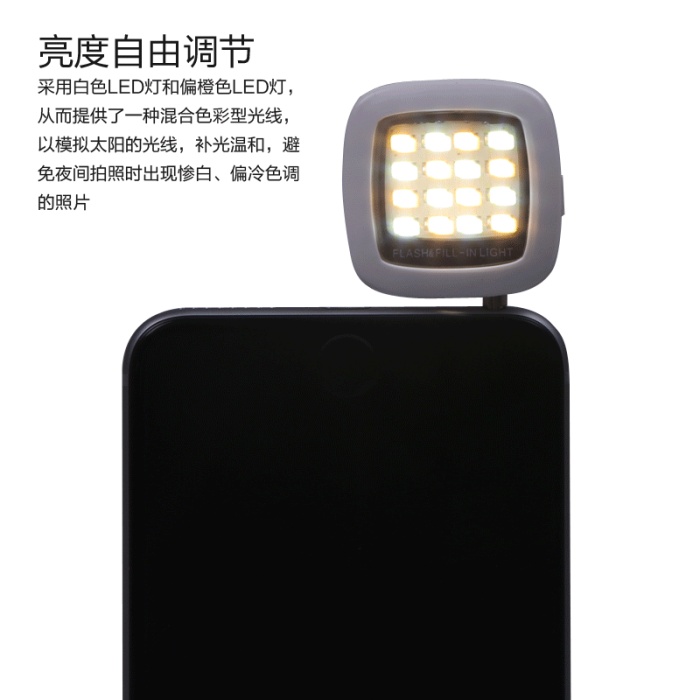
3, adjust the brightness of the flash, the brightness adjustment switch, high, medium and low three modes 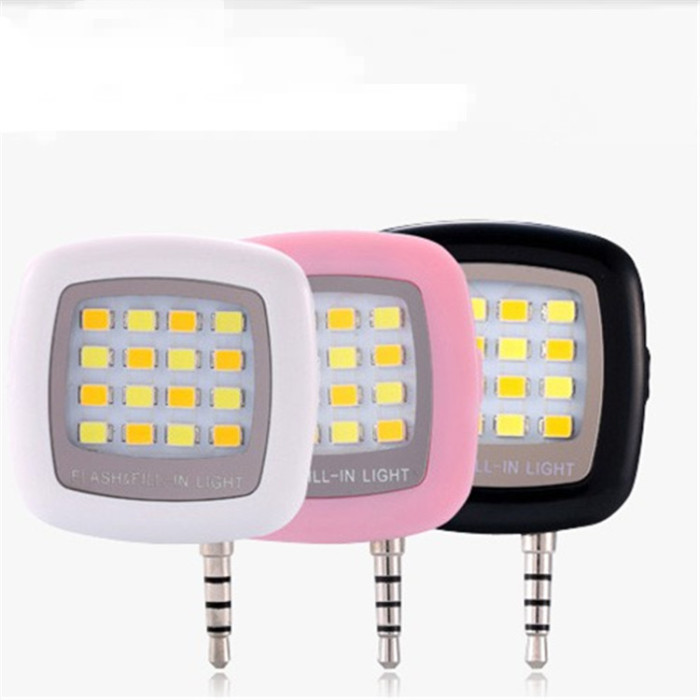



Update time:


TOP


