Search history
Clear allSearch by image
XDrag and drop an image here or upload an image
Max 5MB per image
UploadSign In | Join

Search history
Clear allSearch by image
XDrag and drop an image here or upload an image
Max 5MB per image
UploadSign In | Join
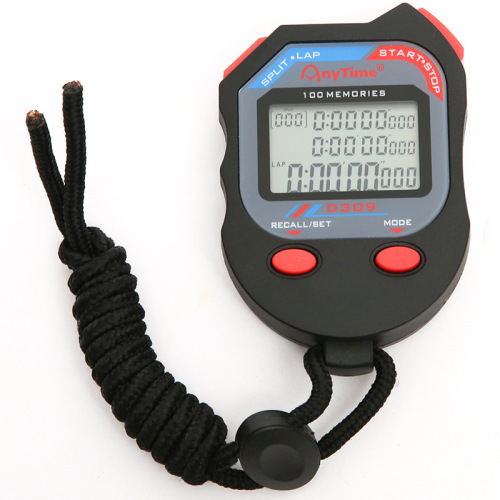
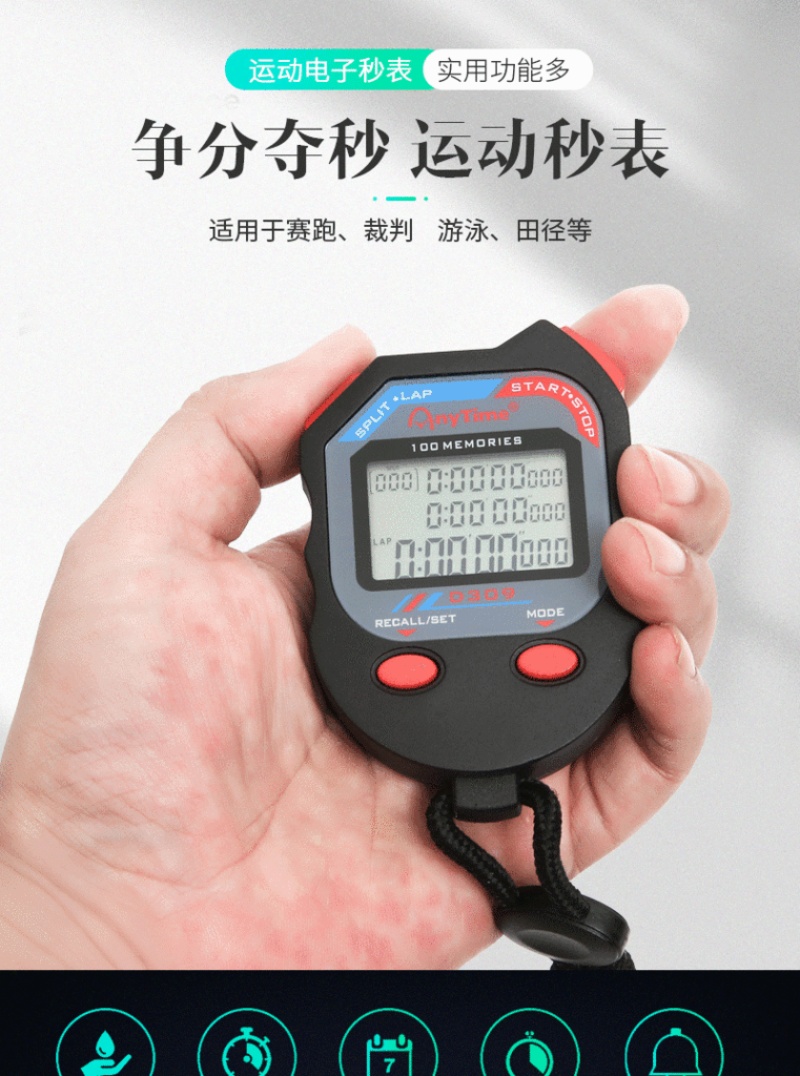
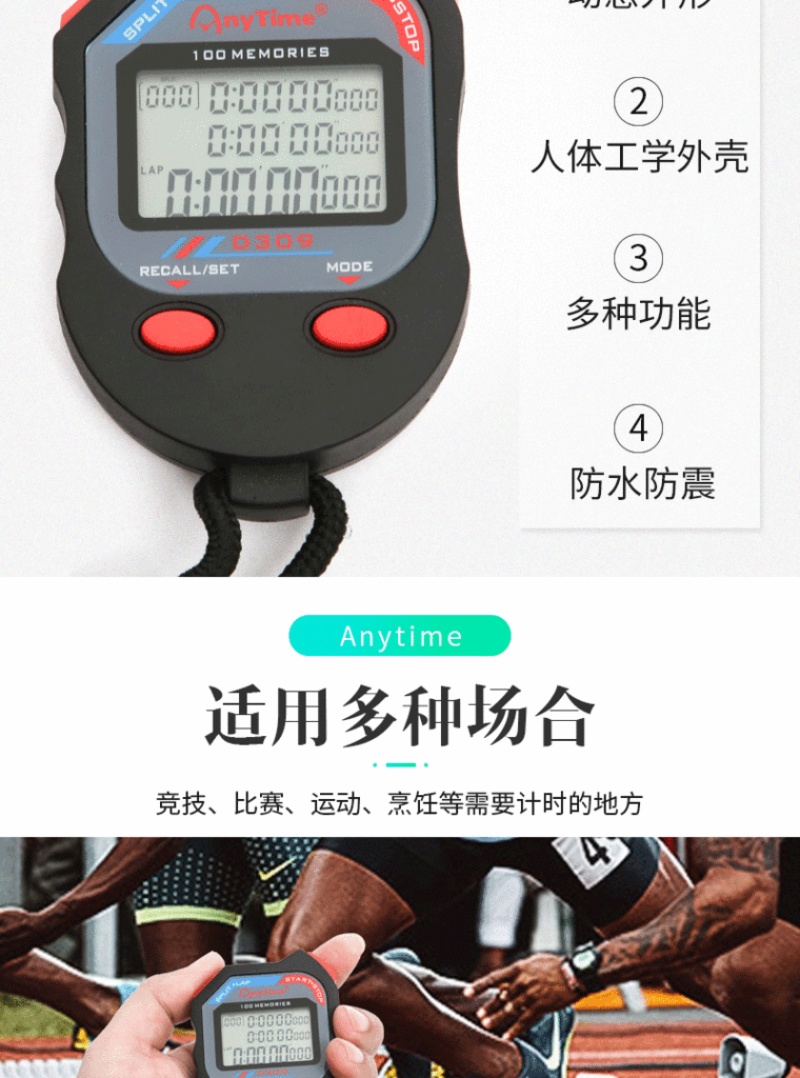
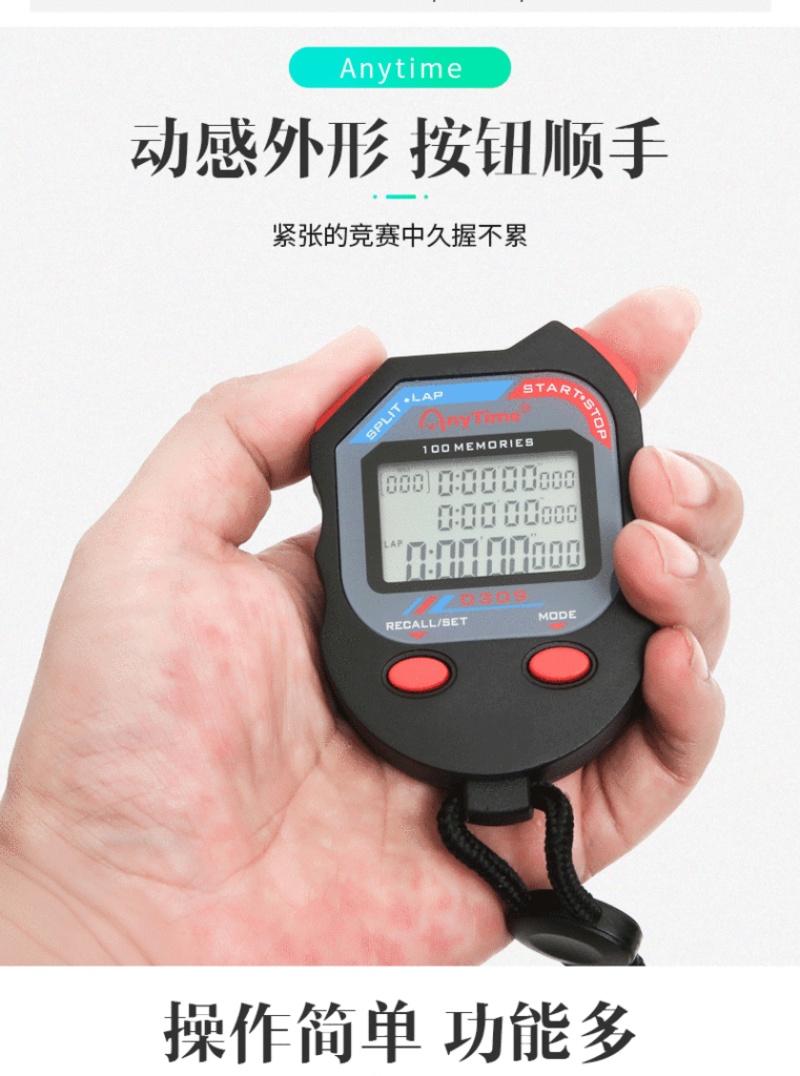
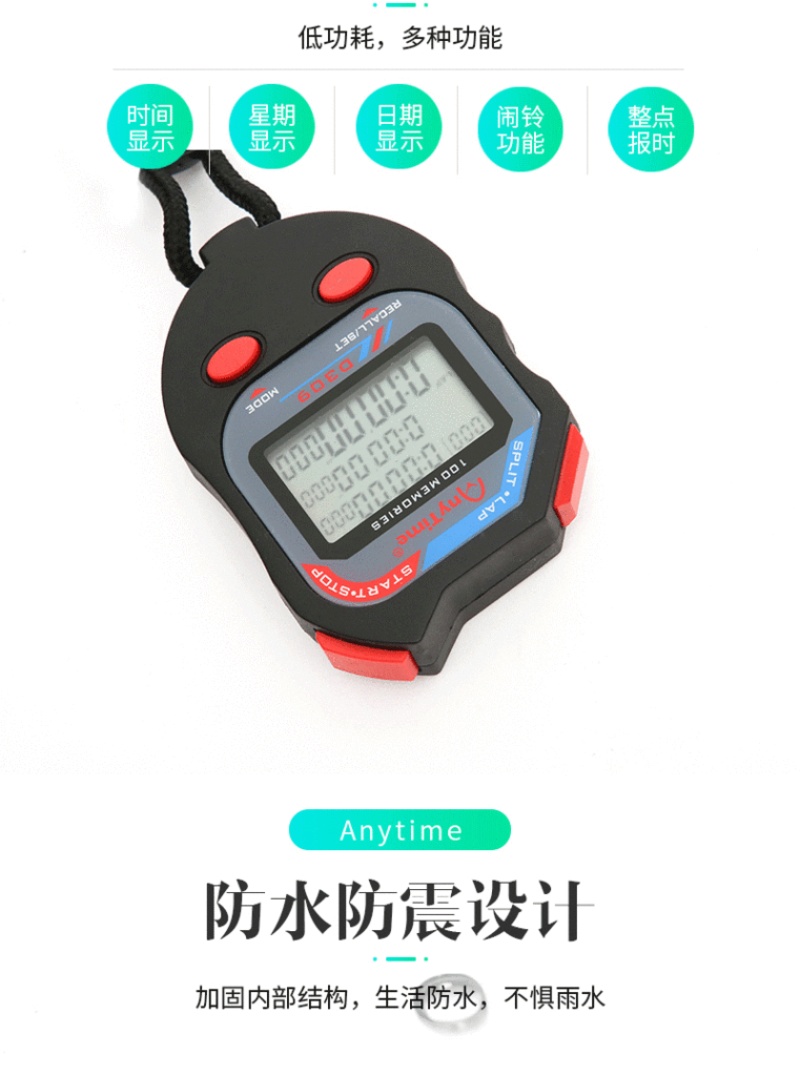
Stopwatch D309 can be customized with 10, 30, 60, 100, or 300 questions.

1. Display Mode
First power-on display: Hour, Minute, Second, Day of the Week, Temperature. Press the UP key to switch between 12-hour and 24-hour formats;
Press the DOWN key to display the conversion between Fahrenheit/Celsius.
2. Function Selection
AN MODE: Time Condition - Date - Alarm 1 - Alarm 2 - Stopwatch - Cycle Sequentially
Date condition: Showing the day of the week, temperature, year, month, and day.
Approximately 3 minutes pass without any button presses, and the device will automatically return to the time state.
Alarm 1 status;
Display the day of the week, temperature, alarm time. minutes, the first music alarm. About 3 minutes without pressing the button, it will automatically return to the time state. Press the UP or DOWN key to turn on or off your alarm.
Alarm 2 status;
Display the day of the week, temperature, alarm time, and the number of the song playing as the alarm. After about 3 minutes without any button presses, it will automatically return to the time state. Press the UP or DOWN button to turn on or off your alarm.
Stopwatch state;
Display the stopwatch start state. If no button is pressed for about 3 minutes, it will automatically return to the time state.
Section 3: Time Adjustment
In time mode. Press the SET key for about 2 seconds, and the hour will flash. Press the UP key to increase the hour by 1, press the DOWN key to decrease the hour by 1, and then press the SET key to confirm the hour. Meanwhile, the minute will flash. Press the UP key to increase the minute by 1, press the DOWN key to decrease the minute by 1, and then press the SET key to confirm the minute. After that, the second will flash. Press the UP or DOWN key to clear the second to 0, and then press the SET key to finish the adjustment.
Date Adjustment
In date mode, press the SET key for about two seconds, and the year will flash. Press the UP key to increase the year by 1, or the DOWN key to decrease the year by 1. Press the SET key to confirm the year. Meanwhile, the month will flash. Press the UP key to increase the month by 1, or the DOWN key to decrease the month by 1. Press the SET key to confirm the month. Meanwhile, the day will flash. Press the UP key to increase the day by 1, or the DOWN key to decrease the day by 1. Press the SET key to finish the adjustment.
Alarm Adjustment
In the alarm 1 condition, press the SET key for about 2 seconds, and the hour will flash. Press the UP key to increase the hour by 1, press the DOWN key to decrease the hour by 1, and then press the SET key to confirm the hour. Meanwhile, the minute will flash. Press the UP key to increase the minute by 1, press the DOWN key to decrease the minute by 1, and then press the SET key to confirm the minute. At the same time, the alarm music number will flash. Press the UP or DOWN key to select and play the alarm music, which is optional from 1-8. Press the SET key to finish the setting.
Alarm Adjustment in Alarm 1
Section 6: The Application of a Stopwatch
Timing; In stopwatch mode, press the UP key to start/stop; After stopping, press the DOWN key to clear 0
Multiple memory; after the stopwatch starts, press the DOWN key once to increase the number of memories by 1; at the same time, the SPLIT symbol lights up.
In the stopwatch mode, if the SPLIT symbol is lit, it indicates that there are at least one or more memory values. Press the SET button to cycle through the queries. During the query process, pressing the MODE button will return to the stopwatch mode.
Memory reset; after the stopwatch is reset, the memory is automatically reset when the first timekeeping begins.
The stopwatch is in operation mode. Press the MODE button to return to the time mode. At this time, the movement symbol flashes. Pressing any other button will not work; pressing the MODE button again will return to the stopwatch mode.
7. Battery Replacement
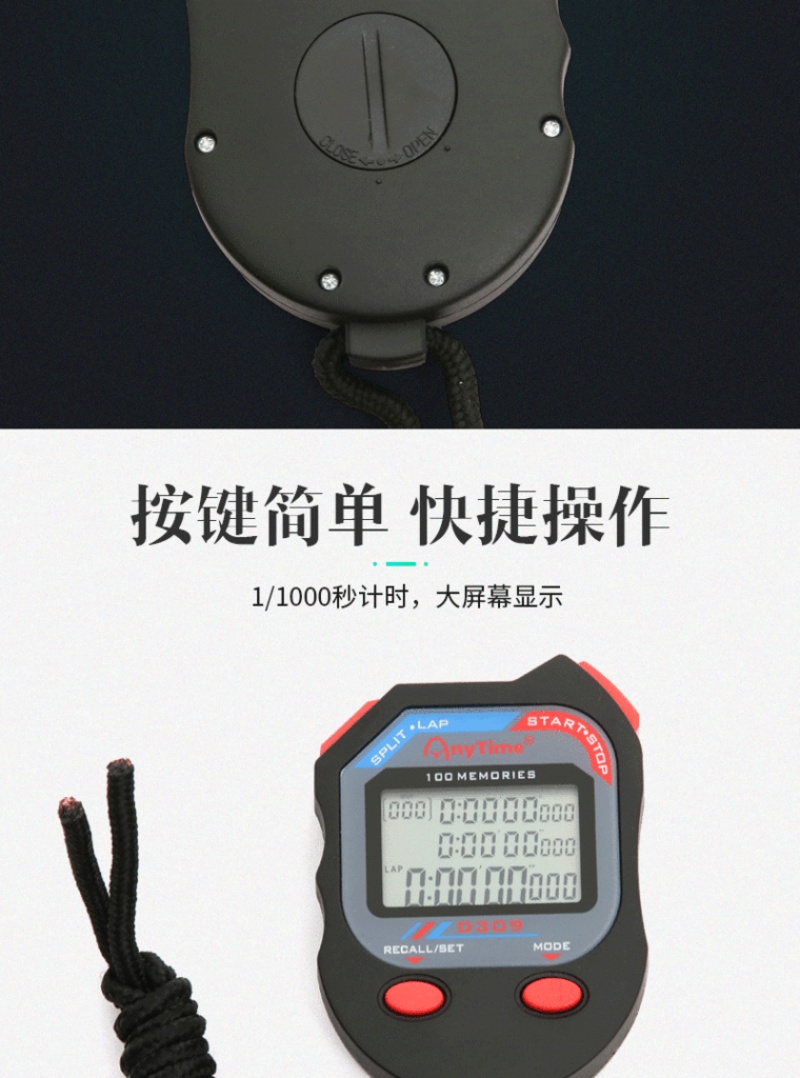
When the display is dim, it may be due to low battery power. Use a coin to rotate the rear cover battery door counterclockwise about 60 degrees to open the battery door.
Please replace with the same size battery.
8. Safety Precautions
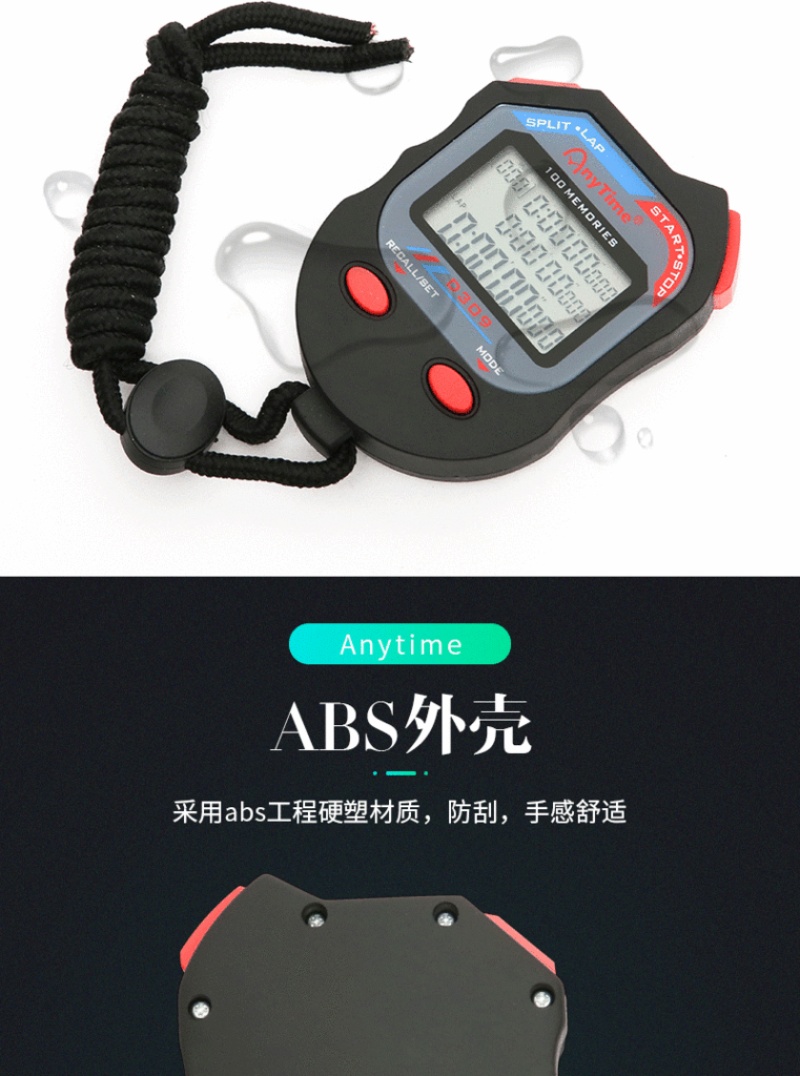
Avoid using in environments with high humidity, direct sunlight, compression, falls, or extreme temperatures.
Update time:


TOP