
Search history
Clear allSearch by image
XDrag and drop an image here or upload an image
Max 5MB per image
UploadSign In | Join

Search history
Clear allSearch by image
XDrag and drop an image here or upload an image
Max 5MB per image
UploadSign In | Join
Timer:
1. Stopwatch Timing:
Press the A key until the timer displays a value; if the timer is not zero, press the B key to stop the timing, and press the C key to reset it to zero. Press the B key to start the timing, then press the B key again to stop the timing. (Press the B key repeatedly to repeat starting/stopping) Press the C key to reset it to zero.
2. Segmented timing:
Press the B key to start the timer, press the C key to record the previous duration (note: while the stopwatch is counting the previous duration, it continues to count internally), then press the C key again to resume the timing based on the accumulated time (press the C key twice for each segment), press the B key to stop, and press the C key to reset to zero.
3. Two-stage timing:
Press the B key to start the timer, press the C key to display the first time period, press the B key to stop the timer, press the C key to display the second time period, then press the C key to reset to zero.
Time, calendar. Days of the week. Announcement display:
Press the A key until the display shows the normal timing; press the B key to display the month, day, and week; press the C key to display the alarm time, and hold both the B and C keys to trigger the alarm: Cancel/Keep.
Set time, calendar:
Normal timekeeping seconds and day of the week flash, thus entering the time settings mode. Press the B key to set the number (hold down to trigger rapid setting), then press the C key. Select seconds, minutes, hours, day, month, and day of the week (A/R indicate 12-hour format; “A” stands for morning; “P” for afternoon; “H” for 24-hour format) as the adjustment targets. After adjusting, press the A key to return to the time display mode.
Time setting:
During normal operation, press the A key twice, so the time and date will flash simultaneously. This brings you to the loudness settings mode. Then press the C key to select the hour and minute, press the B key to change the minute and hour numbers, and press the A key to return to the time display.
Precautions:
1. Avoid getting damp;
2. Avoid contact with corrosive substances;
3. Avoid use in environments with excessively high or low temperatures;
4. It should not be exposed to direct sunlight or strong light for extended periods.
5. It is best to use silver oxide batteries; the battery voltage is 1.5V.
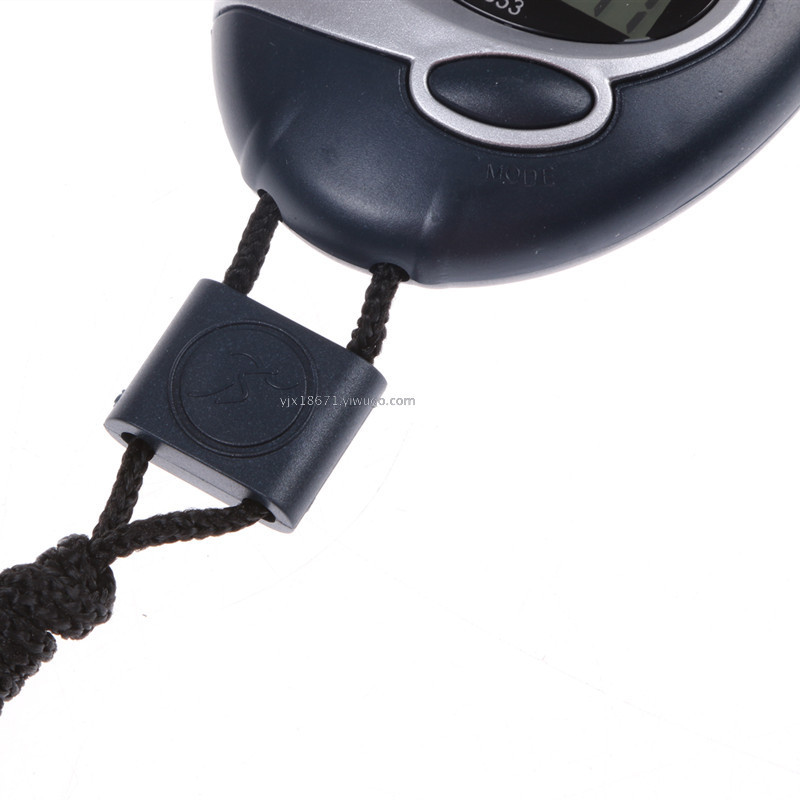
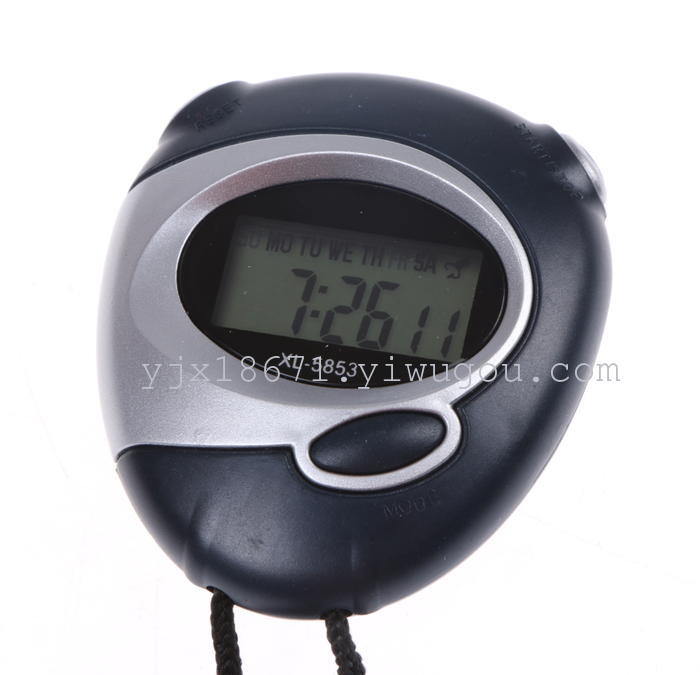
Model Number: 5853
Standard display: time, minute, second, month, day, and weekday
Timekeeping segment timing function
Alarm function
Battery: 1 AG10 model button cell (already installed in the watch, no need to purchase another one)
Point-in-time notification feature
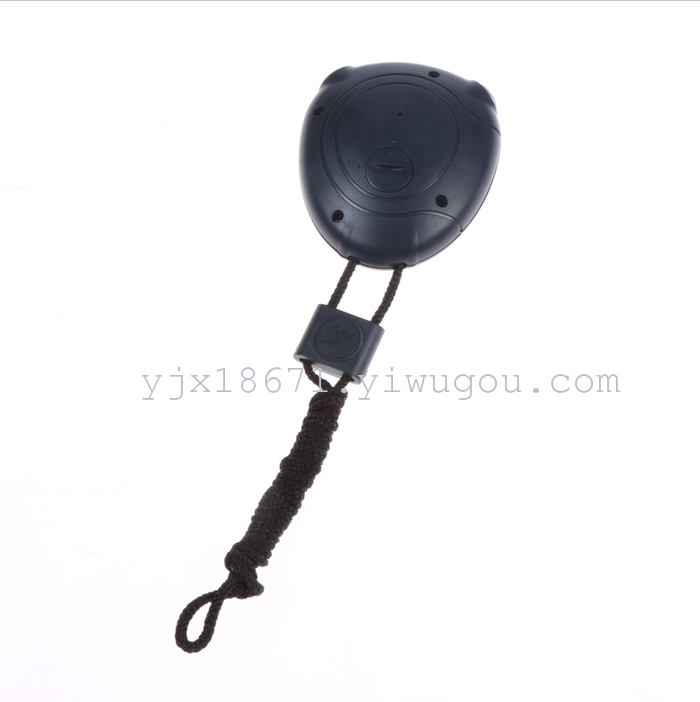
Body color: Blue, Black. Colors will be shipped randomly!
Product dimensions: 8.8*6.1*2.6 CM
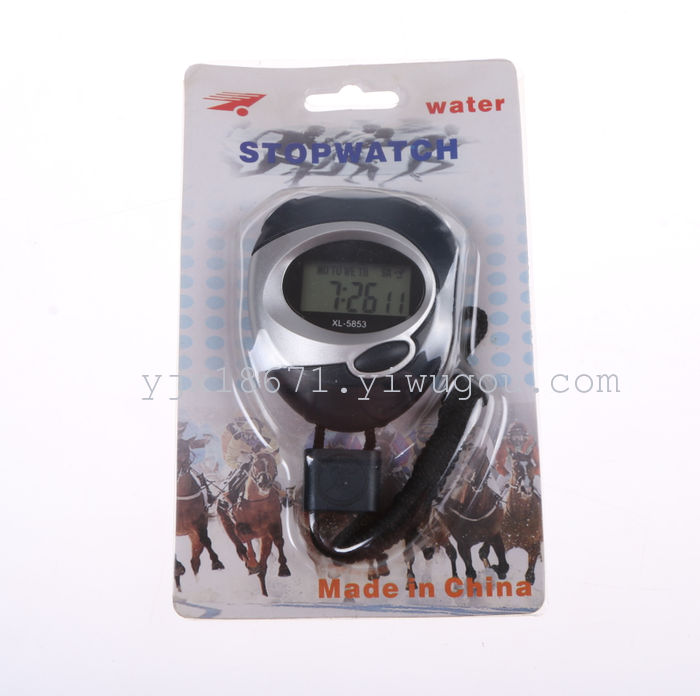
Packaging quantity: 400 PCS in color box
200 PCS Card Inserts + Case (Cost +0.2 yuan per unit)


Update time:


TOP


