
Search history
Clear allSearch by image
XDrag and drop an image here or upload an image
Max 5MB per image
UploadSign In | Join

Search history
Clear allSearch by image
XDrag and drop an image here or upload an image
Max 5MB per image
UploadSign In | Join


Packing Instructions:
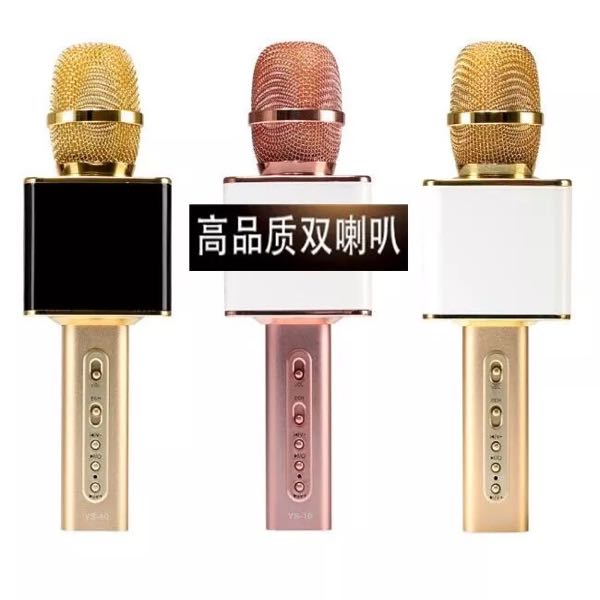
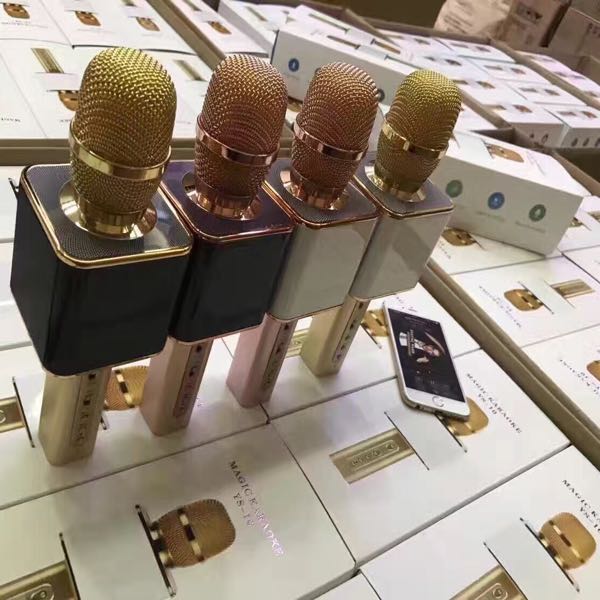
A brand new portable KTV machine*1
★ 1 PE packaging bag
★ Audio Cable x 1
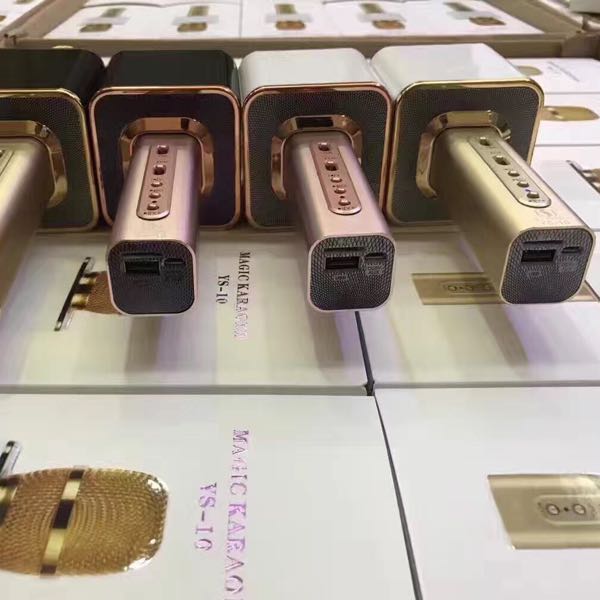
USB Charging Cable * 1
★ Instructions (Attached to the color box, note: Due to the product's export English instructions, if you have any questions, please refer to the Chinese instructions below).
Color Box * 1
Dust-proof bag * 1 piece
Instructions:
1. Battery Charging: When the product emits intermittent USB sound or the display flashes, it indicates that the voltage is insufficient. To ensure normal operation, the product needs to be charged. The charging method is: use the USB charging cable provided, insert the USB head into a computer USB port or the USB port of a mobile phone charger, and then insert the other end into the DCIN charging interface of the device. First charge for about 10 minutes to check if the device can work normally. If it can work, it means the battery is charged; otherwise, it has not been charged, and you need to check the charging cable and connection status.
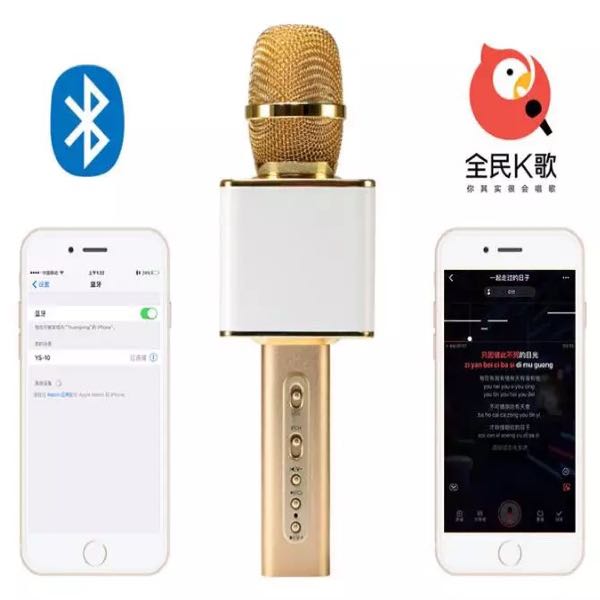
2. This machine has the following functions: it can be connected to a mobile phone via Bluetooth, use the KTV software APP to sing, can be used as a microphone, can record, and can be used as a Bluetooth speaker to play music.
3. Music playback: The device starts in microphone mode by default. After connecting your phone to the Bluetooth device, you can play music from your phone. Press the previous track and next track buttons to switch between songs and adjust the volume.
4. External Audio Input: Connect your mobile phone, MP3, MP4, MP5, tablet/desktop/laptop computer, game console, DVD/EVD, or other audio devices with the 3.5mm stereo earphone jack provided to play as a speaker.
5. Play/Pause Button: Press briefly to pause/play the music when playing music.
6. Mic KTV function: Connect your smartphone to the Bluetooth YS-10 device, install any one of the following APP software on your phone: SingBar, Kuaichen KTV, KuGou Music, etc., and open it for KTV singing. You can choose the accompaniment mode in the software to experience the journey of hand-held KTV.
Everyone's voice is unique, and microphones also have different frequency response characteristics. Choosing a microphone that matches your voice best can enhance your singing, making it more pleasing to the ear. So how do you choose? The better your singing voice and the quieter the venue, the more premium condenser microphones you should choose. If you have a narrow vocal range or a mediocre voice, or if the venue is noisy, there are a variety of products below that are sure to have one that is perfect for you.
Update time:


TOP


