
Search history
Clear allSearch by image
XDrag and drop an image here or upload an image
Max 5MB per image
UploadSign In | Join

Search history
Clear allSearch by image
XDrag and drop an image here or upload an image
Max 5MB per image
UploadSign In | Join
Yiwu Qiong Wen Agel Ecommerce Ltd 15yr.
Contacts Shirley Chat
Mobile 13738900409
WeChat 13738900409
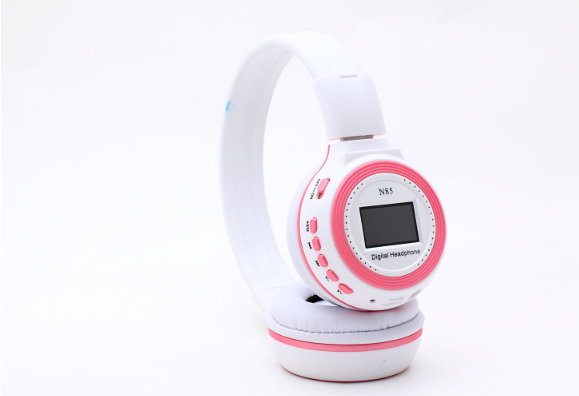
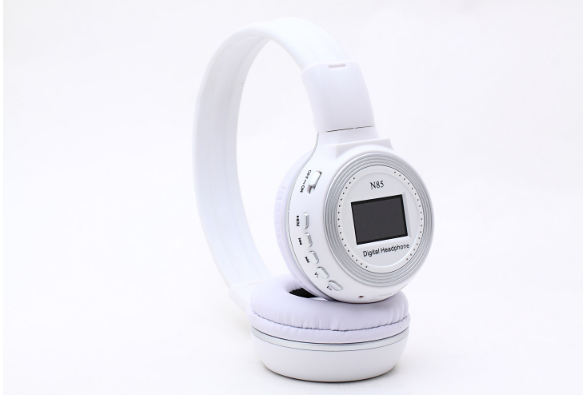
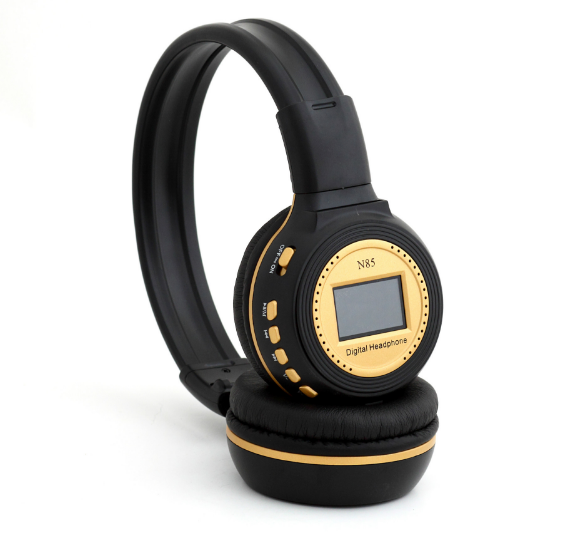
A. Music Play
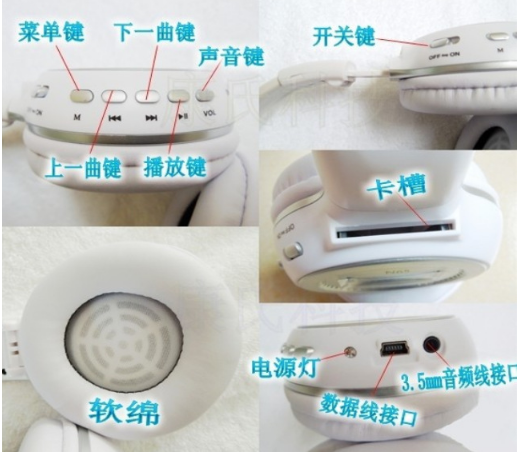
Insert an SD or MMC card with music files into the machine, turn on the power switch to turn on the machine, and you can hear the songs. Press the play button to pause, press the left and right buttons to switch songs, and press the V plus left and right buttons to adjust the volume.
B.LINE IN function
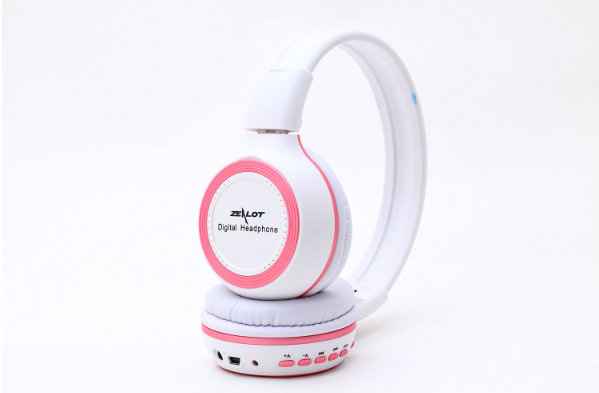
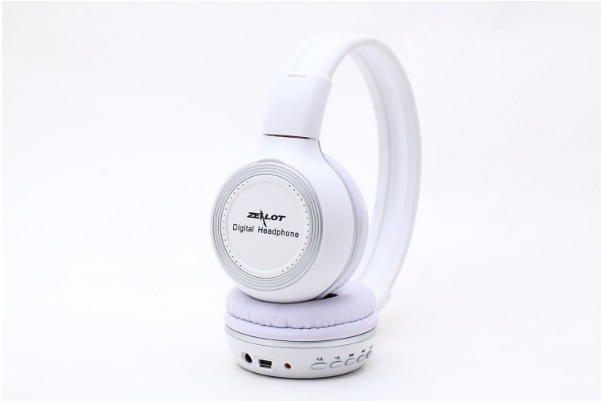
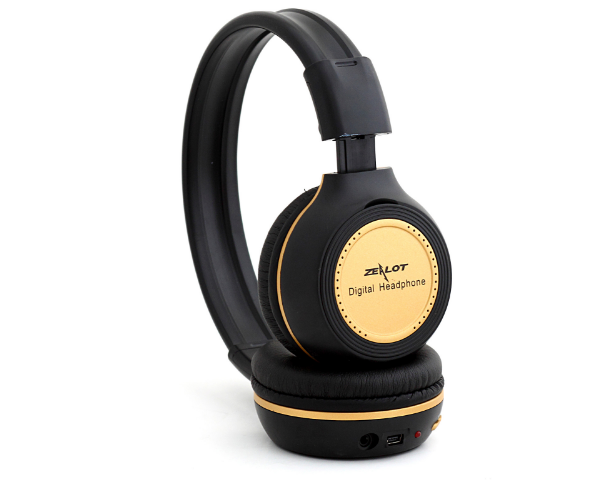
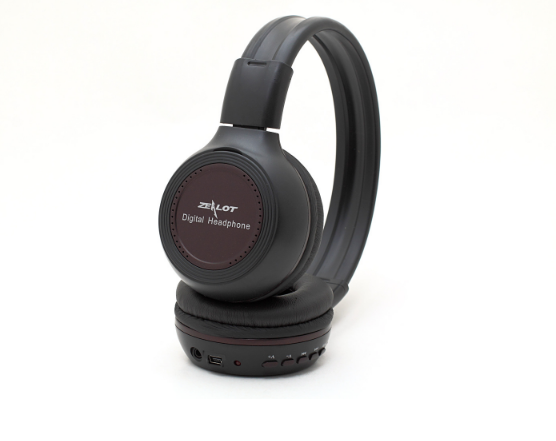
Connect the audio recording cable to the LINE IN interface, and you can use this machine as a high-fidelity headset to enjoy external audio sources. (When this machine is playing, if you insert the recording cable at this time, the machine will automatically stop playing and turn off, giving priority to enjoying the external audio source).
C.LINE OUT function
Connect the audio recording line to the LINE OUT interface to play music from this machine on external audio equipment.
Radio Function
In the power-on state, press the M key to enter the main menu, select the radio mode, and then press the M key to enter the radio. Press it again to enter the automatic station search mode, and you can choose the mode you want to enter. The automatic station search will help you find the radio station, and you can change the radio station channel by pressing the play button. (The receiver's frequency range is: 87.0-108.0MHz).
E. Connect USB
Connect the PC to this machine via a USB cable, and you can download files from your computer to the SD or MMC card inserted in this machine, or you can also upload files from the card to your computer.
F. Charging
This machine can be charged by connecting to a computer USB port or by using the included charger. During charging, the LED power indicator light will be on, and the battery symbol on the screen will pulse. Once fully charged, the LED power indicator light will turn off, and the battery symbol on the screen will show a full charge. (Please remove the battery if the machine is not used for a long time or charge it after a certain period of time.)
Functional Features and Specifications
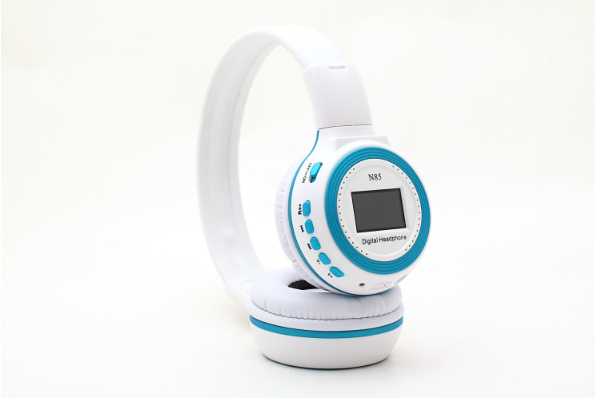
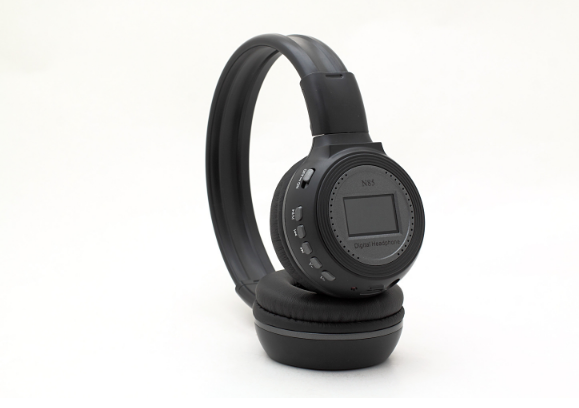
Play MP3/WMA files stored on the MMC/SD card.
(2) Connect to the computer to read and write files to the MMC/SD/TF card (requires a card adapter), and the applicable card reader functions.
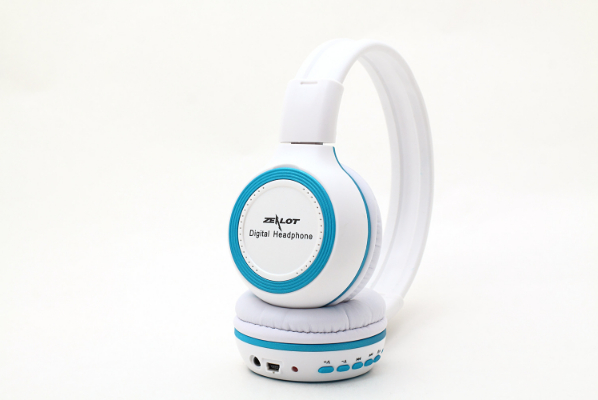
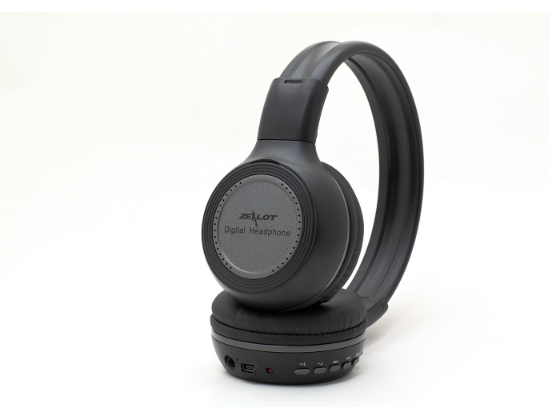
3.5mm audio output port, which allows you to play music through headphones and output it to other audio devices.
(4)3.5mm audio input universal port, which can be used as an earphone for other audio playback devices.
High-quality speakers and sound chambers are designed to ensure high fidelity and CD-quality sound effects.
(6) 5B rechargeable battery, convenient for replacing batteries and practical.
Product Specifications and Parameters
(1)Supported computer systems: Windows 98, Windows 2000, Windows XP, Windows Vista
(2) USB Interface: High-speed USB 2.0;
(3) Supports memory card: MMC card, SD card (requires an SD card adapter)
Maximum Supported Card Capacity: 16GB
(5)Supported music file formats: MP3, WMA
Supports audio sampling rates: 8-48kHz (MP3 bit rates: 8-448kbps, WMA bit rates: 32-384kbps)
Battery: 5B rechargeable battery (3.7V 400mAh);
Charging Power: Computer USB Port DC5V; DC 5V(500MA) Travel Charger: DC 5V(500MA) Car Charger: DC 5V(500MA)
Continuous working hours: About 8 hours;
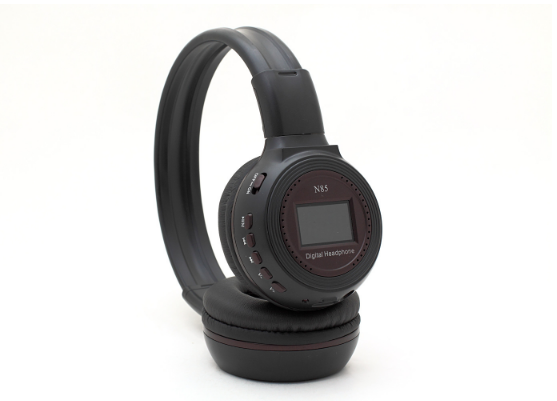
(10) LCD status indicator;
Frequency Response: 12Hz—25KHz
Signal-to-Noise Ratio: 70dB;
Output Power: 2X10mW.
Update time:


TOP


