
Search history
Clear allSearch by image
XDrag and drop an image here or upload an image
Max 5MB per image
UploadSign In | Join

Search history
Clear allSearch by image
XDrag and drop an image here or upload an image
Max 5MB per image
UploadSign In | Join
SHUOFENG ELECTYONIC TECHNOLGY CO.LTD 12yr.
Contacts Diana Chat
Mobile 18358005552
1048612396

WhatsApp 8618358005552
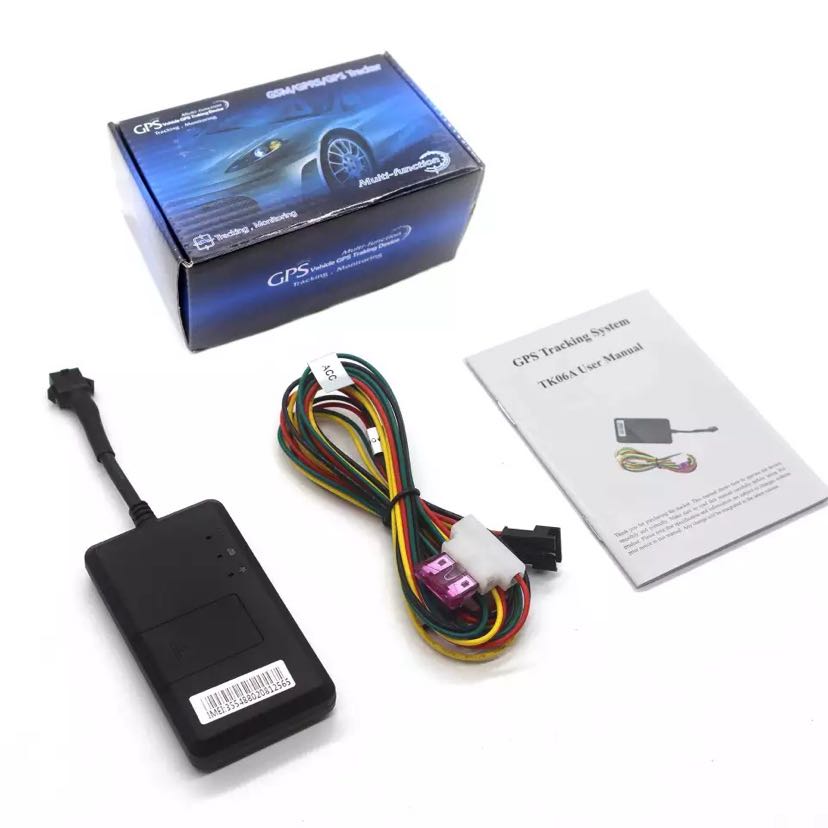
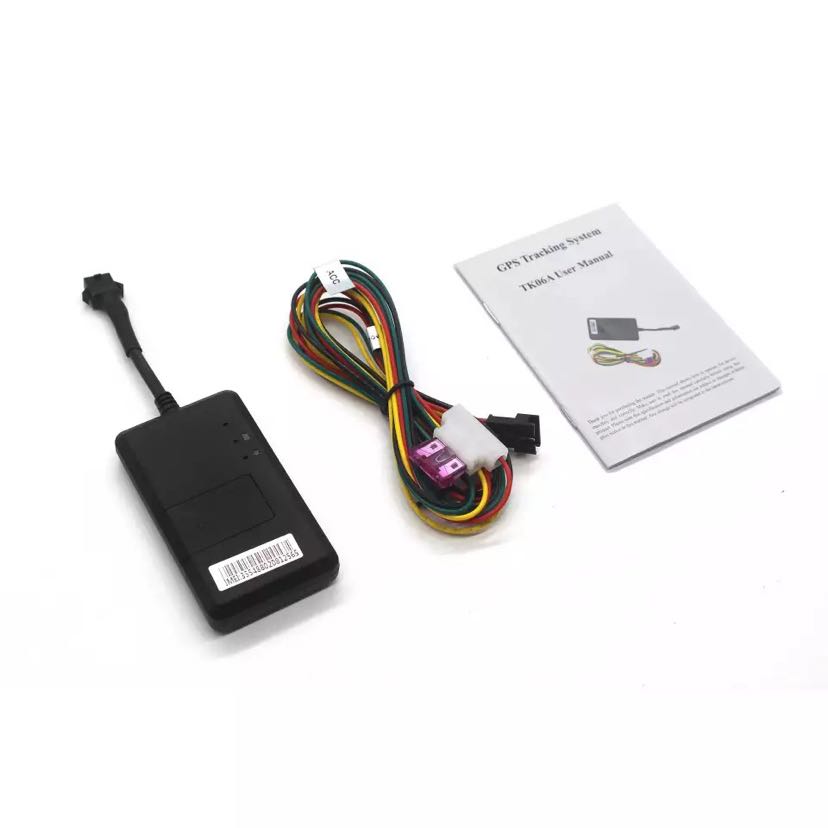
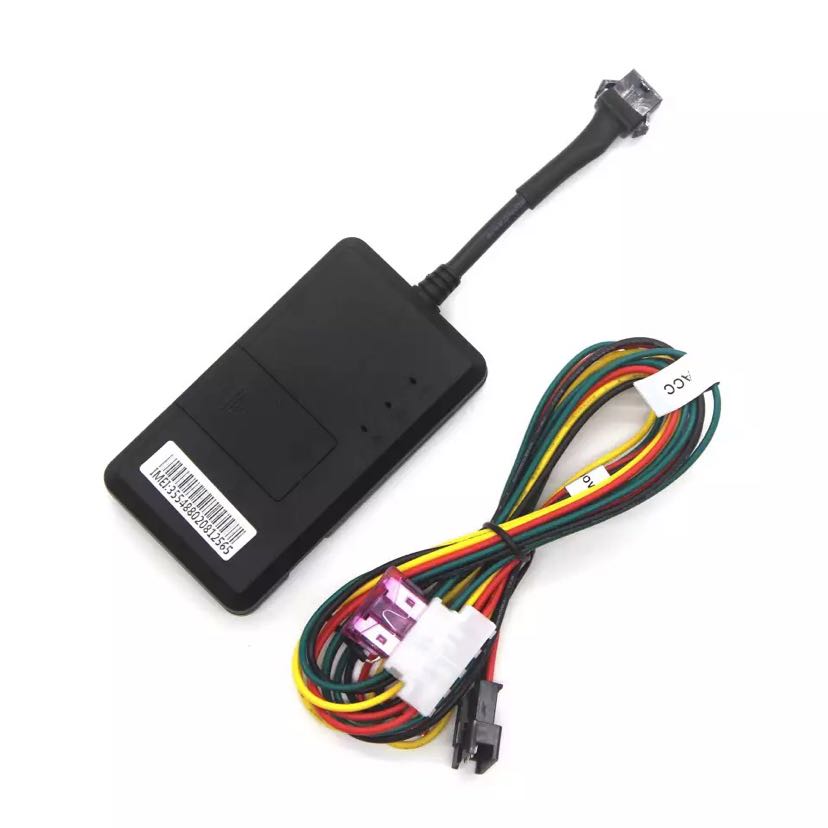
1) Insert the SIM card and connect to external power, and you must turn on the switch in the card slot.
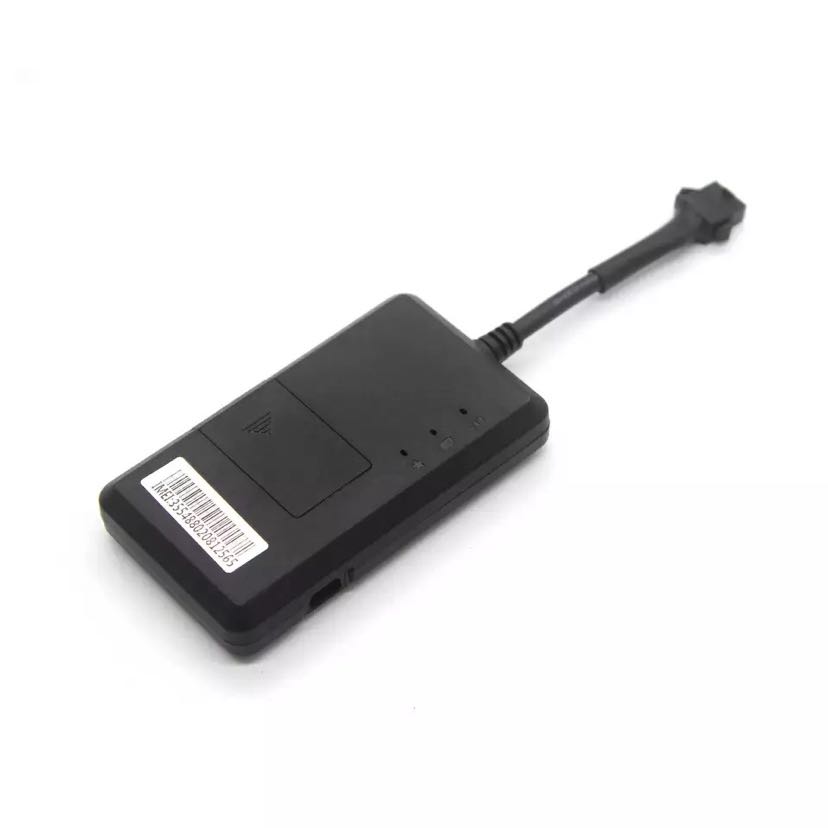
2) Place the device outdoors, and after about 45 seconds, the three indicator lights will remain on continuously, indicating that the device has successfully located itself.
3) Dial the device number to disconnect and receive valid latitude and longitude information, indicating that the device is operating normally and can be used.
4) If platform positioning is needed, send an IP command to connect to the platform. The format of the IP command is as follows:
IP address 123456 on port
1The product installation should be facing up to the sky, which is convenient for better reception.GPSSignal.
2If the windshield is attached with a metal insulation layer or heating layer, it will reduceGPSReceive signal, may causeGPSWork abnormal, please replace the installation position.
Device light is not lit
1) Yellow light not lit: Device card reading failure, please reinstall the SIM card.
2) Blue light flashing: The device's GPS is not located. Ensure that the device is started outdoors.
3) Three indicator lights do not light up: The device indicator lights have a sleep mode, and you can activate the indicator lights by dialing the device number.
Device does not go on the platform
1) Does the device's indicator light stay on continuously?
2) Equipment not located: Ensure that the equipment is started outdoors.
3) Equipment cannot be connected to the platform: send a text message.“TCP”Check the text message for the reply: Is the IP port correct, and the information content shows A (A for positioning, V for non-positioning)
Update time:


TOP


