
Search history
Clear allSearch by image
XDrag and drop an image here or upload an image
Max 5MB per image
UploadSign In | Join

Search history
Clear allSearch by image
XDrag and drop an image here or upload an image
Max 5MB per image
UploadSign In | Join
SHUOFENG ELECTYONIC TECHNOLGY CO.LTD 12yr.
Contacts Diana Chat
Mobile 18358005552
1048612396

WhatsApp 8618358005552
GSM frequency bands:850/900/18001900MHz
GPRS:Class 12
Communication method: TCP/IP
Charging Voltage: 5V/300mA
Hot restart: ≤10 seconds (open area)
Cold Start: ≤45 seconds (open area)
Positioning accuracy: 5-10 meters
Dimensions: 40x 40 x 14mm
Body weight: 50g
Working temperature: -20°C to +55°C
Function Features:
1. Global Unobstructed Positioning
2. SOS Emergency
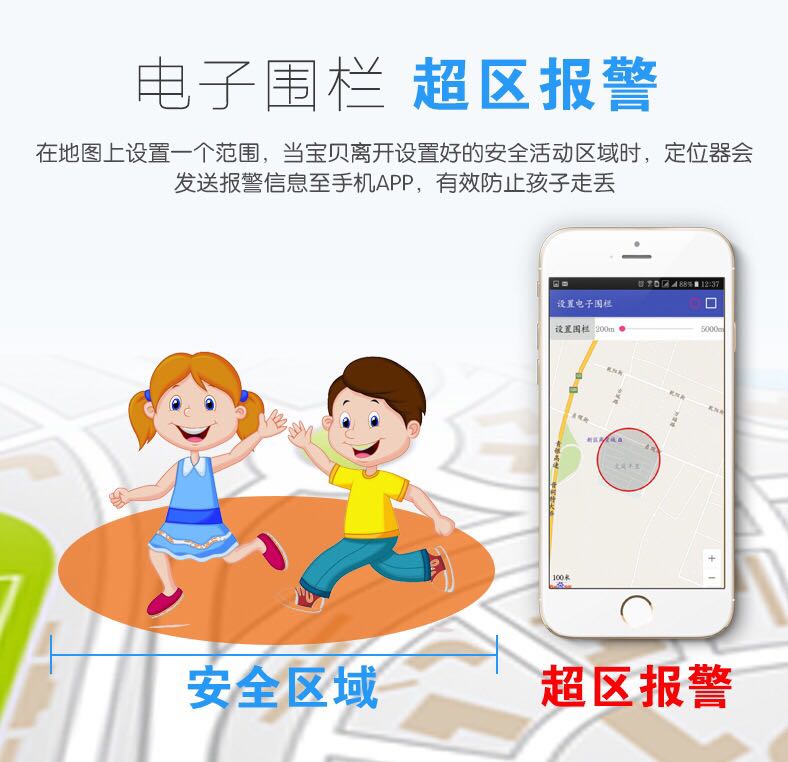
3. Electronic Fence
4. Voice Listening
5. Vibration Alarm
6. Binding a family phone number
7. Historical Track Replay
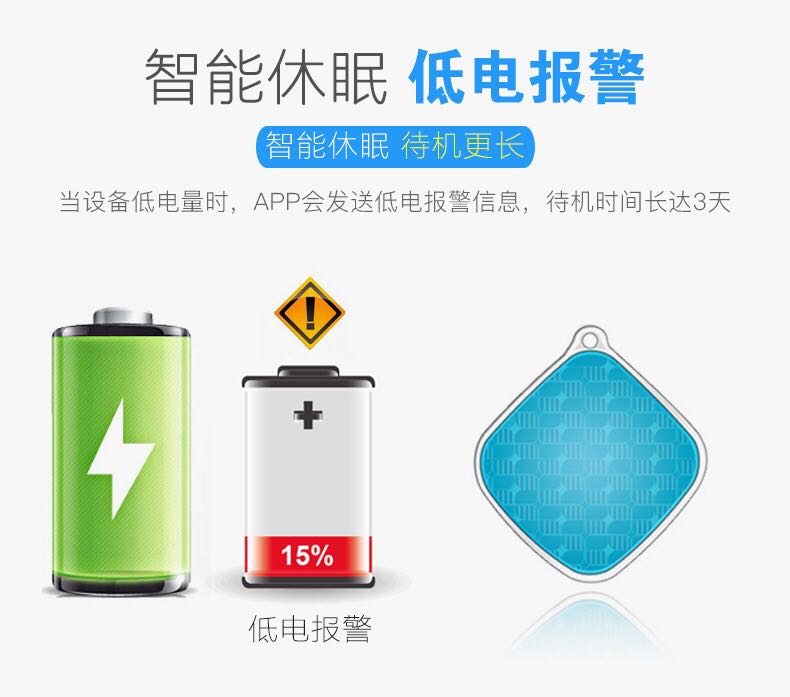
8. Low Battery Alarm
9. Platform Monitoring: Supports Android, iOS, and PC clients.
10. Ultra-long battery life: 3 days
Application Fields
Mobile APP/PC Client
Log in to the distributor-specified monitoring platform or APP client
The system can query the location and historical trajectories.
Attention:
All family phone numbers can be set as terminal.
Terminal alarm information is only sent to the central number.
Password setting
The default password is: 123456
SMS command: password123456 password
SMS example: password123456 888888
Note: If you forget the new password after modifying it, please reset the device.
Activate SOS Emergency Alarm
Press and hold the power button for 3-4 seconds when the device is on.
SOS alarm will be sent to the bound center number
"监听模式"可以翻译为 "listening mode".
Enable listening - SMS command: monitor123456
Calling the phone will connect.
Close the listening - SMS command: tracker123456
Call to hang up
Set the positioning interval
SMS command: ITV123456 seconds
SMS example: ITV123456 30 (30S once).
Note: The longer the positioning interval, the longer the standby time.
Maximum: 1800 seconds, Minimum: 10 seconds
Alarm Mode Setting
Close the alarm SMS command: KC123456 0
SMS alert SMS command: KC123456 1
Phone alarm SMS command: KC123456 2
Low Battery Alarm
Activate the alarm SMS command: lowbat123456 1
Close the alarm SMS command: lowbat123456 2
Device reboot
SMS command: reset123456
Device Initialization
SMS command: begin password
SMS example: begin123456
Switch-on and Switch-off Instructions
Power on: Insert the SIM card, press and hold the power button for over 3 seconds to turn on the device.
Shutdown: Press and hold the power button for about 6 seconds to turn off the device.


















Update time:


TOP


