
Search history
Clear allSearch by image
XDrag and drop an image here or upload an image
Max 5MB per image
UploadSign In | Join

Search history
Clear allSearch by image
XDrag and drop an image here or upload an image
Max 5MB per image
UploadSign In | Join
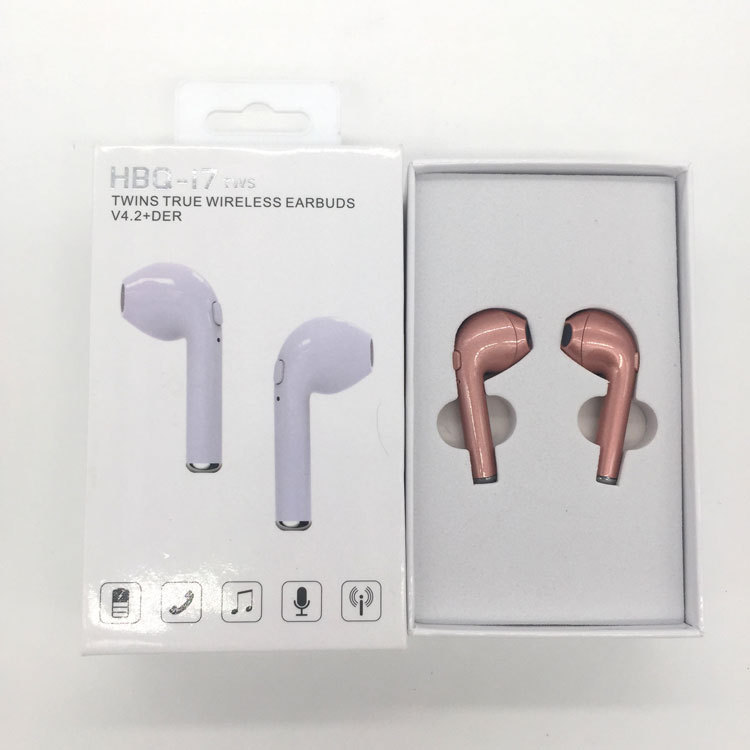
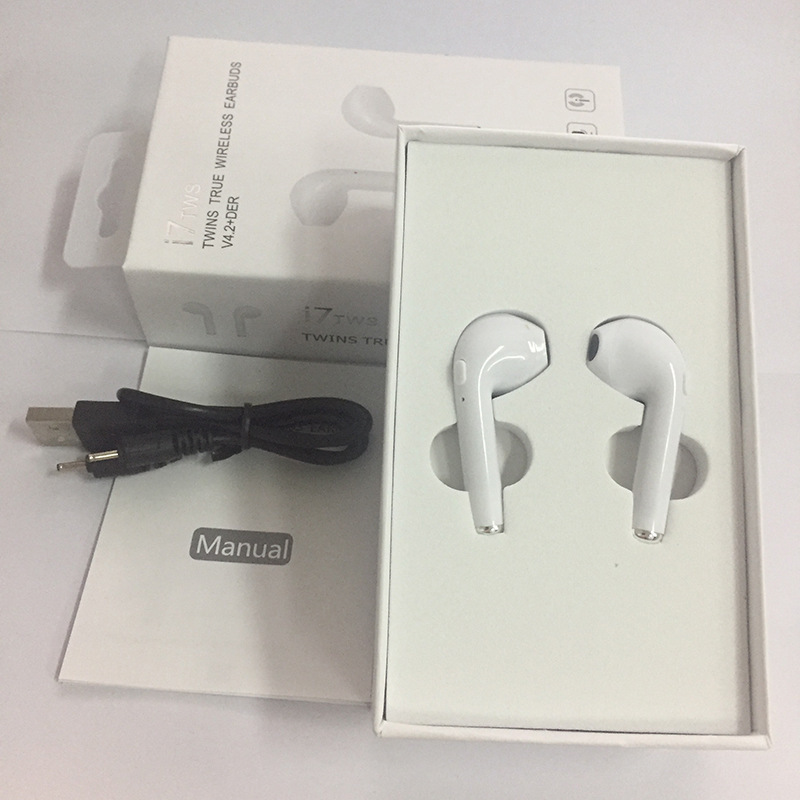
Pairing method: Long press the power button to flash the blue light is the normal pairing mode, hold the power button after turning on and continue to press for three seconds to alternate between red and blue lights.
Blink, the prompt sound pairs at this time, and then enter the binaural pairing state. After the successful pairing of both ears, the blue light flashes slowly.
Prompt sound: Power-on prompt: Turn on
Shutdown prompt: Turn off
Pairing Status Prompt: Paired
Connection Tip: Your device has been disconnected.
Disconnection Warning: Your Device Has Been Disconnected
Low Battery Alert: Battery is low.
Button function: long press to turn on, long press to turn off, single click to pause/play music, answer/hang up the phone, double click to go to the next track.
Charging Tip:
Headphone charging indicator: The red light on the headphone lights up when charging, and turns off when the battery is fully charged.
Charging case charging indicator:
1. When the charging case charges the earphones: The green LED light on the charging case flashes when charging, and turns off when the earphones are fully charged.
2. When charging the charging case: The green LED light on the charging case flashes when charging, and the green LED light remains on once the charging case is fully charged.
Scan to add WeChat

Update time:


TOP


