
Search history
Clear allSearch by image
XDrag and drop an image here or upload an image
Max 5MB per image
UploadSign In | Join

Search history
Clear allSearch by image
XDrag and drop an image here or upload an image
Max 5MB per image
UploadSign In | Join

Product List
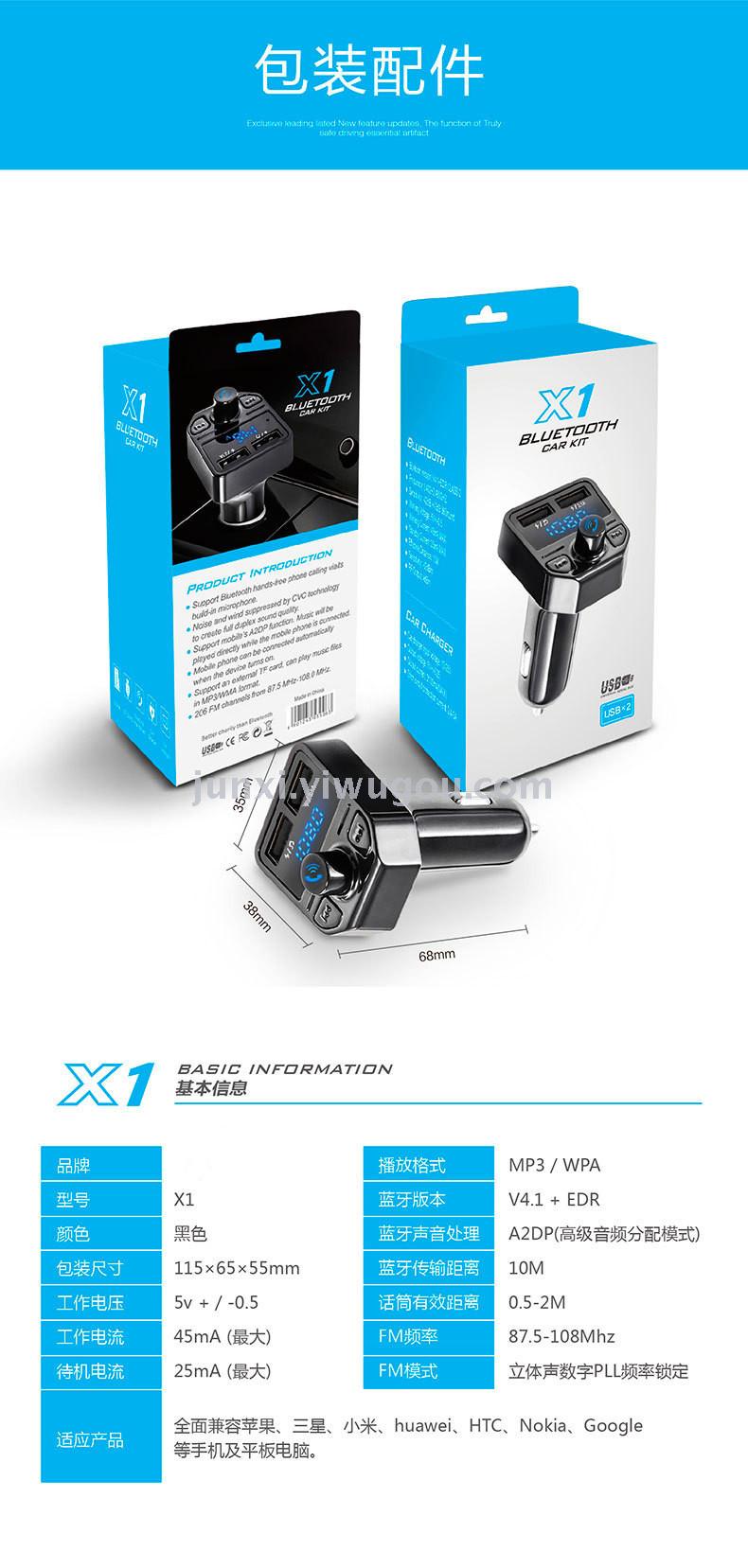
X1 Bluetooth Car Stereo 1 PCS + Instruction Manual 1 Piece
Single-head weight: 55g
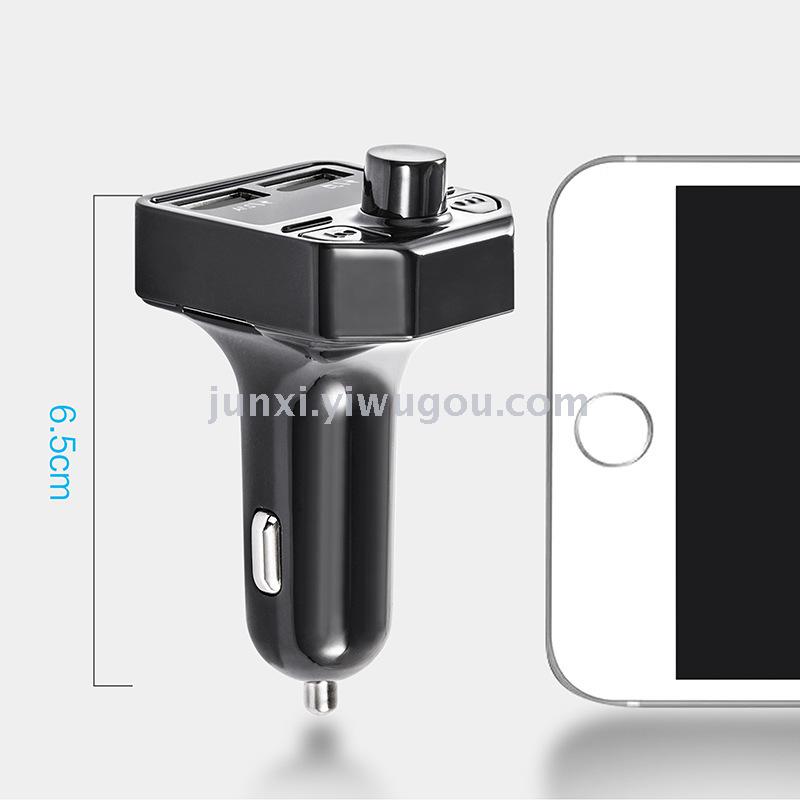
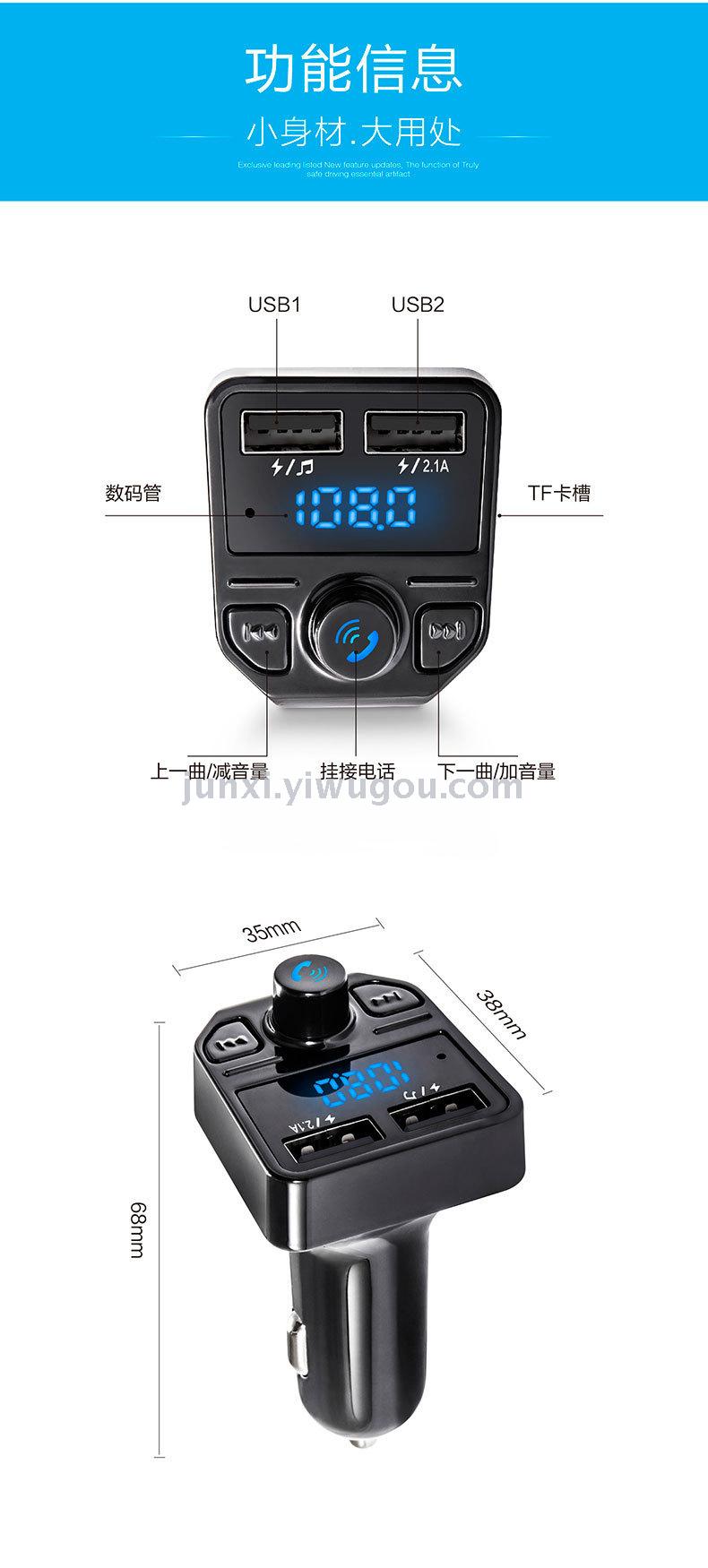
Product weight with accessories and packaging: 65g, Product size: 35*38*68MM
Product packaging size: 115*65*55CM
Crate Size: 58*24*34.5CM
Packing Quantity: 100 sets/case
Net weight: 5.5 kilograms
Gross Weight: 6.5 kilograms
Product Introduction
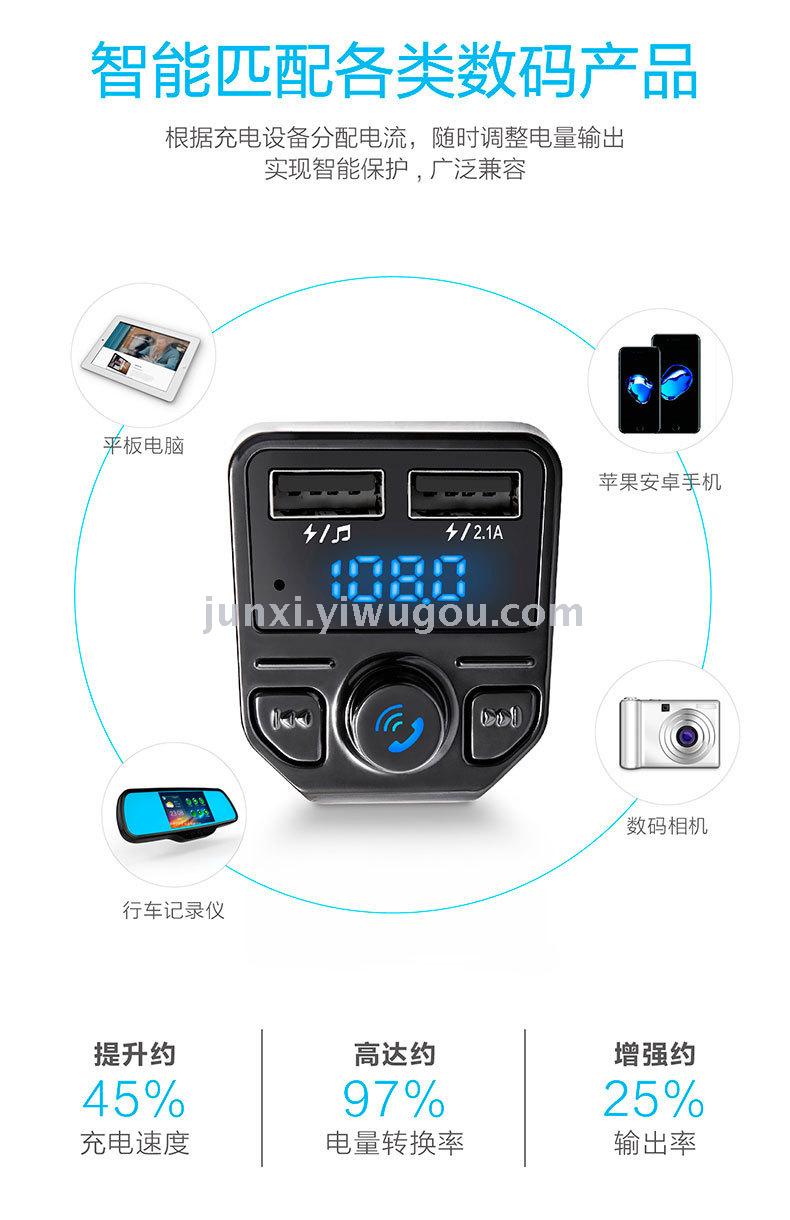
This product is a car-specific Bluetooth car MP3 player, using a high-performance professional-grade Bluetooth module, MP3 decoding chip, and high-fidelity, low-back noise transmission chip. It can play music files on a TF card. By wireless transmission to the car audio system, if the user's mobile phone has a Bluetooth function, the machine can be automatically switched to hands-free calling mode. After the call ends, it will automatically switch back to the music playback state. You can also transmit MP3 music from your mobile phone to your car audio system through wireless transmission, without modifying your car, making it easy for you to enjoy music and hands-free phone calls during driving, enjoying entertainment and safety at the same time.
Product Features:
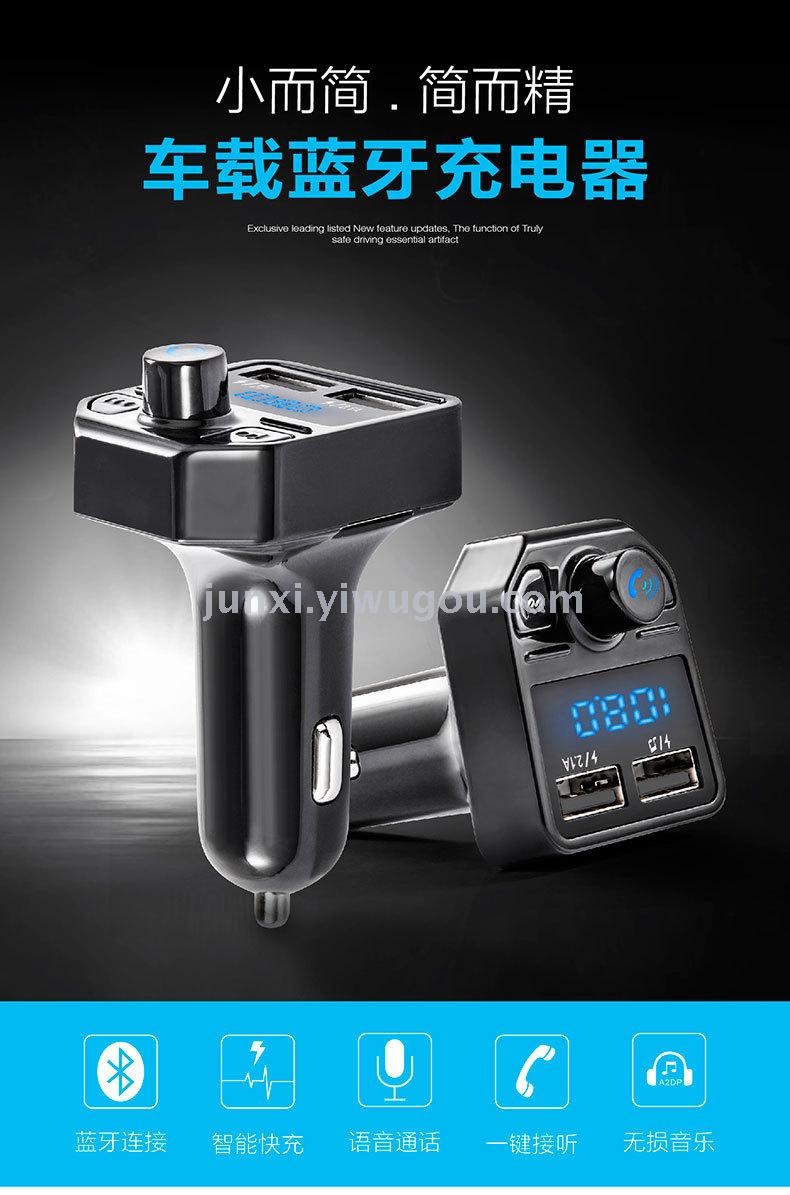
1: Bluetooth hands-free calling
2: Noise cancellation and echo suppression during calls (when driving at 100 mph, using Bluetooth for calls results in no echo)
3: Stereo Bluetooth and FM Transmission Technology
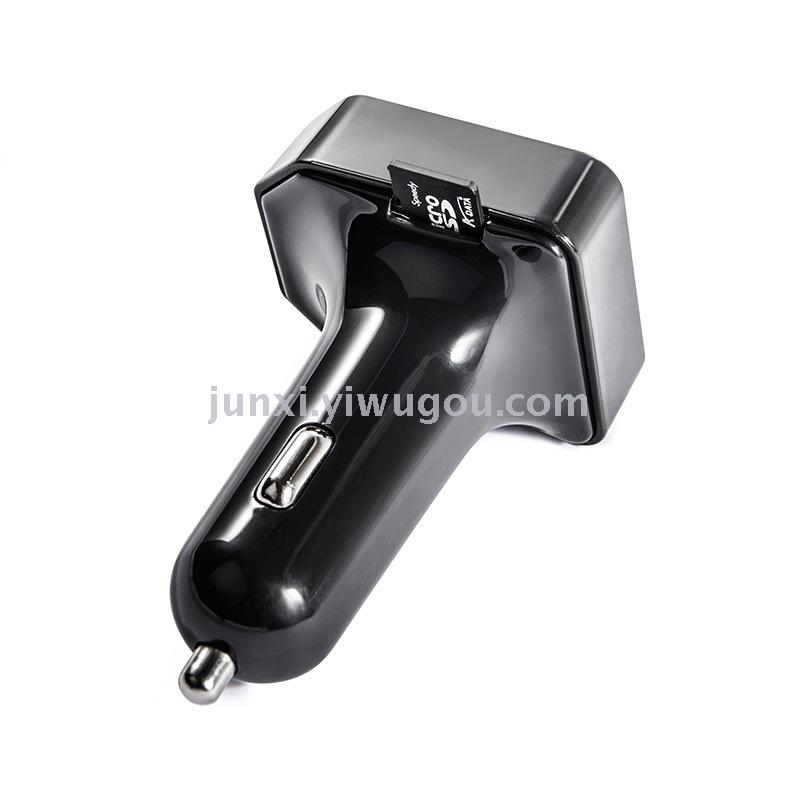
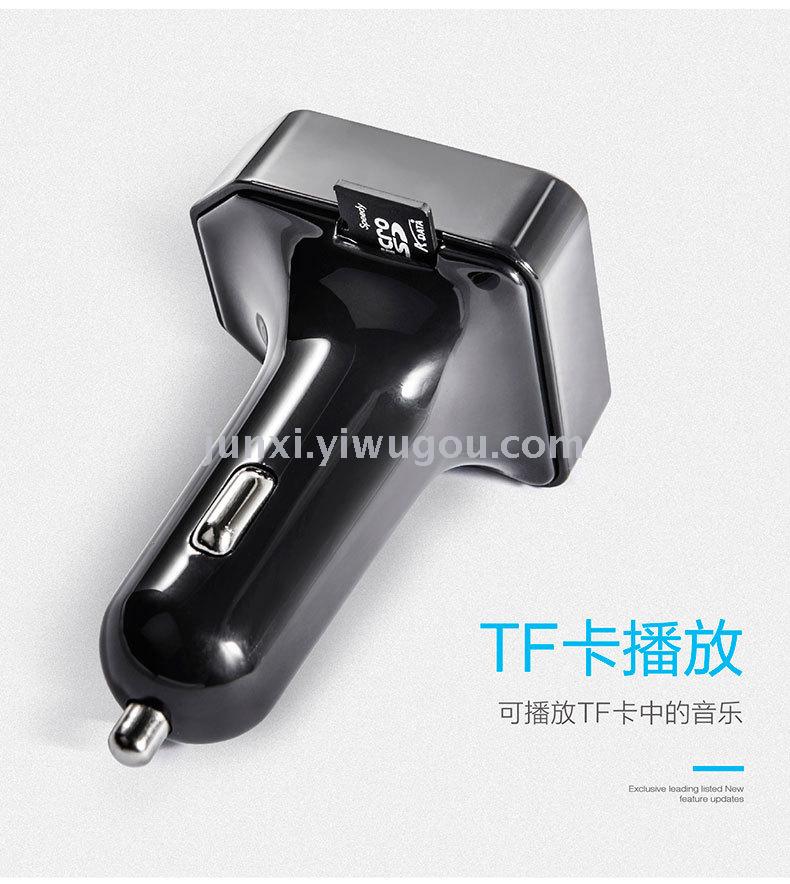
4: Supports TF card
5: Supports MP3 format music
6: Automatic Power Off Memory Function
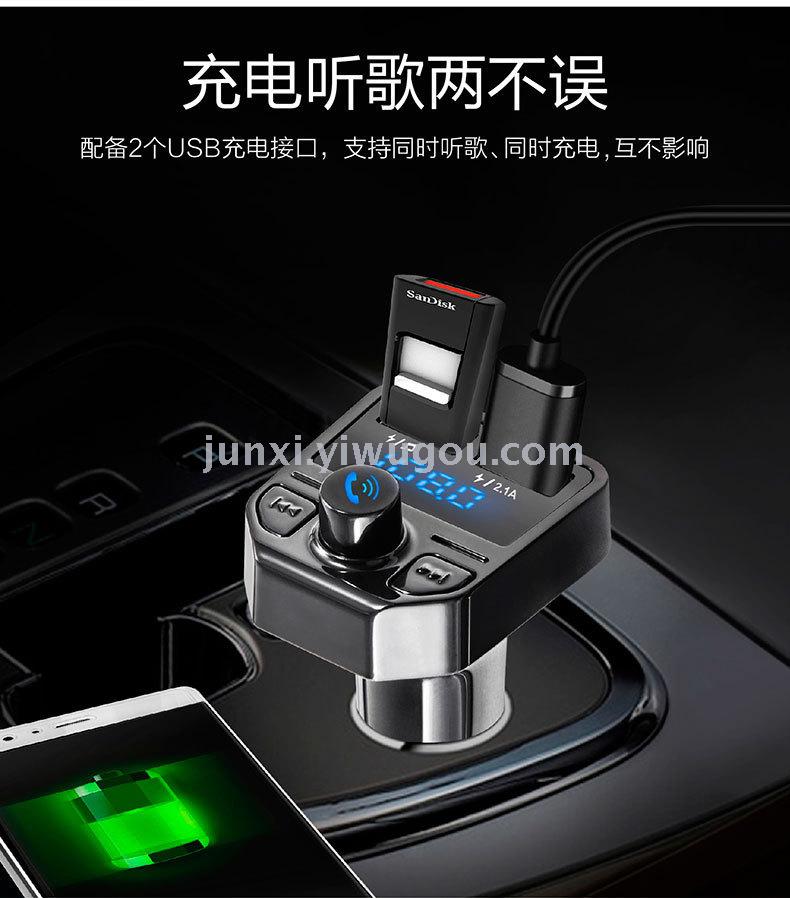
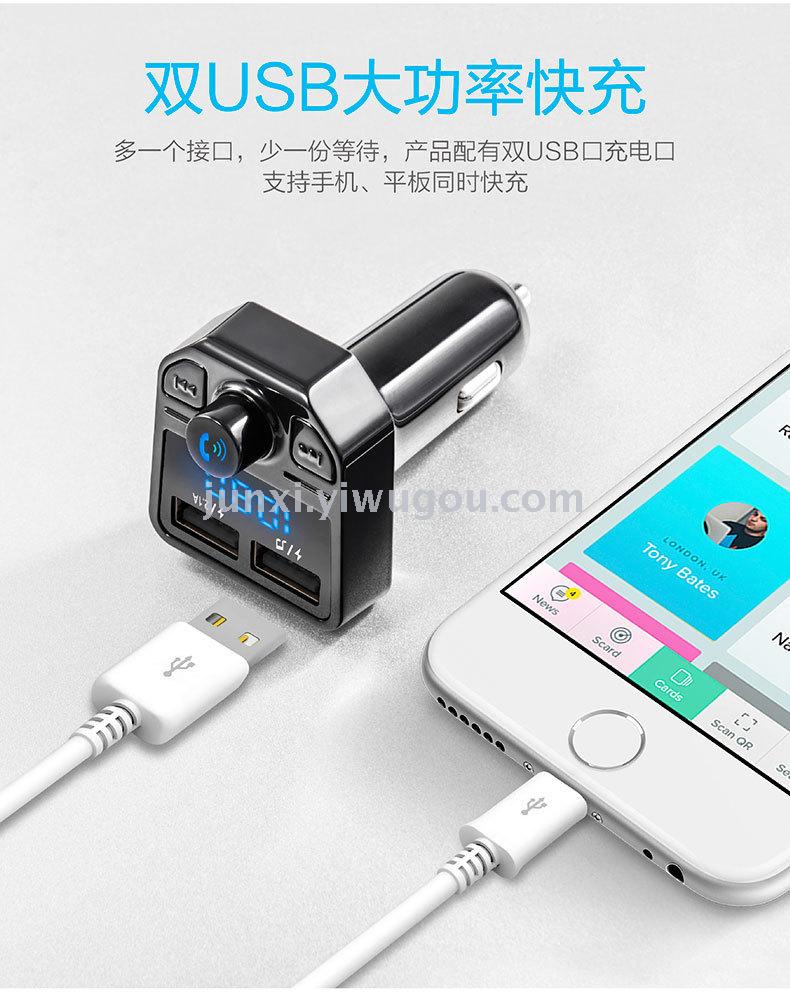
7: Direct car cigarette lighter power supply
<三>操作说明
Play music
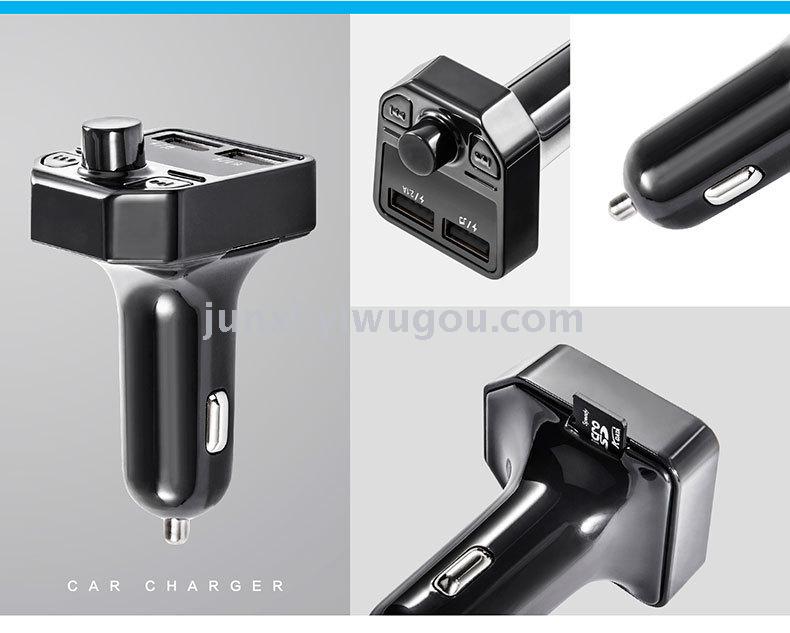
1.1 Insert the product into the car ashtray, insert the MP3 or TF card into the corresponding socket, and the player will automatically enter the playback state when the music file is detected. Press the button to switch between playback and pause.
1.2 Turn on the car stereo to the FM radio state, adjust the transmitting frequency of the car stereo to match the receiving frequency of the car radio, and the car stereo can play the music of the machine.
1.4 Adjust the transmitting frequency:
Press the FM key and the key to adjust the FM transmission frequency between 87.5MHz and 108.00MHz, and long press to quickly adjust.
4.1.4 Press the button or the button to play the previous track or the next track, long press to decrease or increase the volume.
4.2 Use Bluetooth hands-free function
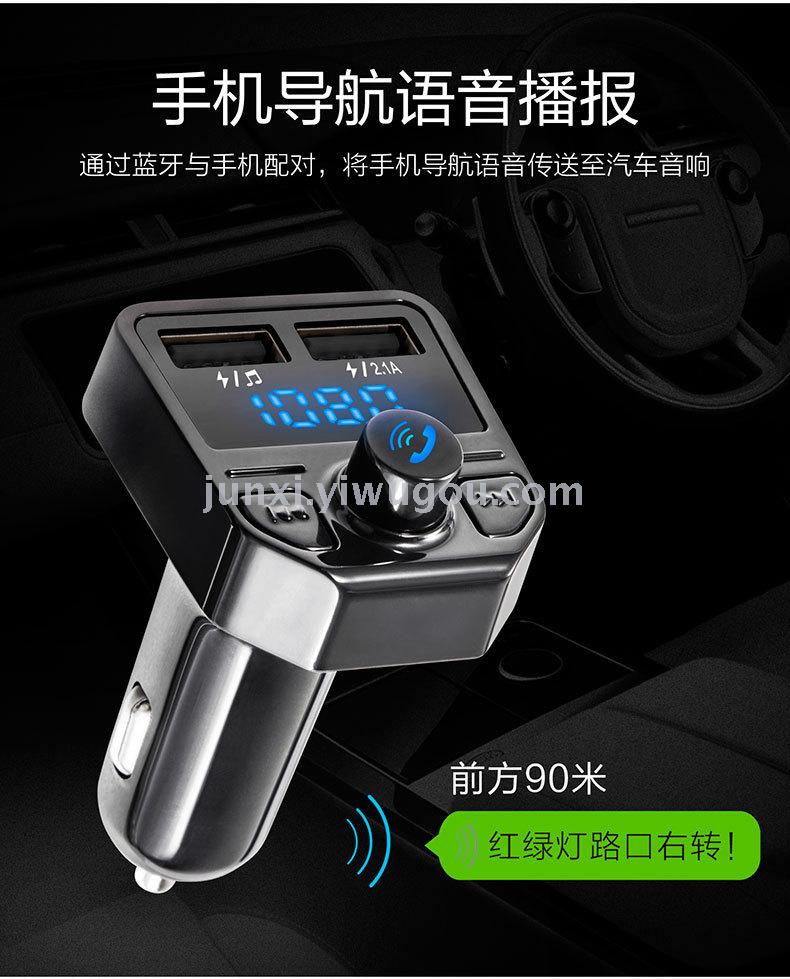
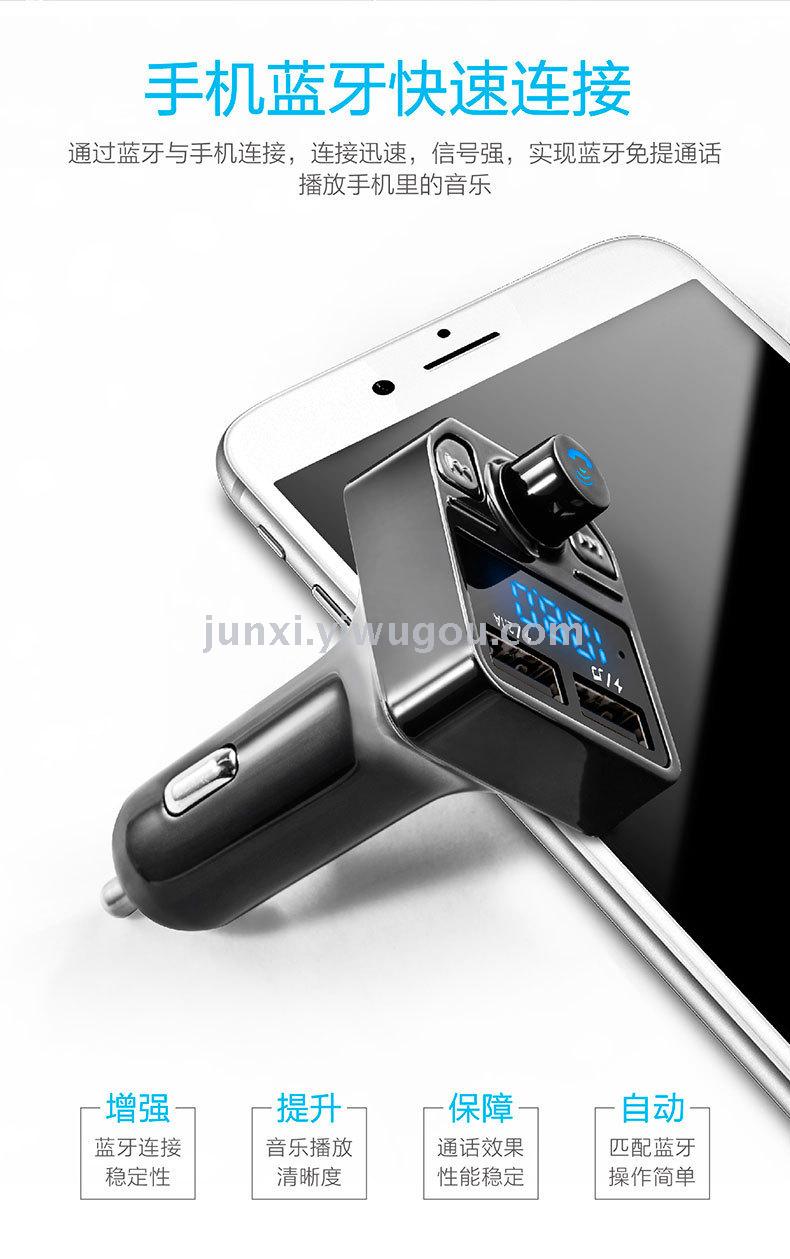
4.2.1 The first time using the hands-free function requires a pair code. The method of pairing is: turn on the Bluetooth function of the mobile phone and search for it, when the mobile phone searches the Bluetooth machine, bind the mobile phone, and after the connection is completed, you can answer and make calls through the hands-free.
4.2.2 If the mobile phone has already paired with the hands-free player, and the mobile phone's setting allows for automatic Bluetooth connection, the hands-free player will automatically connect to the mobile phone when it is turned on. (If the mobile phone's setting does not allow for automatic Bluetooth connection, the mobile phone will prompt whether to connect, and there may be slight differences among different mobile phone models).
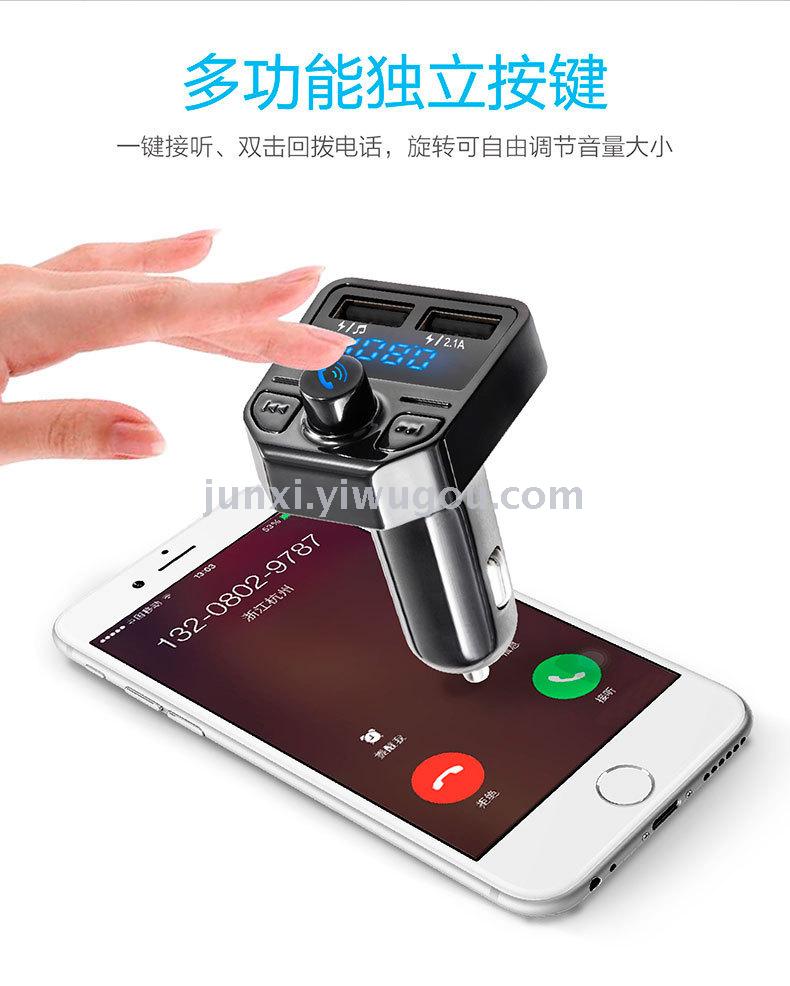
4.2.3 When your Bluetooth MP3 is playing music and your mobile phone receives a call, the player will automatically switch to hands-free mode. Press the Bluetooth answer button once to enable the hands-free calling function. After the call ends, it will automatically switch back to the music playback state. You can also directly press the Bluetooth answer button to end the call.
4.2.4 Explanation:
1. A2DP function. A phone with A2DP functionality (i.e., with stereo Bluetooth), can play music from its internal storage through an AV connection feature (which may be referred to differently on some phones, such as music expansion playback, etc., with the same method of connection as described above) on the car stereo.
2, different Bluetooth services on different phones can be connected simultaneously, but the same service can only connect to one phone at a time. For example, if the A phone is connected to the phone call function, the B phone must disconnect the A phone if it wants to connect to the call function. However, if the B phone has the a2dp function (assuming the A phone does not have the a2dp function connected), the B phone can also connect to the a2dp function separately. This means that the A phone can make hands-free calls, and the B phone can also play music through the Bluetooth speaker. At this time, if an incoming call or a phone call is made, the call will take priority. After the call ends, it will automatically switch to the a2dp playback function.
3. Priority: When multiple functions are being used, the priority is as follows.
Mobile phone call > A2DP playback, USB music playback, SD card music playback
In this priority order, any high-priority function that is activated will pause low-priority functions. Once the high-priority function is completed, the low-priority functions will resume.
<五>技术参数
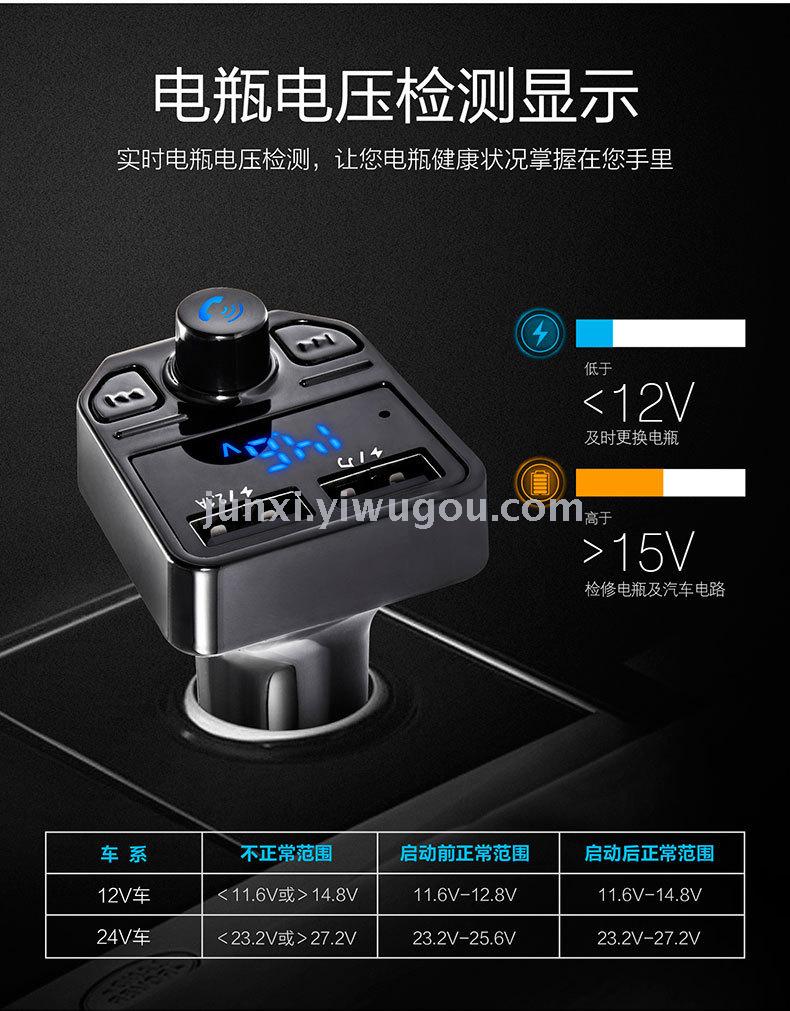
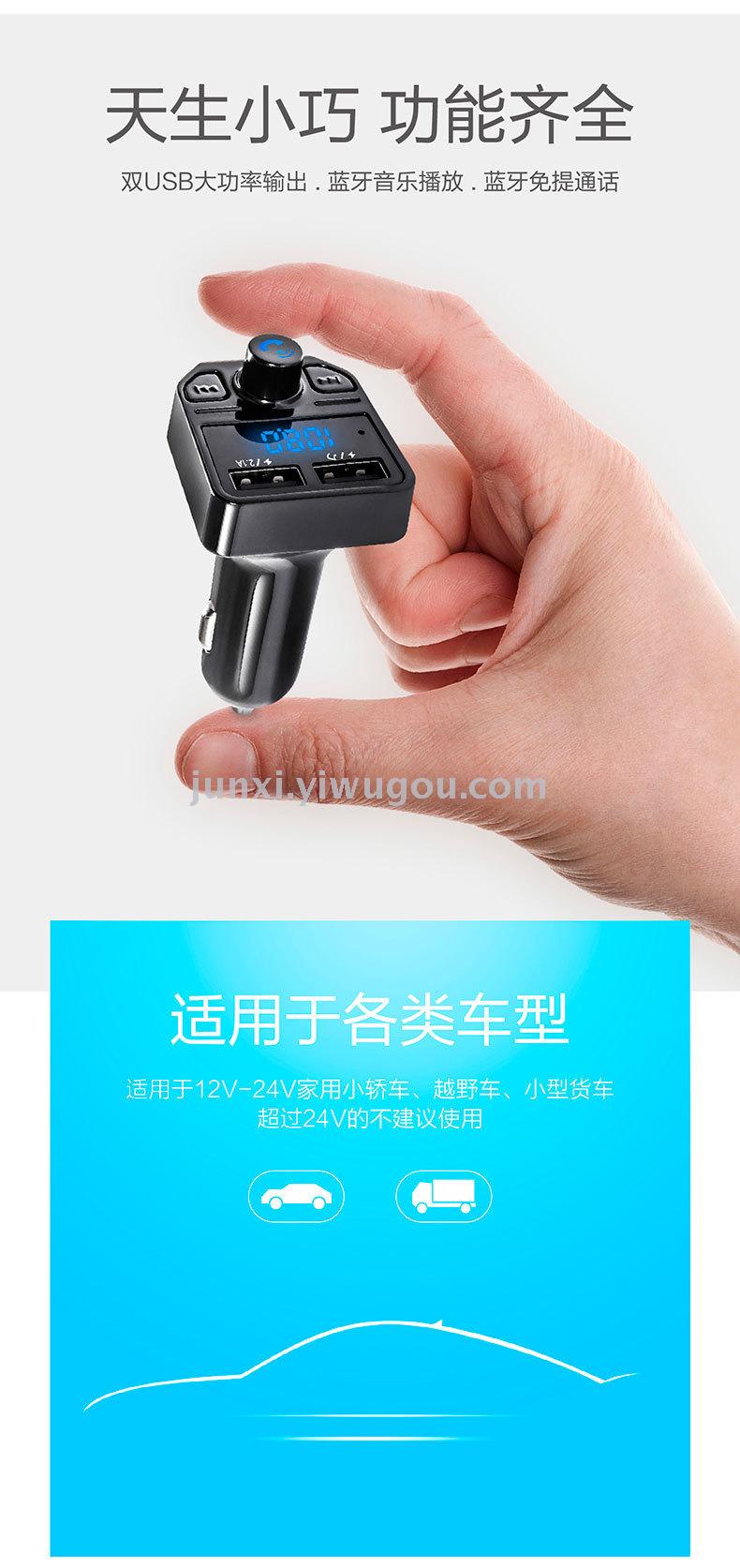
Rated operating voltage: 12V-24V
Maximum Operating Voltage: 9~26V
Consumption rate 1W
Working temperature: 0~50 degrees Celsius
Supports playback formats: MP3, WMA (optional)
Signal-to-noise ratio > 60dB
Distortion < 0.1%
Frequency Response: 20Hz-15Khz
Left and right channel separation 〉60dB
Bluetooth version 3.0
Bluetooth sound processing with A2DP (Advanced Audio Distribution Profile) functionality
Bluetooth transmission distance: 5M
FM Transmission Frequency: 87.5MHz - 108.00MHz
Update time:


TOP


