
Search history
Clear allSearch by image
XDrag and drop an image here or upload an image
Max 5MB per image
UploadSign In | Join

Search history
Clear allSearch by image
XDrag and drop an image here or upload an image
Max 5MB per image
UploadSign In | Join
SHUOFENG ELECTYONIC TECHNOLGY CO.LTD 12yr.
Contacts Diana Chat
Mobile 18358005552
1048612396

WhatsApp 8618358005552


1Introduction
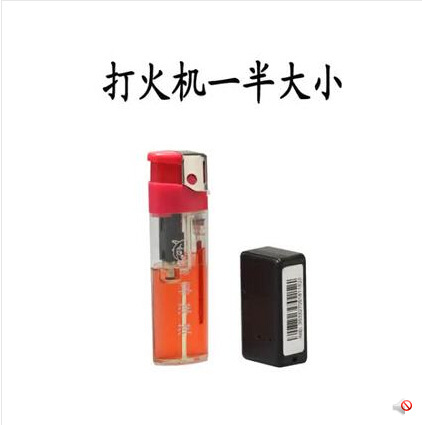
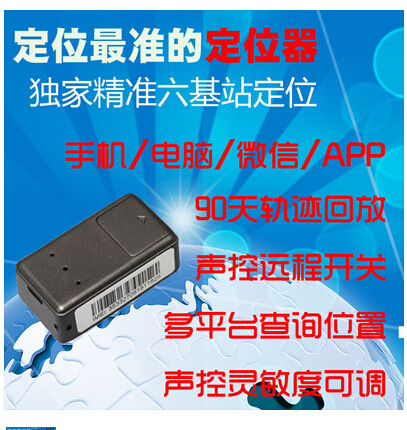
This product uses a new intelligent six-base station positioning system, which is more accurate and faster than traditional single-base and triple-base station positioning. It adopts the new V3 Google Maps and supports most features. It has a voice-controlled alarm function, is compact in size, has clear voice, long standby time, and stable performance. It is easy to install and is mainly used for home surveillance, monitoring and guardianship of children, the elderly, and pets, as well as anti-theft tracking functions for cars, warehouses, and more.
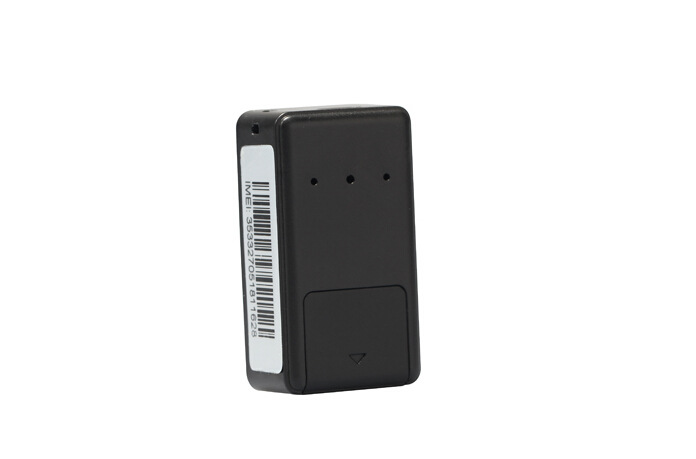
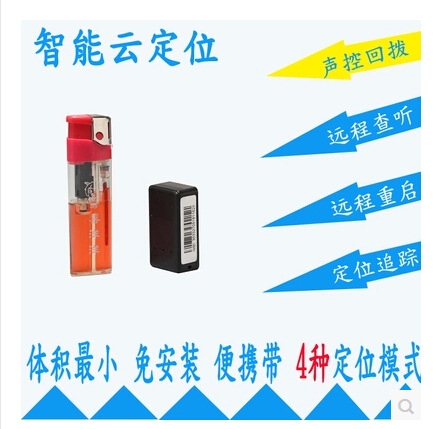
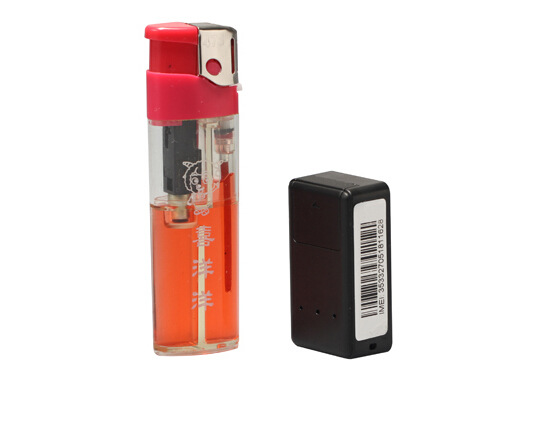
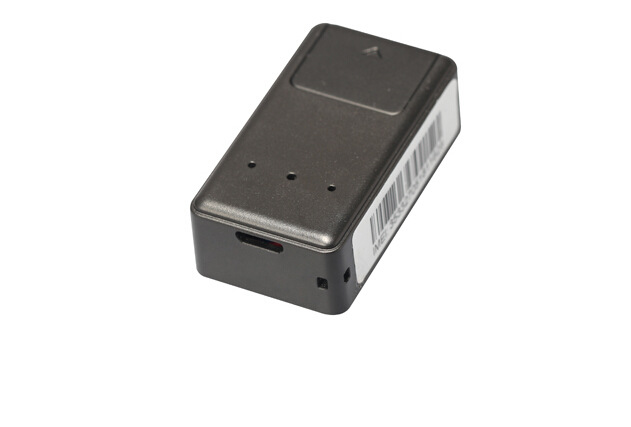
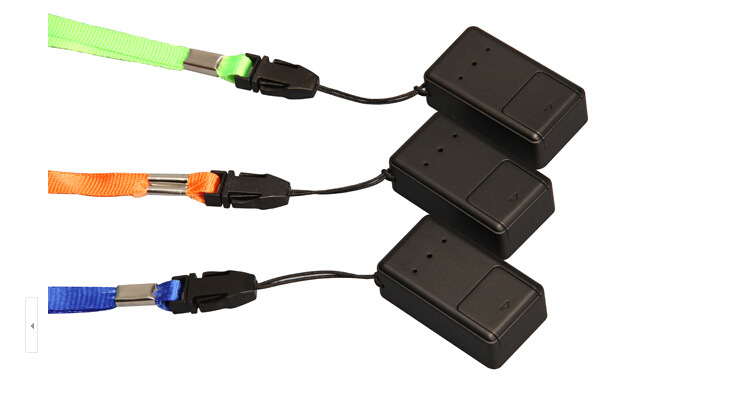
Real-life photos:
2, Technical Specifications
GSM Frequency Bands: 850/900/1800/1900
GPRS: Upload 60, TCP/IP
Working Voltage: 3.4-4.2V DC
Standby Current: ≈2.5mA
I turn on the voice-controlled current: ≈30mA
Calling current: ≈150mA
GSM Location Time: 35 seconds
Working environment temperature: -20℃ to +70℃
Working environment humidity: 20%~80%RH
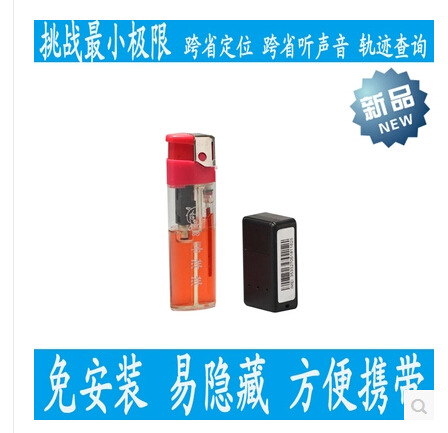
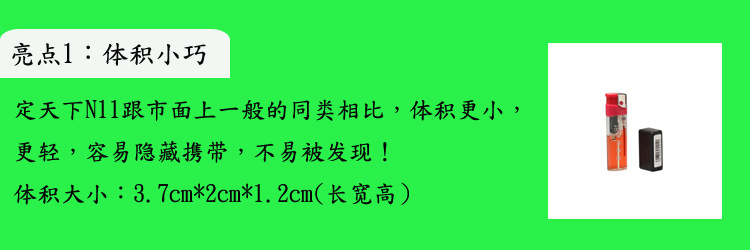
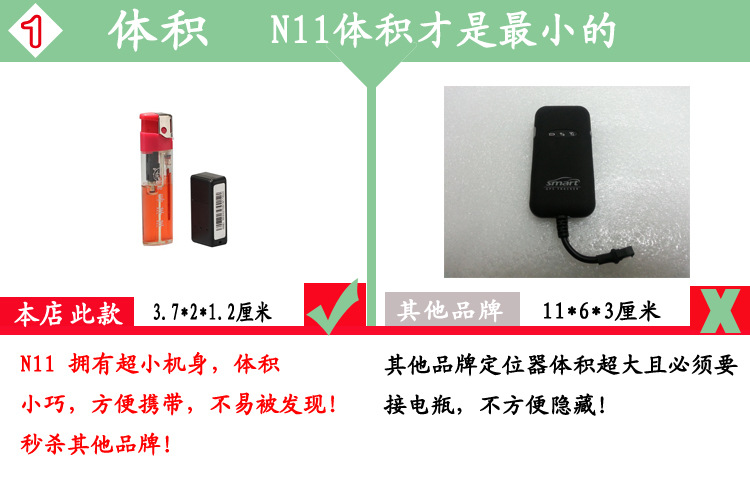
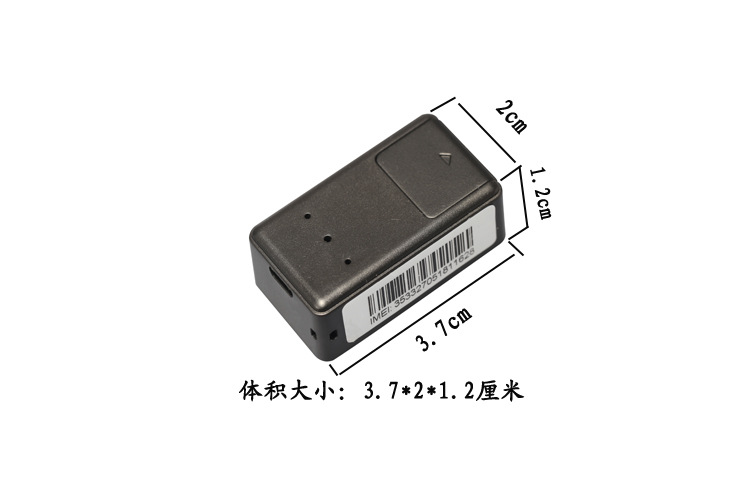
Size: 41(L)X23(W)X14.5(H)mm
3. Usage Instructions
Warm Tip:
The format of the command for setting the function parameters is as follows: all letters are lowercase, and the symbols are all English punctuation marks. All sent commands will be responded, and if the parameter command setting is successful, a success message will be returned, otherwise, it needs to be re-set.
The function of checking the location information is available on any phone, while the rest of the functions require operation through the service center number.
The terminal will respond with the corresponding query content when sending the corresponding query command.
3.1 Power On:
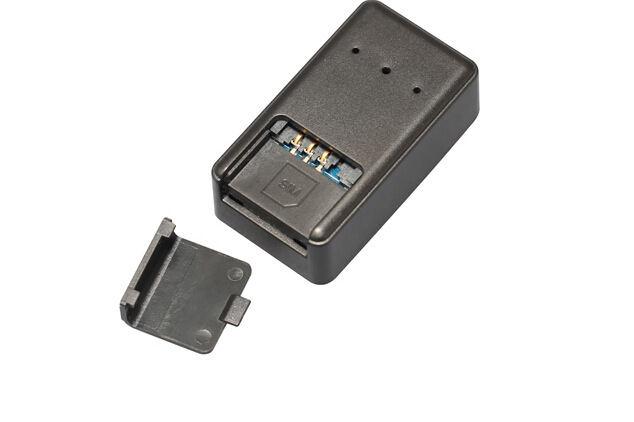
Open the small cover on the device, insert the SIM card into the slot and it will automatically power on. When the device powers on, the indicator light will flash for a few seconds. After the light stops flashing, close the small cover and you can use the device.
Attention:
Please use a SIM card with a better 2G--GSM network signal (such as: mobile).
The terminal SIM card needs to be activated for call display.
The SIM card at the terminal needs to be enabled with the GPRS function.
The SIM card PIN code is in the off state.
3.2, Center Service Number Setup
Dial the SIM card number on your device, after connecting, listen to the surrounding sound for about 10 seconds, and your phone will receive a "Center Number Setting Success" information ring. At this time, you can hang up the phone. If you do not receive the "Center Number Setting Success" information, it means that the setting of the service center number has failed.
3.3, Restore to factory settings
When the terminal's setting parameters cause the terminal to operate abnormally due to incorrect settings, you can send a text message command to restore the terminal parameters to the default settings of the terminal's factory settings, attempting to restore the terminal to normal operation.
The command for restoring to factory settings is: factory#
When the terminal receives this command, it will reset its settings to the factory default values, and all manual settings made previously will be lost (including service center numbers, etc.).
If the terminal restores to the factory settings successfully, please reply with the message 'Restore to factory settings successfully'.
3.4, Location Network Link SMS Query
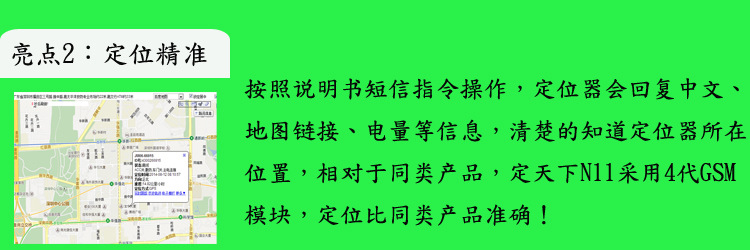
When needing to query the location network link information of the terminal device, you can send 'url#' to the SIM card of the terminal device. The terminal will reply with the location information of the network link after the first time positioning.
Command: url#
Location query SMS reply information example: battery=100%,http://minigps.net/loc.do?x=012743&y=10081&z=002564251&n=0&c=460&a=10136&e=4272&s=21&v=m1.0&l=ch_ZN&p=3
3.5, SMS Chinese address query
When you need to query the Chinese address information of the terminal device, you can send "123" to the SIM card of the terminal device. The terminal will reply with a location information of the Chinese address. If the terminal has not searched for the location information, it will not reply at all. Please move your position and send the command again to obtain the Chinese location information.
Command: 123
Please provide the Chinese text you want to translate, and I will translate it for you.
No. 1001, Hongling Middle Road, Futian District, Shenzhen City, Guangdong Province; Yinli Building, Li
Branch Park East Gate, Mao's Restaurant Yong'an Store
3.6 Platform Inquiry
Note: This function must be set first with GPRS parameters (please refer to 3.12).
Open the service platform website: ______________________, enter your username and password to operate on the service platform.
3.7 Automatic Continuous Positioning (This feature is set to the default off state).
3.7.1, send the message 'fix time s times n#' to the device, and the continuous positioning will be set successfully.
If the setting is successful, reply with 'Upload interval time setting successful! The interval time is "60"!'
3.12, set GPRS parameters
3.12.1 Set APN
Different GSM communication operators have different APNs, and the APN of the SIM card you are using may vary. To find out the APN of your SIM card, please consult your local communication operator.
Command format: apn, network name#
Example: apn,cmwap#
Example: cmwap represents the APN of China Mobile operator.
If the APN setting is successful, please reply with the message 'APN setting successful'.
3.12.2 Set GPRS login username and password
In most cases, the user name and password can be omitted when GPRS is logged in.
Skip this step if you wish. For those who need to use usernames and passwords, please
To make the following settings.
Instruction format: apn, network name, user, username, pd, password#
Example: apn, cmwap, user, yidong, pd, 123#
Example: 'yidong' represents the username, and '123' represents the password.
If the GPRS login username and password are set successfully, reply with 'GPRS'
"User name and password setup successful" message
3.13, Language and Time Settings
The terminal provides display in Chinese and English, and the time in different regions
Set according to the time zone.
指令格式:lang,x,zone,n#
x is a language selection item, 0 is English, 1 is Chinese, n is a time zone selection item, and 8 for the East Eight Time Zone, -3 for the Western Three Time Zone
Example: lang,1,zone,8#
Example: '1' indicates Chinese, '8' indicates China Standard Time in East Eight Time Zone. If your time zone is negative, send 'lang,0,zone,-8'.
3.14, query parameters
When you need to check the status of the parameter settings of the terminal device, you can send a text message with the command 'param#' to the SIM card number of the terminal device. The terminal will reply with the corresponding parameter query content.
Example: param#
Example of returned content:
IMEI: 386201209006236
apn:cmwap
IP:usa.gpsjm.com:8500
UPLOAD:60
CENTER:12345678901
LEVEL:80
LANG:EN
ZONE:E8
3.15, check software version number
Check the software version information of the current device
指令:verno#
Example of returned content: N11—V1.0 2013-11-8 18:00
4. Caution:
* New machines should be fully charged before use to achieve optimal performance.
* Charger Standard: ±5.0V 300-500MA, to avoid damage to the host.
* When installing, please note the strength of the GSM network signal. Do not install in places with no signal or weak signal, as this may affect the use effect or make it unusable.
The light does not work, the battery is dead, charge it and then use it.
*Unable to dial, please reinsert the SIM card and turn on the device or charge it again to test.
* Do not automatically answer, reinsert the card and turn on the machine.
* Requires an additional controller; custom order required.
Update time:


TOP


