
Search history
Clear allSearch by image
XDrag and drop an image here or upload an image
Max 5MB per image
UploadSign In | Join

Search history
Clear allSearch by image
XDrag and drop an image here or upload an image
Max 5MB per image
UploadSign In | Join

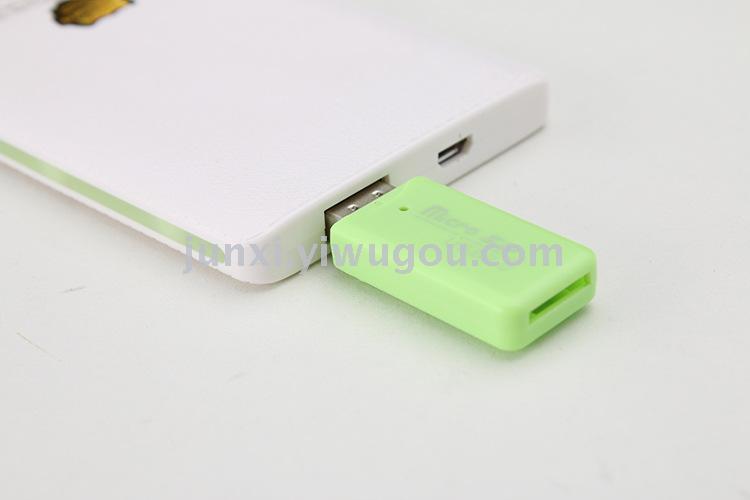
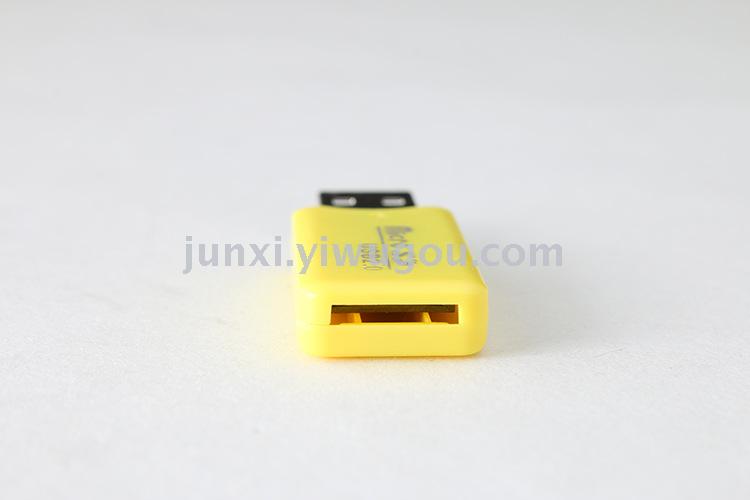
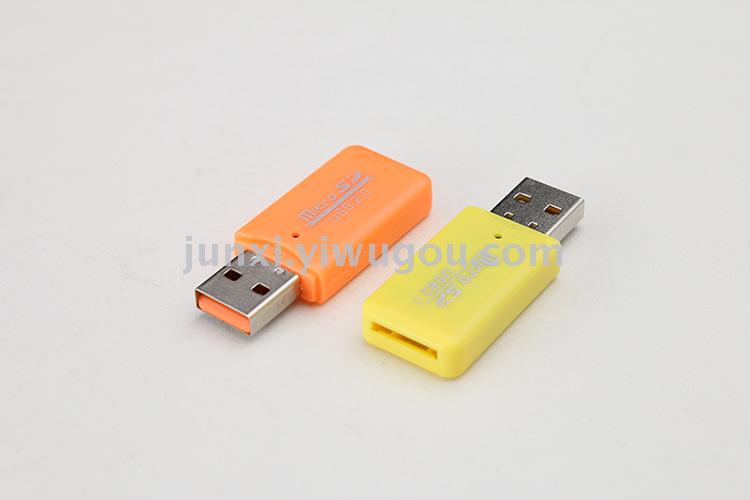
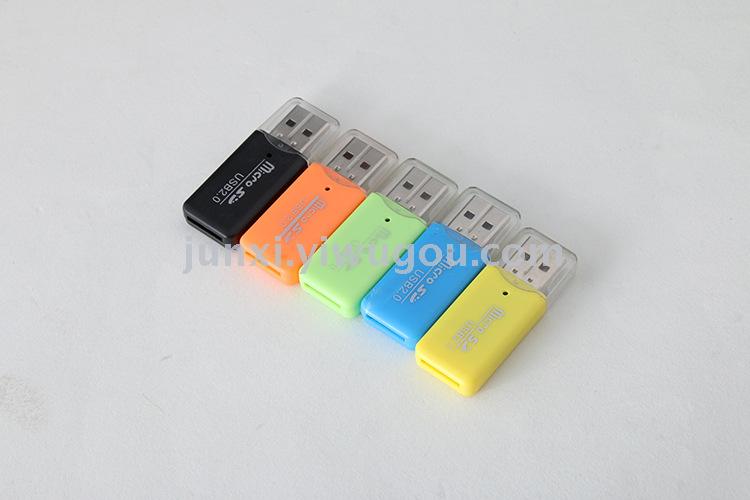
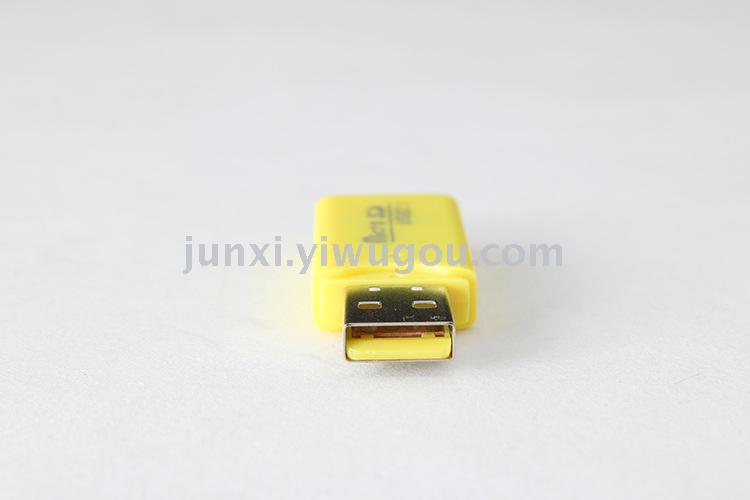
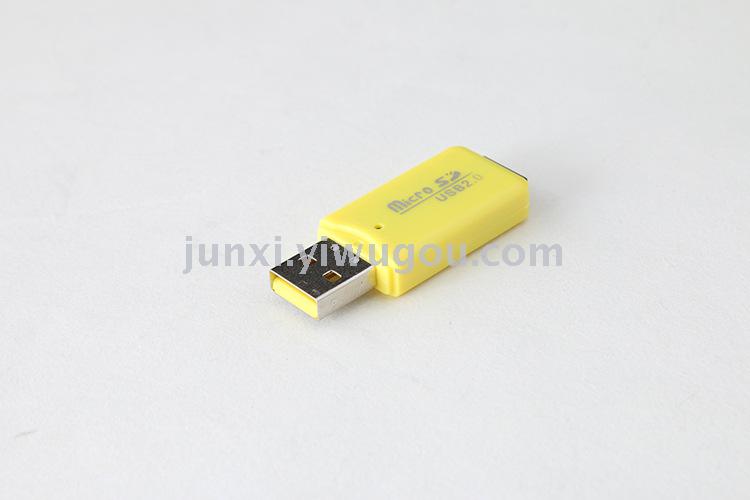
Product Name: Ice Cool Reader
Product brand: Gogomm
Product material: Plastic
Applicable scope: mobile phone TF card
Product Specification: 5*1.9*0.78cm
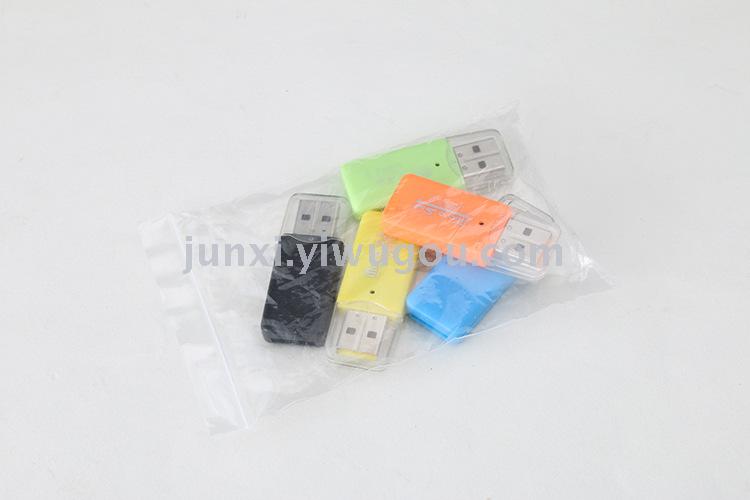
Available colors: black, yellow, blue, orange, green, purple
Product weight: 5g
Product packaging: 100 pieces/bag
How to correctly use a card reader:
1: The TF card slot is located at the rear. Insert the TF card with the metal contact side facing down gently into the slot. You will feel a clear 'clicking' sensation when the TF card is securely seated, indicating that the installation is complete. If the TF card does not fit into the slot, the installation is incorrect. In this case, please reverse the direction of the installation and do not force it in. Doing so could easily damage the metal contact points of the card reader. 2: Connect the device to a computer, insert it into a USB port, and the computer's taskbar will display a message saying "New hardware found." If there are no drivers installed, they will be automatically installed. If there is an antivirus software, it will automatically scan. Please wait for these computer processes to complete before proceeding to the next step. After a few seconds, the computer will indicate that "New hardware is ready to use." In "My Computer," you will see your "Mobile Storage Device." 3: When copying data, it is important to note that the speed of the copy can vary depending on the different computer systems and configurations, as well as the size and type of the data. While in a working state, please wait until the data is completely copied before disconnecting the reader. If the reader is disconnected directly, it may cause damage to the reader. 4: Copy completed, close all windows related to the use of the reader. Click the left mouse button on the toolbar at the bottom right of the computer, and select "Eject the hardware completely." The computer prompts "Safe removal," and at this point, you can unplug the reader. OK, the task is completed. 5: The card reader should be stored in a dry place. When not in use, it can be placed in a small box. Avoid water entering, avoid high temperatures, and avoid falling from a high height. Attention: Do not remove the read-card while it is reading data from the storage card, or remove the card from the read-card, otherwise it may cause the data on your card to be destroyed.

Update time:


TOP


