
Search history
Clear allSearch by image
XDrag and drop an image here or upload an image
Max 5MB per image
UploadSign In | Join

Search history
Clear allSearch by image
XDrag and drop an image here or upload an image
Max 5MB per image
UploadSign In | Join
Guangdong Jiahaoli Electronics Technology Co., Ltd. 13yr.
Contacts LiuYuShan Chat
Mobile 15024556667
15024556667

WhatsApp +8618868533008
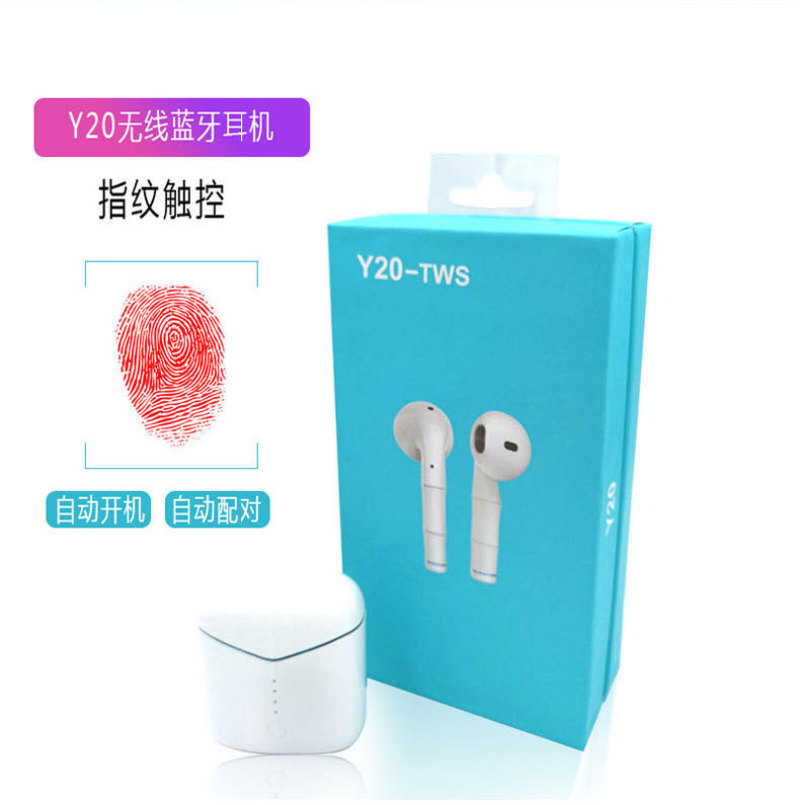
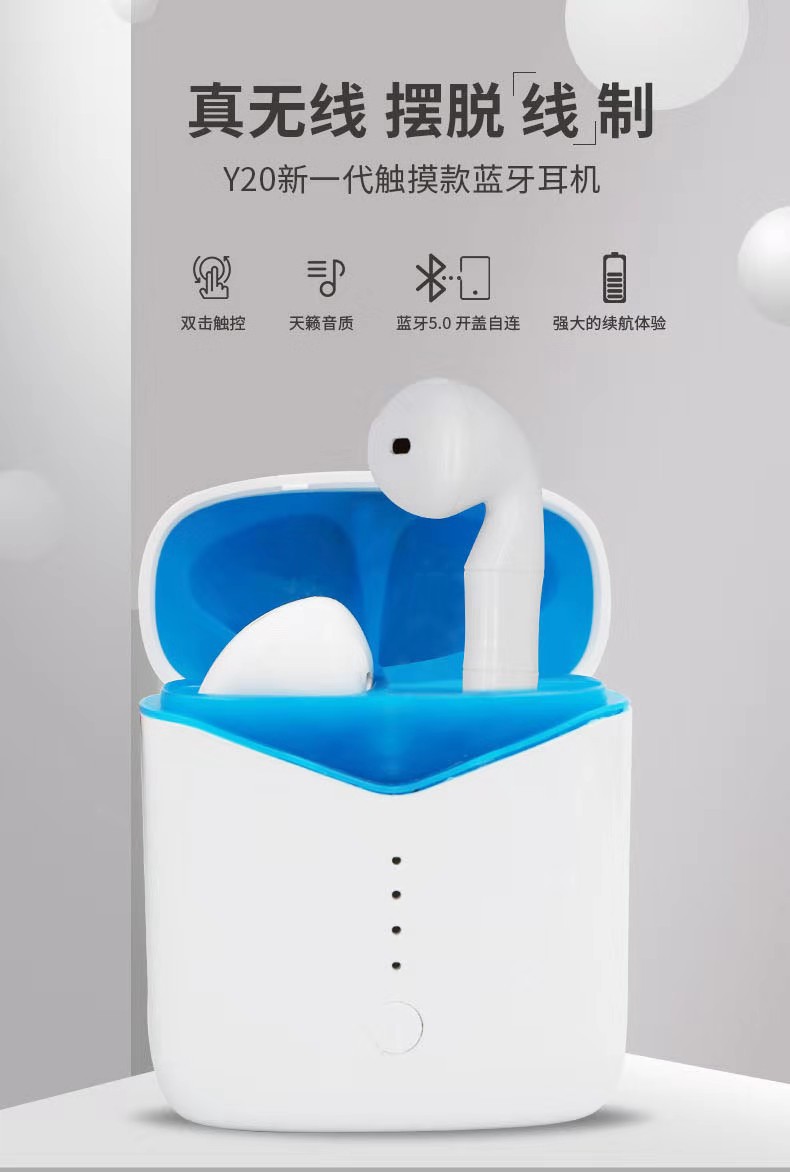
【Product name: wireless bluetooth headset
[talking time] about 5 hours
[product model] Y20
[playback time] 4-5 hours
[bluetooth version] V5.0+EDR
Standby time: 7-10 days
[working scope] barrier-free 10~15 meters
[package size] 14.5*8*4.2cm
[wireless frequency] 2.402-2.480GHz
[weight] about 160g
[transmission power] Class2
【 ear weight 】 about 7g
[battery capacity] 40 ma
[outer box size] 60x42x23.5cm
[electric cabin capacity] 400 ma
[gross weight] about 16.5kg
[charging voltage] 5V
[wireless charging time] about 1.5 hours
[cable charging time] about 1 hour
[packing list] bluetooth headset *1 instruction manual *1 charging line *1
Matching instructions:
boot
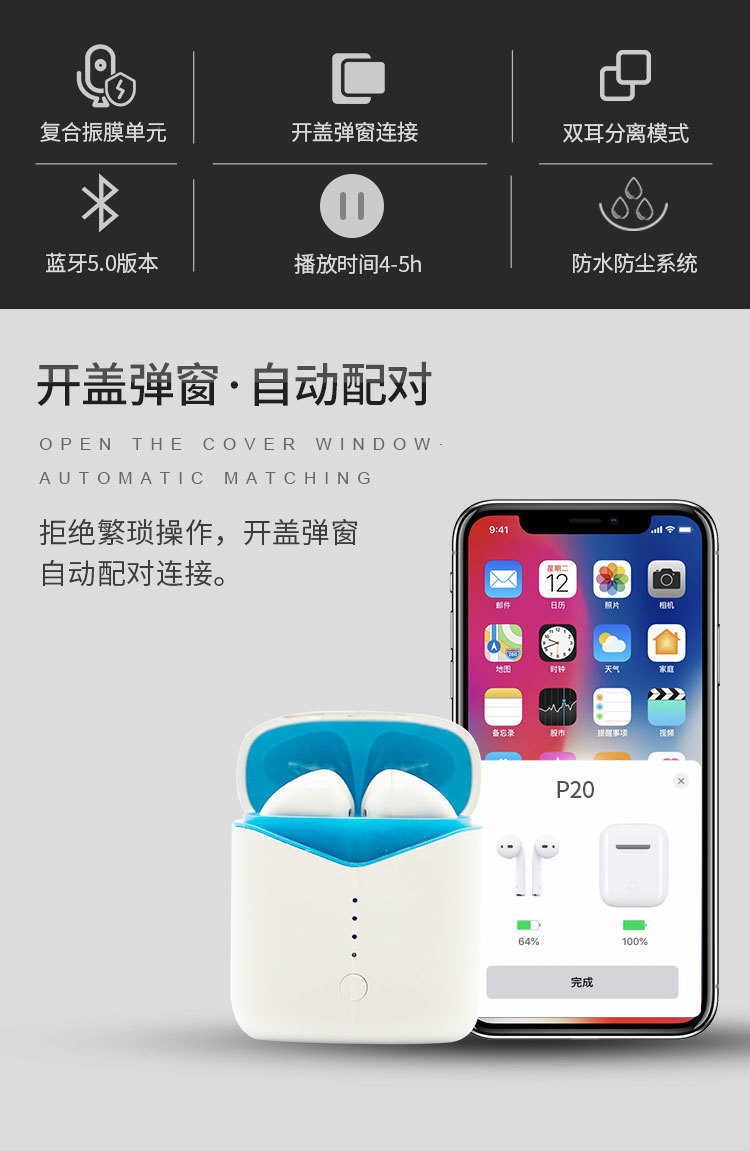
Method 1: open the charging bin for 2-3 seconds and the headset will pair automatically. After the pairing is successful, the blue light will flash.
Method 2: at the same time, press the two earphone touch points for 3 seconds to start up and pair automatically.
Open bluetooth on the premise of successful pairing, search for bluetooth name \"Y20\", and then click connect.
Function operation:
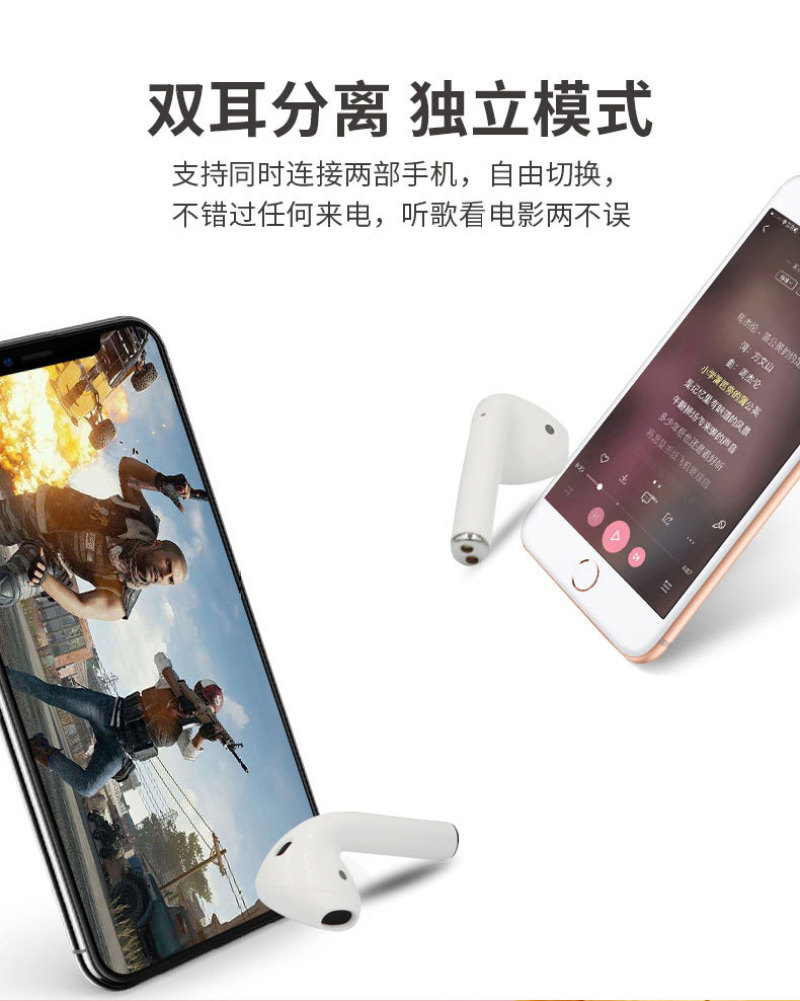
1. After successfully connecting the mobile device, open the mobile phone music player to play. At this time, press the touch position once to pause music, and then press again.Keep playing.Touch the next song twice with the left ear and the last song twice with the right ear; Touch the left ear three times to increase the volume, and touch the right ear three times to decrease the volume.
Answer incoming calls
When there is a call coming in from the phone, the product and the phone will ring synchronously. At this time, press the touch position of the single phone gently, the phone will be connected, and long press 3.Seconds are rejected.
3. Voice prompts
This product has a voice prompt function (power on, power off, successfully connected) will have voice broadcast
4. Low power prompt
When the voltage is lower than 3.2v, you will be prompted once in 30 seconds
5. SIRI function
Long press 3 seconds to pop up the intelligent voice assistant.
6. Wireless charging
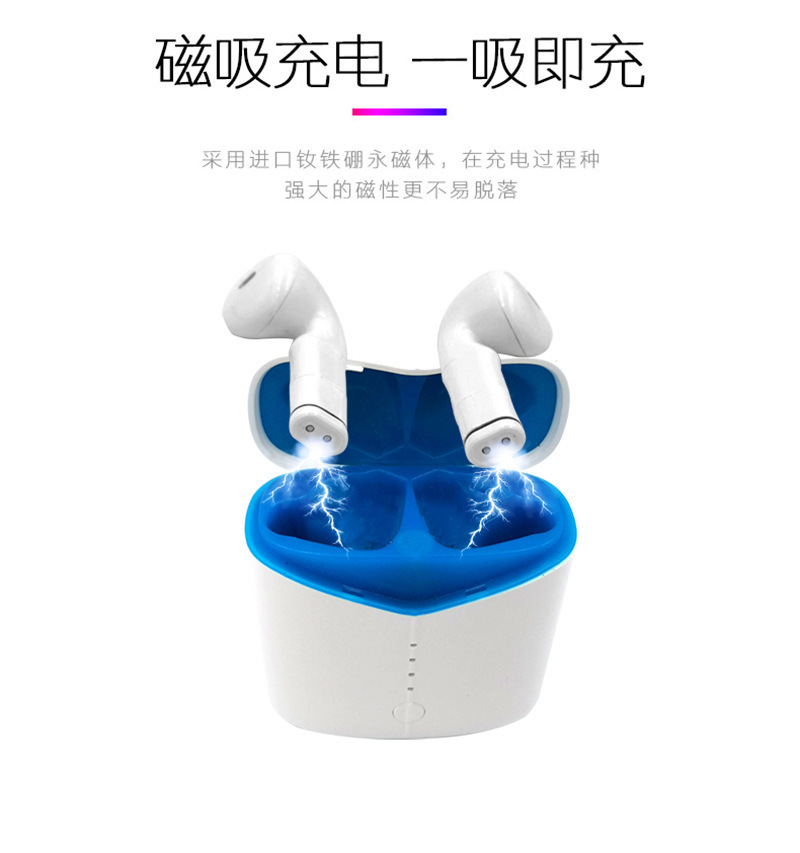
Put the charging bin (charging port facing down) on the wireless charging device to charge automatically.
7. Open cover popover (IOS only)




Update time:


TOP


