
Search history
Clear allSearch by image
XDrag and drop an image here or upload an image
Max 5MB per image
UploadSign In | Join

Search history
Clear allSearch by image
XDrag and drop an image here or upload an image
Max 5MB per image
UploadSign In | Join
waterproof: do not soak
conventional packaging: color box packaging
instructions for use: attached back
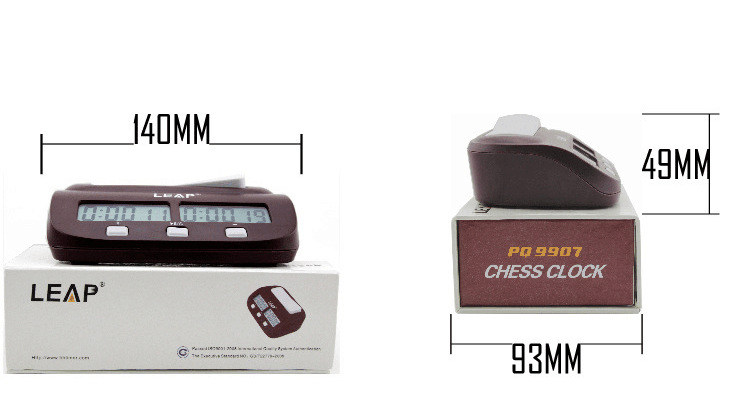
[introduction to chess clock]
1. commonly used in chinese chess, chess, go and other training and competitions
2. timing rules can be preset or modified by yourself.
3. it can automatically calculate the number of steps taken by the chess player and send an automatic prompt tone.
4. a lock switch is provided to avoid mistakes caused by mistakenly touching the key.
5. easy to operate, beautiful and durable
precautions
1. this product uses 1 no. 5 dry battery (dc1.5v)
2. check whether the quality of the battery meets the requirements before use. if it is not used for a long time, please take out the battery.
3. avoid contact with corrosive articles, avoid exposure to the sun, rain, fall, and avoid approaching the magnetic field
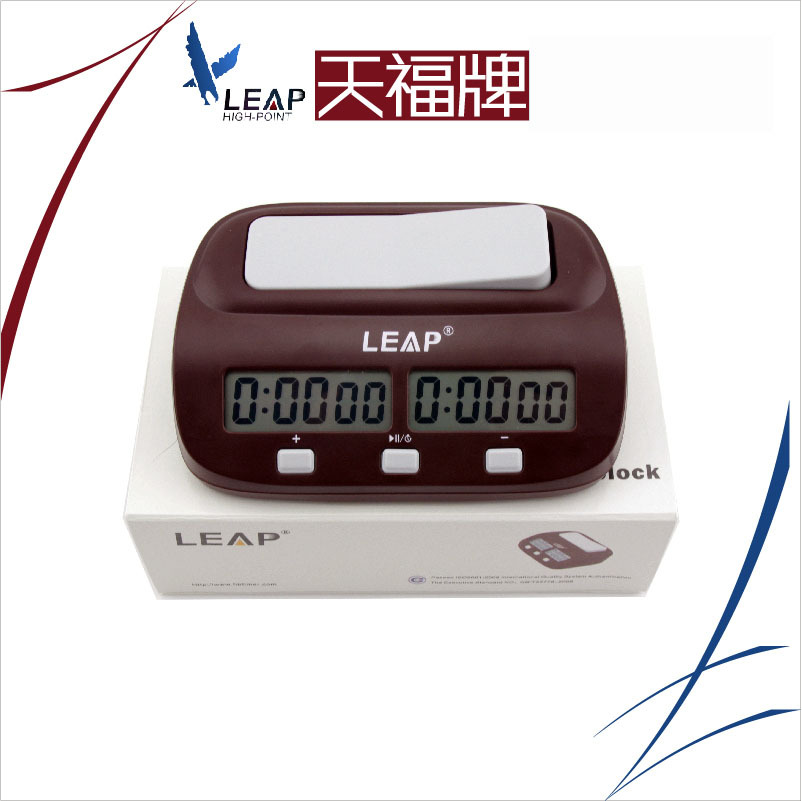
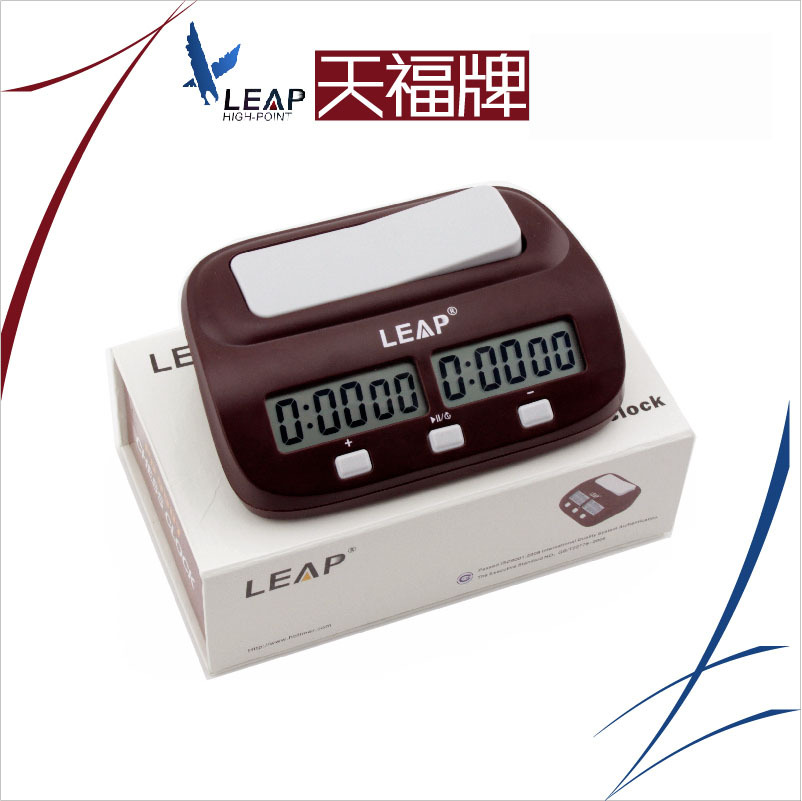
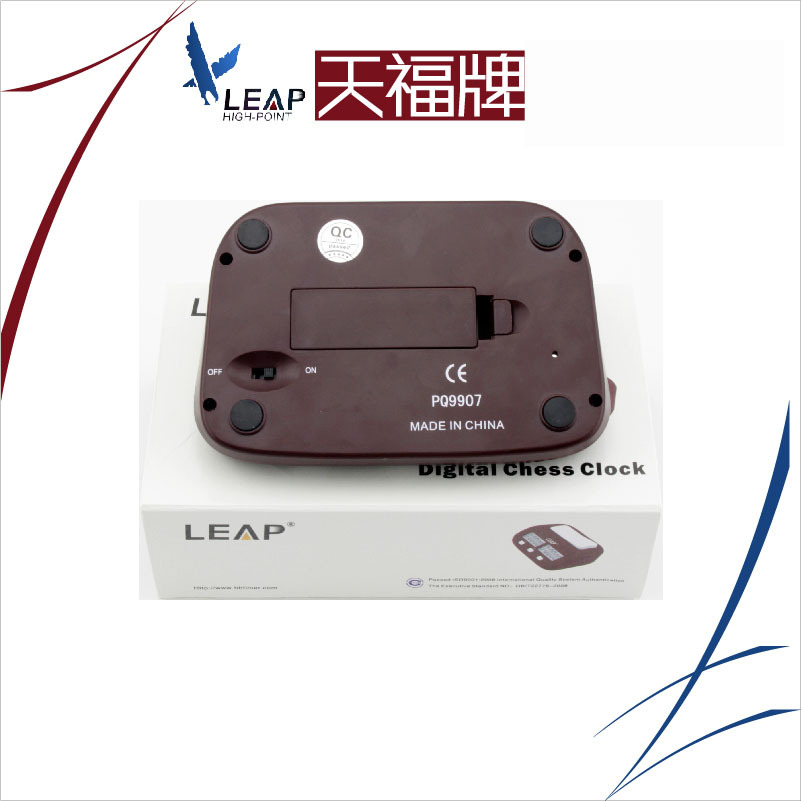

i. product overview:
this product is applicable to the positive countdown of all kinds of chess and clock competitions.
ii. functions and operating instructions
1. function
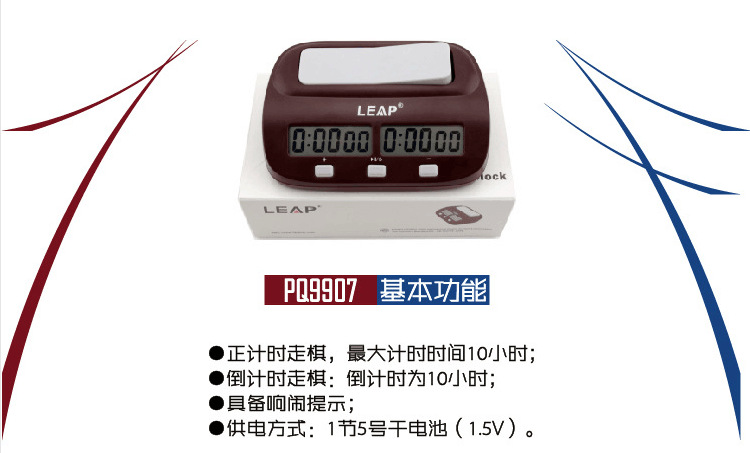
● positive timing is to move chessman, and the maximum positive timing is 10 hours;
● countdown to move chessman: you can customize the time. the maximum countdown is 10 hours;
● have loud prompts;
2. operation:
● on/off
install the battery and turn on the [on/off] key to "on"; turn off the [on/off] key to "off.
● positive timing to move chessman
after starting up, the screen is displayed as "0". this is a positive timing screen. press the [left and right to move chessman] button to start timing.
● countdown to move chessman
a. countdown time setting:
on the positive timing screen, press the [start/pause/setting] button for 3 seconds to enter the countdown time setting, and the "hour" value starts to flash,
press the [+] key, add 1 to the flashing value, press the [-] key, and the flashing value minus 1; press the [start/pause/set] key, switch to the minute value and set other parameters in turn. after the settings are complete, press the start/pause/settings key for 3 seconds to exit the settings.
b. countdown to move chessman:
press the [left and right to move chessman] key to start the timing of the raised party. after one party runs out of the basic time, it will be reported and the timing of both parties will stop,
at the same time, the sound prompts for 2 seconds.
● pause to move chessman
during the timing process, press the [start/pause/set] key to pause the timing, and then press it to continue the timing;
● start again
at the end of the pause or game, press the [start/pause/set] button for 3 seconds. both parties return to the parameters before the start time to restart the game.
note: when the display is vague and pressing the [left and right to move chessman] key does not work, the battery power is insufficient and a new battery needs to be replaced.





Update time:


TOP


