
Search history
Clear allSearch by image
XDrag and drop an image here or upload an image
Max 5MB per image
UploadSign In | Join

Search history
Clear allSearch by image
XDrag and drop an image here or upload an image
Max 5MB per image
UploadSign In | Join
X Email Mobile
 pink 2
|
CN¥ 0.0 |
 yellow 1
|
CN¥ 0.0 |
 black
black
|
CN¥ 0.0 |
 blue
blue
|
CN¥ 0.0 |
 yellow 2
|
CN¥ 0.0 |
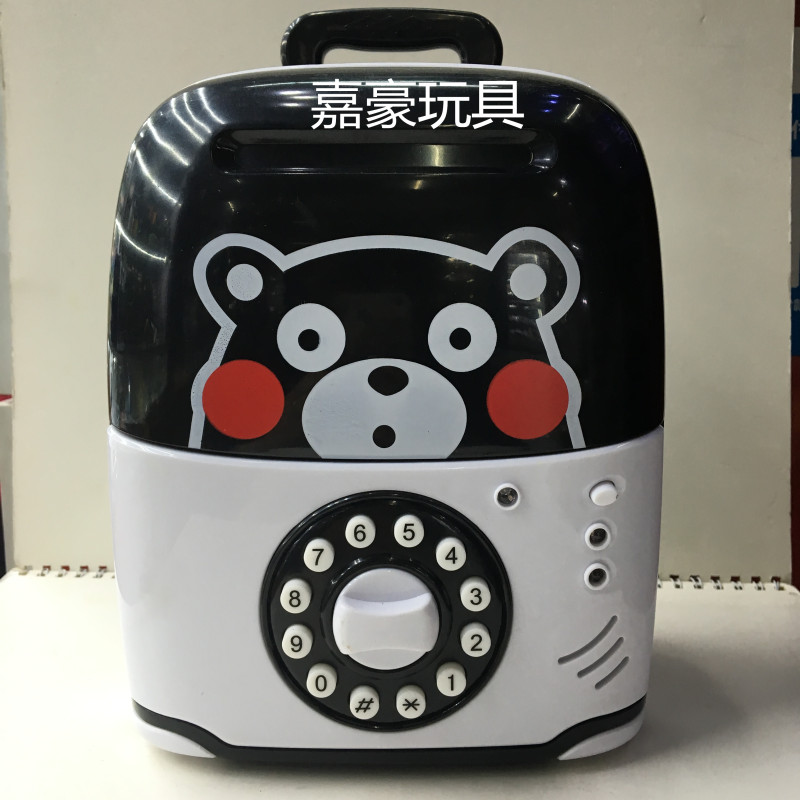
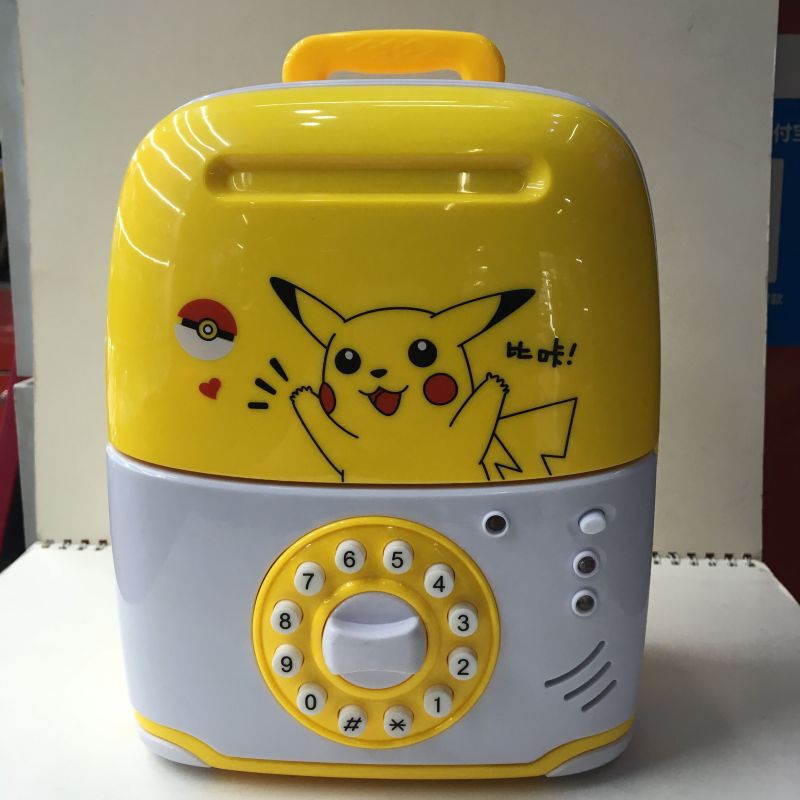
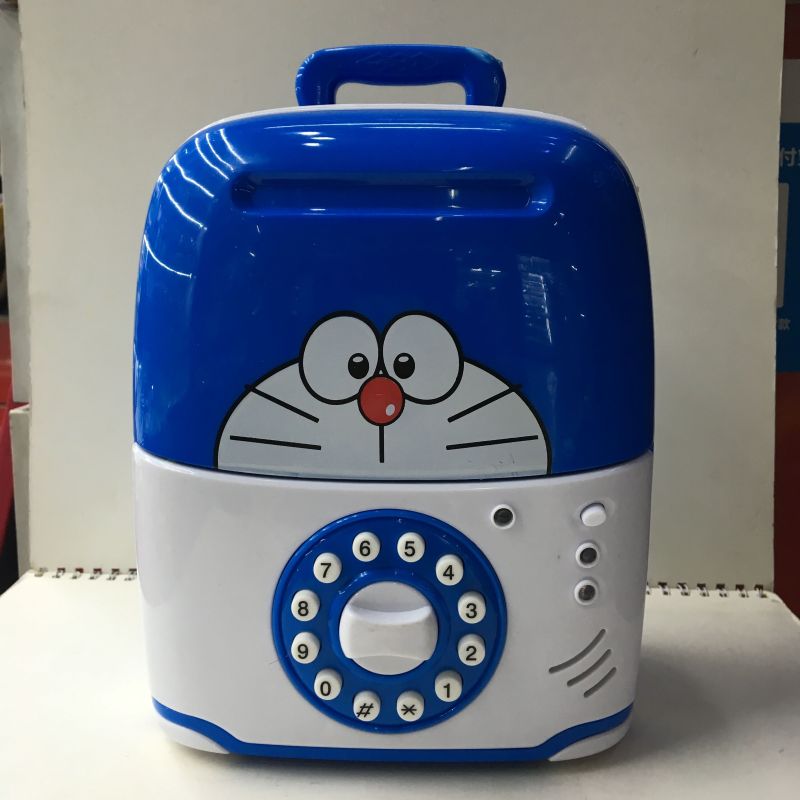 Financing Assistant 【Money-making Machine】
1. Use a screwdriver 【Not included】 to lower the battery cover, and insert 3 'AA' batteries.Install the positive and negative external battery after the battery is installed, reinstall the battery with a screwdriver.Start using 3
Financing Assistant 【Money-making Machine】
1. Use a screwdriver 【Not included】 to lower the battery cover, and insert 3 'AA' batteries.Install the positive and negative external battery after the battery is installed, reinstall the battery with a screwdriver.Start using 3
To open the safe, you must first input a four-digit password. The default password is 0000. Follow the steps to use the safe:Enter a 4-digit password, and the green light will turn on. If you enter the wrong password, the red light will turn on and a sound of 'Please try again' will be heard. Turn the knob in a clockwise direction, and the door will open. The green light will stay on for about 10 seconds, and you will hear a squeaky sound as the door opens.If the door opens for more than 10 seconds, the green light will turn off and a buzzer will sound every 20 seconds. To stop the buzzer, just close the door. To get money, insert currency into the currency slot and press the password, and you can get the money directly.4. After you are finished, close the door and lock it securely. 5. Press the ultraviolet light switch, and the light will turn on, allowing you to verify the currency. 6. Insert the currency into the currency slot, and the machine will automatically play music to celebrate the receipt of the currency. 【Change the password】"Change Password" Follow these steps: 1. Enter your current password. 2. Enter your new password twice. 3. Confirm your new password. 4. Save your changes.Enter the current password [original password 0000] to open the safe door. Press and hold the ';米键;' for a while, and the indicator light will flash. Within 15 seconds, enter the new 4-digit password, press the ';井键;' to confirm and store the password, and the light will stop flashing.Attention: If the new password is not entered within 15 seconds, this program will stop and must be restarted. Release; Press the 'M' key; Press the 'Key' key and close the door.Clanking or saying well; input the current password and open the door. Push the switch to the left or right to set the clanking or saying well, and close the safe door.【FAQ】
What should I do if I forget the password? Remove the battery, wait for 5 minutes, and then reinstall it. The password will return to the initial state '0000'.
I pulled the switch at the back, but the door won't open.
When the password box is set to voice mode, you must wait for the voice input to end after each password key is pressed before pressing the next password key, and you cannot connect them, otherwise the machine will not be able to recognize your password. If you do not follow this, the door will not open. It is recommended to wait 1 second before entering the password. Why can't the safe automatically suck banknotes?Open the safe, you can see a white gear at the top of the hope box. Invert the safe, use a small screwdriver to turn the gear a few times.
【注意事项】
1. It is recommended to use new batteries that meet the size specifications required by the safe. 2. Do not mix new and old batteries together. 3. Do not mix with other types of batteries. Alkaline batteries are not allowed. 4. If you plan to use the safe for several weeks without using it, remove the batteries. Because the chemical substances from the batteries can destroy the electronic parts.
Update time:


TOP


