
Search history
Clear allSearch by image
XDrag and drop an image here or upload an image
Max 5MB per image
UploadSign In | Join

Search history
Clear allSearch by image
XDrag and drop an image here or upload an image
Max 5MB per image
UploadSign In | Join
X Email Mobile
SHUOFENG ELECTYONIC TECHNOLGY CO.LTD 12yr.
Contacts Diana Chat
Mobile 86-18358005552
E-mail 1048612396@qq.com
1048612396

WhatsApp 8618358005552
Please note, the store does not provide after-sales guidance services. All routers and repeaters sold by the store come with English instructions. They are mainly used for foreign trade sales. If the buyer returns the product because they cannot understand the English instructions, they will have to bear the shipping costs themselves..
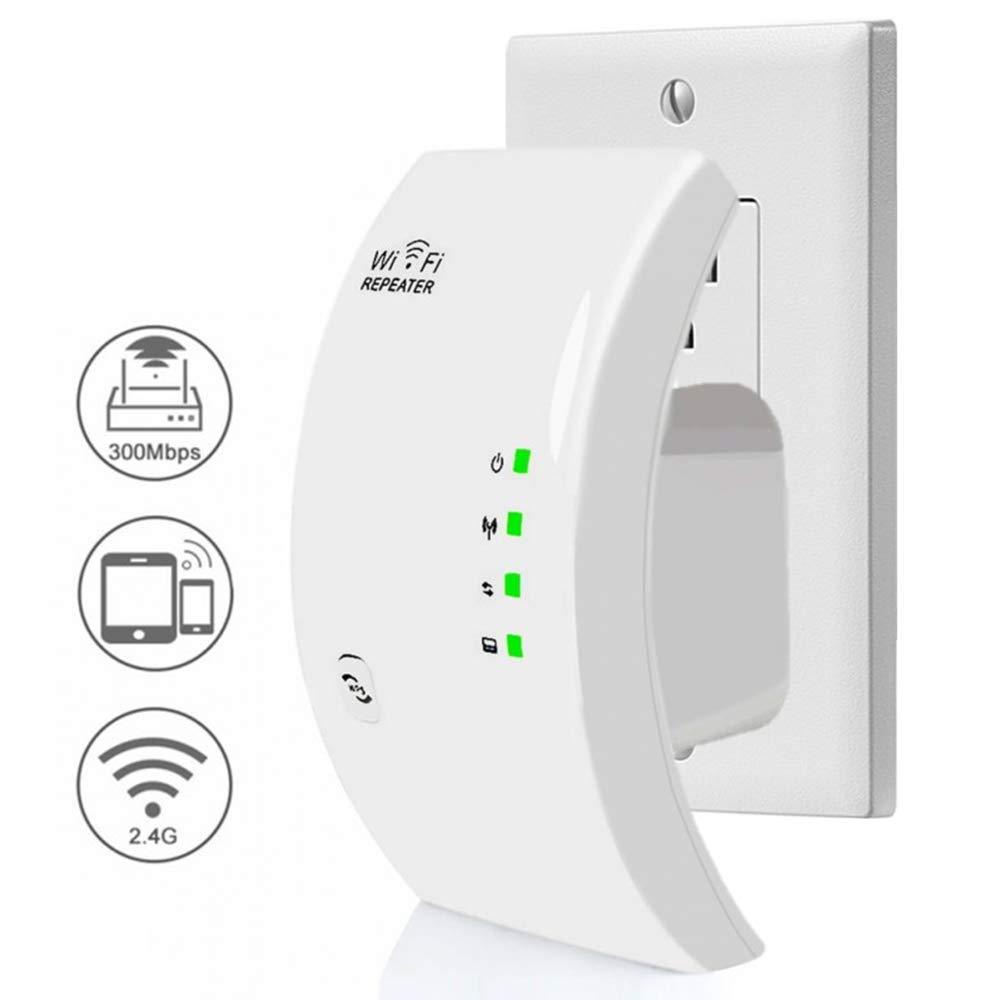
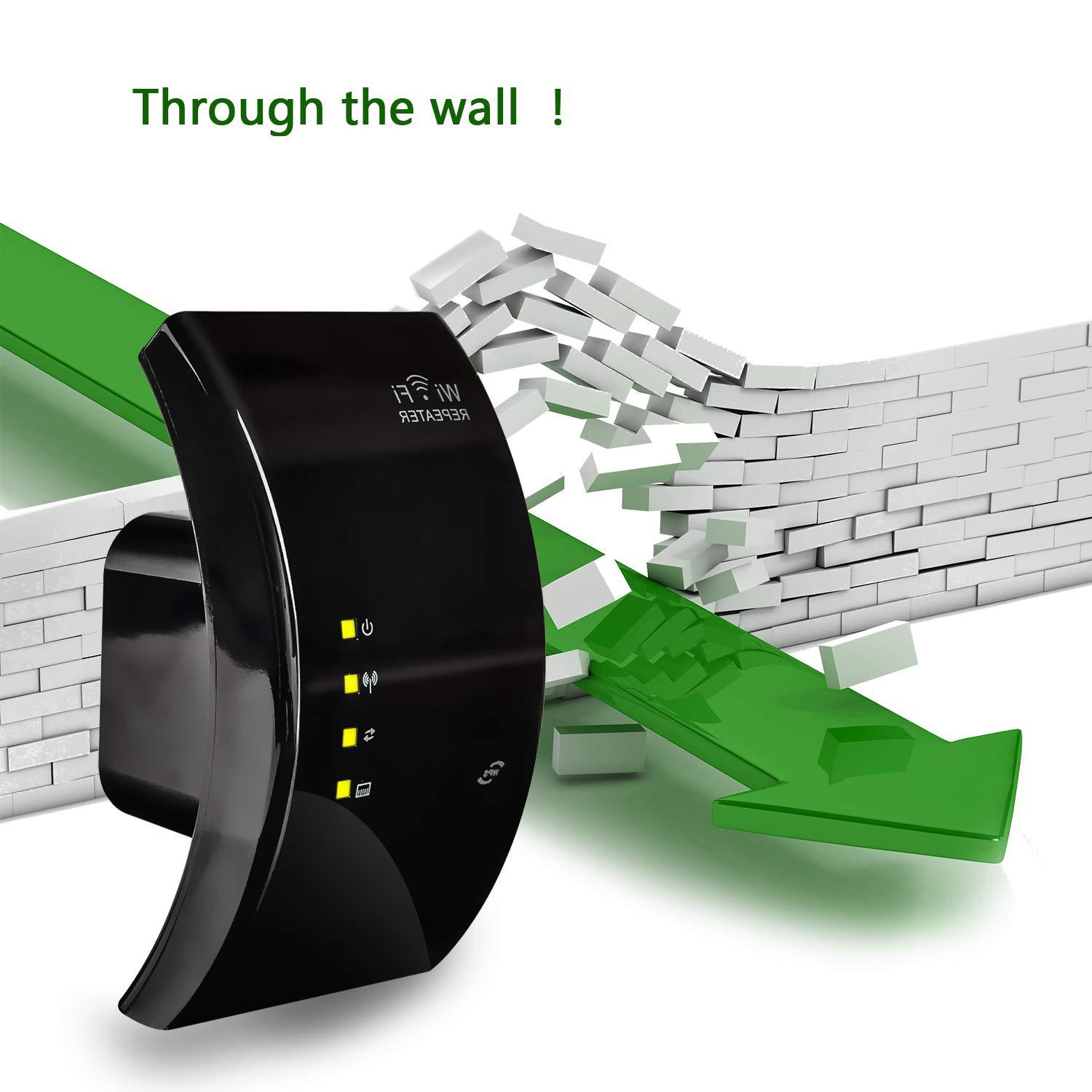
Wifi signal amplifier, fast speed, high efficiency, the shell is made of engineering ABS+PC material, resistant to falls, mini portable, simple operation!
Two working modes of repeater:
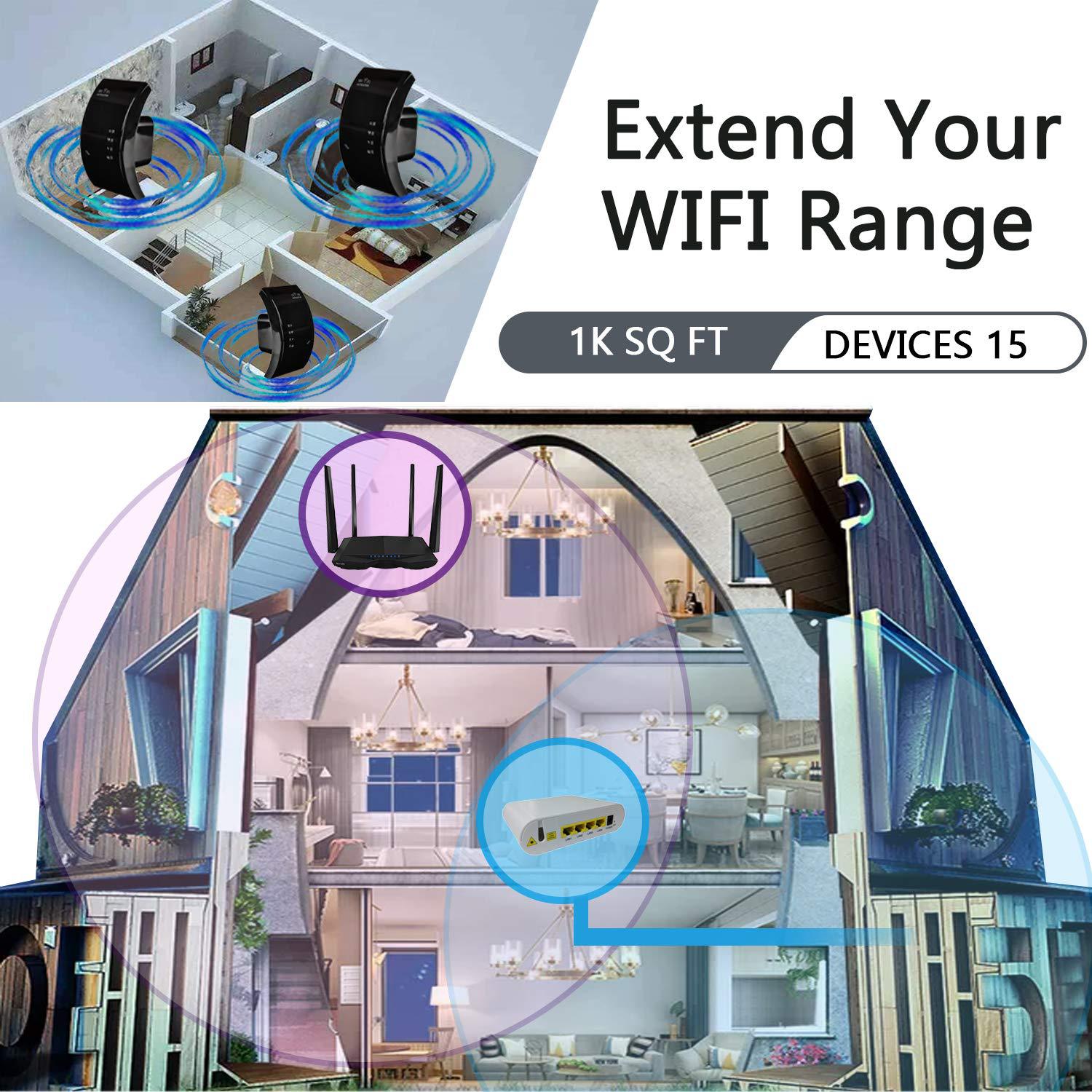
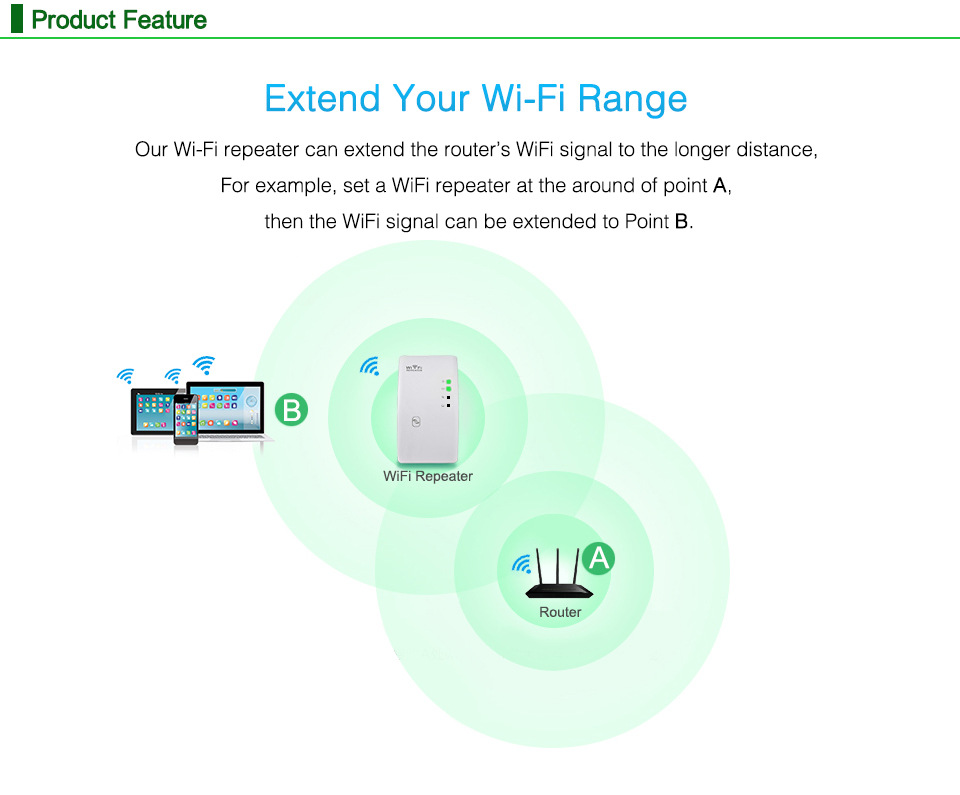
Relay ModeWireless to Wireless: A repeater receives the original wireless signal from a wireless router and then re-transmits a new wireless signal, thereby achieving the effect of amplifying and extending the coverage range. Compatible with all wireless routers (requires knowledge of the wireless signal's username and password), the setup is very simple. The product comes with a user manual. Any wireless device, including mobile phones, computers, and tablets, can be set up, and all wireless devices can use it after setting it up once.
AP ModeWireless conversion from wired: In situations where a network cable is connected to a computer and does not require a dial-up process to directly access the internet, such as in hotels, apartments, rental homes, offices, and when sharing a broadband connection with neighbors, all that needs to be done is to plug the already-connected network cable into the Ethernet port of the repeater, and the wired connection can be converted to wireless use. It is plug-and-play and does not require any settings.
Product Features:
1. Two working modes: repeater and AP, which can be set on mobile phones/tablets/computers. You only need to set it once, and all wireless devices can use it;
2. Wireless Standard IEEE802.11 b/g/n
Transmission frequency: 2.4GHz~2.4835GHz
4. Supports WPA2, WPA, and WEP (128/64)
5. Simple Setup Wizard Software Interface
6. WPS one-click encryption, effectively prevents Wi-Fi hacking.
Color: Black/White
Packed weight: 146g
Paperbox Size: 112x65x112mm
Crate Size: 60*48*37CM
Packing Accessories:
WIFI Repeater x1
English User Manual x 1
RJ45 network cable x1
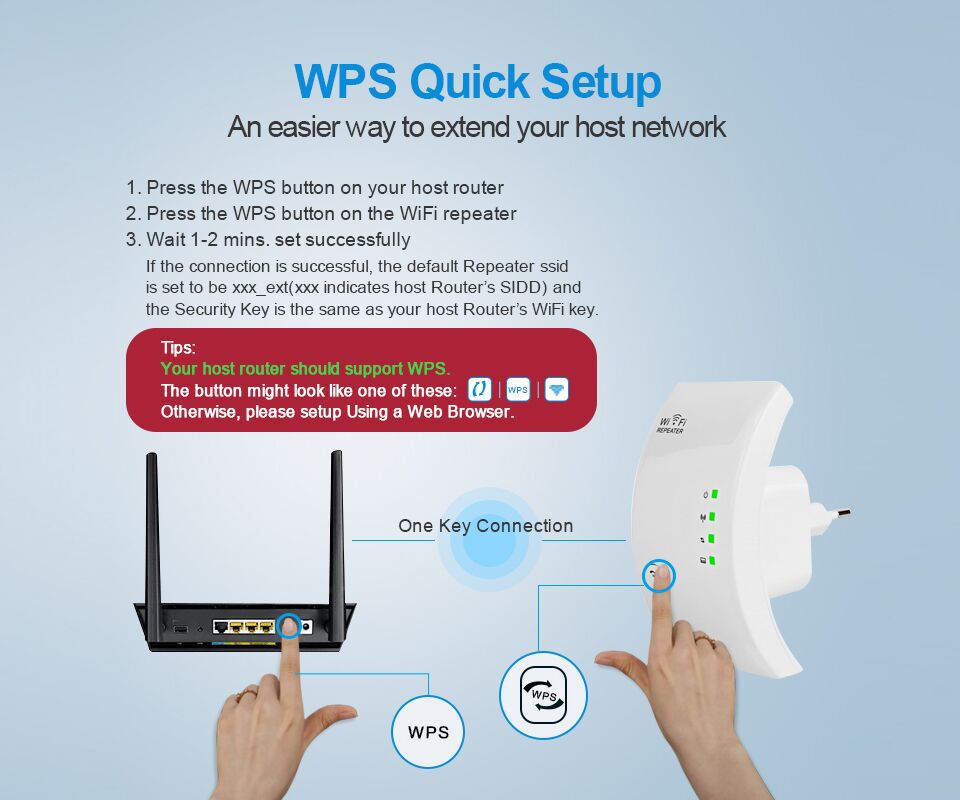
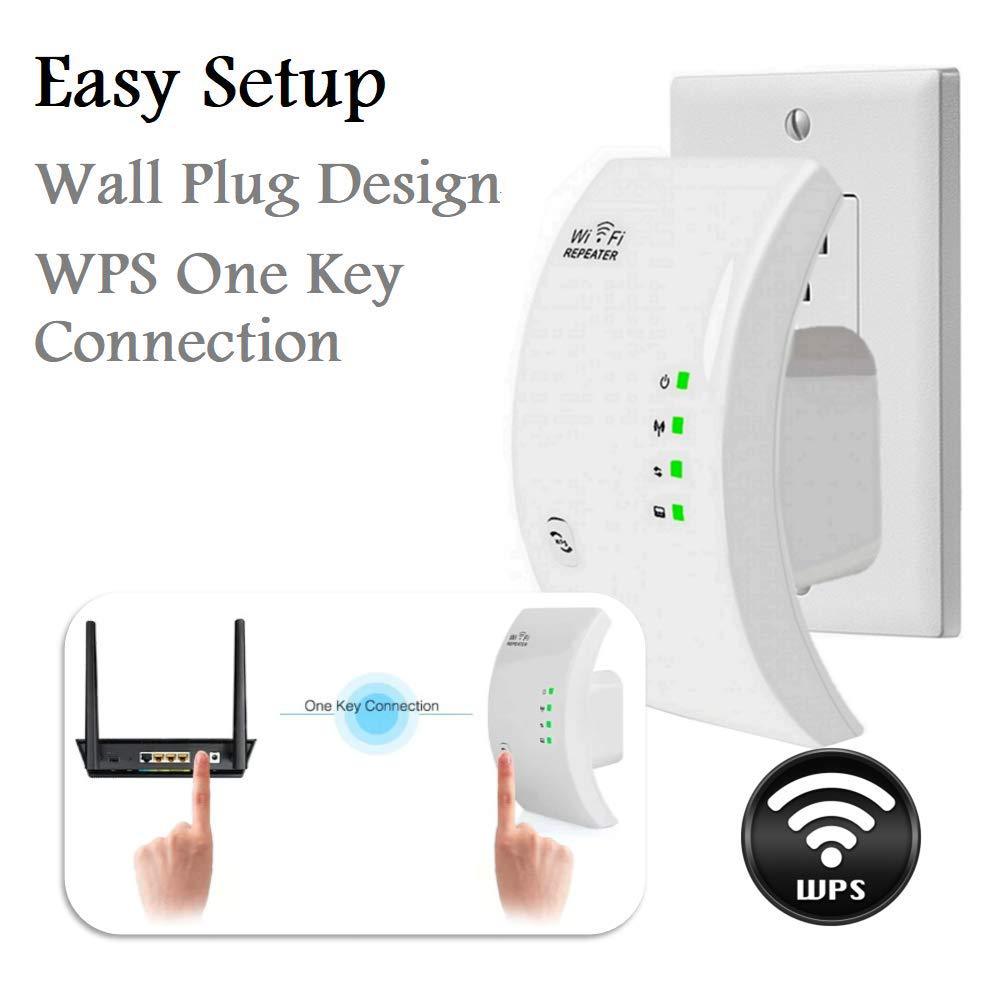
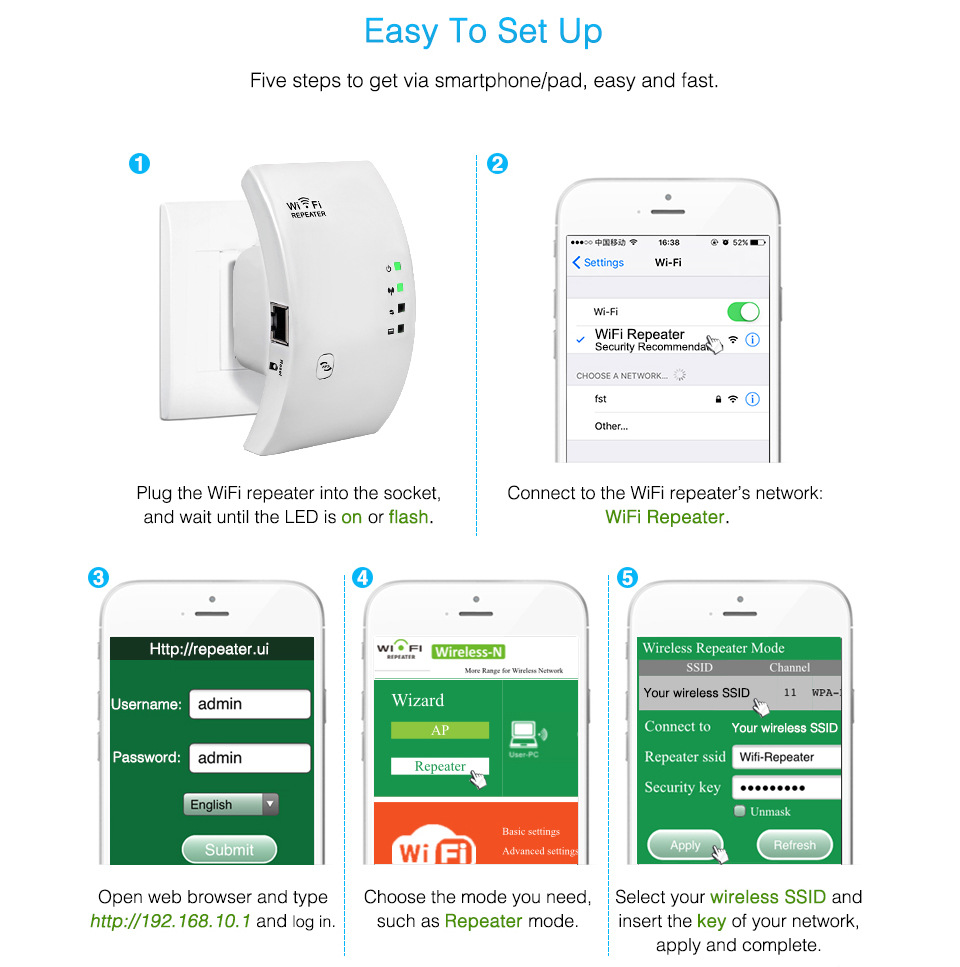
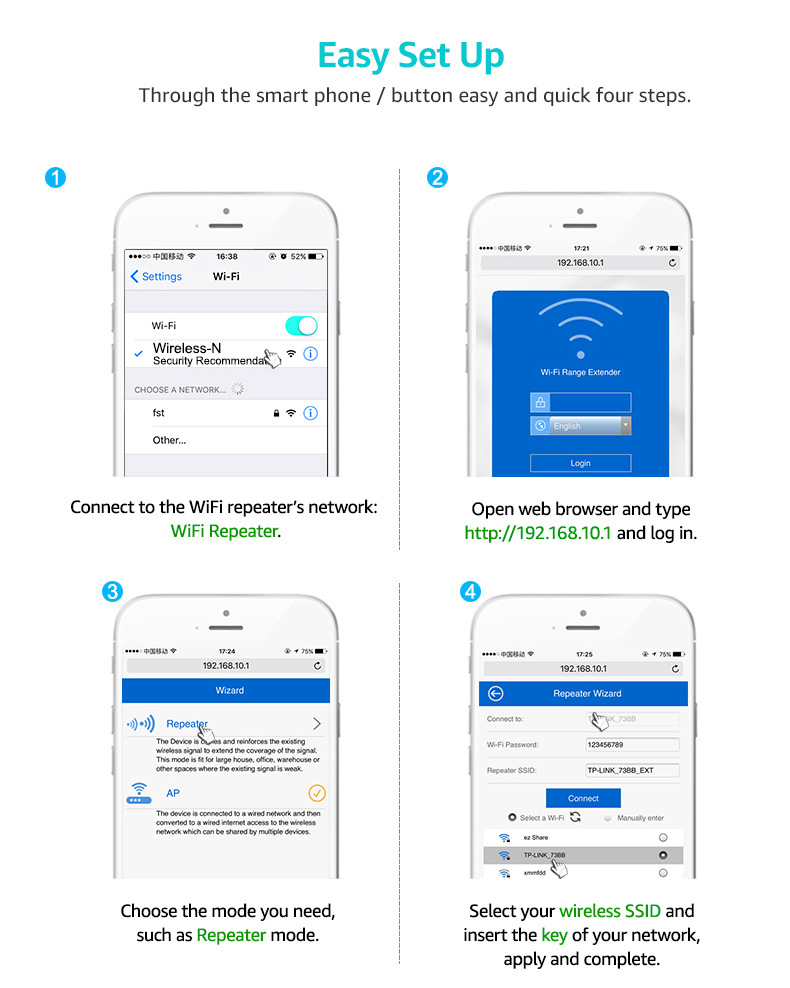
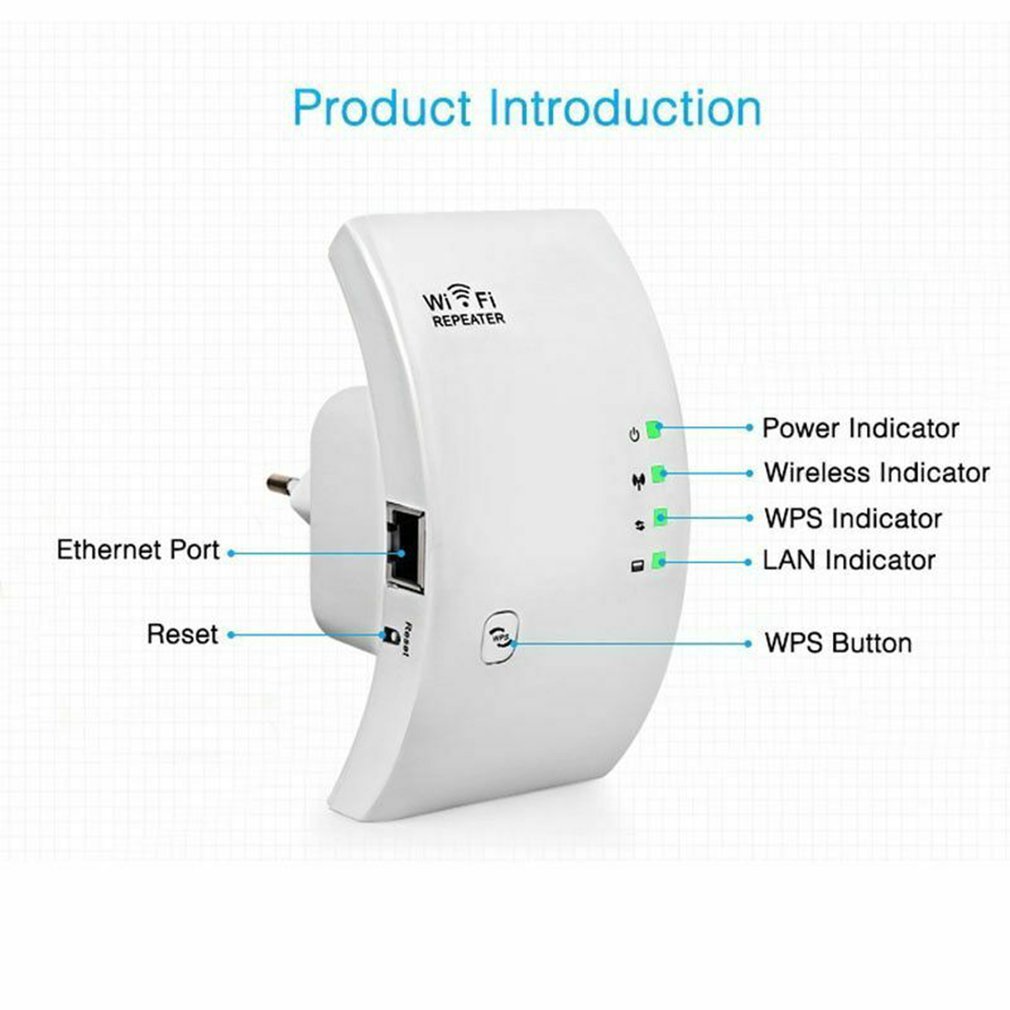
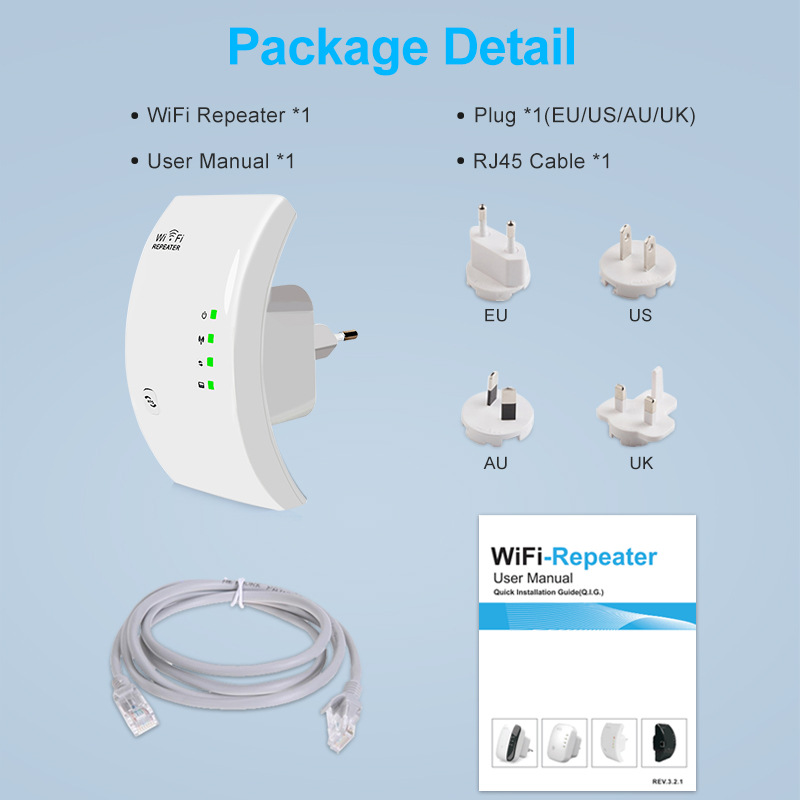
Instructions:
A: Configure a wireless repeater using a wireless configuration tool.
1: Insert the wireless repeater into an electrical outlet.
2: Click on the network link icon at the bottom right corner of your computer screen (or). You will receive the wireless signal of the wireless repeater (WIFI-Repeater), click the connection button to connect to the wireless repeater.
3: Open the IE browser, enter http://192.168.10.1 in the address bar, and press the Enter key to enter the setting page.
4: On the setup login interface, select the language, then enter the 'username' and 'password', click the login button to log in. The default username and password are 'admin'.
5: After logging in, you will see a page displaying the setup guide. Click on 'Relay Mode' to begin the setup.
6: Choose the wireless network you want to relay.
7: Enter the name and password of the repeater network, click the confirm button, and the wireless repeater will restart. Wait for about 2 minutes, and when the repeater is fully started, reconnect to the repeater. (Repeater network name: Wifi-Repeater) Note: The password must match the password of the wireless network you want to repeat.
B: Use wired configuration for the wireless repeater
1: Plug the wireless repeater into an electrical outlet and connect the repeater to a computer using an Ethernet cable.
C: Configure Wireless Access Point Mode
1: Insert the wireless repeater into an electrical outlet.
2: Open the IE browser, enter http://192.168.10.1 in the address bar of the browser, and press the Enter key to enter the setting page.
3: On the login interface, select the language, then enter the 'username' and 'password', and click the 'Login' button to log in. The default username and password are 'admin'.
4: Click the AP mode to set up.
5: Set up according to the displayed page information, (SSID: Wireless network name Channel: Wireless network channel Encryption algorithm: Choose the encryption method you want, supported encryption methods include: WEP, WPA PSK, WPA2 PSK, WPA/WPA2 PSK Password: Enter the wireless password you want to set.
6: Click the Confirm button, the wireless repeater will restart, wait about 2 minutes, and the repeater will be fully started up. Re-connect the repeater once it's ready.
D: Computers, tablets, etc., connected to relays
1. Turn on the computer, right-click on the network connection icon (or) open the wireless network connection interface.
2: Select the wireless repeater network you want to connect from the list of wireless networks, and click the connection icon to connect according to the Windows prompt.
3: After successful connection, the icon of network connection success will be seen at the bottom right corner of the computer.
Change the login password of the account: The default login password of the wireless repeater is 'admin'. If you need to change the login password, first log in to the page at 192.168.10.1, click 'Management' - 'Login Management', and in the dialog box on the right, enter the new username and password. Click the confirm key, the repeater will return to the login page, and the setting will take effect.
Update time:


TOP


