
Search history
Clear allSearch by image
XDrag and drop an image here or upload an image
Max 5MB per image
UploadSign In | Join

Search history
Clear allSearch by image
XDrag and drop an image here or upload an image
Max 5MB per image
UploadSign In | Join
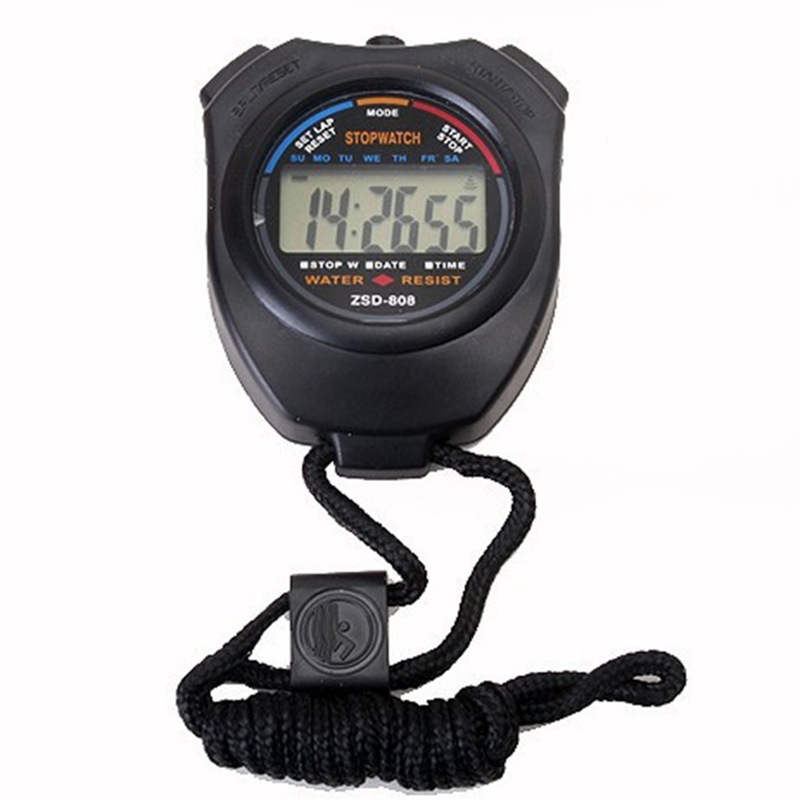
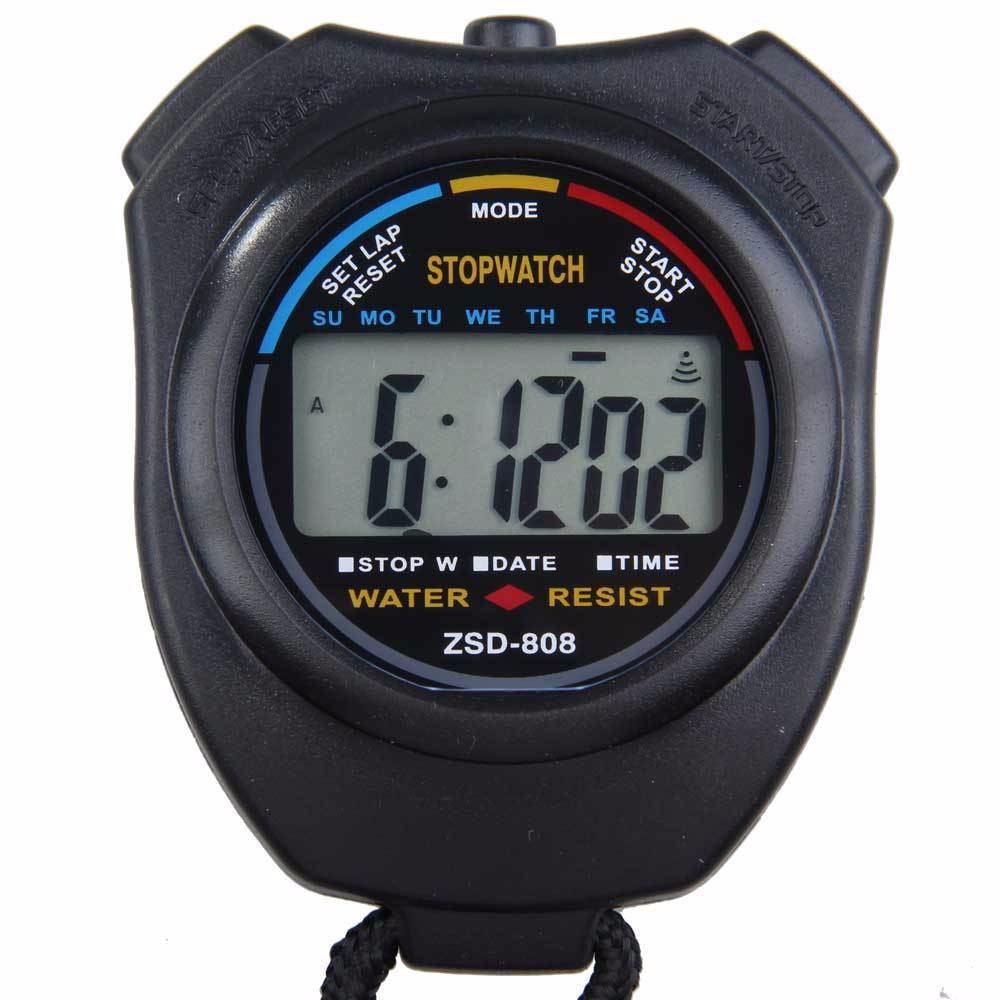
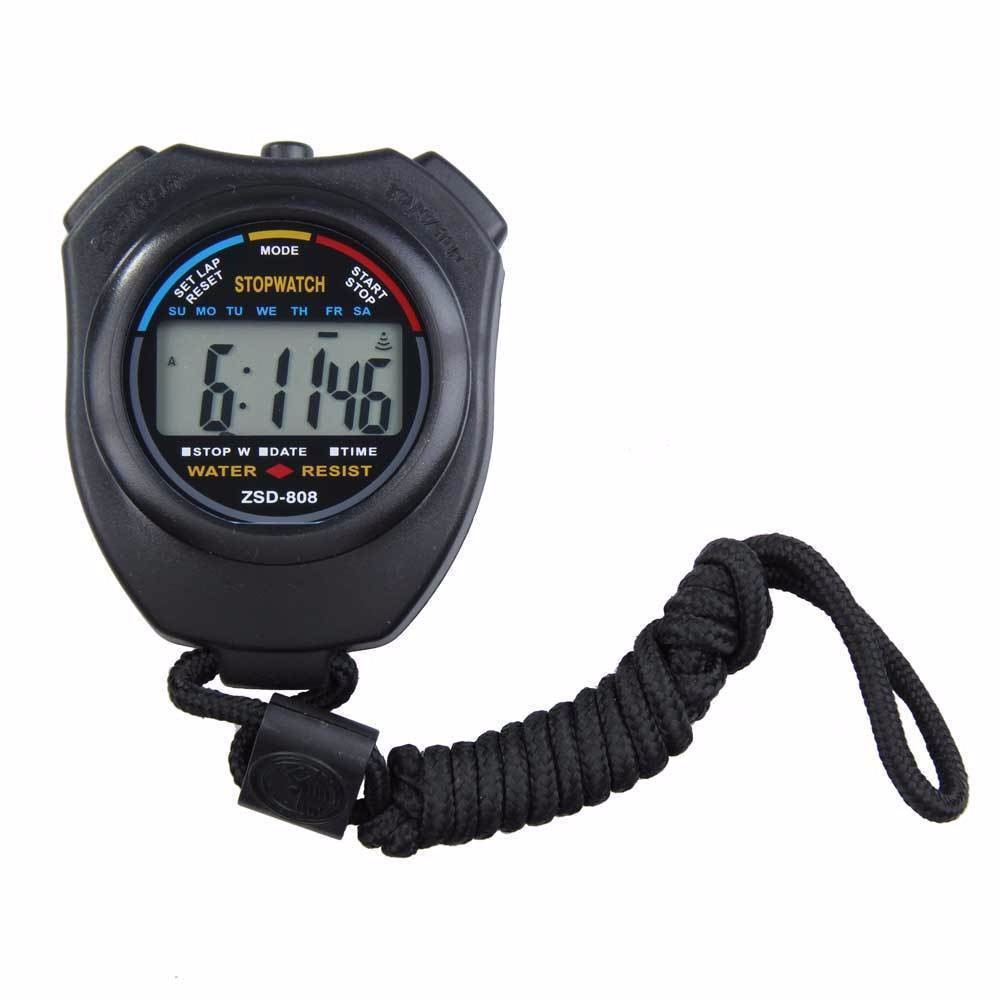
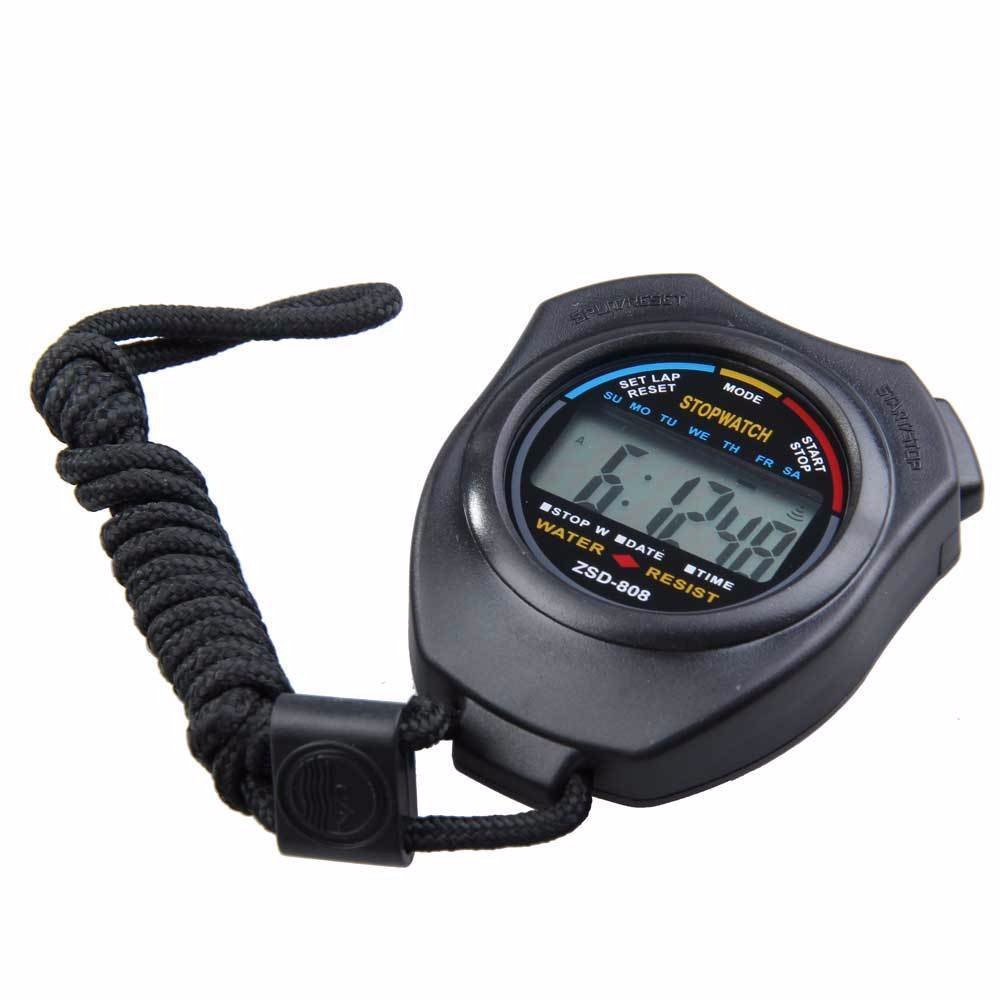
Product Features
1. When normal time is displayed, it shows the month, day, day of the week, hours, minutes, and seconds.
2. 12 hours;
3. Daily scheduled alarm;
4. 1/100秒计时;
5. Plastic shell;
Battery: AG13 button cell,
Instruction for Use:
1. Stopwatch setup and use: With the normal time display, press the MODE key once to enter the stopwatch mode. Press the START key (right key) once to start the timer. To stop the timer, press the START key again. To restart the timer, press the START key a third time. To reset the timer, in the stopped stopwatch state, press the SPLIT key (left key) once to reset and start the timer again.
Alarm time setting: Under normal time display, press the MODE key twice to see the alarm time setting state. Then, press the START key (right button) continuously to start time setting. Press the SPLIT key (left button) once to enter the minute setting.
3 Time setting: Under normal time display, press the MODE key three times, and you will see the seconds flashing. Press the SPLIT key (left button) once, and you will see the minutes flashing. Then press the START key (right button) to set the minutes, press the SPLIT key (left button) once to see the hours flashing, and then press the START key (right button) to set the hours. Press the SPLIT key (left button) once to see the day flashing, and then press the START key (right button) to set the day. Perform these operations until you have set the month and day. After setting the month and day, press the MODE key to exit.
The two methods of recording with a stopwatch: Press the start button on the right, then press the pause button on the left to record the first time. Press the start button again, and the stopwatch will not start counting, but it will still show the first time. Press the pause button again to record the second time.
Update time:


TOP


