
Search history
Clear allSearch by image
XDrag and drop an image here or upload an image
Max 5MB per image
UploadSign In | Join

Search history
Clear allSearch by image
XDrag and drop an image here or upload an image
Max 5MB per image
UploadSign In | Join
|
white
白色 |
CN¥ 0.0 |
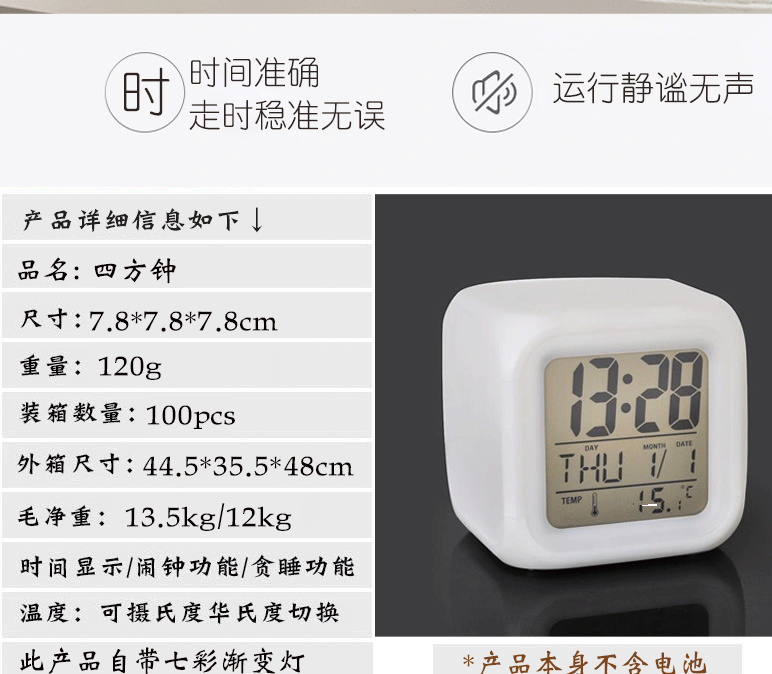
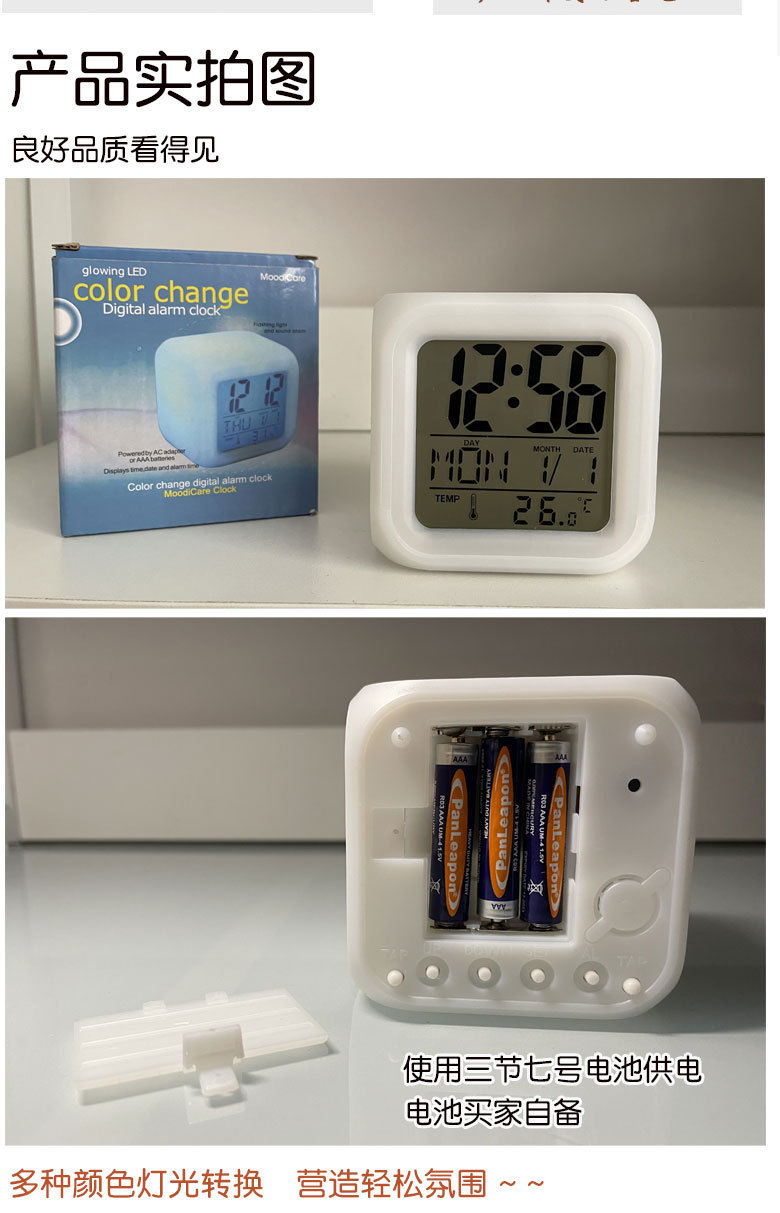
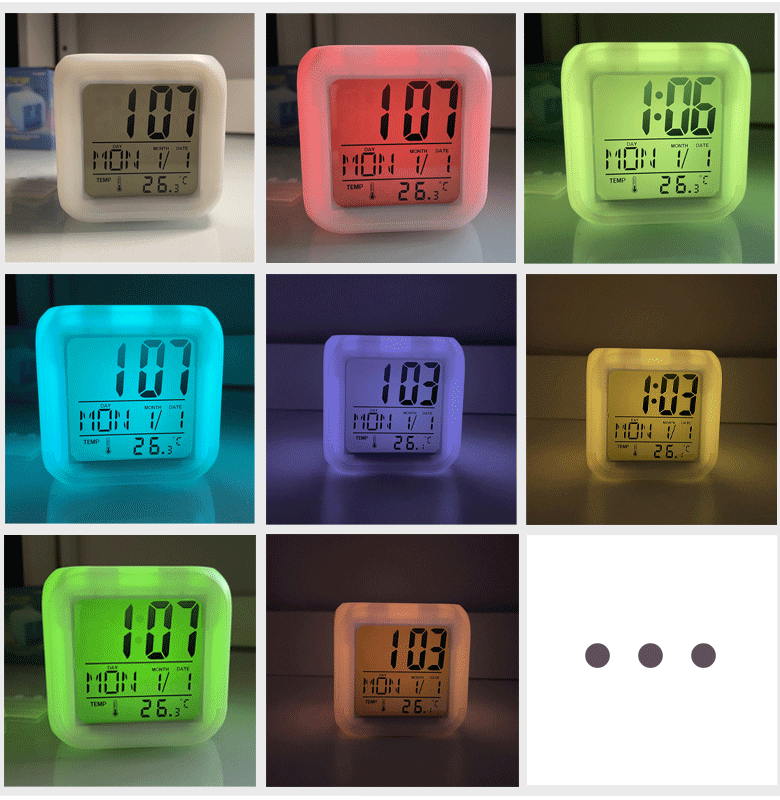
This product is powered by three AA batteries (the product itself does not include batteries; buyers must provide them).
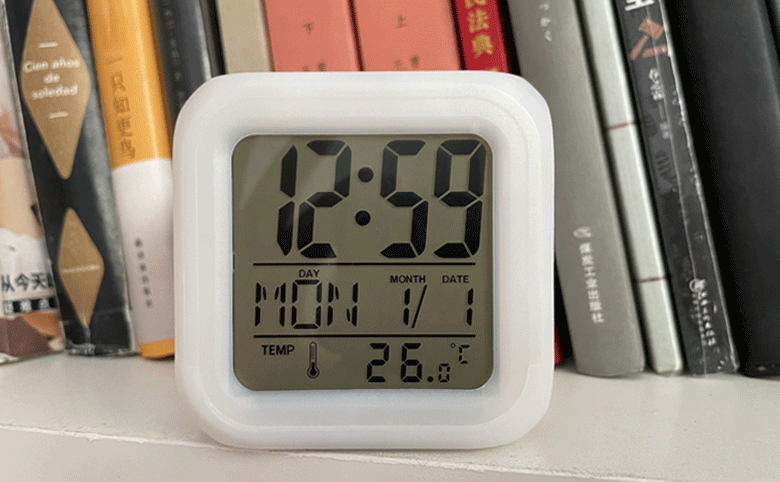
Product dimensions: 7.8*7.8*7.8 cm
Color box dimensions: 8.2*8.5*8.5 cm
Quantity per box: 100 pcs
Whole boxHairNet weight:1.35 kg12 kg
Box dimensions: 44.5 * 35.5 * 48 cm
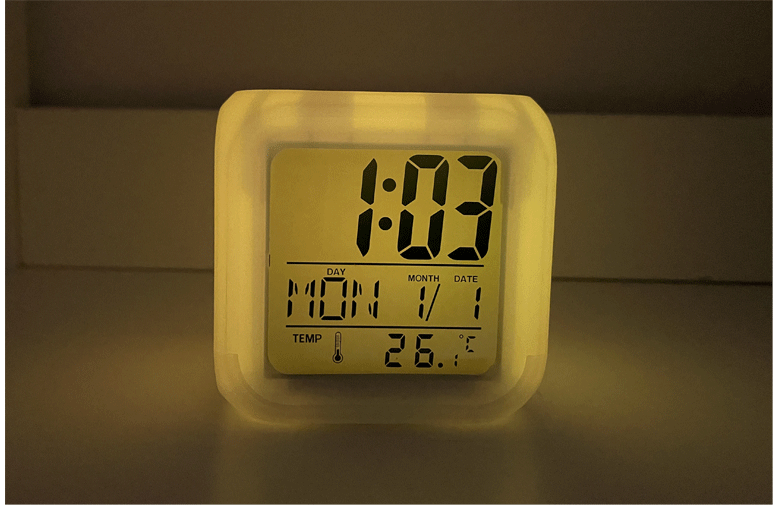
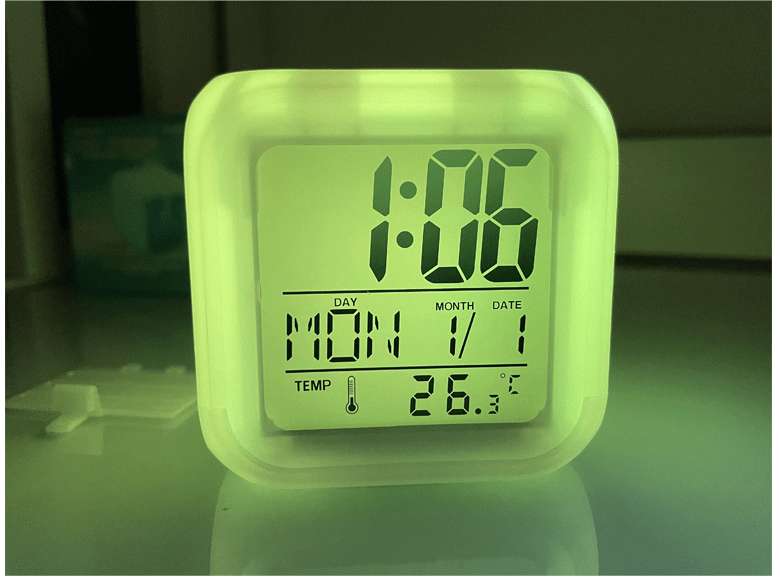
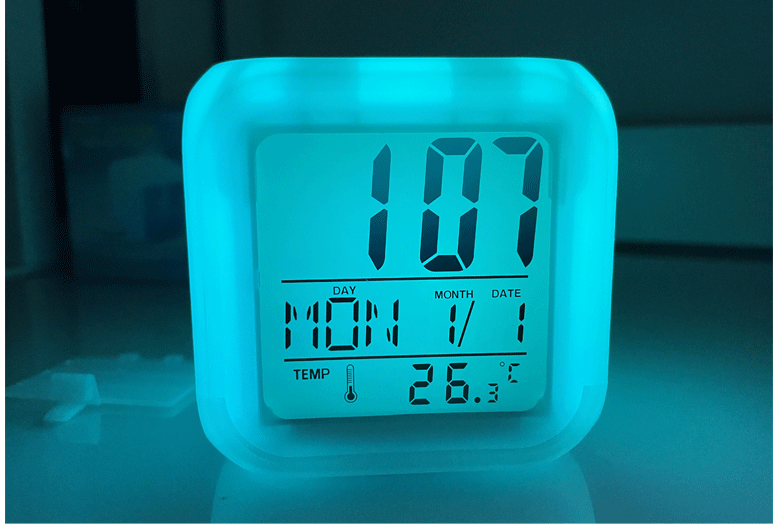
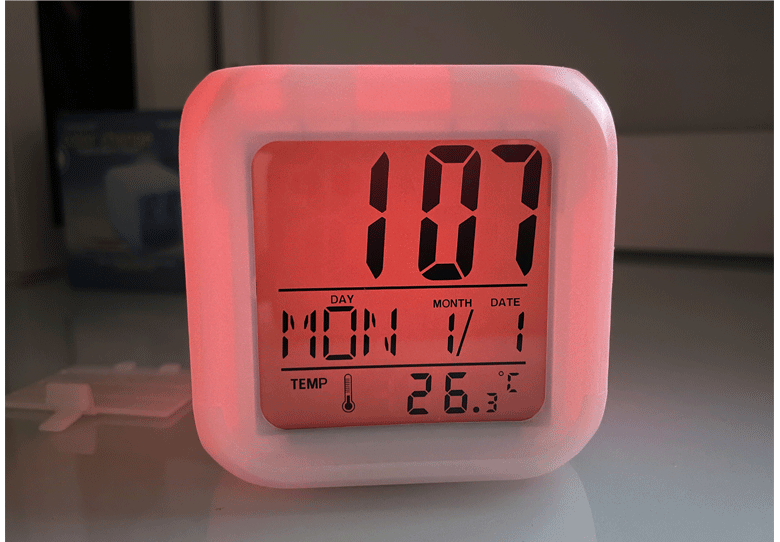
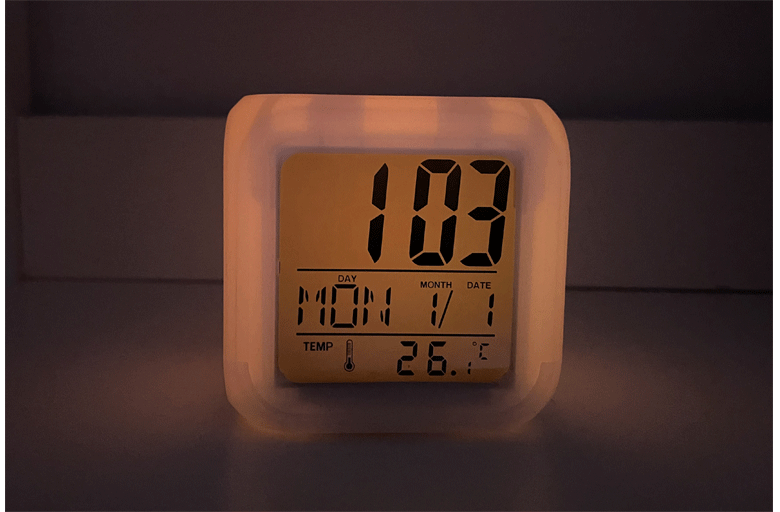
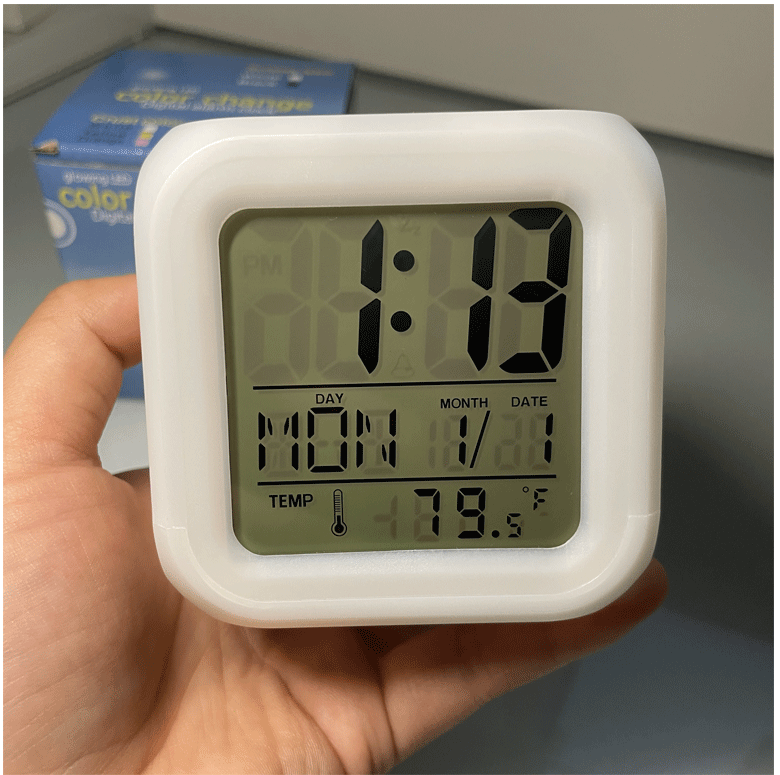
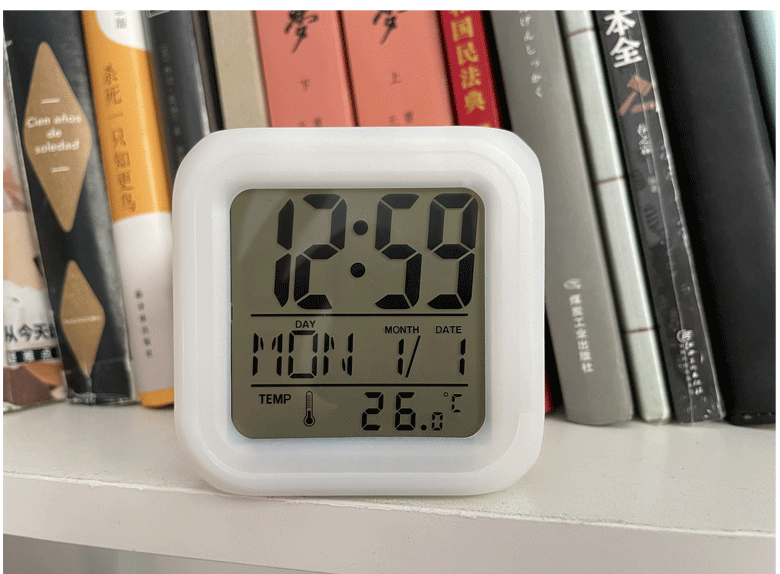
[t_USAGE_INSTRUCTION]
1. Time and date settings
★ After power on, it displays in normal mode. Press the SET button to enter the time and date settings, and configure them in the following order
Hours, minutes, year, month, day, weekday, etc. can be set using the UP/DOWN keys in combination.
★ Range of settings: Time: 1-12 or 0-23; divided into 0-59; Year: 2000-2099; Month: 1-12; Day: 1-31
While setting the date, the days of the week will automatically change from MON to SUN.
★ In the setup mode, you can also press the AL key or leave the button unpressed for 1 minute to exit the setup and view the currently set time.
★ In normal mode, press the UP key to switch between 1:2 and 2:4 hours.
2. Alarm clock and sleep inertia settings
★ In normal mode, press the AL key once to enter the alarm mode.
★ In alarm mode, press the SET key to enter the alarm settings screen, and set the hour, minute, and sleep timer in the following order.
Music is set up using the UP/DOWN keys in combination.
★ In the settings mode, if no button is pressed for 1 minute or the MODE button is used to exit the settings, the currently set time will be displayed.
★ In alarm mode, press the UP button to activate the alarm indicator; press the second UP button to turn on the doze function.
★ When the alarm reaches the set time, it sounds for 1 minute; when the sleep inertia period arrives, press the SET button to cancel the sound.
★ Interval duration setting for procrastination: 1–60 minutes.
★ When the alarm and sleepiness indicators are not turned on, both the alarm and sleepiness features will turn off simultaneously. Only when the alarm indicator is enabled, pressing UP again will activate the sleepiness function.
3. Temperature Conversion
★ In normal mode, pressing the [DOWN] °C/°F key allows for conversion between Celsius and Fahrenheit temperatures.
Update time:


TOP


