
Search history
Clear allSearch by image
XDrag and drop an image here or upload an image
Max 5MB per image
UploadSign In | Join

Search history
Clear allSearch by image
XDrag and drop an image here or upload an image
Max 5MB per image
UploadSign In | Join
Shengxin Trading 5yr.
Contacts Ni Fenghua Chat
Mobile 16607045420
WeChat 16607045420
WhatsApp +86-19979870337

 About invoices
our company can open VAT invoice, but our company needs additional charge, hope to know!
Please contact us for details!!!
One piece dropshipping or customers who place orders with samples please contact us directly!!!
(If you need to order 1 sample, please contact us !!! )

standard Edition: 100PCS/box size: 38*31.5 * 42.7cm
weight per box: 12.82kg
Standard Edition: 100PCS/Box Size: 38*31.5*42.7cm
Standard box weight: 12.82kg
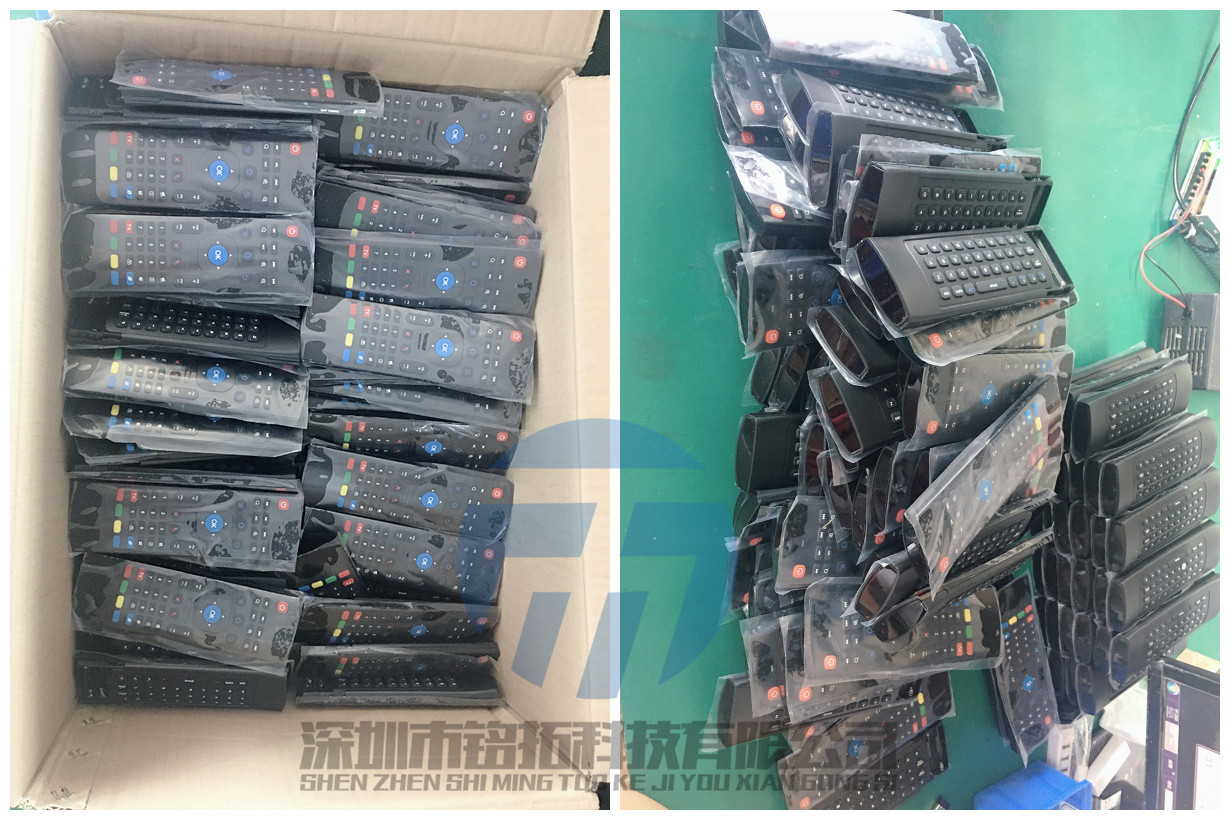
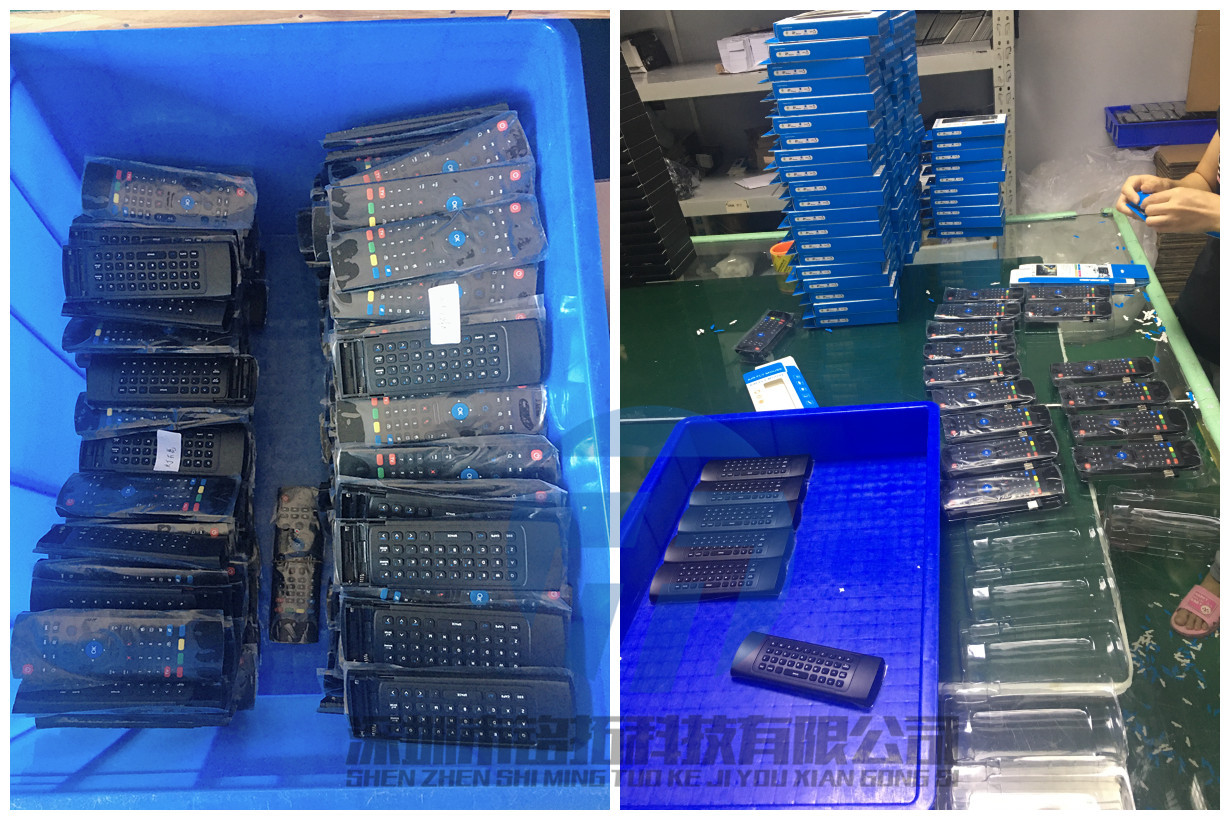
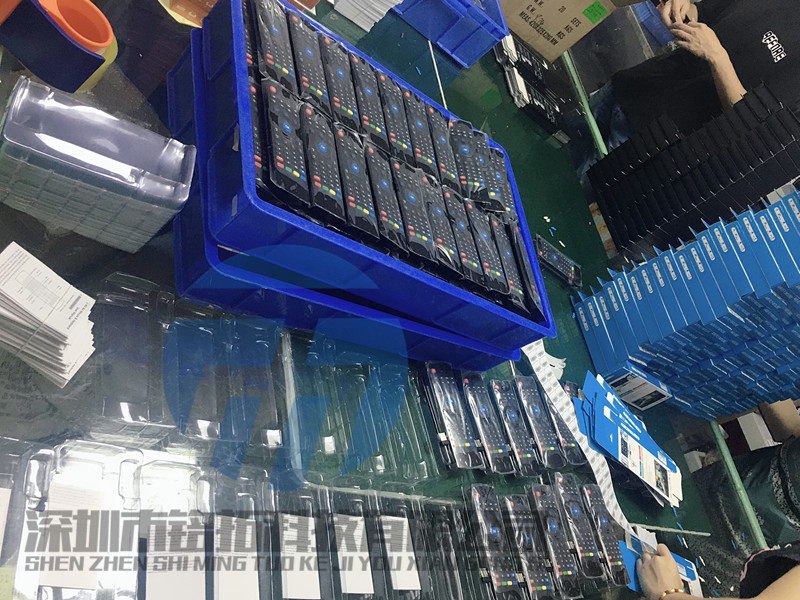
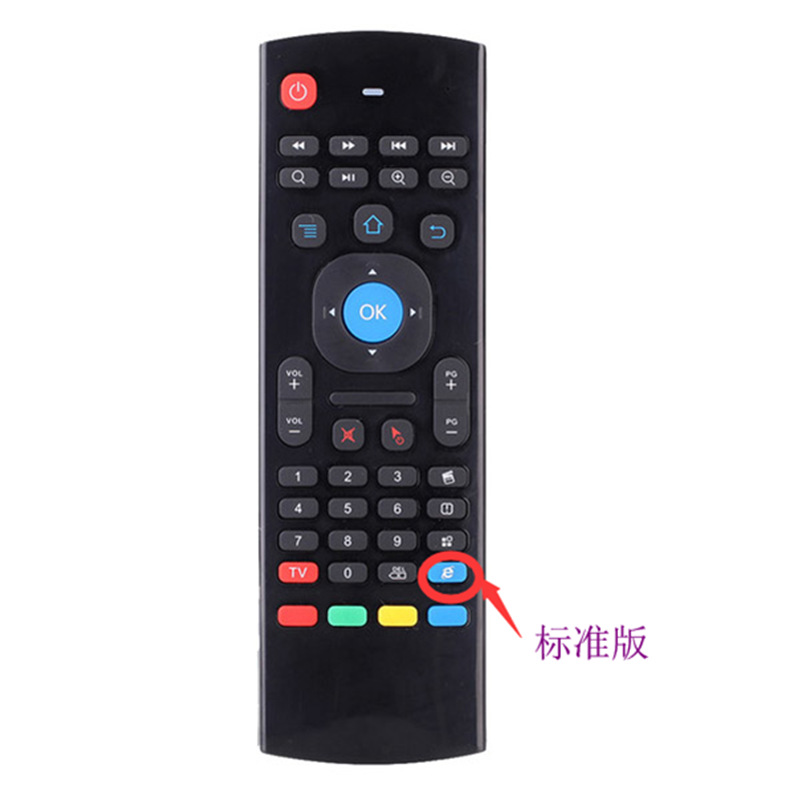
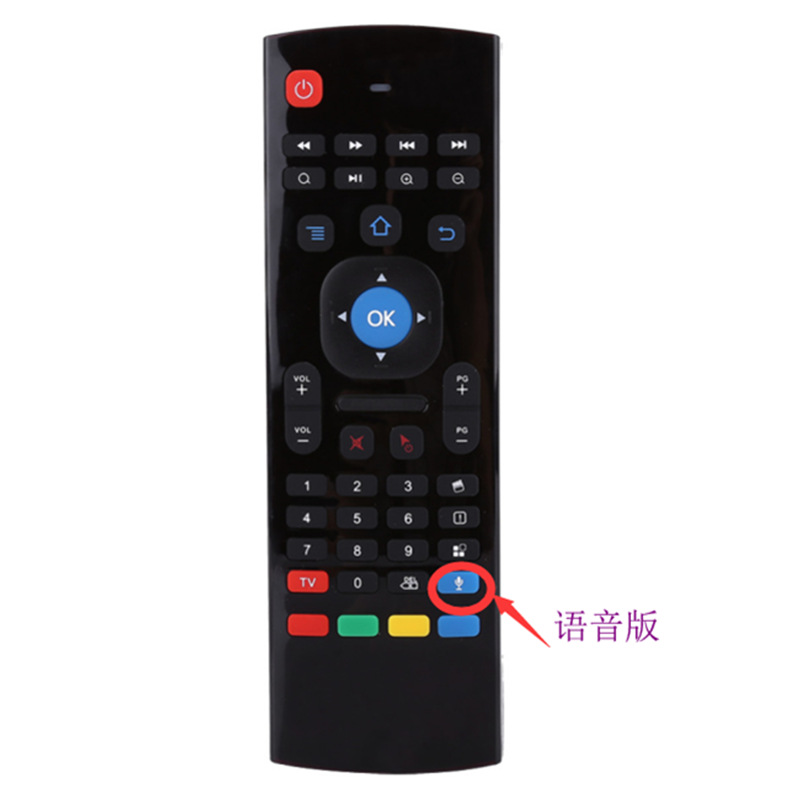
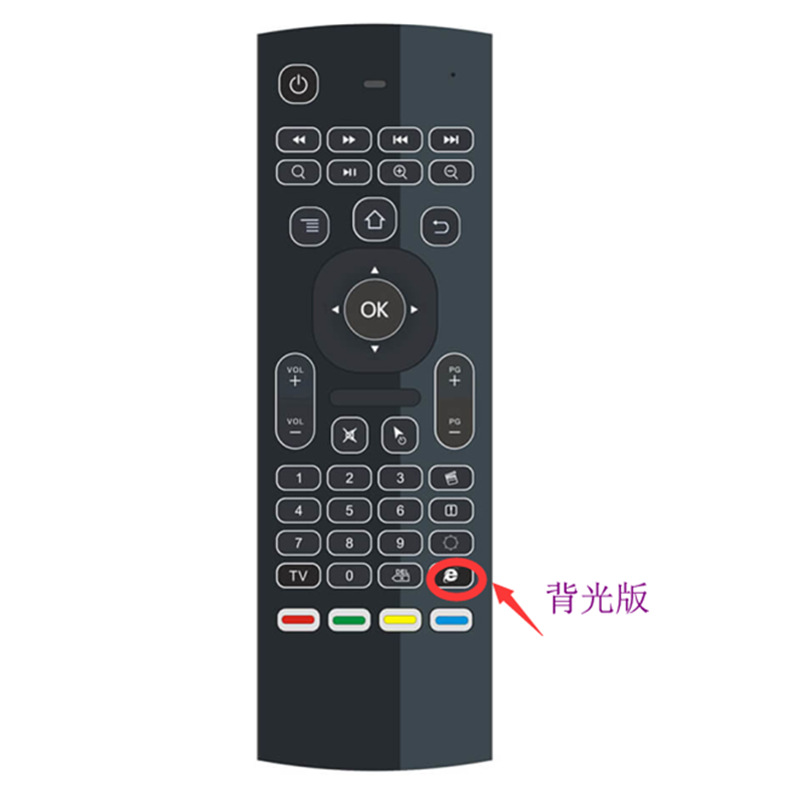
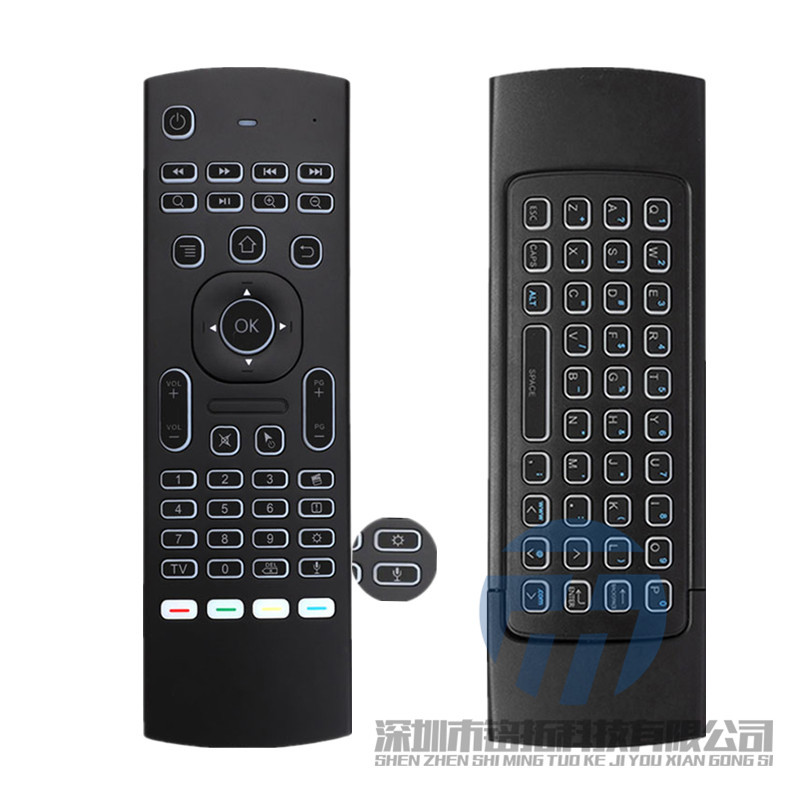
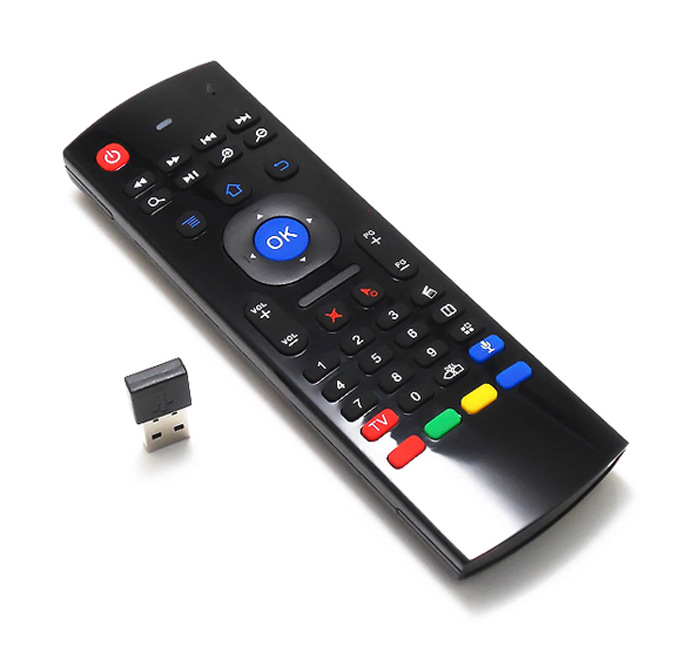
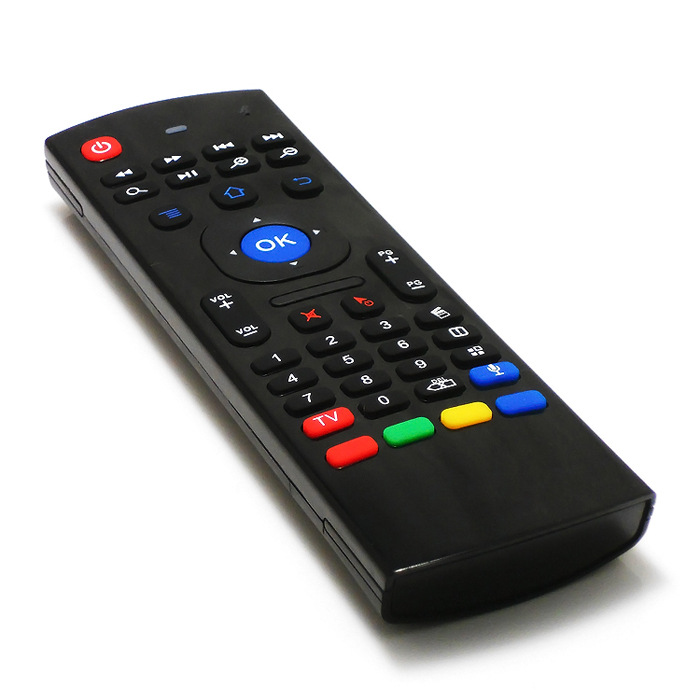
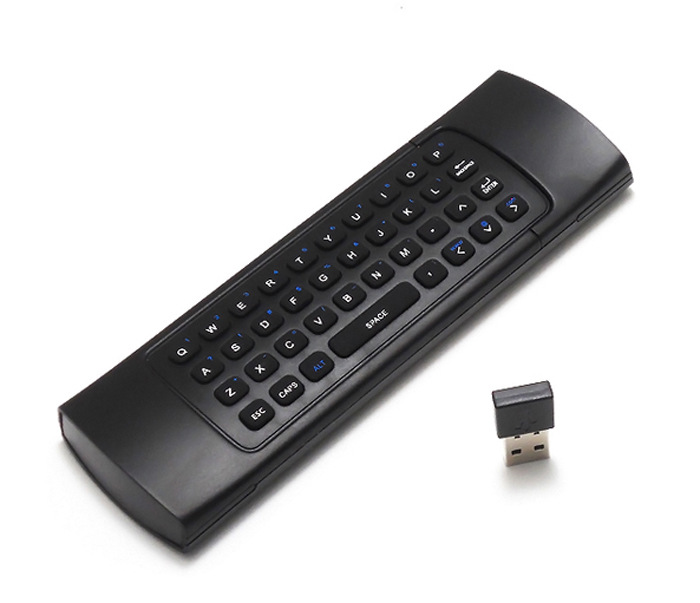
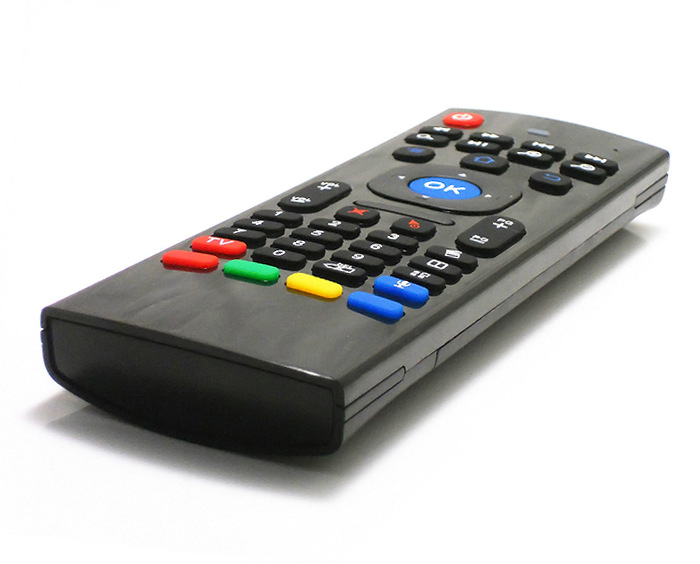
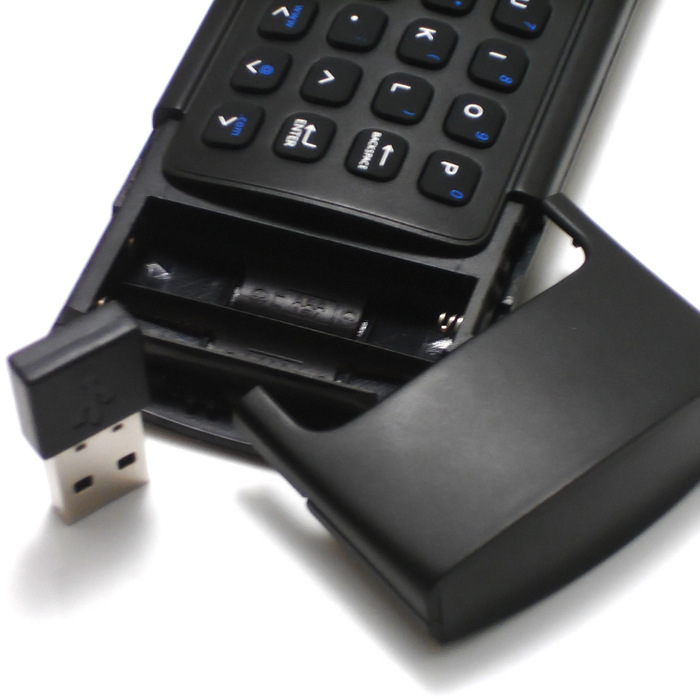
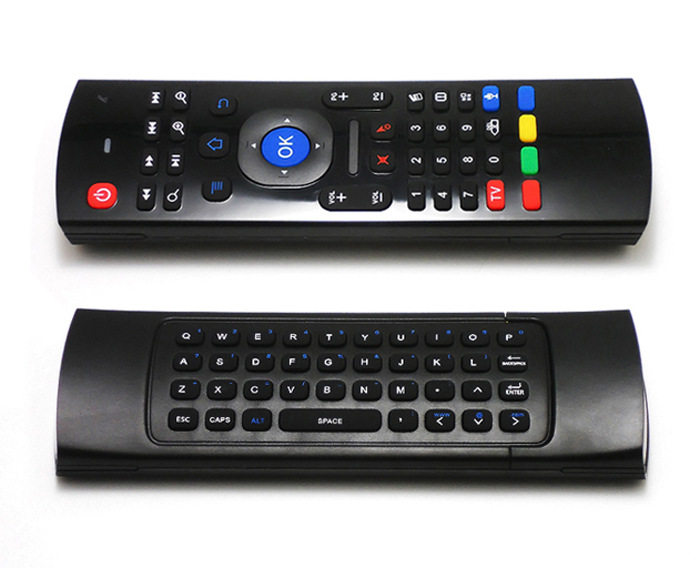
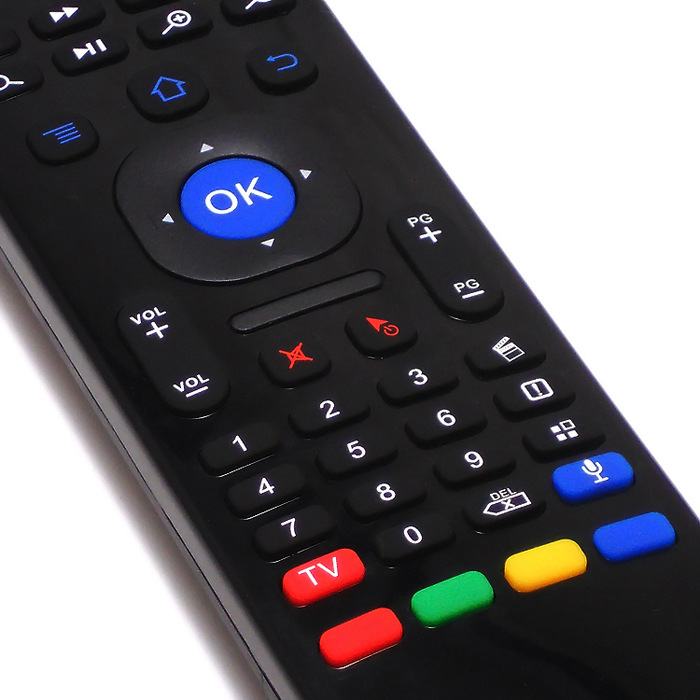
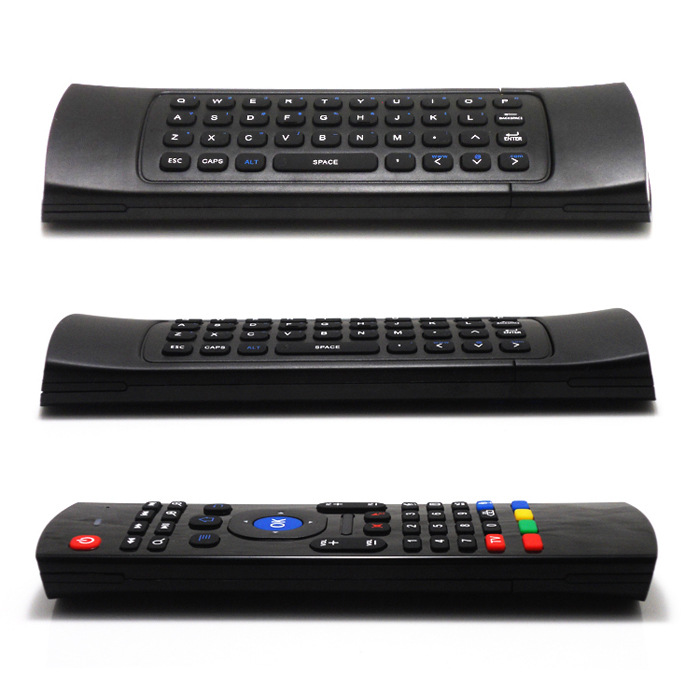

features:
| 1. 2.4G Air Stereo mouse | |
| 2. 2.4G Wireless Keyboard | |
| 3. Six-axis inertial sensing technology, supporting motion sensing game | |
| 4. Infrared remote control + full keyboard infrared learning | |
| 5. MIC voice input | |
| 6. Lock the cursor with one click | |
| 7. Free switching between infrared and 2.4g | |
| 8. Support Android , Windows , Mac OS ,Lilux and other operating systems | |
9. The control distance is more than 10m. |
Features:
| 1. Built-in 6-axis inertial sensor, 360 ° free space motion recognition and sensing, precise and flexible control; | |
| 2.2.4g wireless radio frequency technology, high bandwidth and high stability; | |
| 3.1:1 somatosensory manipulation and motion recognition, extraordinary user experience; | |
| 4.2.4g wireless keyboard input function; | |
| 5. Infrared remote control and full keyboard learning function; | |
| 6, 16kHz high sampling rate MIC voice input function, voice search for various programs, convenient for the elderly and children to operate; | |
| 7. 3D mouse achieves traditional optical Navi key performance: high resolution (160DPI), High Speed (125 frames/second), no drift, can realize continuous single pixel movement, accurate positioning and clicking under fast movement; | |
| 7. 3D mouse achieves traditional optical Navi key performance: high resolution (160DPI), High Speed (125 frames/second), no drift, can realize continuous single pixel movement, accurate positioning and clicking under fast movement; | |
| 9. Accurately sense gesture actions, and support various fast application function control and motion sensing game; Support all 2D mouse control, it can also support quick control methods based on mouse gestures (supported by APK applications); | |
10. It is convenient and intuitive. It is easy to use and completely free to use the intuitive control method of posture. New users can quickly use it skillfully, and the operation of the elderly and children is barrier-free.
|
Function Operation description
1. USB receiver
MX3 USB receiver is defined as a standard HID device, which is plug-and-play, receives signals and data from the transmitter, and supports Windows, Android, and iOS systems.
2. Matching
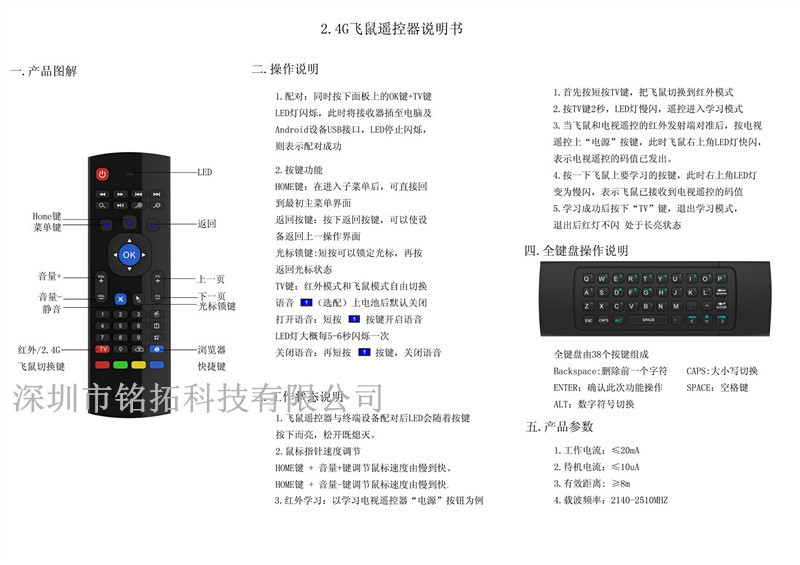
2.1 Press and hold the "TV" key and "OK" key on the side at the same time, and the LED flash enters the wireless pairing mode.
2.2 insert the USB receiver to power on and wait for about 3 seconds. If the MX3 A- side LED stops flashing, the pairing is successful.
3. Speed adjustment of empty mouse cursor pointer
3.1 speed up the cursor pointer: press "OK" and "Vol +" at the same time, and the LED light flashes for about 1 second, indicating that the speed of the cursor pointer increases by one level;
3.2 The speed of the cursor pointer slows down: press "OK" and "Vol-" at the same time, and the LED light flashes for about 1 second, indicating that the speed of the cursor pointer slows down by one degree;
label: a total of about 12 speed adjustments. When the pointer speed is already at the fastest or slowest level, it can only be slow or fast.
4. Empty mouse calibration
4.1 press and hold the OK button to power up, and then put it on the desktop or a plane;
4.2 until the LED changes from flashing to flash, the static calibration is completed.
Label: when the cursor drifts, Static Calibration compensation is required.
5. Infrared learning operation instructions
label: make sure MX3 works in infrared mode, and the LED light is always on at this time
1) enter the infrared learning mode: press and hold the "TV" button for 2~3 seconds, MX3 will enter the infrared learning mode, and the LED lights will flash slowly every 1 second.
2) in infrared learning mode, one TV remote control infrared head is aligned with MX3 infrared head, press any button of TV remote control infrared, and the LED flash of MX3 indicates that the code value sent by TV remote control is caught, the flash interval is 200 to 300 milliseconds.
3) Next, press the button corresponding to MX3. This button will learn the code value of TV remote control. At this time, the LED will flash slowly, waiting for another button code value to be learned.
4) then, Repeat steps 2) and 3) to learn other button code values.
5) finally press the "TV" button for about one second to complete the infrared learning, return to the infrared working mode, and the LED light is always on.
Note: in the infrared working mode, press and hold the TV button for about one second, and the remote control will switch to the RF working mode. At this time, the LED is off.
6) Note: After the infrared learning exits, the infrared function cannot be saved.
◎ MX3 power consumption description
1. General mode
enable voice and somatosensory control, and the power consumption is less than 50MW.
2. Standby mode
if MX3 is not used for 30 seconds, MX3 will enter standby mode, and the power consumption is less than 25MW.
At this time, the customer presses any key to wake up MX3.
3. Sleep mode
60 seconds without MX3,MX3 will enter deep sleep mode, at this time the power consumption is less than 0.1mW.
Parameter
USB receiver | transmission rate | 1Mbps |
working frequency | 2400.0 MHz-2483.5MHz | |
output power | -18dBm-0dBm | |
function | HID compatible devices, USB devices | |
controller | transmission rate | 1Mbps |
working frequency | 2400.0 MHz-2483.5MHz | |
output power | -18dBm-0dBm | |
function | 6-axis empty mouse, gamepad, full keyboard input |
operation instructions of surface A function
1. RF and infrared function switching
by default, MX3 works in RF wireless mode and LED lights are off. Press any button and the LED light will flash once.
In the wireless working mode, when "" is pressed for about one second, MX3 will switch to the infrared working mode. At this time, the LED light is on, and the LED flashes once by pressing any key. In the infrared working mode, you can enter the infrared learning function.
In the infrared working mode, press "" for about one second, MX3 will switch to RF working mode, and the LED light will turn off at this time

1 x Mini flying squirrel
1 x USB adapter
1 x Manual
1 x packing box



Update time:


TOP


