
Search history
Clear allSearch by image
XDrag and drop an image here or upload an image
Max 5MB per image
UploadSign In | Join

Search history
Clear allSearch by image
XDrag and drop an image here or upload an image
Max 5MB per image
UploadSign In | Join
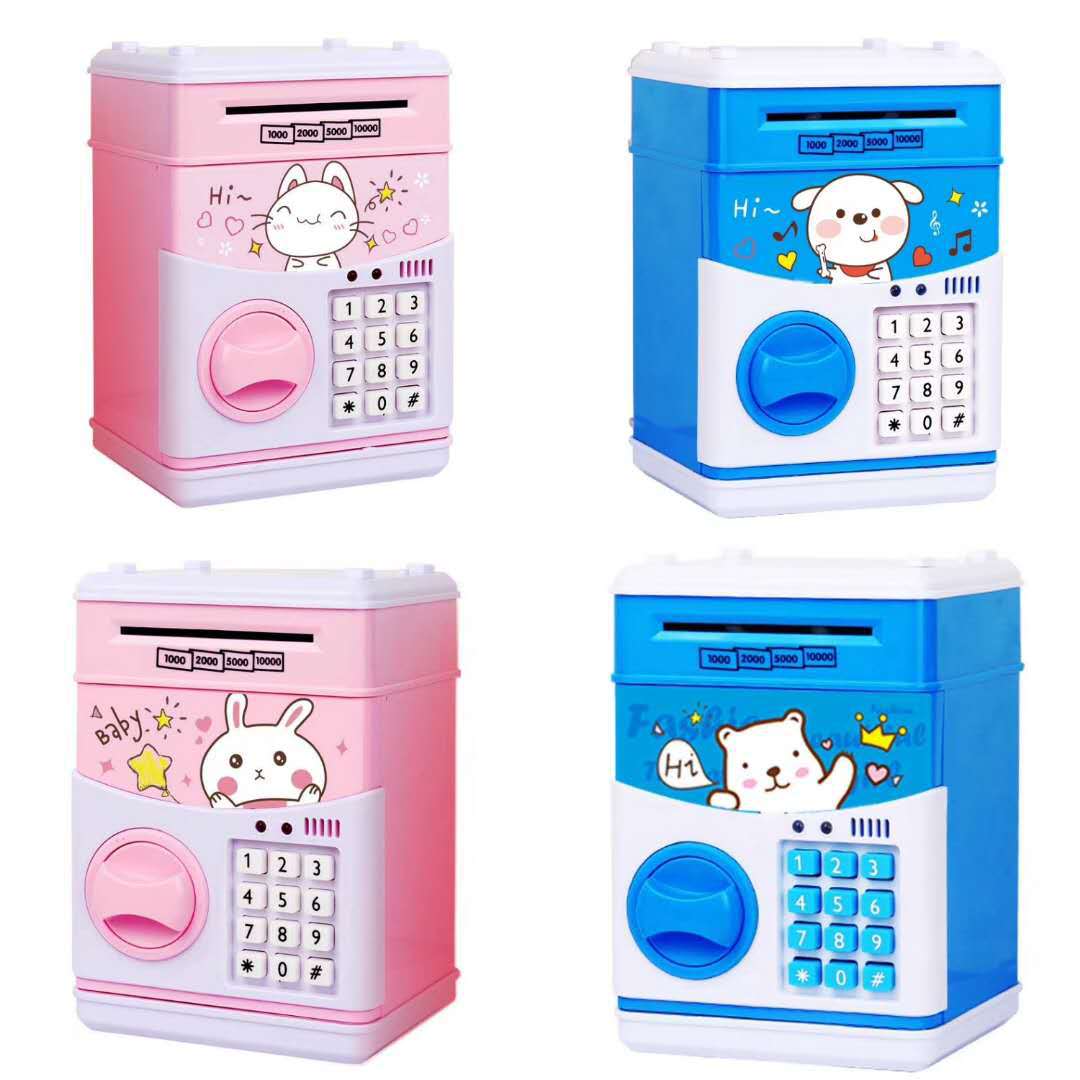
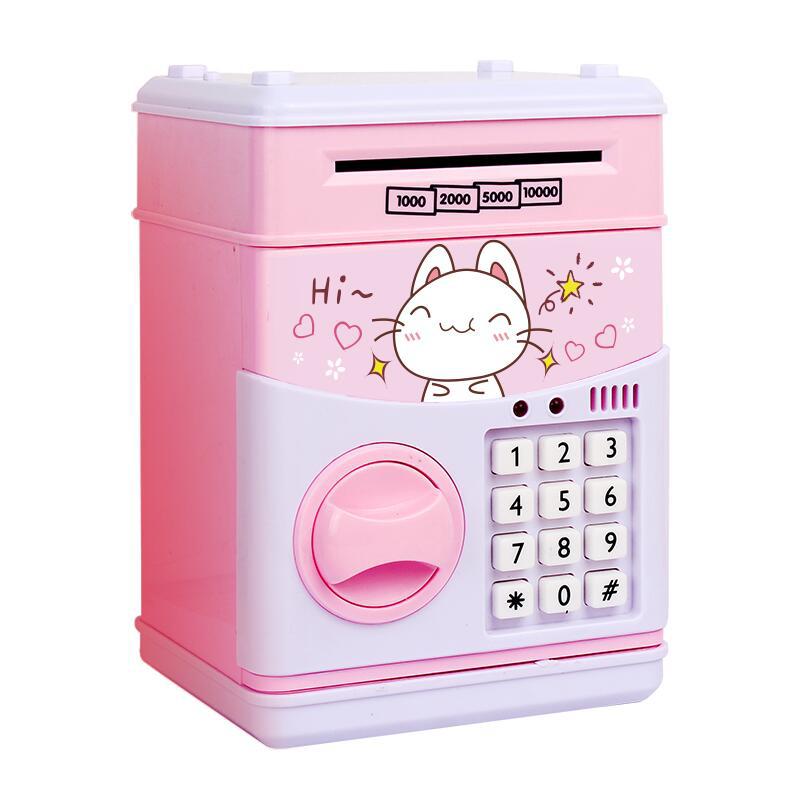
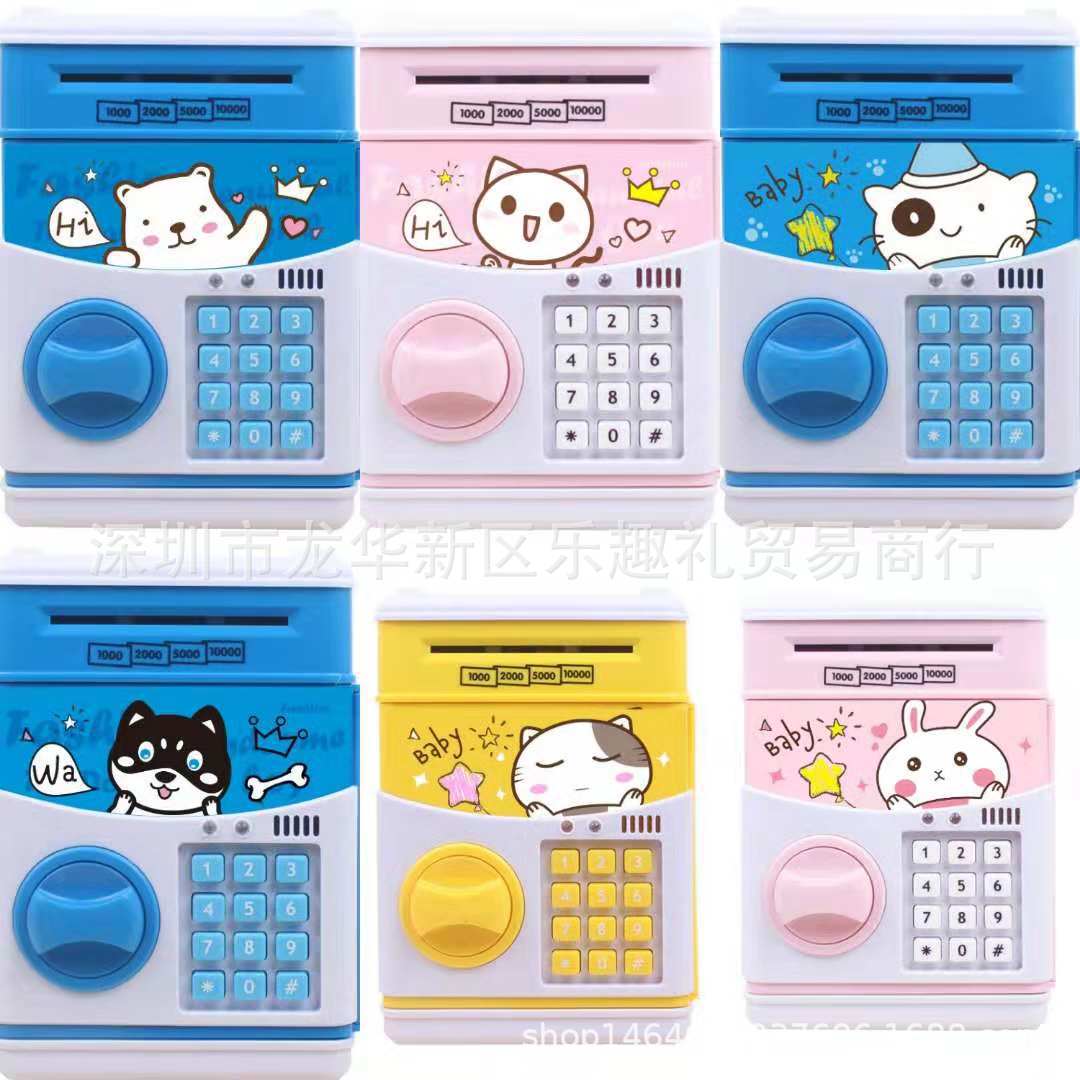
 happy cat
幸福猫 |
CN¥ 0.0 |
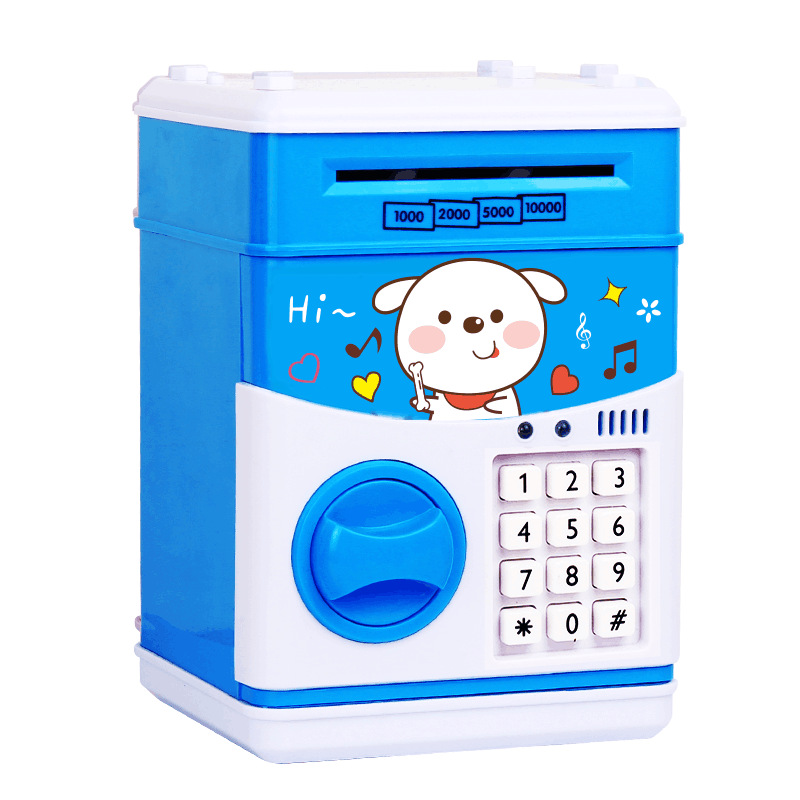
 saving dog
存钱狗 |
CN¥ 0.0 |
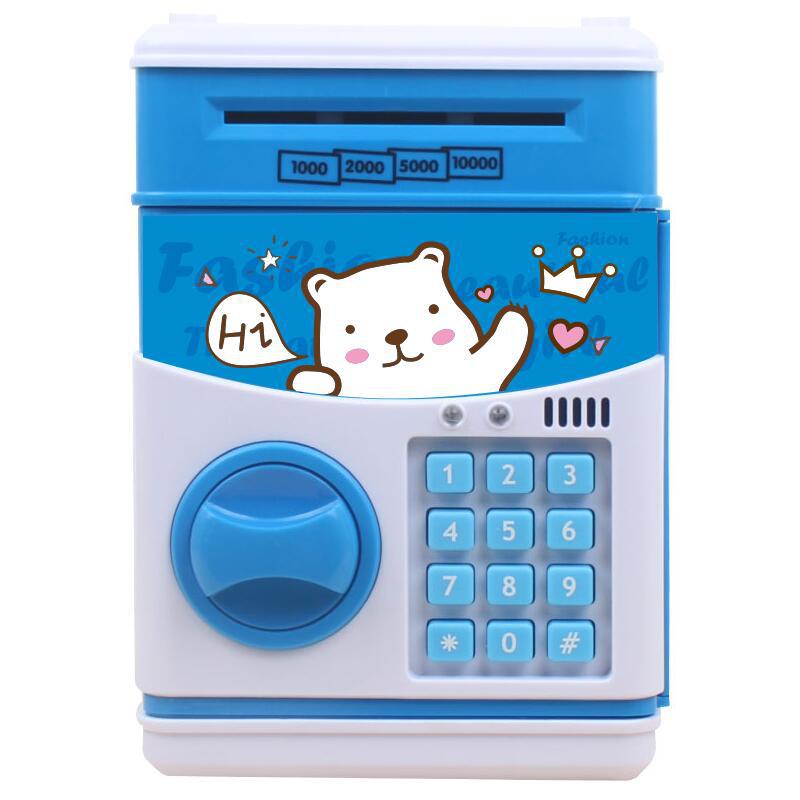
 white bear
白熊 |
CN¥ 0.0 |
 good night bear
晚安熊 |
CN¥ 0.0 |
 good night cat
晚安猫 |
CN¥ 0.0 |
 good night rabbit
晚安兔 |
CN¥ 0.0 |
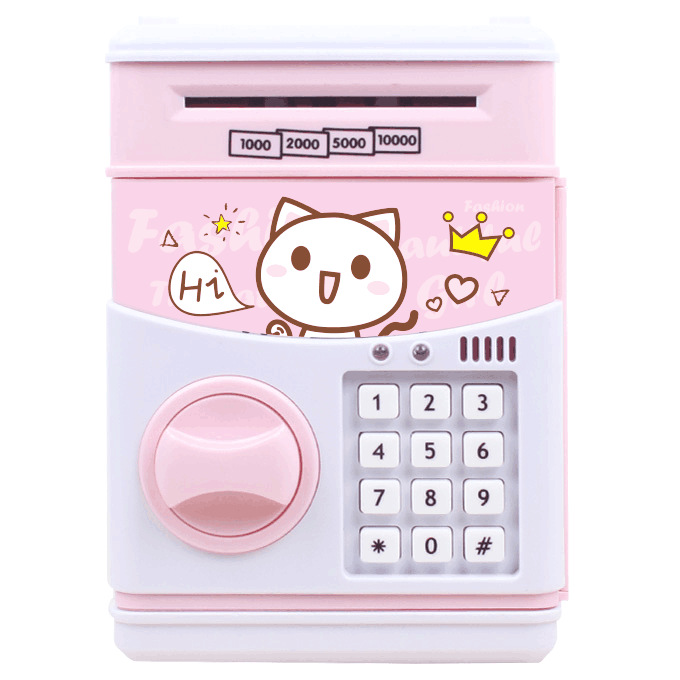
 pink cat
粉猫 |
CN¥ 0.0 |
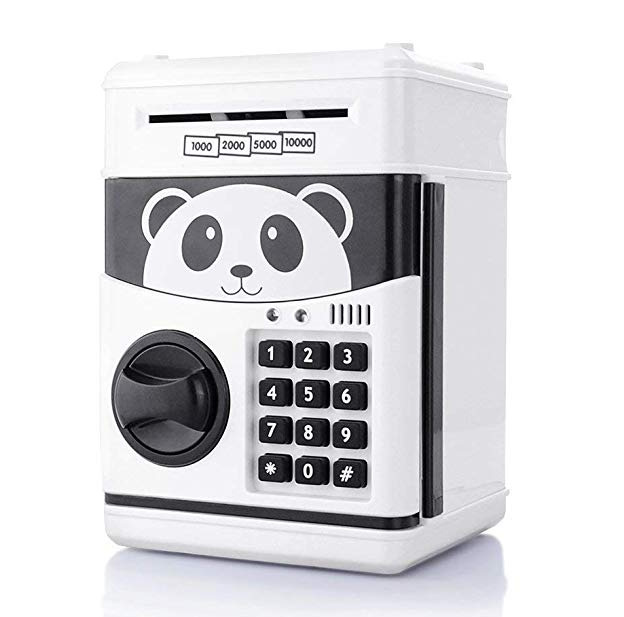
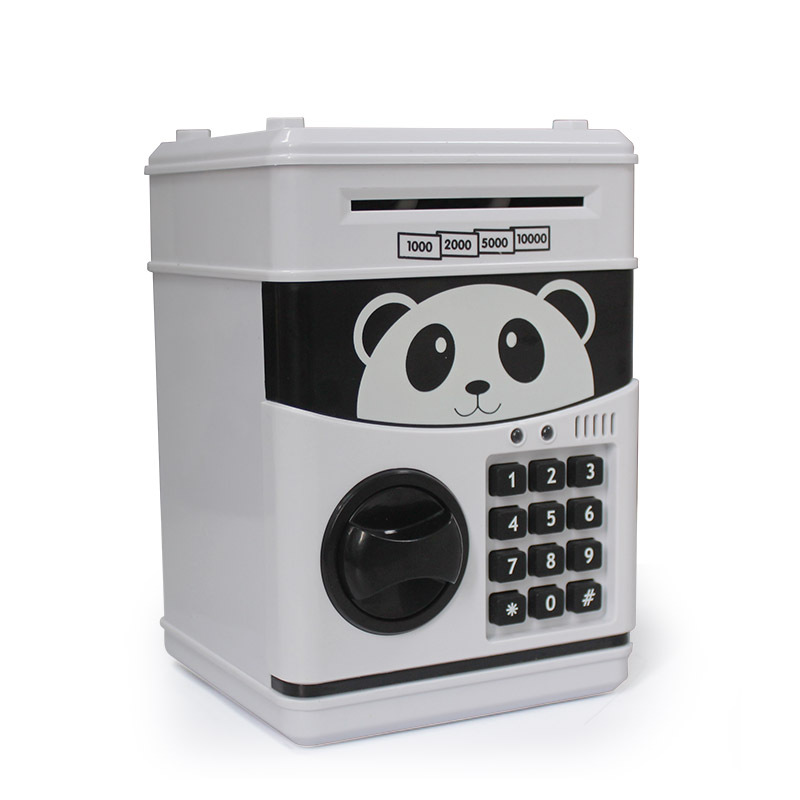
 panda
panda
熊猫 |
CN¥ 0.0 |
|
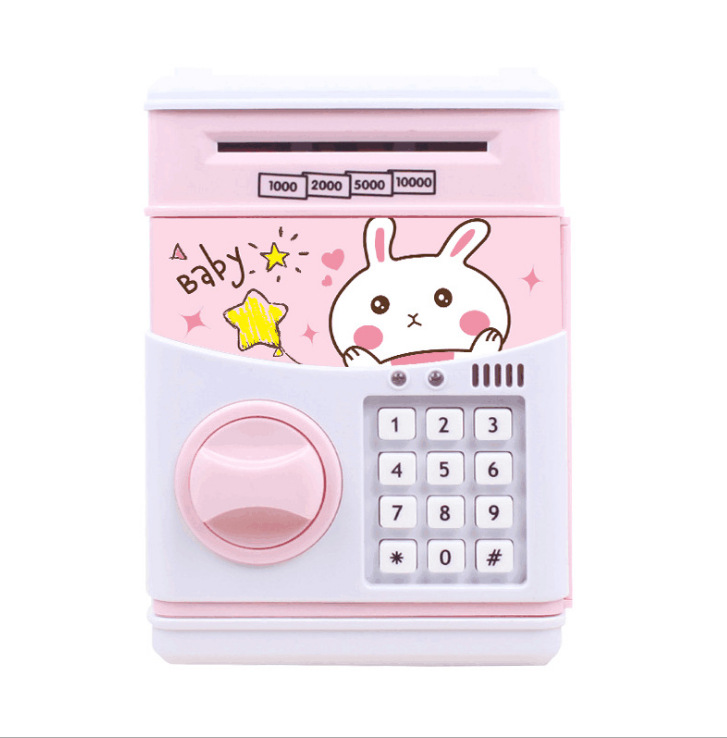
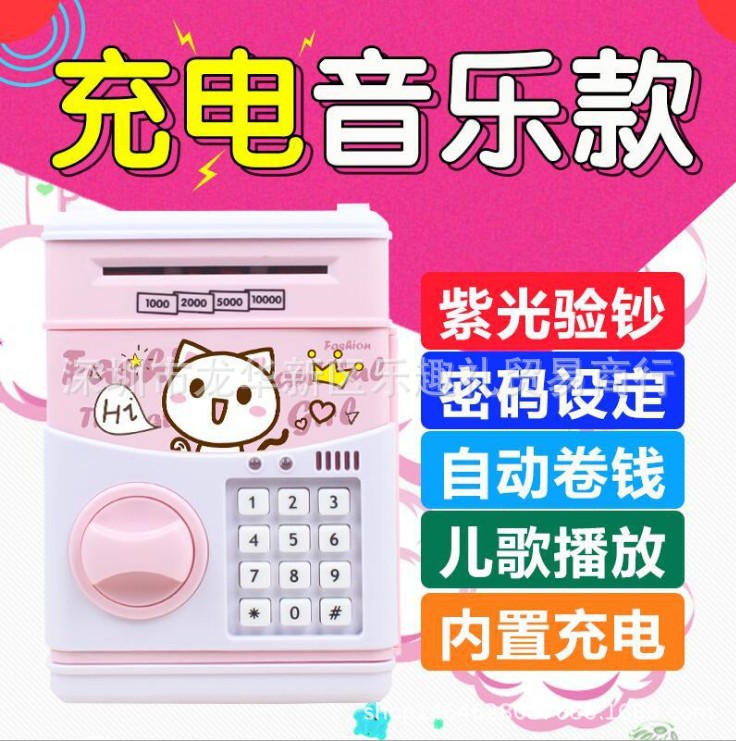
pink
粉色 |
CN¥ 0.0 |
|
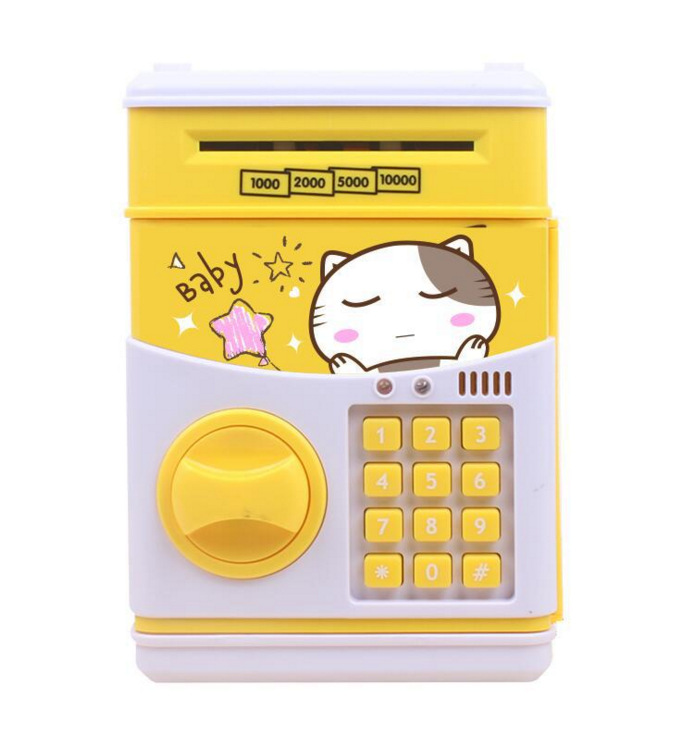
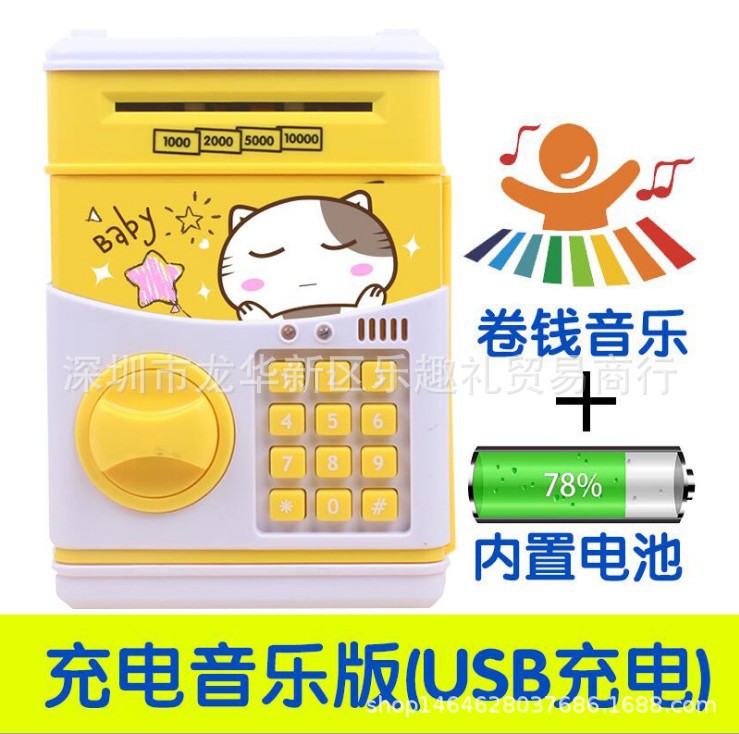
yellow
黄色 |
CN¥ 0.0 |
|
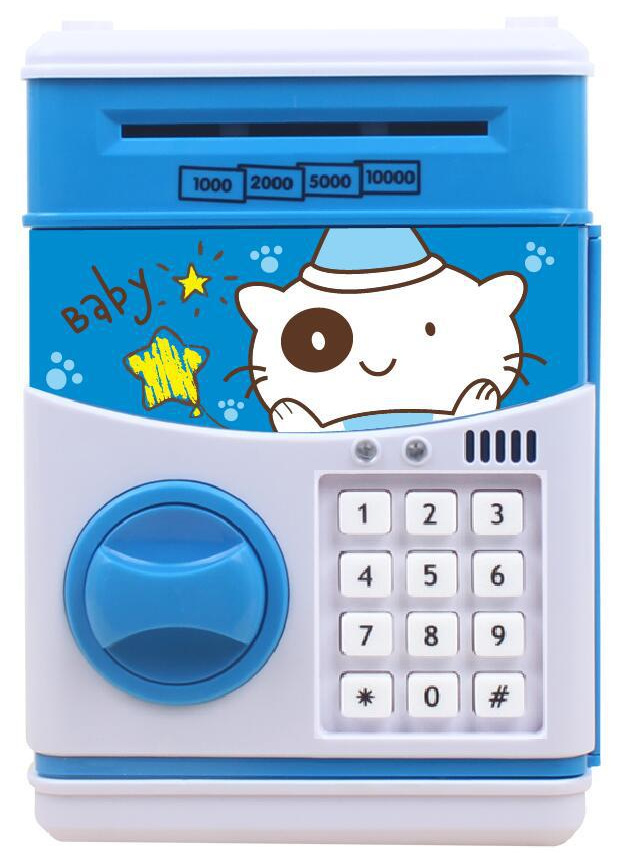
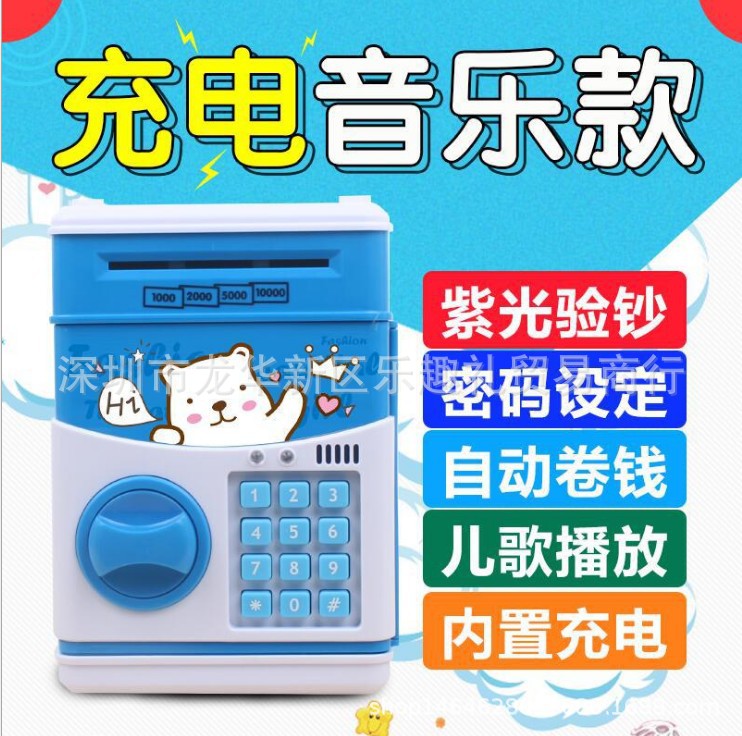
blue
蓝色 |
CN¥ 0.0 |
Yiwu Lihong household products Co., Ltd 5yr.
Contacts Weng Lijian Chat
Mobile 18258988509
WeChat LH15868963280
WhatsApp +86 15958902839
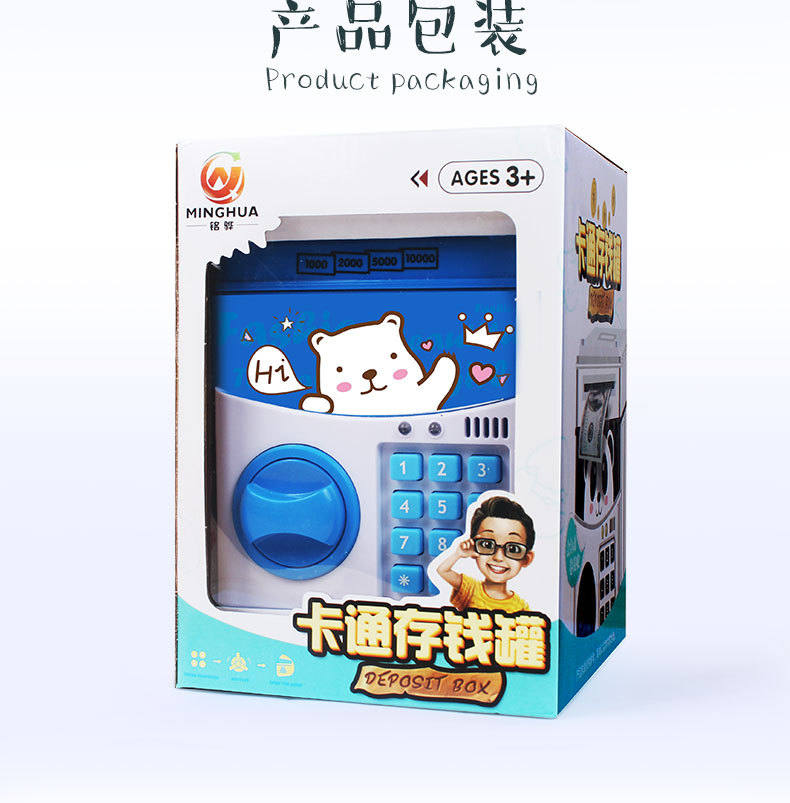
Packing: Color Box
Product Specification: 13*12.5*19.5cm
Crate Specification: 90.5*31*41.5cm
Packing Quantity: 24 pieces
Volume: 0.1165
Gross Net Weight: 19.9/18.3KG
Material: ABS
Function: Automatic Coin/Bill Feed
Packing: Chinese 3C color box/English color box (English and Chinese can be noted, default is random without note)
Suitable for ages: 3 and above
Function: To train children to save money.
Opening Method: Input the default password 0000, open the box and press the * self-key to input the new password, then press the # key to finish. If you forget the new password after changing it, remove the battery for half an hour to restore the default factory password 0000.
Charging link: https://detail.1688.com/offer/547127332480.html?spm=a261y.7663282.1998411376.1.22e42a07mfgk4L&scm=1007.19151.114112.0
Instructions for Using the Banknote Safe
II. Open the safe with a password
To open the safe, you need to input a four-digit password. The default password for the safe is: 0000.
1. Enter a 4-digit password. A green light will illuminate above the password keyboard. If you enter the wrong password, the red light will turn on, and a sound of "PLEASE TRY AGAIN" will be emitted to inform you.
2. Rotate the knob clockwise to open the door. The green light will stay on for about 10 seconds, and you will hear a squeaking sound when the door opens. If the door takes more than 10 seconds to open, the green light will turn off and a buzzer will sound every 20 seconds. To stop the buzzer, just close the door.
III. Change the password by following these steps:
1. Enter the current password (default 0000) to open the safe.
2. Press and hold the "*" button, and the green and red lights will flash.
3. Enter a new 4-digit password within 15 seconds, then press "#" to confirm and store the new password. The two lights will stop flashing.
4. Press the '*' key to release and close the door.
Section 4: Storing Coins and Paper Money
1. Insert the coin into the coin slot located above the safe.
2. Deposit currency notes into the currency deposit slot from above. Only when the safe door is closed can the money automatically be wound in (insert currency notes into the currency deposit slot, only gently press the switch at the currency slot, the green light will turn on, and the currency notes will automatically be wound into the deposit box. If there is a stuck currency, the red light will turn on and the currency notes will be spit out. Only after the traffic light is extinguished can the password be entered to open the safe.
Tip: 1. If the banknotes are too old or too soft, the roll coin procedure may not be able to start. In this case, you can only replace the banknotes or open the safe deposit box door to deposit them.
2. If you accidentally press the switch behind the door, it will turn into voice mode. The operation procedure is the same; just slow down your speed, wait until a sentence is finished, and then press the next one (if the battery is removed, the password will become "0000").
Update time:


TOP


