Search history
Clear allSearch by image
XDrag and drop an image here or upload an image
Max 5MB per image
UploadSign In | Join

Search history
Clear allSearch by image
XDrag and drop an image here or upload an image
Max 5MB per image
UploadSign In | Join
X Email Mobile
Product Parameters
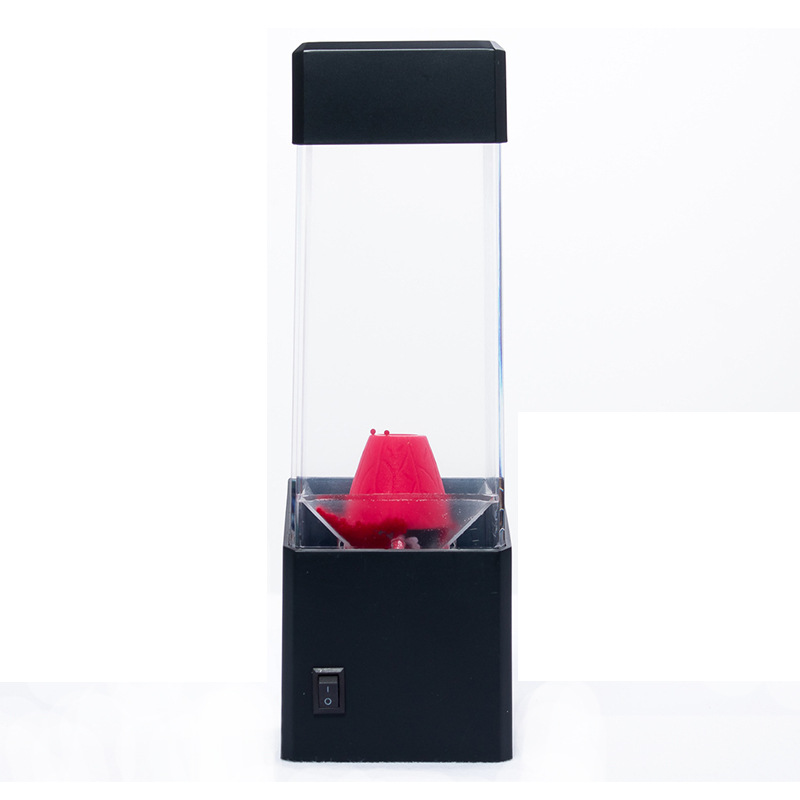
product material: plastic + acrylic
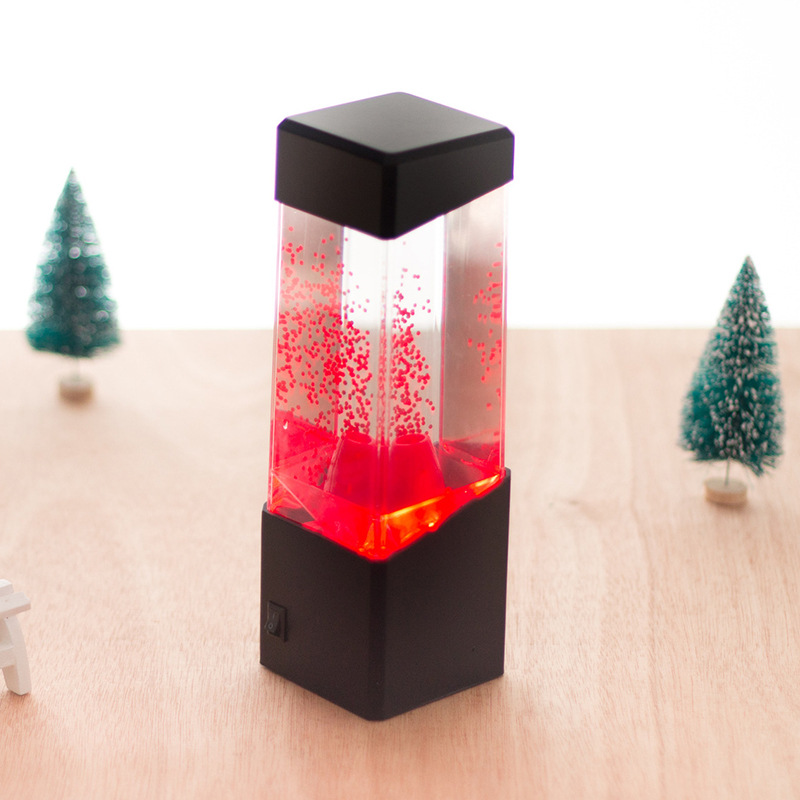
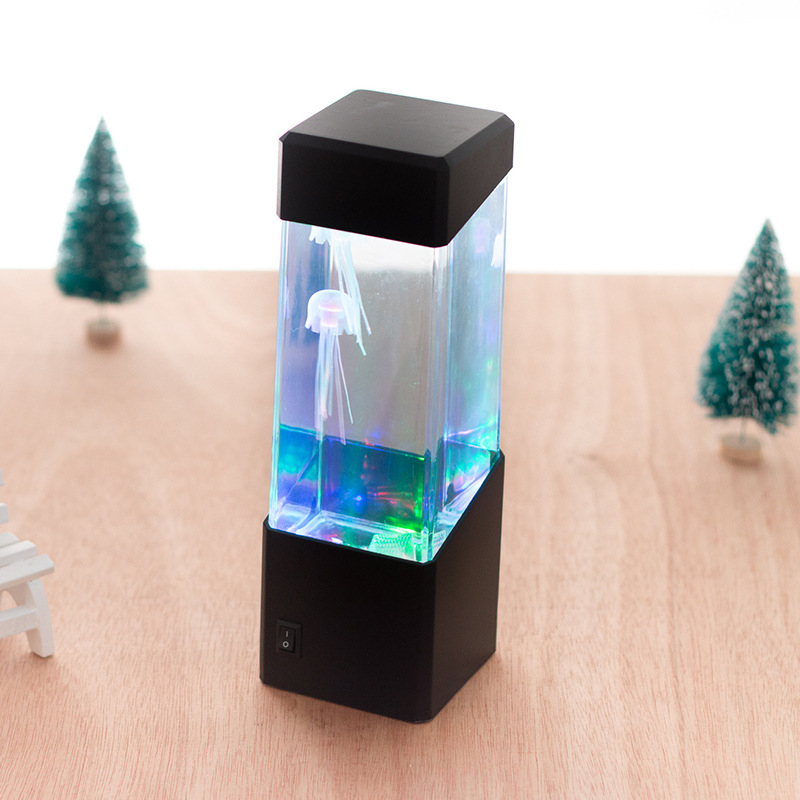
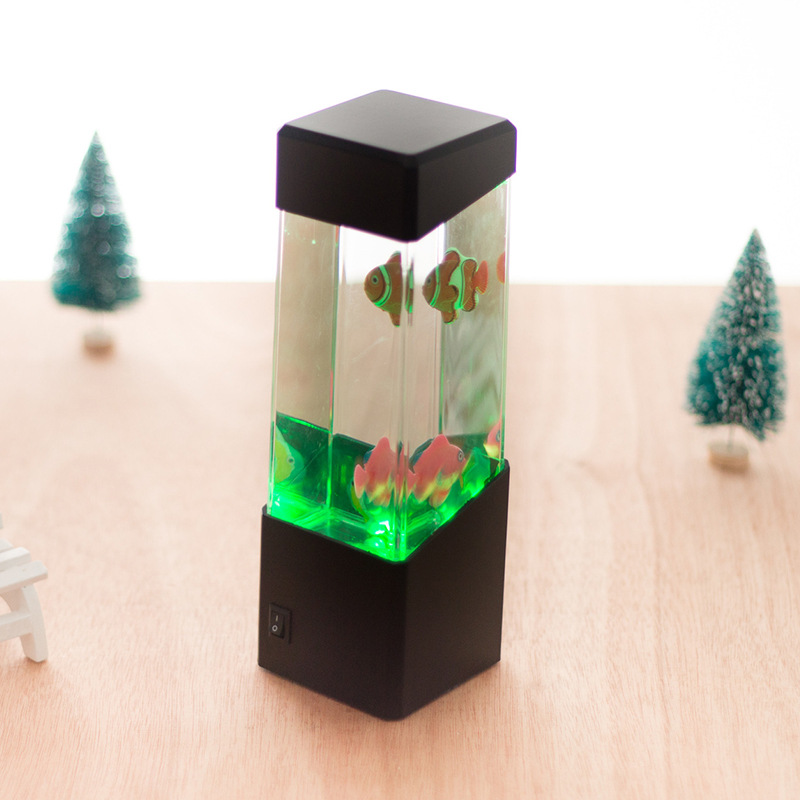
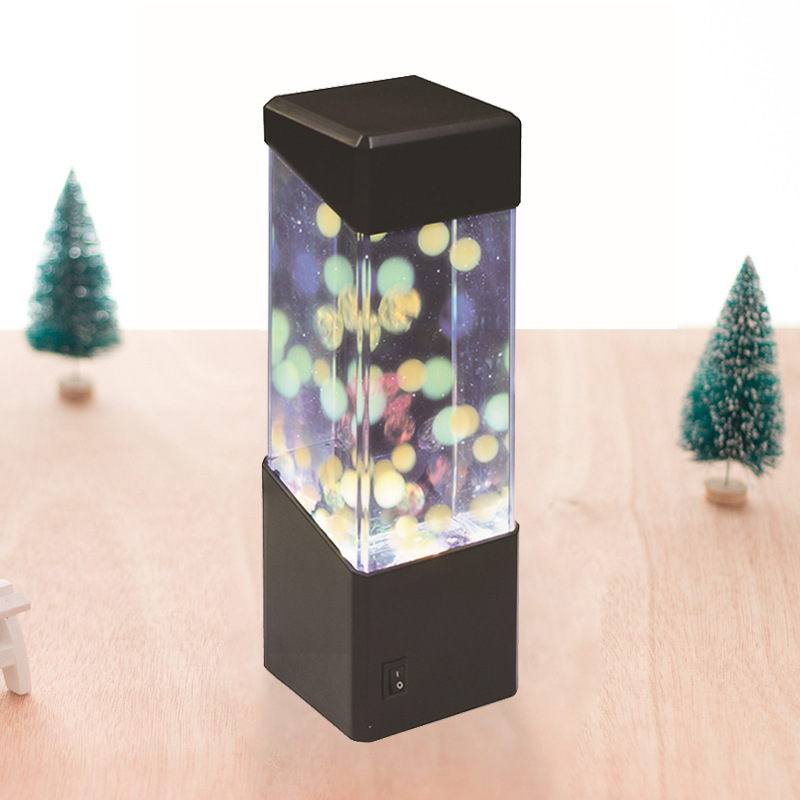
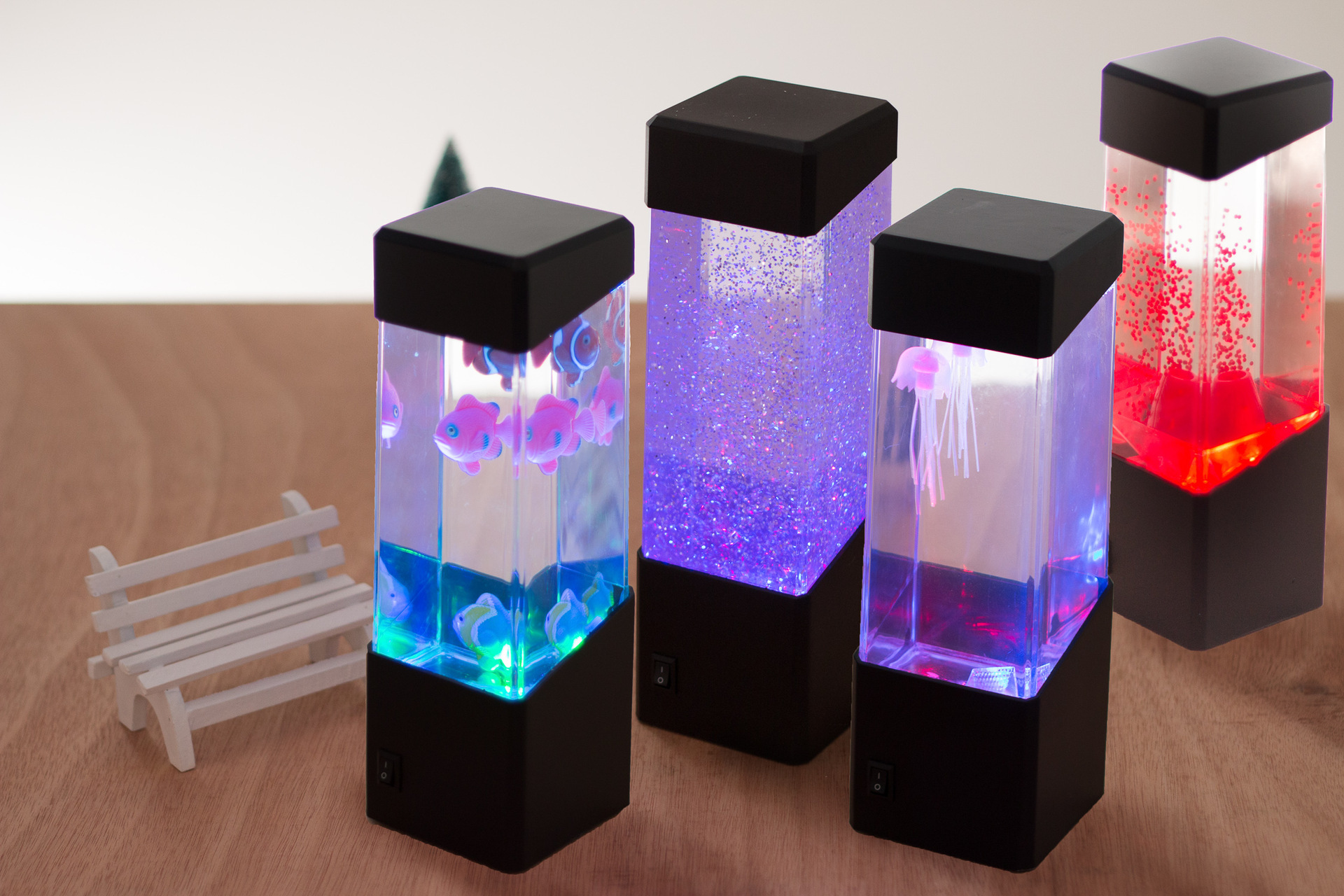
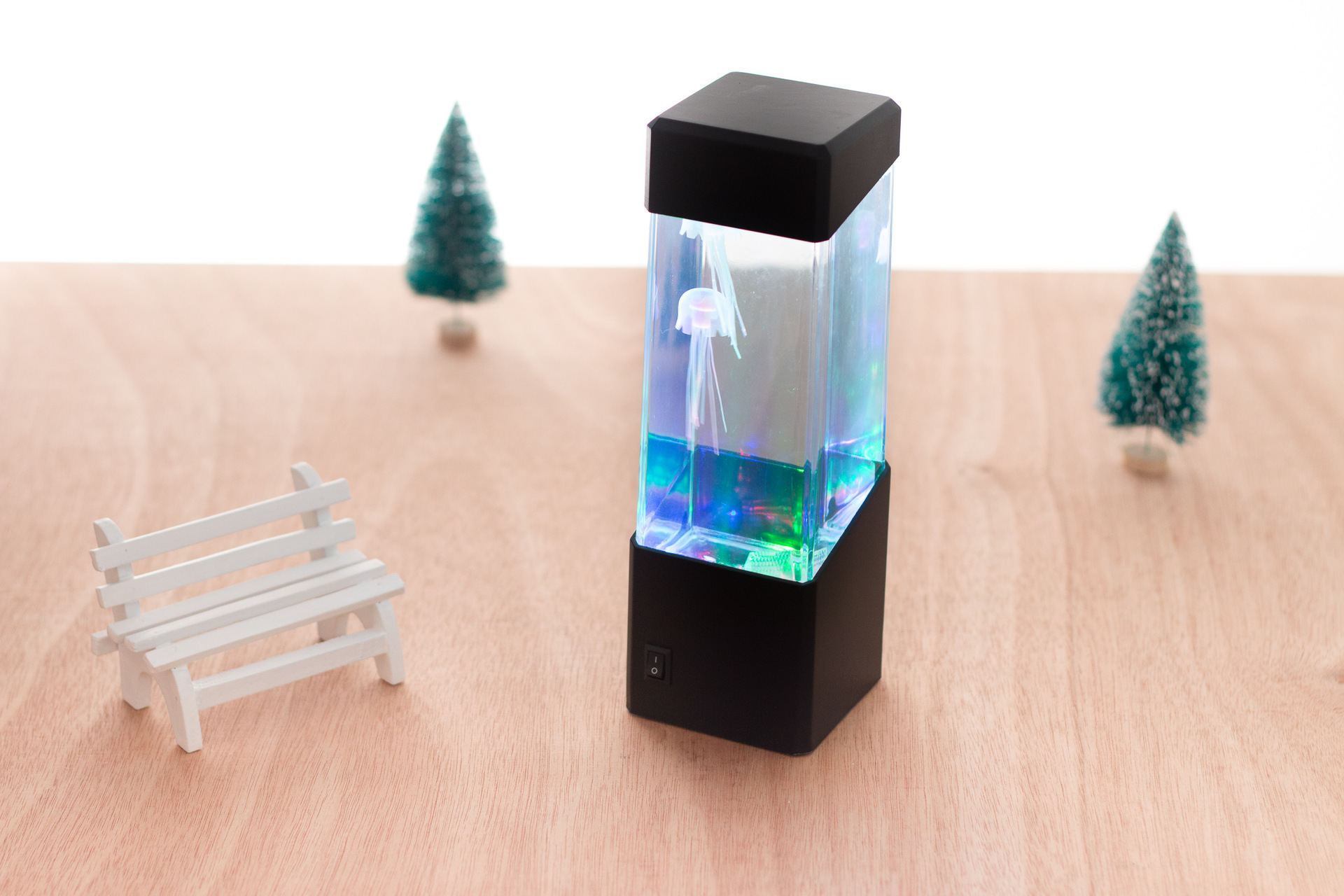
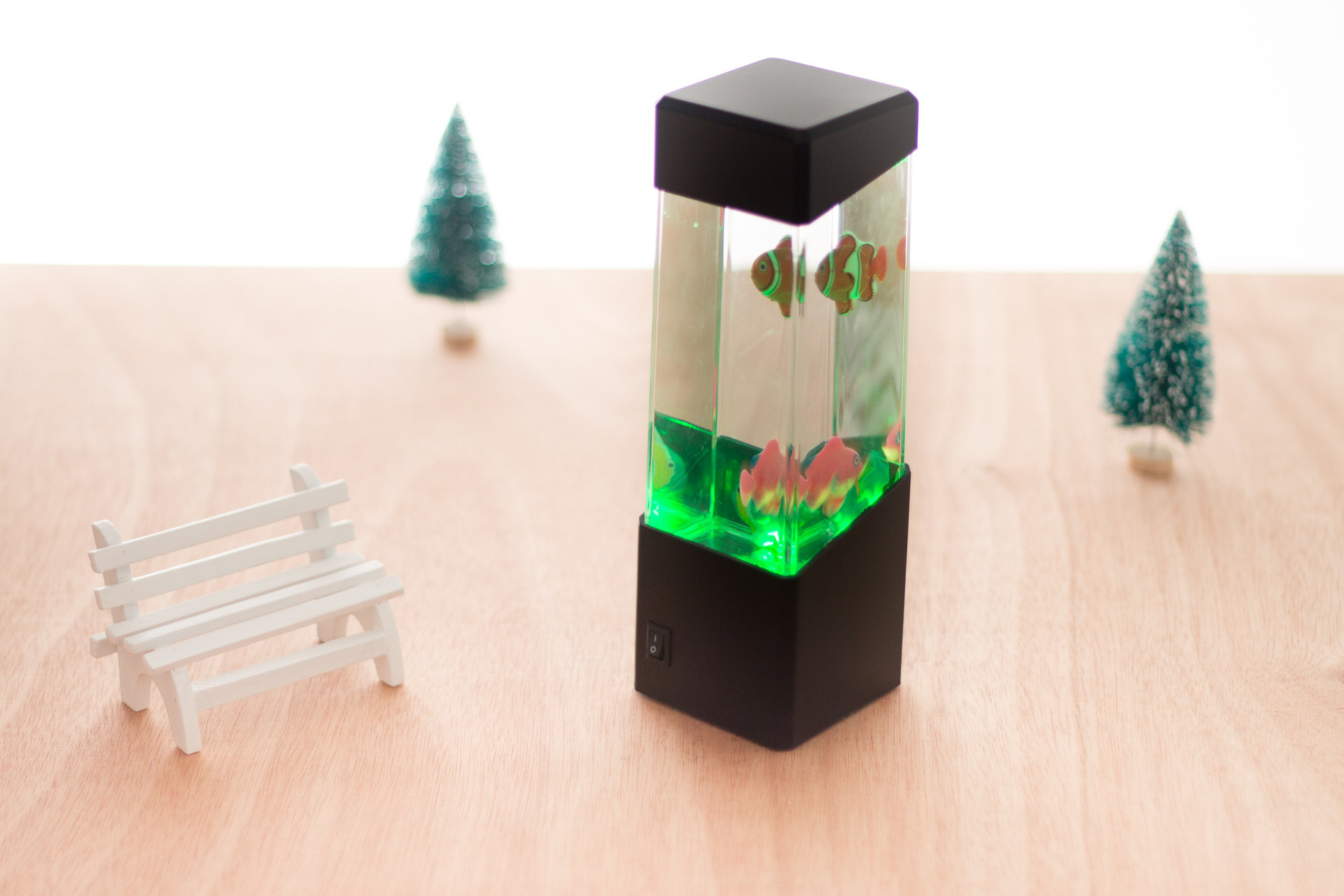
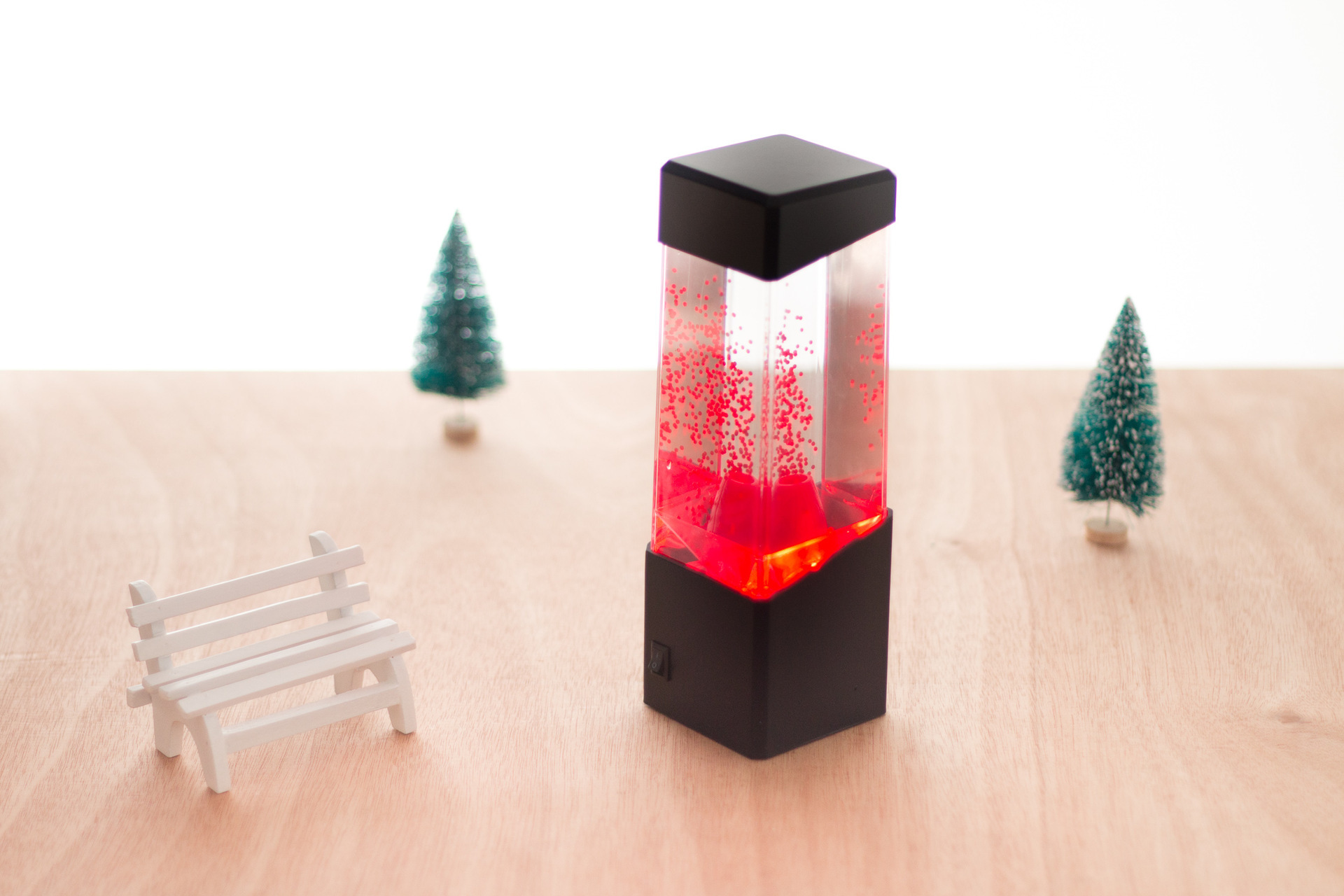
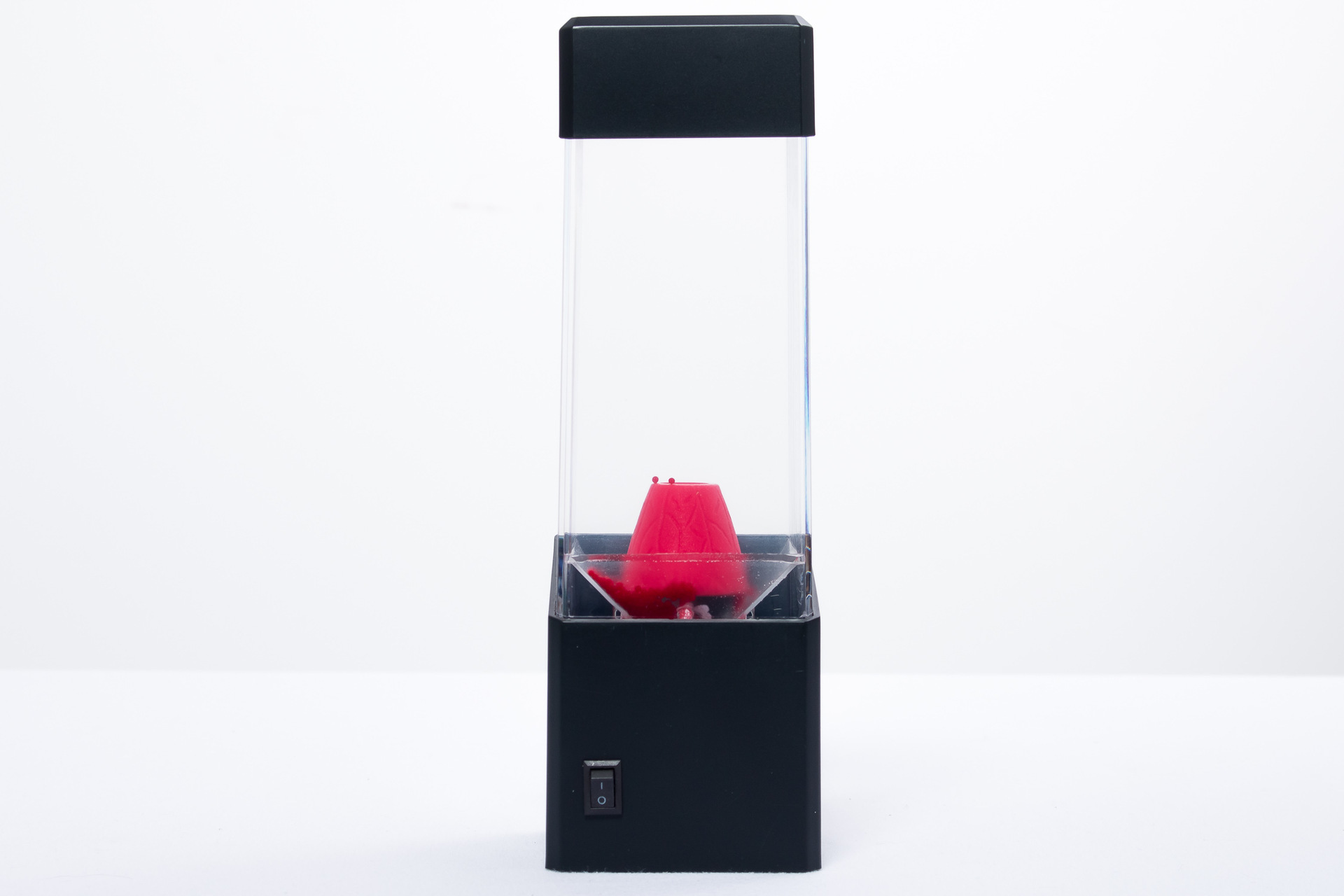
product Accessories: Jellyfish/jelly/small fish/volcanic particles × 1 + SUB line × 1
power supply mode: 3 no.7 batteries/USB cable power supply/output DC4.5V, 500mA transformer (no delivery)
power: 1W
product specifications
product size: 7 × 7.5 × 23CM
packing size: 8.5 × 8.0 × 26.5CM
product Weight: 0.3kg (net weight) 0.35kg (gross weight)
packing specification
packing quantity: 50PCs
carton size: 45 × 42 × 50CM?
Whole box weight: 20.1KG
procedure
1. Remove the screws on the battery box at the bottom of the product and install 3 AAA batteries or USB plug-in.
2. Remove the lid on the top of the container and add water. Do not overfill the container and leave a gap of 5-10mm on the top of the container.
4. Take out the product accessories (jellyfish/jelly/volcanic beads) and wipe a small amount of detergent on the accessories before putting them into the container.
5. Put the lid back to the top of the container to ensure that there are no gaps and prevent water overflow.
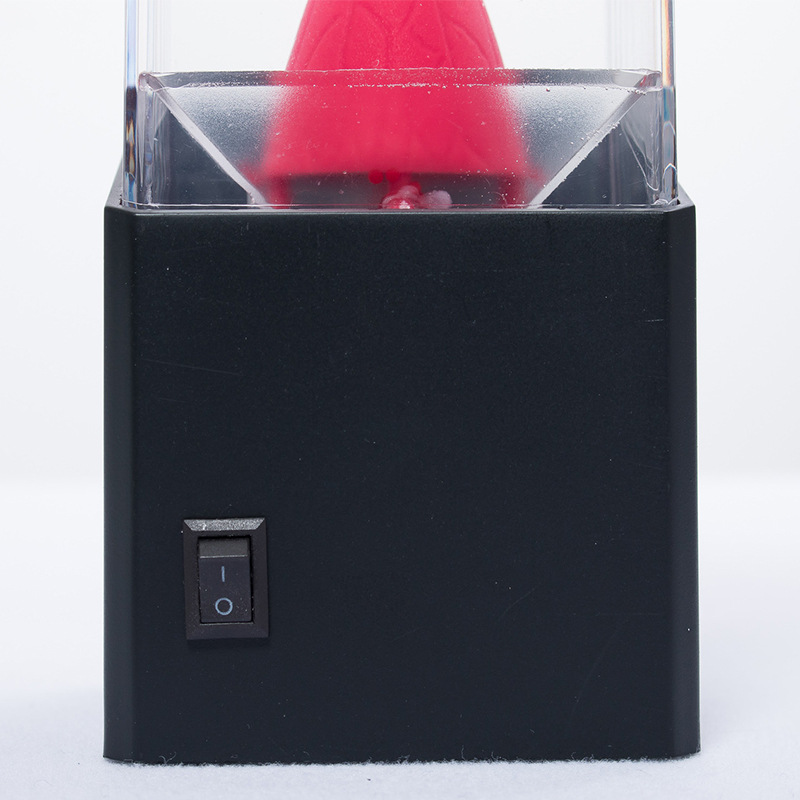
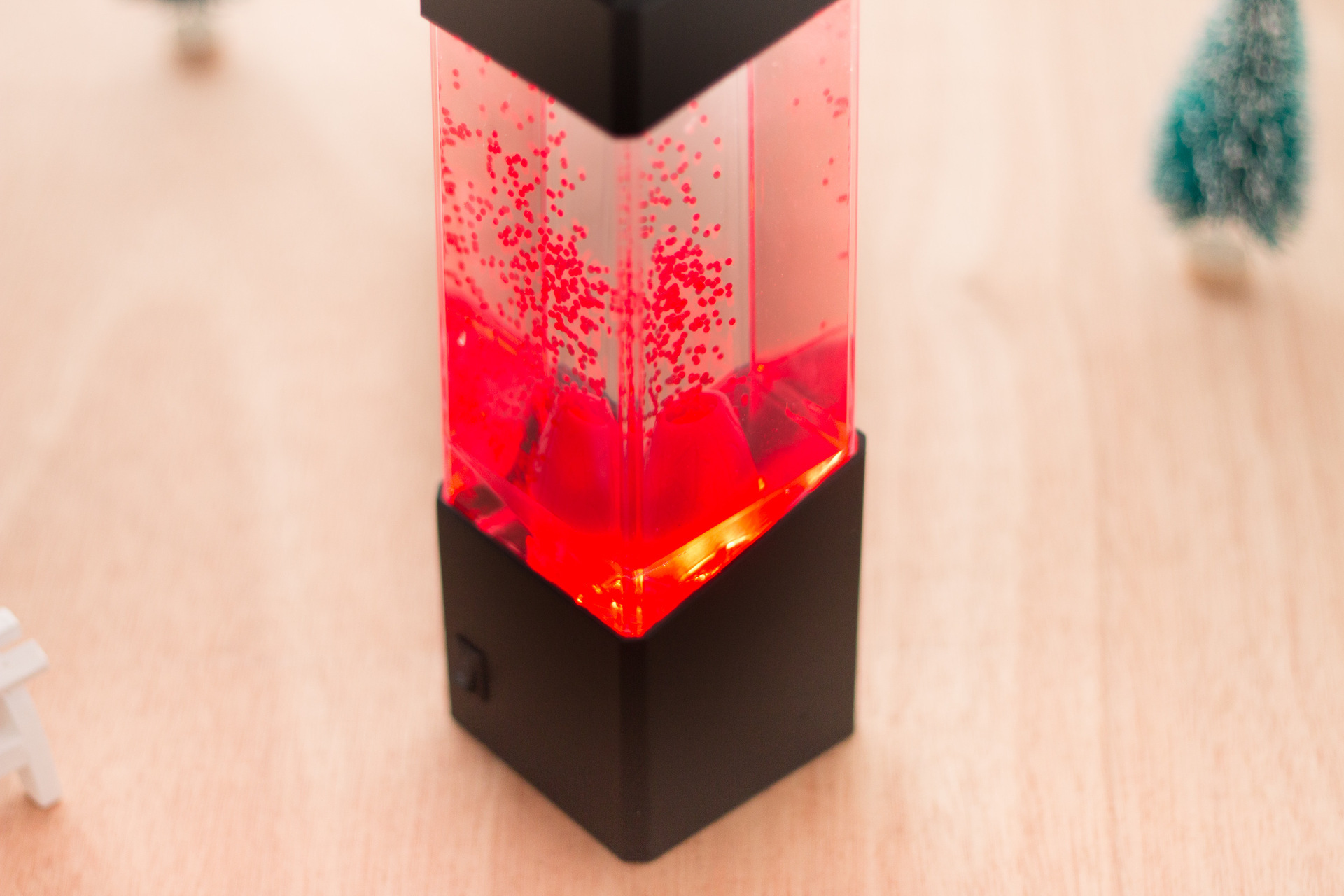
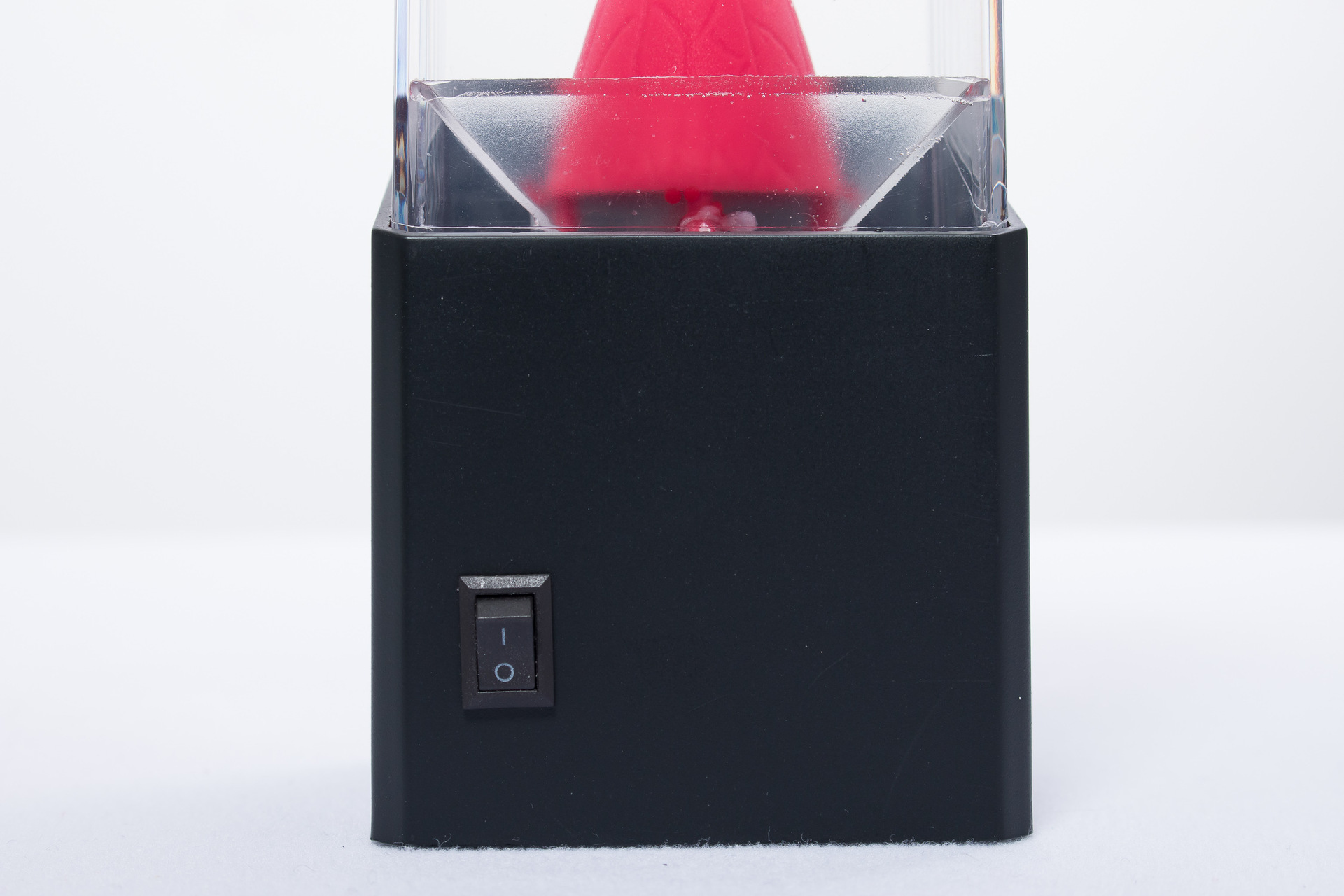
6. Press the switch on the front of the product again, the light will light up, the volcanic beads will appear repeatedly or the jellyfish will swim. The product starts to work.
Note: If the jellyfish does not move, please check whether there are bubbles under the jellyfish. If you have a long appliance, gently push the bubbles out from under the jellyfish.
Instructions
1. Do not use rechargeable batteries.
2. Battery box keep away from water and keep dry.
3. Do not use the adapter. We recommend that you use the battery or use the original USB cable connection.
4. When not in use for a long time, take out the battery or unplug the external power plug, dry it or dry it and put it into the original packing box.
Update time:


TOP