Search history
Clear allSearch by image
XDrag and drop an image here or upload an image
Max 5MB per image
UploadSign In | Join

Search history
Clear allSearch by image
XDrag and drop an image here or upload an image
Max 5MB per image
UploadSign In | Join
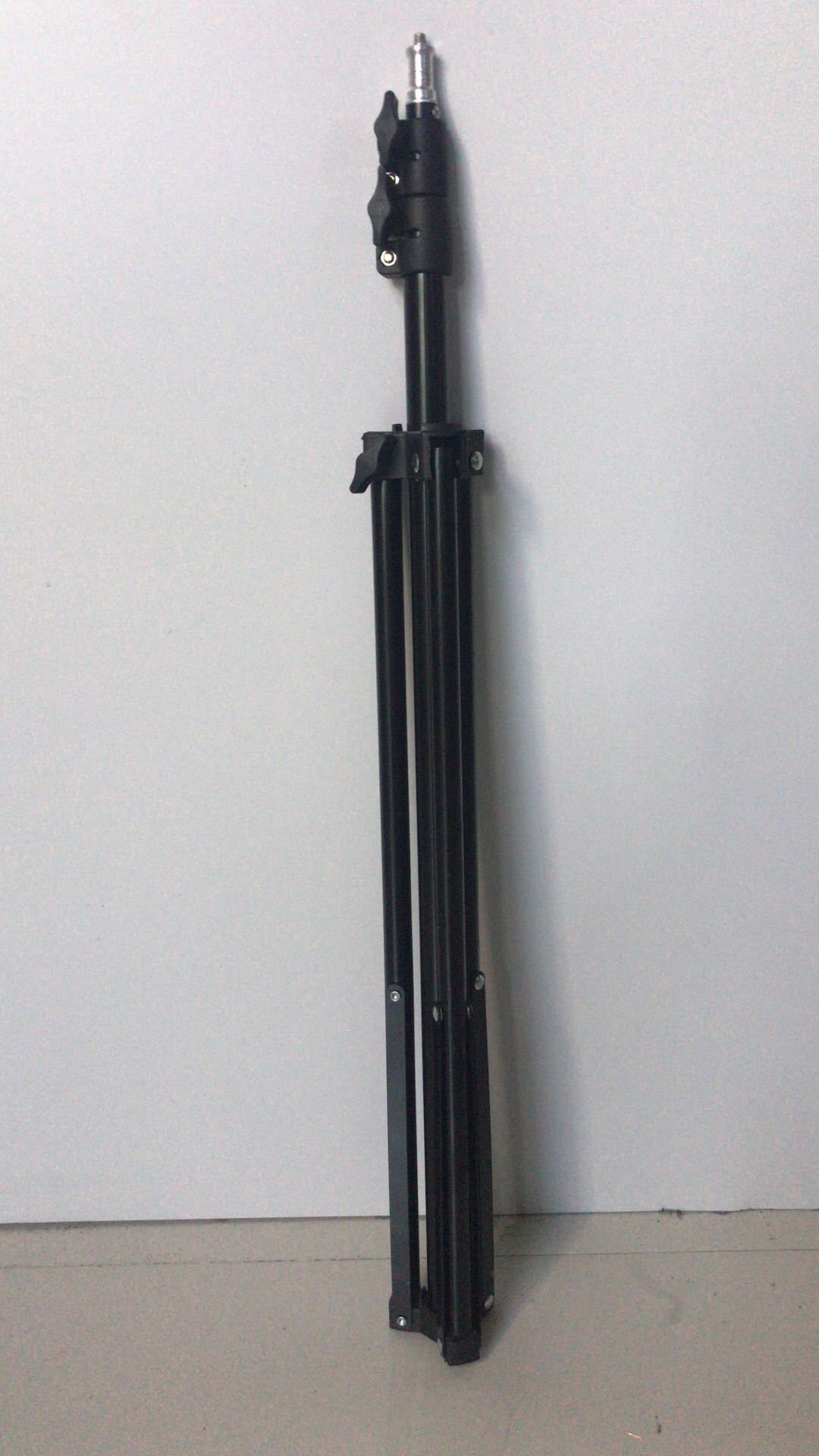
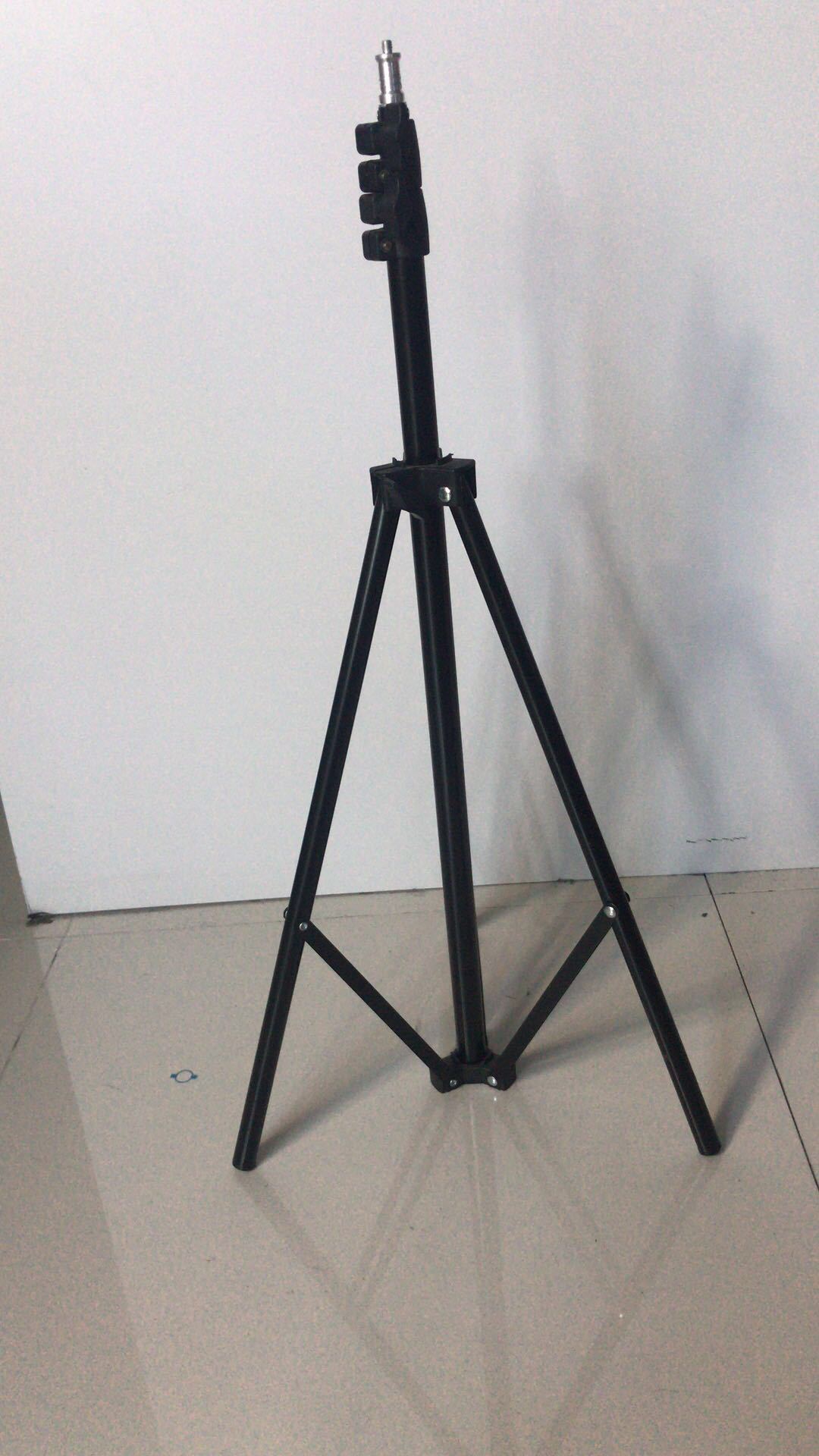
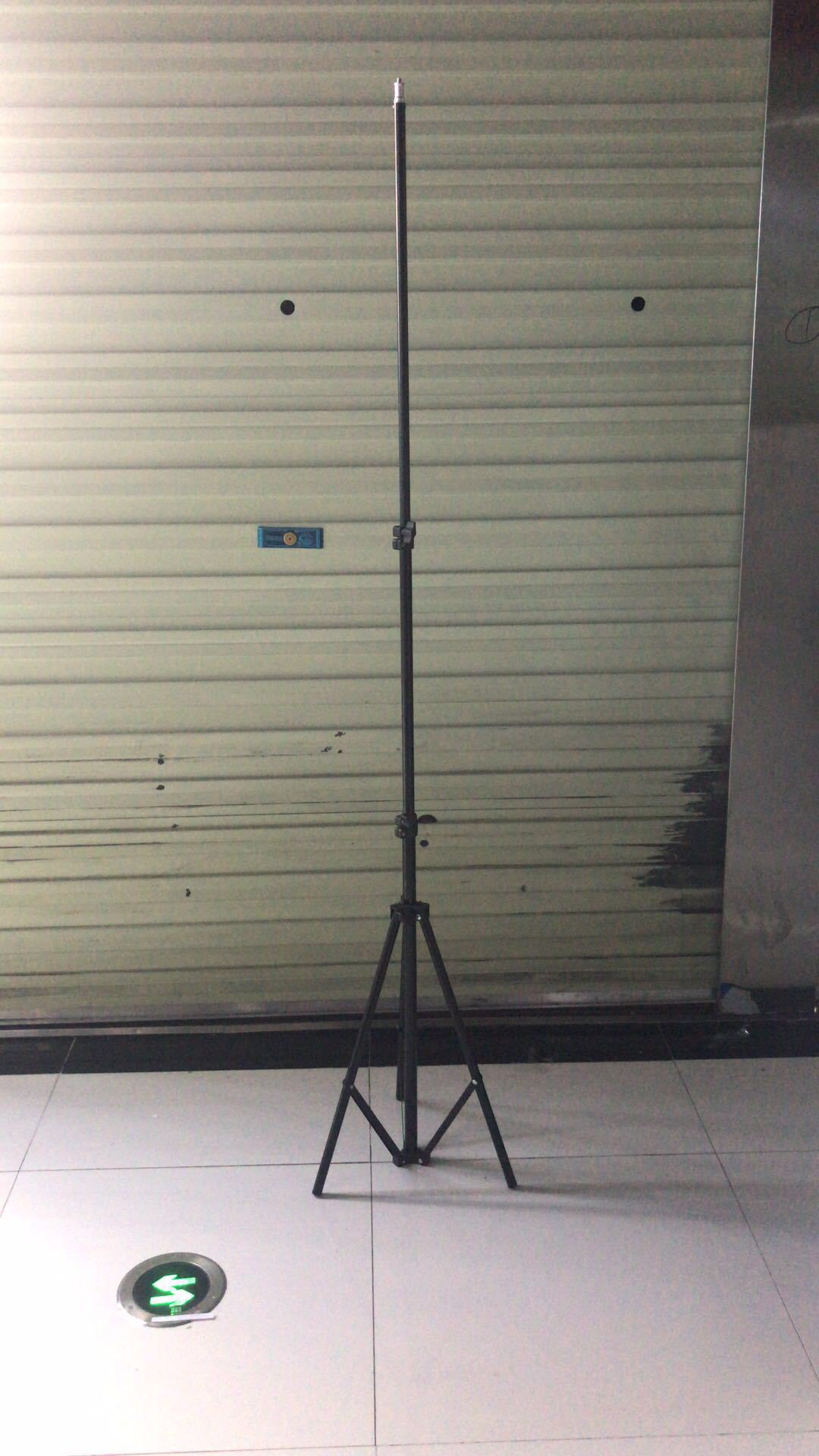
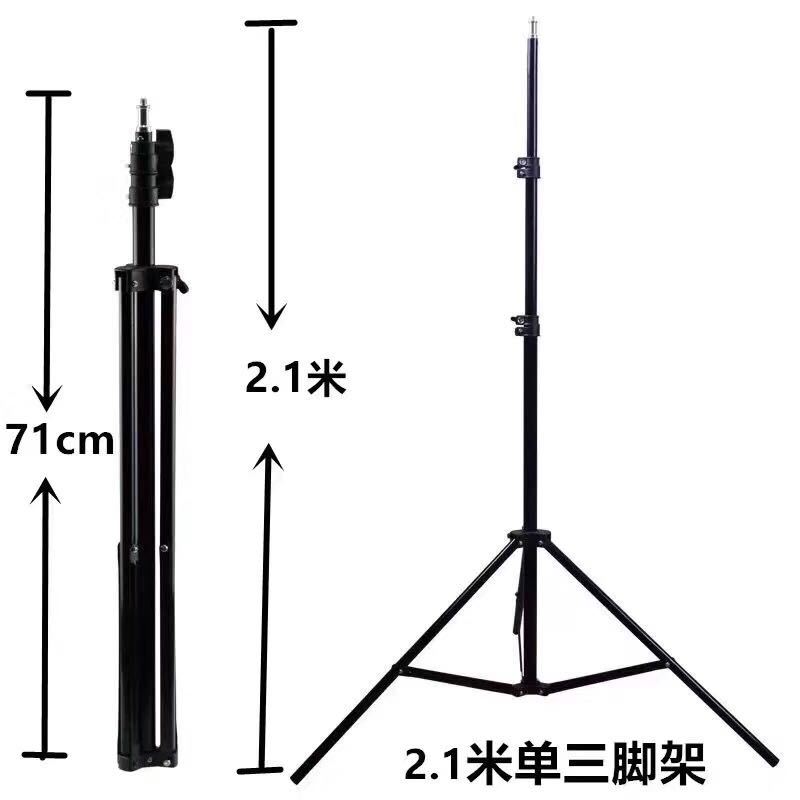
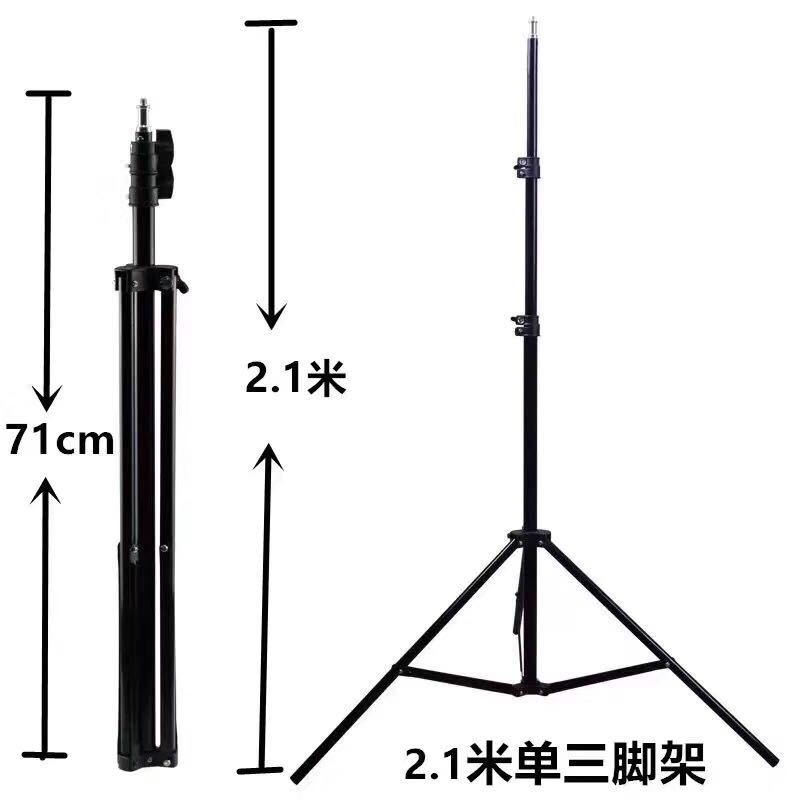
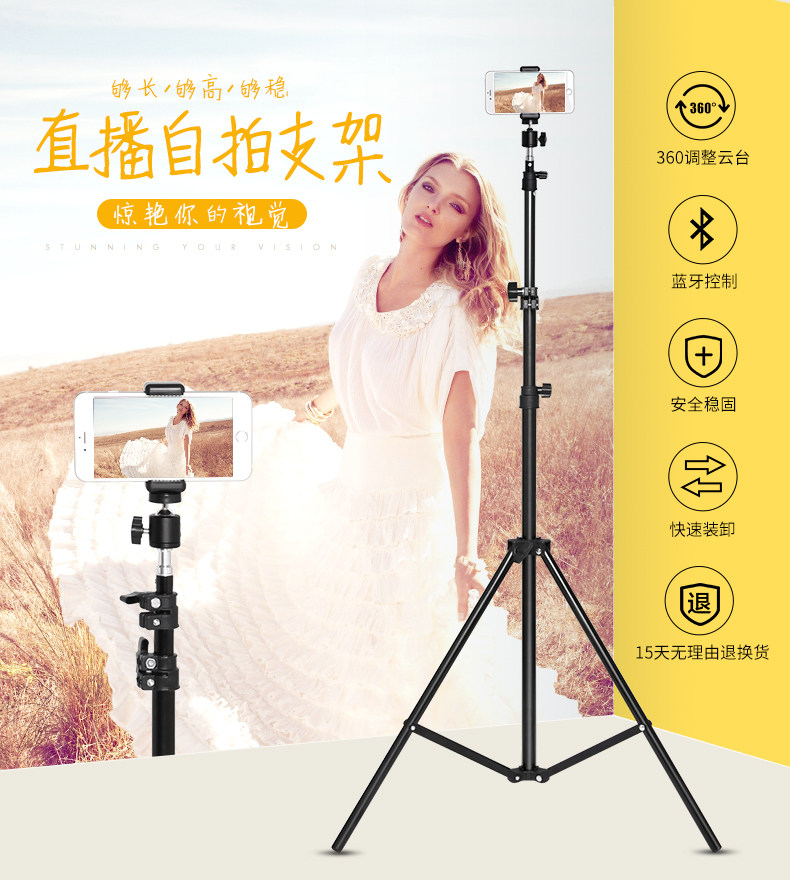
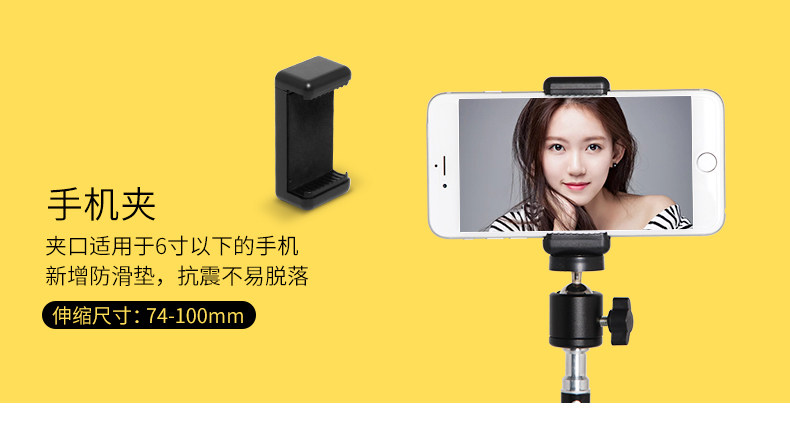
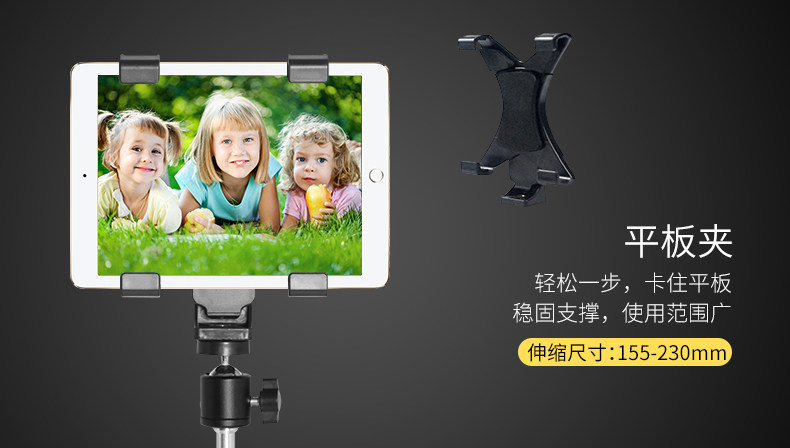
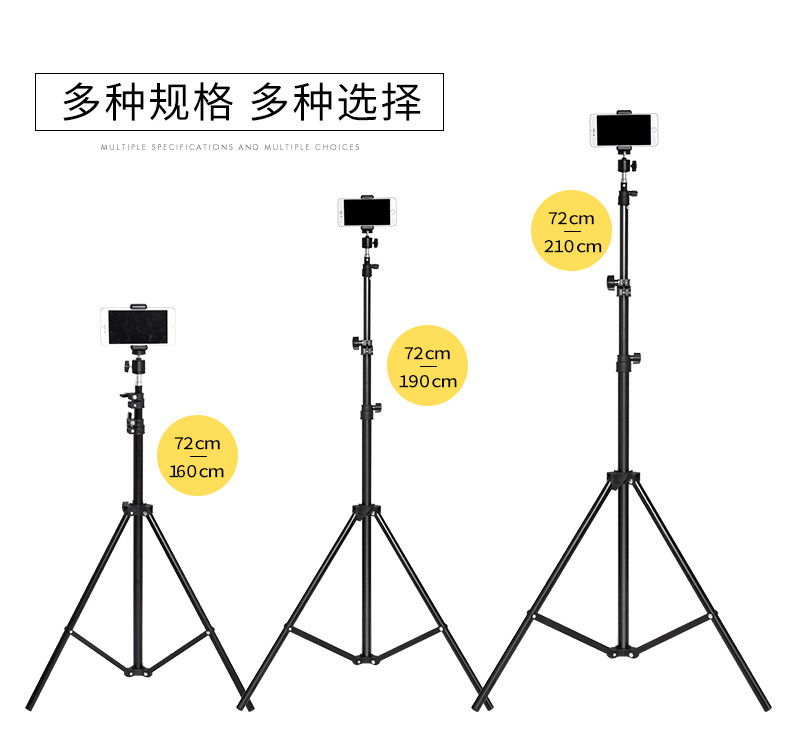
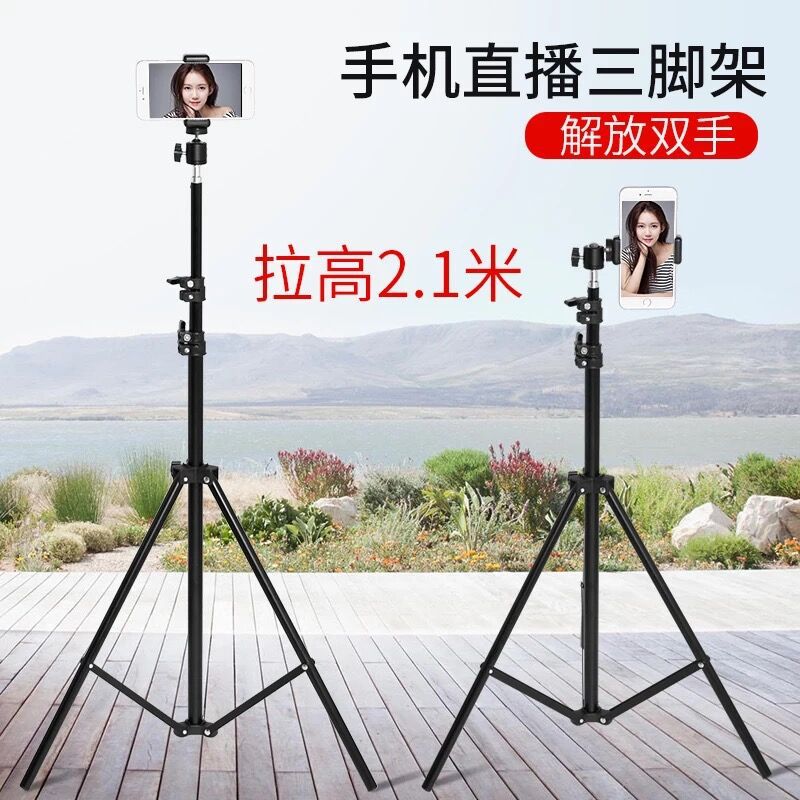
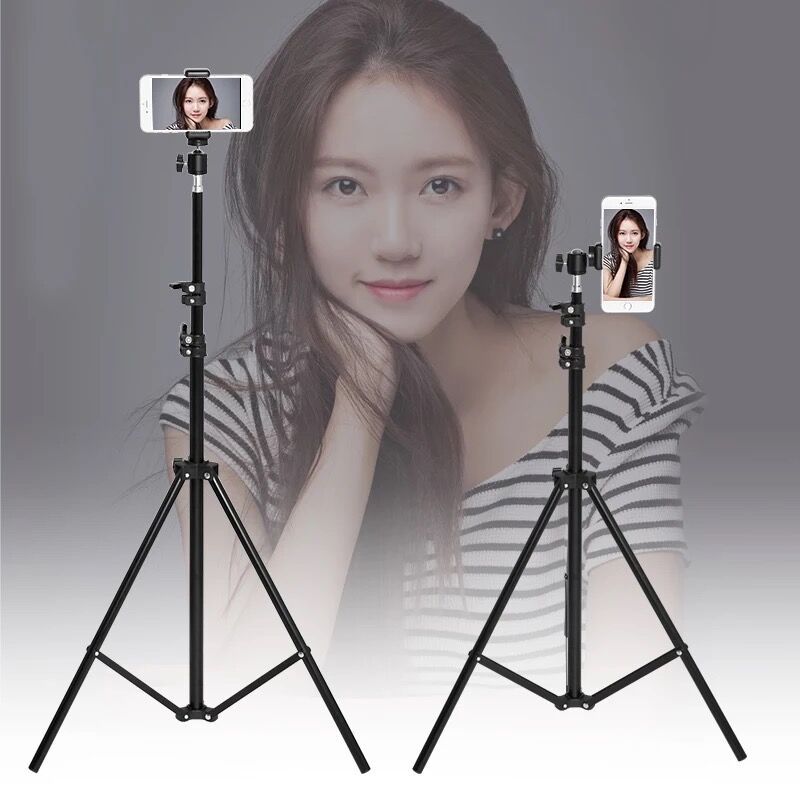
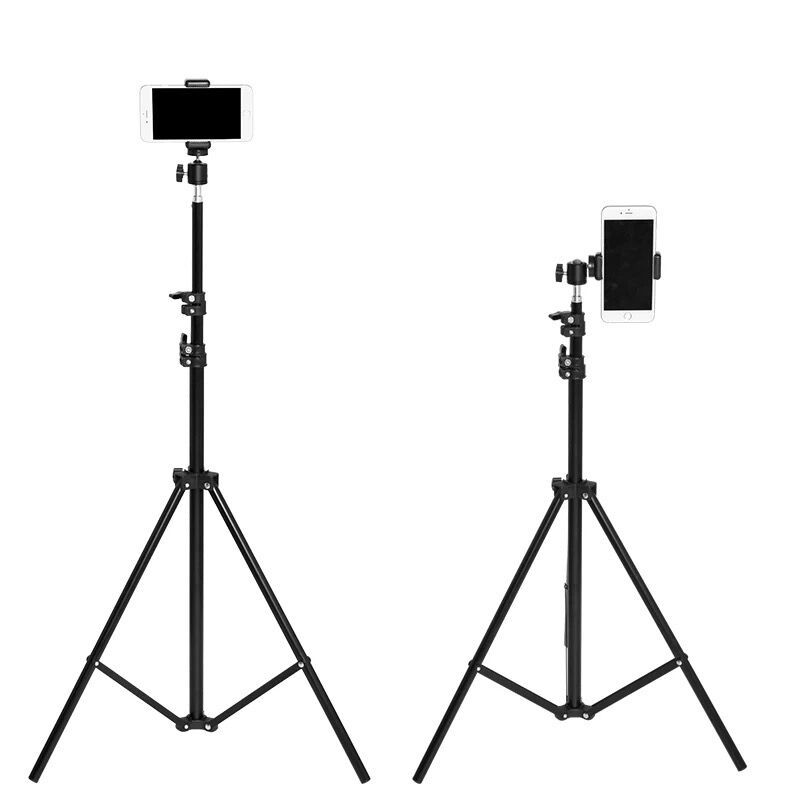
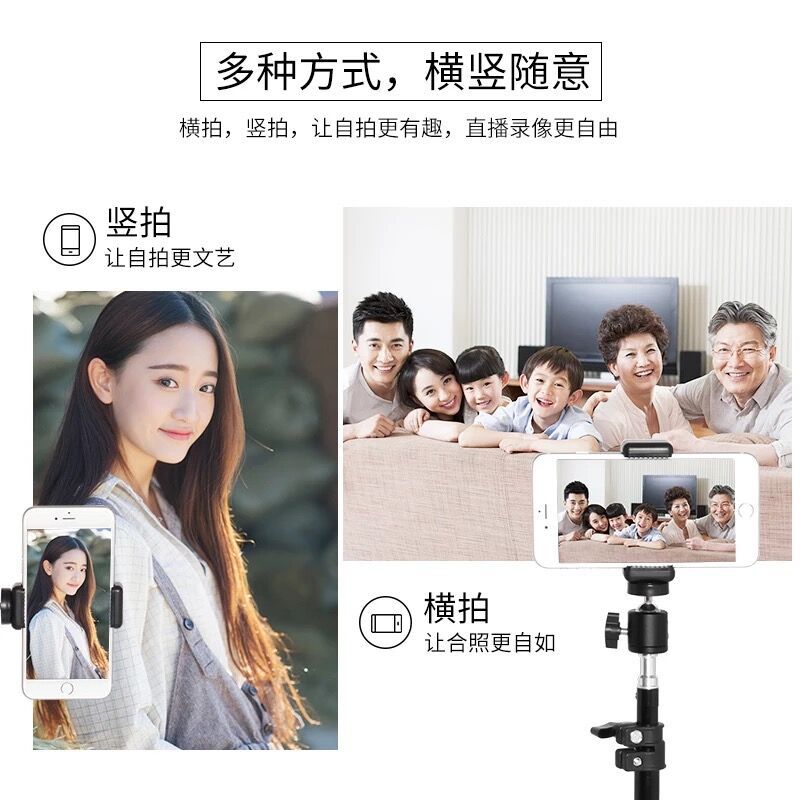
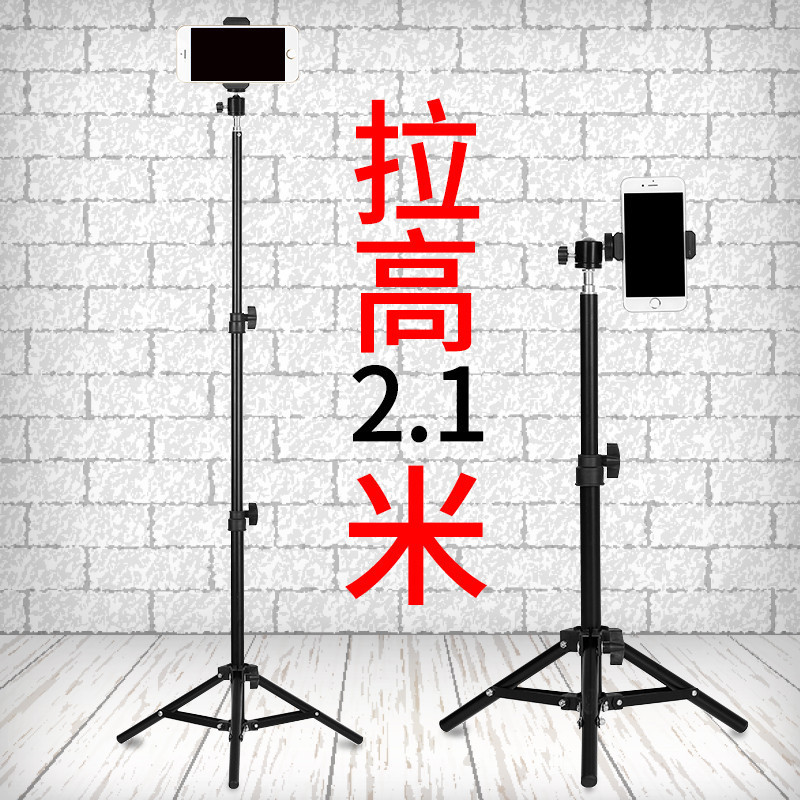
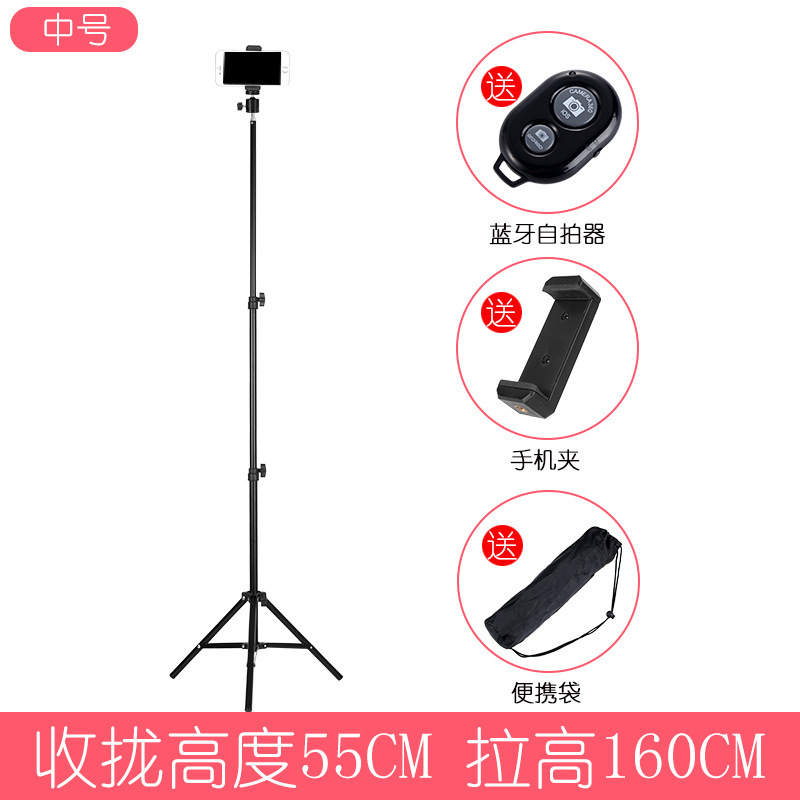
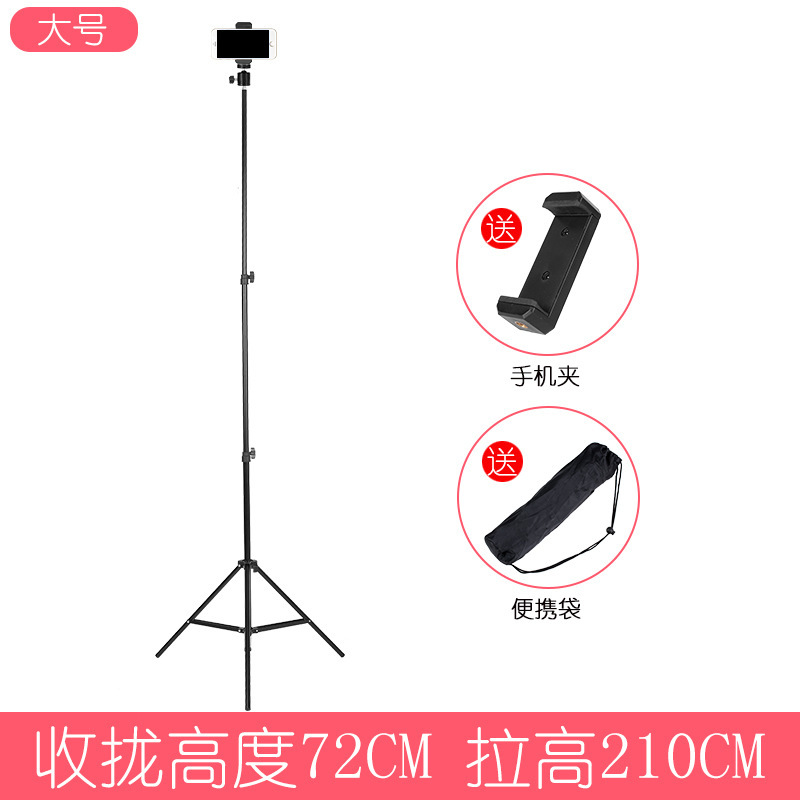
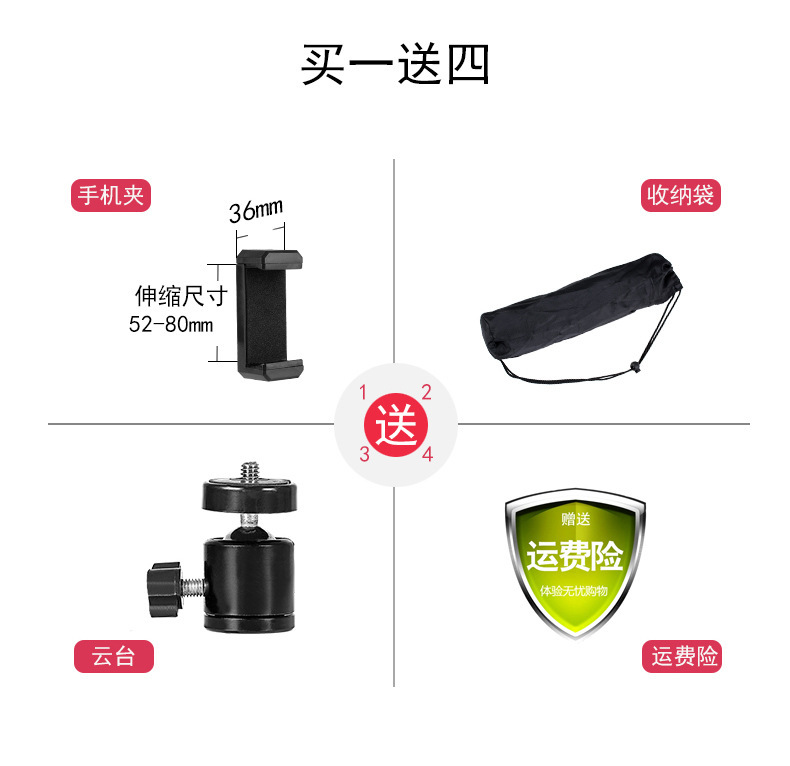
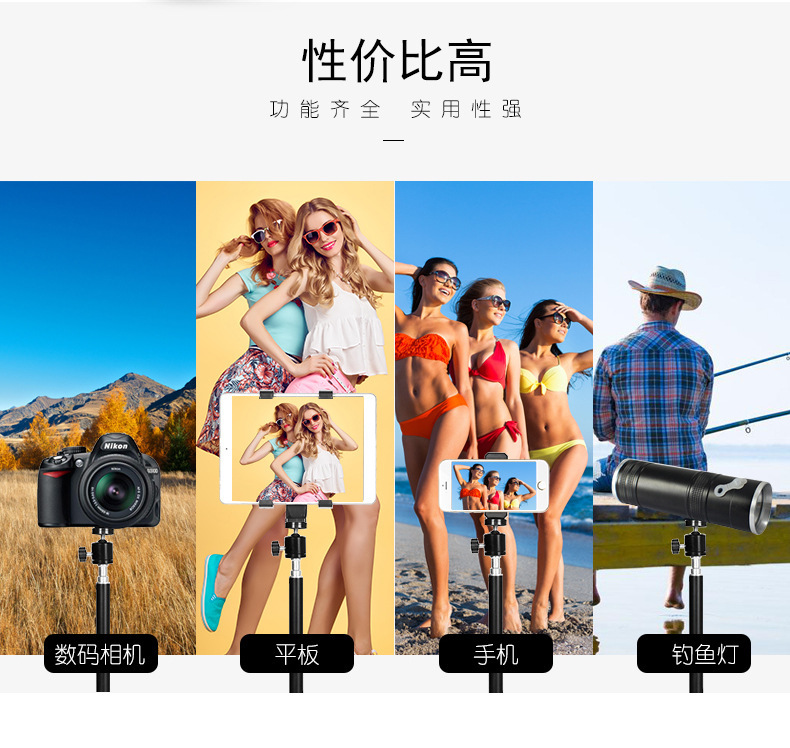
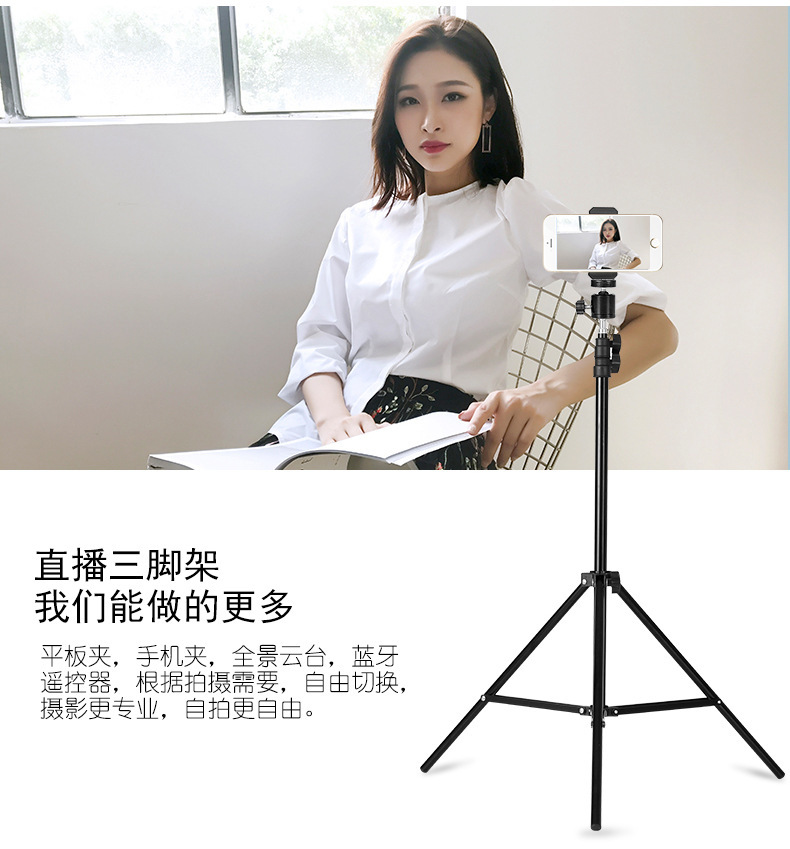
 2 m 1 camera tripod
2米1相机三脚架 |
CN¥ 0.0 |
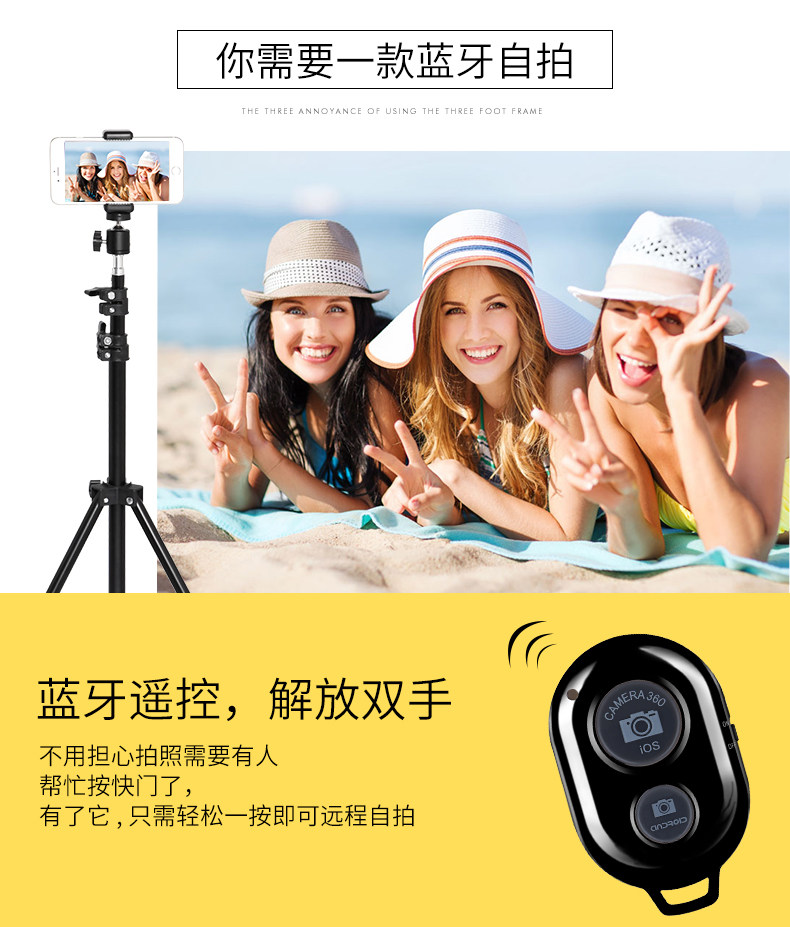
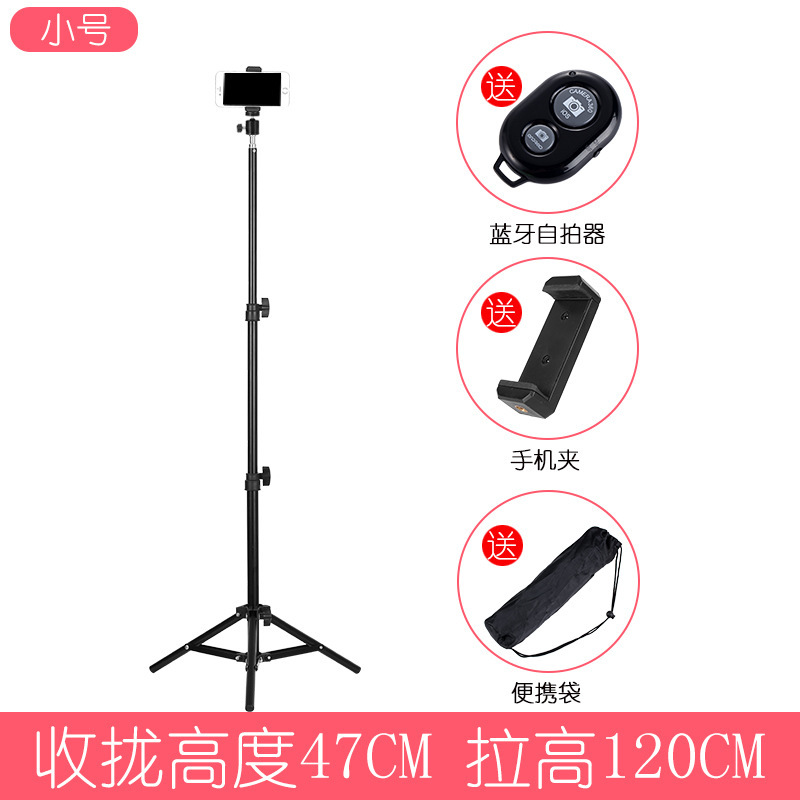
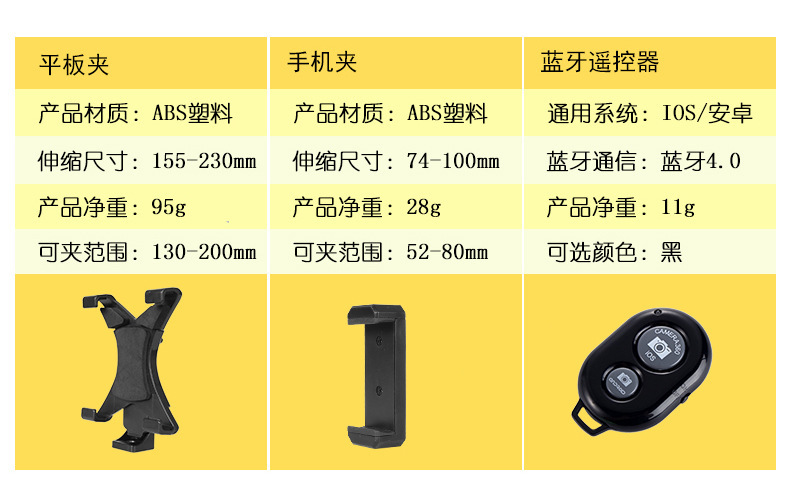
Bluetooth selfie stick, most flagship phones from brands like Apple, Samsung, Xiaomi, and Huawei are compatible for use. If it doesn't work, you can set the audio button in the camera to the shutter button, or download a camera assistant app. Due to the vast number of phones in the market, each one is different, so we cannot guarantee full compatibility with all phones.
All self-timer poles sold in the market have compatibility issues. Compatibility issues do not fall under quality problems. If you return a product due to compatibility issues, we will not accept the return.
Please provide the Chinese text you want to translate, and I will translate it into English for you.
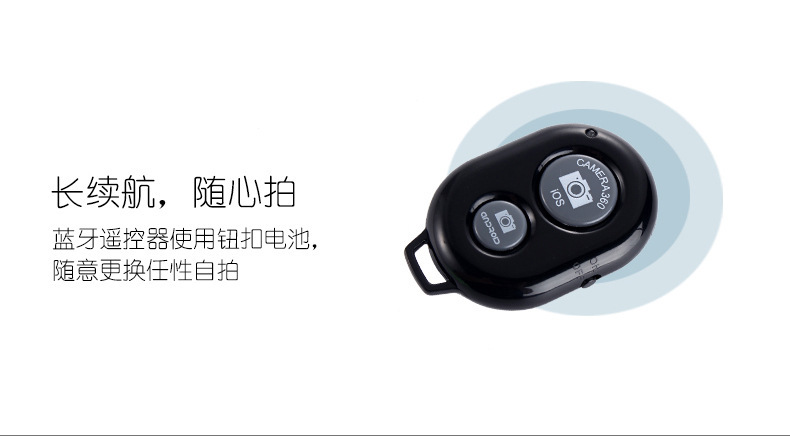
1: Turn on the remote control switch. The remote control blue indicator light flashes.
2: Turn on the phone's Bluetooth, search for new devices, and then connect.
3: After pairing and connecting, open the phone's camera or photography software.
4: Apple phones can control photography by pressing the remote shutter button directly.
5: Most Android phones can also control photography by pressing the shutter button directly.
If your phone cannot control the camera, please download an auxiliary software, and then open the camera settings in the auxiliary, and set the volume key function to take photos. Turn off the switch.

Update time:


TOP