
Search history
Clear allSearch by image
XDrag and drop an image here or upload an image
Max 5MB per image
UploadSign In | Join

Search history
Clear allSearch by image
XDrag and drop an image here or upload an image
Max 5MB per image
UploadSign In | Join
Yiwu Huiteng Digital Product Co. Ltd. 14yr.
Contacts Cai Qianqian Chat
Mobile 13575969192
13575969192

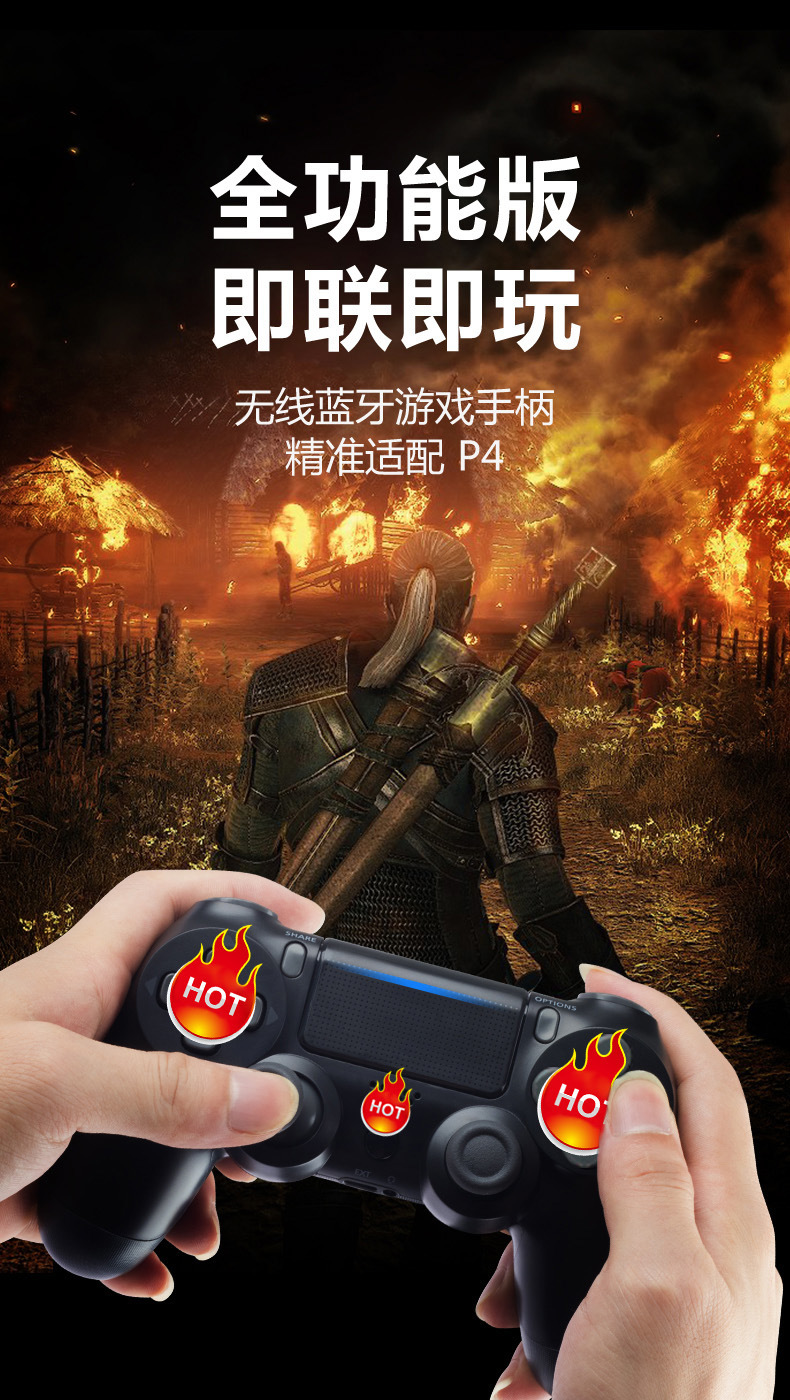
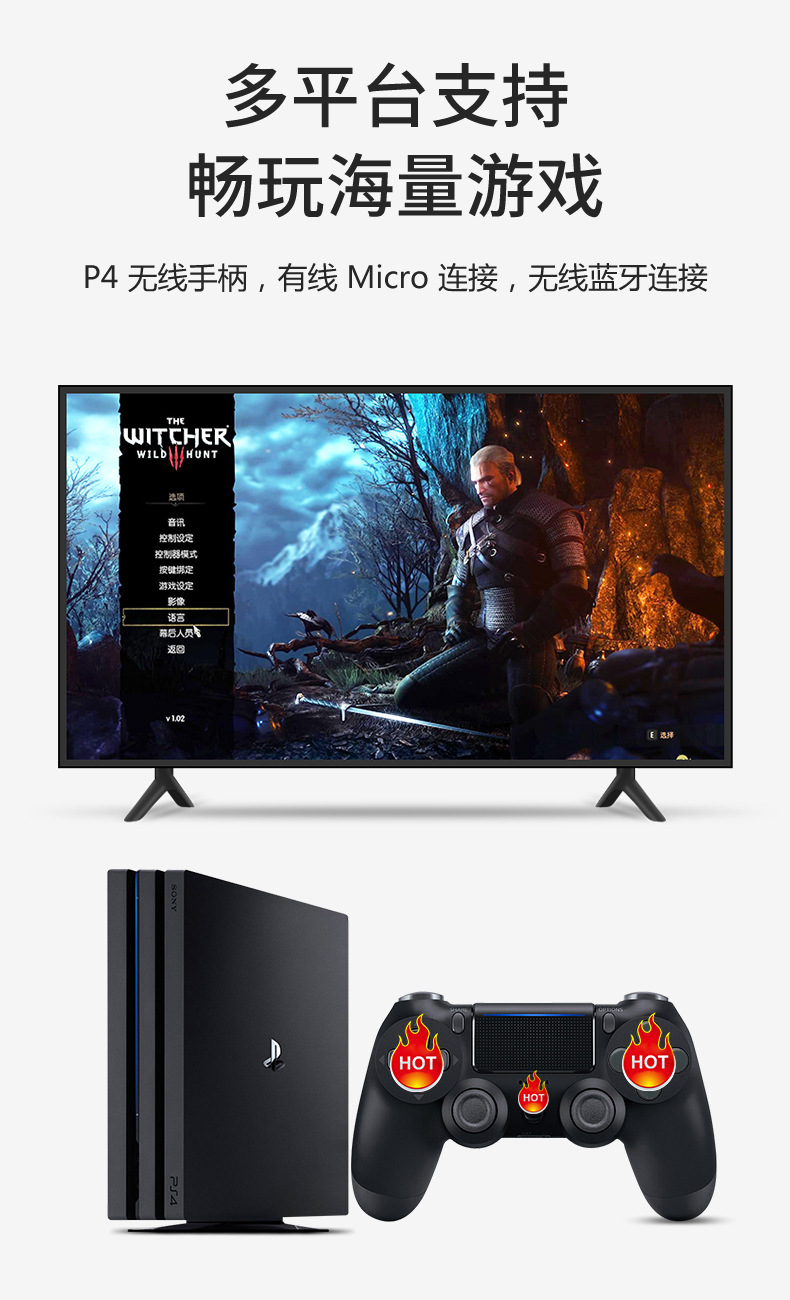
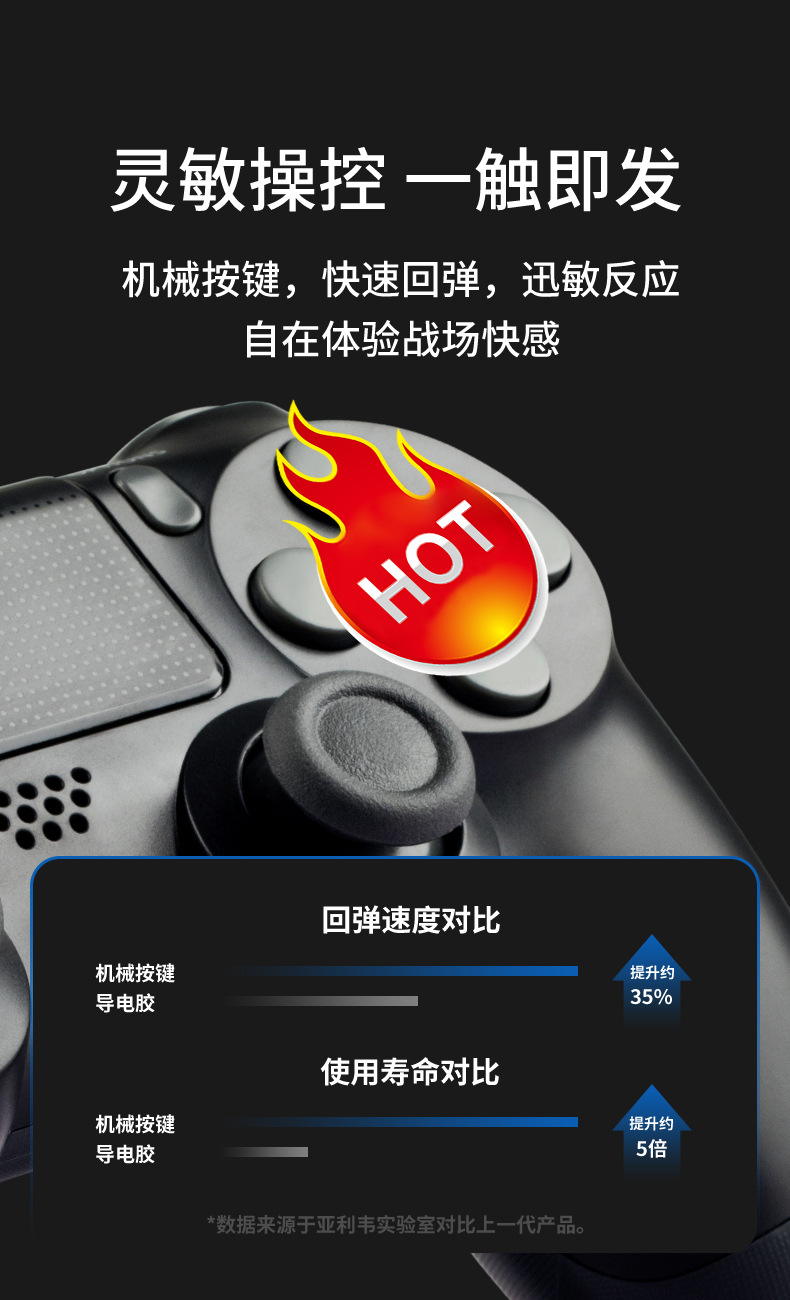
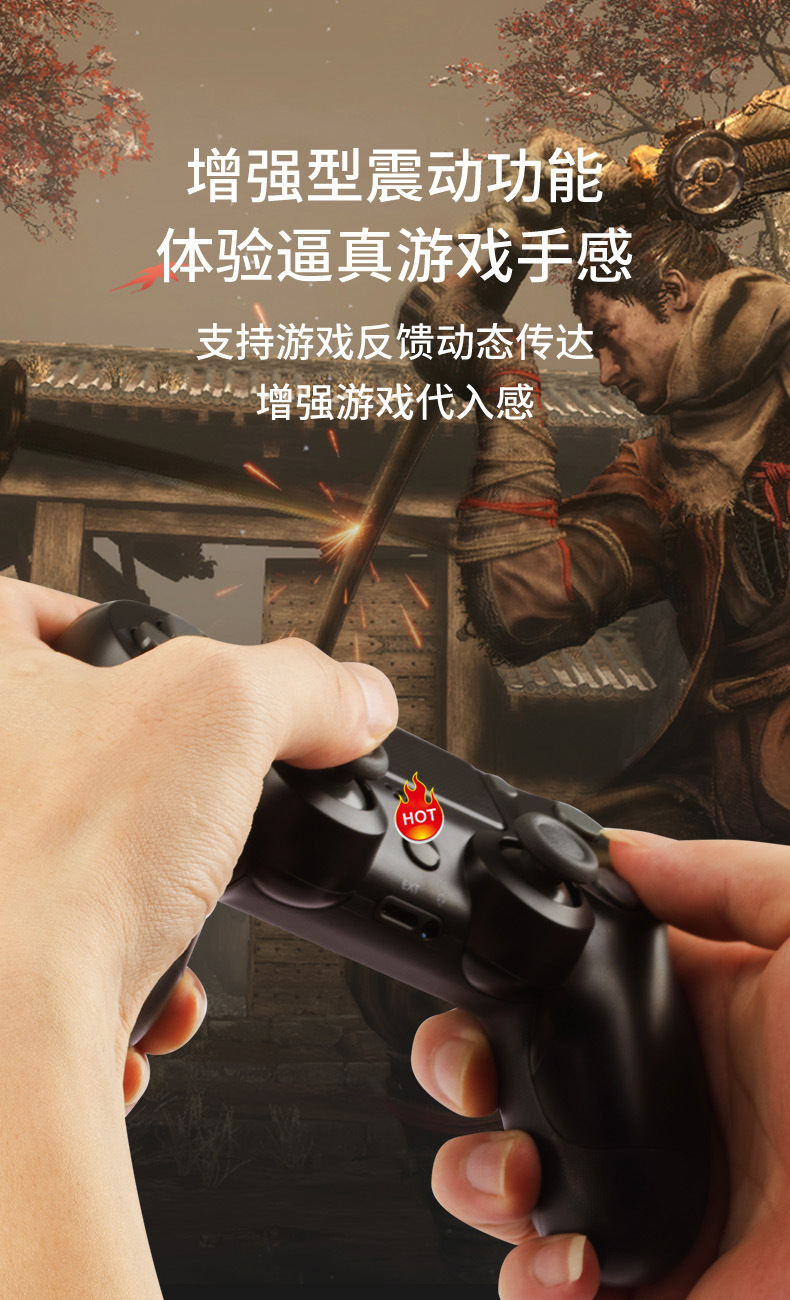
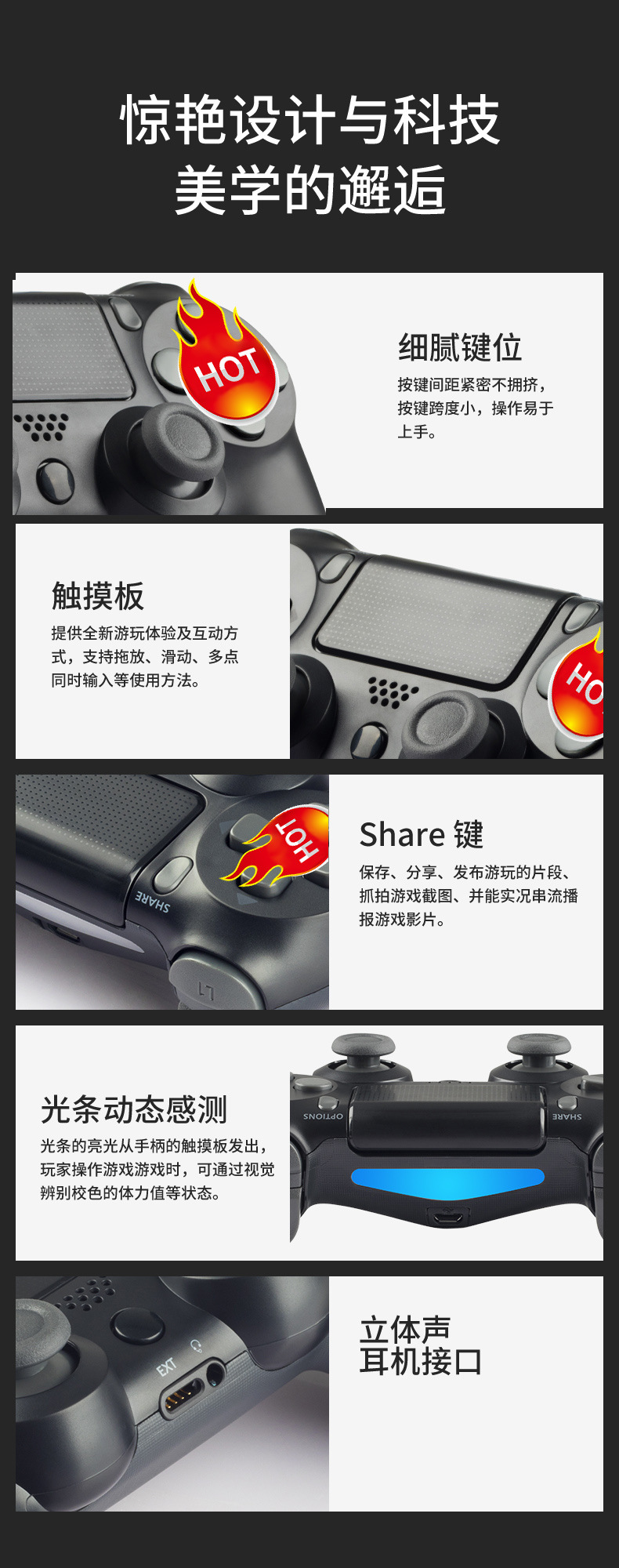
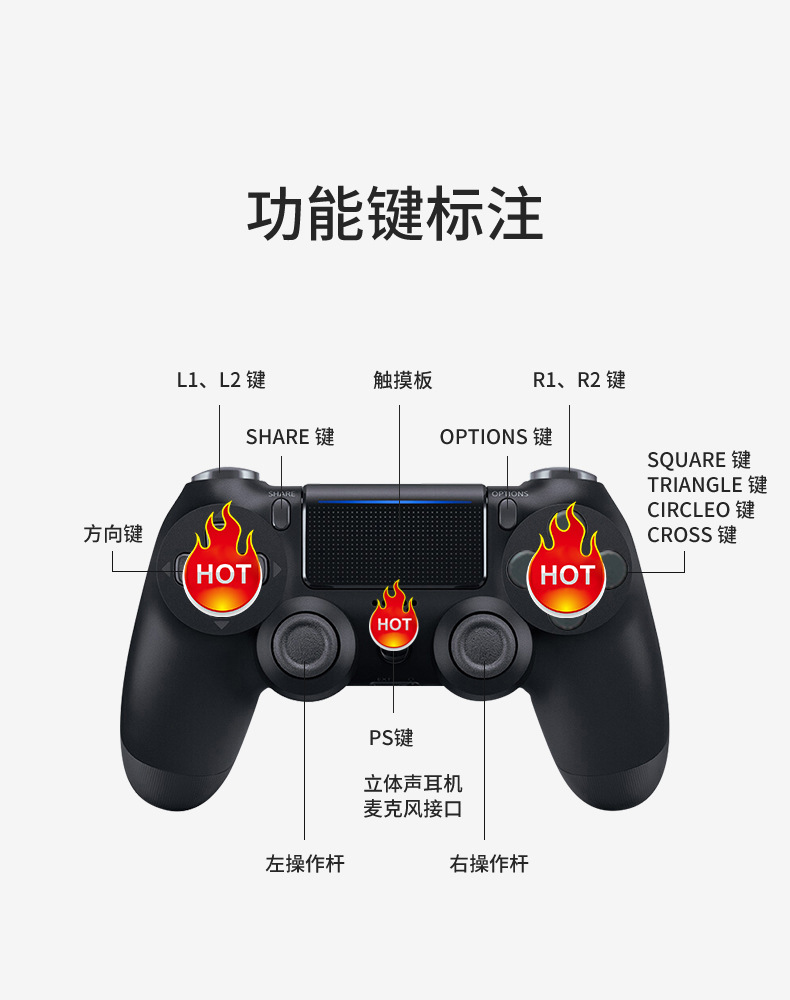
ps4 handle six-axis double vibration PS4 gamepad 4th generation ps4 Bluetooth wireless game handle
tips: The following default snowflake keys
black, white, blue, red, gold color, Silver color, steel black, midnight blue, bronze, Berry Blue
sunset Orange, Alpine Green, titanium gold Blue, electro purple, rose gold, transparent, transparent red, translucent blue, camouflage green, camouflage gray
camouflage Red, camouflage blue, red-eye skull
tips: The following default cyclone key
street flame, Monster, Caterpillar, mine, King Kong, space explosion, Star Wars
1. Bluetooth wireless connection:
① PS4 host connection
a. When the handle is dormant, use the USB cable to connect to the PS4 host to complete the pairing.
Press the PS key for wireless connection, and unplug the cable to control the wireless (automatically match the LED)!
B. Successfully connected. No matter whether the PS4 host is dormant or not, you can directly press the PS key, White LED
slow flash prompt, wake up the host and automatically connect back!
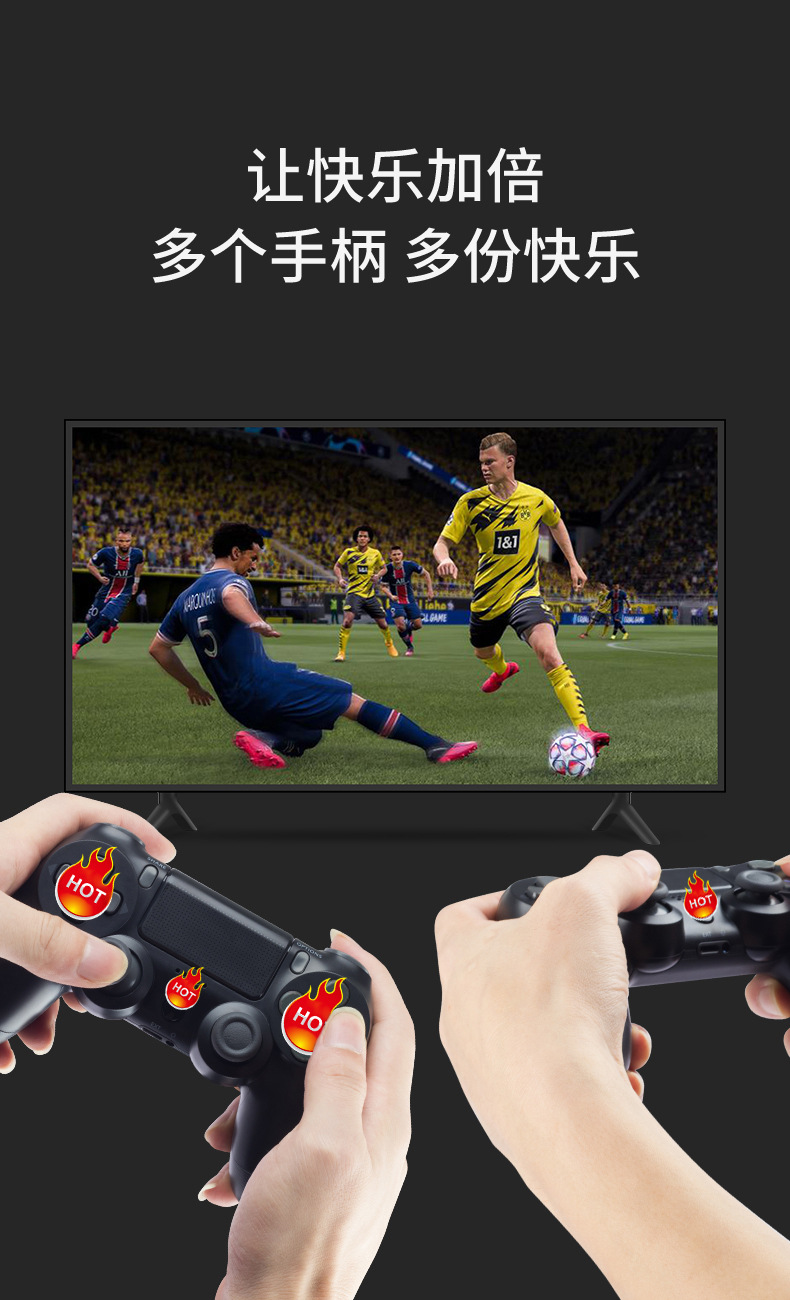
c. Four handles can be used at the same time. RGB lights will be in the order of blue, red, green and pink.
Light up and configure each gamepad!
② Android phone/notebook connection:
a. Long Press SHARE + PS to enter the pair, LED white flash, search connection Wireless Controller,
the connection is successful. Mobile phones only support playing a small number of games such as alloy warhead and dinosaur fast play.

Update time:


TOP


