Search history
Clear allSearch by image
XDrag and drop an image here or upload an image
Max 5MB per image
UploadSign In | Join

Search history
Clear allSearch by image
XDrag and drop an image here or upload an image
Max 5MB per image
UploadSign In | Join
 mini rectangular receiver with wire (white)
迷你长方形接收器带线(白色) |
CN¥ 19.5 |
 ordinary white receiver
普通白色接收器 |
CN¥ 18.0 |
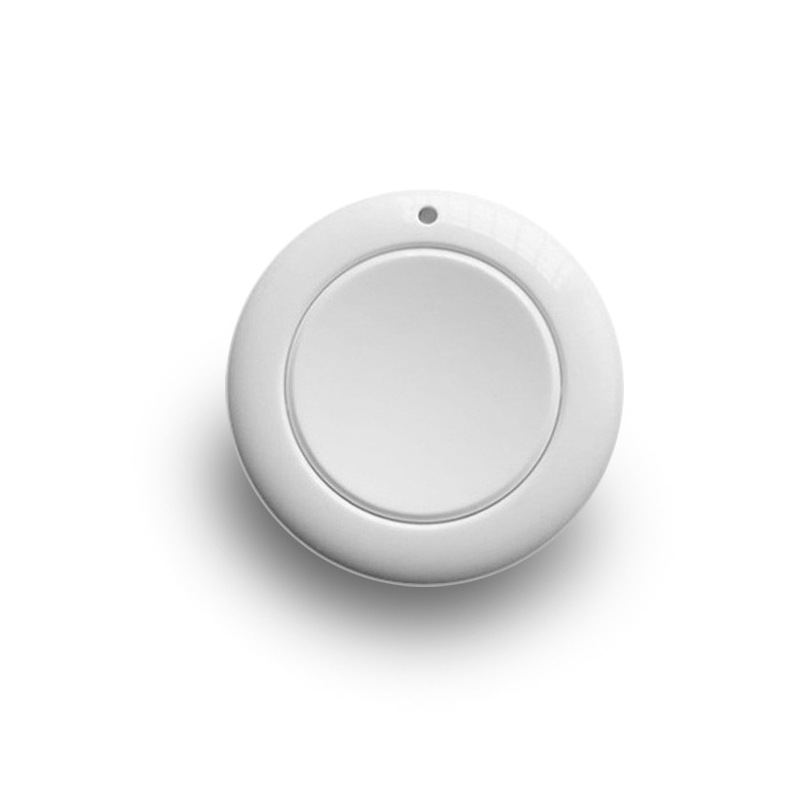
 white round notepaper
白色圆形随意贴 |
CN¥ 18.0 |
 notepaper 2+1 on-off device
随意贴2个+1个通断器 |
CN¥ 38.0 |
 mini square receiver with wire (white)
迷你正方形接收器带线(白色) |
CN¥ 13.5 |
220V single-channel wireless remote control switch for home use, no need for wiring, panel lighting control, intelligent on-off switch with 433MHz frequency
Note: The price of the option is not a set, and a set must be selected with the switch + receiver to form a set. Without a receiver, it may not work. Please choose according to your needs. You can consult the customer service!


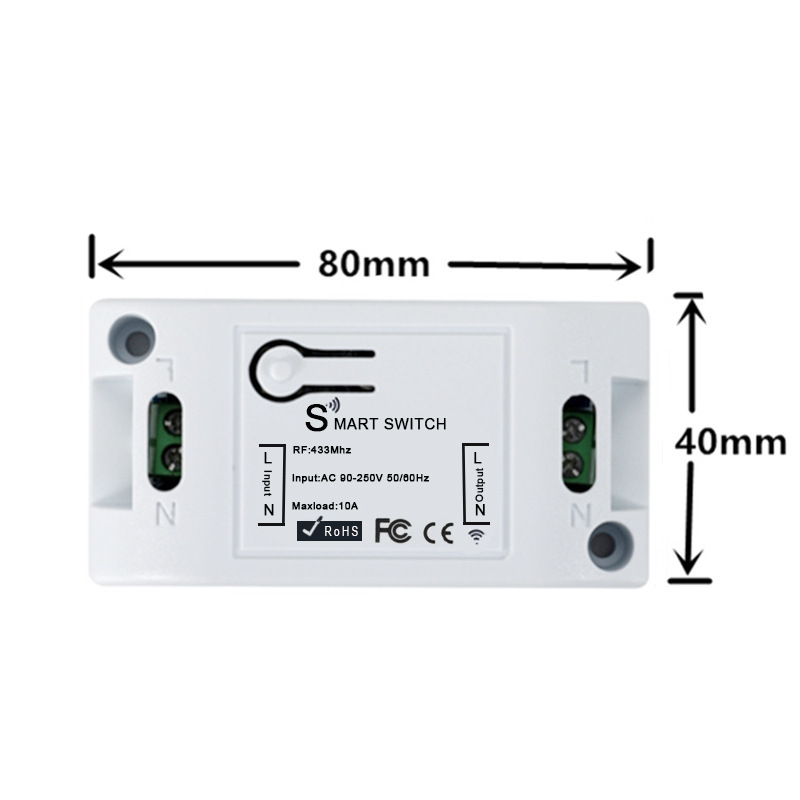
Technical Indicators:
1. Working Voltage: AC 90-250V 50/60Hz;
2. Load current: ≤10A, Load power: 1100W;
Standby current: 3.6mA to 5mA;
4、RF Frequency: 433MHz;
5. RF working mode: superheterodyne reception.
6、Receiving sensitivity: >97dBm;
7. Remote control range: more than 50 meters in open areas.
8. Decoding Method: MCU Software Decoding;
Modulation Mode: ASK (Anti-jamming, Strong Transmission Performance)
10. Remote control storage capacity: 20 units
11. Supported remote control types: Intelligent learning type 1527 learning code, 2262 fixed code (customizable rolling code);
12、Output Type: 1-channel relay switch signal, with load current less than 10A;
13. Multiple operating modes: point motion, self-locking, mutual locking, and the function of turning on the light upon receiving a call.
14. Appearance dimensions:
Receiver: 82mm * 42mm * 26mm (Length * Width * Height).
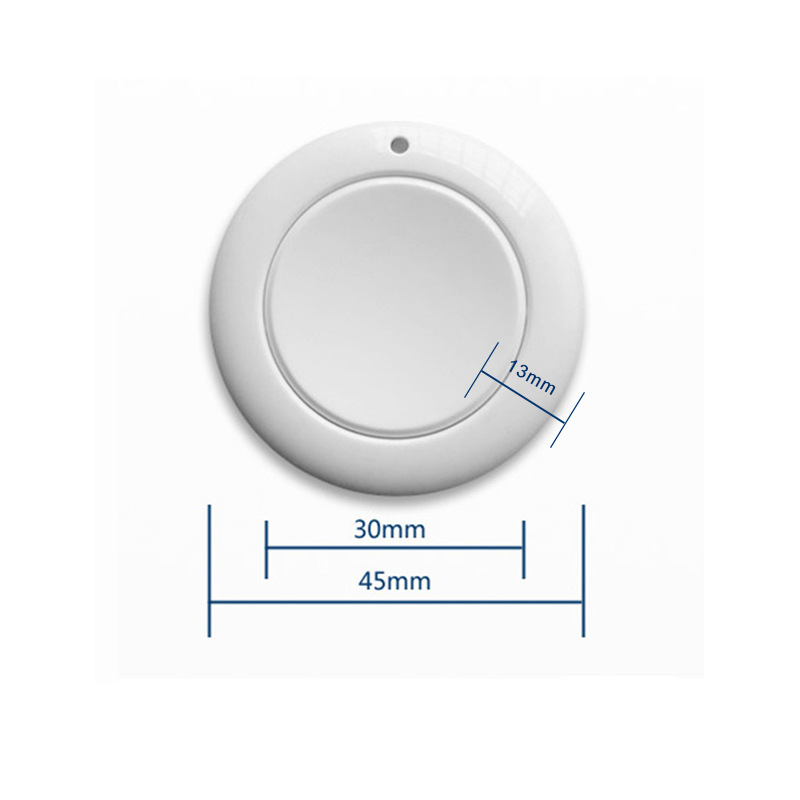
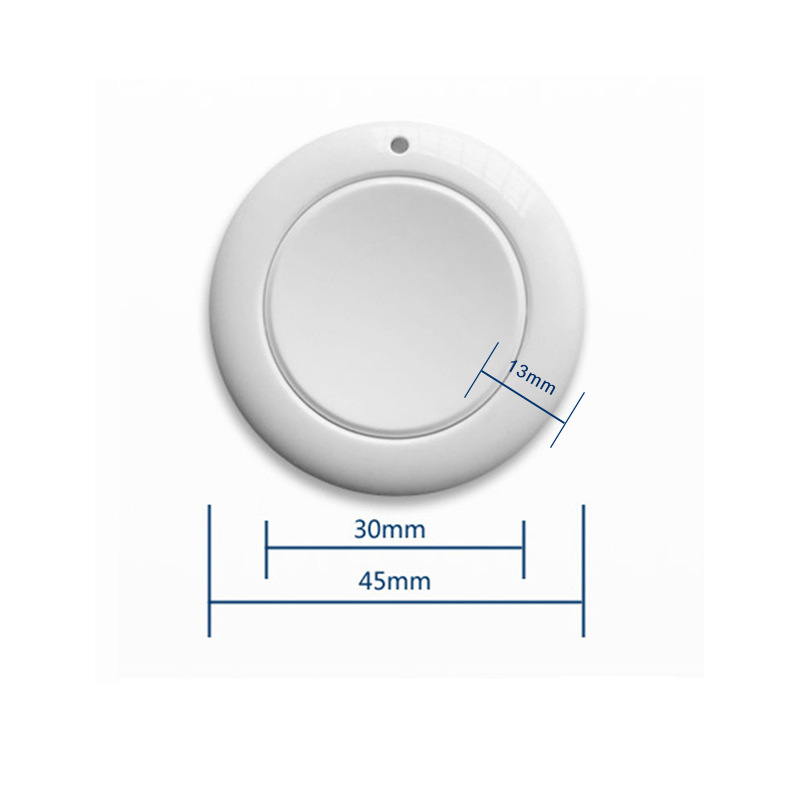
随意贴:45mm*35mm*13mm(长*宽*高);" Translation: "Adhesive Note: 45mm*35mm*13mm (Length*Width*Height).
Working environment: -20~80℃.
Color: White
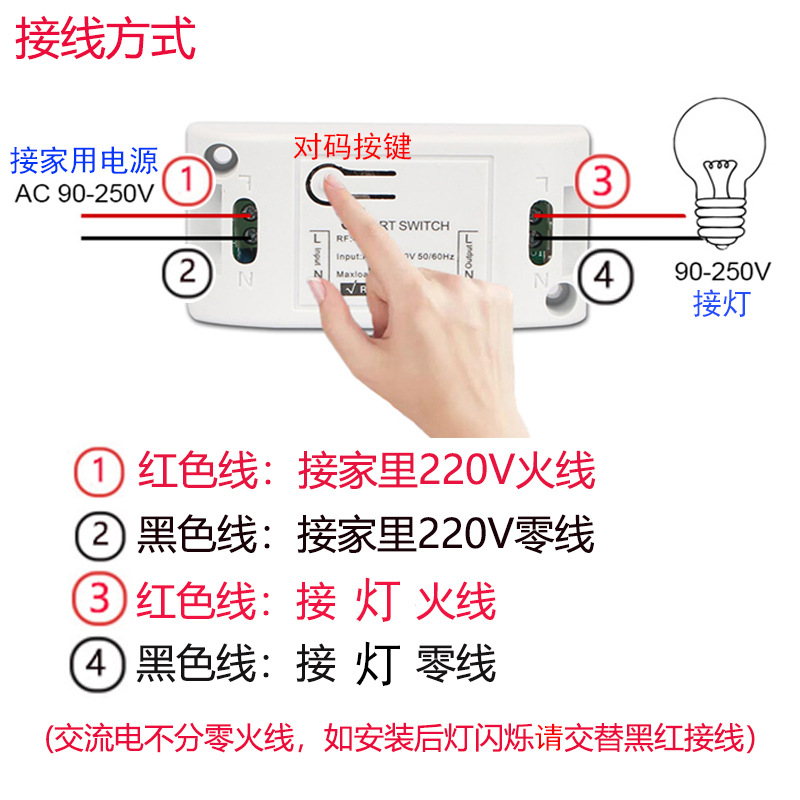
17. Wiring Method: Fixed Terminals
Output Wiring Type: Neutral Wire, Live Wire
19. Shell dimensions: 90*45*30mm (L, W, H)
Weight: Unwrapped: 50g; Boxed with paper box: 56g.
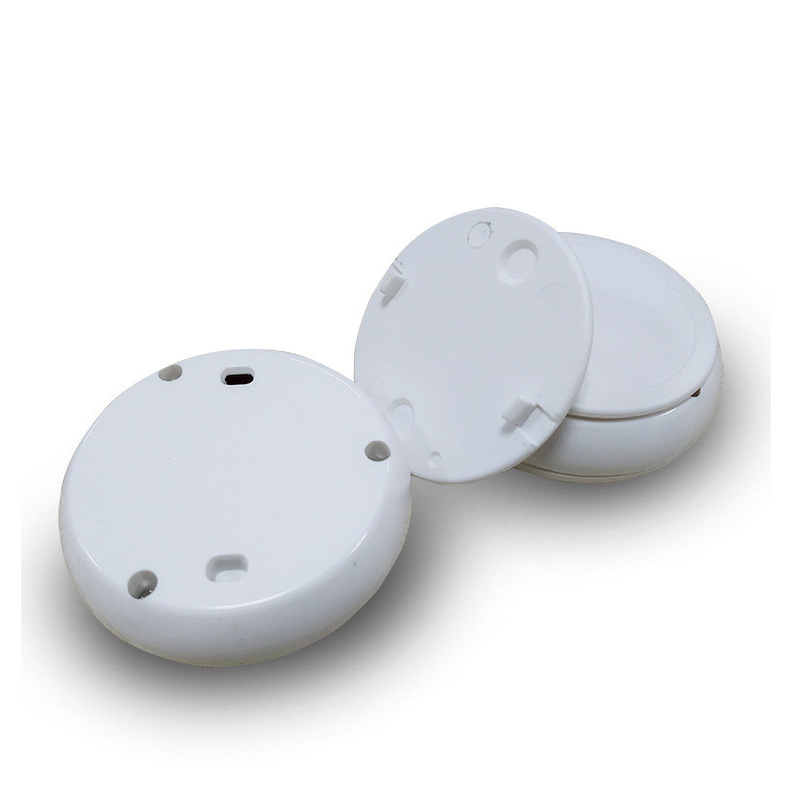
21. Battery: CR2032 *1
Work Mode Explanation:
1. Point Motion Mode: Press the remote control without releasing to power on the circuit, and release the remote control to disconnect the circuit.
2. Self-locking mode: Press the remote control once to power on the circuit, and then press it again to disconnect the circuit;
3. Interlocking Mode: Press any button on the remote control (e.g., Button A), and the circuit will power on. If you then press another button on the remote control (e.g., Button B), the circuit will turn off.
4. Power-on Lighting Function: This is a feature where the entire circuit automatically engages upon power supply, also known as the power-on lighting function.
Operation Method:
Clear Code Function: Press the learning button 8 times consecutively, and after the LED flashes 5 times, it will turn off, indicating that the clearing is successful. This will clear all the learned remote control button codes. (Note: If you need to change the working mode of the same remote control, please clear the code first and then learn it again).
Point movement function: press the learning button once, the LED indicator light flashes once and then stays on for a long time, entering the learning state; at this time, pressing the button on the remote control that needs to be paired, the LED indicator light on the control board will flash three times and then go out, indicating that the learning is successful.
Self-locking function: Press the learning button on the control board twice consecutively, and after the LED indicator flashes once, it will stay on for a long time, entering the learning state; At this time, press the button on the remote control you need to pair, the LED indicator on the control board will flash three times and then turn off, indicating that the learning is successful.
Interlock function: Press the learning button on the control board three times consecutively, and the LED indicator will blink once before staying on for a long time, entering the learning state; At this time, press the button on the remote control you need to pair, such as "A" key set to open, the LED indicator on the control board will blink three times before staying on again, and continue to set the remote control "B" to close. When the LED indicator blinks three times again and then goes out, it indicates that the learning is successful.
Delay off function: Delay 5 seconds: Press the control board learning button continuously for 4 times, and after the LED indicator flashes once, it will stay on for a long time, entering the learning state; At this time, press the remote control button to be paired, and the LED indicator on the receiver will flash 3 times and then go out, indicating that the learning is successful.
Power On Light Function: Press the learning button on the control board six times consecutively, and when the LED indicator flashes once and then remains on for a long time, the device enters the learning state. At this point, pressing any button on the remote control that needs to be paired will cause the LED indicator on the receiver to flash three times and then turn off, indicating that the learning has been successful. (This function, where the relay automatically closes upon power-on, is also known as the power-on light function.)
DIESE、wenqia、hfy、jjx、QIACHIP
Update time:


TOP