Search history
Clear allSearch by image
XDrag and drop an image here or upload an image
Max 5MB per image
UploadSign In | Join

Search history
Clear allSearch by image
XDrag and drop an image here or upload an image
Max 5MB per image
UploadSign In | Join
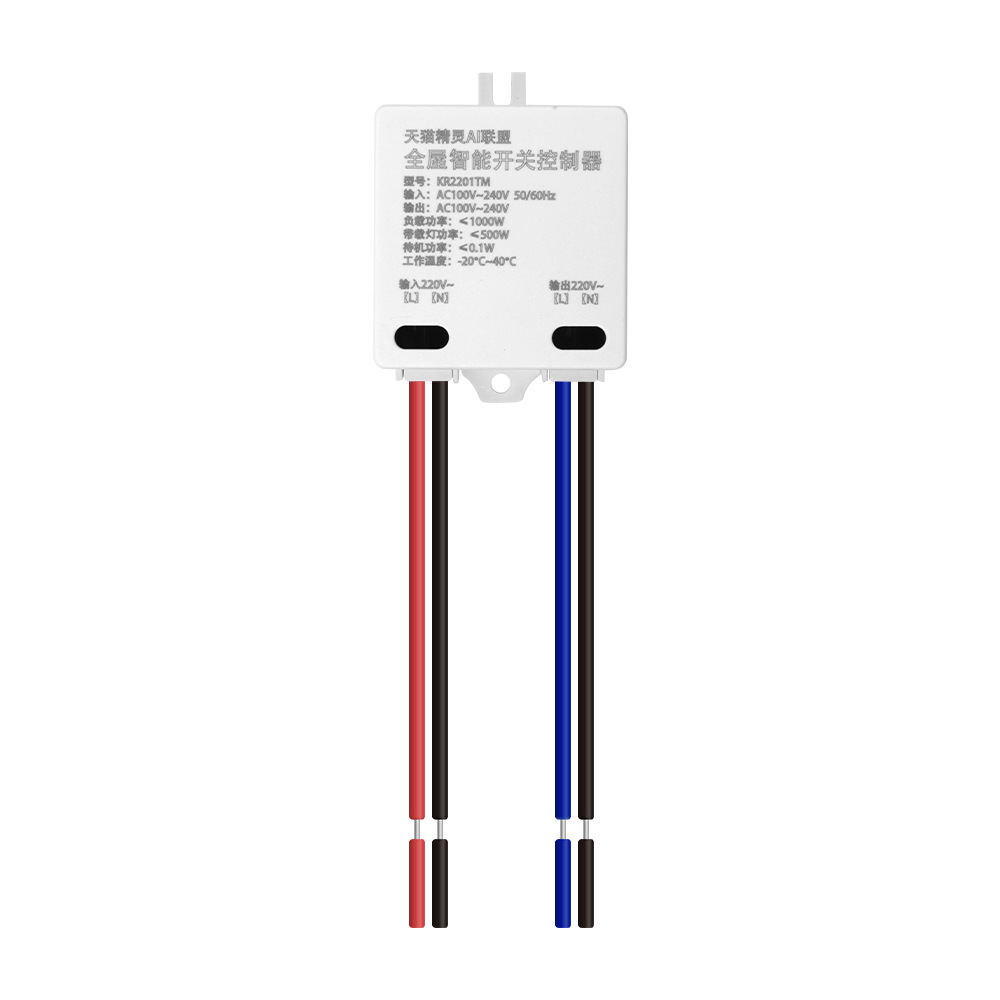
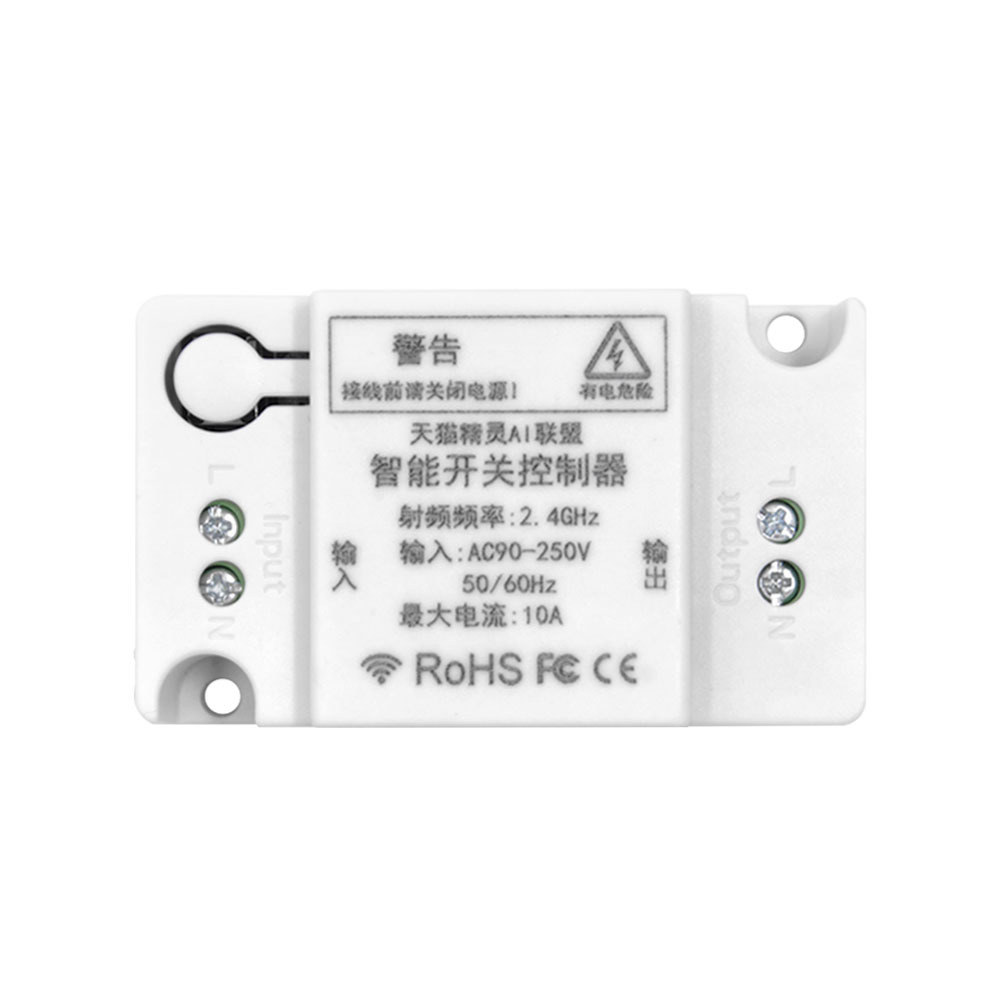
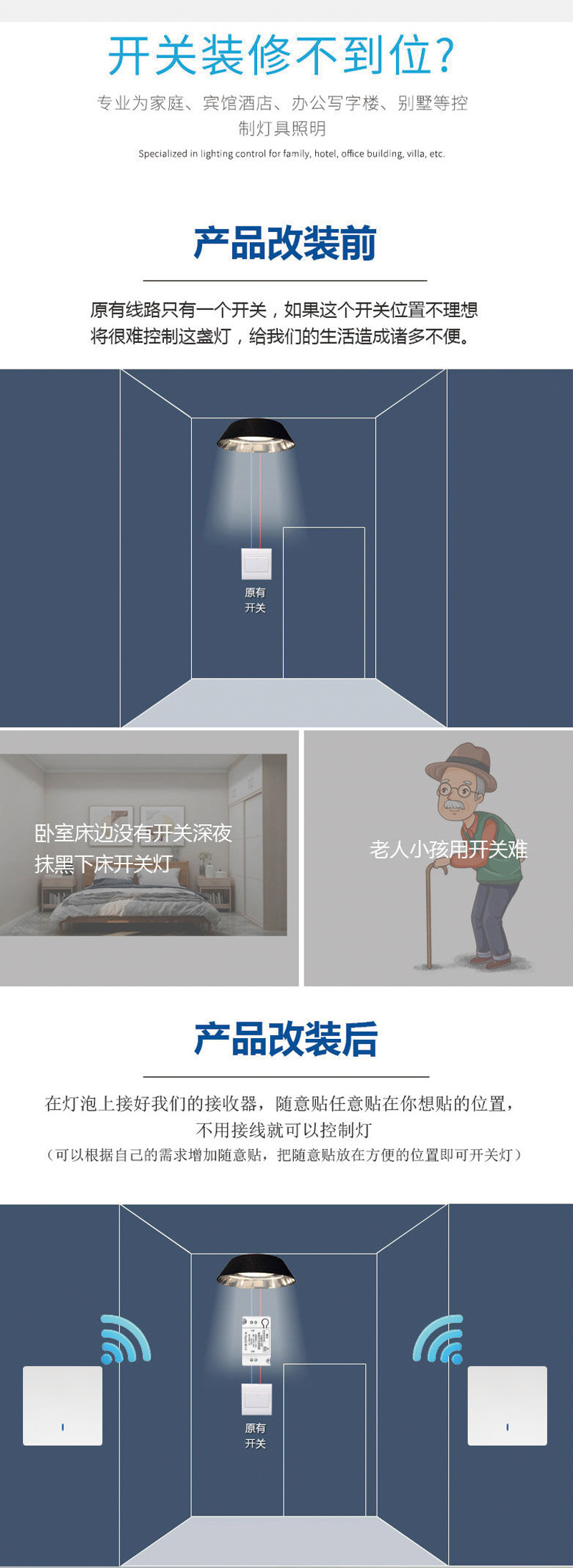
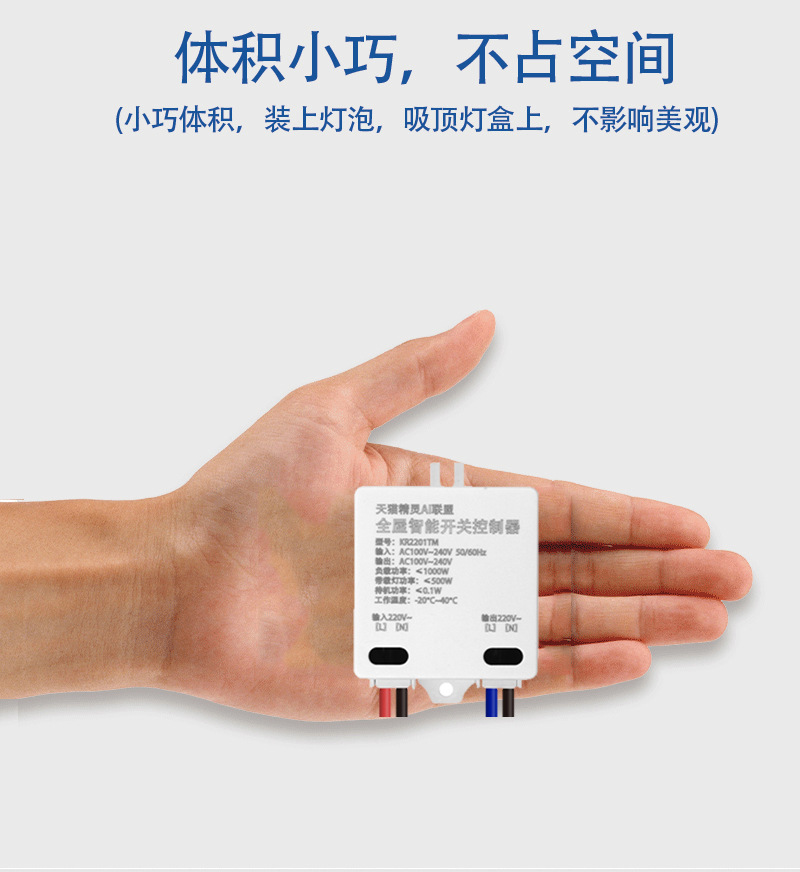
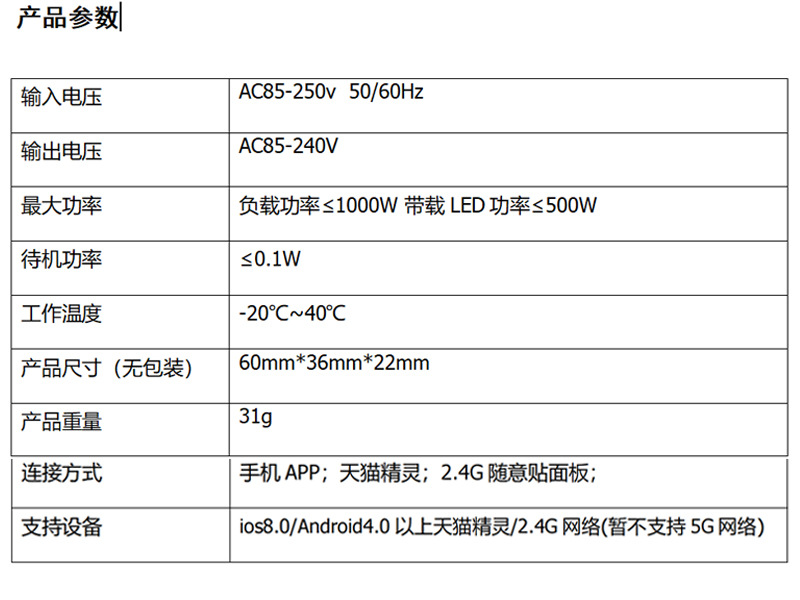
 tmall genie smart breaker
天猫精灵智能通断器 |
CN¥ 24.9 |
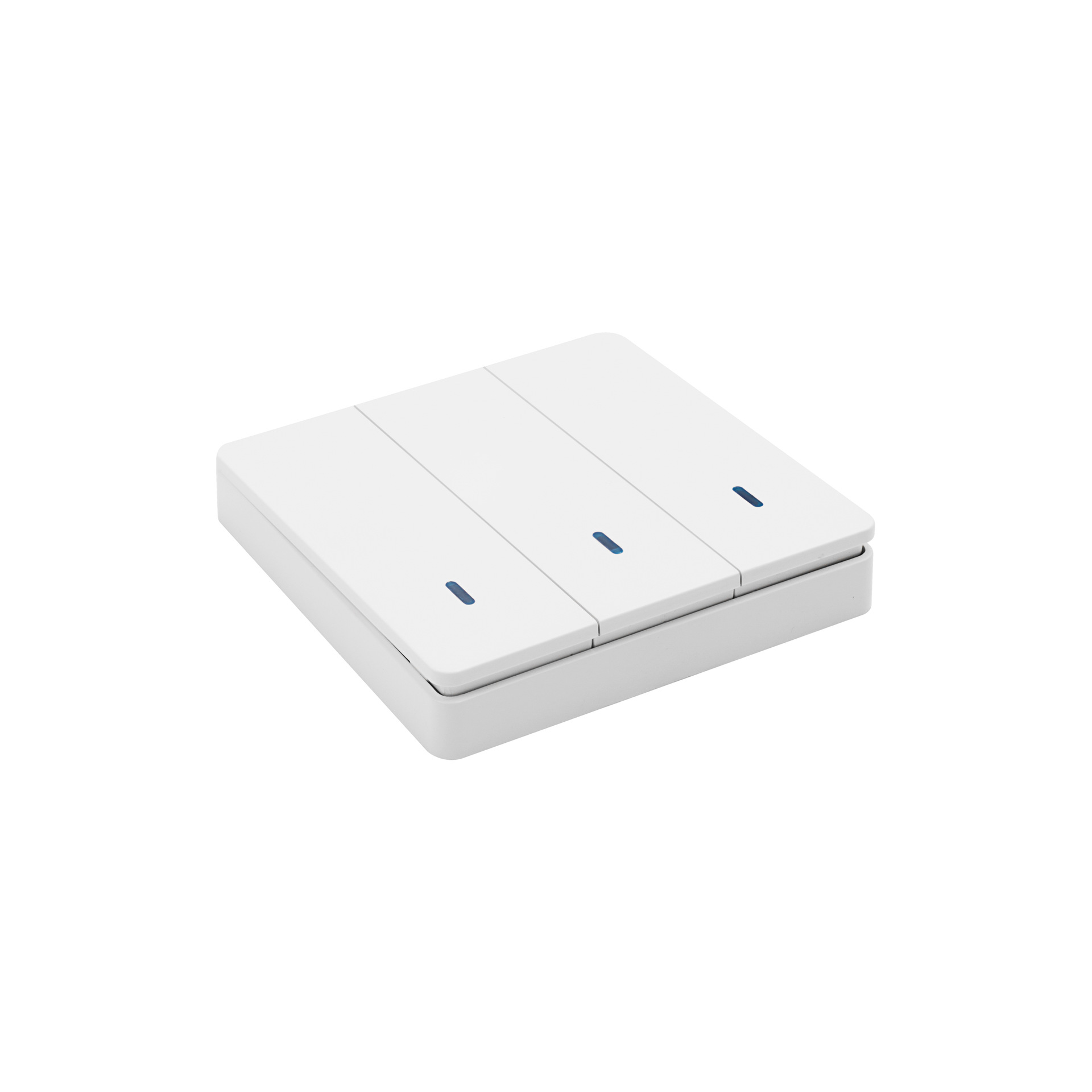
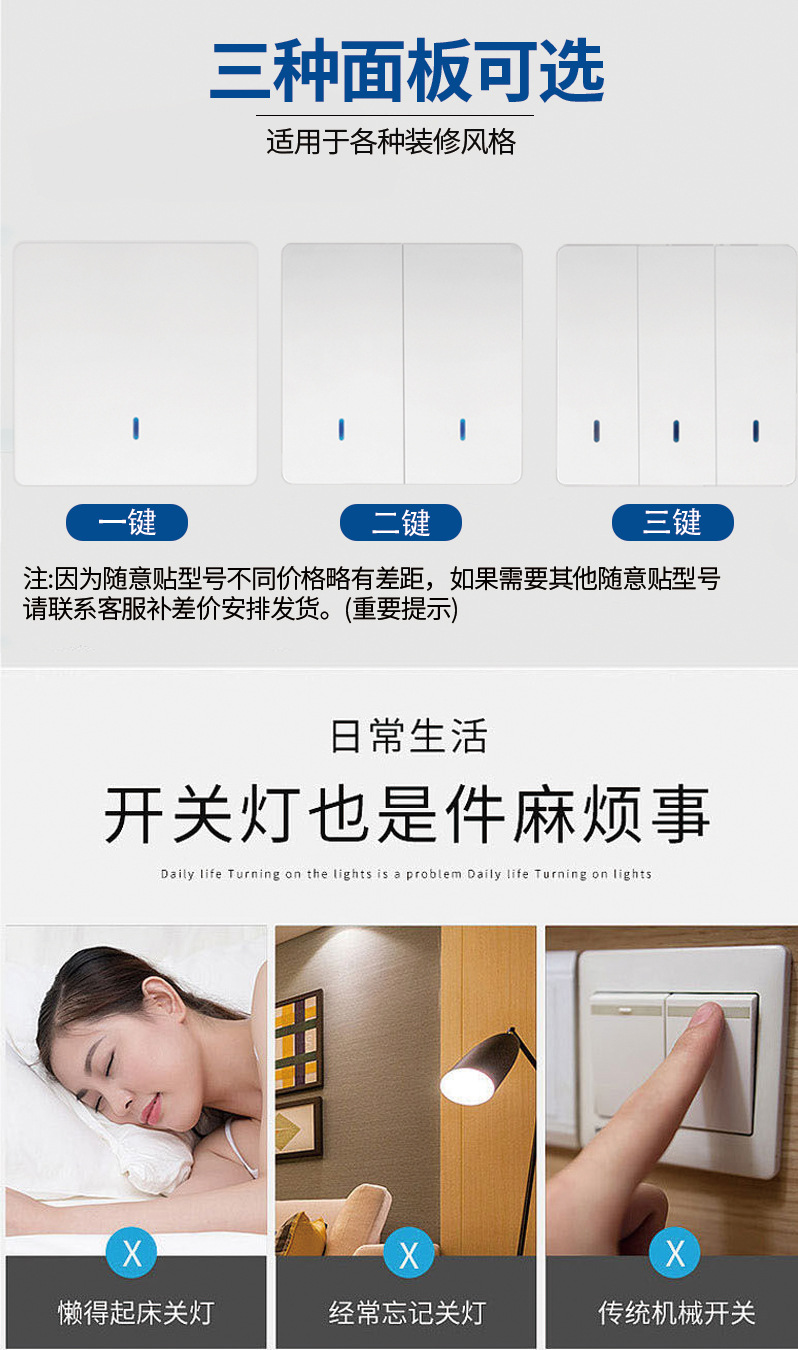
 notepaper switch 3 keys
随意贴开关3键 |
CN¥ 16.0 |
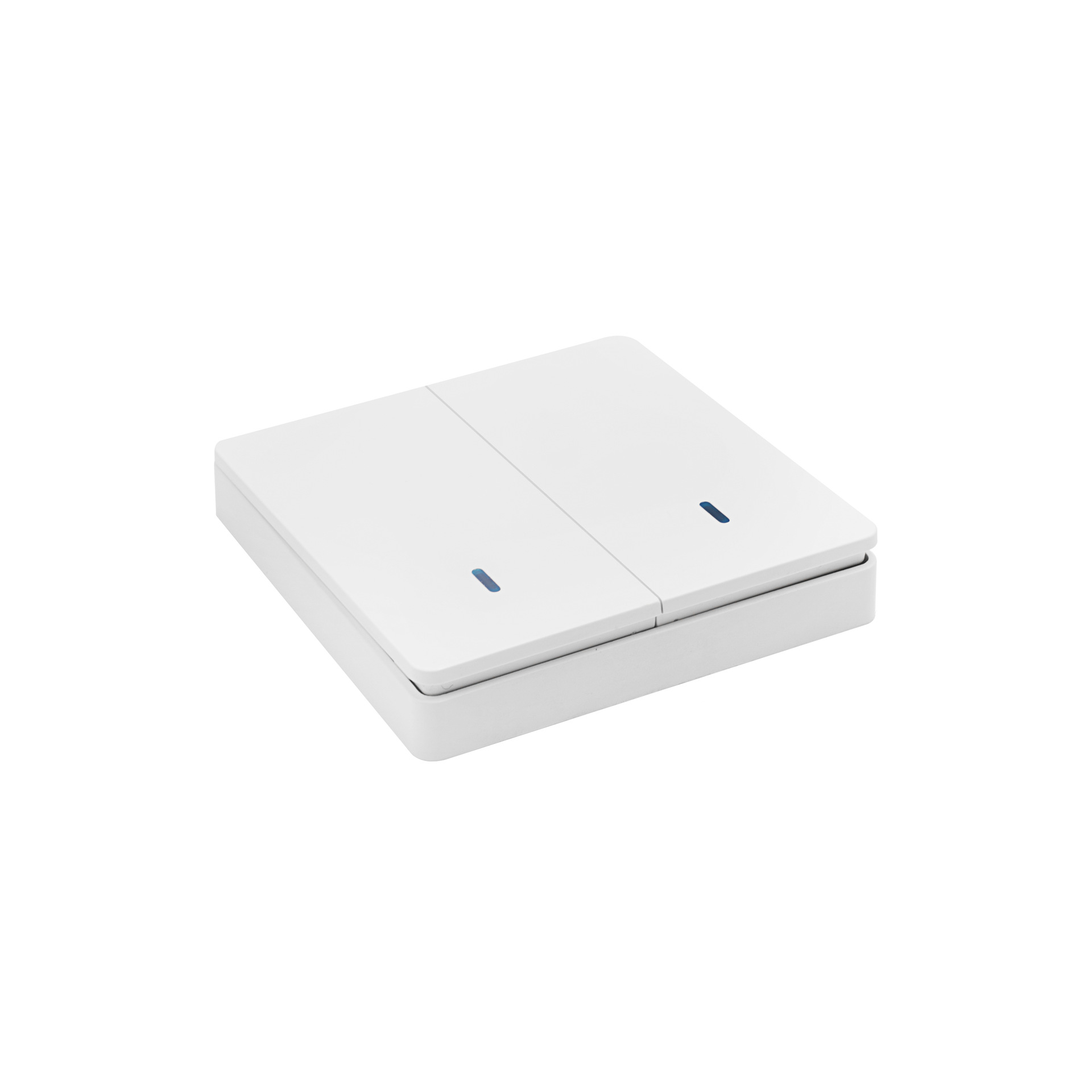
 notepaper switch 2 keys
随意贴开关2键 |
CN¥ 16.0 |
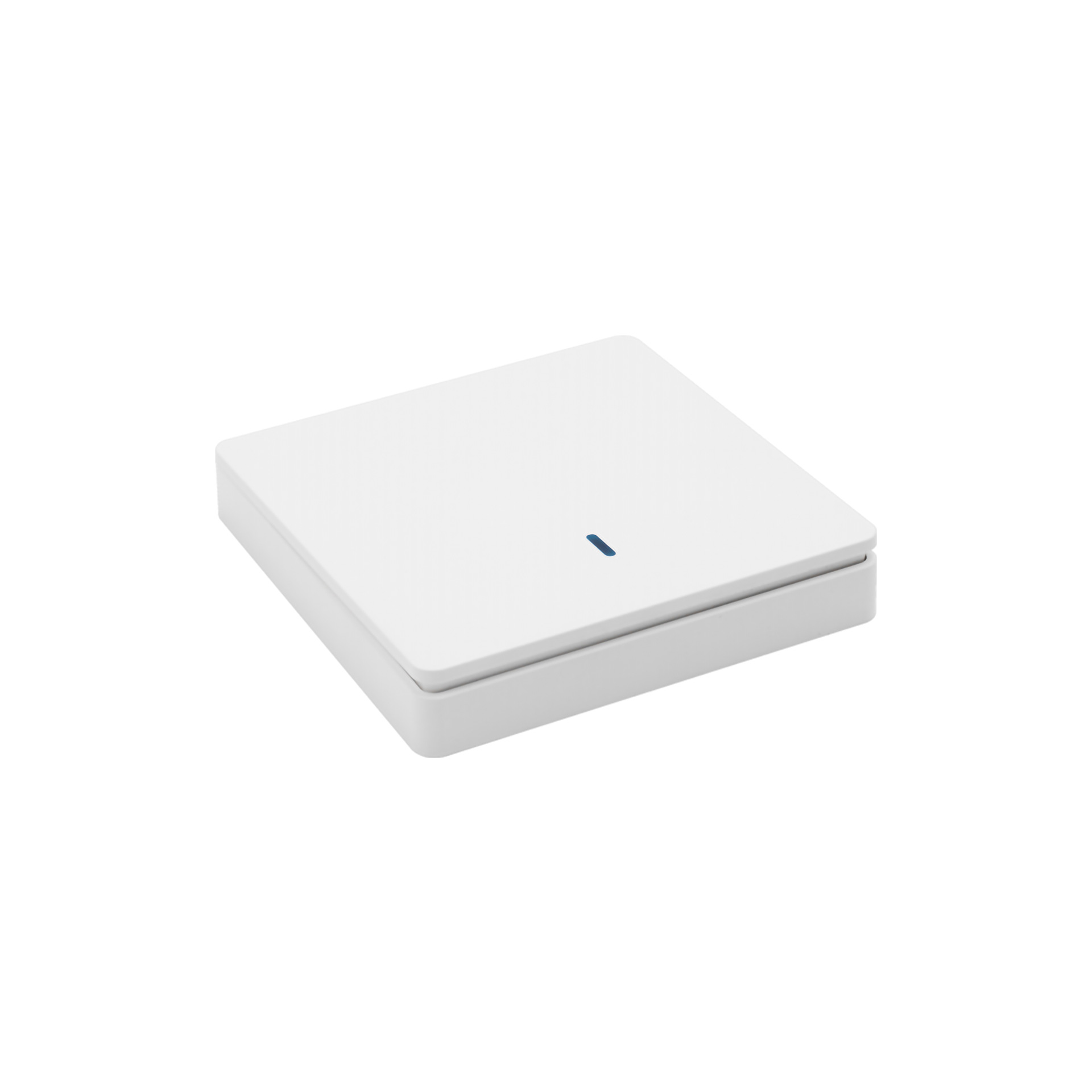
 notepaper switch 1 key
随意贴开关1键 |
CN¥ 14.0 |
 tmall genie smart on-off device with line
天猫精灵智能通断器带线款 |
CN¥ 16.9 |
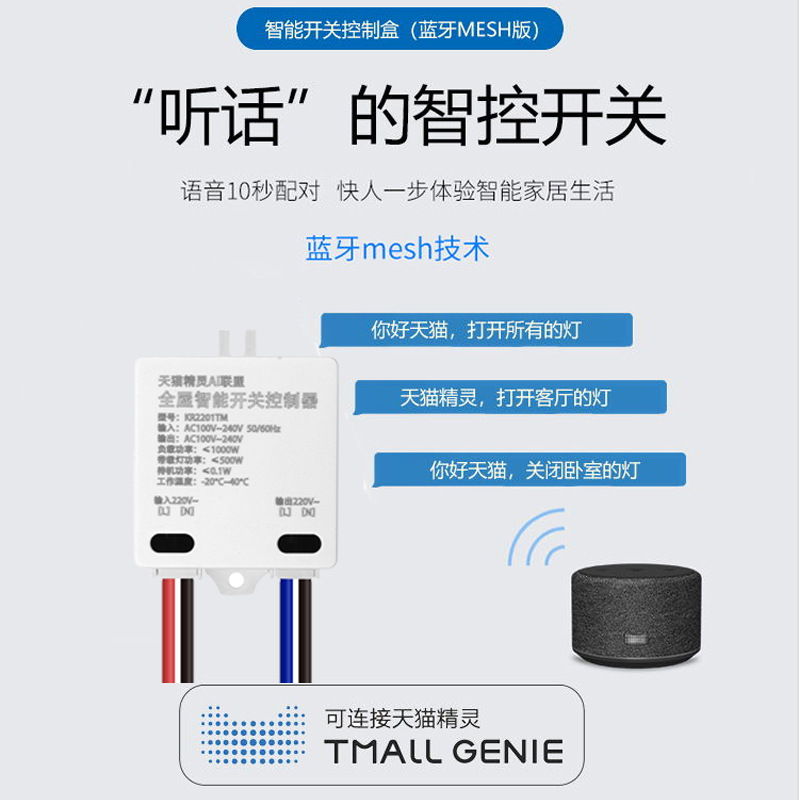

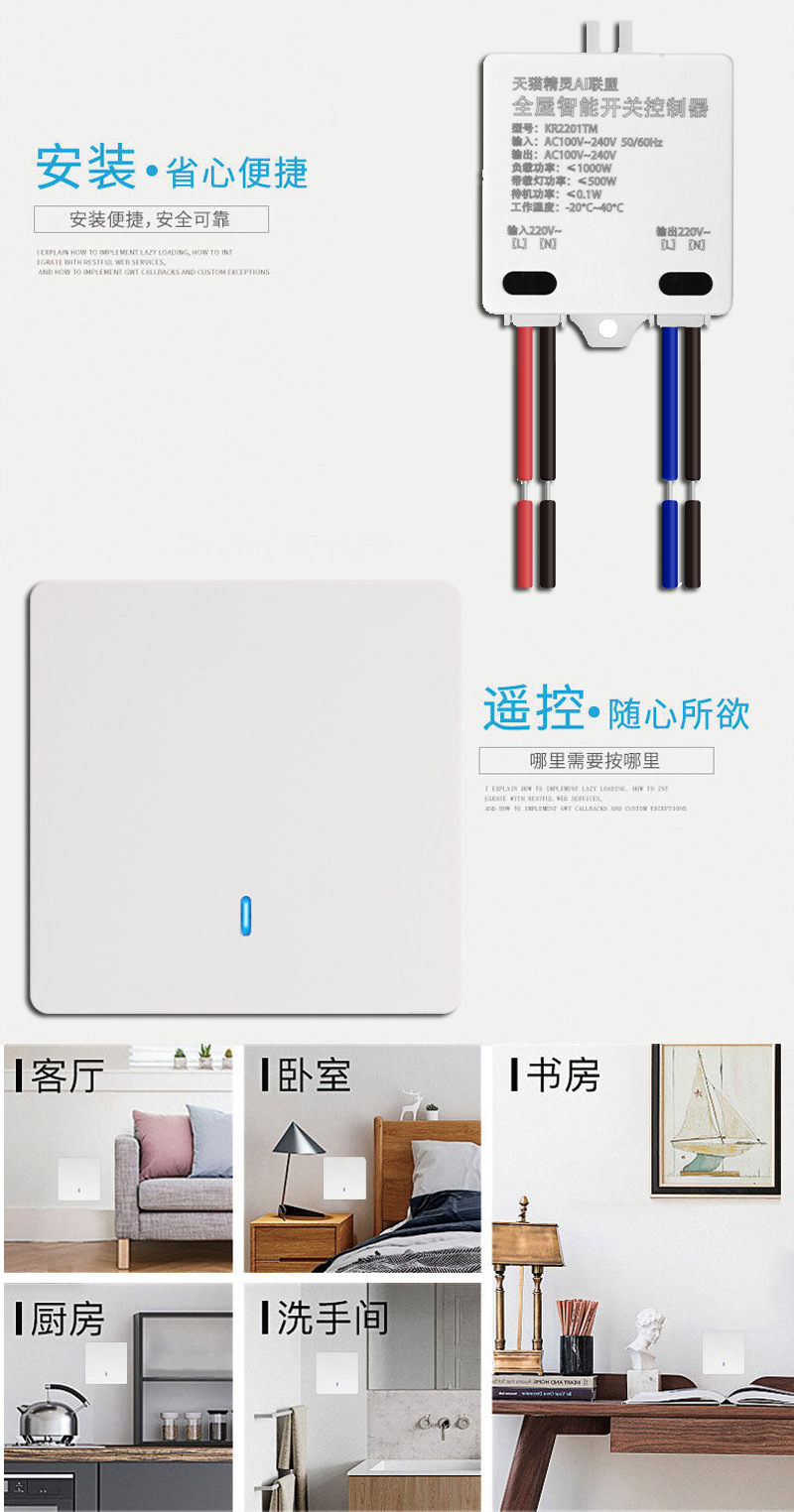
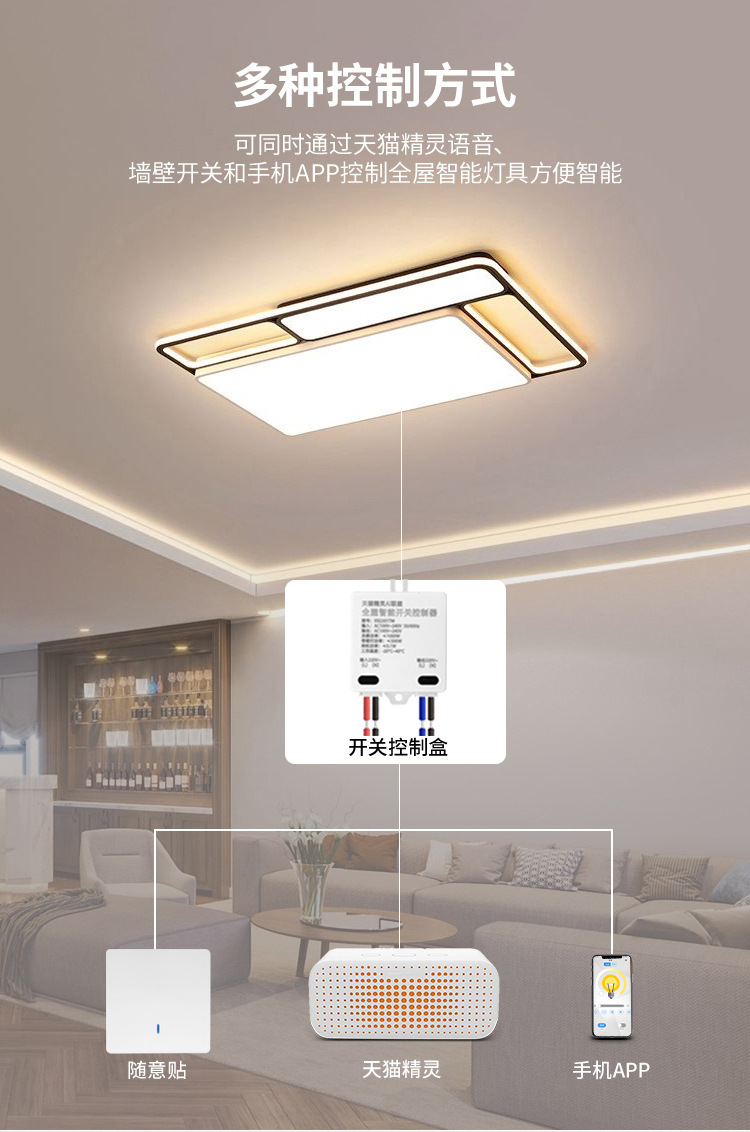


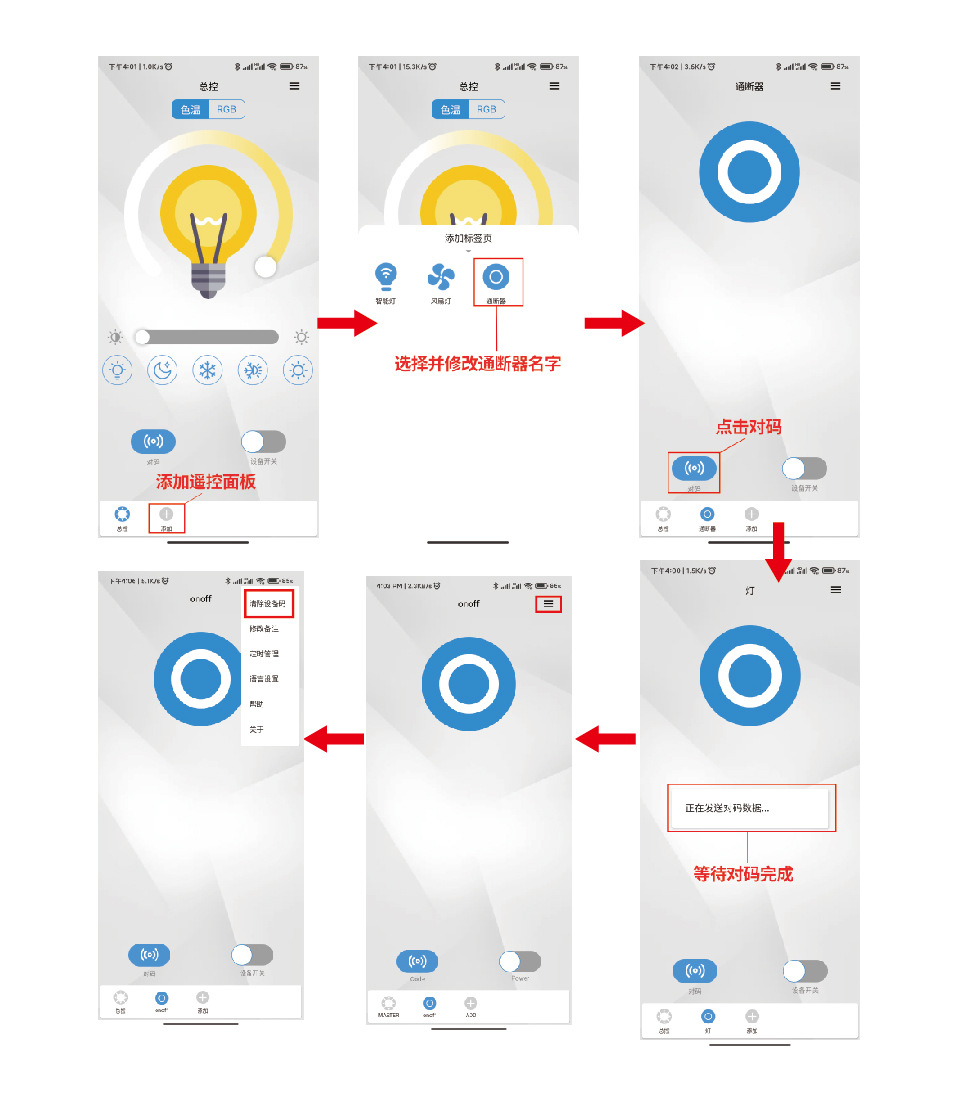

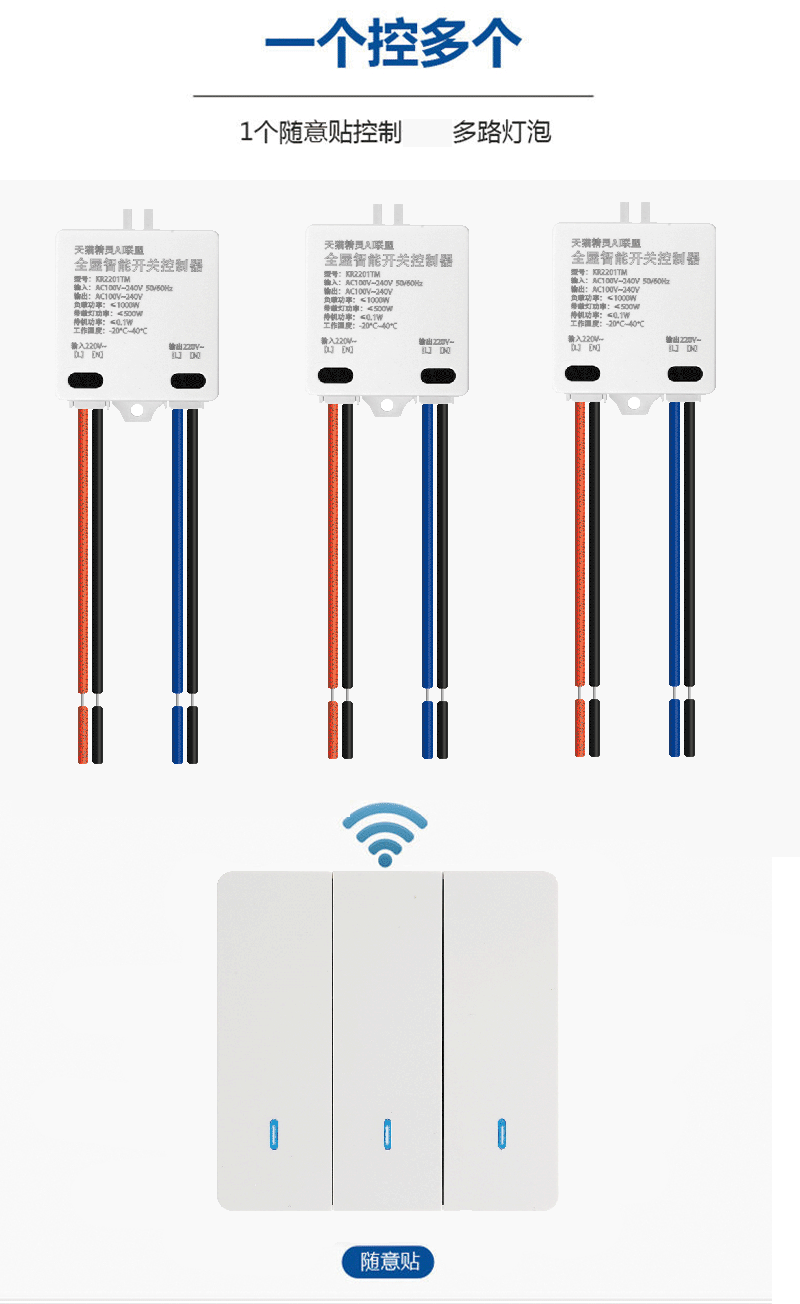
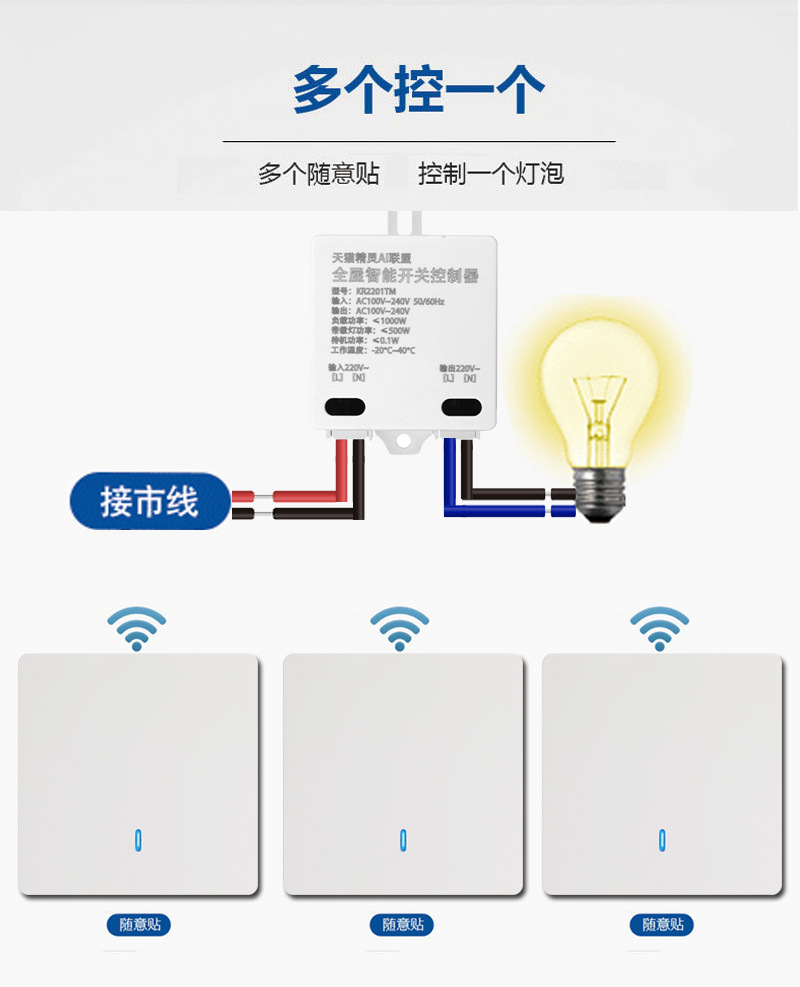
Pairing method for switch panel:
Code:
1. Disconnect the circuit first
2. Long-press the '2.4G Wireless Sticker Panel Switch' until the indicator light blinks.
3. Power on the 'switch'.
After successful pairing, the indicator light on the 'switch-on-off device' will be lit, and the relay will be switched on and off continuously for 3 times.
Clearing the pairing:
1. Remove the battery from the "2.4G panel".
2. Long-press the button
3. Insert the battery until the indicator light on the panel button flashes.
"3." On-off switch" is turned on.
After successful decoding, the indicator light of the 'switching device' flashes, and the relay switches on and off continuously for 3 times.
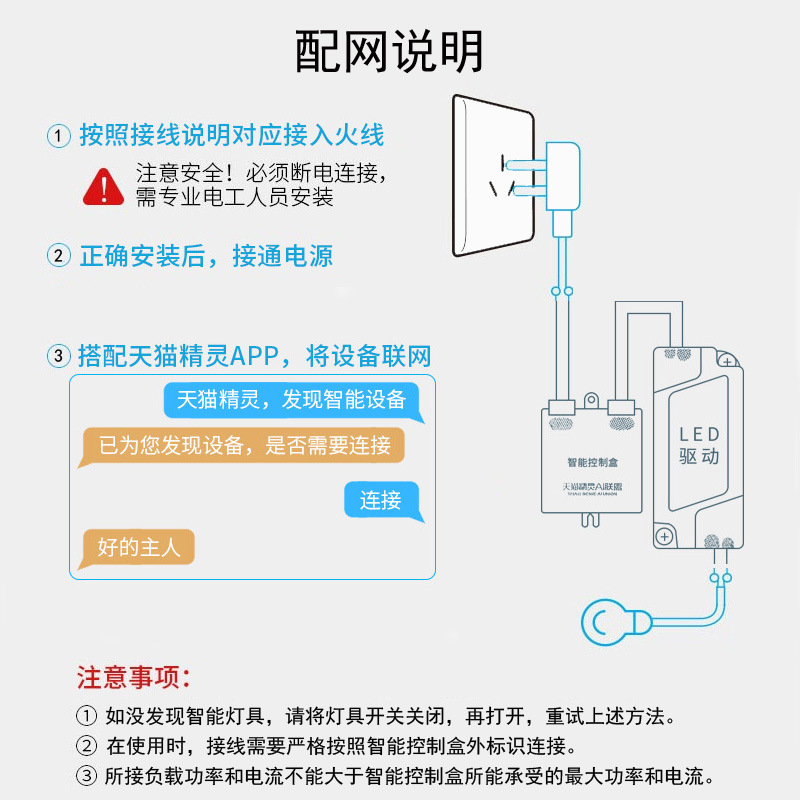
Pairing with Tmall Genie:
1. Turn the power on and off the "switch" six times, which means the indicator light will flash six times.
2." The "On-Off" indicator light flashes, and the relay switches on and off three times continuously, successfully entering the "Network Configuration" state.

Update time:


TOP