Search history
Clear allSearch by image
XDrag and drop an image here or upload an image
Max 5MB per image
UploadSign In | Join

Search history
Clear allSearch by image
XDrag and drop an image here or upload an image
Max 5MB per image
UploadSign In | Join
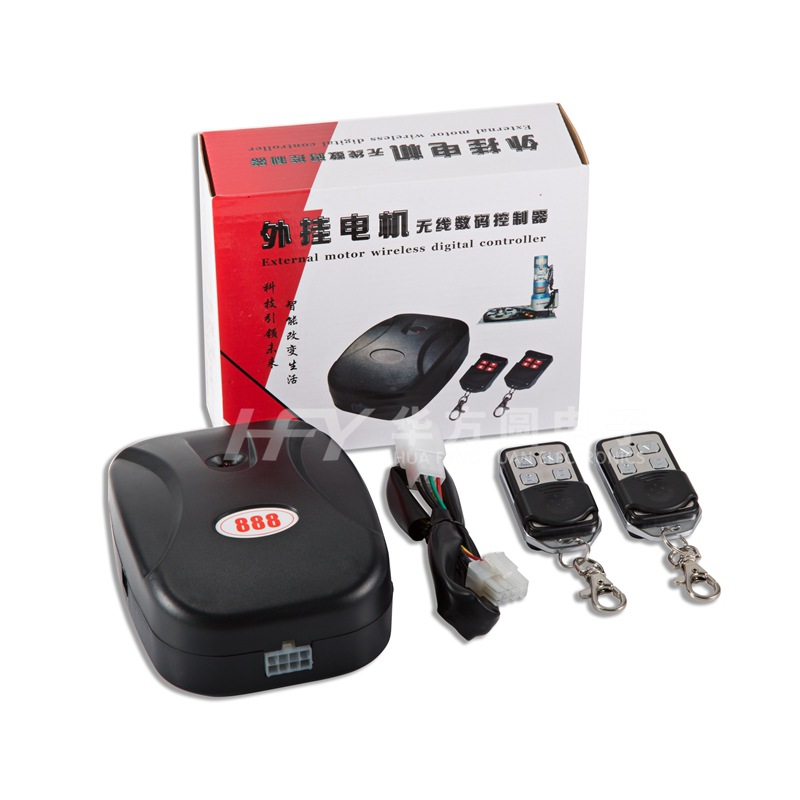
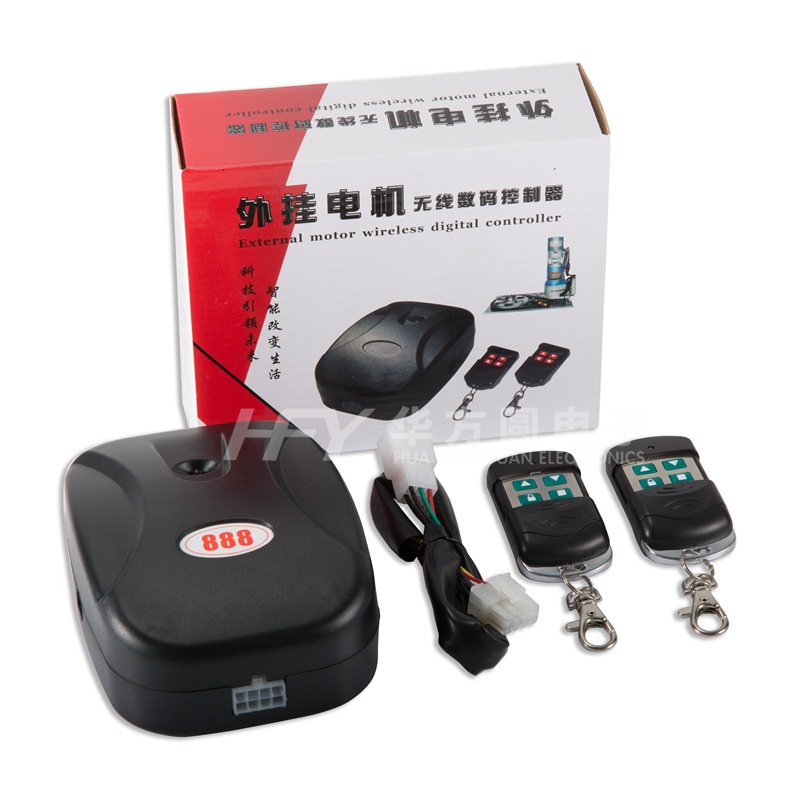
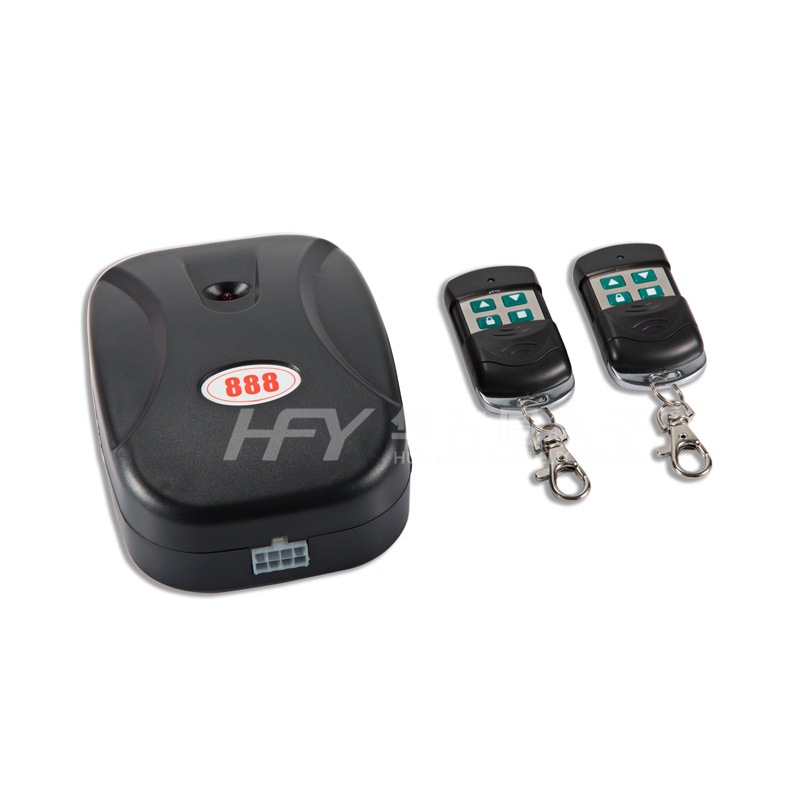
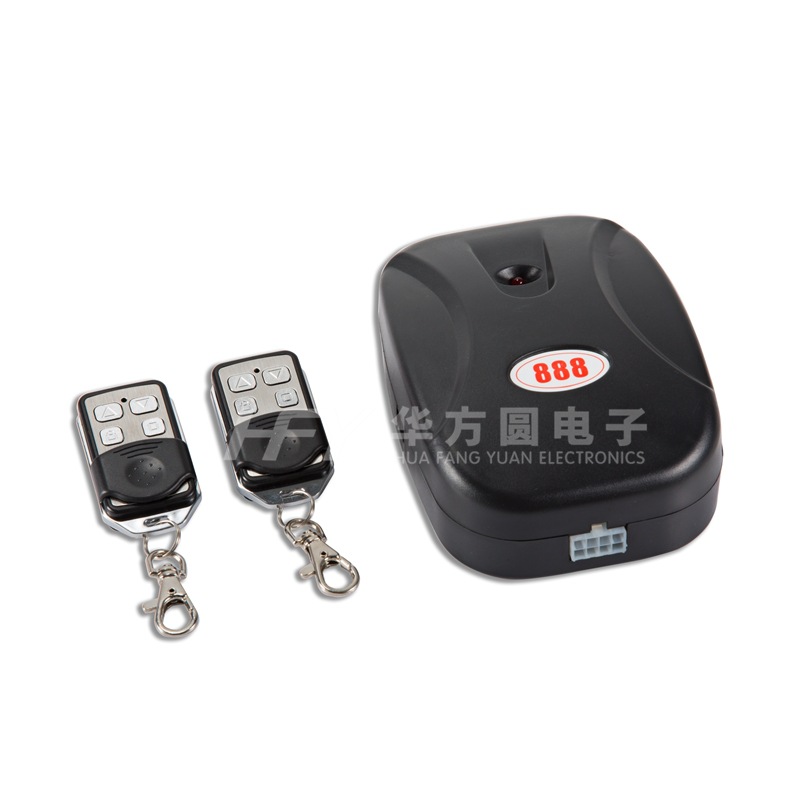
External Motor Rollup Door Controller Instruction Manual
One, Product Technical Parameters
Working Voltage: AC220V
Environmental temperature:-20"℃" is the symbol for Celsius temperature scale.-60"℃" is the symbol for Celsius temperature scale.
Output Current: 2A/220VAC
Remote control distance: ≥50 meters
Decoding method: single-chip decoding (optional with fixed code remote control and learning code remote control)
Working frequency: 433MHz
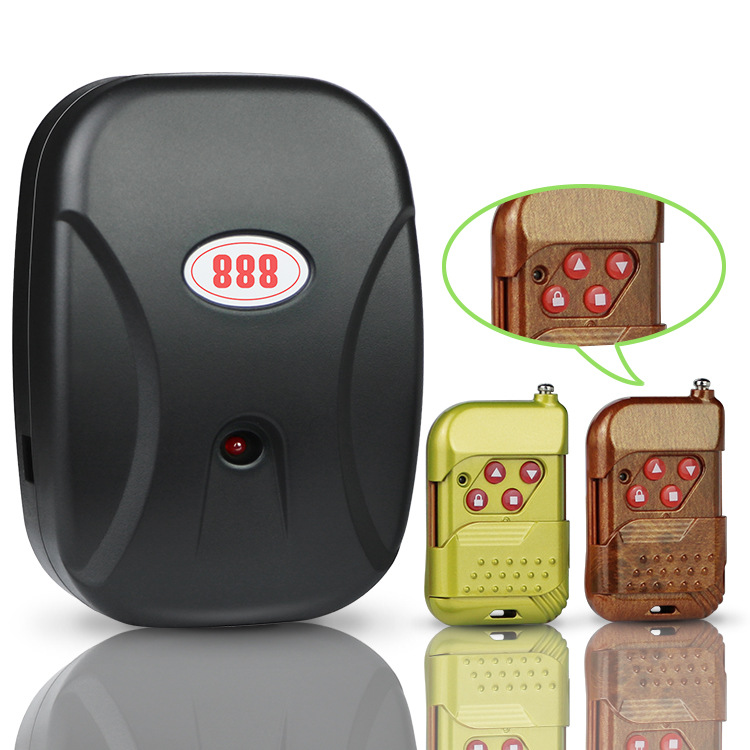
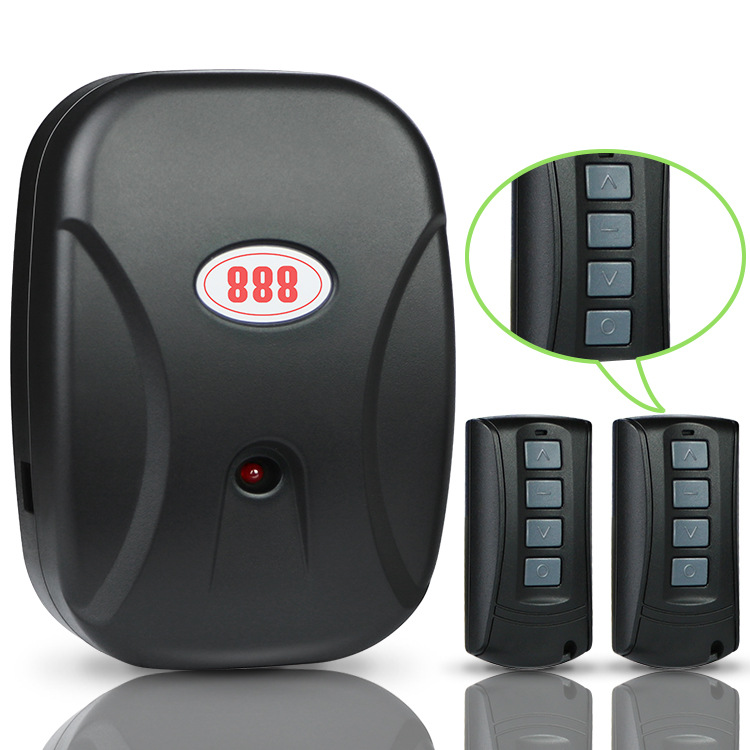
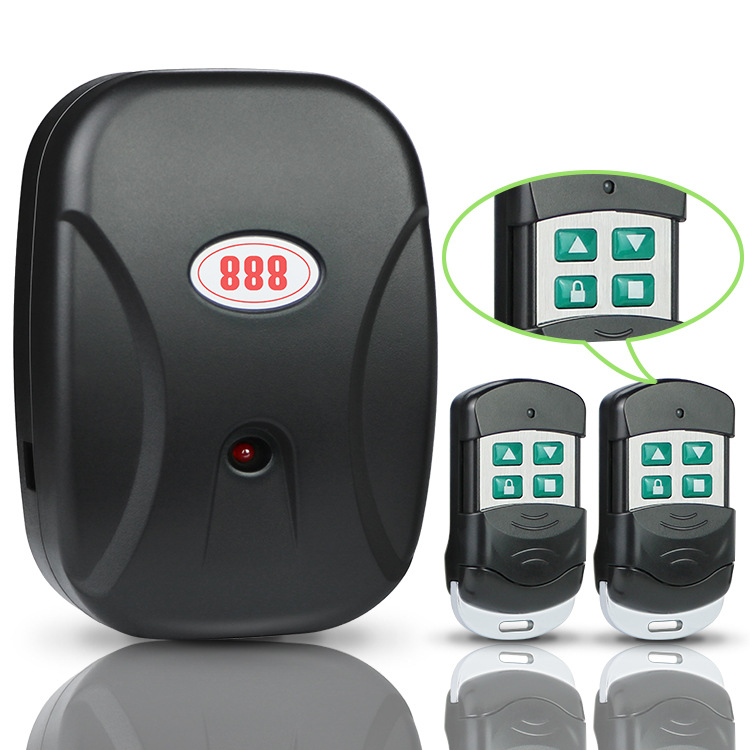
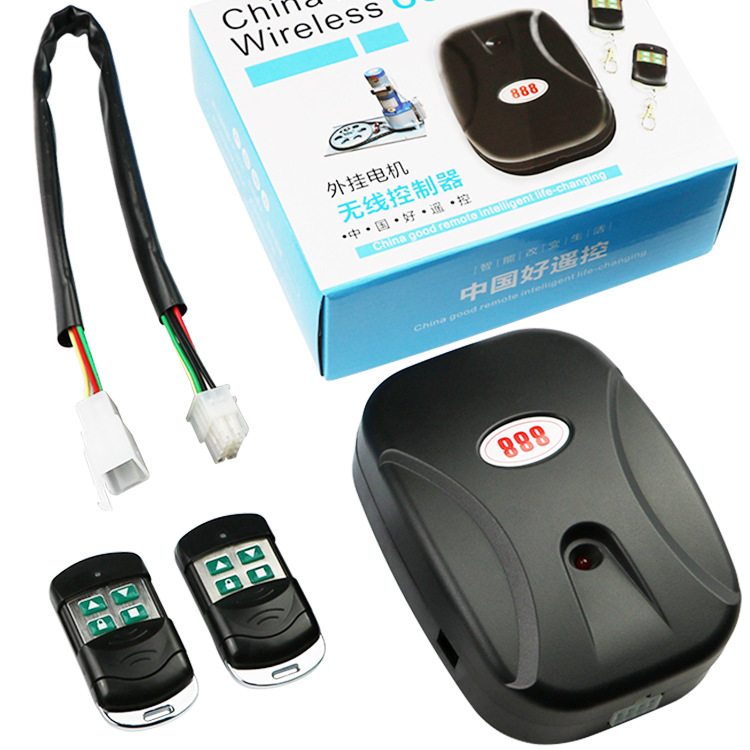
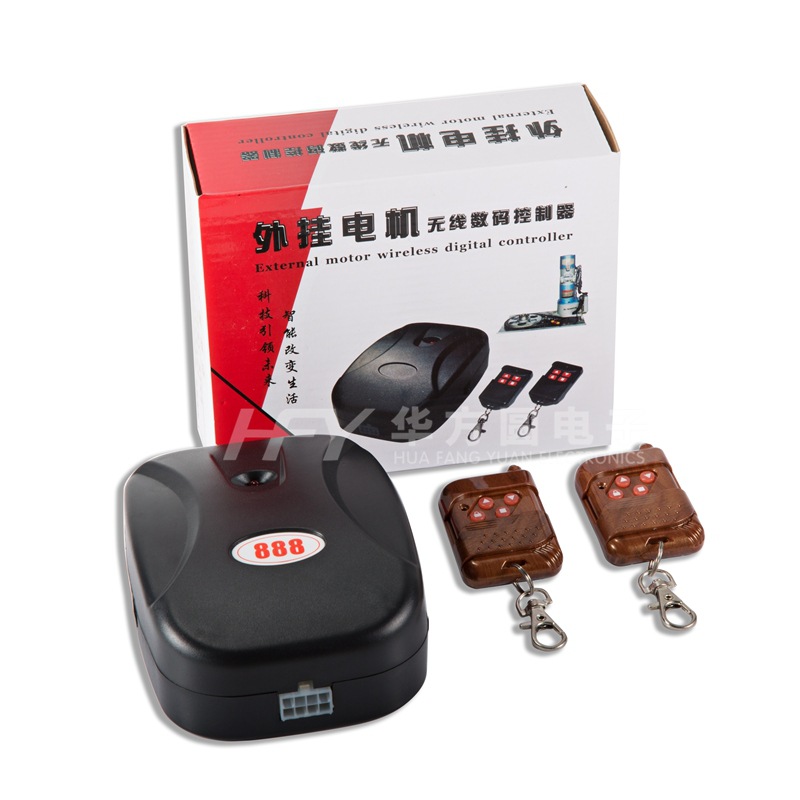
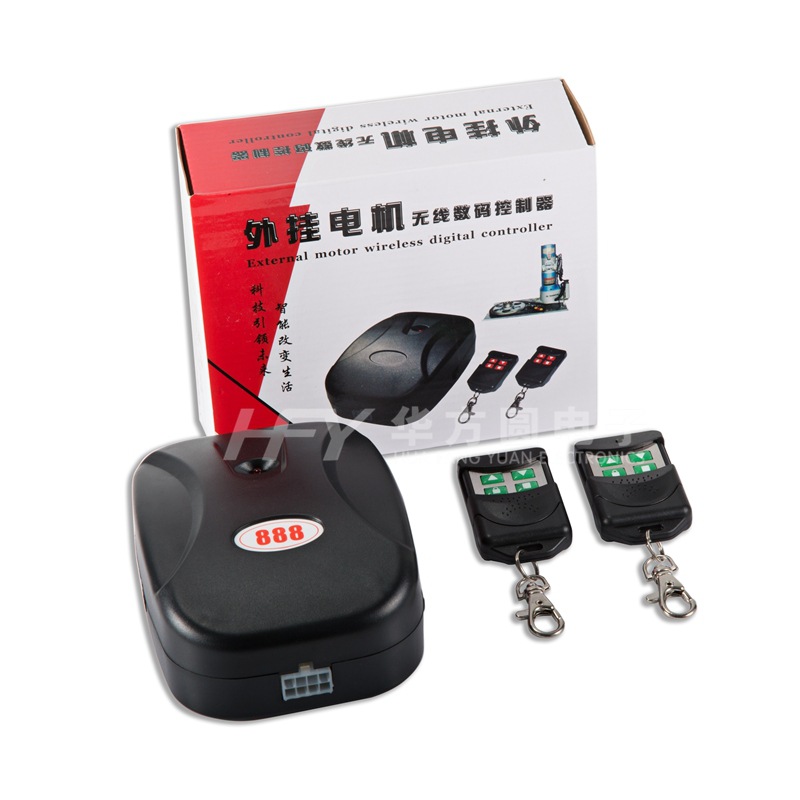
Product standard configuration: one control box, two remotes, one instruction manual.
Two, Product Features
The controller and the paired remote control use a million-pair learning code encoding chip, with a very low rate of duplicate codes, making it safer to use.
Three, Coding/Reverse Setting
This product has already learned the remote control and controller code before leaving the factory, so there is no need to pair it again before use. If you need to add or reduce the number of remote controls, you can operate the following pairing steps.
code matching
1、 Press the stop button on the remote control to stop the motor from working.
2、 Press the coding key on the controller and release your hand. The power indicator red light will go out. Then press any key on the remote control. The power indicator red light will blink three times, indicating that the coding is successful.
清码
Press the pairing key on the controller continuously without releasing, and the power indicator red light will flash three times from on to off to on. Release the pairing key when the flashing stops, which indicates that the code clearing has been successful. All previously paired remotes with the controller have been cleared.
Motor Forward/Reverse Setting
To change the direction of the motor's forward and reverse, press and hold the lock key on the remote control without releasing it for about five seconds. The power indicator red light will flash three times. Once you release the lock key, the motor's direction will change successfully. To return to the original setting, perform the same operation. Before changing the motor's direction, please ensure that the motor is stopped.
Update time:


TOP