Search history
Clear allSearch by image
XDrag and drop an image here or upload an image
Max 5MB per image
UploadSign In | Join

Search history
Clear allSearch by image
XDrag and drop an image here or upload an image
Max 5MB per image
UploadSign In | Join
Motor Direct-Reversal Drive Control Module Kit
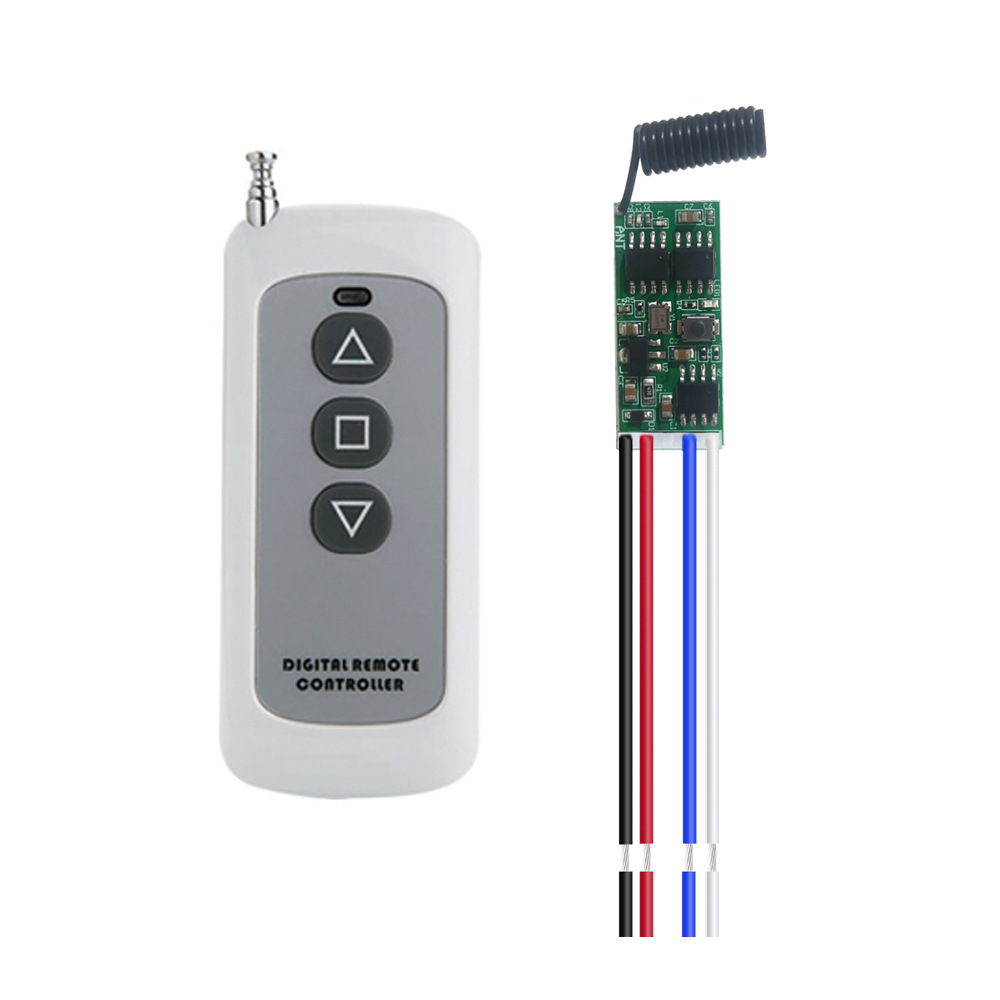
This set includes:
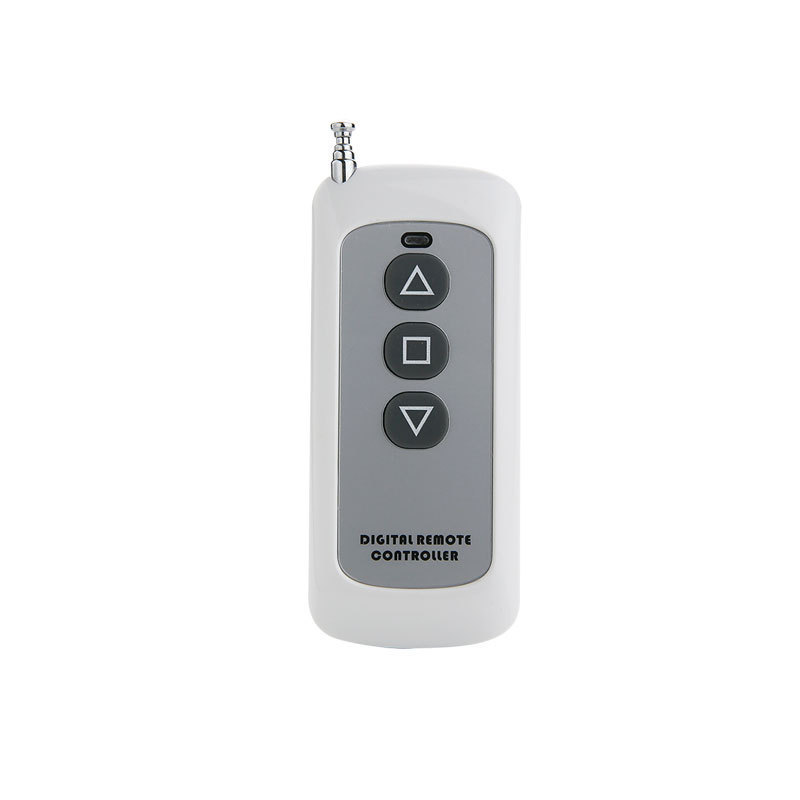
1、Remote control 1 piece
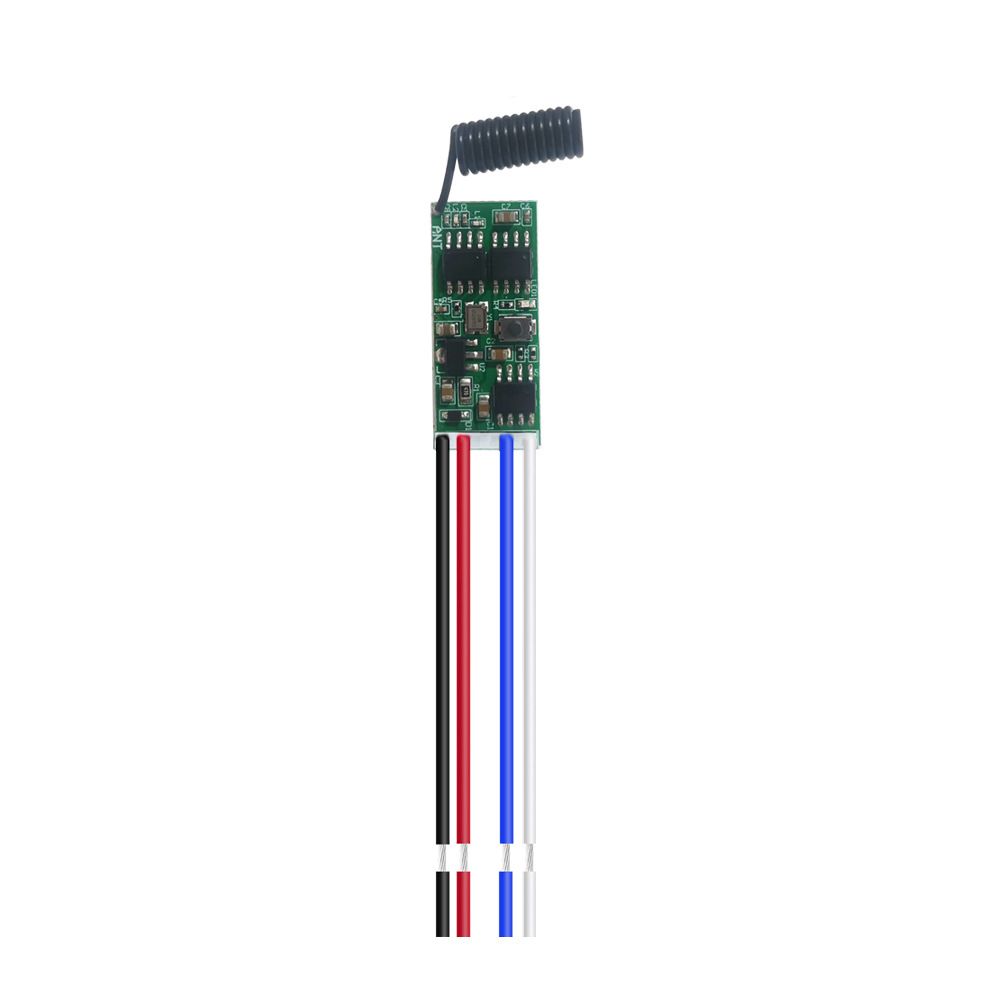
1. Motor Forward-Reverse Drive Module 1.
Long-term cooperation is welcome to negotiate.
1. Product Parameters
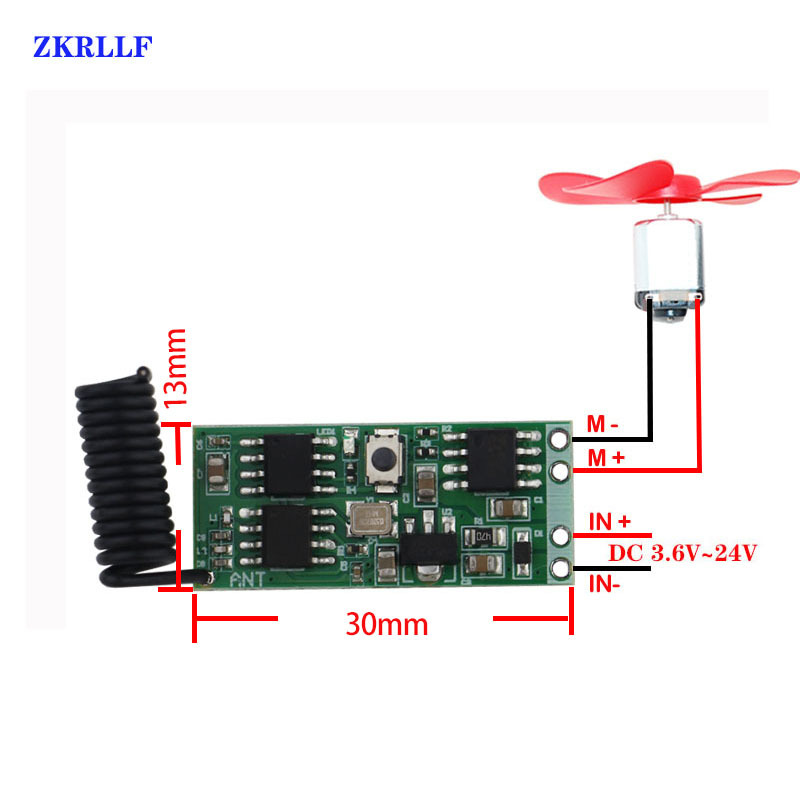
Working Voltage: DC 3.6V~24V
Maximum Load Current: 3A
Static current: 3.6mA ~ 5.5mA
Working Frequency: 433MHz (Customizable in batches at 315MHz)
Sensitivity: ≥-108dBm
Output Voltage: Input DC3.6V~DC24V, Output DC3.6V~DC24V
Modulation mode: ASK (Amplitude Shift Keying)
Dimensions: 30 mm x 13 mm x 4 mm (length x width x height) Miniature Size
Supported encoding format: 1527 learning code
Number of remote controls stored: ≤4
Work Mode: Point Motion, Self-Lock, Mutual Lock + Stop Function, Clear Code
Learning Method: Button Learning
Working temperature: -20~80 degrees Celsius
Operation Method:
Clear the code: (Before switching modes, you must first clear the code).
Press the Learning Code button 8 times, and the LED will turn off. The LED will blink 5 times, and the clear OK will be displayed.
If you need to change the working mode of the same remote control, please first clear the code and then learn it.
"Learning the code:
1. Point movement: Press the learning key once, the module LED light flashes once and then turns off, entering the learning state with the LED light turned on. Use the remote controller to press the button for coding, and the LED light flashes three times and then turns on (it will not light up while still in the learning state). Continue to press the second button for coding, and the LED light flashes three times and then turns off. Point movement coding is successful. (The first button is for forward point movement, and the second button is for reverse point movement).
2. Self-locking: Press the learning key twice, the module LED light will flash twice and then turn off, and then enter the learning state with the LED light turned on. After using the remote control to press the button for coding, the LED light will flash three times and then turn on (it will not light up while still in the learning state). Continue to press the second button for coding, the LED light will flash three times and then turn off, indicating that the self-locking coding has been successful (the first button is for positive self-locking (press the second time to stop), and the second button is for negative self-locking).
3. Interlock and Stop Function: Press the learning key three times, and the module LED light will flash three times and then turn off. After entering the learning state, the LED light will turn on. Use the remote controller to enter the learning mode by pressing the button. Press the button once to learn forward rotation, press it again to learn reverse rotation, and press it the third time to learn stop. After learning is completed, the LED light will flash three times and then turn off, indicating that the interlock and coding have been successfully completed (the first button is for forward rotation, the second button is for reverse rotation, and the third button is for stop).
4. Clear Code: Press 8 times to clear the code.
Update time:


TOP