Search history
Clear allSearch by image
XDrag and drop an image here or upload an image
Max 5MB per image
UploadSign In | Join

Search history
Clear allSearch by image
XDrag and drop an image here or upload an image
Max 5MB per image
UploadSign In | Join
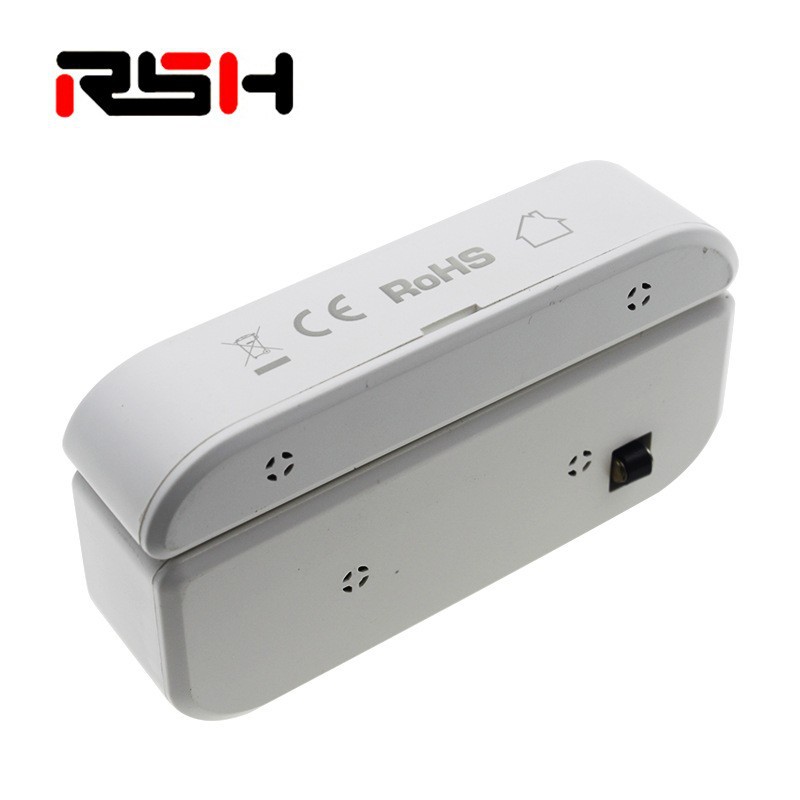
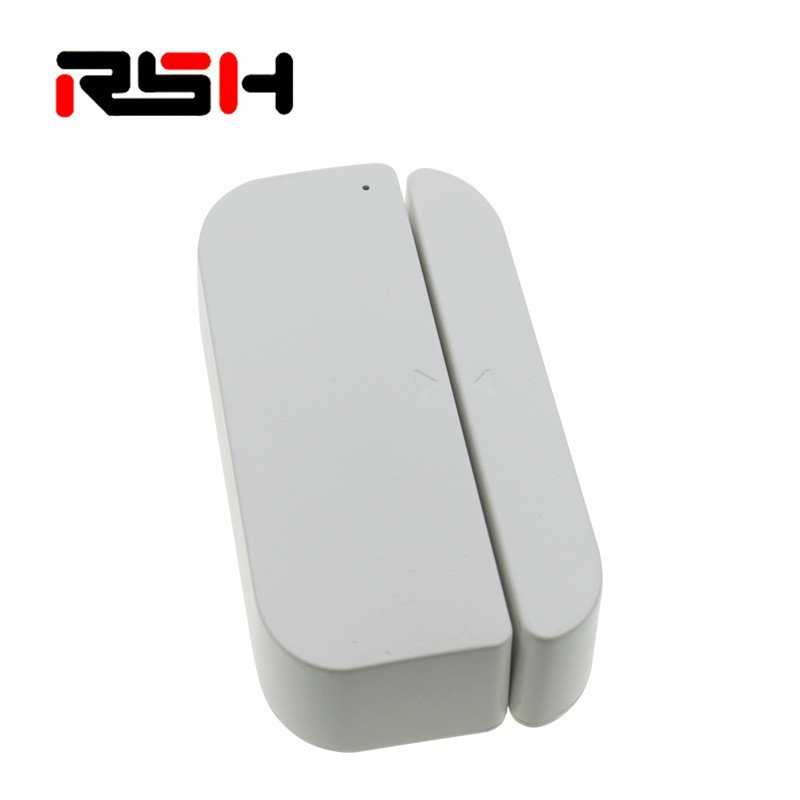
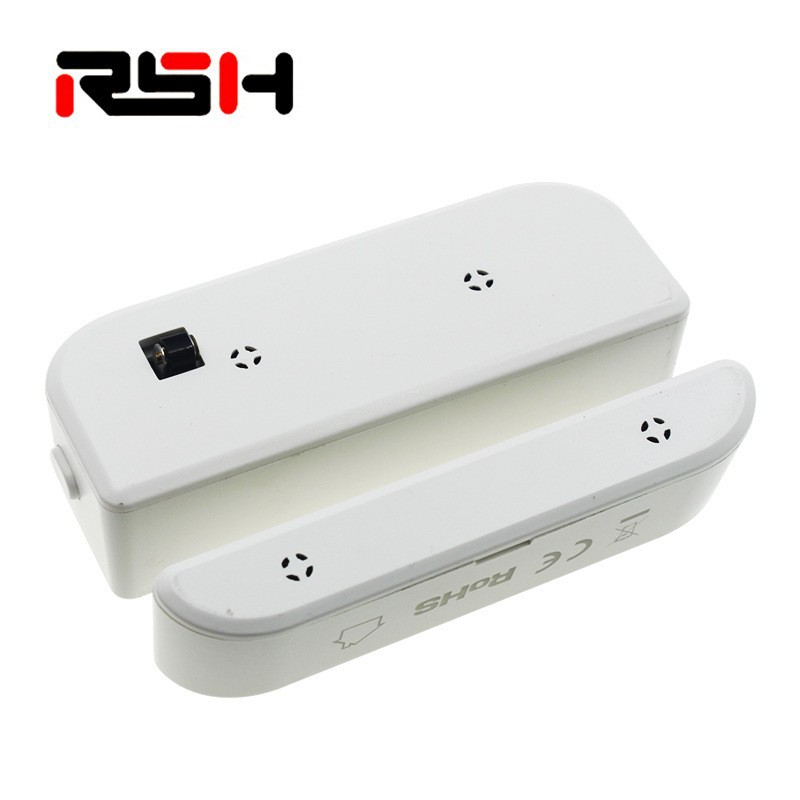
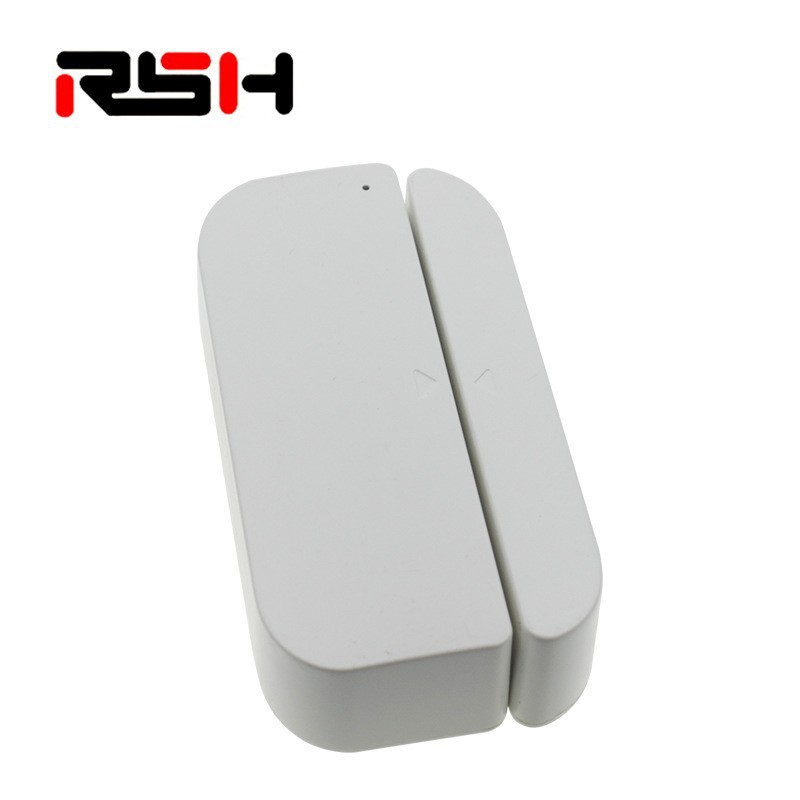
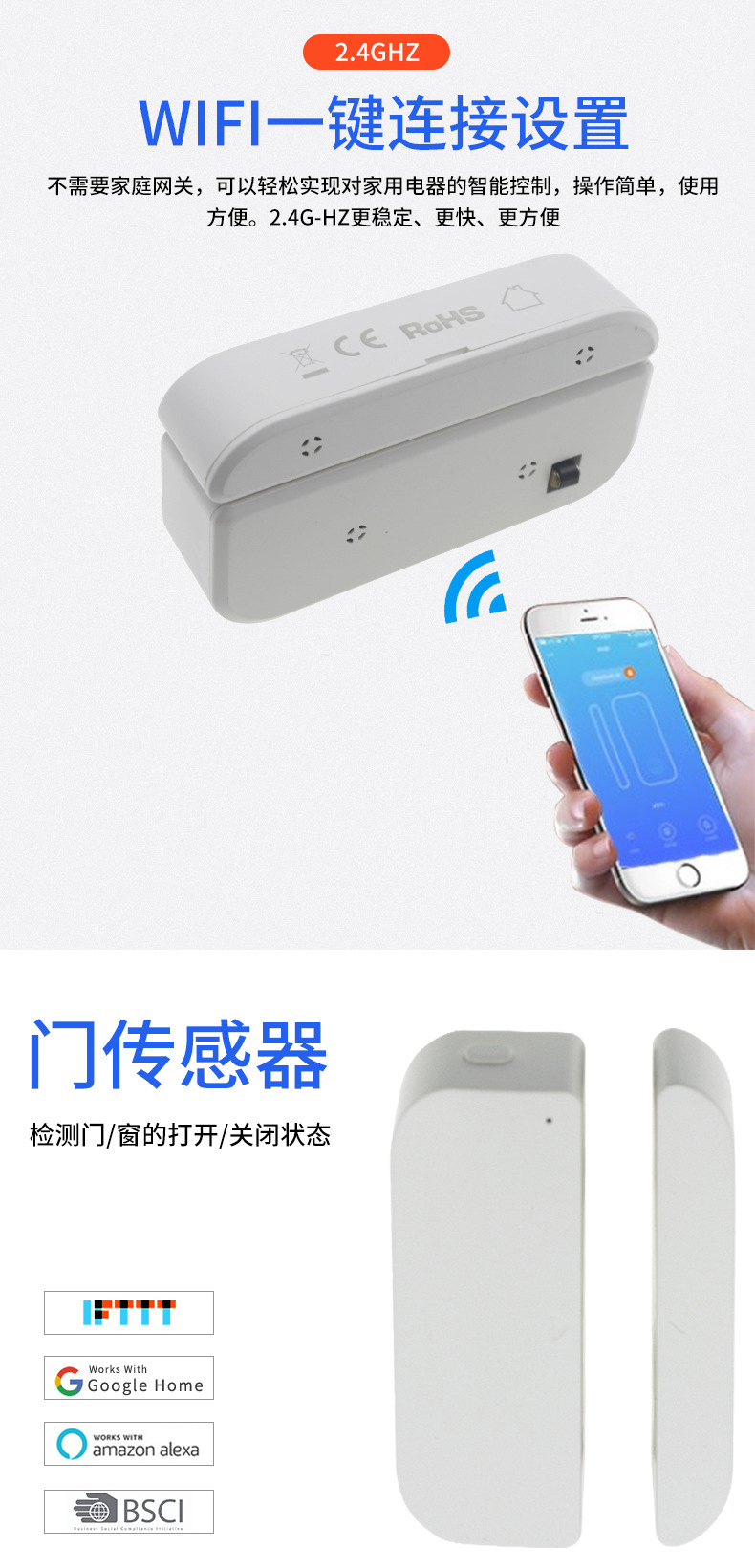
Manufacturer Direct Supply Door Magnet Sensor WIFI Smart Home Security Supports Android and IOS Door and Window Sensors
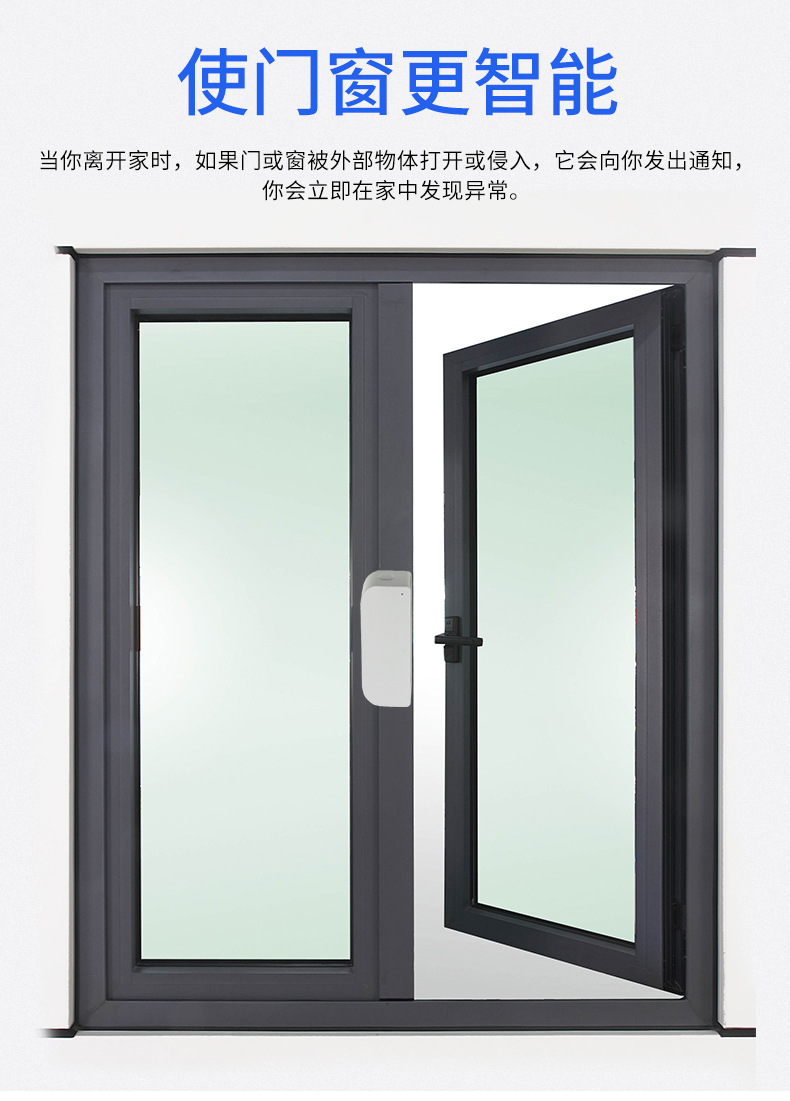
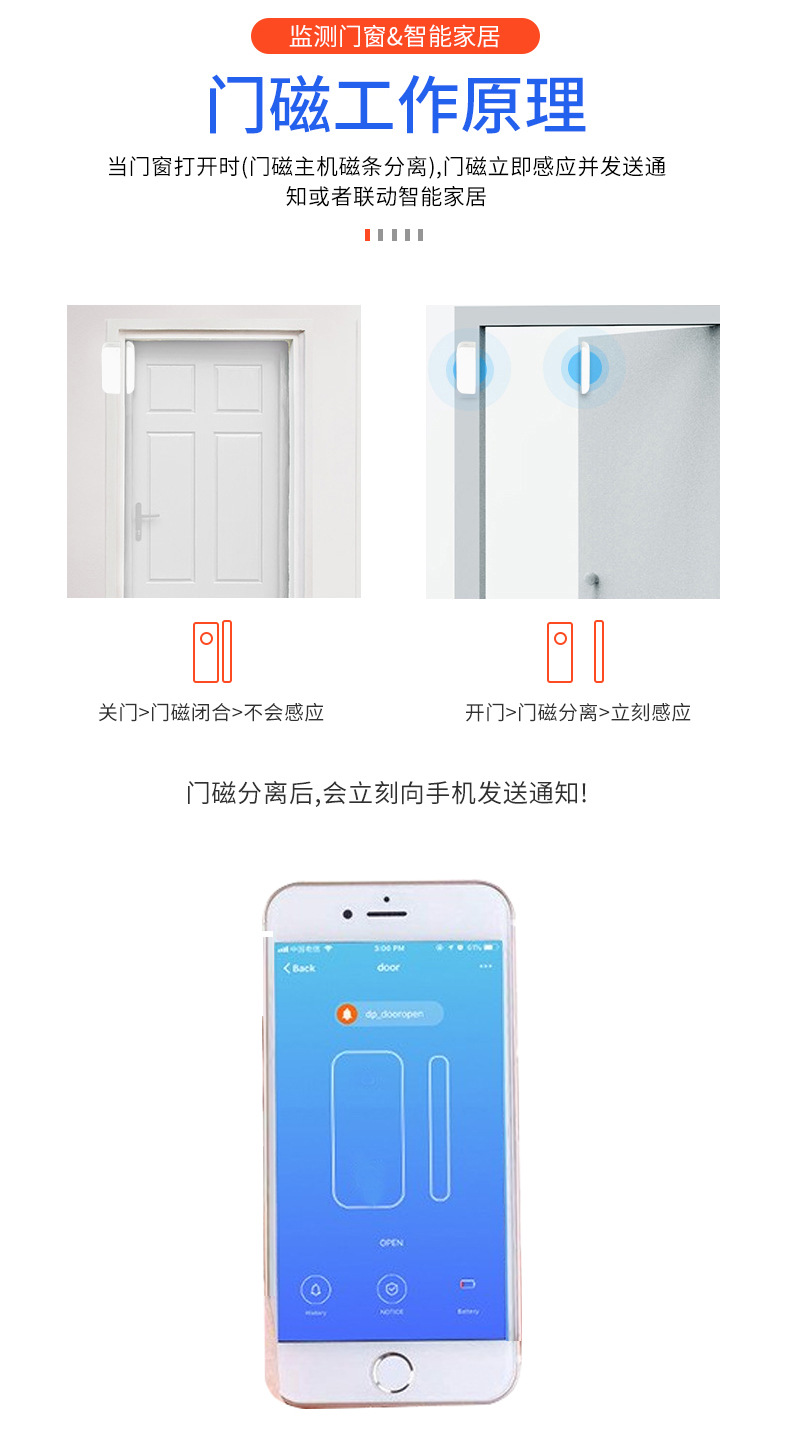
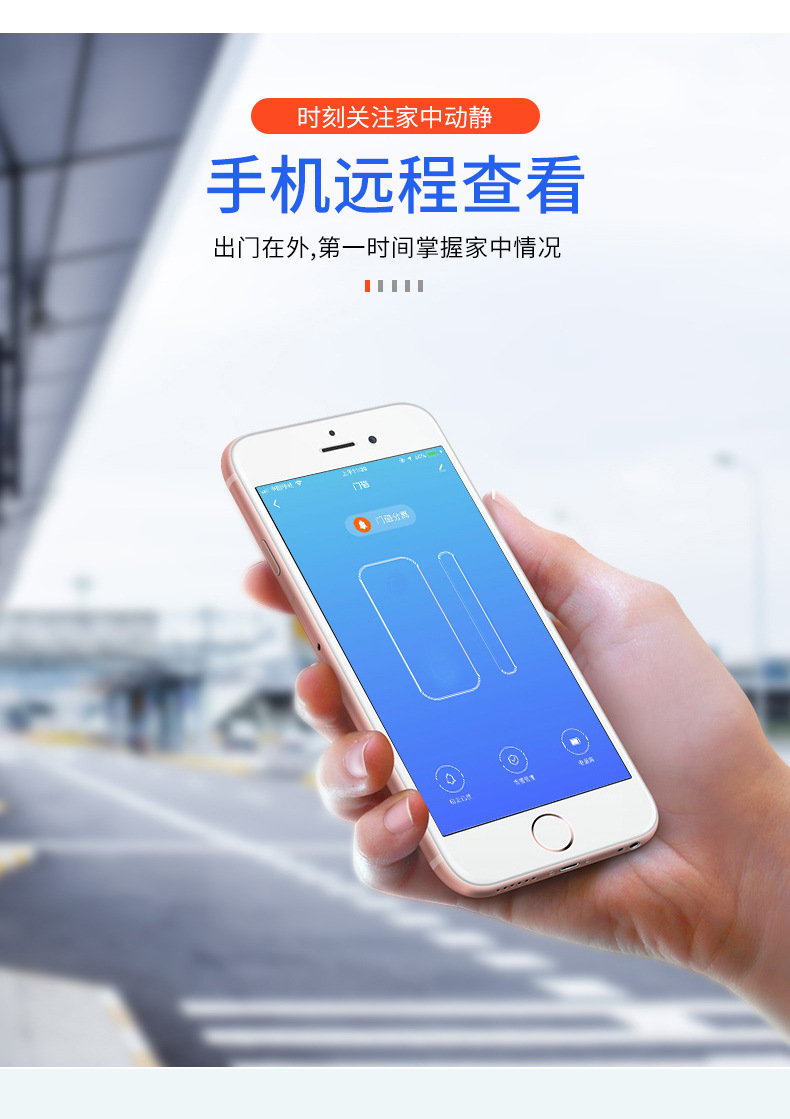
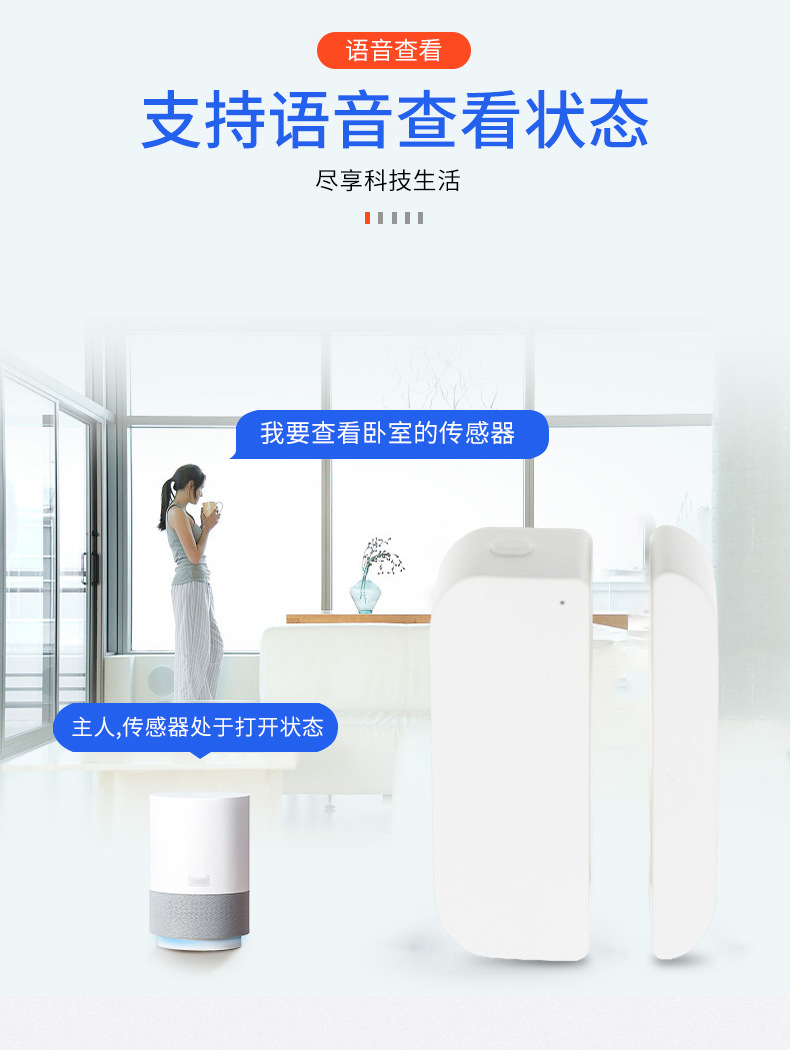
This product is based onWi-Fi wireless radio frequency technology door and window sensors, which can connect to home routers through Wi-Fi, thereby providing monitoring and management of the status of door magnets through smartphones and cloud servers. The characteristics of this product:
1. Support the reporting of the opening and closing state changes of the main and auxiliary machines.
2、Support button implementationWi-Fi network configuration, factory reset (clear Wi-Fi settings) and other functional operations
3. After the anti-tamper button is activated, the event is reported immediately.
4、Door magnet or anti-tampering button triggered connectedDetect the battery level after the app starts and report the battery value.
5. Under normal working conditions, it is in a dormant state to save power consumption.
6. Wakes up this product through the opening and closing changes of the main and auxiliary machines, button detection, and anti-tampering button detection.
7. After a period of time without any events, the product automatically enters a dormant state.
8、Provide dual-color (redUse LED lights to indicate the product's network entry, network exit, and normal working status.
9、meet" 或 "conform toCE、FCC International Testing Standards, Meets ROHS Requirements
10、两节AAA 1.5V Alkaline Battery
One, Product Main Specifications
2.1 Product Electrical Performance Specifications:
Input parameters:Battery powered by 2*AAA batteries
|
Function |
describe |
|
"入网"可以翻译为 "enter the network" 或者 "join the network"。 |
Press the button to enter the network |
|
off the net |
Press to surf the internet |
|
Power-on Start |
Inbound/Outbound: Blue Lightbright 0.5 seconds, extinguish |
|
Sleep Mode |
When idle, the product will enter the sleep mode. |
|
Report battery level |
1. After the product is successfully connected to the network, it will report the current battery level. |
|
2. Door magnet or anti-tampering button triggers a report of battery level when connected to the app. |
|
|
Alarm |
1. The APP will prompt the user when the battery reaches a low threshold set by the user. |
|
2. Anti-tampering alarm devices report actively |
|
|
"OTA" 可以翻译成 "Over-The-Air"。 |
can be" 或者 "can be used for Wi-Fi Network Upgrade Software for Products |
|
Restore to factory settings |
Restore all settings to their defaults and power off the network. |
2.2 Button and Indicator Light Functions:
2.2.1 Short press
|
Trigger Method |
Network Status |
Function Description |
LED |
|
short pressOne-time Function Operation Button |
"网内"可以翻译为 "within the network" 或者 "inside the network"。Out of the network |
wake up Wi-Fi and keep for the longest 2 minutes (to provide sufficient time for pairing and upgrading) |
Blue light is on 0.5 seconds, extinguish |
|
short press1-time anti-tamper button |
outside the net |
|
亮紫色 0.5 seconds, extinguish |
|
short press1-time anti-tamper button |
"网内"可以翻译为 "within the network" 或者 "inside the network"。 |
|
Blue light is on 0.5 seconds, extinguish |
2.2.2 Long press
|
Trigger Method |
Network Status |
Function Description |
when pressedLED |
After letting goLED |
|
Long-press the function operation button5 seconds |
"网内"可以翻译为 "within the network" 或者 "inside the network"。 |
Restore to factory settings |
5 seconds: LED light stays in original state |
When time exceeds After 5S, immediately execute the command to reset to factory settings, and the red light will flash rapidly. The device is in the smart networking mode. |
|
outside the netRestore to factory settings |
Switch to device networking mode |
1~4 seconds: LED light stays in original state |
If the current device is in EZ 配网 mode, long press the button for more than 5S, the device will be in AP 配网 mode, with the red light flashing slowly; if the device is currently in AP 配网 mode, long press the button for more than 5S, the device will be in EZ 配网 mode, with the red light flashing rapidly. |
|
Trigger Method |
Network Status |
LED |
|
Long-press the anti-tamper button |
outside the net |
亮紫色 0.5 seconds, extinguish |
|
"网内"可以翻译为 "within the network" 或者 "inside the network"。 |
Blue light is on 0.5 seconds, extinguish |
Note:
1. Products within the network are configured with Wi-Fi, and under normal operating conditions of the router, they can connect to the network normally; network-outside refers to products that have not been configured for network (factory settings).
2. Short press the button to press and release within 0.05 to 1 second;
3. Long press indicates holding down for a certain period of time without releasing.
2.2.3 Indicator Light Definition
|
Blinking Mode |
Definition |
|
slow flash |
every 1.5S flashes once |
|
flash mob |
Flash twice per second |
|
Device Status |
Indicator light |
Remark |
|
|
Standby state (sleep state) |
"网内"可以翻译为 "within the network" 或者 "inside the network"。Out of the network |
Not lit" 或者 "Not bright |
|
|
outside the net |
EZ Network Mode |
Red light flash |
Power distribution network mode time 2 minutes |
|
AP (Access Point) Networking Mode |
Red light flashing slowly |
||
|
door magnet trigger |
outside the net |
亮紫色0.5 seconds later, turn off |
|
|
"网内"可以翻译为 "within the network" 或者 "inside the network"。 |
Blue light is on 0.5 seconds later, turn off |
|
|
|
Battery low |
"网内"可以翻译为 "within the network" 或者 "inside the network"。Out of the network |
Not lit" 或者 "Not bright |
When connected to the network Report to the phone on the APP |
Note:The default factory setting of this product isEZ Network Mode
Two, Environmental conditions
|
Serial Number |
Project |
Technical Indicators |
Unit |
|
1 |
Working temperature |
-10 to +40 |
"℃" is the symbol for Celsius temperature scale. |
|
2 |
Storage temperature |
-40-+70 |
"℃" is the symbol for Celsius temperature scale. |
|
3 |
Relative Humidity |
8%-80% |
|
Three, Electrical Characteristics
4.1 Input Characteristics
|
Input Voltage |
2*AAA batteries, 3V power supply |
|
Effective Life |
Open and close the door20 times/day, for 4 months |
4.2 Wi-Fi Wireless Features
|
Wireless Transmission and Reception Frequency |
2.4GHz—2.484GHz |
|
Supported Network Protocols |
IEEE 802.11 b/g/n |
|
Encryption Type |
WEP/TKIP/AES,WPS |
|
Antenna |
Built-inPCB Layout Antenna |
|
Emission Power |
"802.11b: 17dBm ± 2dBm @ 11Mbps 802.11g: 15dBm ± 2dBm @ 54Mbps 802.11n:13dBm±2dBm@MCS7_HT20 |
|
Receiving sensitivity |
802.11b: -91dBm @ 11Mbps 8% PER 802.11g: -75dBm @ 54Mbps, 10% PER 802.11n: -72dBm @ MCS7_HT20 10% PER |
|
Vector Error EVM |
802.11b: ≤ 35% 802.11g: -28 dBm max. "802.11n:-28dBm max.@MCS7_HT20 |
FourthSoftware Function
Power on the product, the red light flashes three times, then enters the low power consumption mode.
When the door magnet is triggered, the anti-tampering button is triggered, or the function button is pressed.After triggering (long press or short press), the product enters the normal working mode. Within the network, after the door magnet or anti-tampering button is triggered, the blue light illuminates for 0.5 seconds and then goes out, and the product enters the normal working mode. Once the Wi-Fi module connects to the router and the mobile app (usually within 5-8 seconds), it will report the door magnet status or anti-tampering button status to the mobile app for display, and then the product enters the low-power consumption mode.
In the network, when holding down the Press the 5-second function button, the product will restore to the factory settings, which means it will go online, with the red light flashing rapidly, and wait for re-entry into the network.
Outside the network, long press 5-second function button, switch to the matching network mode. If the current mode is the factory reset (ez matching network mode, with the red light flashing rapidly), switch to the AP matching network mode, with the red light flashing slowly. If the current mode is the AP matching network mode (with the red light flashing slowly), switch to the ez matching network mode, with the red light flashing rapidly.
After successful power network entry, the phone will report. The app currently displays the status of the door magnet, the anti-tampering button, and the battery level information. After the device is registered, it will report the battery level if the door magnet is triggered or if the anti-tampering button is triggered.
Inside or outside the network, short press the function button, the blue light flashes. 0.5s off, wake Wi-Fi and hold for up to 2min (providing ample time for network setup and upgrades).
Long press the function button to restore to factory settingsPress the function button to switch to the matching network mode, or short press the function button. When the door magnet or anti-tampering button is triggered, the product will enter the low-power consumption mode after 8 seconds.
EZ: 是 Easy 的意思,指 Smart config,AP 英文全称是指 Access Point。
Five, Testing Standards:
|
Test Requirements |
Standard Specification |
|
Appearance |
The product appearance should be shiny, and there should be no burrs, welding lines, flow lines, flaking, scratches, and obvious shrinkage. When shaking the product, there should be no unusual sounds. |
|
Impact test |
Sine wave half, acceleration as 20G, pulse width of 11mS, X, Y, Z three directions, each three times |
|
Mechanical Parts Life Testing |
Microswitch, button, reed switch 6000 times |
|
Appearance Inspection |
The product appearance should be shiny, and there should be no burrs, welding lines, flow lines, flaking, scratches, and obvious shrinkage. When shaking the product, there should be no unusual sounds. |
|
Falling test |
Free Fall Test1 meter height, 6-sided drop, 10 times on hard ground, no shell breakage, no explosion |
|
Vibration Testing |
A finished product with the complete packaging box is tested on a vibration testing machine. 1 hour, the product (appearance and function) and the packaging box are complete, only when they meet the shipping requirements can it be considered as passing. |
|
Salt Spray Test |
Metal material24H |
|
Test button life |
Press the product button briefly8000 times, the test can still trigger the interrupt normally |
|
Actual installation test |
Simulate customer use environment installation and use, easy to install, will not interfere with the surrounding environment. |
|
Antenna Test |
Is the outdoor distance reached?30 meters, packet loss rate less than 5%, |
SixthEnvironmental Test Requirements
|
Serial Number |
Experimental project |
Test Conditions |
Inspection items |
|
1 |
High-temperature Storage Test |
1.70℃ conditions, 2 hours 2. Unpackaged, not powered on |
1. Appearance 2. Electrical Performance (Normal Temperature Recovery in Two Hours, Normal Operation) |
|
2 |
Low-temperature Storage Test |
1. -20 ± 5 ℃,2 小时 2. Unpackaged, not powered on |
1. Appearance 2. Electrical Performance (Normal Temperature Recovery in Two Hours, Normal Operation) |
|
3 |
High-temperature Work Test |
1. Rated under normal conditions 2. Ambient Temperature: 40°C Humidity 80%. |
1. Switching output voltage 2. Normal performance |
|
4 |
Low-temperature work test |
1. Rated under normal conditions 2. Environmental temperature -10°C |
1. Device Appearance 2. Normal performance |
Seven, Mechanical characteristics and port definition
8.1Structural Characteristics:
1、Dimensions: 76mm(L)*42mm(W)*19.5mm(H)
Color: White
3、Surface Treatment: Fine Lines
4、Installation Method: Screw fixed, or 3M Tough Bond Fixing
9.2 Port Definition
1. A dual-color status indicator
2. A functional operation button
3、A anti-tamper switch
Update time:


TOP